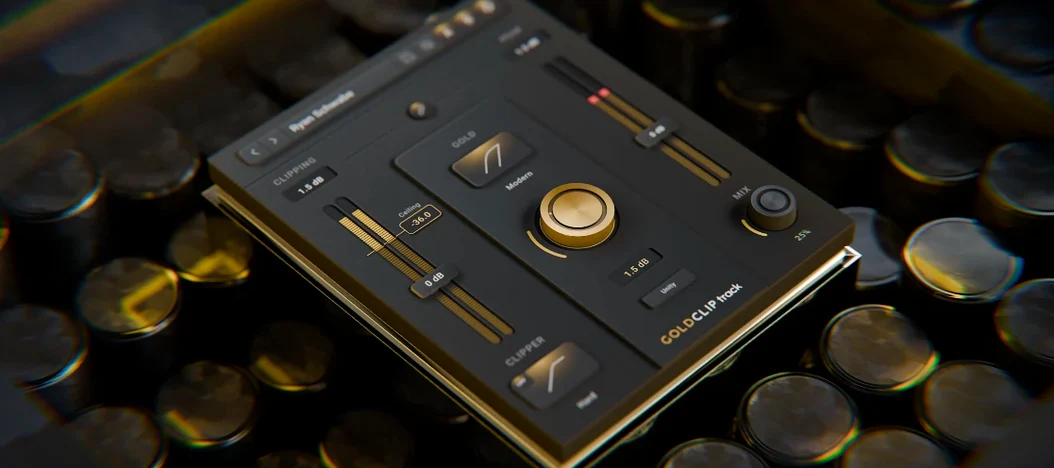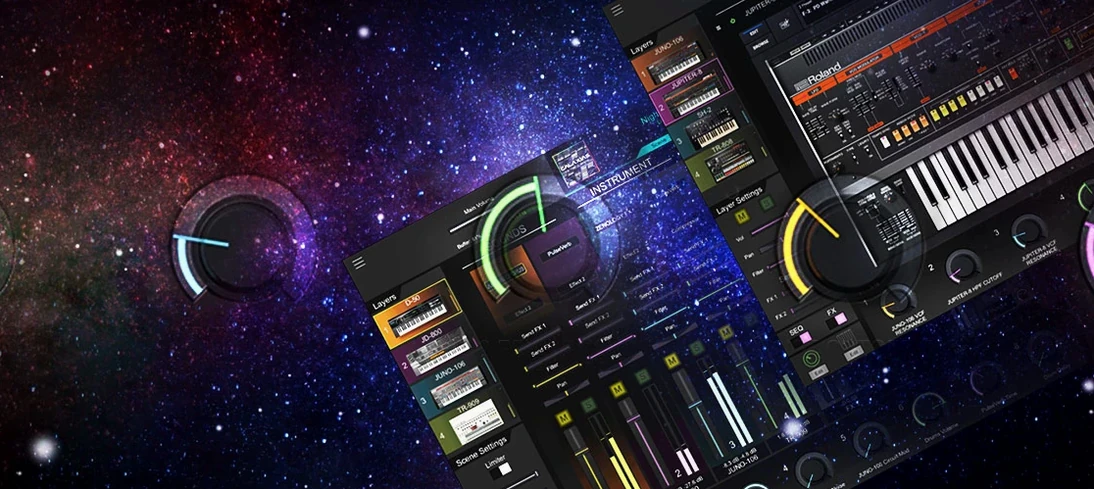
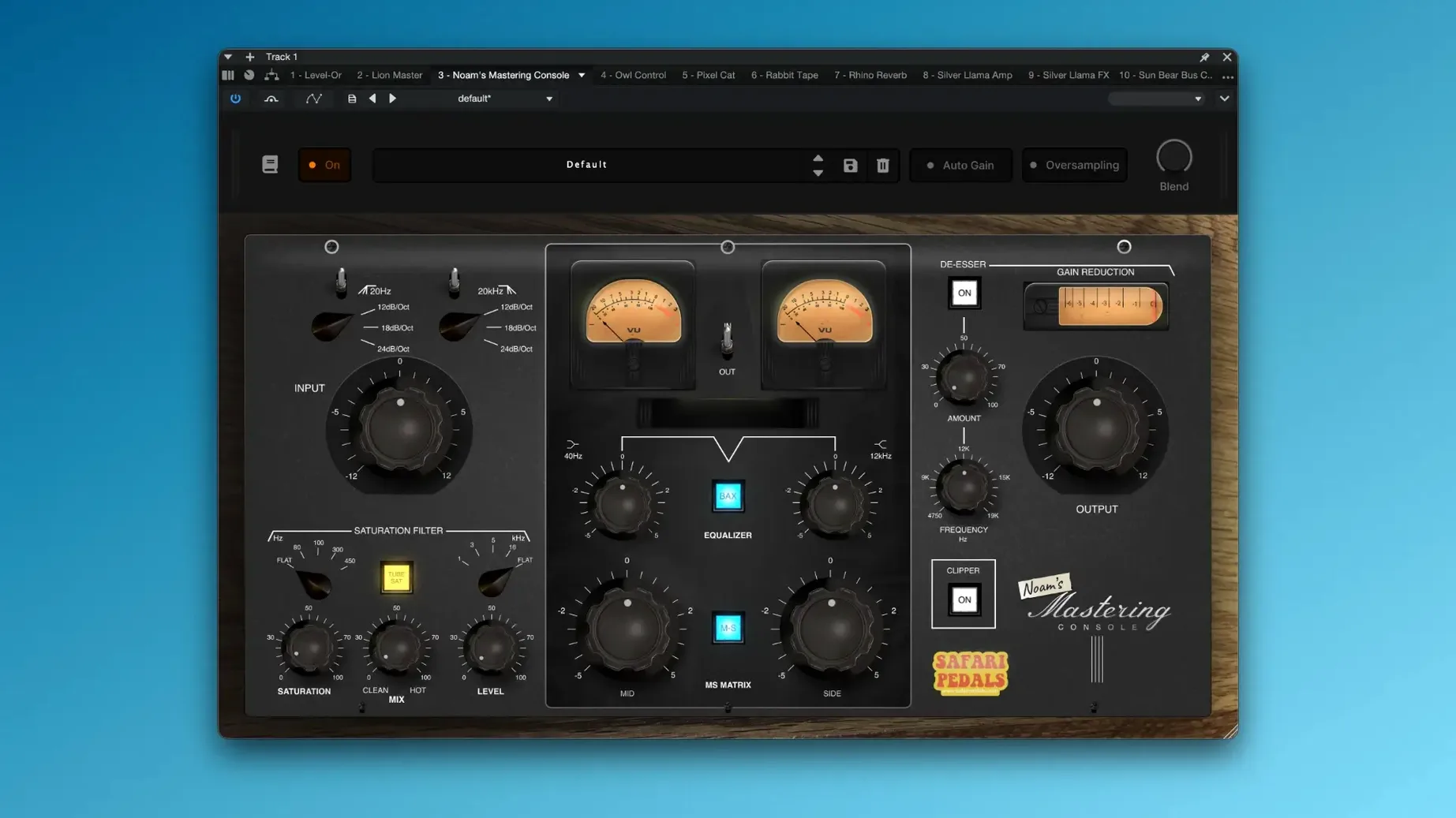
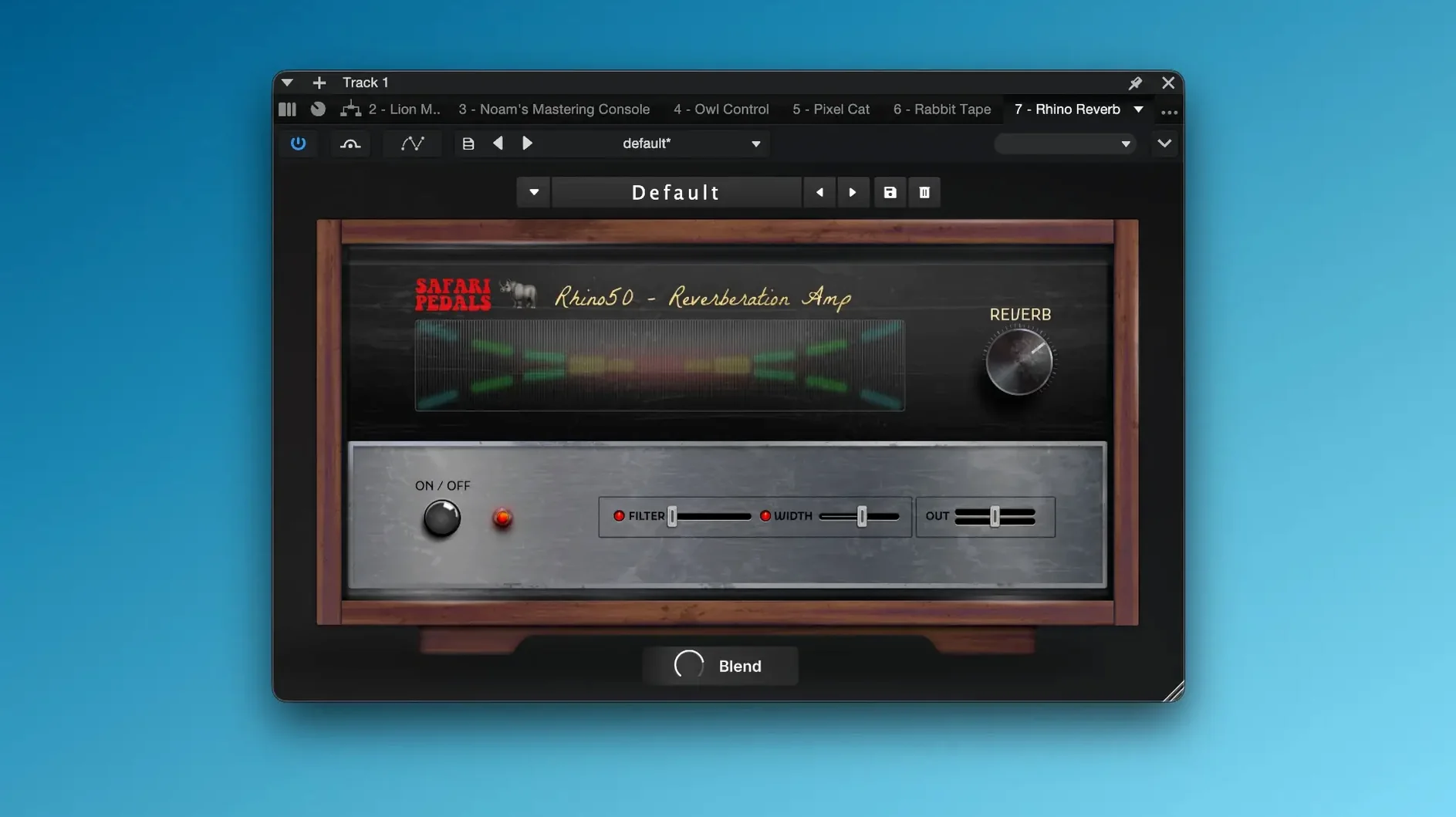
Version 2026.05 adds Cassette Bunny to the lineup, rounding out the collection with a lofi tape-style processor.
Formats — VST3, AU, and AAX, so it fits into most modern macOS and Windows DAWs.
Hosts — works in Logic Pro (AU), Pro Tools (AAX), Ableton Live, Cubase, Studio One, REAPER, and others that support the formats listed.
Mac support — runs natively on Apple Silicon and Intel Macs from macOS 11 onward.
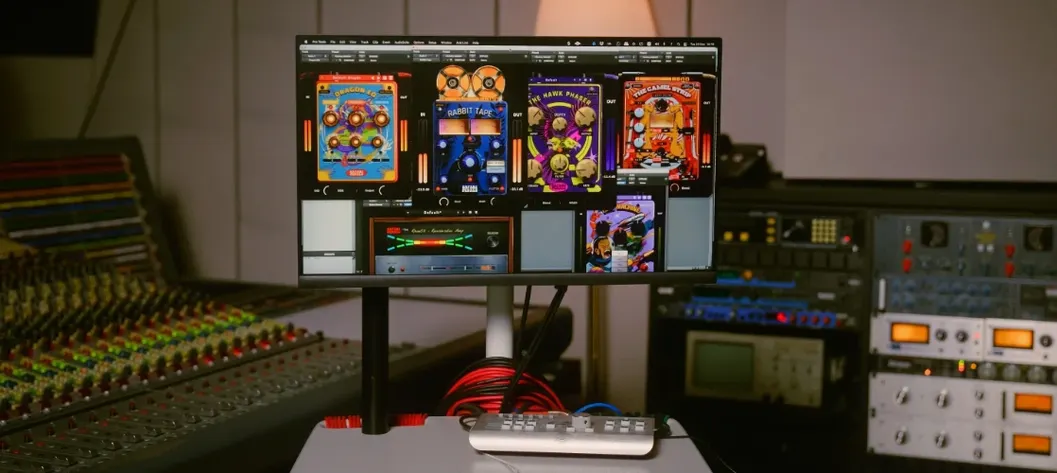
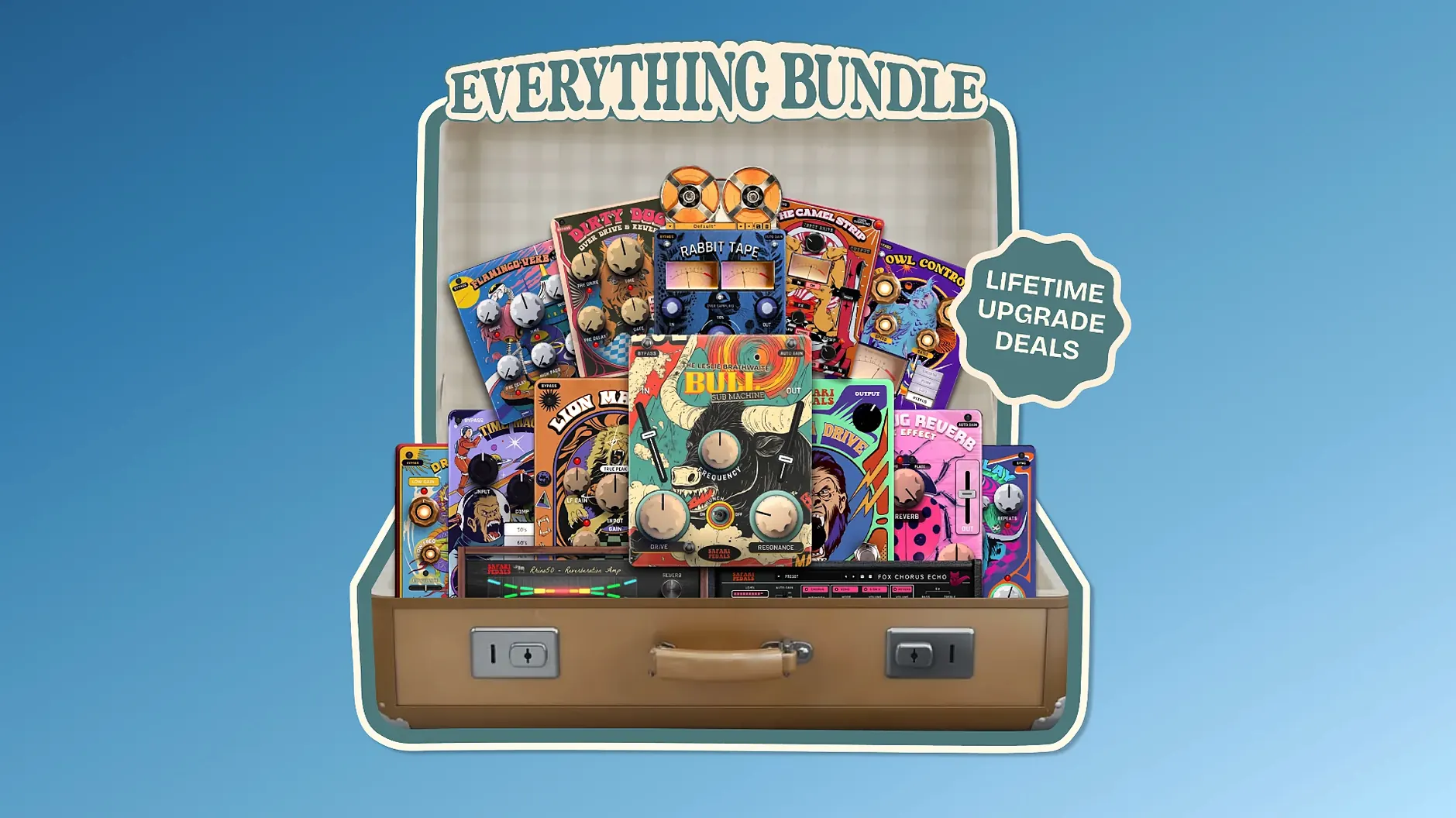
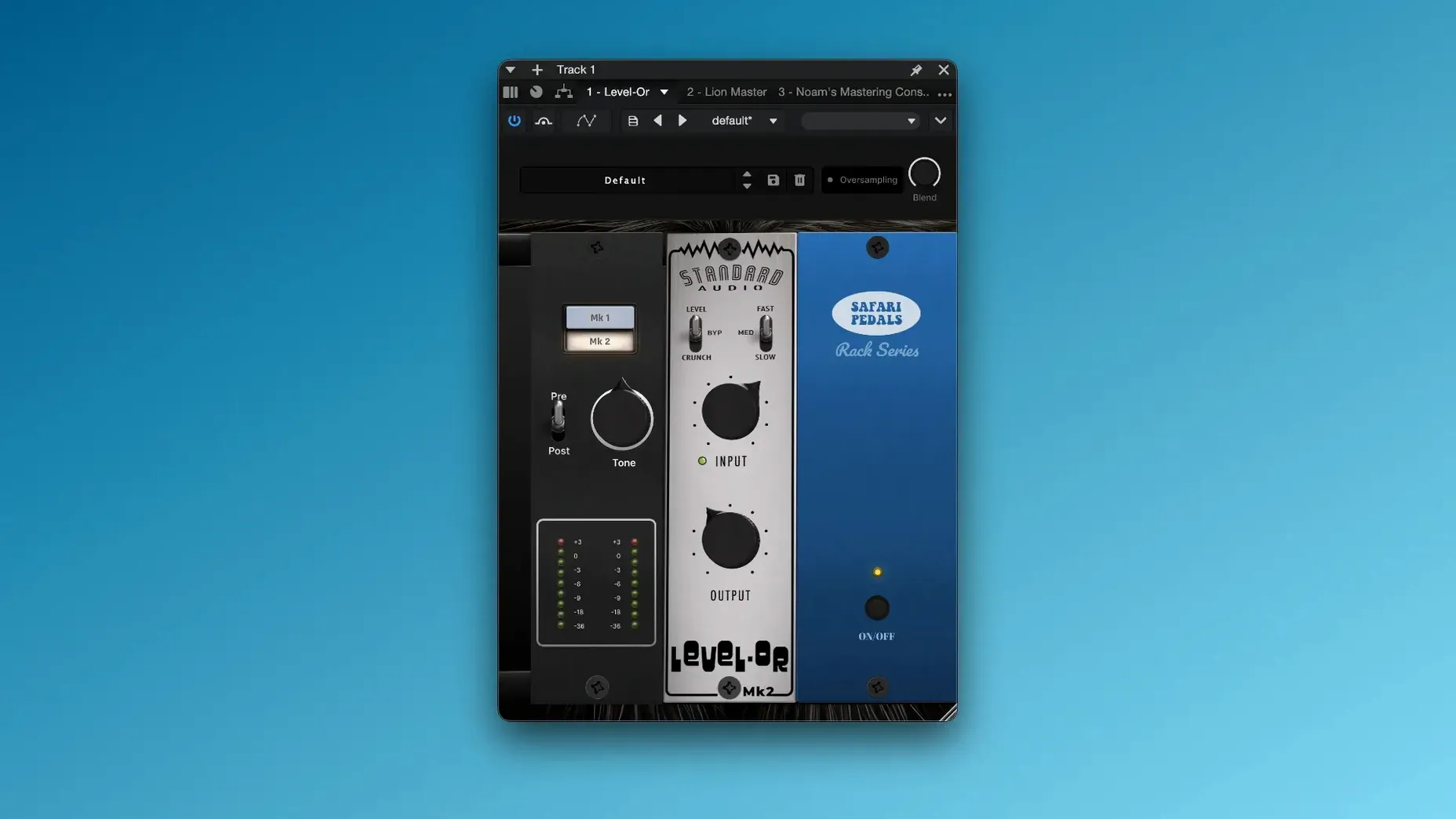
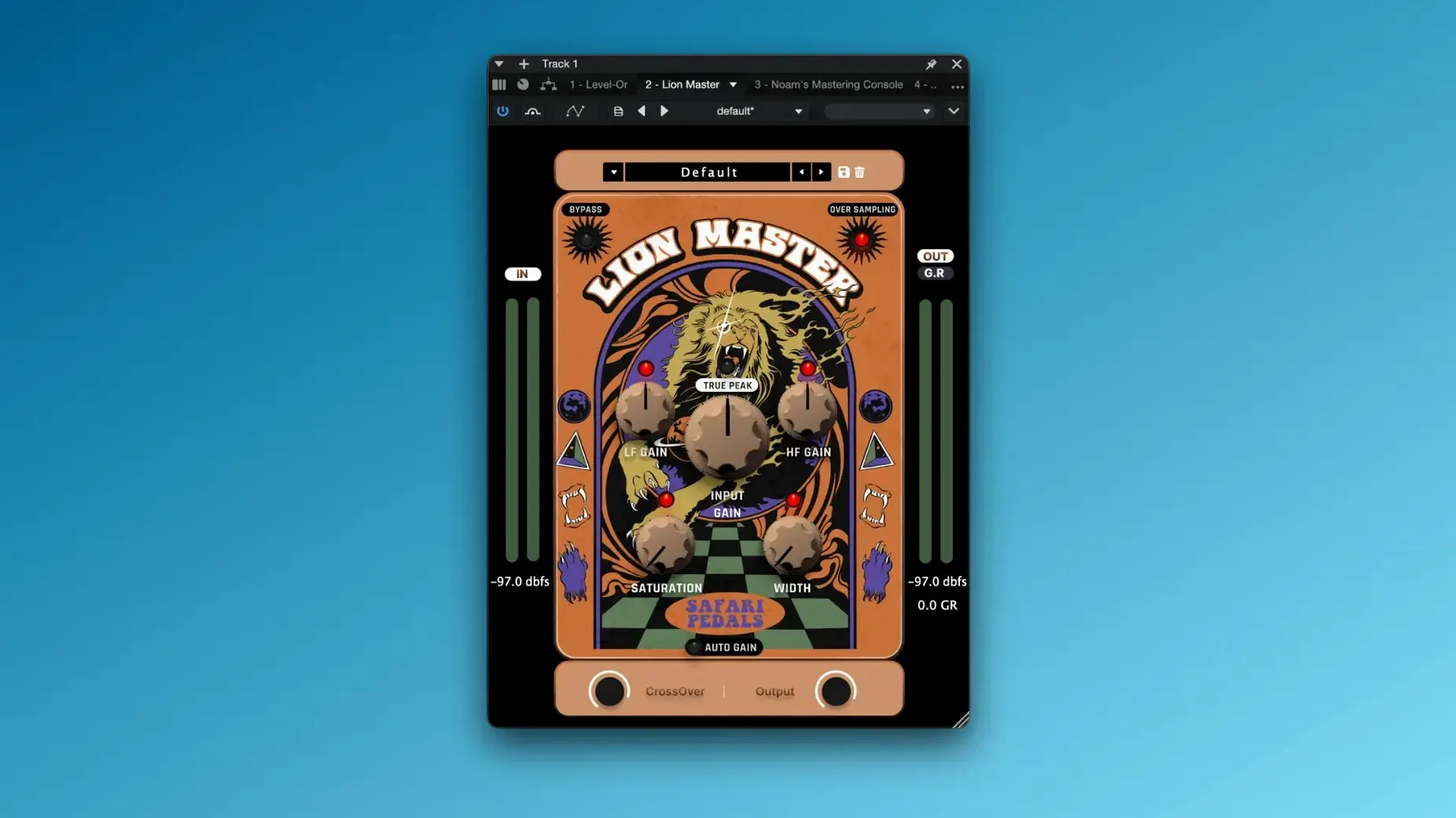
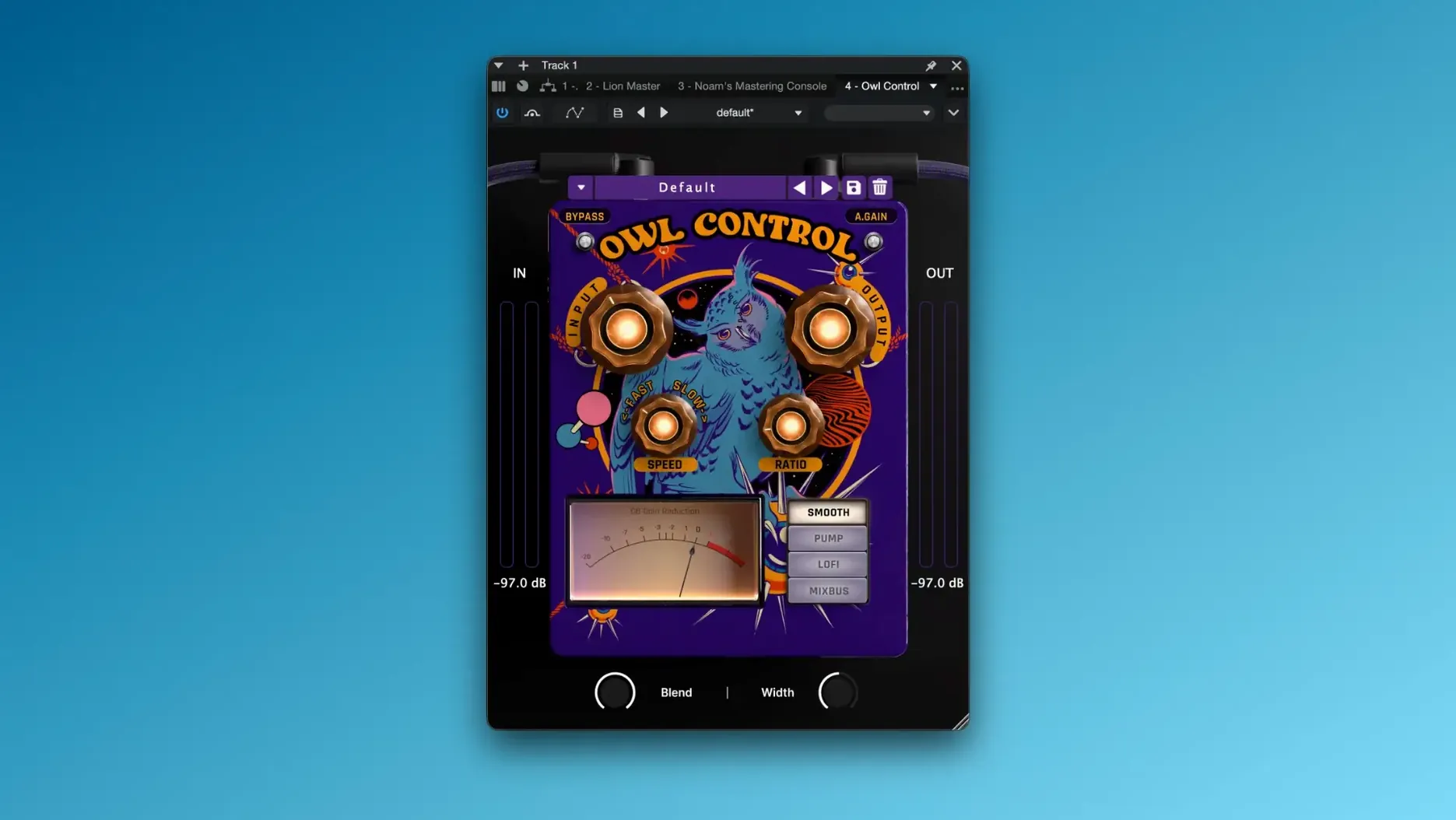
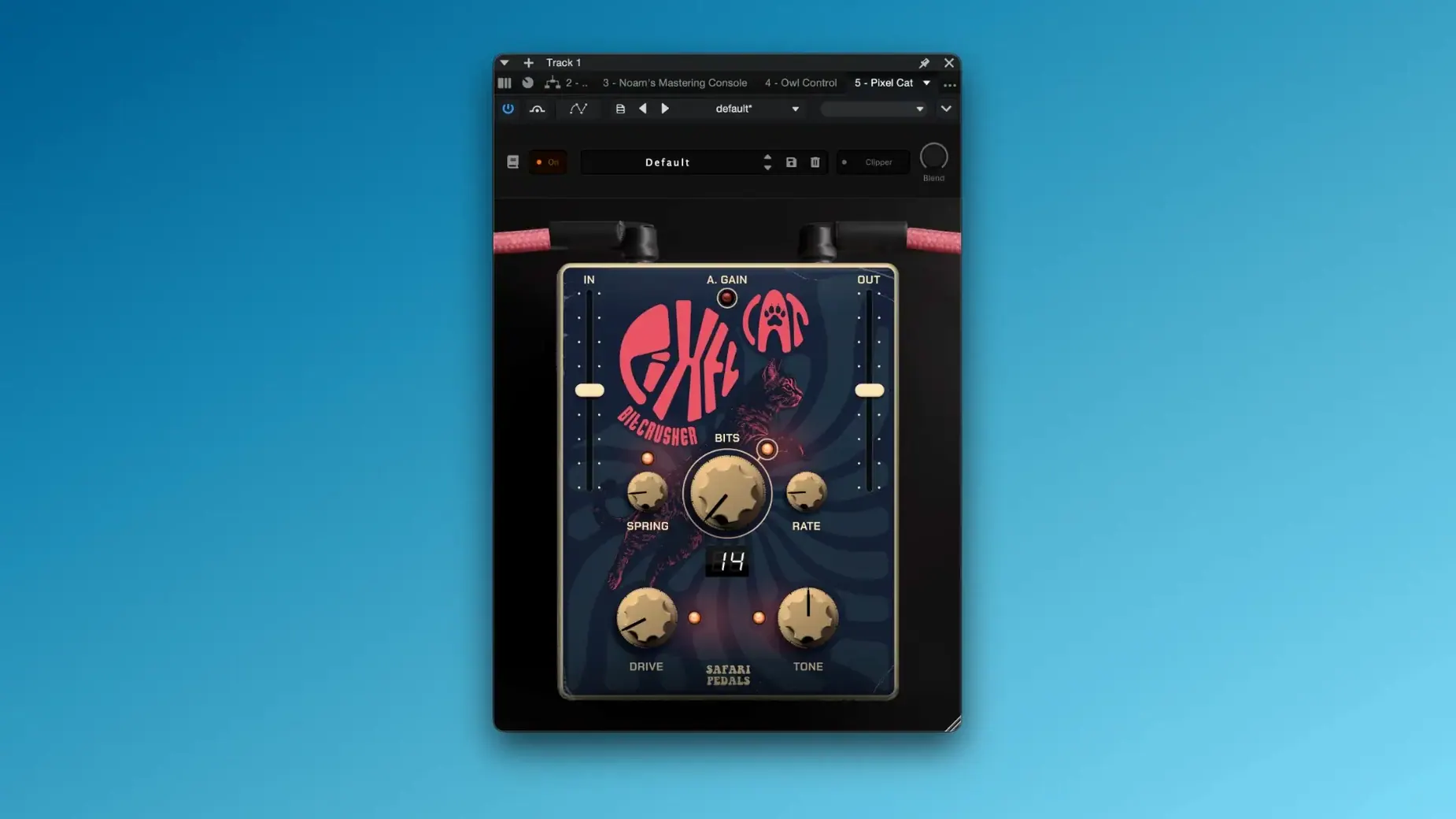
What's inside — the bundle gathers the full range of Safari Pedals effects: Dragon EQ for broad tone shaping, Camel Strip for channel-strip duties, Level-Or for leveling and saturation, Owl Control for dynamics, Lion Master for mastering chains, Fox Echo Chorus for modulated delays, Time Machine for time-based effects, Hawk Phaser for sweeping phase tones, and the new Cassette Bunny.
With everything in one package, it's the simplest way to grab the whole character-driven catalog without tracking down individual installers. I'd use it to add some analog-style grit and color across a whole mix, swapping between the EQ and compressor models as the track needs it.
A real-world scenario — singer-songwriter finishing a home-recorded EP
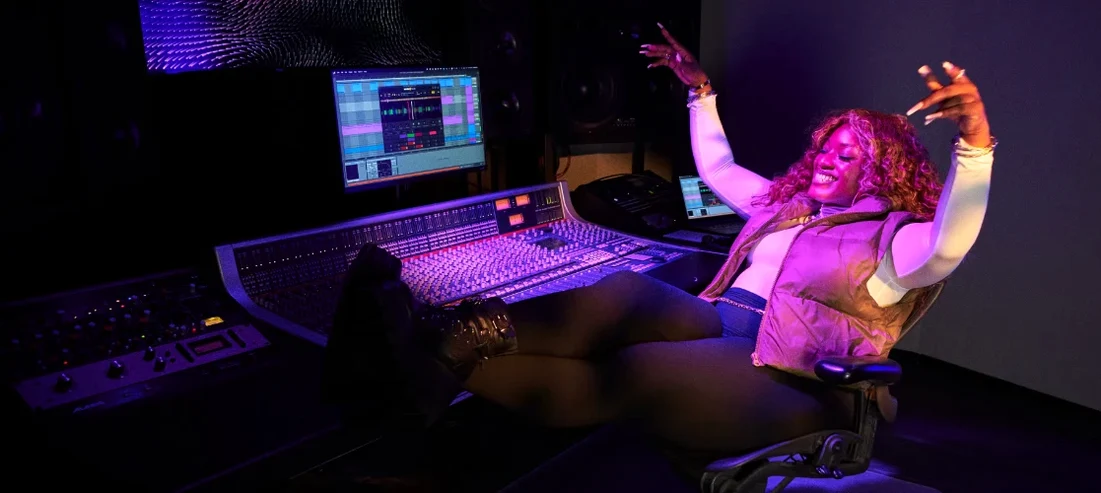
Picture someone who records in a spare room with a modest interface and a couple of microphones. The tracks are solid but they lean a little digital — clean, flat, missing the warmth that makes a recording feel finished. They have lead vocals, acoustic guitar, a DI bass, some soft synth pads, and a basic drum loop.
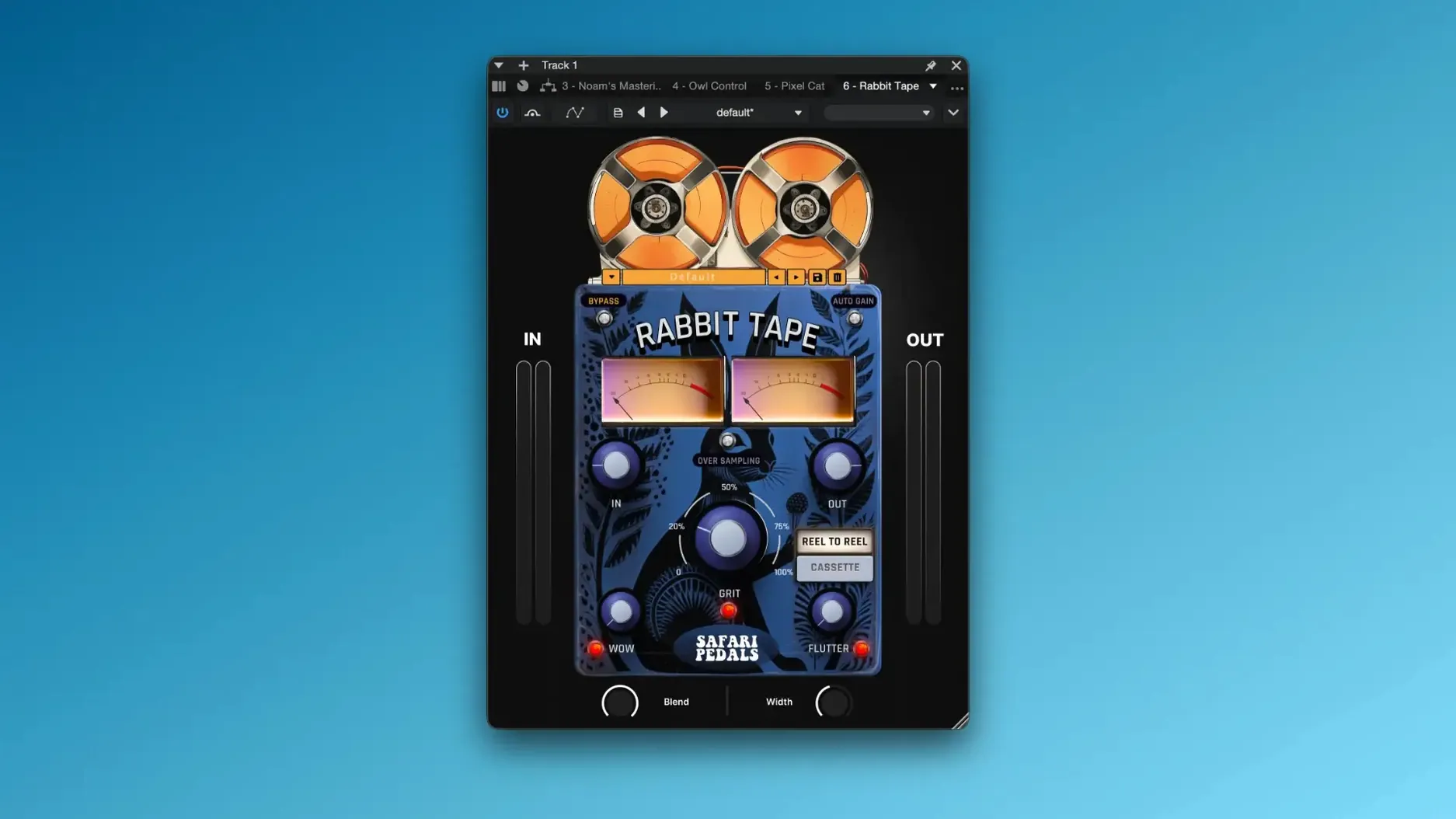
On the vocal chain, Camel Strip handles the preamp-style saturation and simple EQ moves while Level-Or catches the uneven phrases — the ones where the singer leaned back from the mic on the second verse. A touch of Flamingo Verb sits the vocal in a space that feels like a real room rather than a preset. For the acoustic guitar, a small nudge from Rabbit Tape adds gentle wow and compression that tucks it into the mix without making it sound wobbly. The bass gets a little Gorilla Drive to bring out harmonics and help it cut through on small speakers. Over the master bus, Lion Master gives the whole EP a cohesive glue — not squashed, just held together in a way that sounds intentional. It's the kind of session where you stop mixing and start just listening, because the character is already there.
Soundtoys, Plugin Alliance, and Valhalla each take a different lane
Most producers weighing up a bundle like this are also looking at collections from Soundtoys, Plugin Alliance, and Valhalla DSP. They share some territory but go about it differently.
Soundtoys offers the Effect Rack, which bundles classics like EchoBoy, Decapitator, and Little Plate. Soundtoys excels at detailed control and deep sound design — you can build complex chains inside the rack. Safari Pedals leans more toward immediate, character-forward results with fewer knobs. Where Soundtoys invites tweaking, Safari Pedals invites playing. In a busy session, that speed can matter more than parameter depth.
Plugin Alliance spreads across dozens of developers with a huge catalog — Lindell, Brainworx, SPL, and others. The breadth is unmatched, but the experience can feel scattered. Each plugin has its own installer, authorization system, and design language. Safari Pedals keeps things visually and functionally consistent, so once you learn one interface you know them all. That consistency lowers the friction when you are pulling up a phaser on a synth pad at 11 p.m. and just want it to sound right without reading a manual.
Valhalla DSP makes extraordinary reverbs and delays — VintageVerb, Delay, Room — at a level many consider reference quality. But Valhalla stays focused on time-based effects. The Safari Pedals bundle covers that ground (Flamingo Verb, Rhino Reverb, Fox Echo Chorus, Yak Delay) and adds dynamics, EQ, saturation, tape emulation, and amp-style processing. If someone already owns Valhalla reverbs, the bundle still earns its place for the drive, EQ, and channel-strip tools alone.
What sets the bundle apart from all three is the cohesive, slightly wild personality. The interfaces share a playful visual language, and the algorithms have a colored, analog-leaning signature that runs through the whole collection. It is not a transparent toolkit — it is a set of flavors, and they taste like they came from the same kitchen.
Pre-install checklist for the Everything Bundle
Does the bundle work on newer Apple Silicon Macs without Rosetta?
Yes. The plugins ship as universal binaries, so they run natively on Apple Silicon and Intel Macs from macOS 11 onward. In Logic Pro running natively on an M-series Mac, the AU versions load without Rosetta. The same goes for VST3 in Ableton Live and Cubase, and AAX in Pro Tools. Activation is handled by the included files and instructions — no online authorization manager needed.
Are the plugins too character-heavy for clean, transparent work?
Some of them lean hard into color — Cobra Fuzz, Gorilla Drive, Rabbit Tape — and that is the point. But the bundle also includes Owl Control for clean dynamics, Dragon EQ for surgical and broad tone shaping, and Level-Or for gentle, unobtrusive leveling. You can keep things transparent when the track calls for it. The character is an option, not a default you have to fight.
How many activations are allowed, and what is the installation process?
The package includes the activation files. Once you open the downloaded files, you follow the included steps to install the plugins and activate them. The process does not rely on a cloud-connected license manager, which means offline machines are fine. The formats — VST3, AU, AAX — drop into the standard macOS plugin folders your DAW already scans.
Do the plugins support macOS accessibility features?
Standard macOS zoom and VoiceOver interaction works at the framework level for AU and VST3 in hosts that support it. The interfaces use clear, high-contrast controls with readable labels, which helps for quick visual scanning and for users who rely on system-level zoom.
Audio Units unlock Logic Pro’s native channel strip
The bundle slots into a Mac-based studio in ways that go beyond just loading a plugin in a DAW. Because all the Safari Pedals effects are available as Audio Units, they work inside Logic Pro's native channel strip and can be saved as part of Logic patches and channel strip settings. That means you can build a patch with Camel Strip, Fox Echo Chorus, and Ladybug Reverb, save it, and recall it instantly on another session without rebuilding the chain.
The AU format also makes the plugins usable in GarageBand — handy for quick demo sessions or when a songwriter wants to add vibe without opening a full production environment. The same plugin can move from a GarageBand sketch into a Logic mix later with no translation step.
For users running Ableton Live or REAPER, the VST3 versions work with those DAWs' native preset systems. You can drag an effect rack from one Live set into another, and the Safari Pedals settings travel with it. In REAPER, the generic UI option lets you control parameters with REAPER's own faders and automation lanes — useful for accessibility or for building control surfaces that map Zebra Clipper or Dragon EQ to hardware knobs.
On the system side, the plugins respect macOS dark mode and low-resolution display scaling, so they look comfortable on a Retina display late at night. They also work with Audio Hijack and Loopback for users who process audio outside a traditional DAW — podcasters adding a little Level-Or and Lion Master to a live voice chain, or sound designers running field recordings through Dirty Dog Reverb in a system-wide processing strip.
Tip: if you use macOS 26 Safari compact tabs, keep a DAW session open in one window and reference notes in another — the compact tab layout leaves more vertical space for a plugin-heavy session without hiding the transport controls.
What's new in 2026.05:
- Added Cassette Bunny, a lofi tape-style processor with wow, flutter, and saturation controls.
- macOS 11 or newer
- Apple Silicon or Intel processor
- VST3, AU, or AAX host
Notes from other shops 0
Sign in or open a shop account to leave a note.
No notes yet. If you've used this on a shop Mac, tell me how it went.