If you already know your way around a subtractive signal path, the Legendary series isn't about learning synthesis — it's about having a specific set of textures ready to go without the maintenance, tuning drift, or patch cables. The question isn't whether these models sound close; it's how well they hold up when you push past the presets into your own gain-staging and modulation tricks.
Circuit-level quirks you can lean into
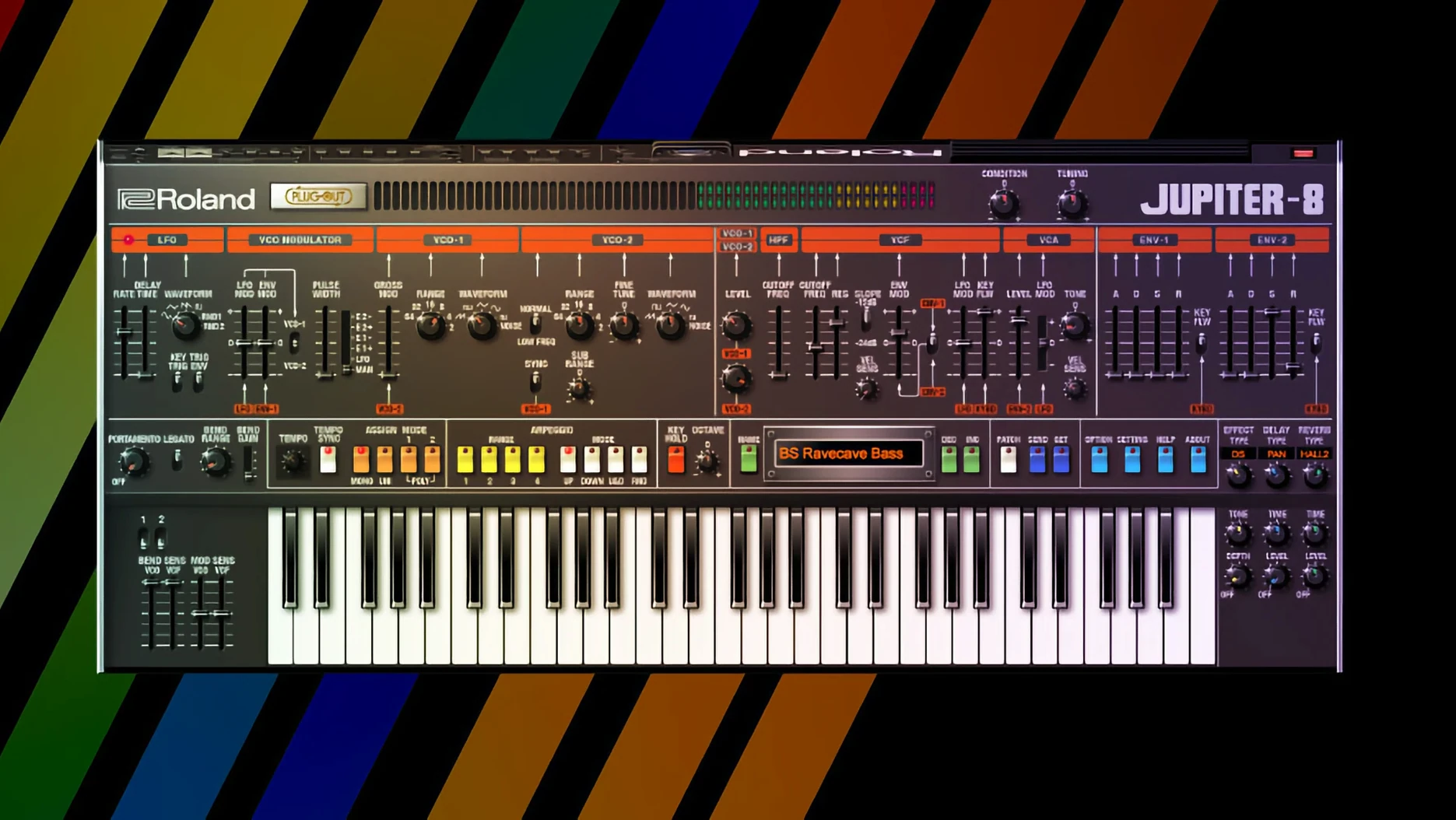
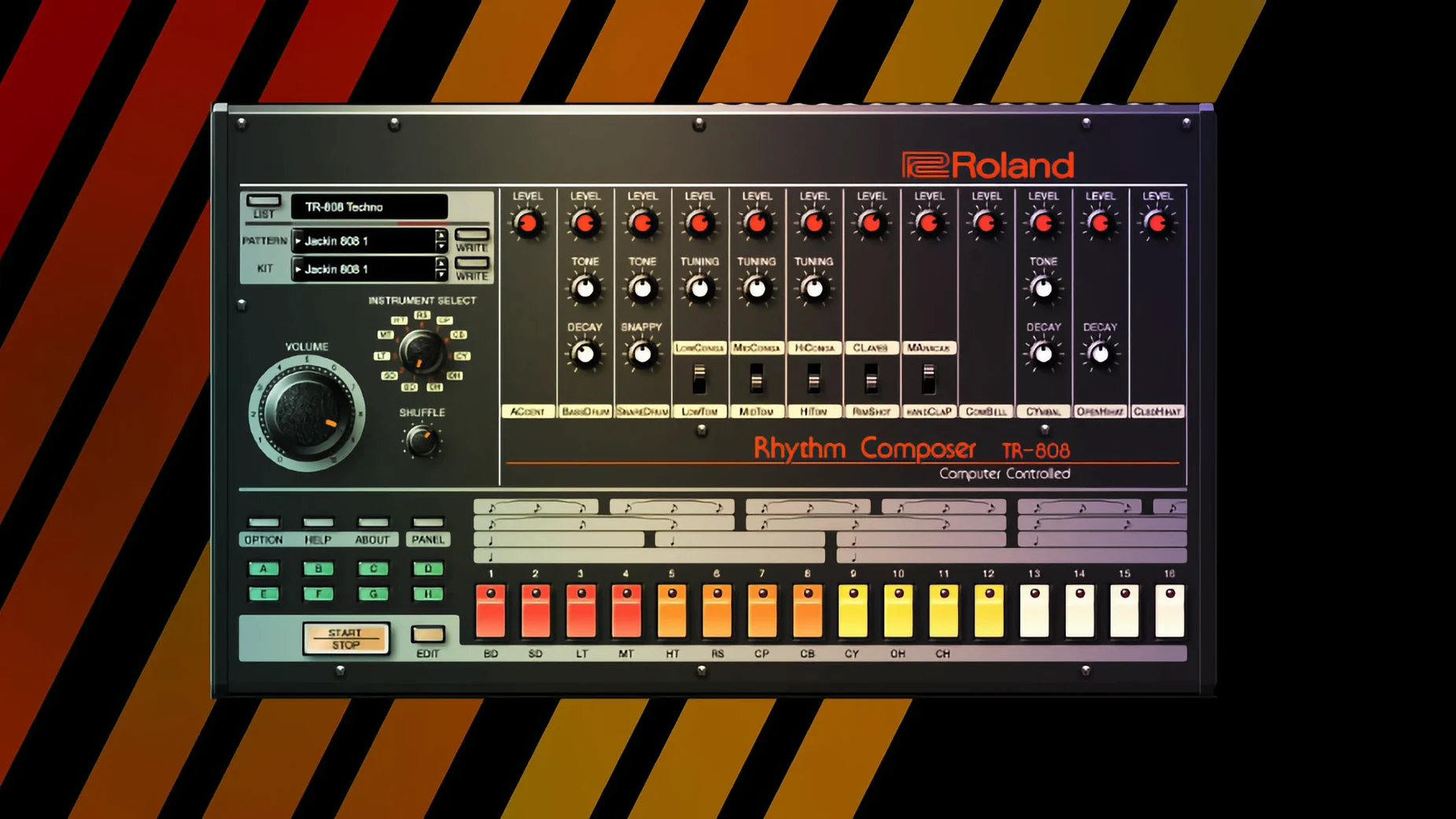
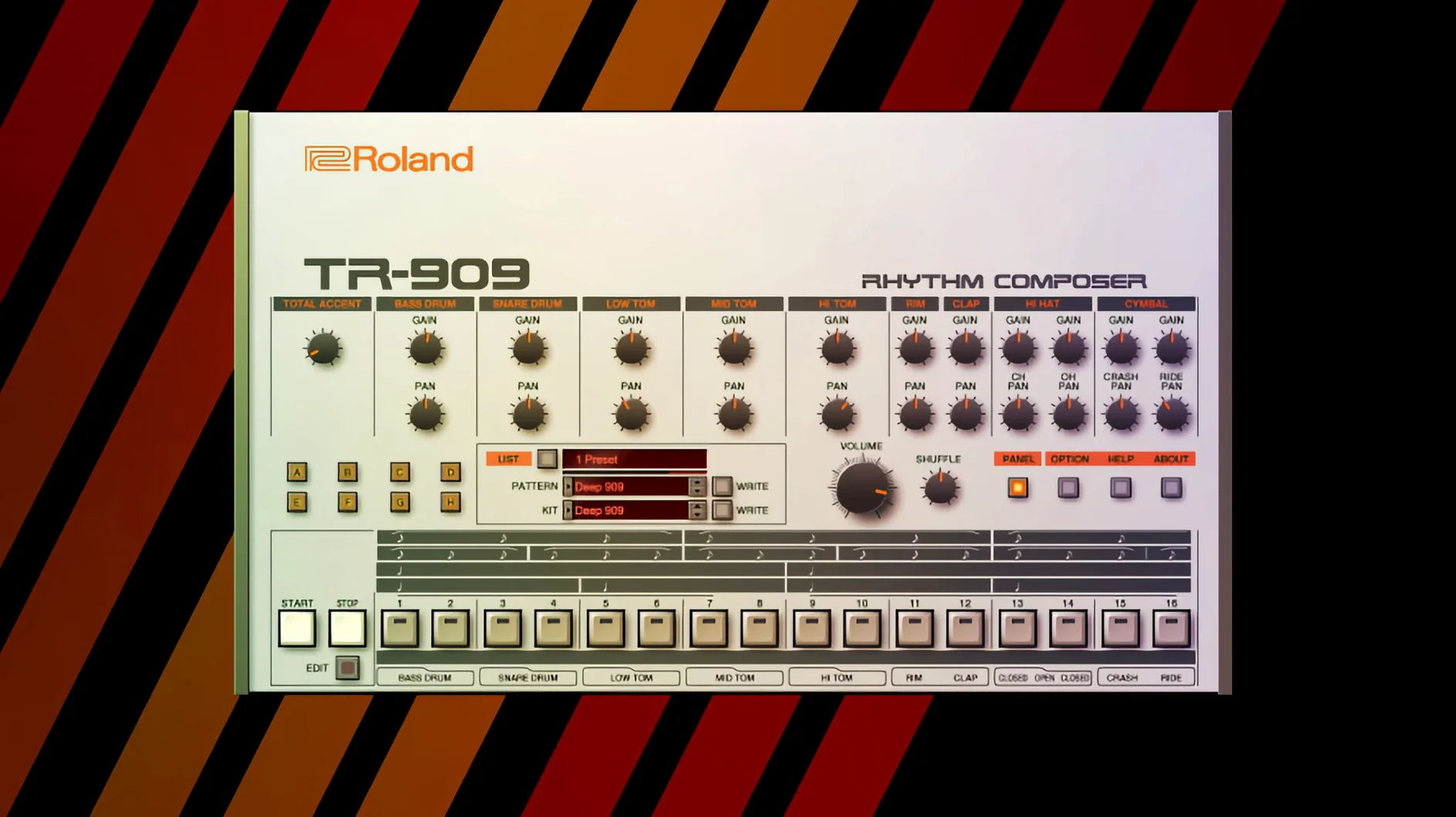
The ACB modelling in instruments like the JUPITER-8 and JUNO-60 captures behaviour that sample libraries miss — envelope curves that breathe differently at fast attack settings, filter resonance that pushes into self-oscillation the way the hardware did, and oscillator sync that doesn't fall apart in the upper octaves. On the JUPITER-4, the voice allocation isn't perfectly even, which lets you work slight timing offsets into chords without adding a separate module. For bass and lead duties, the TR-808 and TR-909 plug-ins give you per-step accent behaviour and internal clipping points you can exploit before you even touch an external compressor.
Modern routing that the originals never had
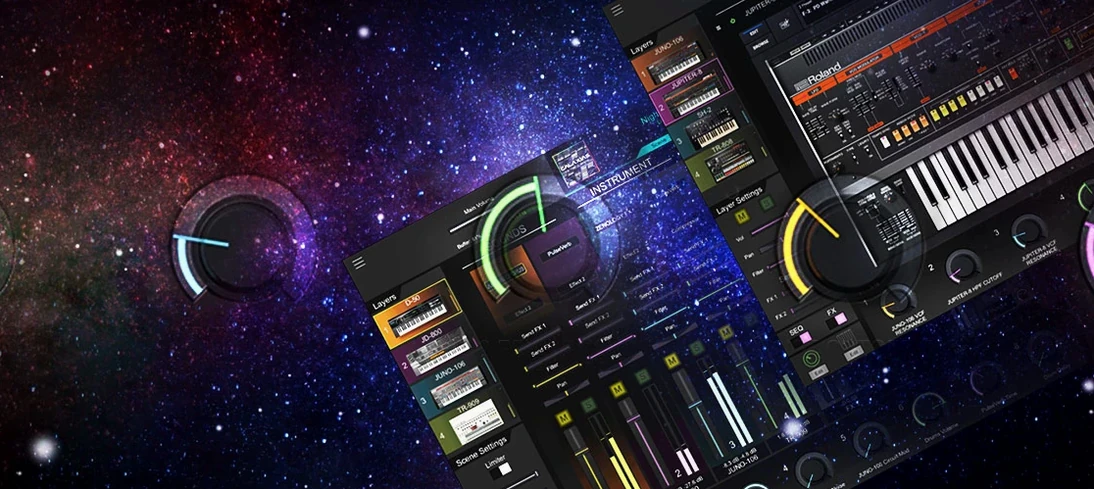
The panel layouts stay close to the hardware, but the v2 instruments add an effects section that goes well beyond the built-in chorus and reverb of the 1980s. You can route the D-50's digital partials through tempo-synced delays, aggressive bit-crushers, or a multi-mode filter that changes the character of those glassy PCM attacks entirely. Because everything runs on Apple Silicon and Intel, you can stack multiple Legendary instances at a low buffer without your DAW becoming unresponsive — useful when you're treating the TR-909's channels as individual outputs for parallel processing.
Roland Cloud Legendary Series vs. the rest of the plug-in rack
When I started looking at virtual analog instruments for the Mac, three names kept coming up alongside the Legendary Series: Arturia V Collection, Cherry Audio's synth line, and a handful of single-instrument emulations from smaller developers. They all aim for roughly the same goal — classic synth sounds in a DAW — but the approach differs enough that the choice shapes how you work, not just how you sound.
Arturia's V Collection is broader in scope. It covers Roland classics alongside Sequential, Oberheim, and E-mu instruments, and each plug-in gets a generous helping of modern modulation and effects that the original hardware never offered. The trade-off is that the core tone leans slightly polished — the filters round off transients in a way that sounds finished out of the box but leaves less room for the kind of raw gain-staging experiments the Legendary series encourages. If you want characterful presets across thirty different synth architectures, Arturia is the obvious pick. If you're chasing the specific way a JUNO-60 chorus circuit saturates when you push the input level, the Legendary models get closer to that narrow target.
Cherry Audio takes a different tack with instruments like the DCO-106 and Eight Voice. Their plug-ins are lean, inexpensive, and surprisingly capable, but the component-level modeling isn't as deep. You notice it most at the extremes: filter resonance that doesn't quite scream, envelope speeds that feel slightly constrained. For bread-and-butter parts in a busy mix, the difference is negligible. For a lead that needs to cut through with oscillator sync and heavy portamento, the Legendary series gives you more to work with before you reach for EQ and saturation plug-ins.
The wildcard is the single-instrument specialists — developers who pour years into one SH-101 or TR-808 recreation. Those can sound extraordinary, but they often lack Mac support that keeps pace with macOS updates, and you're on your own when it comes to DAW integration across multiple formats. The Legendary series benefits from Roland's ongoing updates; the current build runs on Apple Silicon with no translation layer, and the AU, VST3, and AAX formats all stay in sync.
When the knobs finally make sense
The Legendary series isn't a beginner's first synth collection — the interfaces assume you know what a VCF envelope amount does, and there's no tutorial overlay walking you through subtractive synthesis. That said, the audience breaks into a few distinct groups, and they use the instruments in noticeably different ways.
Keyboard players with a hardware background tend to gravitate toward the JUPITER-8 and JUNO-60 models first. They already have the front-panel layout memorized, so the plug-in becomes a recallable, automated version of the synth they've toured with or recorded for years. The high-resolution v2 interface matters here — on a 27-inch display, the controls are legible without squinting, and the knob response at higher GUI scaling feels immediate rather than laggy.
Beatmakers and electronic producers often start with the TR-808 and TR-909 and treat them as sound-design tools as much as rhythm machines. The multi-output routing lets you process the kick, snare, and hi-hat chains separately inside the DAW, and the internal accent circuitry means you can drive individual steps into soft clipping before any plug-in insert. A few producers I know use the 808 kick tuned low as a sub-bass layer under live bass guitar — the pitch envelope gives it a defined attack that pure sine-wave sub generators lack.
Sound designers and media composers lean hardest on the D-50 and JUPITER-4. The D-50's blend of short PCM attacks and synthesized sustains produces textures that sit well under dialogue without cluttering the midrange, and the built-in effects chain saves CPU compared to stacking separate reverb and delay plug-ins on every track. The JUPITER-4's slightly unpredictable voice allocation becomes a feature when you're building pads that need to feel animated rather than static.
If you're a mix engineer who occasionally needs a synth pad or a riser, you might find the collection overbuilt for your needs — a simpler ROMpler or a handful of sampled patches would get the job done faster. The Legendary instruments reward people who enjoy the process of sculpting a sound from initialized settings, not those who need a quick preset browser with category tags.
First days: what's worth setting up right away
The installer covers the standard VST3, AU, and AAX locations, but a few minutes of housekeeping after installation makes the next sessions smoother.
Check your DAW's plug-in scaling behavior. The v2 instruments with high-resolution interfaces look best when your DAW handles HiDPI properly. In Logic Pro, that's automatic. In Ableton Live on a non-Retina external display, you might need to toggle the plug-in window's zoom setting once so it remembers your preference. Do this for one instrument, and the setting typically carries over to the others.
Set up multi-output routing for the TR-808 and TR-909 before you need it. Create a track preset or template with individual channels for kick, snare, clap, toms, hi-hats, and ride or crash. Save it with basic level balancing and a high-pass filter on the hi-hat channel around 200 Hz. When inspiration hits at 11 p.m., you won't want to pause and configure sixteen outputs from scratch.
Identify the two or three instruments you'll actually reach for. It's tempting to audition every preset in the collection, but you'll retain more by picking one poly synth and one drum machine and learning their gain-staging quirks deeply. Start with the JUNO-60 if you want sweet spots that are hard to miss, or the JUPITER-8 if you want to explore cross-modulation and sync without touching a modular environment.
Check the buffer size you can sustain with stacked instances. Load four JUNO-60 tracks playing sustained chords, an 808 instance with all outputs active, and a D-50 pad. If your audio interface handles 128 samples without dropouts, you know you can build dense arrangements without freezing tracks early. Apple Silicon Macs generally cruise through this; older Intel machines benefit from freezing the drum tracks after the pattern is locked in.
Building a lo-fi drum break from scratch: a TR-909 workflow
Here's a task I see producers return to often: take the TR-909 model and build a gritty, sampled-from-vinyl-style break without leaving the plug-in or reaching for external processing. The goal is a drum loop that sounds like it was lifted from a dusty record, with enough variation to carry a two-bar phrase.
Start with a blank pattern. Clear the default pattern in the TR-909 interface and set the length to 32 steps — two bars of sixteenth notes gives you room for fills and ghost notes. Set the tempo in your DAW to something moderate, around 85 to 95 BPM, so the swing has space to breathe.
Place the kick and snare skeleton first. Put kicks on steps 1, 11, and 15 in the first bar, then 1, 11, and a double hit on 14 and 15 in the second. This creates a slightly off-kilter anchor that leaves room for syncopation. Add snares or claps on steps 5 and 13 — classic backbeat placement, but accent step 13 harder than step 5 by raising its accent level in the step editor.
Work the internal gain path before you touch effects. Crank the kick's tuning slightly lower than the default — around 50 Hz fundamental — and push the accent amount on the kick channel until the attack transient starts to clip the internal mix bus. Back off just a hair so the clipping is a texture, not a distortion. For the snare, lower the tone control to emphasize the body and reduce the noise component. The 909's internal clipping point is your first saturation stage.
Add hi-hats with swing. Program closed hats on every eighth note and open hats on steps 9 and 10 in the first bar, then just step 9 in the second bar for variation. Apply global swing — around 58 to 62 percent — using the shuffle control. The 909 model responds to swing the way the hardware did, delaying even-numbered steps just enough to create a loping feel without sounding quantized.
Degrade the signal inside the plug-in. In the effects section, insert a bit-crusher before the reverb send. Drop the sample rate to around 12 kHz and reduce the bit depth to 10 or 11 bits. Dial the mix back to about 40 percent wet so the degradation blends with the clean signal rather than replacing it. Follow with a short, dark plate reverb — under 800 ms decay, with the high-frequency damping set low enough that the reverb tail feels like a room rather than a hall. Send the snare and hi-hats to this reverb more generously than the kick, which stays mostly dry to preserve low-end punch.
Print the audio and treat it like a sample. Record the TR-909 output to an audio track over four or eight bars. Now chop the resulting waveform at transient markers and rearrange a few hits — swap a sn
- macOS 11 or newer
- Apple Silicon or Intel Mac
Questions from the stall
Which Roland classics are included in the Legendary series?
The collection features the JUPITER-8, JUPITER-4, JUNO-106, JUNO-60, D-50, TR-808, and TR-909, among other analog and digital Roland instruments.
Do the Legendary plug-ins work on Apple Silicon Macs?
Yes, they support both ARM (Apple Silicon) and x86 64-bit architectures, running natively on modern Macs.
What kind of sounds are these instruments designed for?
They cover the classic Roland territory — basses, leads, pads, and rhythmic parts — but with modern effects and routing that let you push them further.
Notes from other shops 0
Sign in or open a shop account to leave a note.
No notes yet. If you've used this on a shop Mac, tell me how it went.