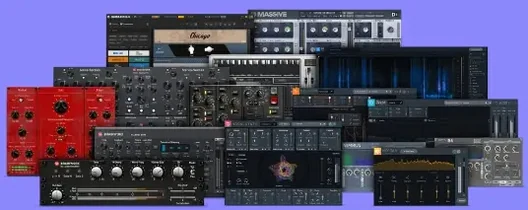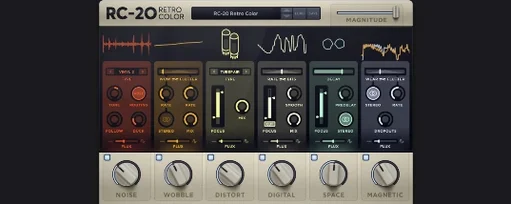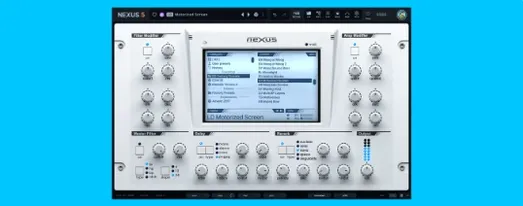
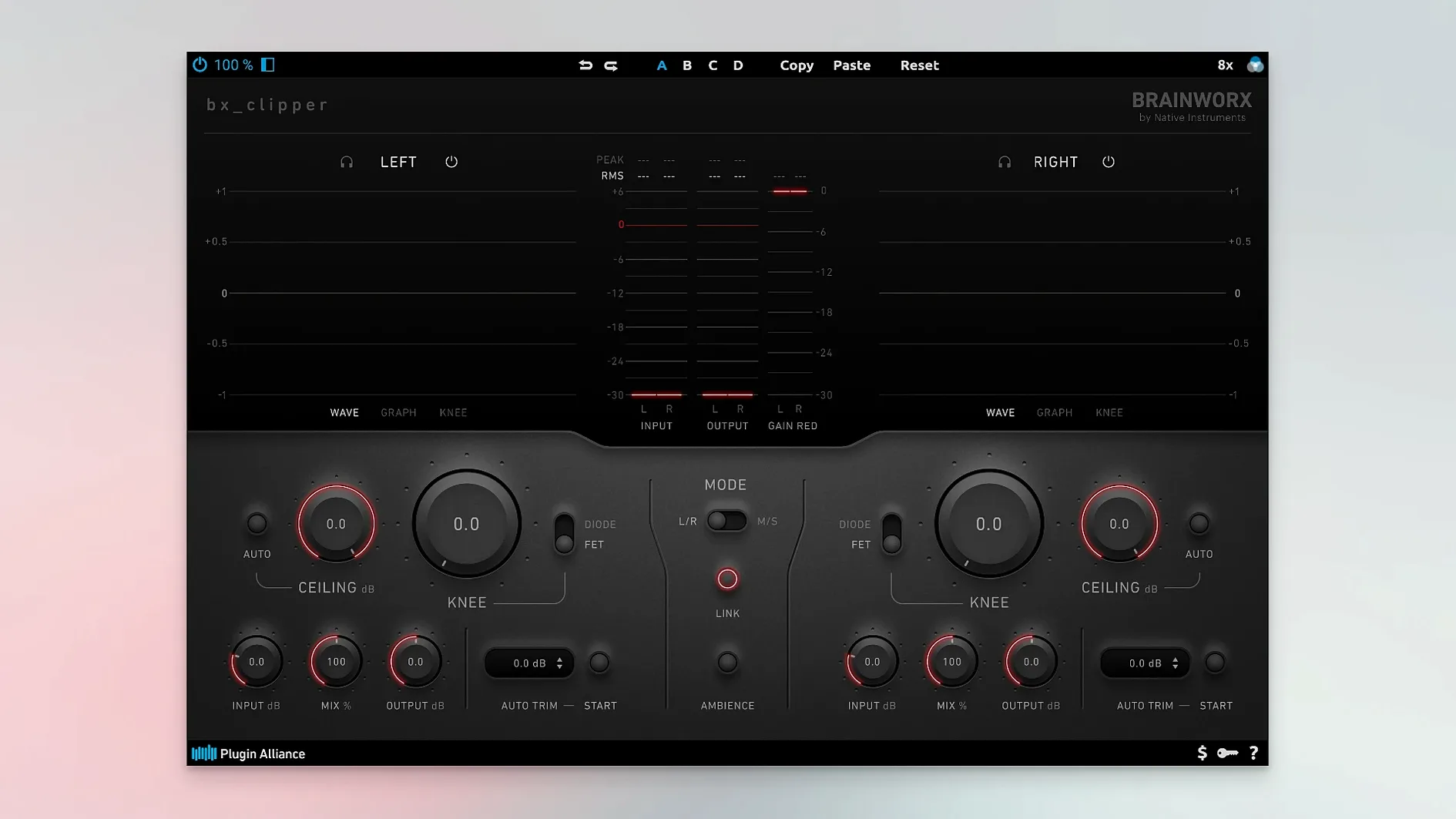
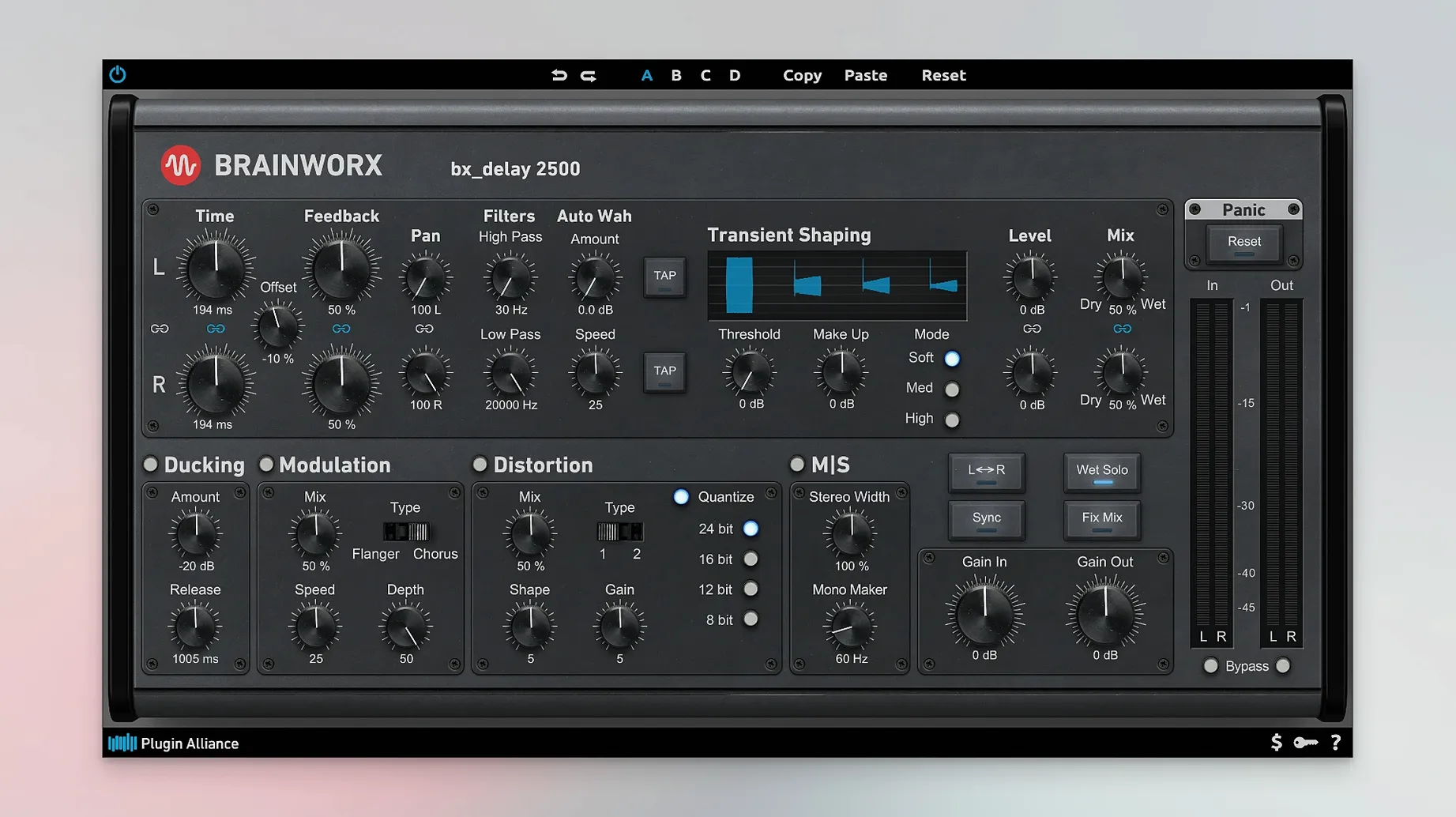
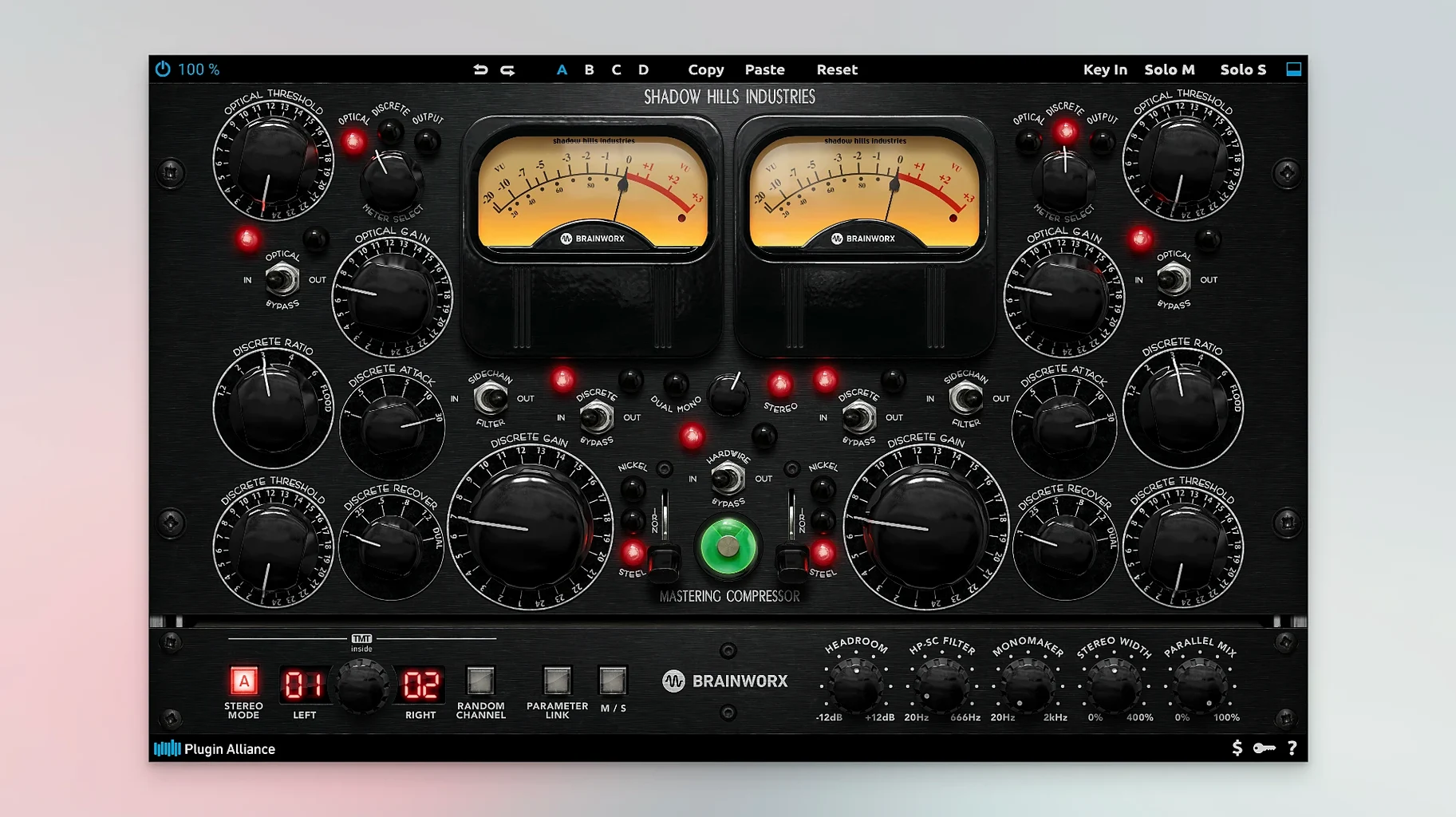
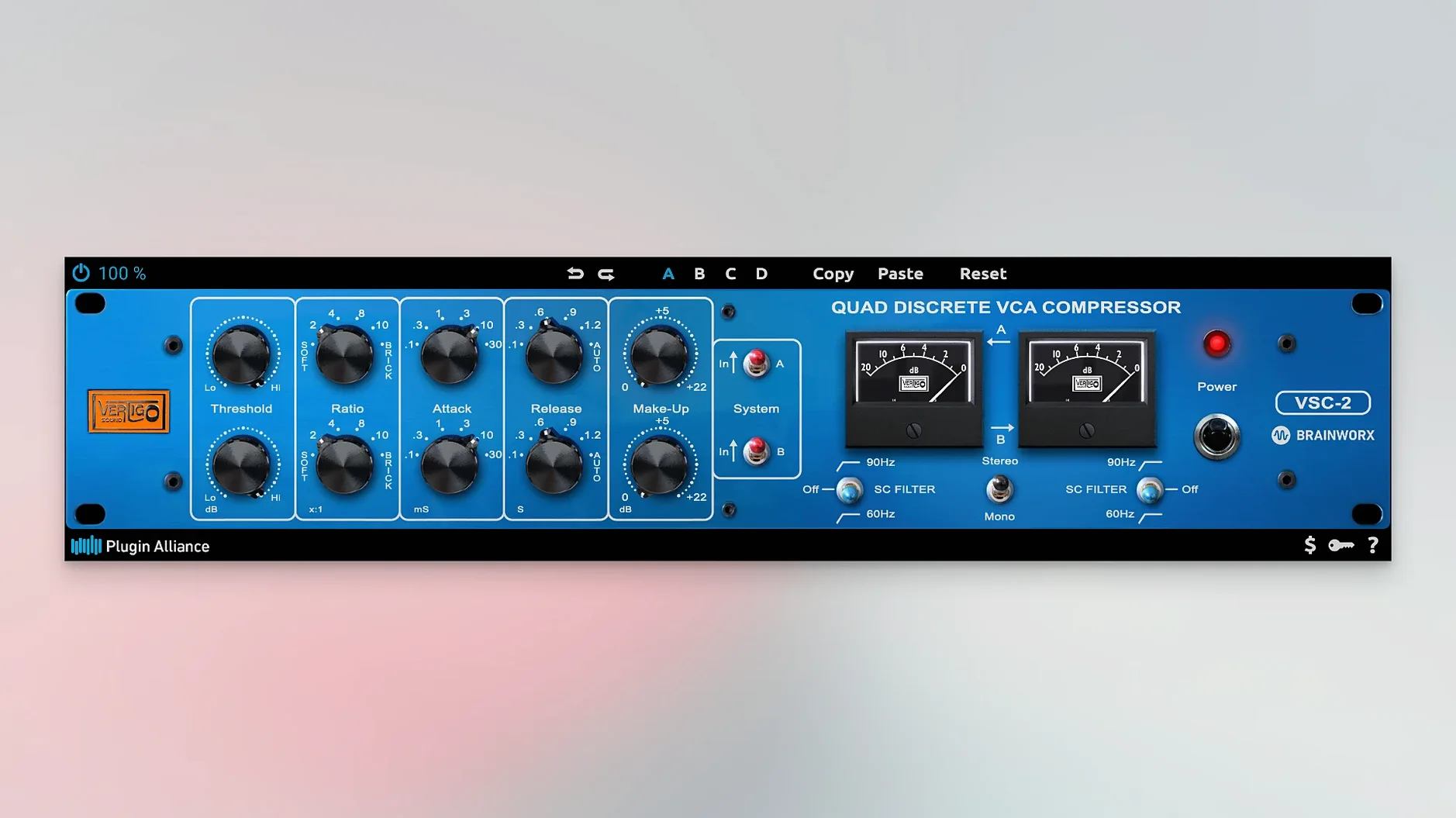
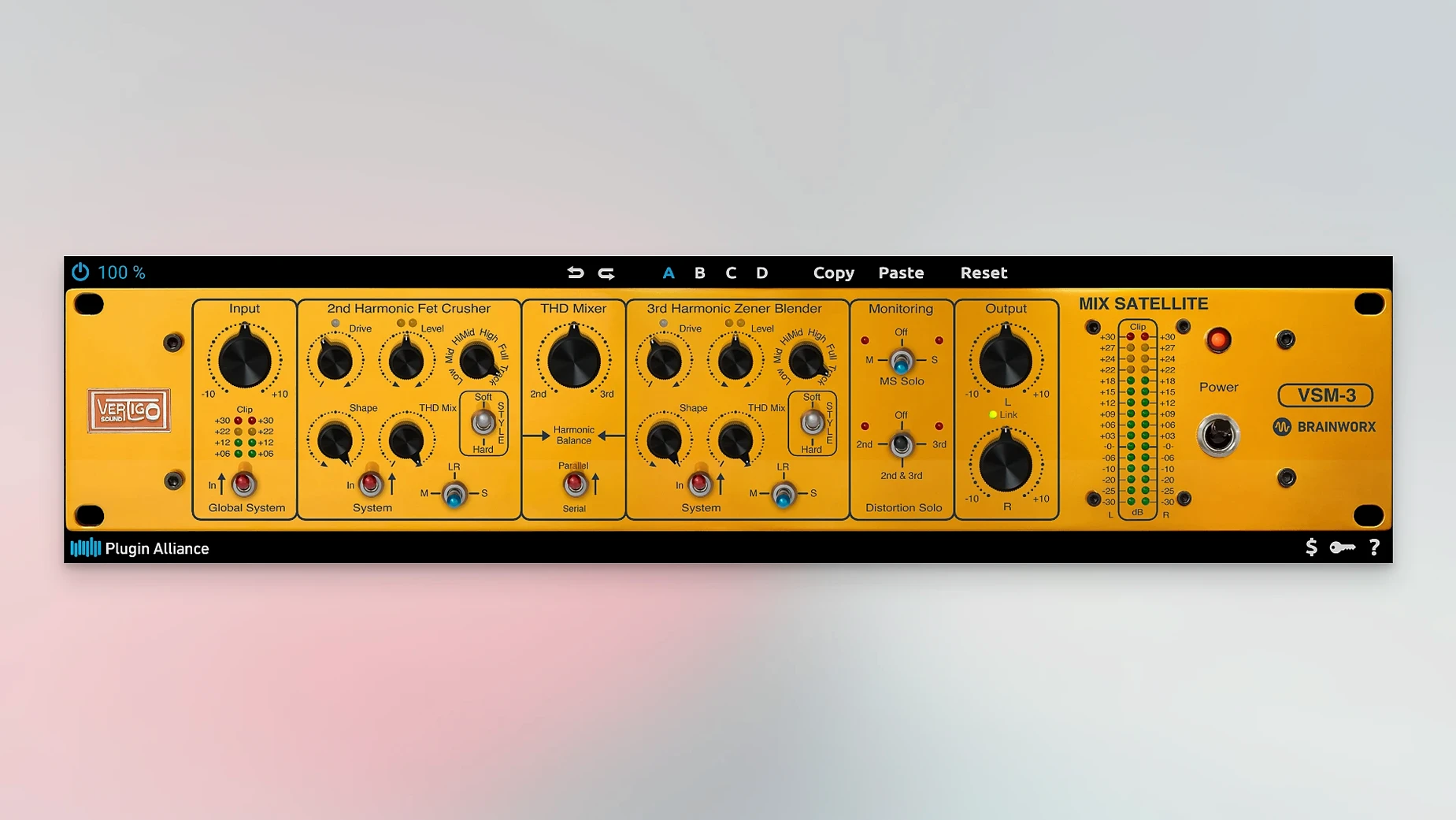
A session can stall when the stock tools stop giving you the texture or grab you hear in your head. The Plugin Alliance Mega Bundle puts a curated rack of Brainworx-developed mixing and processing tools in one place, so you can push past that point without chasing down single plugins. It covers equalizers, compressors, saturation, spatial effects, guitar amplifiers and virtual instruments, all at version 1.2.4 and built for ARM and x86 64-bit Macs running Ventura or later.
The console-style sweet spot on individual channels
Individual channels are where most character work happens, and this bundle leans into that. The equalizers and compressors give you broad, musical shaping — think console-style curves and grab that doesn't fall apart when you push it. Saturation and amp sims let you add weight to a DI bass, grit to a clean synth line, or glue a drum close-mic before it ever hits a group. The virtual instruments are straightforward sound sources that sit well in a dense arrangement, especially when you need something that cuts without fighting the vocal.
Buses and finishing moves
On groups and the mix bus, the spatial effects and mastering-grade dynamics come into focus. A stereo widening tool on the drum bus or a gentle compressor across the master fader can lock a mix into place without obvious pumping. Because everything comes from the same development family, stacking compressors and saturators across tracks and buses feels coherent — the cumulative tone doesn't get cloudy the way it can when you mix too many disparate modeling philosophies.
Swap peak meters for K-system or VU ballistics
I always head straight for the metering preferences before I touch a fader. Many Brainworx plugins ship with peak-level scales that feel a little too calm for how I work, so I switch to K-system or VU-style ballistics where the option exists. It gives me a more honest read on low-end energy and lets me spot overwork earlier in the chain.
Next is the oversampling default. A handful of the saturators and compressors in the bundle default to 2x, which is fine for tracking, but I bump them to 4x for final renders when I hear faint aliasing on cymbals or acoustic guitar. The CPU hit on an M-series Mac at 4x is low enough that I forget it's there.
On the EQs, I turn off the analog noise floor unless the project genuinely calls for that haze. The models default to it on in several instances, and it adds up across sixteen tracks. I also map the output trim to a single knob wherever the layout allows — it keeps gain staging predictable when I toggle the processor in and out.
Windows finally remember size and position after 1.2.4
Version 1.2.4 tidied up the kind of small friction that only shows up after a full day of mixing. Plug-in windows now recall their last size and position reliably — before this update, I'd routinely drag the same compressor back to center screen after reopening a session. It sounds minor, but it cuts the little restart cost that accumulates when you move between twenty tracks.
AU validation on Apple Silicon also tightened up. Earlier builds occasionally threw timeout errors during a cold scan in Logic, especially with the larger spatial processors. With 1.2.4, a fresh plugin scan finishes cleanly on the first pass, which makes the plugin alliance mega bundle macos free download feel more settled in a professional template.
On the sonic side, the tape-style saturators got a subtle recalibration of the high-frequency roll-off knee. It's most audible when you drive them hard on a bright vocal or an overhead pair — the top end stays open a bit longer before it tucks in, so you can push for density without losing articulation as quickly.
Tip: after updating, resave any channel strip presets that include the saturators. The knee change is gentle enough that your old settings still work, but you might find you back off the drive a half-dB and get the same glue with a touch more air.
- macOS 13 Ventura or later
- Apple Silicon (ARM) or Intel (x86 64-bit)
- VST3 and AU plug-in formats
Notes from other shops 0
Sign in or open a shop account to leave a note.
No notes yet. If you've used this on a shop Mac, tell me how it went.