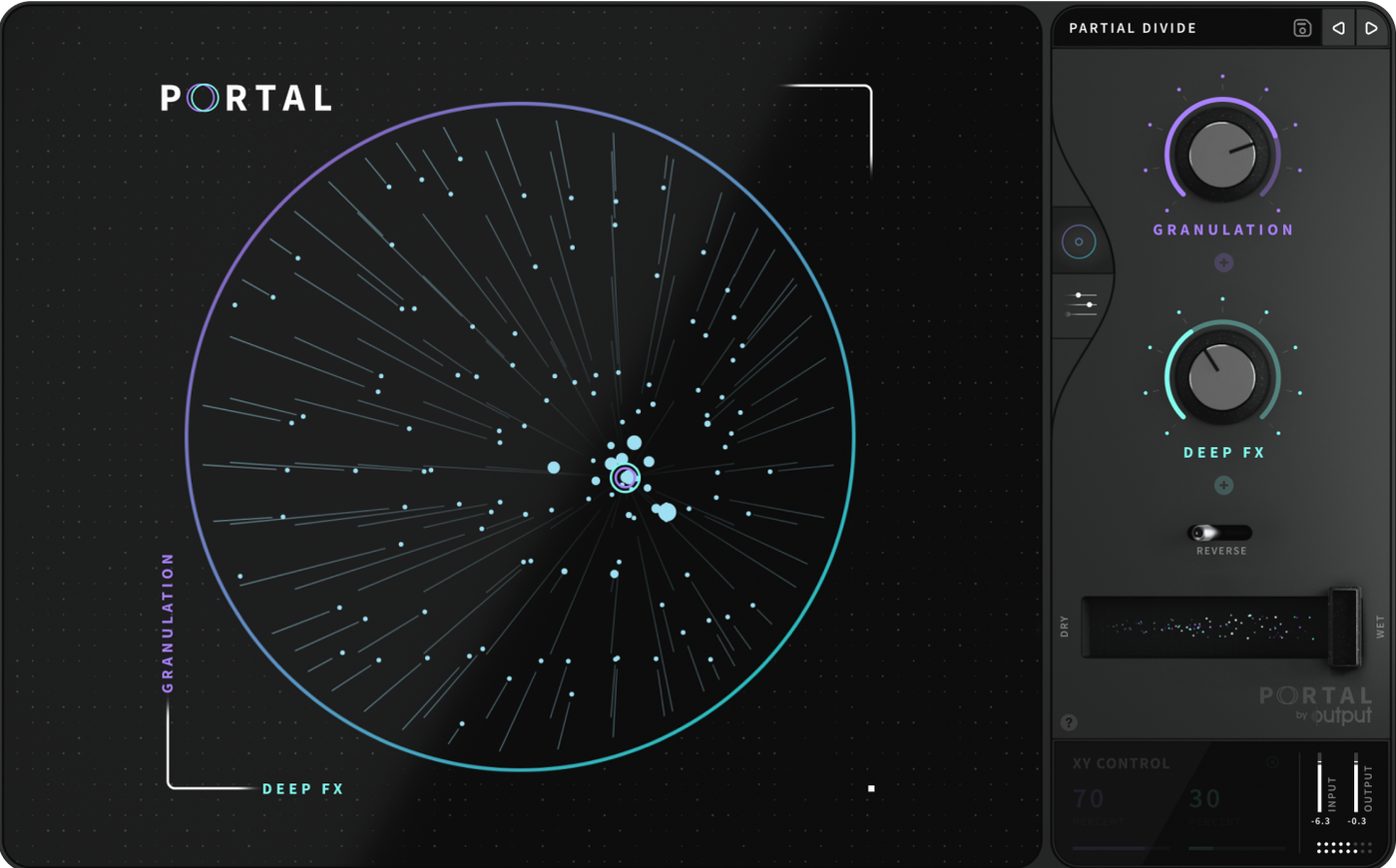
If you've used Output's Thermal or Movement, Portal will feel like a familiar cousin—same house, different discipline. It takes whatever you feed it (a VST line, a drum break, a vocal take) and runs it through a granular engine that can either lock to your project tempo or drift free. Here's how I'd put it to work:
- Feed it something real. Drag in a drum loop or patch in a live guitar. Portal wants audio, not MIDI.
- Set the grain clock. Snap it to tempo for rhythmic stutters, or unsync it for washed-out pads that breathe on their own.
- Tie it to a scale. Lock the pitch processing to a key so the scattered grains stay musical.
- Push, then pull back. The re-synthesis leans toward the original sound, so even extreme tweaks don't turn to noise.
Lean grain engine that won't tip your session over
I've thrown Portal onto plenty of sessions that were already creaking under the weight of other plugins, and it hasn't tipped anything over. Grain engines can be hungry, but Output kept this one lean. On an M1 MacBook Air it sits comfortably on a single track without spiking the meter, and spreading four or five instances across a project only started nudging the CPU toward the yellow. That's with real-time grain manipulation running, not just playback.
Stability's been uneventful, which is how I like it. No sudden silences, no Logic quitting mid-drag. The one thing to remember: live input processing adds a tiny bit of latency because Portal wants a buffer to chew on. It's negligible for mixing, but if you're tracking vocals through it, dial your buffer down or freeze the track first.
A couple of settings I'd change right away
Out of the box, Portal lands in a safe middle ground. A few small tweaks open it up considerably:
- Widen the grain size range. The default window is musical but tight. Dragging the lower limit down to a few milliseconds gives you metallic chatter; pushing the upper end past 500 ms turns sustained tones into slow-moving clouds.
- Back off the re-synthesis mix. The wet/dry balance is predictable at noon. I pull the dry signal down further than feels sensible—to maybe 20%—so the grains take over without the original stepping on their toes. For drums you'll want more dry; for pads, let it dissolve.
- Unsync before you scale-lock. If you're building atmospheric layers, tempo sync can fight the organic drift. Unsynchronize first, then pick a scale for the pitch engine. The result moves like a real instrument rather than a locked grid.
- Dial the envelope variation up a notch. Even 10–15% of random attack shape makes repeated grains sound like a player, not a machine.
Turning a guitar harmonic into a creature vocal
Imagine someone working on a game soundtrack who needs creature vocals but doesn't have access to a voice actor. She pulls a short, clean guitar harmonic into Portal—just two seconds of ringing overtone. Grain size goes wide, pitch lock snaps to a minor pentatonic scale, and the tempo sync clicks off. The wet signal sits at 90%. As she drags the grain position slowly through the sample, the harmonic stretches into a wavering, voice-like call that bends across the scale without any obvious digital stepping. A little envelope variation adds breath. Thirty minutes later she has a library of alien calls, all from one guitar pluck.
That's where Portal really earns its spot: turning short, ordinary material into something long-form and expressive without piling on six more plugins.
Next to a few other granular tools
On the Mac side, Portal shares space with some capable alternatives. A few differences stand out once you've spent time with each.
Compared to Native Instruments' Phasis or Form. Form is a deeper instrument that wants to play samples polyphonically, which is great for keyboard work but less immediate for processing audio that's already in your timeline. Portal skips the keyboard layer entirely and focuses on treating existing tracks. Phasis, despite the name, is a spectral delay, not a granular engine—it's more about comb-filtered movement than grain re-synthesis.
Compared to Ableton's Grain Delay (or the Max for Live Granulator). Grain Delay is snappy and built-in, but its controls are sparse. Pitch locking to a scale isn't there, and the re-synthesis behavior—that tendency to pull things back toward the source—is unique to Portal. The Max for Live Granulator offers more depth, yet it lives inside Ableton only. Portal shows up in any DAW that hosts VST or AU, which widens the bench considerably.
Compared to Unfiltered Audio's SILO. SILO leans into experimental territory with more routing options and a steeper learning curve. Portal feels more curated; the controls are fewer but each one does more. If you want to build a granular patch from first principles, SILO gives you the parts. If you want to feed a loop and get a result that still sounds like music, Portal gets there faster.
None of these are strictly better—just pointed in different directions. Portal's angle is clear: keep the output tied to the input, make the pitched results play nice with a key, and don't demand a manual the size of a textbook.
Tip: If you're looking for a portal torrent or an Output Portal torrent to test the waters, the version floating around matches the 1.2.1 release that's also tagged as Output Portal Mac torrent in a few circles. The installer behaves like any standard Mac plugin package, so the setup routine I described earlier still applies.
What's stayed the same in version 1.2.1 is the core promise: a granular playground that listens before it shreds.
- Works on Intel and Apple Silicon Macs
- Interface language: English
Questions from the stall
Can Portal process live input like a guitar?
Yes, Portal handles live inputs such as vocals or guitars alongside VSTs and drum samples.
Notes from other shops 0
Sign in or open a shop account to leave a note.
No notes yet. If you've used this on a shop Mac, tell me how it went.