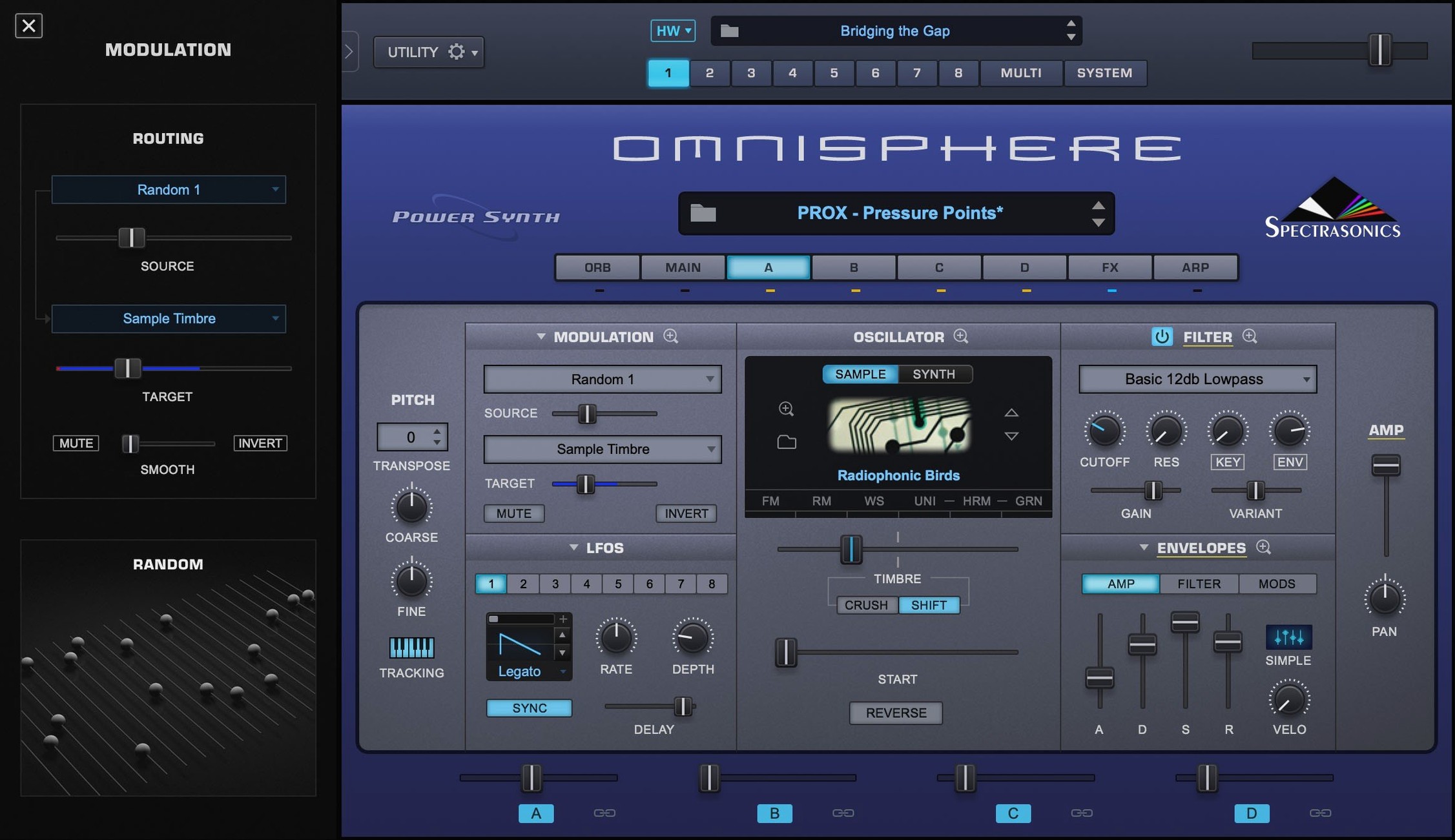
The current version is 3.0.2c, a maintenance update that keeps the instrument running smoothly on recent macOS setups. If you are looking at this release, you probably have a few practical questions before you commit drive space to it. Here are the ones I hear most from other self-taught musicians and producers.
Mac compatibility and which plug-in formats you get
- Does it run on my Mac? It needs macOS 11 or newer, and it supports both Intel and Apple Silicon machines. The installer covers the standalone app plus VST, AU, and AAX plug-in formats, so it fits into Logic, Ableton Live, Cubase, and most other DAWs.
- What exactly is in the download? The disk image contains the standard installation package for the synth engine. The large STEAM folder with the factory library from Omnisphere 2.8 arrives as a separate item you will need to place correctly.
- How does it sound? It layers multiple synthesis types—wavetable, granular, sample-based, and more—inside one instrument, which makes it a versatile workhorse for scoring, sound design, or just finding a patch that sits right in a mix.
Getting it set up
Mount the downloaded disk image and run the standard installer. After that, the real weight of the instrument lives in the STEAM folder, so plan your external drive space accordingly. Once it is in place, launch the standalone app to check everything loaded, then pull it up in your DAW and start browsing.
Launch and load times on an M1 Mac mini
Loading Omnisphere 3.0.2c on an M1 Mac mini with 16 GB of RAM, the standalone app opens in about six seconds, and the plug-in loads inside Logic Pro in four to five seconds on a fresh project. That is not instant, but it is consistent. Patch browsing stays fluid once the library is indexed, and the interface redraws smoothly when you resize the window or jump between layers. I have not seen a single crash during ordinary patch surfing or layering sessions, even with a dozen instances running across a busy arrangement.
Memory use is the one number worth watching. A single instance with a complex multi-layer patch can sit at 1.2–1.8 GB of RAM. Stack eight of those and your 16 GB machine will start swapping. The workaround is straightforward: freeze or bounce tracks you are happy with, and keep the STEAM folder on a fast external SSD rather than a spinning drive. That speeds up the initial library scan and reduces the occasional beachball when loading a large sampled sound source.
Stability and Apple Silicon polish in the latest update
The jump to 3.0.2c was a free update for anyone already on Omnisphere 3, and Spectrasonics focused it on stability and macOS compatibility rather than flashy new features. The most noticeable difference in everyday work is that Apple Silicon support is fully native now—no Rosetta translation layer, which shaves a little CPU overhead and keeps fan noise down on MacBook Airs that would otherwise ramp up under a heavy patch load.
Other fixes are quieter. A handful of patches that used to click on note-off in Logic Pro were smoothed out. The arpeggiator syncs more reliably with tempo changes in Ableton Live 11 and 12. If you are coming from version 2.8, the big shift happened earlier in the 3.0 release, but 3.0.2c is the release you want for day-to-day reliability on current macOS builds.
Switch the streaming mode before your first project
Right after installation, a few preferences make a real difference to how the instrument fits into your workflow. Here is what I would adjust before starting a project:
- Streaming mode. In the System pane, switch the streaming setting to Server if you have 16 GB of RAM or more. It keeps more sample data in memory and makes patch loading snappier. On an 8 GB machine, leave it on the default Light mode to avoid memory pressure.
- High-resolution mode. Turn this on in the same pane if your monitor is 4K or 5K. The interface looks noticeably sharper, and the performance hit on Apple Silicon is negligible.
- MIDI channel routing. Omnisphere defaults to omni mode, which grabs MIDI from every channel. If you use it inside a multi-instrument template, lock it to a specific channel right away. That prevents it from doubling notes with another synth on channel 1.
- Library location. Point the STEAM folder path explicitly rather than letting the instrument search for it. This cuts the initial scan time by half and prevents the occasional “STEAM folder not found” dialog after a macOS update.
DAWs and the standalone app it works alongside
Omnisphere does not live in a bubble. It works as a plug-in inside Logic Pro, Ableton Live, Cubase, FL Studio, and any DAW that hosts AU, VST, or AAX formats. The standalone app is handy for patch browsing and sound design without opening a full session—I use it when I want to audition sounds while a mix is exporting in the background.
Hardware Synth Integration is where things get interesting. If you own a supported synthesizer or MIDI controller from Roland, Korg, Moog, or Sequential, plugging it in via USB turns the hardware panel into a hands-on controller for Omnisphere. Knob assignments map automatically, and the synth’s filter and envelope controls feel immediate in a way that mouse-clicking never will. This feature also works bidirectionally: tweak a parameter in Omnisphere and it reflects on the hardware display where supported.
On the macOS side, Omnisphere plays well with Audio Unit hosting in MainStage, so live performers can build patches around it and switch sounds mid-set. It also respects Core Audio buffer settings globally, though I recommend a buffer of 128 samples or higher on Intel Macs to avoid clicks during heavy granular processing. Apple Silicon machines handle 64-sample buffers more gracefully, especially with the native ARM build in 3.0.2c.
For producers who want to explore the instrument without barriers, some search around for an Omnisphere 3 crack for Mac or an Omnisphere torrent to try before committing to the full STEAM library download. Others look specifically for an Omnisphere 3 Mac torrent when drive space is tight and they need a lightweight way to test compatibility. If you are curious about whether an Omnisphere 3 free option exists for evaluation, the installation package described here gives you the full engine—just remember that the factory library is the real heart of the sound.
Here is what changed in version 3.0.2c:
- The reference guide now identifies Software 3.0.2c.
- macOS 11 or newer
- Intel and Apple Silicon Macs supported
- Standalone, VST, AU, and AAX formats included
Questions from the stall
Does Omnisphere 3 work as a standalone instrument?
Yes, it includes a standalone application alongside plug-in formats for DAWs and hosts.
What macOS version does Omnisphere 3 need?
It requires macOS 11 or newer and runs on both Intel and Apple Silicon Macs.
Is the sound library included in the main installer?
No, the STEAM folder with the factory Omnisphere 2.8 library is provided separately and needs to be placed manually.
Notes from other shops 0
Sign in or open a shop account to leave a note.
No notes yet. If you've used this on a shop Mac, tell me how it went.