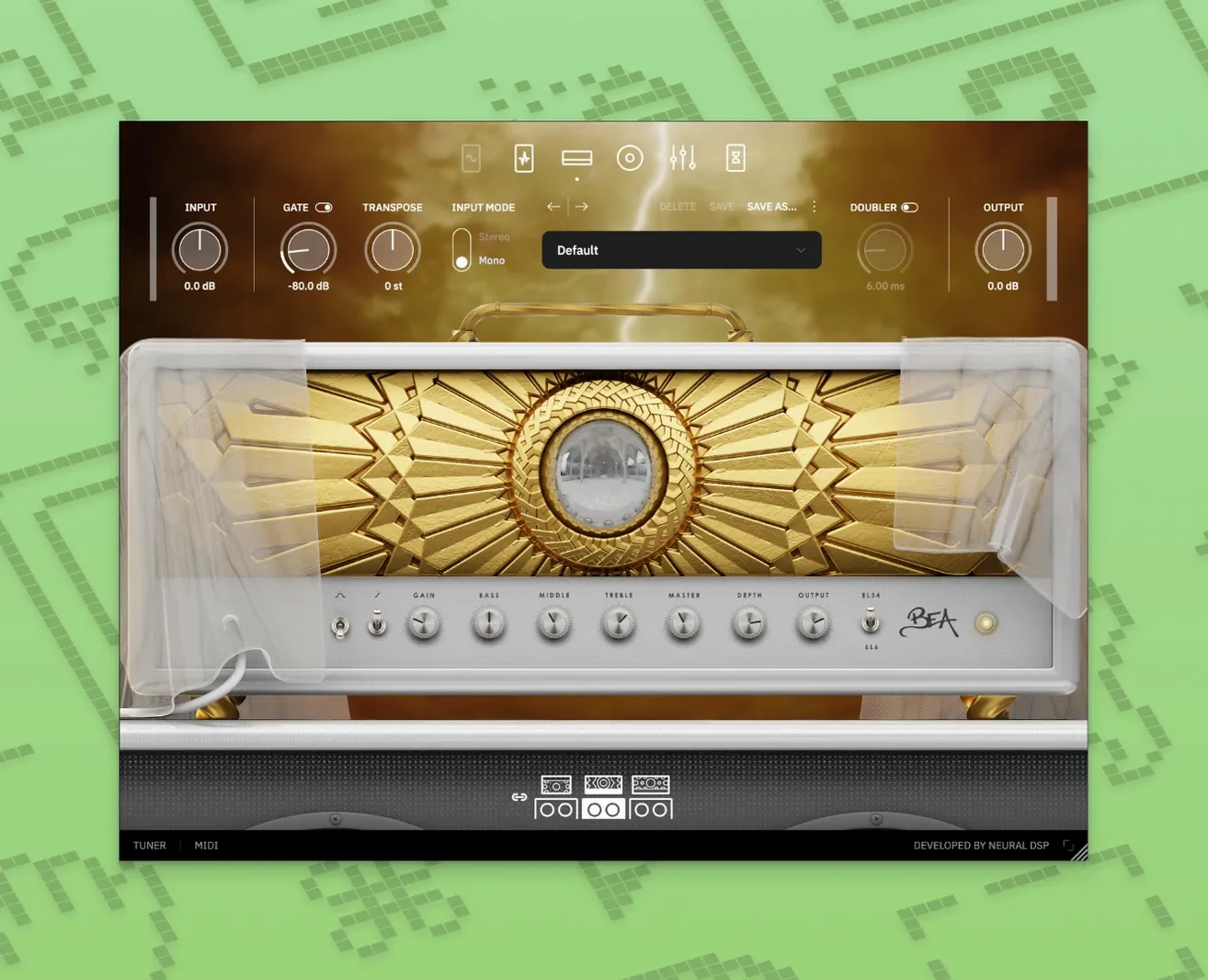
You pull up a project, arm a DI track, and want something that moves between a crystalline clean tone and a dual-oscillator synth swell without opening three different windows. That is where Rabea X slots in.
What an experienced player will dig into
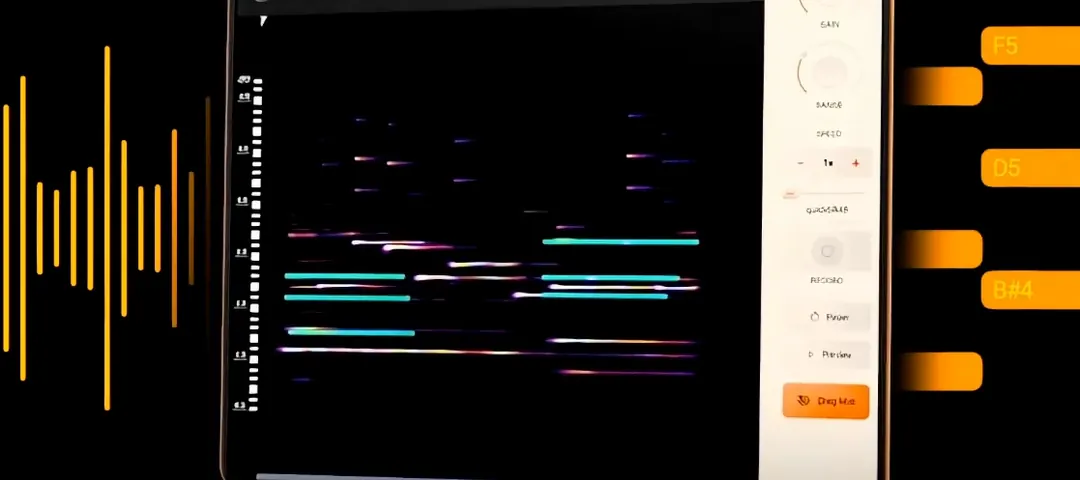
- The Overlord monosynth tracks your playing and fires up to two oscillators at once, so you can layer a sub beneath a saw wave for lines that hit like a full band.
- Part of the Archetype series, the whole signal chain — amp, cab, pedals, post effects — lives in one window. Less time routing, more time playing.
- Native Apple Silicon support means the plugin runs efficiently on newer Macs without taxing the session.
- Quad Cortex and Quad Cortex mini compatibility keeps the same sounds available whether you are at the desk or on a fly date.
A setup that moves fast
Because the monosynth shares space with the guitar amp section, you can blend a driven amp tone with a synth pad in one patch. That cuts down on track count and keeps creative flow from stalling while you hunt through menus. Version 1.0.1 tidies up early bugs, so the focus stays on playing rather than troubleshooting.
Building a crushing synth-guitar patch on a Thursday night
You open the standalone app on a Thursday evening, guitar already plugged in. The preset browser lands on a clean American-style amp — fine, but not why you are here. You click over to the Overlord section and switch it on.
The first thing you do is dial the oscillators. One saw wave tuned an octave down, one square wave at unison. You play a low E and let it ring — the sub rumbles, the square cuts through. Already it sounds like a bassist and a synth player showed up unannounced.
Next you pull the blend knob back to about 40% synth, 60% amp. The guitar tone — a mid-gain British voiced amp with the gain at noon — sits on top while the oscillators fill everything underneath. You add a touch of reverb from the post-effects section, just enough to smear the attack of the synth without washing out the pick sound.
You record four bars of a slow, single-note line into your DAW. The monosynth tracks cleanly because you are playing one note at a time — no chords, no slop. On playback you automate the filter cutoff to open slowly across the phrase, and suddenly a simple line breathes like a pad. One track, one plugin, no external MIDI routing.
Dial in your interface gain before the first riff
A few defaults deserve a quick tweak the first time you load it up:
- Input gain staging. The plugin responds like real hardware, so if your interface sends a hot signal, back off the input knob a few dB. Clean headroom keeps the Overlord tracking tight — clipping the input makes the synth drift.
- Gate threshold. The noise gate ships fairly aggressive. If you play with light dynamics or fingerstyle, ease it back until quiet notes do not get choked.
- Oscillator phase reset. Tucked in the synth section, this determines whether the waveform restarts on every note-on. For tight, percussive lines, leave it on. For drifting, organ-like swells, switch it off and let the oscillators run free.
- Cabinet mic selection. The default cab sim pairs a dynamic mic with a ribbon. Swap the ribbon for a condenser if you want more top-end detail — helpful when blending synth layers that can turn muddy fast.
Tip: Save a blank template patch with these tweaks. Future sessions start from your baseline, not the factory defaults.
Bedroom producers and stereo explorers thrive here
This is not a plugin for someone who wants a vintage Fender Twin and nothing else. The players who really click with it tend to fall into a few camps.
Bedroom producers building full arrangements alone. When you are the guitarist, bassist, and synth player on a track, the Overlord monosynth replaces at least one softsynth and the MIDI programming that comes with it. You play the part on guitar and it speaks as a synth — no keyboard chops required.
Guitarists in modern rock and metal projects. The amp models lean toward high-gain British and American voicings that take downtuning well. Pair a tight gate with the 808-style overdrive in front and you have a rhythm tone that sits in a dense mix without extra EQ work. Adding a faint octave-down oscillator underneath turns a standard riff into something heavier without doubling the part.
Sound designers and media composers. The ability to crossfade between a processed guitar signal and a raw synth oscillator, all inside one plugin, makes it a quick tool for evolving textures. Automate the blend, the filter, or the reverb tail across a cue, and a single sustained note turns into a transitional sound effect that would normally take three tracks and a bus chain.
If you spend more time editing MIDI than playing guitar, a dedicated polysynth serves you better. But if your hands think in fretboard shapes and you want synth sounds that follow that instinct, this is the right tool.
Version 1.0.1 is a maintenance release that smooths out early quirks. A few quality-of-life improvements and bug fixes make the plugin feel more settled in a busy session.
- macOS 10.15 or later
- Apple Silicon or Intel processor
Questions from the stall
Does Archetype Rabea X work on Apple Silicon Macs?
Yes, it supports native Apple Silicon, so it runs directly on M-series chips without Rosetta translation.
Can I use the Overlord monosynth with my Quad Cortex?
Yes, the plugin is compatible with Quad Cortex and Quad Cortex mini, letting you transfer patches between your Mac and the hardware unit.
Notes from other shops 0
Sign in or open a shop account to leave a note.
No notes yet. If you've used this on a shop Mac, tell me how it went.