Sampling can hit a wall when you hear a great melodic phrase but can't quite place the notes—or when the original key fights your track. noteGRABBER is an audio-to-MIDI plugin built to solve that. It analyzes the notes inside your audio and hands them to you as MIDI, so you can reshape the melody, change the sound, or tighten the timing without hunting for pitches by ear.
Snag a melody from a dusty record and drop it onto a synth
- Grabbing a melody from a dusty record sample and dropping it onto a synth or piano track
- Rewriting a hook into a different key or rhythm without re-chopping the audio
- Layering a found bassline with a fresh sub patch that follows the exact notes
- Speeding up beat-making when you're pulling from sample packs and want MIDI instantly
Best with clear monophonic lines, not dense chords or noise
- Designed for monophonic and clearly defined pitched material—dense chords or noisy textures may need cleanup
- Works as a plugin insert, so you'll route it on a track or bus with the audio you want to analyze
- Requires macOS 10.12 or later; runs on Intel and Apple Silicon Macs
A crate-digger’s shortcut
Picture a producer who builds tracks around old soul and jazz samples—the kind where horn stabs and vibraphone lines drift in and out of a crackly stereo field. They hear a two-bar phrase they love, but the pitch wavers and the chords underneath are murky. Instead of spending twenty minutes with a keyboard and a tuner plugin, they drop noteGRABBER onto the sample track, let it scan the passage, and drag the resulting MIDI onto a clean electric piano. Within a minute they have the skeleton of the melody, ready to transpose, tighten the timing, or layer with a soft pad that follows the same contour.
Drag a lick onto a track and insert the plugin
- Load the sample. Drag a short melodic snippet—maybe a guitar lick or a vocal phrase—onto an audio track in your DAW.
- Insert the plugin. Add noteGRABBER as an insert on that same track. Keep the playback cursor a bar or two before the phrase so the analysis has a clean run-up.
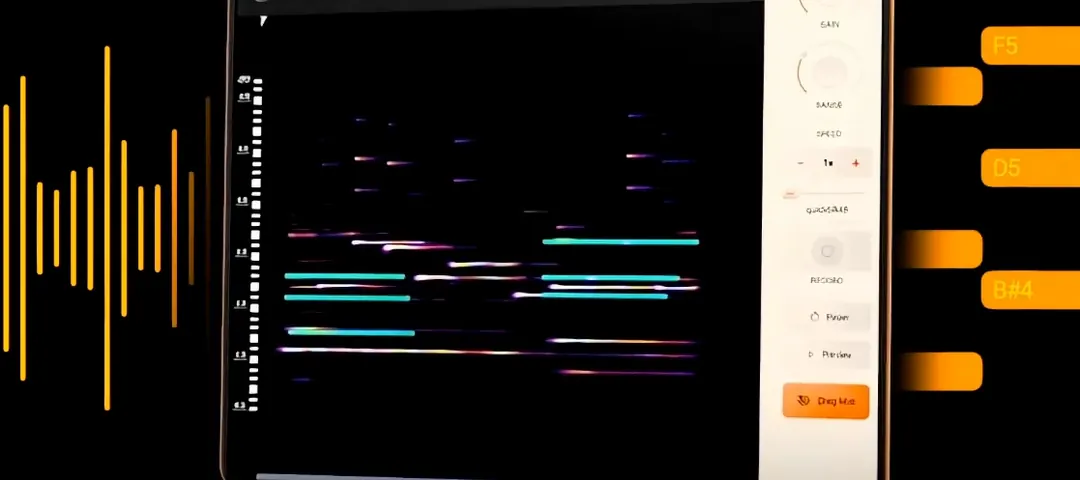
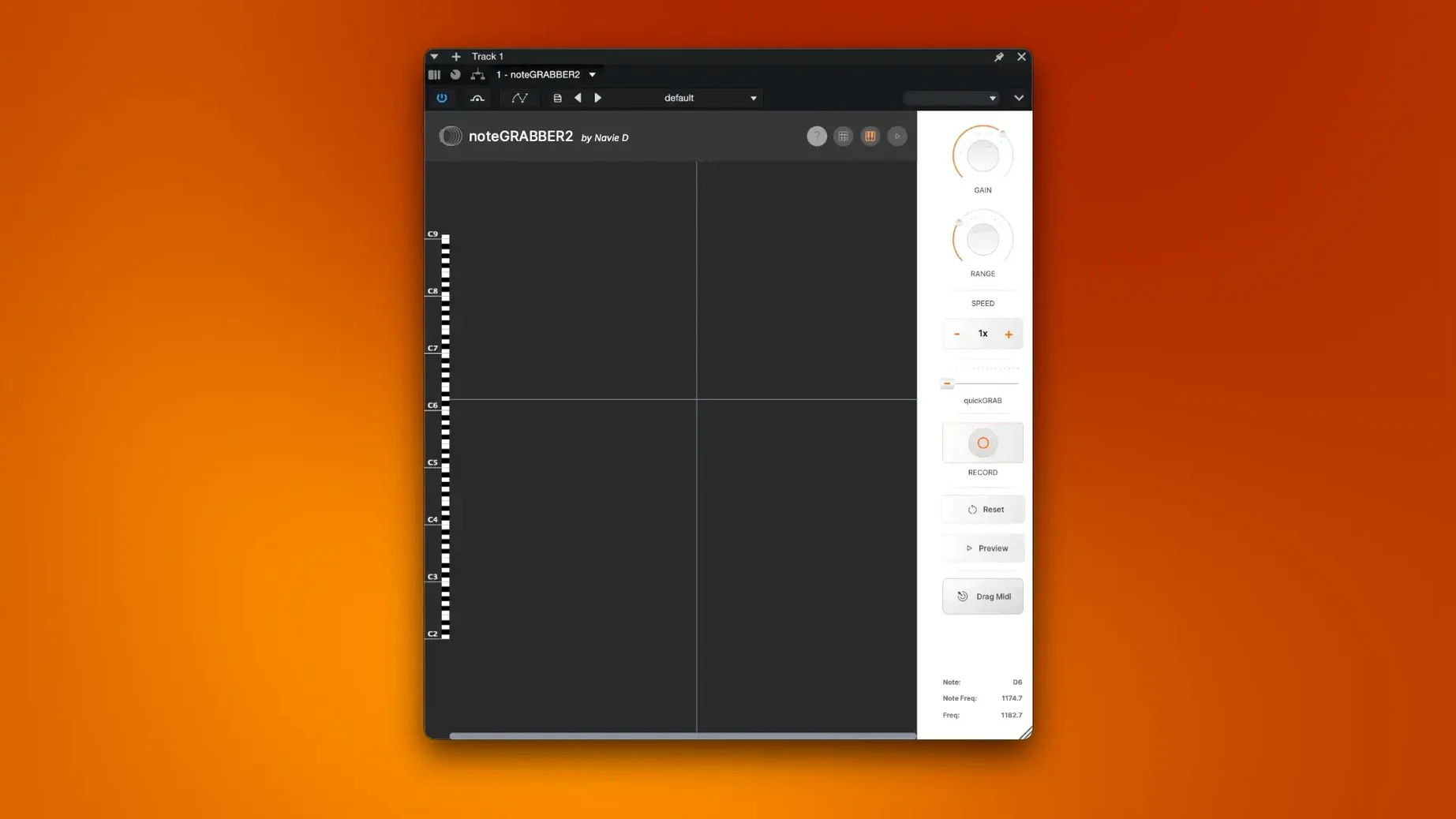
- Capture the notes. Hit play and let the audio pass through the plugin. The interface shows detected pitches popping up in real time.
- Drag the MIDI. Grab the captured MIDI region from the plugin window and pull it onto a new instrument track—a piano, a synth, whatever fits the idea forming in your head.
- Tidy and tweak. Open the piano roll. Shift a few notes that got caught between semitones, shorten any tails that overlap strangely, and check the octave. The heavy lifting of pitch identification is done.
- Mute and build. Mute the original audio, let the new instrument play the MIDI, and start layering drums or bass around it. The sample turned into a starting point instead of a dead end.
From a found sound to a finished bassline
Say you’re working on a downtempo track and you stumble across a recording of a kalimba loop you made months ago. It’s got a sweet, lopsided melody, but the recording is hissy and the tuning drifted a little. You want to double it with a round, clean sub bass that follows the same pattern.
First, you trim the kalimba loop to eight bars and insert noteGRABBER on its channel. You run the transport over the loop once—the plugin picks up the main notes and ignores the breathy noise between plucks. You drag the MIDI block to a fresh track loaded with a sine-wave bass patch. A quick listen shows two notes landed a half-step sharp, so you nudge them down in the piano roll. You then shift the whole MIDI region down an octave, add a gentle sidechain duck from the kick, and the bassline locks in. What started as a dusty phone recording now carries the low end of a track, and the kalimba stays in for texture, tucked behind the clean sine wave.
That’s the workflow noteGRABBER is built for: not replacing your ears, but clearing the path so you spend less time squinting at a tuner and more time shaping the music. The plugin handles the transcription grunt work—finding the pitches and timing—and you handle the creative decisions about what to keep, what to shift, and how the notes sit in the mix. A notegrabber free download search often comes from producers who want to test how quickly they can turn a found loop into flexible MIDI without interrupting the creative flow.
- macOS 10.12 or later
- Intel or Apple Silicon Mac
Questions from the stall
Does noteGRABBER work with polyphonic audio?
It's built primarily for monophonic sources. Complex chords or stacked notes may not translate cleanly and could need manual tidying up after conversion.
Notes from other shops 0
Sign in or open a shop account to leave a note.
No notes yet. If you've used this on a shop Mac, tell me how it went.