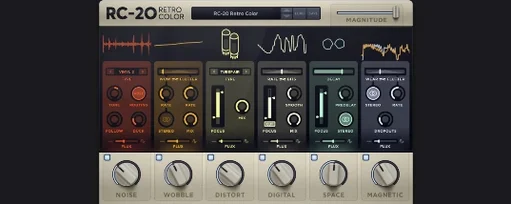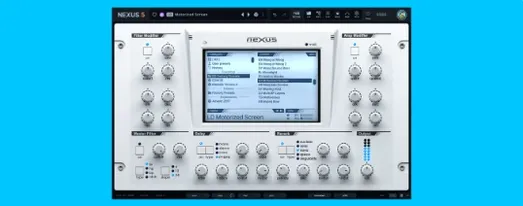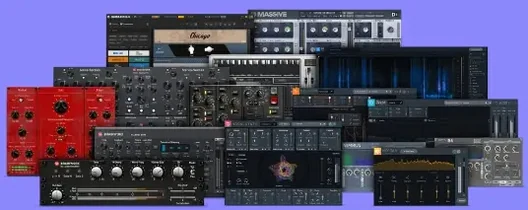
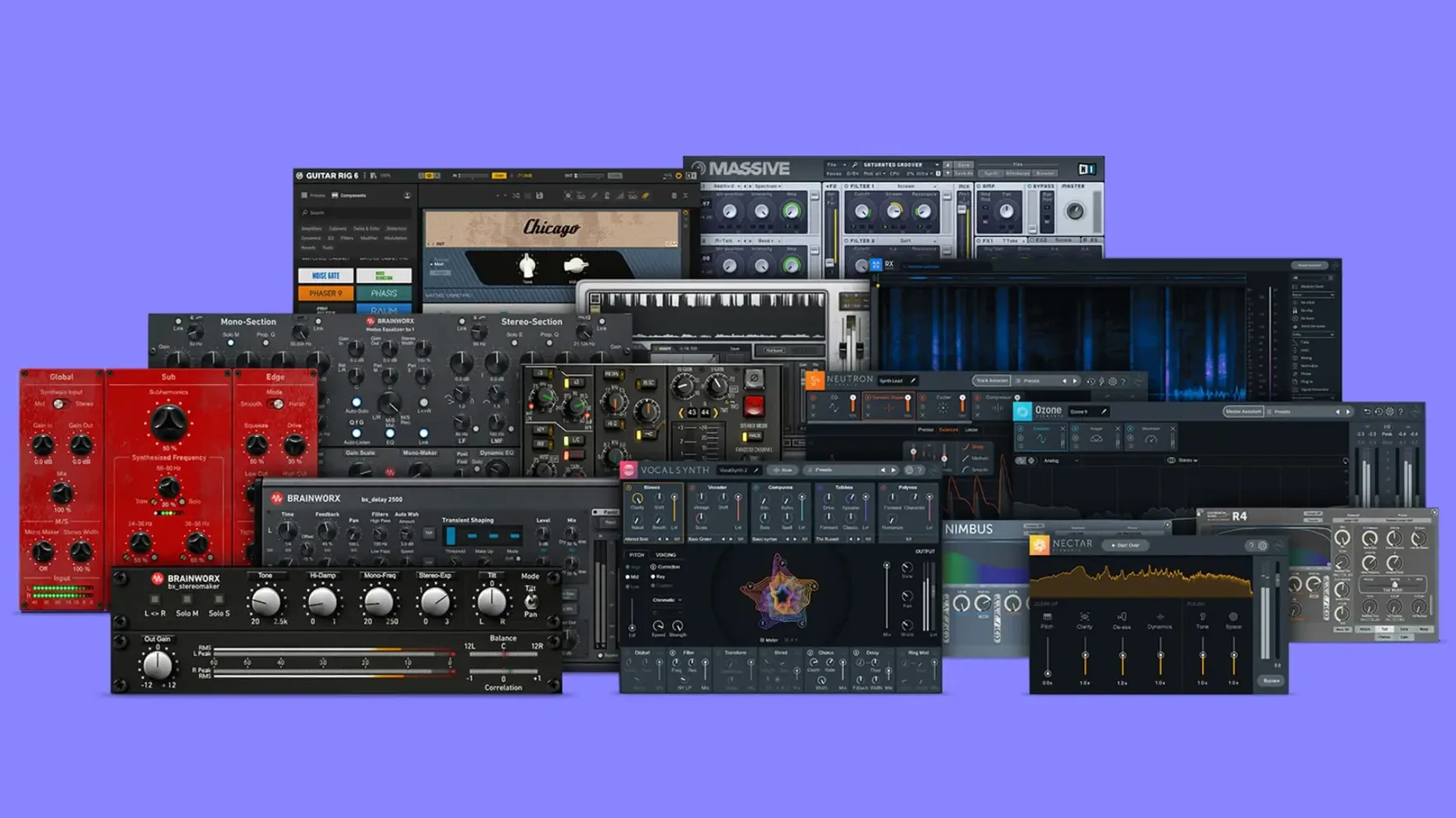
If you've ever tried a channel strip emulation on Mac, you've likely brushed up against Brainworx modeling. Plugin Alliance lists them as a founding development partner, and this bundle pulls together a practical chunk of their catalog—mixing desk tone, mastering polish, and guitar amp character in one download.
A console, a mastering chain, and a tube bass amp
- bx_console SSL 4000 E—the solid-state console sound that shaped countless records.
- bx_masterdesk Pro—a full mastering chain with compression, tone shaping, and foundation controls.
- bx_bassdude—a vintage tube bass amp that takes pedals well and sits in a mix without fuss.
- bx_rockrack V3—a grab-and-go guitar amp suite with cabinets and effects, tuned for rock textures.
What small-shop users actually wonder
People usually ask whether the bundle runs on current Macs without Rosetta, and the answer is yes—native Apple Silicon and 64-bit Intel support are both included. macOS 11 is the floor, so most machines from the last several years are covered. The installation is refreshingly ordinary: mount the disk image and run the standard installer, no extra hoops. The interface is in English, and everything lands in your usual VST, AU, and AAX folders depending on what your DAW expects. For a self-taught shop owner doing their own mixes, having console saturation, a mastering desk, and two amp sims in one trip saves the piecemeal plugin shuffle that eats into an afternoon.
Adjust TMT channel variance first for your own console sound
Out of the box, these plugins load with sensible defaults—but a few quick tweaks make them feel more like your own tools.
In bx_console SSL 4000 E, the first thing I'd adjust is the TMT channel variance. Brainworx models component tolerances across multiple channels of a real console, so spinning that knob to a different number changes the stereo field and subtle saturation behavior. It's not dramatic, but stacking 16 tracks all set to channel 1 can flatten things. Spread them across the dial—odd numbers for left-panned elements, evens for the right—and the mix breathes differently. Also, flip the V-Gain knob from its default position. It drives the virtual input stage before the EQ hits, and a gentle nudge adds weight without obvious distortion.
bx_masterdesk Pro benefits from dropping the Foundation slider lower than you think. The default midpoint can feel heavy on dense material. Start around 9 o'clock and push up only if the low end actually needs it—your car stereo test will thank you later. Turn off the M/S monitoring button unless you're actively checking mono compatibility. Leaving it on by accident has confused more than one late-night session at my desk.
For bx_rockrack V3, swap the default cabinet impulse immediately. The stock cab gets you going, but the secondary options—particularly the 4x12 with ribbon mic placement—tighten the low-mids in a way that needs less EQ after the fact. The noise gate threshold sits a touch conservative; pull it back 6 dB and let the gain staging do the quieting instead.
Home-studio mix engineers tracking their own projects
This isn't a bundle for dabblers who want one-knob solutions, and it's not aimed at post-production editors chasing loudness compliance. The sweet spot sits with a few specific Mac users.
Home-studio mix engineers who track their own projects benefit the most. If you're recording acoustic instruments alongside DI guitars and soft synths, the console saturation in bx_console SSL 4000 E glues things together in a way that pure-digital summing misses. Apply it across busses rather than individual tracks and the cumulative effect is subtle cohesion—not obvious “analog warmth” marketing talk, but actual midrange density.
Guitarists running DI into a DAW get two distinct amp paths that cover more ground than they look like on paper. bx_bassdude handles clean-to-edge tones beautifully with pedals in front—I've heard bass tracks that never saw a real amp sit perfectly under a mix. bx_rockrack V3 covers higher-gain territory without needing an additional IR loader, which keeps the plugin count down on modest Macs.
Self-mastering artists who finish their own tracks also find their footing here. bx_masterdesk Pro gives you a structured mastering flow—compression, tone, stereo width, limiting—without the bottomless options of a modular chain. That constraint is actually helpful when you're the one who mixed the track and you're too close to it. Fewer knobs mean faster decisions.
Authorize locally, then take your laptop anywhere
Does this need an iLok or constant internet? No hardware dongle and no always-online check. Once installed, the plugins authorize locally and stay that way. For a shop owner who sometimes takes a laptop to a pop-up market to edit product videos, that matters.
Will these plugins bloat my plugin menus? You get the individual plugins, not a monolithic wrapper. If you only need bx_glue for drum buss compression, you install that and skip the guitar amps. The installer lets you pick components—not always the case with bundles this size.
Do they play nicely with older sessions? Plugin Alliance uses consistent plugin IDs, so sessions referencing earlier versions of the same plugins recall without drama. If you've used standalone bx_digital V3 or bx_townhouse Buss Compressor before, those presets and automation lanes carry over.
Is the CPU hit manageable on an older Intel Mac? The console and mastering plugins are reasonably efficient—expect a few percent per instance on a 2018 MacBook Pro. bx_rockrack V3 with the cab section enabled is heavier. Freeze or commit guitar tracks if you're stacking multiple instances, which is standard practice anyway.
Plugins appear in Logic, Ableton, REAPER, and Pro Tools
These plugins slot into any DAW that reads AU or VST3—Logic Pro, Ableton Live, REAPER, and Studio One all recognize them immediately. AAX support covers Pro Tools users on the same machine. The installer drops everything into the standard system folders, so no manual path wrangling is needed.
On Apple Silicon Macs, running natively means they load inside Logic without the Rosetta overhead, which keeps session startup snappy. That's worth verifying in your DAW's plugin manager—look for the “Apple” architecture tag next to each one. If you're still on Intel, the 64-bit binaries perform identically to what you'd expect from the standalone Brainworx releases.
The bundle also pairs well with macOS's own audio routing. Use bx_glue on a summed output bus while monitoring through the Mac's built-in headphone jack for quick reference checks. bx_digital V3 works nicely as a final polish EQ after a mixdown you've exported and pulled back into a fresh session—its mid-side mode catches stereo balance issues that the built-in Logic EQ might not highlight in the same way.
If your workflow already includes other Plugin Alliance tools, these Brainworx offerings share the same preset management and automation behavior. Settings copy between sessions cleanly, and the knob scaling feels consistent across the bundle. For small-shop people who track, mix, and master on the same Mac, that consistency removes one more variable from a process that already has plenty.
- macOS 11 or newer
- Apple Silicon or 64-bit Intel processor
- Compatible DAW that hosts VST, AU, or AAX plugins
Notes from other shops 0
Sign in or open a shop account to leave a note.
No notes yet. If you've used this on a shop Mac, tell me how it went.