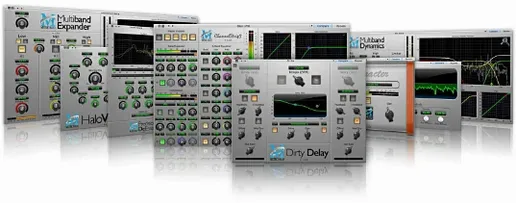
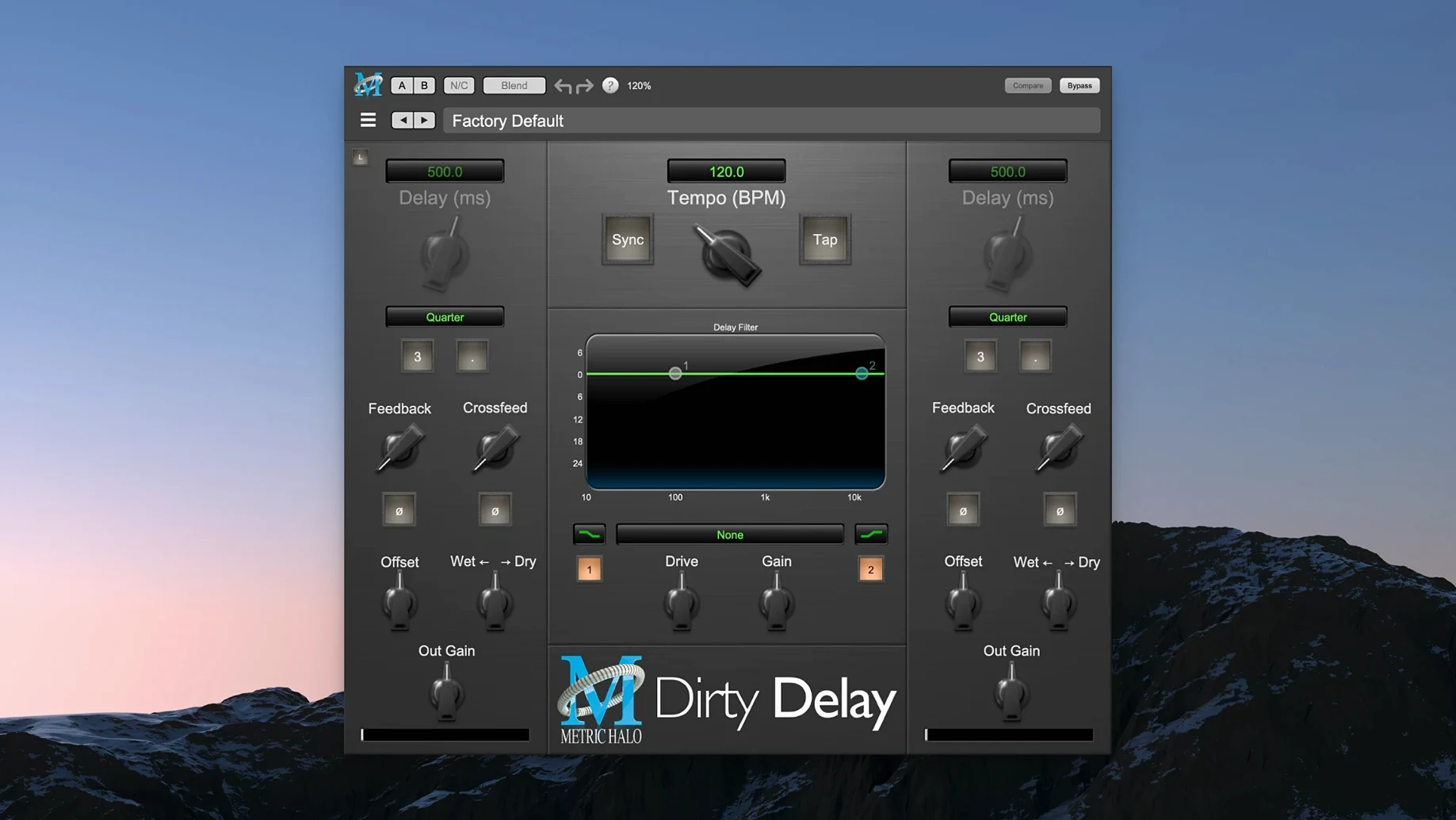
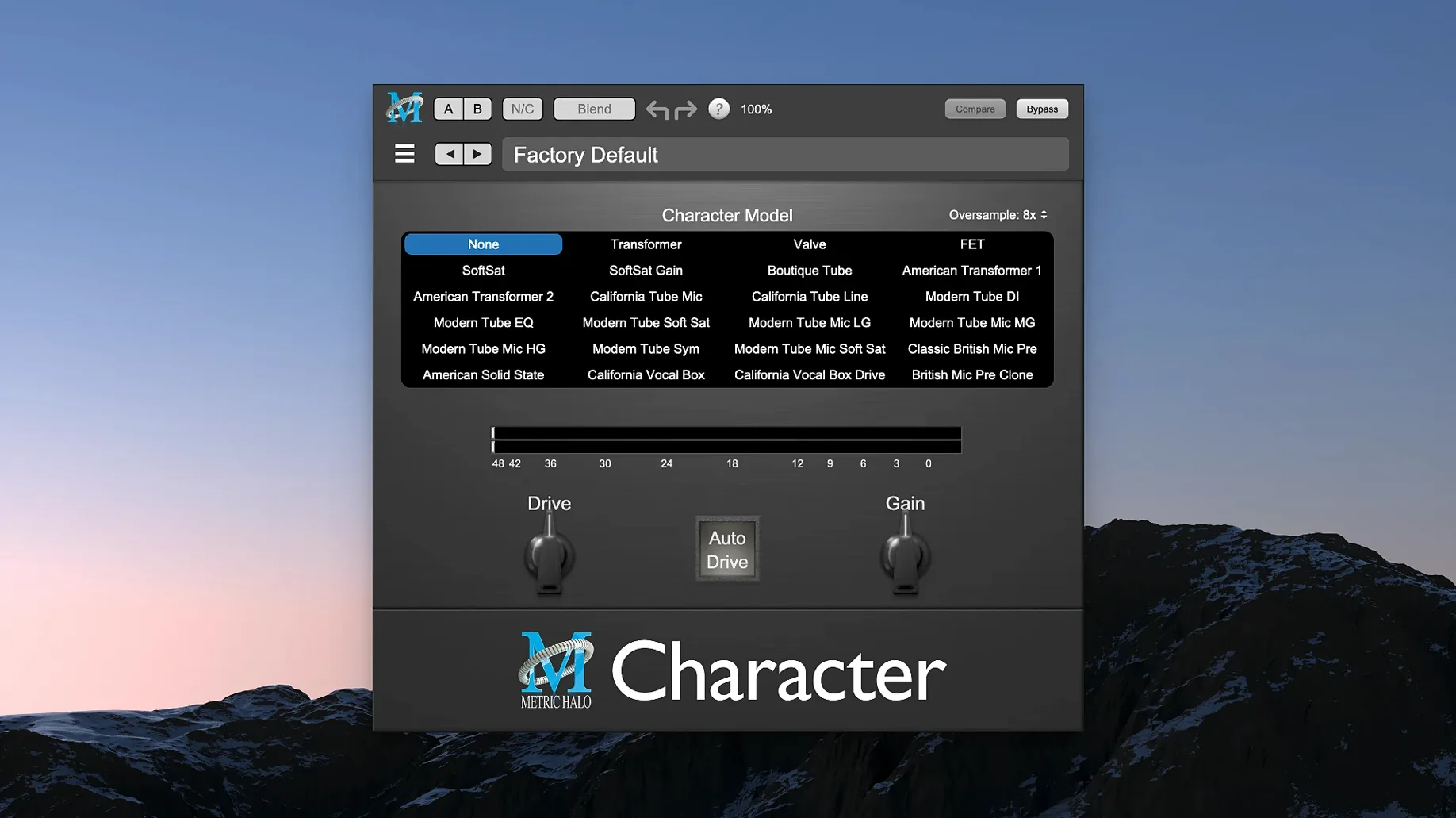
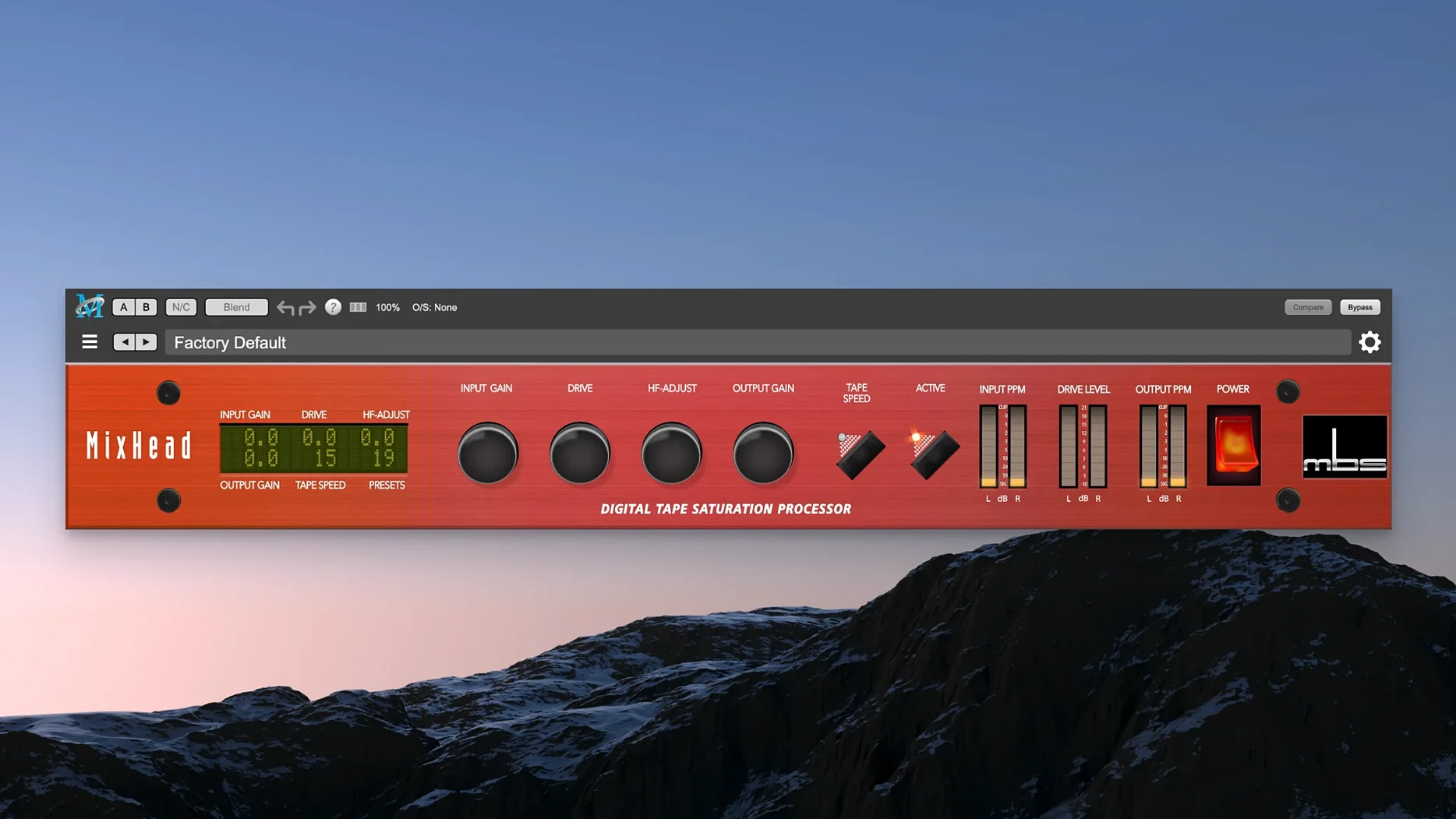
Metric Halo Production Bundle is a toolkit of audio processors that puts classic console-style control and creative processing side by side in your DAW. Instead of chasing presets, you reach for faders, curves, and real-time graphs until the mix sits right.
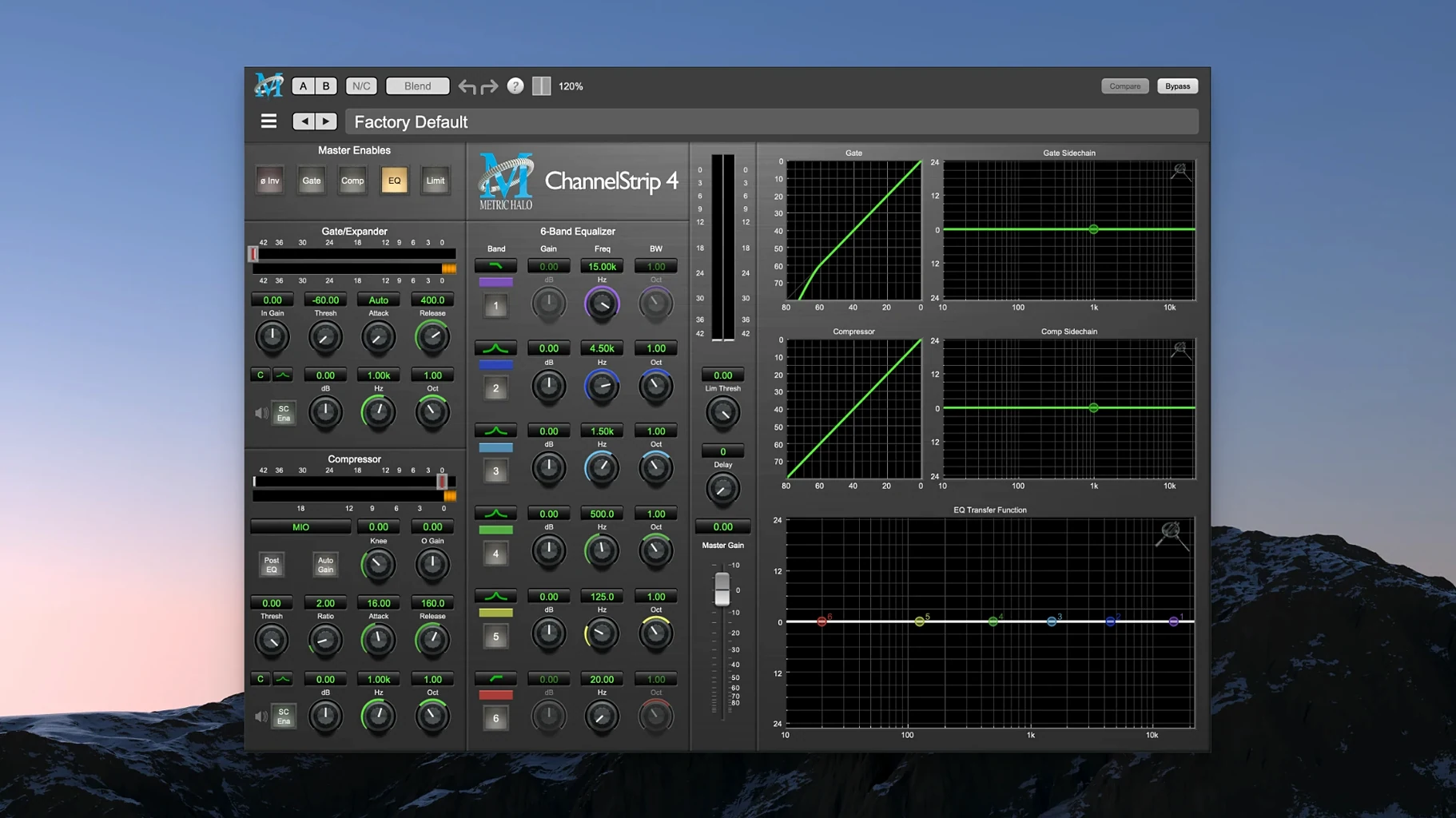
- ChannelStrip gives you a full channel in one window — a flexible EQ with a detailed frequency graph, a compressor/limiter that can grab peaks or glue a bus, and a gate/expander with sidechain filtering to clean up bleed without choking the transient. The spectragraph display makes it easy to see exactly what you’re cutting or boosting.
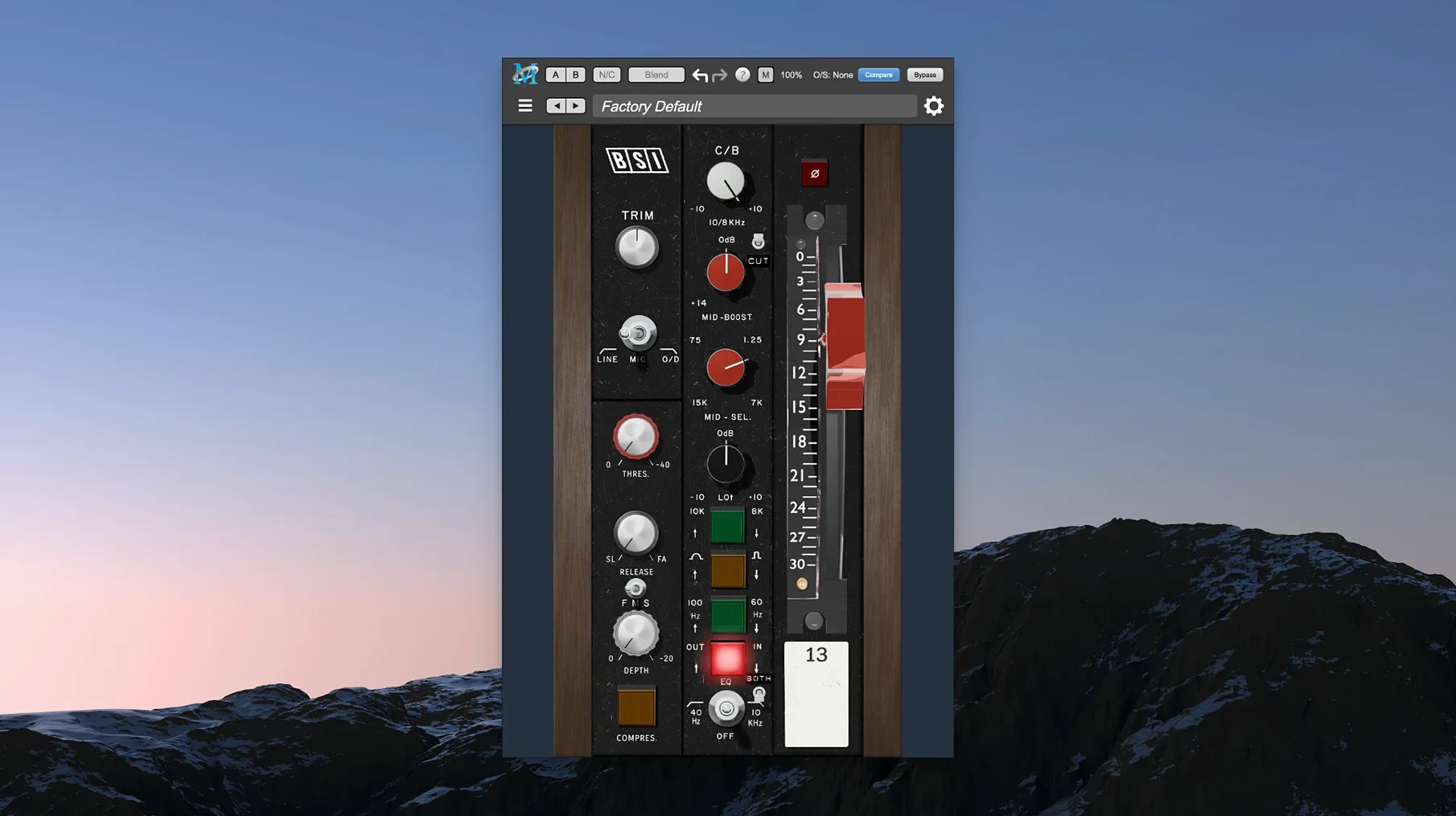
- MIOStrip strips the console concept back to its essentials with a simpler layout, so you can set gain, shape tone, and control dynamics fast when you don’t need every graph on screen.
- HaloVerb is an algorithmic reverb that leans away from sterile halls and toward spaces with texture. The damping and diffusion controls let you rough up a tail or soften it into something that wraps around a vocal without clouding the midrange.
- Thump synthesizes subharmonics and adds low-end weight that feels tuned to the source rather than just a generic sine wave layered underneath. It’s useful when a kick or bass line needs to move air but not eat up headroom.
What ties the bundle together is that every plug-in invites you to work with your ears and your hands. The interfaces respond like hardware that expects you to push it a little, whether you’re tightening a drum bus or washing out a synth pad.
How a post-production editor uses the bundle on a dialogue-heavy short film
A dialogue editor working on a 15-minute indie film gets handed location audio with uneven levels, occasional chair squeaks between words, and a lead actor whose sibilant consonants cut through the midrange. She doesn’t need a dozen different plug-in brands — she needs fast, repeatable processing that stays out of the way while she scrubs through takes. ChannelStrip sits on every dialogue track, with the gate sidechain filtered to ignore low-frequency rumble so it closes only on true silence. Precision De-Esser catches the worst of the S and T sounds around 6.8 kHz without dulling the actor’s natural tone. By the time she bounces stems for the re-recording mixer, the dialogue feels present and controlled, and she’s spent more time editing performance than tweaking plug-ins.
Mixing a dense pop track with ChannelStrip’s spectragraph
Let’s walk through a session where a producer tackles a dense pop mix with Metric Halo Production Bundle already loaded in Logic Pro.
- She opens the drum bus and inserts ChannelStrip. The spectragraph shows a buildup around 400 Hz from the room mics. She pulls a wide cut there, then switches the compressor to RMS mode and sets a slow attack to let the snare transient breathe. The gate sidechain is keyed to the kick track so the room mics duck during double-kick passages — clean, no chatter.
- On the bass guitar track, she drops in Thump. She dials the frequency down to 41 Hz — right where the lowest note fundamental sits — and blends the synthesized harmonic until the bass feels solid on small speakers without muddying the low-mids. No EQ boost needed; the weight comes from the subharmonic, not from cranking 60 Hz on the channel.
- For the lead vocal, she chains Precision De-Esser into HaloVerb. The de-esser’s wideband mode catches sibilance transparently, and she sets HaloVerb to a short, dark plate with the diffusion pushed up so the tail melts into the track rather than sitting on top. She rides the send automation to push more verb on held notes at the end of phrases.
- On the master bus, she adds MIOStrip for gentle glue. The compressor works in feed-forward mode with a 2:1 ratio and just 1-2 dB of gain reduction. The output stage adds a touch of analog-style saturation that rounds off transients before she prints the mix. The whole session stays snappy — no beachballs, no plug-in windows lagging behind playback.
Tip: If you’re processing a full band, save a ChannelStrip instance as a default preset with the gate already sidechained to a silent bus — you can route the key source later without rebuilding the signal path from scratch every time.
Stacking 40+ instances on Apple Silicon at 96 kHz
Apple Silicon support means the bundle loads fast and stays responsive even when you stack instances across 40 or 50 tracks. On an M-series Mac running a busy mix session at 96 kHz, ChannelStrip’s spectragraph updates smoothly without the frame-rate hit you sometimes see with heavier FFT displays. Memory footprint per instance stays modest — you’re not swapping to disk just because you opened HaloVerb on three auxiliary sends.
Stability is what you’d expect from a developer focused on DSP hardware and plug-ins for decades. During long editing days, the plug-ins don’t randomly reset parameters when you reopen a project, and automation lanes read back predictably. Thump’s subharmonic engine locks to pitch without glitching on sustained notes, which matters if you’re printing stems and can’t afford a retrigger artifact halfway through a bass line.
One thing I appreciate: the bundle doesn’t phone home or run background licensing checks that spike CPU at the worst moment. Once it’s installed, it stays quiet. If you’ve ever had a plug-in decide mid-session that it needs to verify something online, you’ll know why that matters.
- macOS 11 or later
- Apple Silicon Mac
Questions from the stall
Which plug-ins come in the Metric Halo Production Bundle?
The bundle includes ChannelStrip, MIOStrip, HaloVerb, Thump, and several other Metric Halo processors for mixing, mastering, and sound design.
Does ChannelStrip include sidechain capabilities?
Yes, ChannelStrip provides a full sidechain function so you can trigger its compressor and gate from an external source.
What is Metric Halo Thump used for?
Thump performs harmonic synthesis to generate subharmonics and add low-frequency weight to bass instruments and kicks.
Notes from other shops 0
Sign in or open a shop account to leave a note.
No notes yet. If you've used this on a shop Mac, tell me how it went.