
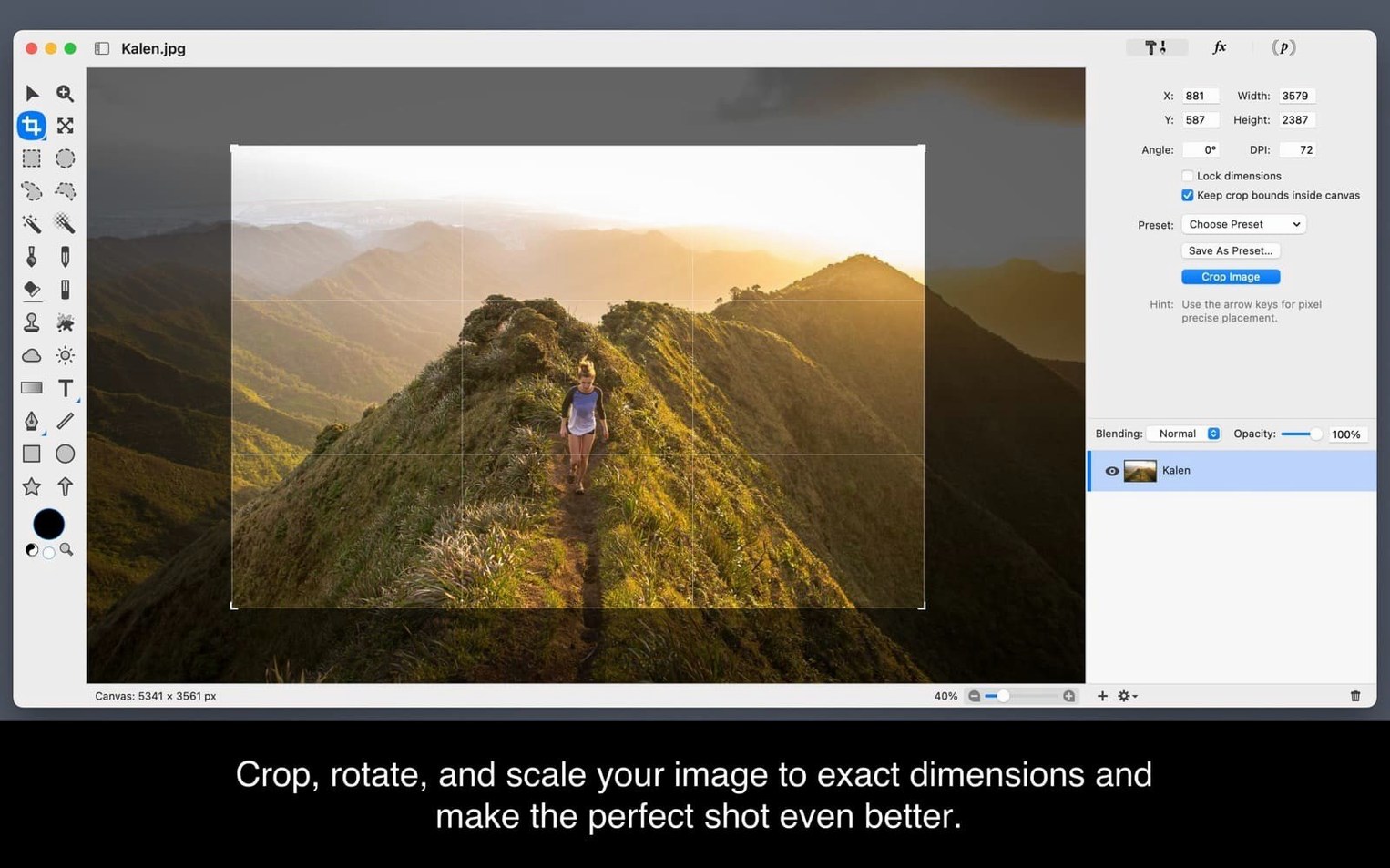
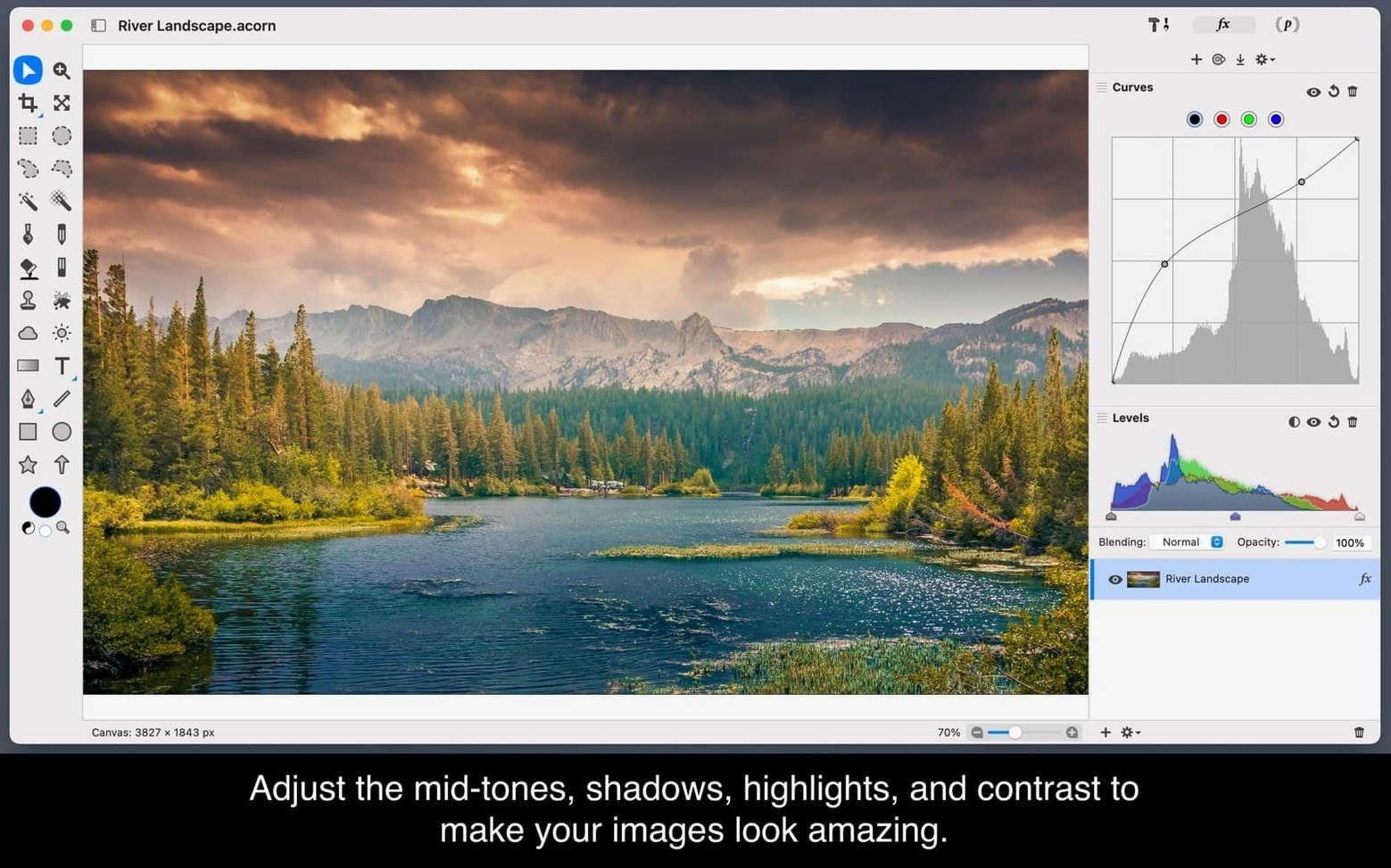
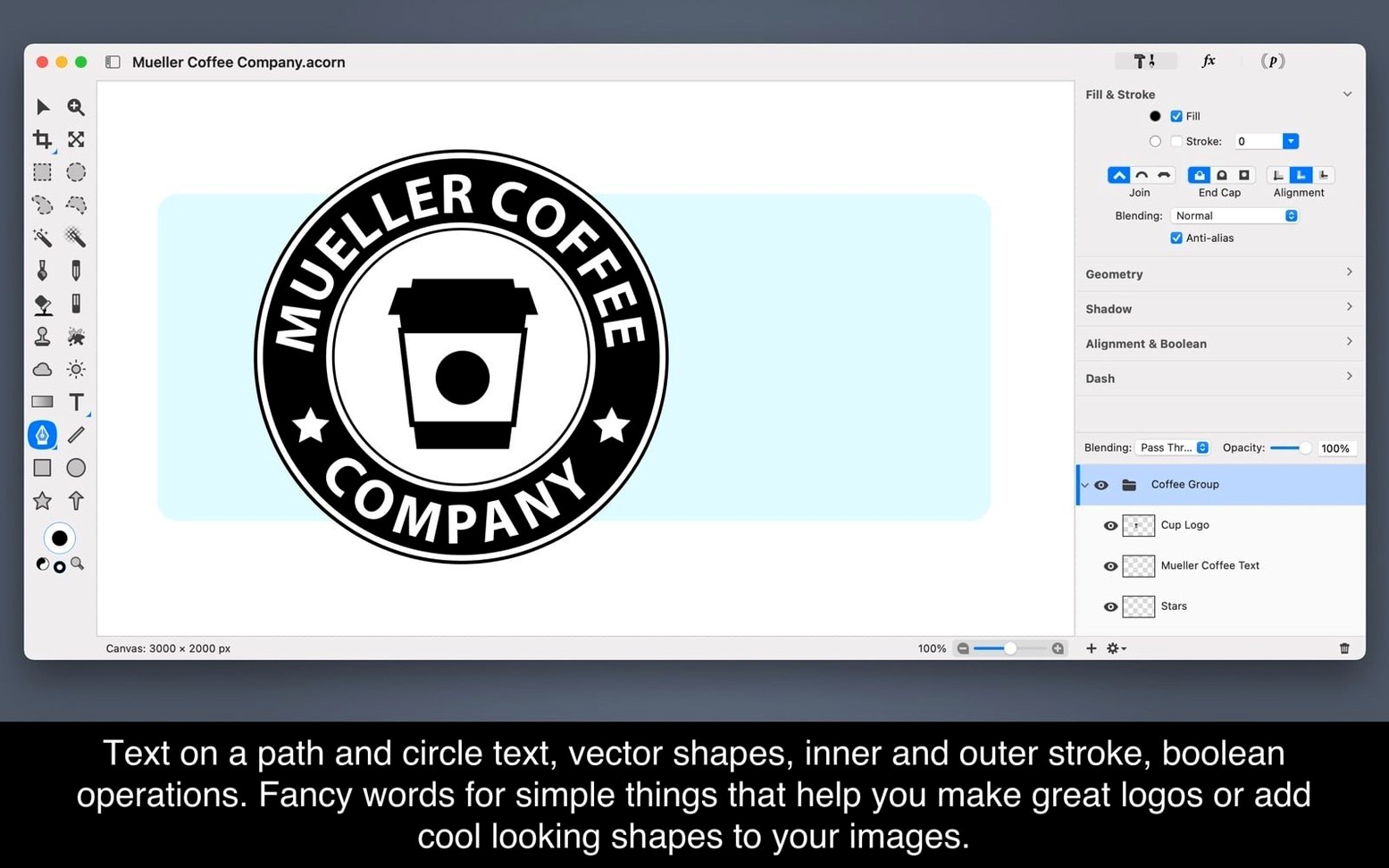
Acorn handles files with over a hundred layers without slowing down on an M1 MacBook Air. That kind of headroom makes it a practical daily editor for product photos, web graphics, and layered compositions — especially if you want a native Mac app.
- Does it support modern Mac hardware? Yes, it runs on Apple Silicon and Intel, and version 8.6.3 adds support for macOS 27 Golden Gate.
- Can I draw with vectors or just paint? You get vector layers alongside the usual paint and photo tools. Good for logos and shapes that need to stay sharp at any size.
- What about filters and effects? You can stack multiple filters on a single layer and tweak them non-destructively — useful for building a look piece by piece.
- Can it capture images directly? The app can create new images and layers from an iSight camera, and it has its own screenshot tools for quick edits.
- Is the interface available in other languages? It speaks English, German, and Polish.
Those answers cover the main things I hear from shop owners and makers who want one tool for photos, drawing, and quick web graphics without juggling three different apps.
Two-minute tweaks to make Acorn feel native
Out of the box, Acorn works fine — but a few tweaks make it feel more like yours and less like a demo. The preferences window is straightforward, so this takes maybe two minutes.
Turn on “Open documents in tabs” if you work on several images at once. Without it, every file gets its own window, and things get cluttered fast. With tabs, switching between a product photo, a banner, and a logo file feels natural — like a browser for your images.
Set the autosave interval tighter. The default is generous. I set it to every 5 minutes. If you edit screenshots for tutorials or touch up batches of product shots, losing even ten minutes of layer adjustments stings.
Change the canvas background to medium grey. The default white canvas blends into the window chrome, and if you're working on a graphic with light edges, you can lose track of where your image ends. A neutral grey background makes cropping decisions easier and gives your eyes a break.
Adjust the rulers to pixels. Acorn defaults to whatever unit macOS thinks you want. If you design for screens, switch the ruler units to pixels — inches are useless when you're sizing a social media graphic or a newsletter header.
macOS 27 support keeps brushes and tools glitch-free
Version 8.6.3 is a maintenance release, so the headline feature is full support for macOS 27 Golden Gate. That matters more than it sounds. Some older image editors break in subtle ways after a major macOS update — brush lag, flickering palettes, or a filter that suddenly renders a black square. Acorn on Golden Gate just works like it did yesterday.
In daily practice, that means you open the app, edit a screenshot, paint on a mask, stack a blur and a curves adjustment, and nothing surprises you. No workarounds, no waiting for a patch. If your Mac updated itself overnight, Acorn will be ready in the morning.
Earlier 8.x releases quietly improved layer performance on large canvases and made the text tool more responsive when you switch fonts. Combined with the macOS 27 compatibility, the latest acorn mac app feels like the same dependable tool — just running on a newer system without friction.
If you've held off updating macOS because you worried about your image editor, the 8.6.3 release removes that hesitation. Grab the latest acorn for mac, and you can update your Mac without losing a step.
Acorn 8.7.1 has landed with a fresh round of tweaks and polish from the developer.
- macOS 14 or later
- Works on Apple Silicon and Intel 64-bit Macs
Questions from the stall
Does Acorn 8.6.3 work on the latest macOS?
Yes, it runs on macOS 14 and newer, and the 8.6.3 update specifically adds support for macOS 27 Golden Gate.
Notes from other shops 0
Sign in or open a shop account to leave a note.
No notes yet. If you've used this on a shop Mac, tell me how it went.