
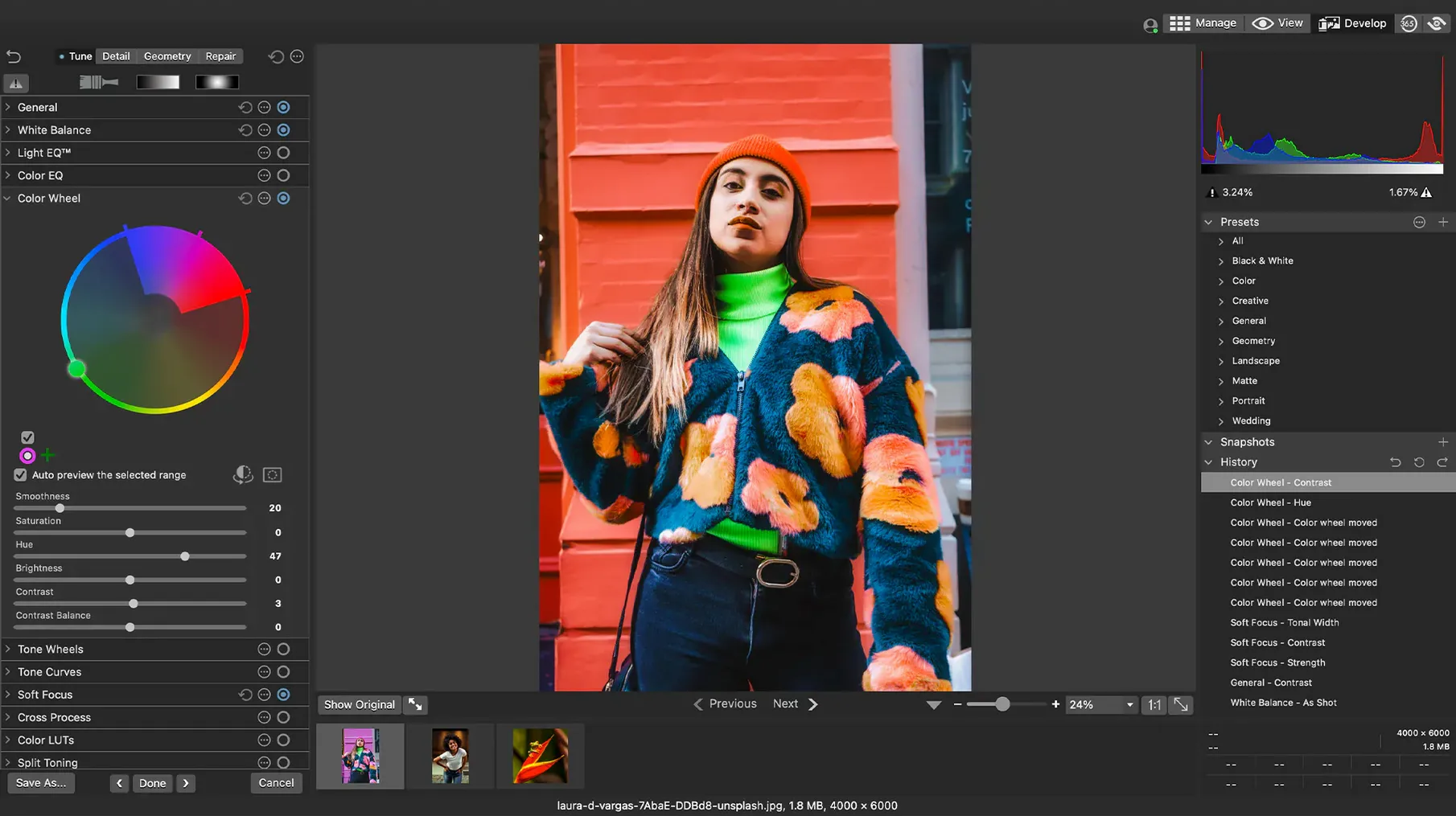
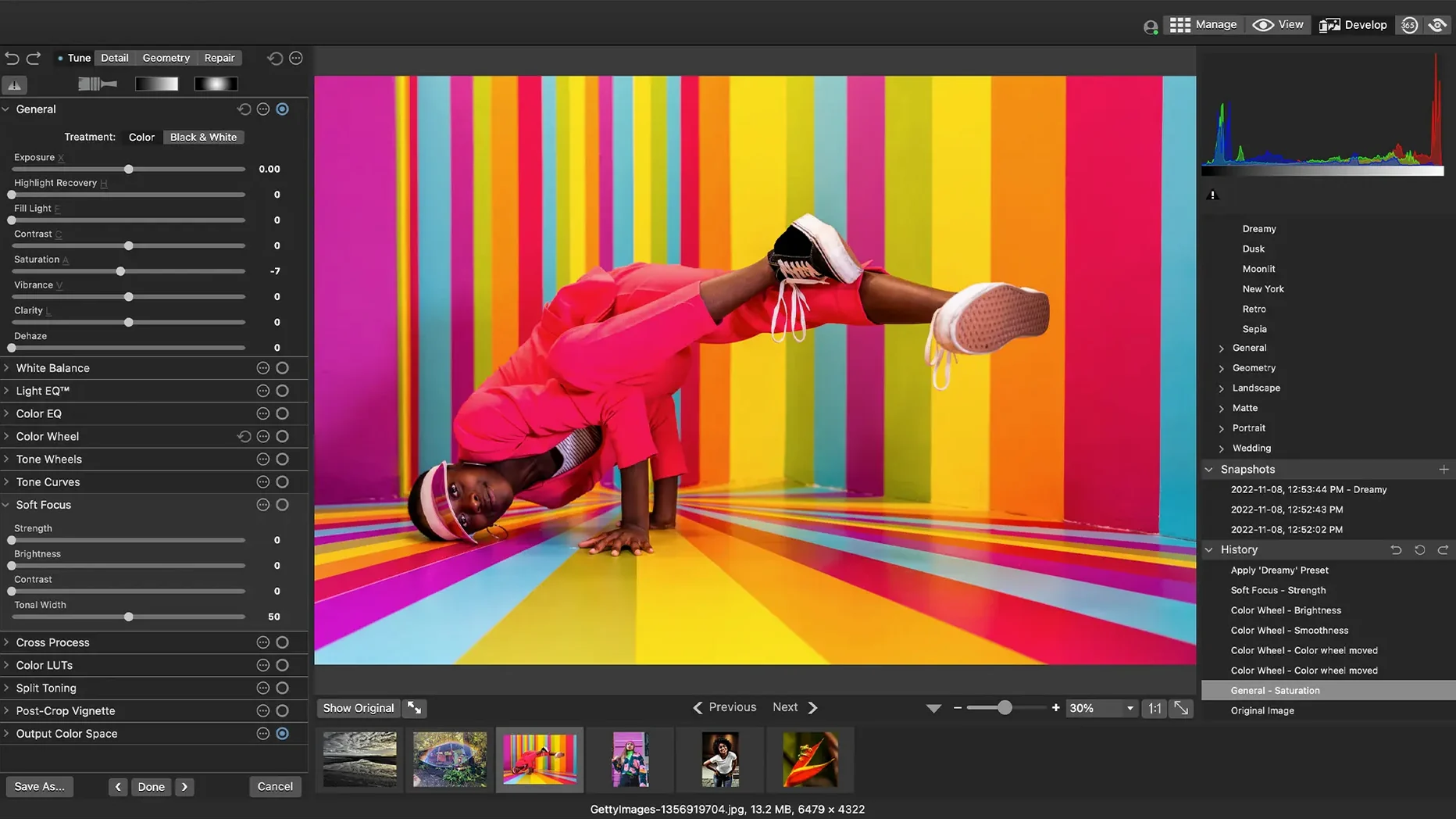
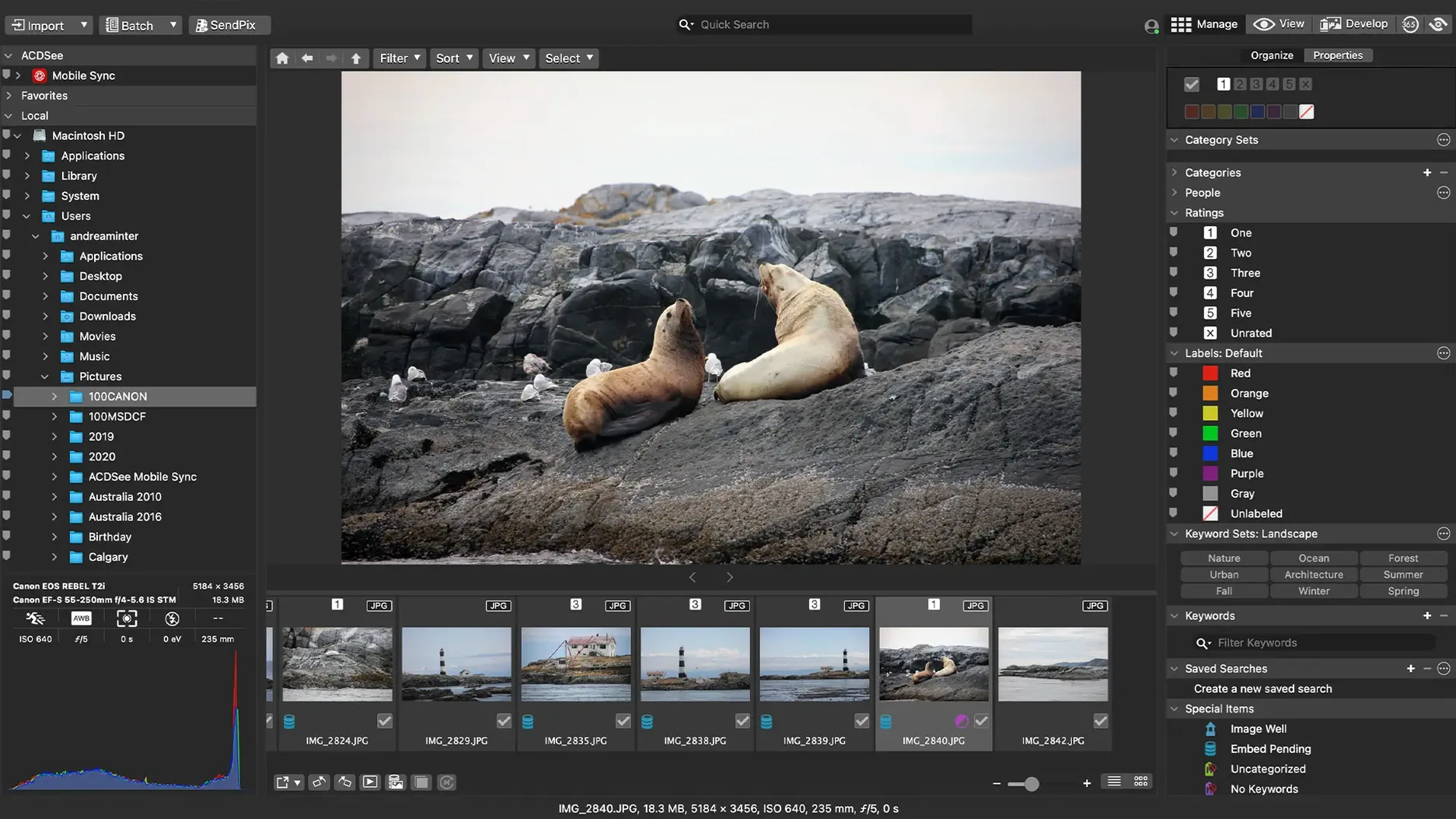
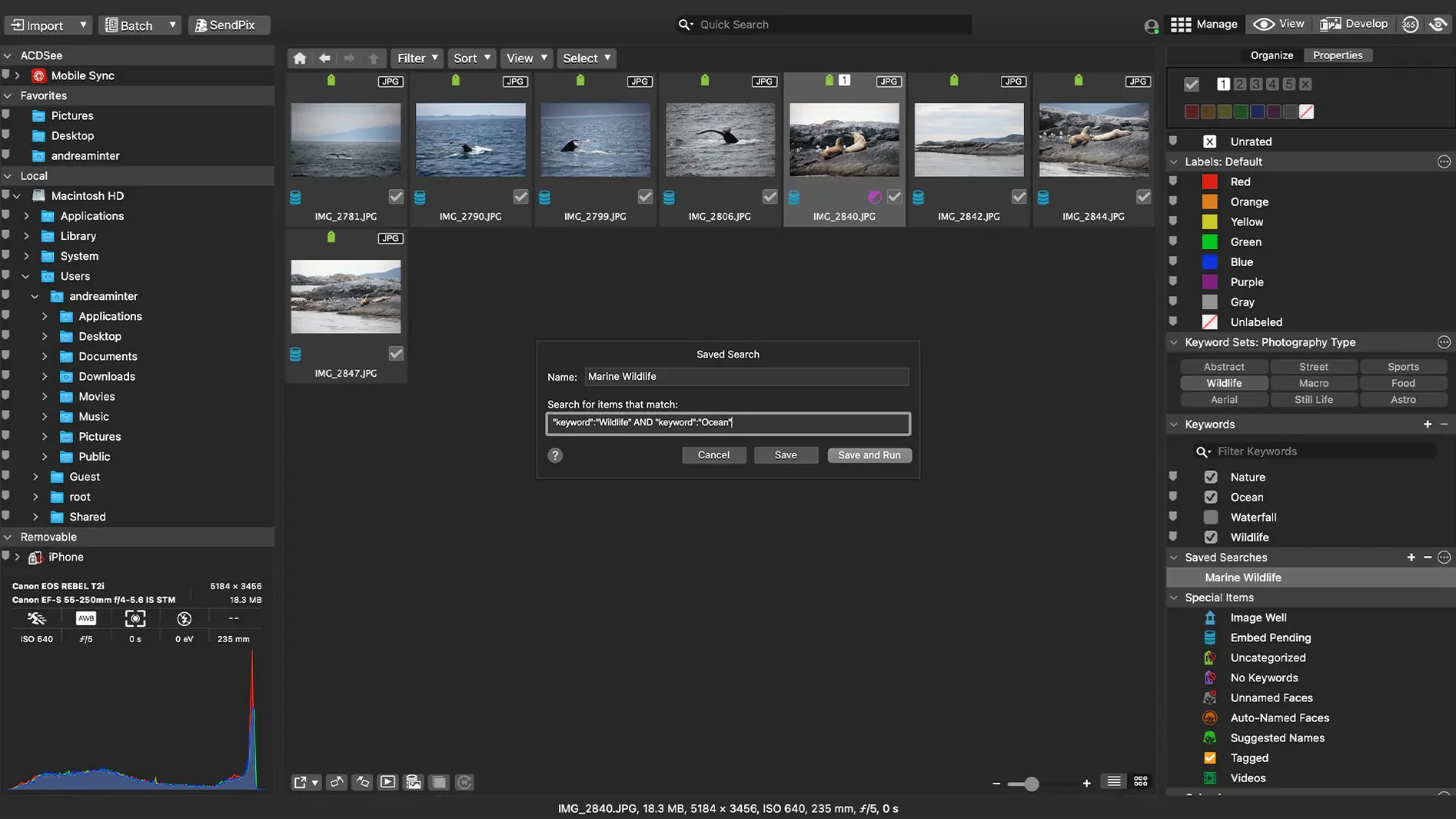
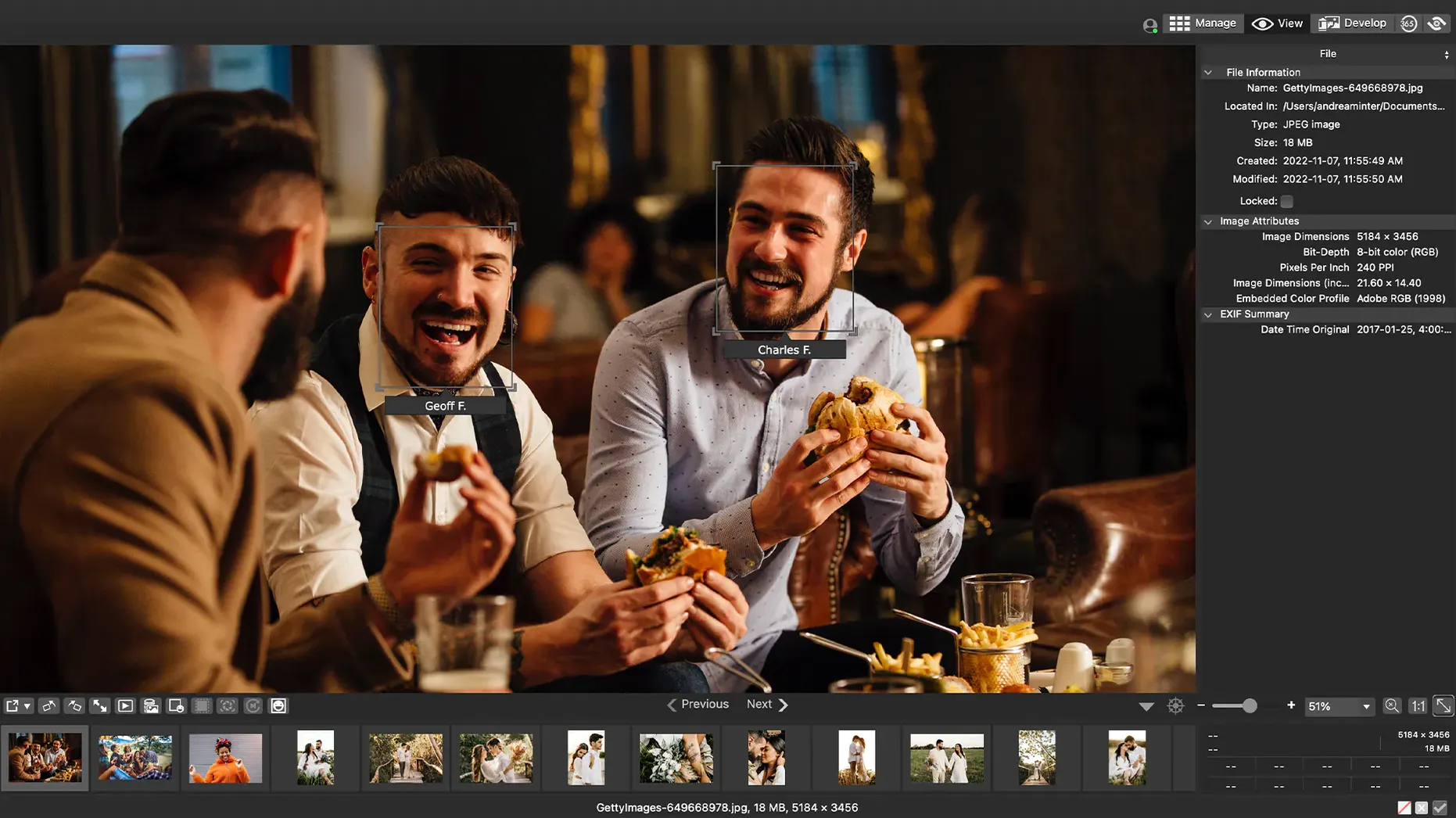
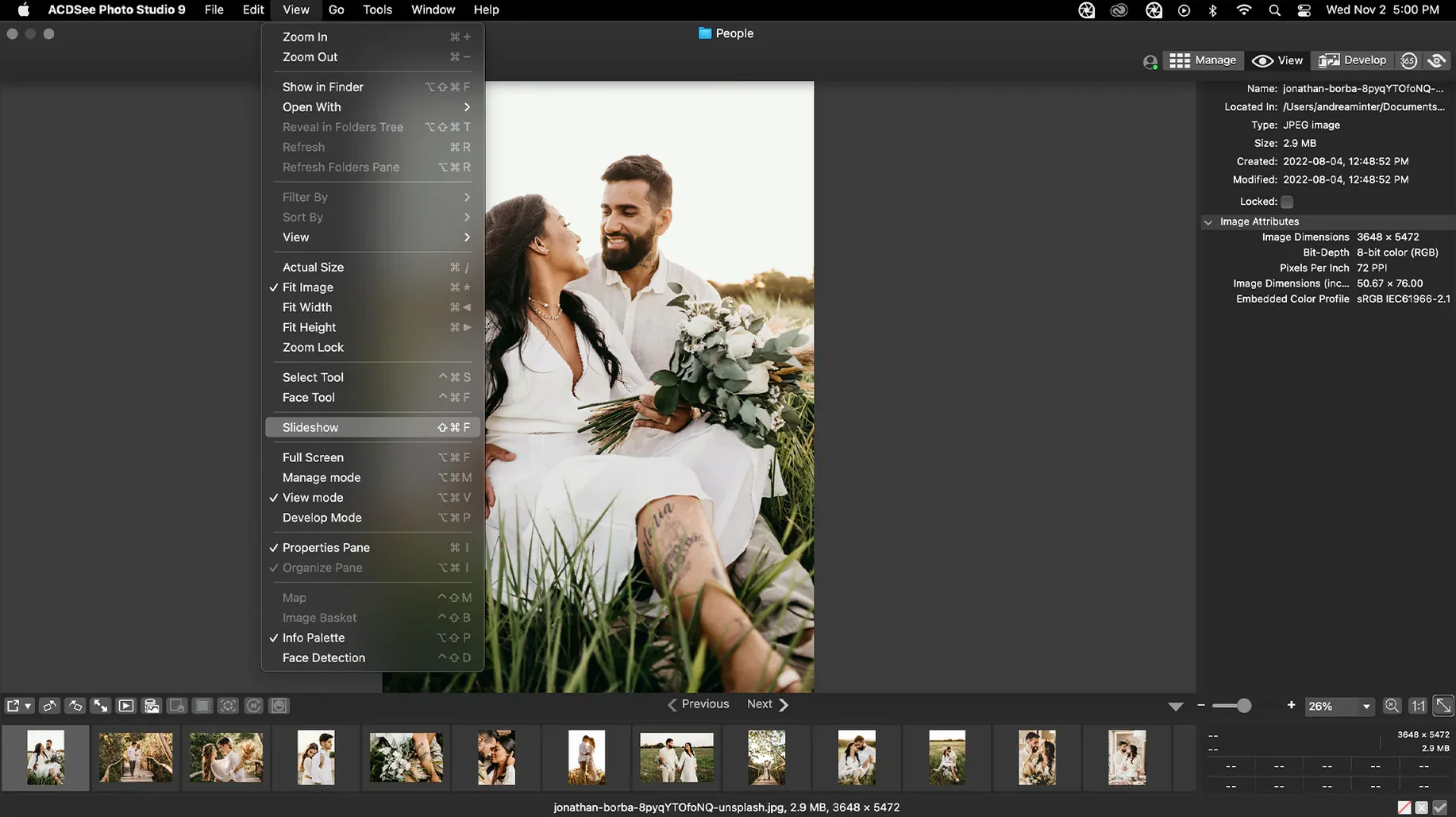
The latest update to ACDSee Photo Studio for Mac is largely a maintenance release. Version 26.0.3 irons out a few workflow wrinkles: a crash when adding a new keyword is fixed, RAW file ratings now read correctly, and iCloud integration behaves more reliably. It is a quiet update, but a useful one if you hit any of those snags.
Quick compatibility check before you install
Here is a quick compatibility check before you install.
Runs natively on Apple Silicon Macs and recent Intel systems
- Apple Silicon Macs (M1, M2, M3 and later)
- Intel Macs that can run a recent OS
- Anyone on macOS 14 (Sonoma) or later
Requires macOS 14.0 minimum, no Rosetta needed
- Requires macOS 14.0 minimum — older systems are not supported
- Runs natively on Apple Silicon, not under Rosetta emulation
Organize a messy library and find visually similar shots
At its core, this is a photo organizer paired with a non-destructive editor. You can sort a messy library by date, hunt down duplicate files, or drag an image onto the search bar to find visually similar shots. Adjustments stay flexible because the originals remain untouched. It is a practical setup if you shoot a lot and want one tool to manage, find, and lightly retouch your work.
Pair it with Pixelmator Pro for heavier editing work
ACDSee Photo Studio does not try to replace every app on your Mac. It is strongest when you treat it as the organizing layer and let other software handle specialized jobs. I keep it open alongside Pixelmator Pro for heavier retouching — I cull and keyword in ACDSee, then right-click an image and choose "Open With" when I need layers or compositing tools. The file system stays the source of truth, so nothing gets locked into a proprietary database.
macOS features like Spotlight and Quick Look work with your folders as usual, because ACDSee reads from the same directory structure. You can drag a batch of adjusted JPEGs straight into a Messages thread or an email without exporting through a separate dialog first. If you use iCloud Drive to sync a working folder between your Mac and an iPad, the recent iCloud fix in version 26.0.3 means fewer sync conflicts when the app reads metadata from those files.
For video clips mixed into a photo shoot, the app previews them but editing is not its job — that is where something like acdsee video studio would step in if you already work in that ecosystem. On the Mac side, I pair it with QuickTime or iMovie for quick trims and leave the heavy video work to a dedicated editor.
Stability improvements that make daily browsing snappier
The jump to native Apple Silicon support in an earlier release was the big shift — everything from thumbnail rendering to RAW decoding got snappier. Version 26.0.3 is a stability pass, not a feature drop, and that shows in daily use. The keyword crash fix means you can build out a category tree mid-session without the app disappearing on you. Before the fix, adding a child keyword while renaming a parent could trip it up; now the inline editing behaves the way you expect.
RAW rating accuracy matters more than it sounds. If you rate a burst of shots in-camera and then import them, those stars now carry over correctly. That saves a second pass of culling. The iCloud tweak is subtle — you might only notice it if you keep a reference library on iCloud Drive and browse from a MacBook and a Mac mini. Files that previously showed a stale thumbnail or a sync badge now settle faster after import.
Point it at your photo folder and let it build its database
Let the app build its database on the first launch by pointing it at your main photo folder and walking away for a coffee. It reads the files where they live, so nothing gets moved or copied unless you tell it to.
Spend ten minutes setting up a batch preset early. Pick a frequent task — resizing product shots to 1200 pixels wide, adding a subtle clarity bump, and saving as JPEG — and save that preset. You will use it constantly once it is there. The batch panel accepts drag-and-drop, so you can pull images straight from a Finder window.
Tip: turn on the duplicate finder in the first week and run it against your whole library. It surfaces exact copies and near-matches, and you can decide which to keep based on file size or metadata rather than squinting at thumbnails.
If you are coming from an older organizer, map your existing keyword structure early. The category pane supports drag-and-drop reordering, so you can rebuild a hierarchy that matches how you actually search — not how some default set thinks you should.
Version 26.0.3 focuses on stability fixes:
- Fixed a crash that could happen when adding a new keyword or category.
- Clicking away from a new keyword or category now stops editing as expected.
- RAW file ratings are read accurately again in situations where they were not before.
- Addressed an iCloud integration issue.
- macOS 14.0 or later
- Apple Silicon or Intel Mac
Notes from other shops 0
Sign in or open a shop account to leave a note.
No notes yet. If you've used this on a shop Mac, tell me how it went.