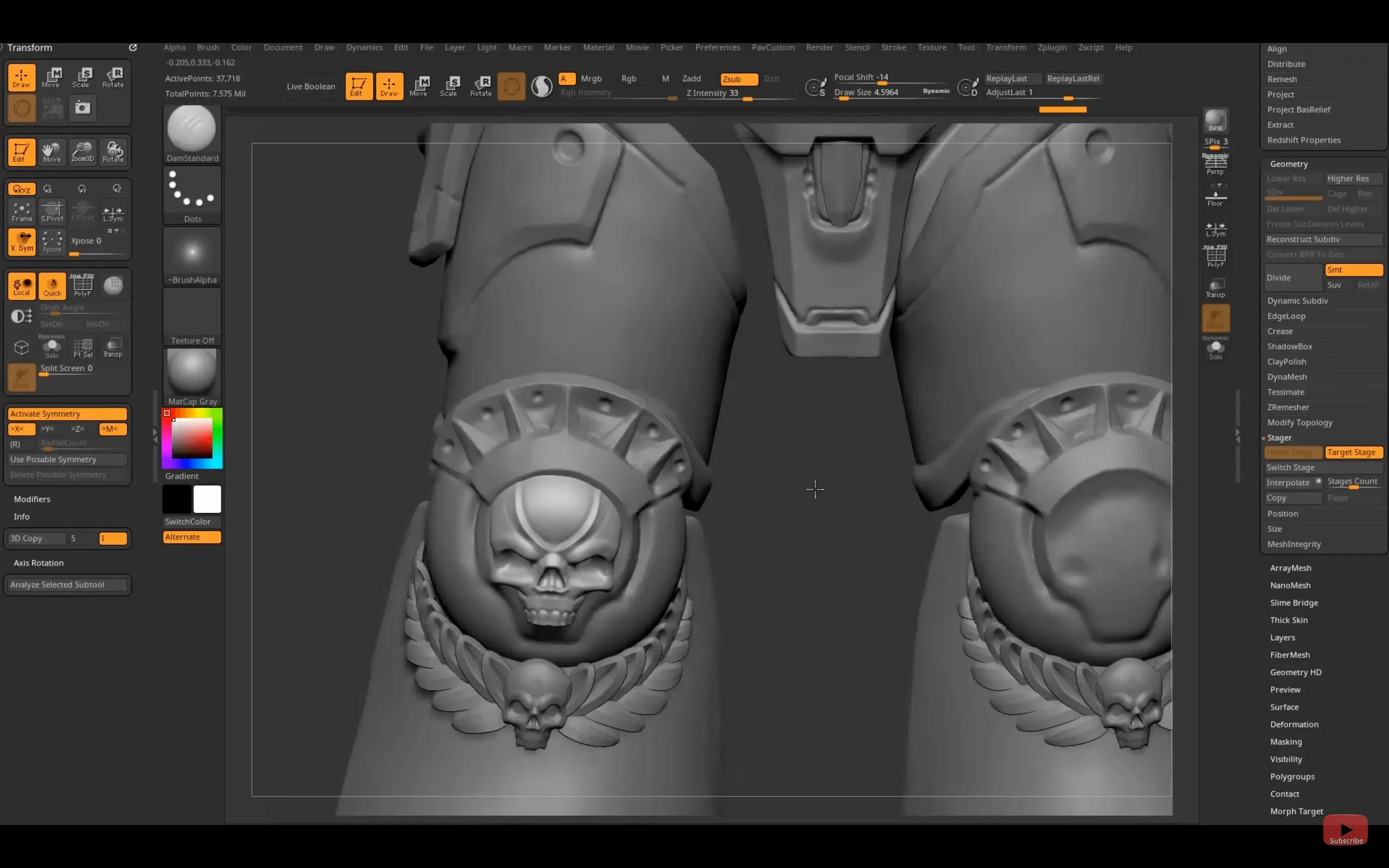
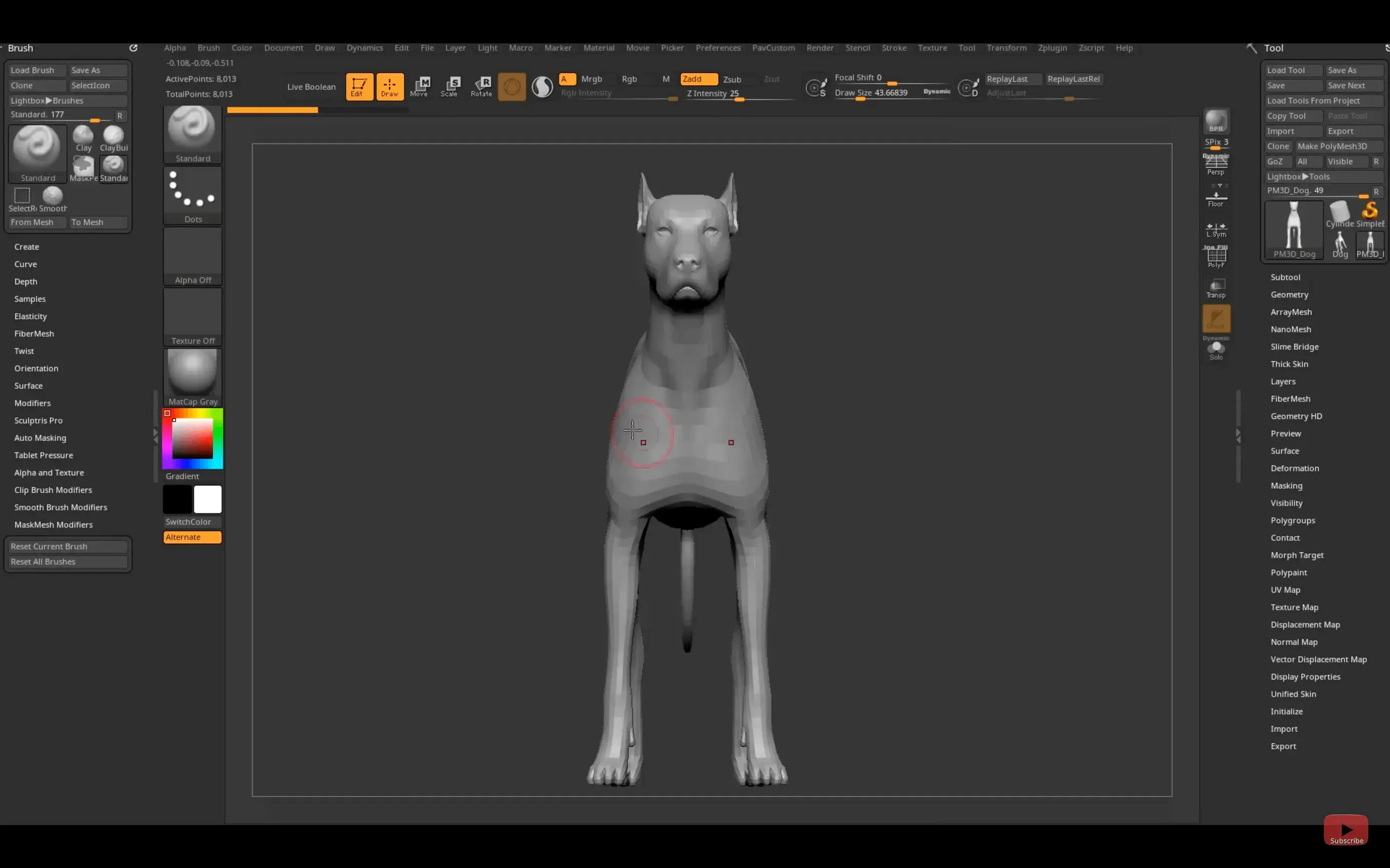
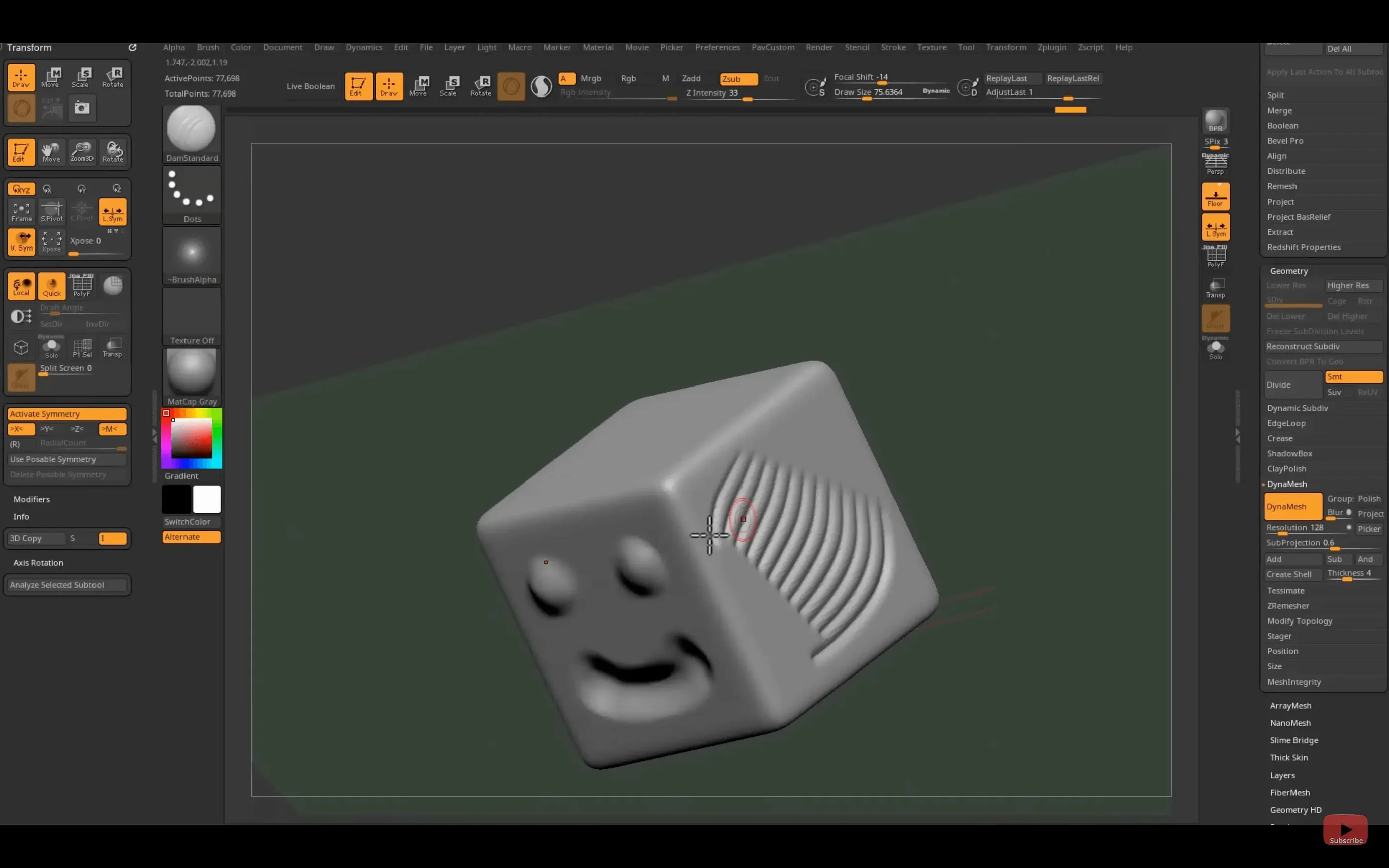
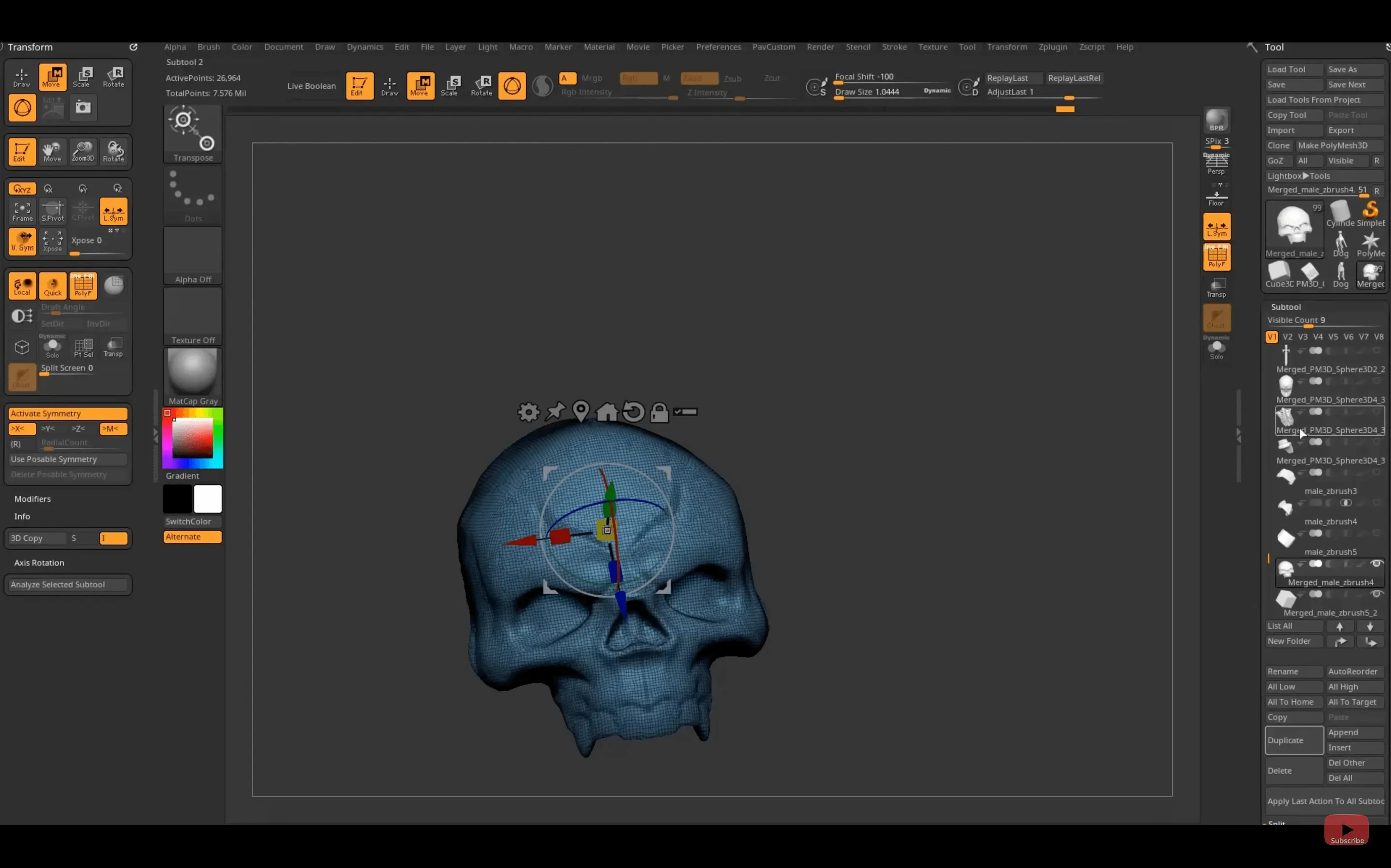
If you're used to pushing polygons in a traditional 3D package, ZBrush feels less like a successor and more like the moment you switched from drawing with a mouse to a pressure-sensitive tablet. It swaps the usual modeling constraints for something closer to clay, letting you work with an enormous number of points without the viewport grinding to a halt.
Building a concept model
Start rough and add detail organically—ZBrush doesn't demand clean topology from the first vertex. The real-time rendering engine gives you immediate feedback on form and silhouette, which is why it shows up so often in character and creature concept design.
Painting surface detail
Strokes carry actual depth, not just color. That makes it straightforward to block in skin texture, scales, or wear-and-tear without swapping applications. Plug-ins for textures and geometry extend what you can do with the built-in brush set.
Preparing for a production pipeline
The updated GoZ support in version 2026.2.1 keeps the bridge to Maya 2026 and 3ds Max 2026 working smoothly. And with the new Substance Bridge, a one-click transfer to Substance Painter fits neatly into a workflow that runs from high-poly sculpt to textured, game-ready asset.
Skip map exports with the one-click Substance Bridge
The spotlight feature in 2026.2.1 is the Substance Bridge. Before this, moving a sculpt into Substance Painter meant exporting maps, keeping track of naming conventions, and hoping nothing broke in translation. Now it's a one-click operation from inside ZBrush — the model, UVs, and baked maps arrive in Painter without extra dialogs. If your workday bounces between sculpting and texturing, that alone saves a surprising number of clicks.
GoZ updates are the quiet kind that stop your pipeline from breaking when a new Maya or 3ds Max version lands. If you rely on GoZ to hop between programs without manual export, keeping ZBrush current means you won't hit a silent failure mid-project. The iPad side got love too: custom hotkeys can now be saved and shared, which matters if you've built up muscle memory on the desktop and want the mobile version to feel less foreign.
Set a full-screen document so the interface stops fighting you
ZBrush ships with defaults that work, but a few quick tweaks make everyday sculpting feel less like fighting the interface.
- Document size — Out of the box, ZBrush opens with a document that's smaller than your screen. Set it to match your display resolution under the Document palette, or you'll wonder why your strokes look slightly soft.
- Undo history — The default undo count is conservative. Bump it up in Preferences > Mem; what you trade in RAM you get back in freedom to experiment without fear.
- Sculptris Pro toggle — If you come from a traditional sculpting mindset, turn this on early. It dynamically tessellates as you push and pull, so you're not constantly managing subdivision levels during the roughing-out phase.
- Cursor size — A tiny cursor on a high-res screen is a headache. In Preferences > Tablet, set a custom cursor size that you can actually track while working fast.
- Autosave timing — It's on by default, but the interval might be too long for your taste. Find it in Preferences > QuickSave and adjust it to something you'd be grateful for if the power flickered.
A toy sculptor's afternoon
Imagine a freelance designer working on a collectible figurine for a small-run vinyl manufacturer. The client wants a stylized creature — part salamander, part storybook dragon — and the turnaround is tight. The sculptor blocks in the primary forms with a clay buildup brush, pulling the snout and haunches into rough proportion while the reference board sits open on a second monitor. No retopology, no subdivision modeling first: just pushing geometry until the silhouette reads right from five angles.
Once the base shape is approved, they switch to detailing. Pores and subtle scale ridges go in with a combination of dam standard and drag-rect strokes. The real-time render makes it easy to check how the light catches the bumps, even without a dedicated lighting pass. When the sculpt is ready, a single click sends it through the Substance Bridge into Painter, where the color-break mockup for the client happens in the same afternoon. The ZBrush part of the job — from empty canvas to textured asset — stays inside one application until the very end, which is exactly what a solo artist needs when deadlines stack up.
A few of the additions in ZBrush 2026.2.1 that caught my eye:
- A new Substance Bridge for one-click transfer straight into Substance Painter.
- Native Windows on Arm support, which is good news if you're on that platform.
- Updated GoZ support for Maya 2026 and 3ds Max 2026.
- Custom hotkey saving and sharing on the iPad version.
- macOS 12.6 or later
- Intel or Apple Silicon Mac
Questions from the stall
What operating system does ZBrush for Mac need?
The current version requires macOS 12.6 or later and runs on both Intel and Apple Silicon Macs.
What languages is ZBrush available in?
The interface supports English, German, Spanish, Simplified Chinese, Korean, French, and Japanese.
Does the iPad version share custom settings with the desktop?
As of ZBrush 2026.2.1, you can save and share custom hotkeys on iPad, which helps keep your workflow consistent across devices.
Notes from other shops 0
Sign in or open a shop account to leave a note.
No notes yet. If you've used this on a shop Mac, tell me how it went.