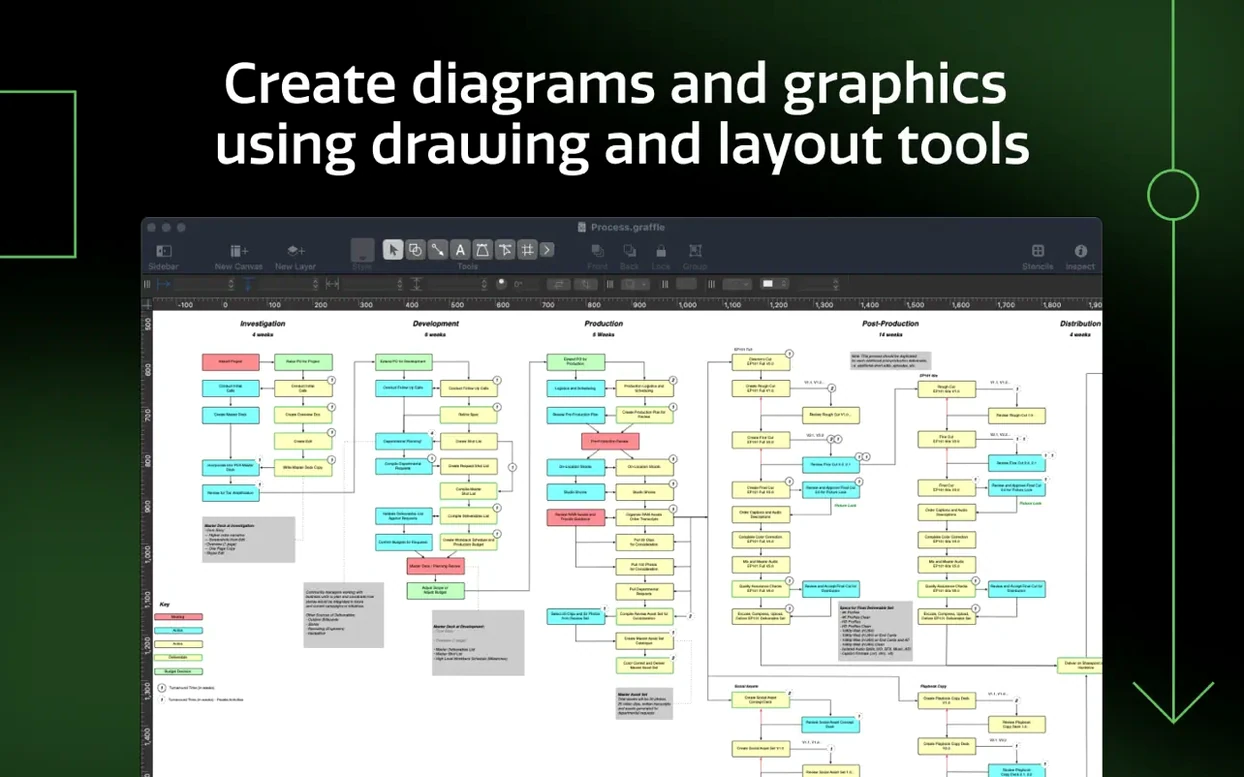
OmniGraffle Pro is a Mac app for drawing diagrams, process charts, and wireframes with the precision you'd expect from a professional tool. It's the Pro edition, so it adds advanced layer controls, better text handling, and compatibility with Microsoft Visio and Photoshop files — useful for a shop owner who has to make sense of a supplier's flowchart one day and map out a website redesign the next.
What can I make with it?
You can draft anything from a simple seating chart to a multi-layered software wireframe or a detailed business process map. The built-in table tools let you group shapes and manage rows and columns cleanly without fighting alignment.
Who is the Pro edition for?
It's for someone who collaborates outside the Apple ecosystem or needs fine-grained control over complex graphics. If you open Visio files from a partner or export layered work for Photoshop, the Pro features save you a messy conversion headache.
What's the workspace like?
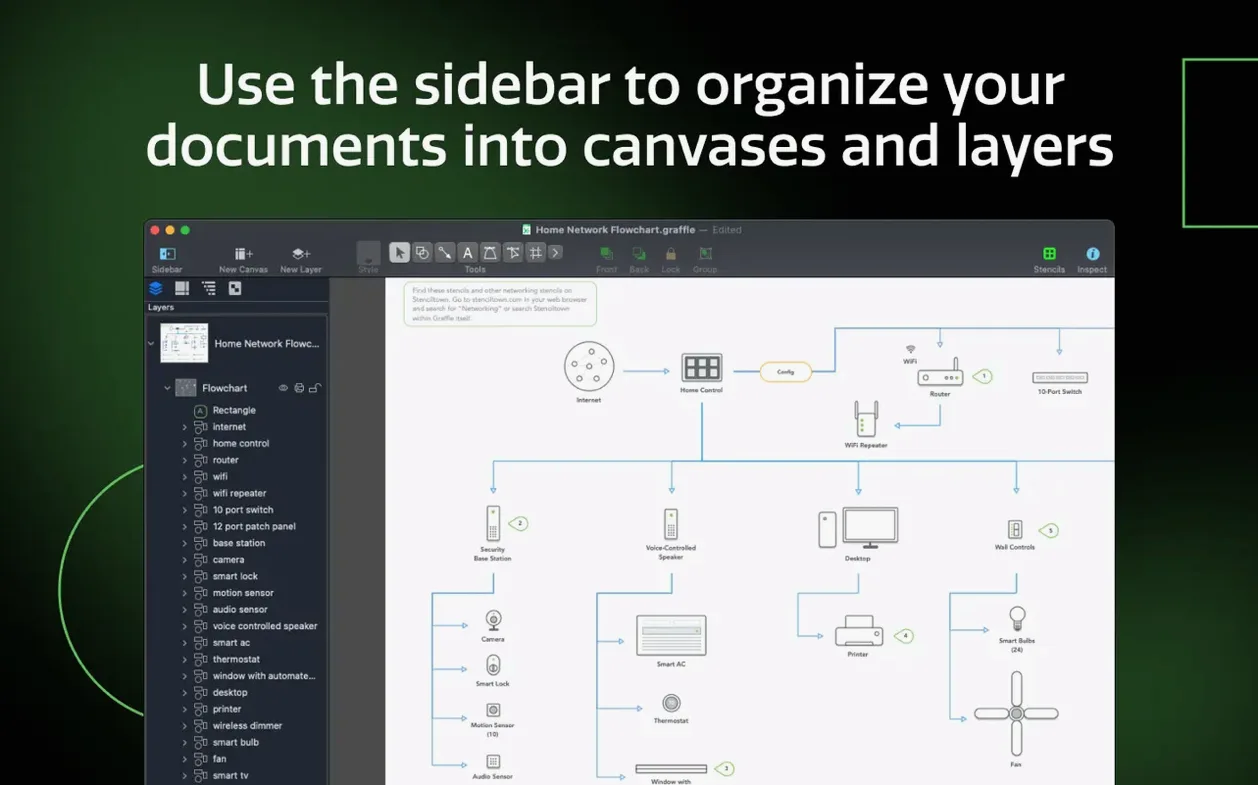
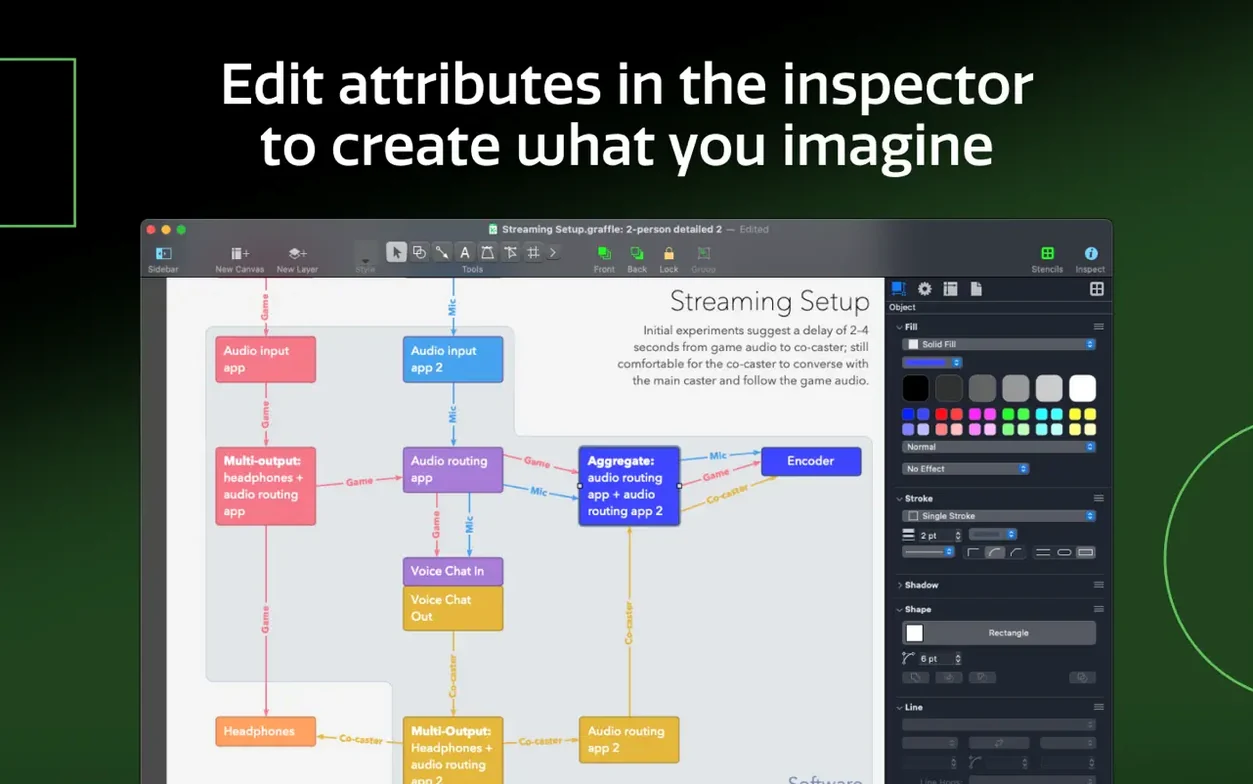
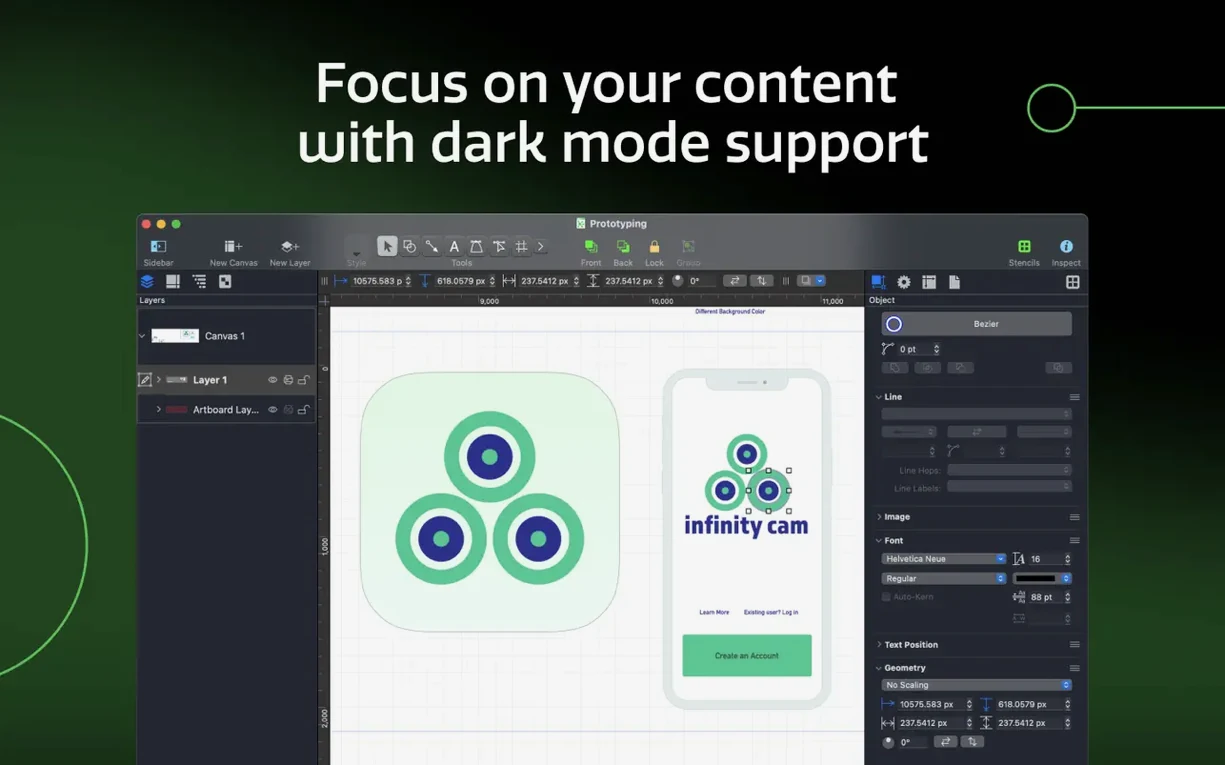
A sidebar and a set of inspectors keep canvases, layers, and object properties within one click. You can also share custom keyboard shortcut sets with a coworker, which keeps repetitive tasks feeling quick even on a large project.
Who clicks with OmniGraffle Pro fastest
People who sketch before they commit tend to love it. That includes UX designers blocking out a checkout flow on a coffee-shop napkin first, then rebuilding it cleanly with artboards and shared layers. It also clicks with technical illustrators who need stroke precision and don't want the app guessing where a line should snap — OmniGraffle lets you control that.
Project managers and operations folks get a lot out of it too. A process modeler can pull in a Visio VSD from a client running Windows, rework the swimlanes, and send back a VDX export without anyone on the other side noticing the handoff. Small-business owners who wear the "diagram person" hat — maybe you map inventory flows or sketch a quick org chart — find the inspectors keep things from spiraling into toolbars they'll never touch.
If you live mostly in Apple's ecosystem but occasionally need to speak Visio or Photoshop, the Pro edition earns its keep. The conversion features aren't something you use daily, but when a supplier sends a VSS stencil pack and expects a diagram back, you're not stuck hunting for a Windows machine.
A short scenario: redesigning the product page wireframe
Imagine a handmade-soap seller who's reworking her site's product page. She starts with a rough scan of a pencil sketch, drops it onto a locked shared layer as a guide, then draws clean wireframe rectangles on a separate canvas. She uses the table tool to group the product image placeholder, description block, and "add to cart" area so resizing one section keeps the spacing consistent with the others.
Halfway through, she remembers her developer uses Photoshop for mockups. She exports the layers directly — no screenshots, no rebuilding — and the developer gets a layered PSD with the wireframe elements exactly where she placed them. Later, she shares a custom keyboard shortcut set with her part-time assistant so they both work at the same speed when updating seasonal product diagrams.
Turn text into shapes and lines into filled objects
A few conveniences make daily work smoother once you know they're there:
- Convert text to shapes, lines to shapes. Handy for turning a typed label into a custom button in a wireframe, or fattening a simple connector line into a design element. It's tucked away but saves redrawing from scratch.
- Automatic Xcode project diagrams. If you jump between code and documentation, this pulls a visual map of your project structure — classes, frameworks, dependencies — without manual layout. A time-saver for developers who'd rather not diagram by hand.
- Right-click a Visio stencil after import. OmniGraffle treats VSS files as first-class citizens, so imported stencils land in your sidebar ready to drag and drop, not buried in a file dialog.
- Shared layers across artboards. Set your company logo or a grid once, and every artboard reflects changes instantly. Less hunting for that one misaligned header graphic.
- Inspector flick. You can collapse all inspectors except the one you're using with a quick double-click on its title bar. Keeps the workspace calm when you're deep in object properties and don't need the document info panel staring at you.
If you're exploring an omnigraffle torrent or an omnigraffle crack mac download, you may miss the quiet polish in these shortcuts — the kind of thing you only spot after a few weeks of actual use. A clean omnigraffle download with the Pro feature set gives you the full Visio and Photoshop bridges, which is where the tool stops being just a diagrammer and starts fitting into a mixed-software workflow.
Tip: Hold Option while dragging a shape to duplicate it instantly in place. Combine that with the align-to-grid setting in the inspectors, and you can build a complex repeated-pattern diagram — think a floor plan or a server rack layout — in half the clicks.
Version 7.26 brings the app up to speed with macOS Golden Gate 27 and now requires macOS 14 or newer.
- macOS 14 or newer
- Runs on Intel and Apple Silicon Macs
Questions from the stall
What system does OmniGraffle Pro 7.26 need?
It requires macOS 14 or newer and runs natively on both Intel and Apple Silicon Macs.
Notes from other shops 0
Sign in or open a shop account to leave a note.
No notes yet. If you've used this on a shop Mac, tell me how it went.