
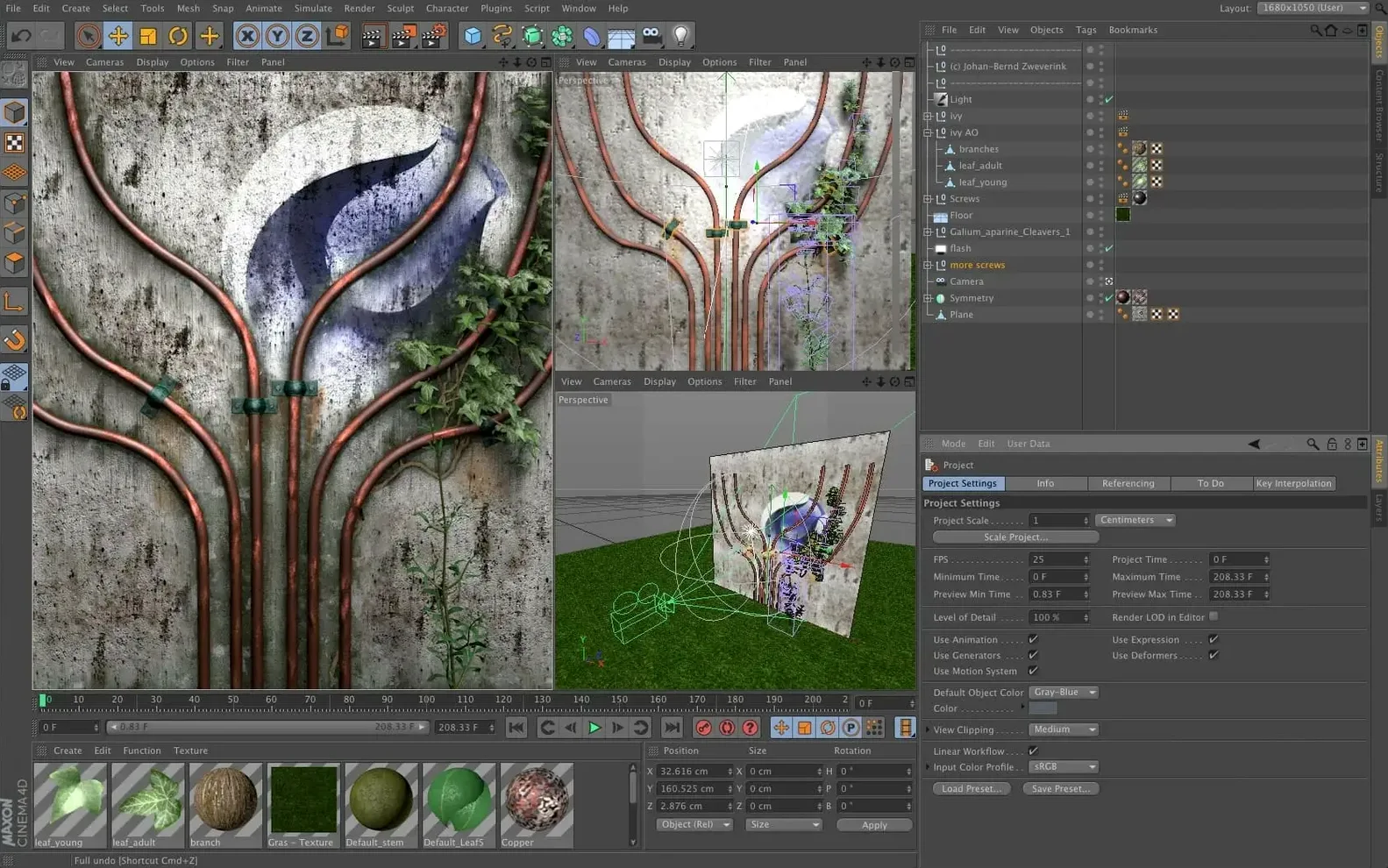
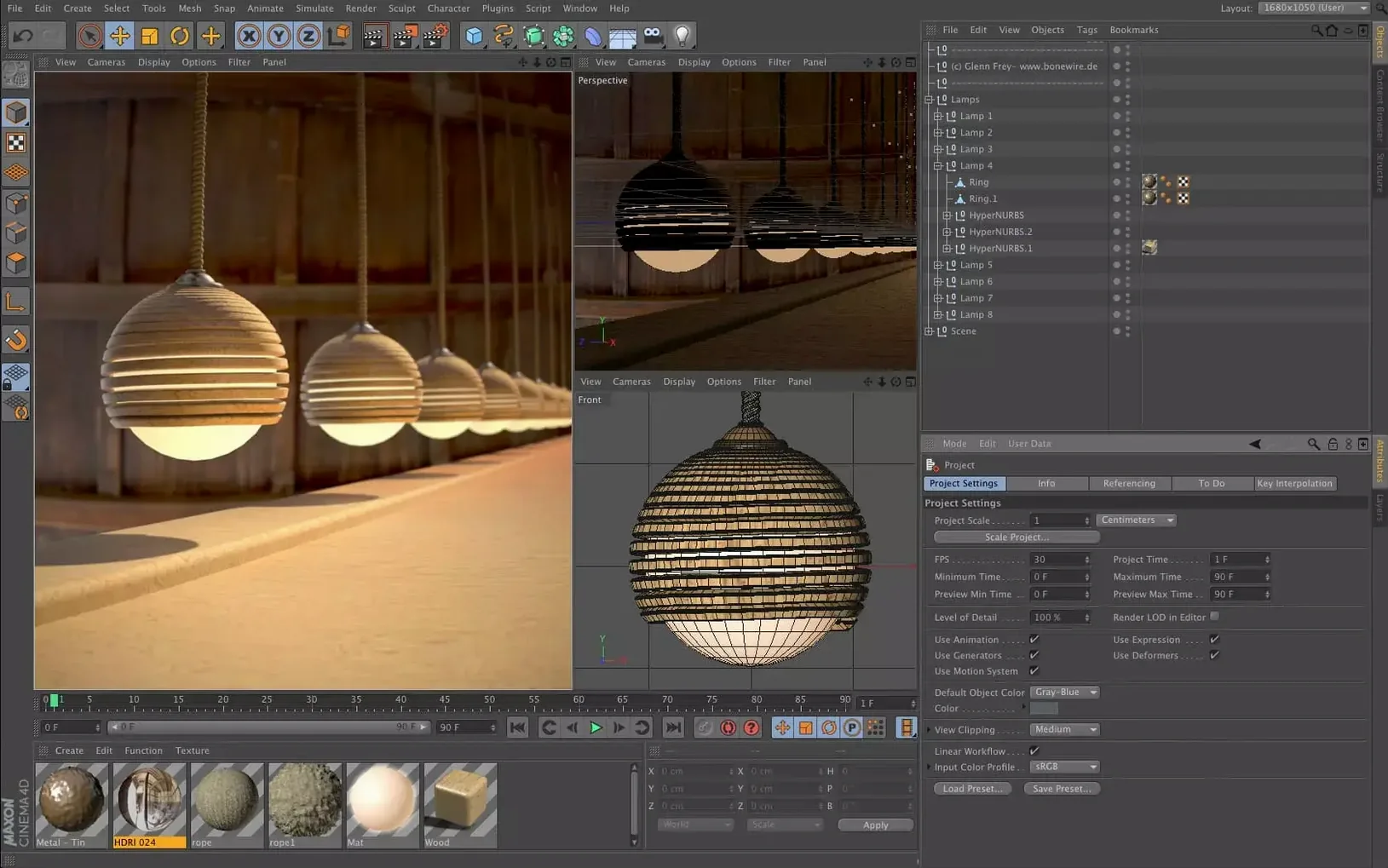
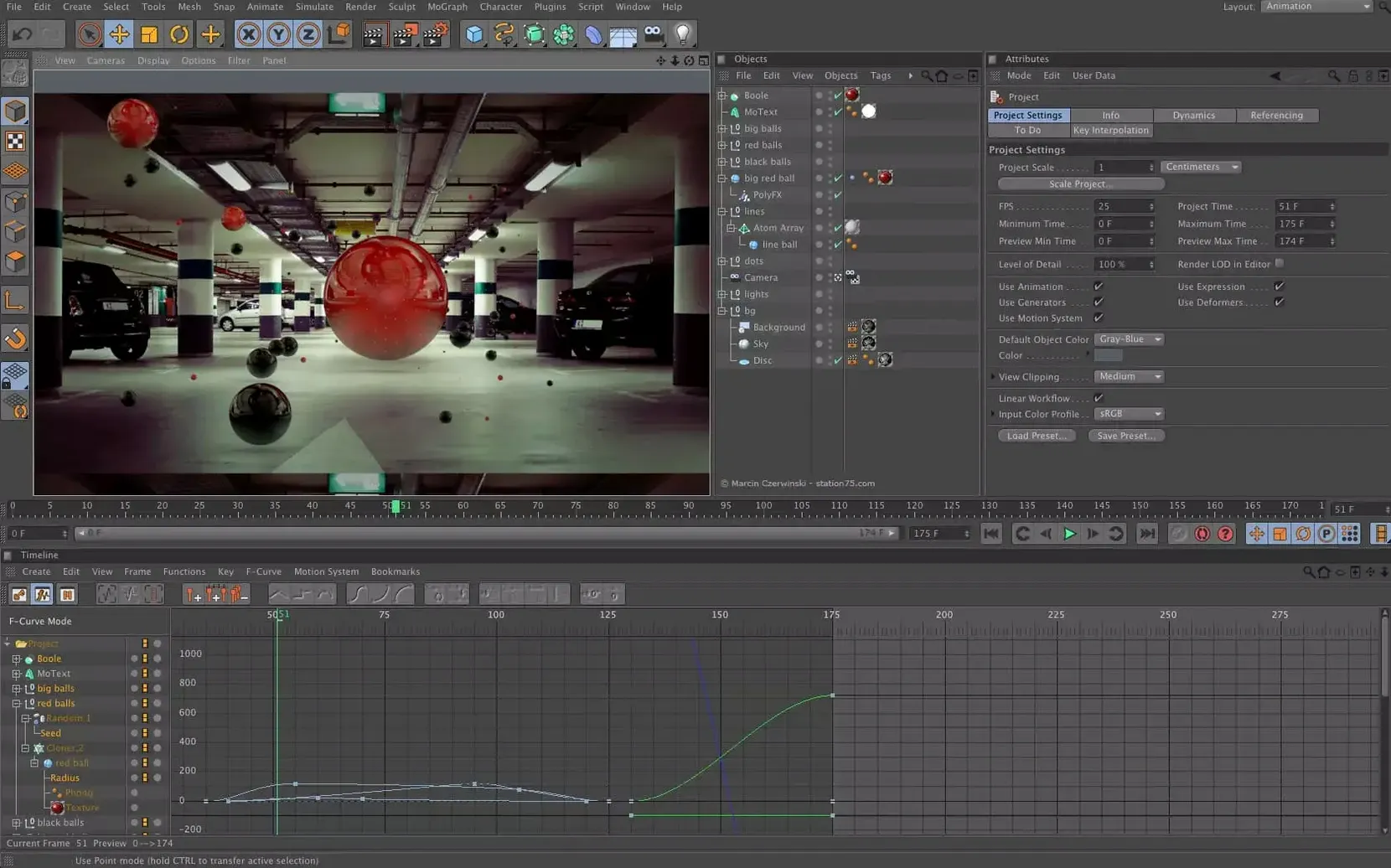
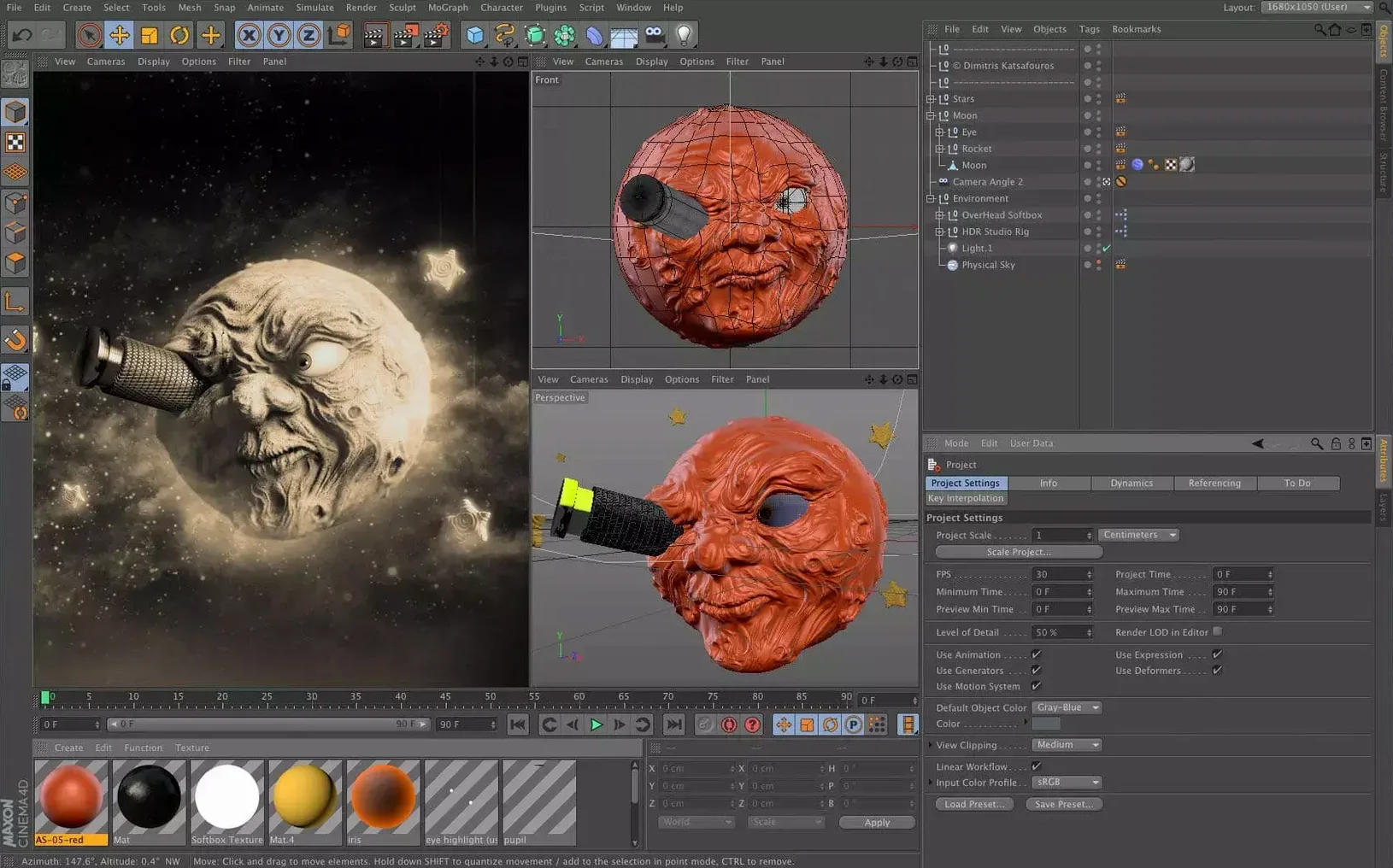
A motion designer needs to build a parametric city block without leaving the familiar Object Manager. They drop a Capsule in, adjust a few sliders, and a whole skyline rebuilds itself — no node editor required. That’s the defining move in Cinema 4D 2024.2, which landed December 11, 2023.
Capsules now let you use scene node features directly in the classic object stack. For artists working in motion graphics, visualization, or game development, it means complex procedural setups become accessible without switching contexts. Data import and spline tools that previously lived exclusively in the Scene Manager or node editor can now show up as tidy, reusable objects.
The rest of the application feels familiar. Modeling, animation, simulation, and rendering all work the same way they did. macOS 11 support continues, and both Intel and Apple Silicon machines are covered. The interface stays available in English, German, Japanese, Korean, and several other languages.
If you got comfortable with last year’s toolset, nothing here breaks your flow. Capsules just give you a new handle on the node system — one that’s easier to reach.
Will it even run on my Mac, though
I hear the same handful of worries from shop owners and freelance artists who are sizing up Cinema 4D for the first time. Here's what comes up most often, and my take on it.
Will it run on my machine without a dedicated GPU? It will, but you'll feel the difference in the viewport and especially in rendering. Cinema 4D leans heavily on the CPU for a lot of its core tasks, so an older MacBook Air can still handle modeling and lightweight animation. When you get into heavy simulations or GPU-accelerated rendering, though, an integrated graphics chip will slow you down. For product mockups and logo animations, integrated graphics work; for full scene work, you'll want something with more grunt.
How steep is the learning curve, really? If you've spent any time in Adobe's ecosystem, the interface won't feel hostile. Maxon has put real work into preset-based workflows, and the new Capsules system actually flattens the curve for procedural work — you get the power of nodes without staring at a tangle of wires. The manual and community are solid, and there's no shortage of free tutorials. That said, 3D is 3D: you're learning modeling, lighting, texturing, and animation all at once. Give yourself a few weeks of evenings.
Does it play well with other tools? Pretty well. FBX, OBJ, and Alembic import and export are baked in, and the spline data import tools that used to hide in the Scene Manager are now easier to reach. If your pipeline involves After Effects, the Cineware bridge is still there. For Unreal Engine work, the Datasmith exporter handles geometry and materials without too much fuss. It's not a one-click miracle — you'll still need to check material conversions — but it's a workable pipeline.
Is the Mac version treated like a second-class citizen? Not with this release. Both Intel and Apple Silicon are native, and the application doesn't feel like a port. Viewport performance on an M-series chip is genuinely snappy. The only gap I'd flag is that some third-party render engines take longer to ship Apple Silicon builds, so check your preferred renderer's compatibility if you rely on one.
Spinning a ceramic mug from scratch for Instagram
Here's a task I'd actually use Cinema 4D for — creating a short product reveal animation for a handmade goods shop. Say you've designed a new ceramic mug and you want a clean, spinning reveal to drop on Instagram and your shop page.
1. Model the mug. Start with a spline of the mug's profile, drawn in the front viewport. Drop it under a Lathe object and you've got the body. Add a cylinder for the handle, bend it into shape with a few control points, and use a Boolean to join it to the body. Nothing fancy, but it holds up at product-shot distance.
2. Bring in the label artwork. You've already designed the shop's logo in Illustrator. Save it as an SVG, import it via the spline import tools, and extrude it into a thin cap. Place it on the mug's surface and use a Surface Deformer so it follows the curve cleanly — no floating decals here.
3. Set up materials. The ceramic gets a warm off-white with a slight roughness bump. The label uses a simple color material with a matte finish. Lighting is where this sells: drop an area light above and to the left, add a soft fill from the right, and throw a subtle rim light behind the mug to separate it from the background. Use the physical renderer's depth of field for a hint of background blur.
4. Animate the reveal. Keyframe a smooth 360-degree rotation over four seconds. Ease the start and end so it doesn't look mechanical. Add a subtle camera push-in at the same time — nothing dramatic, just enough to give it presence.
5. Render and deliver. Render to a PNG sequence so you can adjust individual frames if needed, then compile in your video editor of choice. The whole thing, from opening Cinema 4D to final export, can happen in an afternoon once you know the steps.
Blender does everything free, so why pay
If you're looking at cinema 4d macos torrent searches, you're probably also eyeing Blender, Maya, and maybe Houdini. They all do 3D, but they feel completely different in daily use.
Blender is the obvious free alternative. It's ridiculously capable — modeling, sculpting, animation, compositing, and a built-in renderer that keeps getting better. The downside for some is the interface. Blender has come a long way, but it still has a density that can feel like operating an aircraft cockpit. Cinema 4D trades some of Blender's raw breadth for a more curated toolset. If you want to model a character, rig it, and composite it without ever leaving one app, Blender is hard to beat. If you want to build motion graphics and product visualizations with a gentler learning curve, Cinema 4D earns its place.
Maya is the incumbent in larger studios. Its animation toolset is deeper — character rigging and animation layers in Maya are still the reference point for film and AAA games. For a small shop or solo artist doing broadcast graphics and product work, though, Maya can feel oversized. Cinema 4D's MoGraph toolset doesn't really have a Maya equivalent without plugins, and the Capsules workflow in 2024.2 makes procedural setups feel more like building blocks than scripting. If you're not in a pipeline that demands Maya, Cinema 4D gets you to the render faster.
Houdini lives at the far end of the procedural spectrum. If you're simulating smoke, fire, or complex destruction, Houdini is the tool. But its node-everywhere approach has a steep ramp, and simple tasks can feel abstract. Cinema 4D's Capsules are essentially Maxon's answer to this — procedural power surfaced through familiar object-based controls. For an artist who wants the benefits of proceduralism without the full Houdini commitment, Cinema 4D 2024.2 hits a sweet spot that the others don't quite reach.
Cinema 4D 2024.2 came out on December 11, 2023, with one headline change:
- Capsules bring scene node system capabilities into the classic Object Manager, so you can use parametric setups without opening the node editor.
- macOS 11 or later
- Works on Intel and Apple Silicon Macs
Notes from other shops 0
Sign in or open a shop account to leave a note.
No notes yet. If you've used this on a shop Mac, tell me how it went.