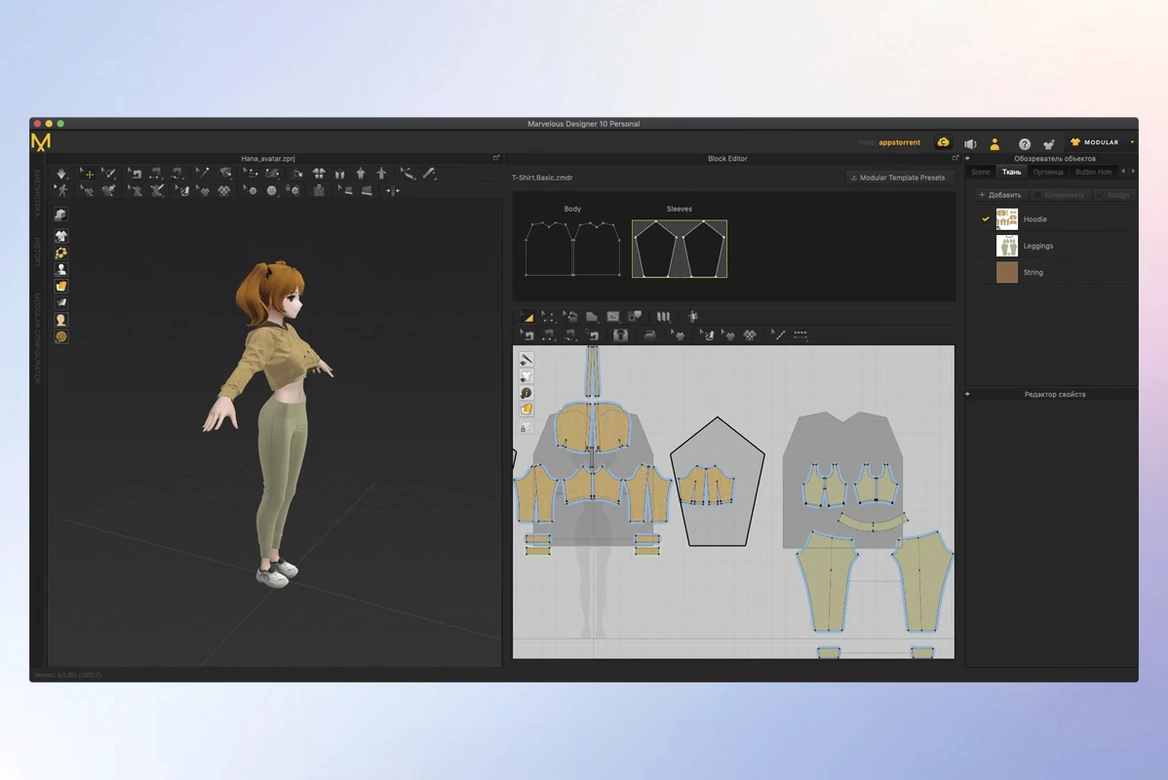
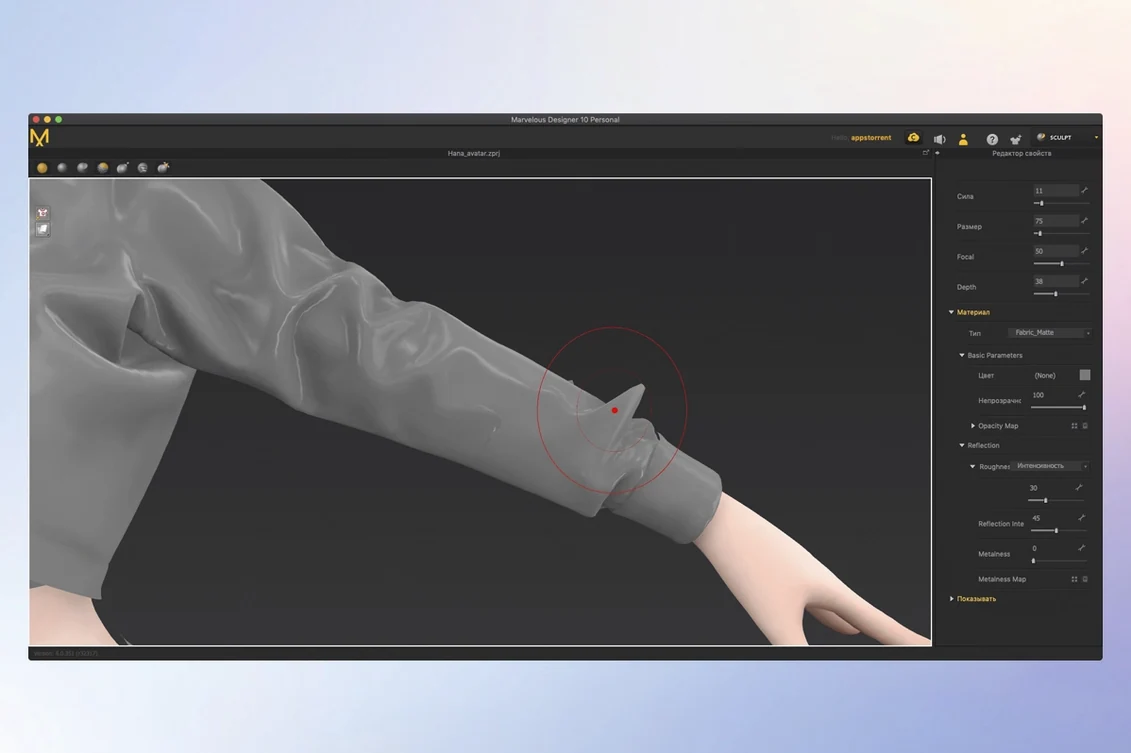
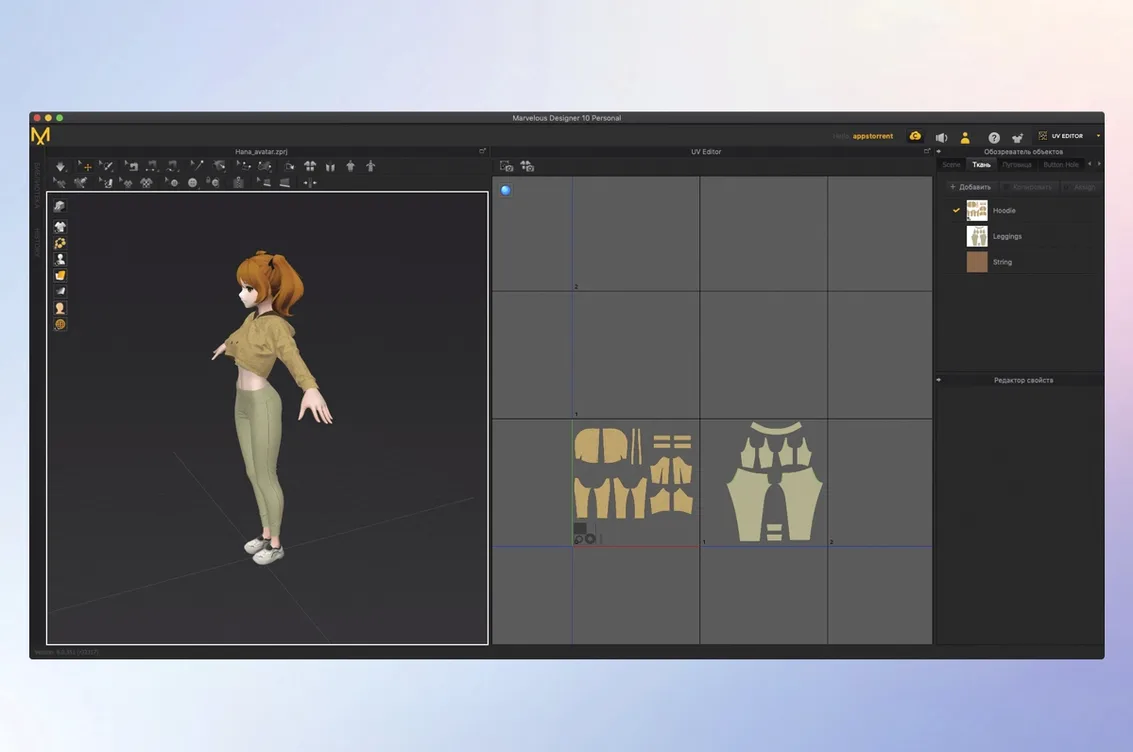
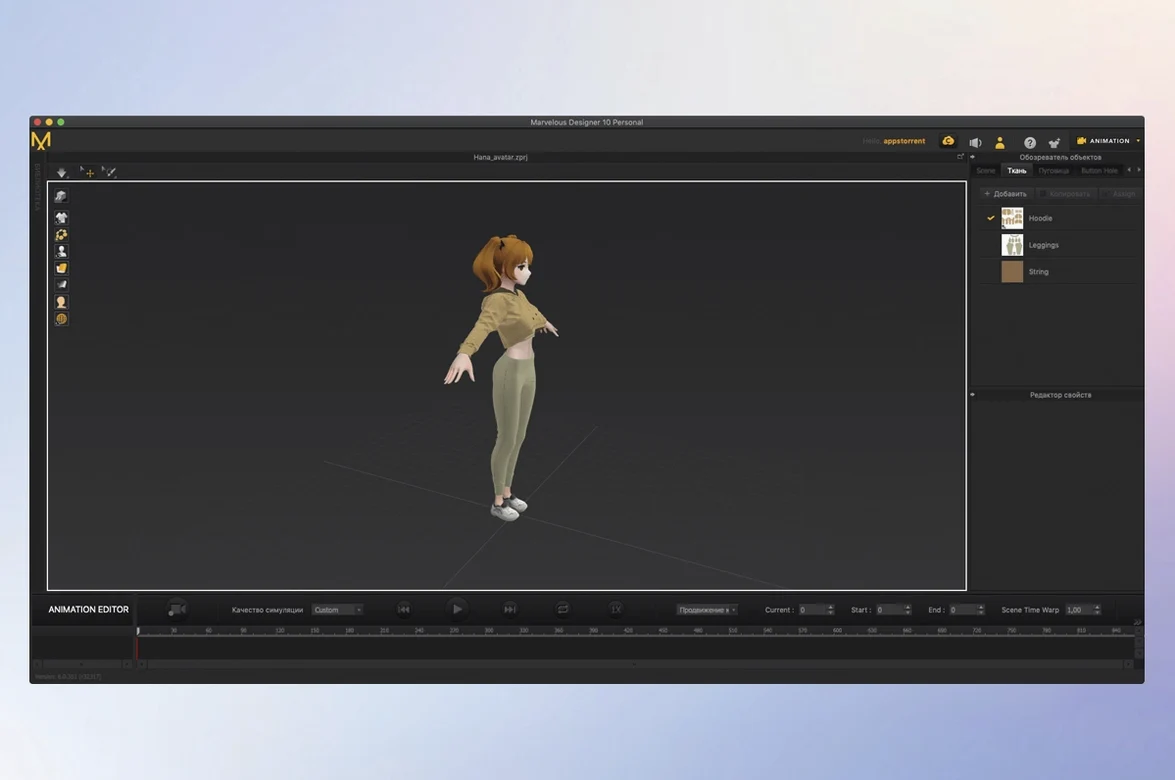
If you know your way around a sewing pattern, think of Marvelous Designer as your digital fabric shears and dress form combined. Instead of cutting muslin, you draw and stitch 2D pattern pieces and watch them turn into 3D garments that drape and fold in real time.
Draft a simple T-shirt
Open a fresh project, bring in a default avatar, and use the polygon tool to trace the front and back body pieces. Sew the side seams and shoulders, hit simulate, and you'll see the fabric drop realistically over the shoulders. It's the fastest way to grasp how 2D shapes become a fitted garment.
Drape an accessory on a moving character
Load one of the included animation sequences and pin a cape or scarf to the avatar's shoulders. Press play and watch the cloth react to motion — it records the simulation so you can scrub back through every fold and flutter. This gives you a feel for weight maps and how different fabrics behave under movement.
Play with the Toon Shader
Once a garment fits, switch the display to Toon Shader. It flattens the shading into stylized bands of color, which is ideal if you're designing for a game or an illustrated look. A quick toggle shows you how the same dress reads as realistic linen versus something out of a hand-drawn project.
Swap navigation to a familiar Maya-style preset
Right out of the gate, three preferences make a difference to how the workspace feels. First, under User Settings → View Control, switch the default navigation to something closer to what you already know — the Maya preset clicks for a lot of people who come from a 3D background. Second, drop the Particle Distance default from 20 down to 10 or 12 on your first simple garment. It costs a little simulation speed but gives you folds that actually look like fabric instead of a stiff plastic shell. Third, turn on Auto Save and set it to every 10 minutes. Marvelous Designer is stable on macOS 12 and newer, but complex drape simulations can still trip it up, and you don't want to lose an hour of seam work.
Tip: If you work with a stylus, bump the curve quality in the 2D window up to high. Polylines and free curves feel much smoother to draw, especially when tracing a pattern you've sketched elsewhere.
Treat it as the cloth stage between model and final render
I treat Marvelous Designer as the cloth stage in a chain. A model comes in from Maya or Blender as an FBX, gets dressed, and then the simulated garment goes back out as an Alembic or USD file for texturing and rendering. The Alembic export carries vertex-level animation, so all that recorded motion — a cape billowing, a skirt swirling — lands intact in a layout app.
On the Mac side, I lean on Quick Look to preview exported OBJ folders without opening a full 3D package, and I keep project folders in iCloud so the pattern files follow me between the shop's iMac and a MacBook when I'm sketching at a coffee shop. The app also reads pressure sensitivity from a Wacom tablet natively, which makes the 2D pattern window feel closer to a vector drawing tool than a technical CAD interface.
CLO adds tech packs and colorways for production needs
If you're looking at alternatives, CLO Standalone is practically a sibling — same simulation engine, very similar pattern tools — but it adds a full production-oriented workflow with colorways, tech packs, and render layers. For a small shop owner making a few garments a week, Marvelous Designer feels lighter and quicker to open. You aren't buried in fashion-industry panels you'll never touch.
Blender's cloth brush is free and always tempting. It's fine for a quick flag or a draped cloth over a still life, but the moment you need flat pattern pieces with seam allowances, grain lines, and sewing order, Blender's workflow turns into a workaround. Marvelous Designer is built for that from the ground up — the 2D-to-3D connection is the whole idea, not an add-on.
Then there's Optitex, which leans hard into enterprise fashion production. It integrates with cutting machines and ERP systems. Overkill for a game artist or a solo 3D designer. Marvelous Designer sits comfortably in the middle: real pattern drafting, real simulation, no factory-floor baggage.
- macOS 12 or later
- Supports Intel and Apple Silicon Macs
Notes from other shops 0
Sign in or open a shop account to leave a note.
No notes yet. If you've used this on a shop Mac, tell me how it went.