
Entity Pro is a macOS utility for finding Unicode and emoji glyphs, built for anyone who works with symbols, code, or multilingual text.
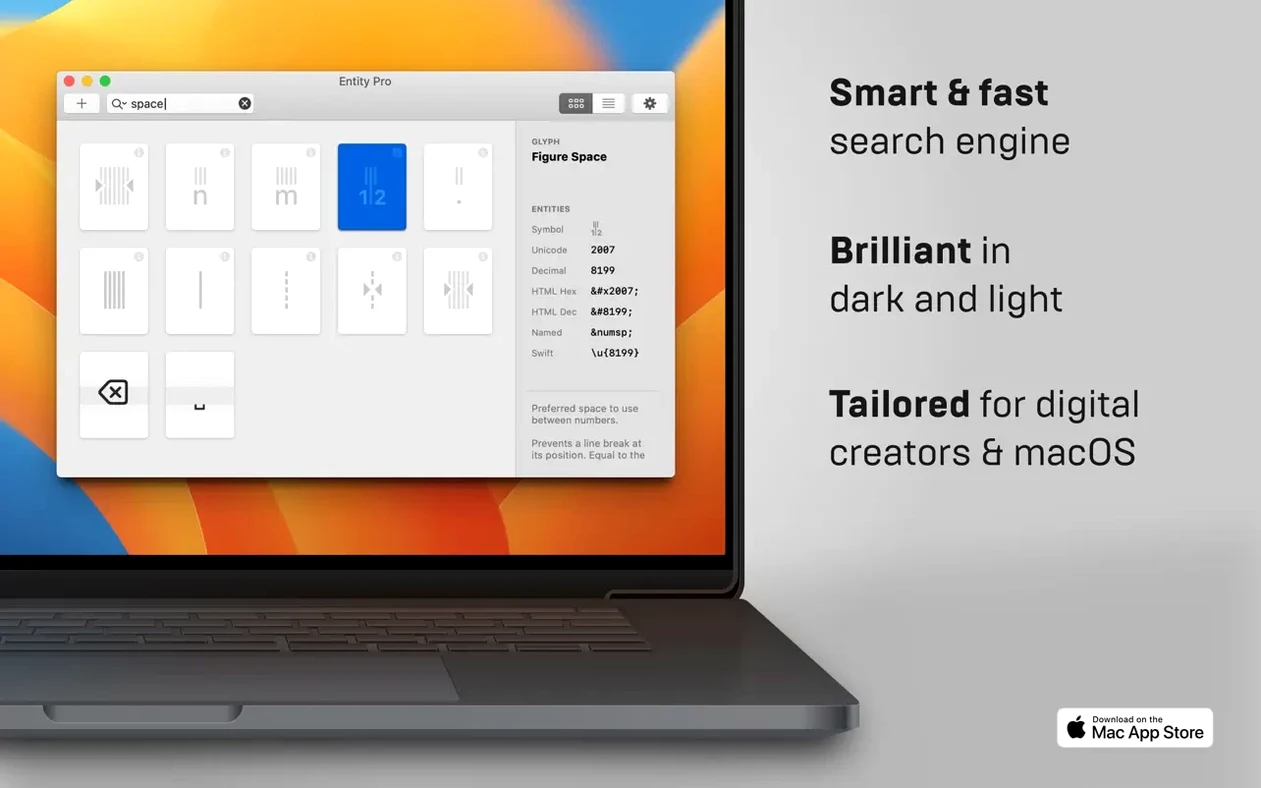
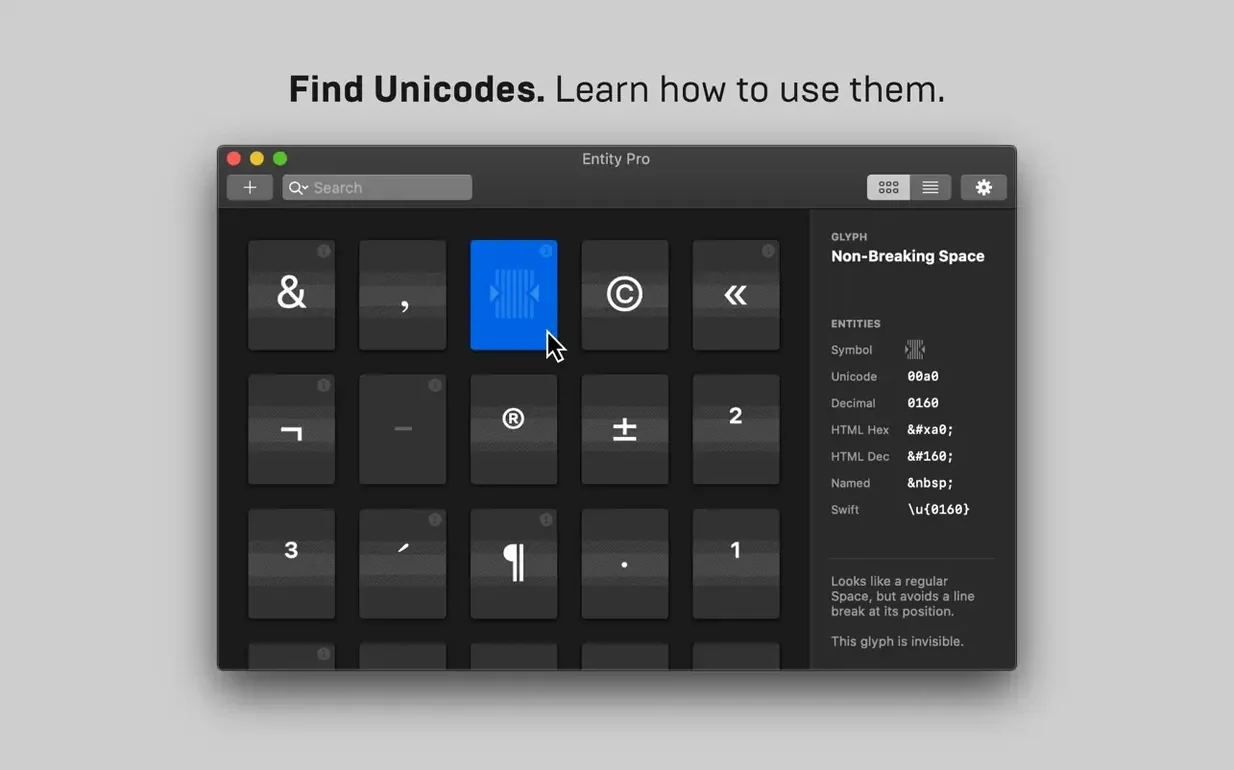
Quickly search glyphs by Unicode, Hex, Decimal, or HTML entity
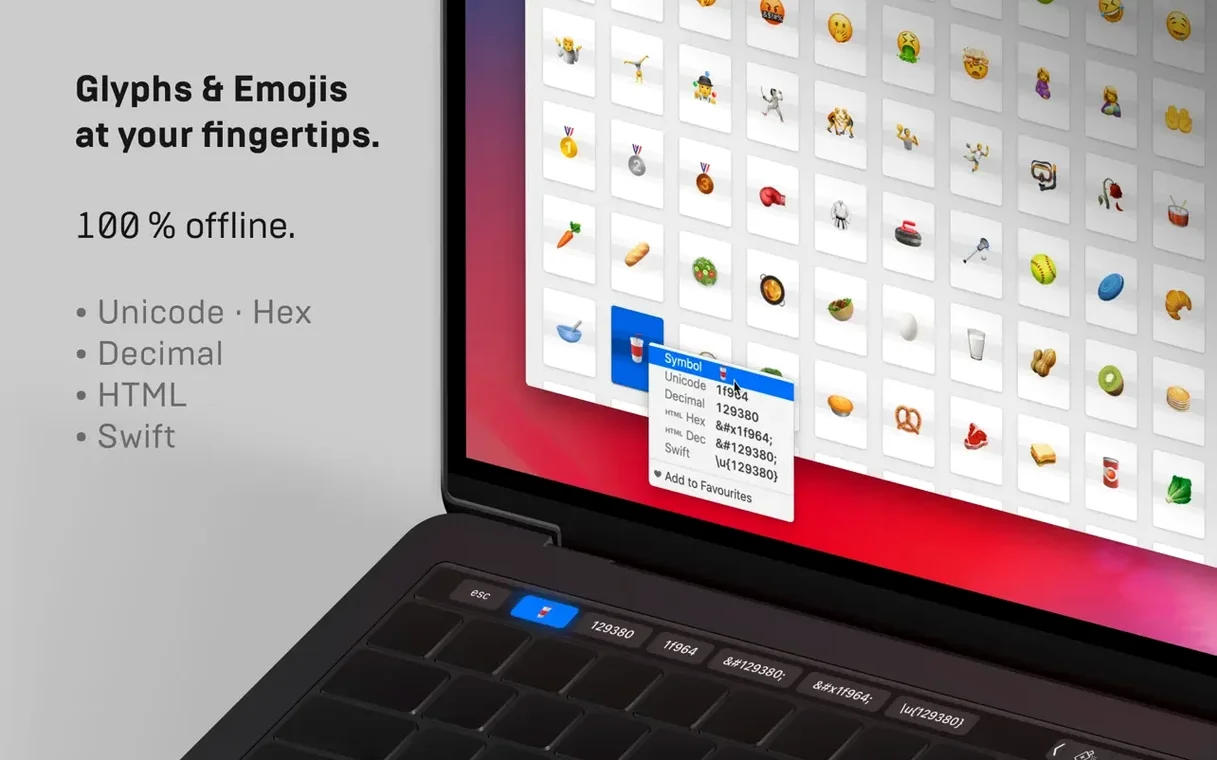
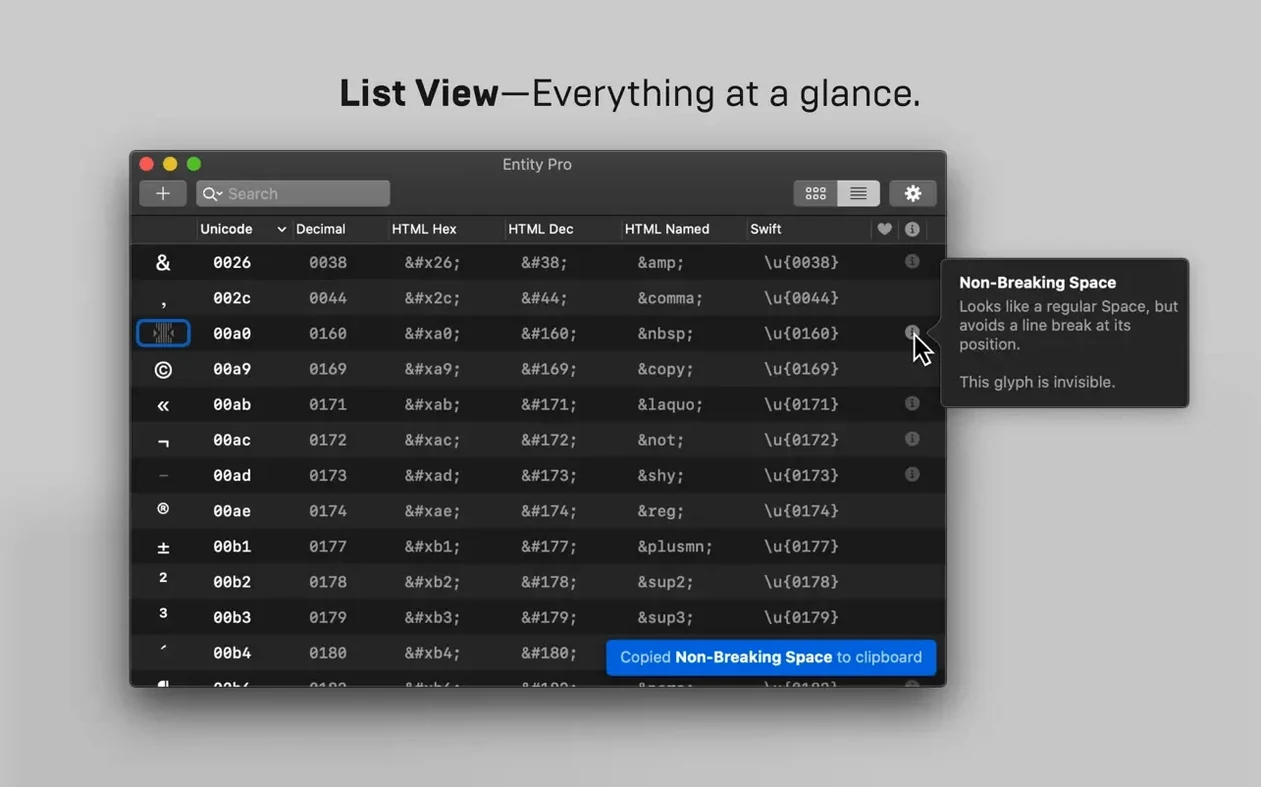
- Quickly searching glyphs by Unicode, Hex, Decimal, HTML, or Swift entity — no internet needed.
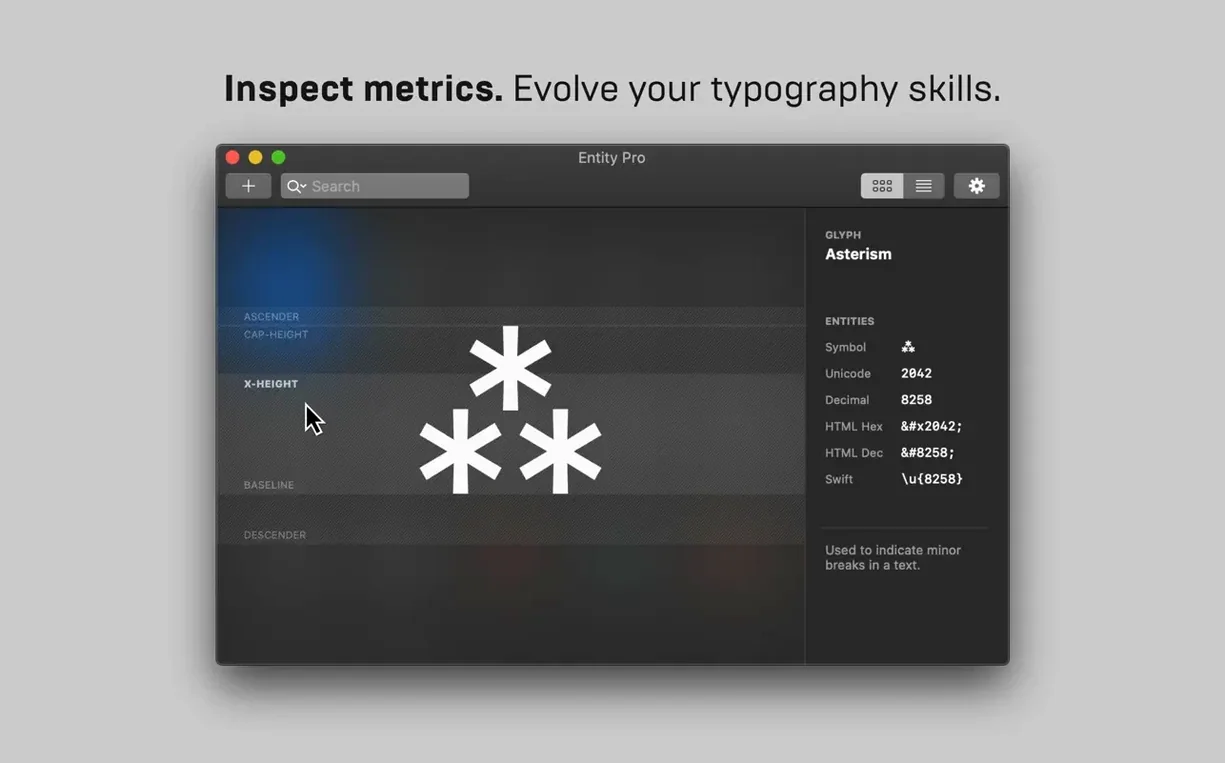
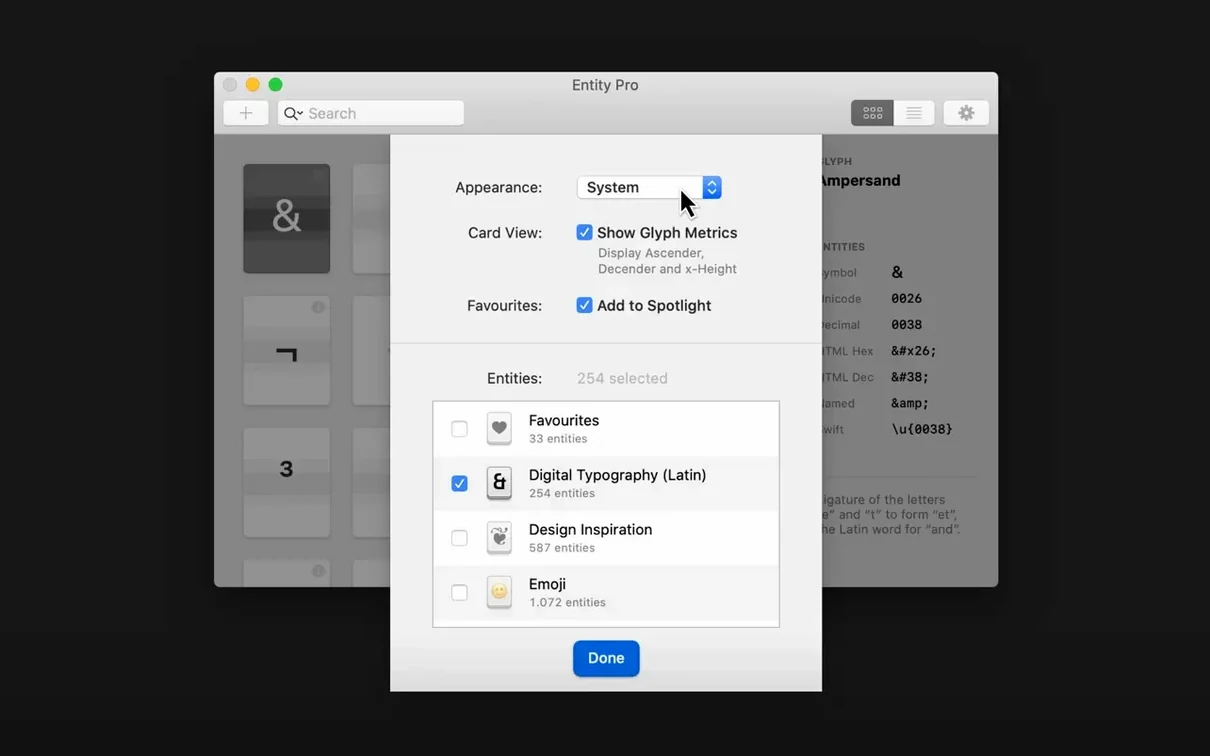
- Viewing glyph metrics in the detailed view, handy when you're checking spacing or alignment.
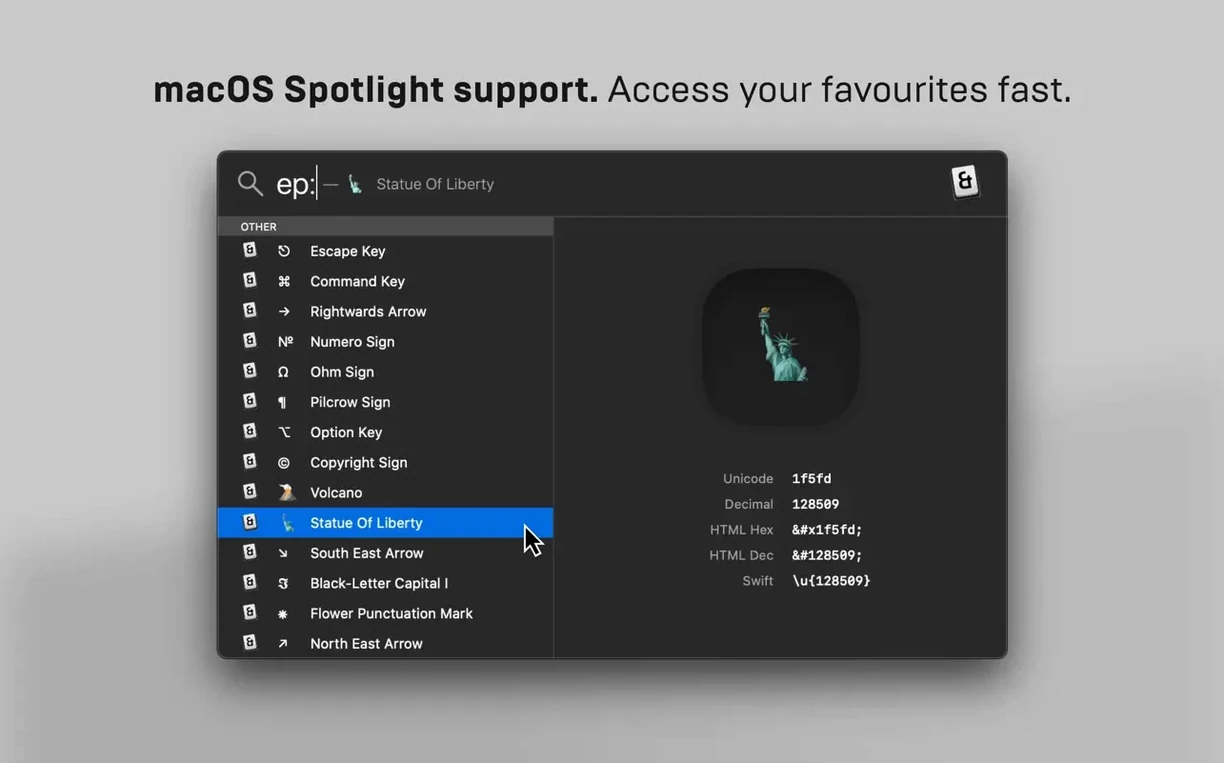
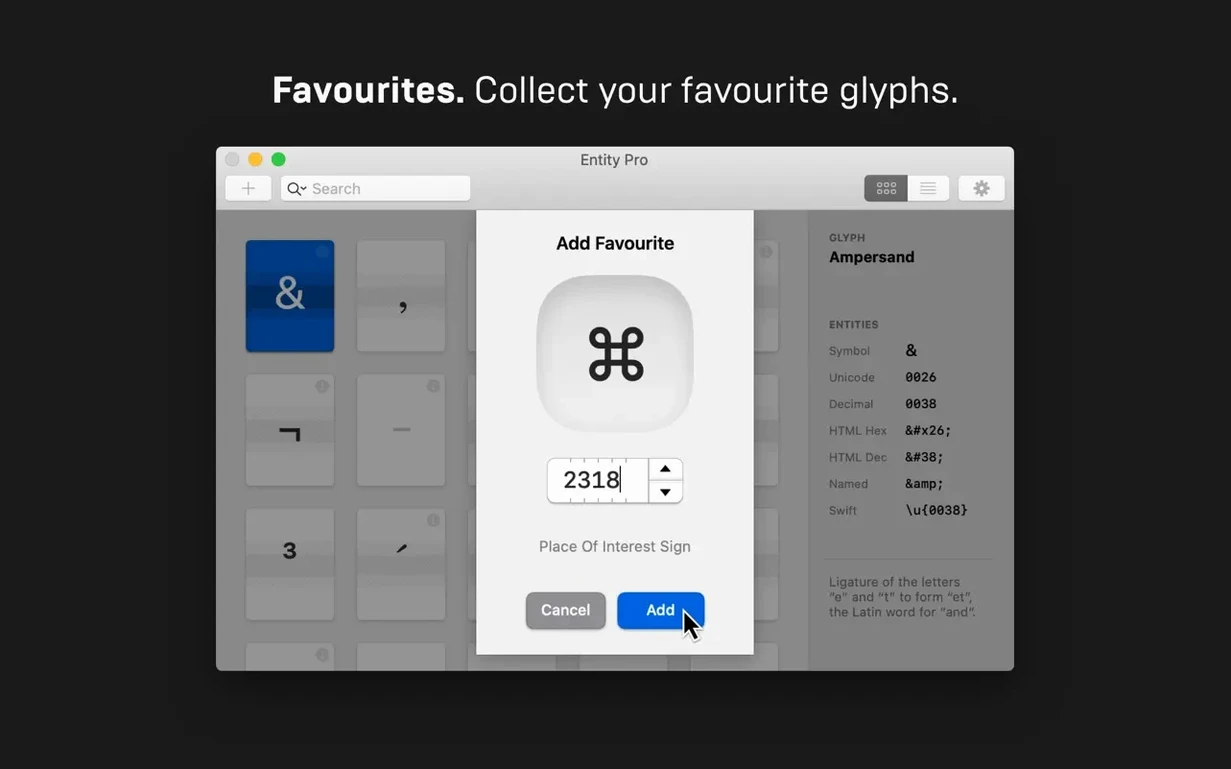
- Using the Spotlight extension to call up favorite symbols without opening the app.
- Making use of the Touch Bar if your Mac has one.
Requires macOS 12.4 or later and supports 5 languages
- Requires macOS 12.4 or later.
- Interface is in English, German, Spanish, Italian, and French.
For developers, designers, and multilingual content creators
If you write code, design interfaces, or draft content in multiple languages, Entity Pro fits right into your daily routine. Developers dealing with HTML entities or Swift escape sequences will appreciate searching by format instead of memorizing lookup tables. Writers who need a specific em dash, arrow, or accented letter save time by browsing the curated glyph collections rather than jumping between websites. Digital creators working on multilingual projects will find the offline search especially handy — no need to drop everything and load a browser tab when you're in the middle of editing.
Even if your work only touches symbols once in a while, the Spotlight extension changes the habit. You pull up a favorite symbol the same way you'd launch a calculator or a dictionary, and that convenience tends to make you use it more often.
Launches instantly and searches feel immediate, even with hundreds of glyphs
Entity Pro is a small app — about 20 MB on disk — and it behaves like one. It launches instantly, searches feel immediate even when browsing through the hundred-plus glyph collections, and switching between card view and list view is snappy. I've left it running in the background for a full workday with other design tools open, and the memory footprint stays low enough that I never think about it. The app has never stalled or crashed on me during regular use.
Because it works entirely offline, there's no waiting for network calls or worrying about an internet outage slowing down a search. The Spotlight extension integrates smoothly with macOS and doesn't slow down the system search at all. If you keep a handful of frequently used symbols pinned, they pop up immediately.
Leans into entity-format searching instead of a floating palette like PopChar
PopChar is another Unicode utility for macOS, but it focuses more on inserting symbols directly into documents via a floating palette. Entity Pro leans harder into searching by entity format — especially useful for developers — and includes the Spotlight extension, which PopChar doesn't offer. PopChar also lacks the curated glyph collections that make browsing quicker for non-technical users.
UnicodeChecker gives you detailed glyph info and a similar search-by-unicode approach, but its interface feels more like a developer debug tool. Entity Pro's card view and typography tips make it friendlier for writers and designers who don't need to see every technical detail at once.
BabelMap is a much heavier tool aimed at font designers and typographers who need to inspect entire character sets. It's overkill for anyone who just needs to find a specific symbol or emoji now and then. Entity Pro stays out of your way with a smaller footprint and a simpler workflow.
Each app has its strengths, but Entity Pro strikes a good balance between technical search power and everyday usability for small-business folks, designers, and coders alike.
- macOS 12.4 or later
- Intel or Apple Silicon
Questions from the stall
Does Entity Pro work offline?
Yes, Entity Pro works entirely offline — no internet connection needed to search for symbols.
Notes from other shops 0
Sign in or open a shop account to leave a note.
No notes yet. If you've used this on a shop Mac, tell me how it went.