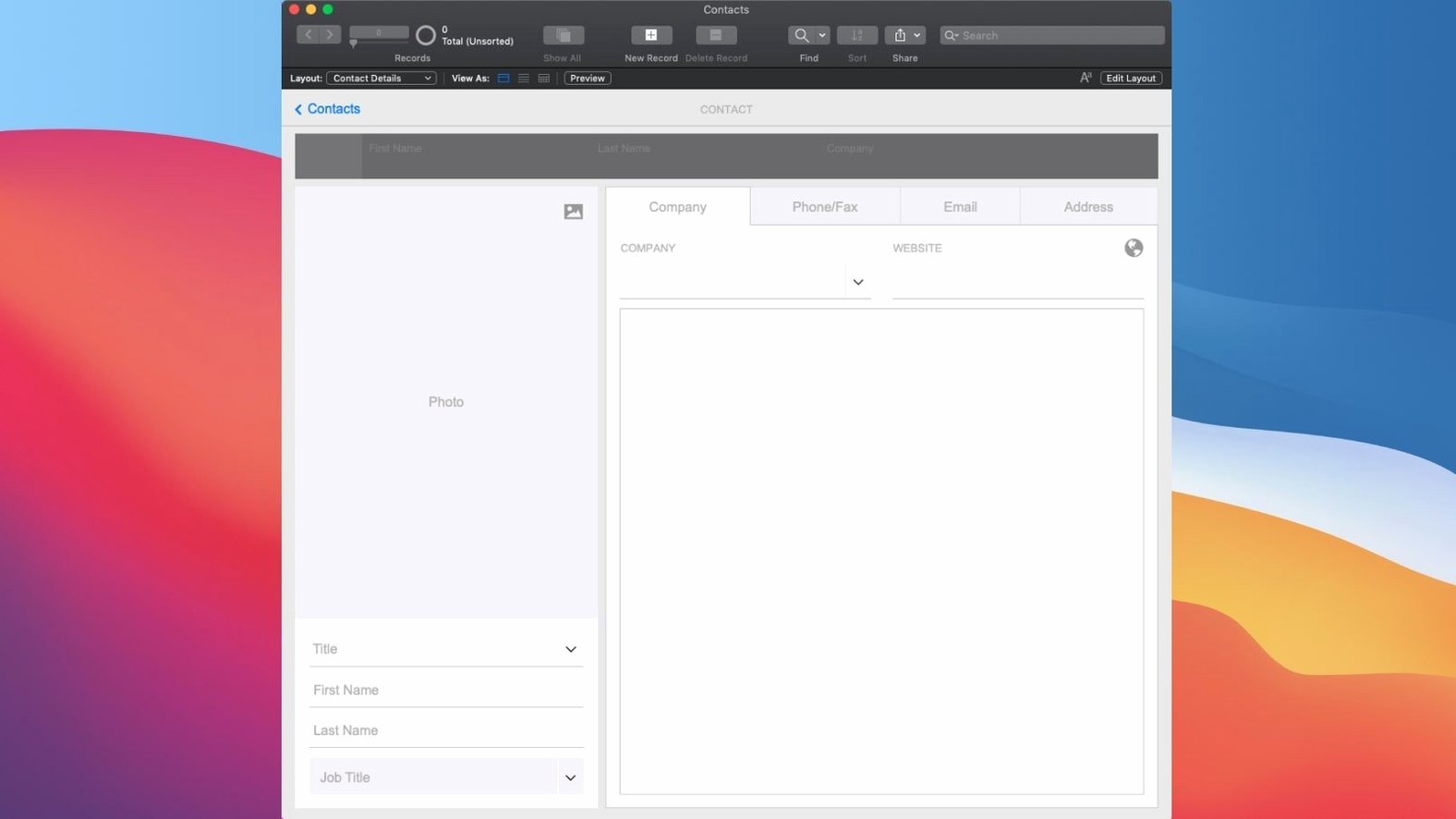
FileMaker Pro 2024 (version 21.0.1) brought AI into the mix. You can now configure an AI account, insert embeddings, and run semantic finds right inside your custom apps. It’s a quiet but meaningful shift for a tool that’s always been about shaping data your way.
Who is FileMaker Pro actually for?
It’s for small teams and solo operators who’ve outgrown spreadsheets but don’t have a developer on hand. You can build a CRM, a content library, or an asset tracker without writing code from scratch.
Drag-and-drop app building, no code required
No. The whole idea is low-code. You drag elements onto a layout, pick from built-in templates, and drop in ready-made add-ons like Kanban boards, calendars, and charts. If you can plan a filing cabinet, you can build an app here.
What kind of apps can I make?
How FileMaker Pro fits into a real Mac workflow
FileMaker doesn't sit in a corner by itself. It plays nicely with other tools you already use and with macOS features that make daily work smoother. The apps you build can pull in data from Excel or CSV files without fuss, and you can export nicely formatted reports as PDFs or spreadsheet files whenever someone needs a snapshot.
On the macOS side, the built-in scripting engine talks to Apple Events, so a FileMaker script can ask other Mac apps to do things — like telling Mail to send a pre-filled message or asking Calendar to create an event from a date field. If you use AppleScript or Automator, you can trigger FileMaker actions from outside too. Dark Mode support means long hours staring at a project tracker won't feel like staring into a lightbulb. And because the app runs natively on both Intel and Apple Silicon Macs, you're not losing performance to translation layers.
For teams, FileMaker Server ties everything together. One person builds the app in FileMaker Pro, uploads it to a Mac running FileMaker Server, and everyone else opens it on their desktop, iPad, or in a browser. Changes show up in real time — no emailing copies back and forth, no "who has the latest version" detective work. It's how a small office keeps a single source of truth without paying for a SaaS subscription per seat.
How a knitting-kit studio tames inventory and subscriptions
Imagine a small business that designs and sells knitting kits. They stock fifty types of yarn, work with a dozen suppliers, and run a monthly subscription box. Before FileMaker, they tracked inventory in a shared Numbers file, supplier contacts in a Gmail label system, and subscription shipping dates on a wall calendar. Things fell through the cracks.
With FileMaker Pro, they built one custom app with three tabs. The inventory tab shows current stock with color-coded warnings when a yarn falls below reorder level. The supplier tab links each yarn to its supplier, stores lead times and minimum order quantities, and logs the last three purchase prices so they spot price creep early. The subscription tab pulls together what each box needs, which customers are due, and which shipping labels to print that week.
The owner didn't write a line of code. She dragged a few fields onto a blank layout, connected tables with a couple of clicks, and dropped in a calendar add-on to see shipping dates at a glance. Now when a yarn runs low, the app sends her a notification — and she can tap a button that generates a reorder email with the supplier's address already filled in. It saved her about seven hours a week of cross-referencing spreadsheets.
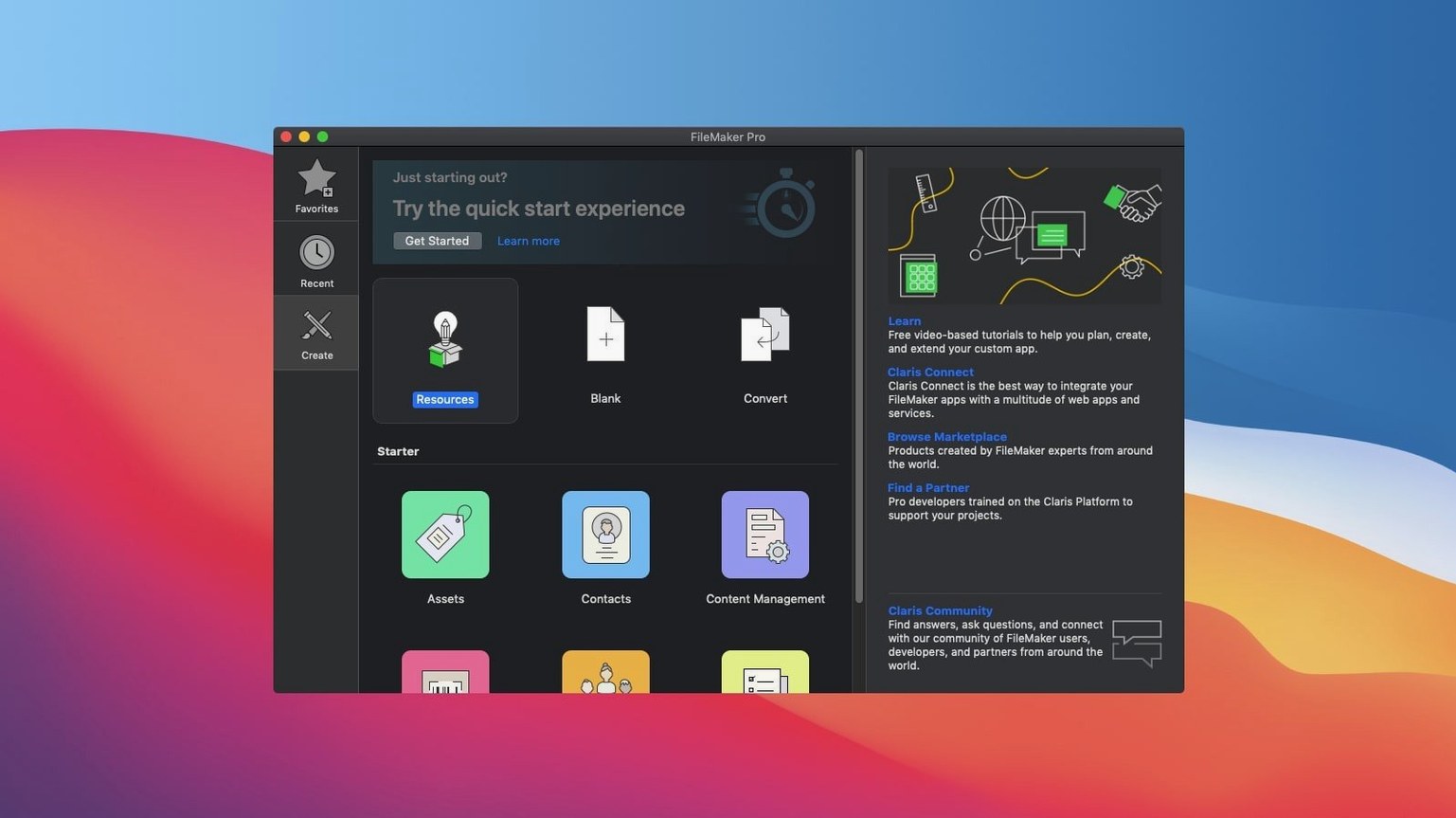
Opening a starter template before you build anything
Don't try to build your dream app on day one. Start small and get comfortable with how FileMaker thinks about data. Here's a practical path for your first few afternoons:
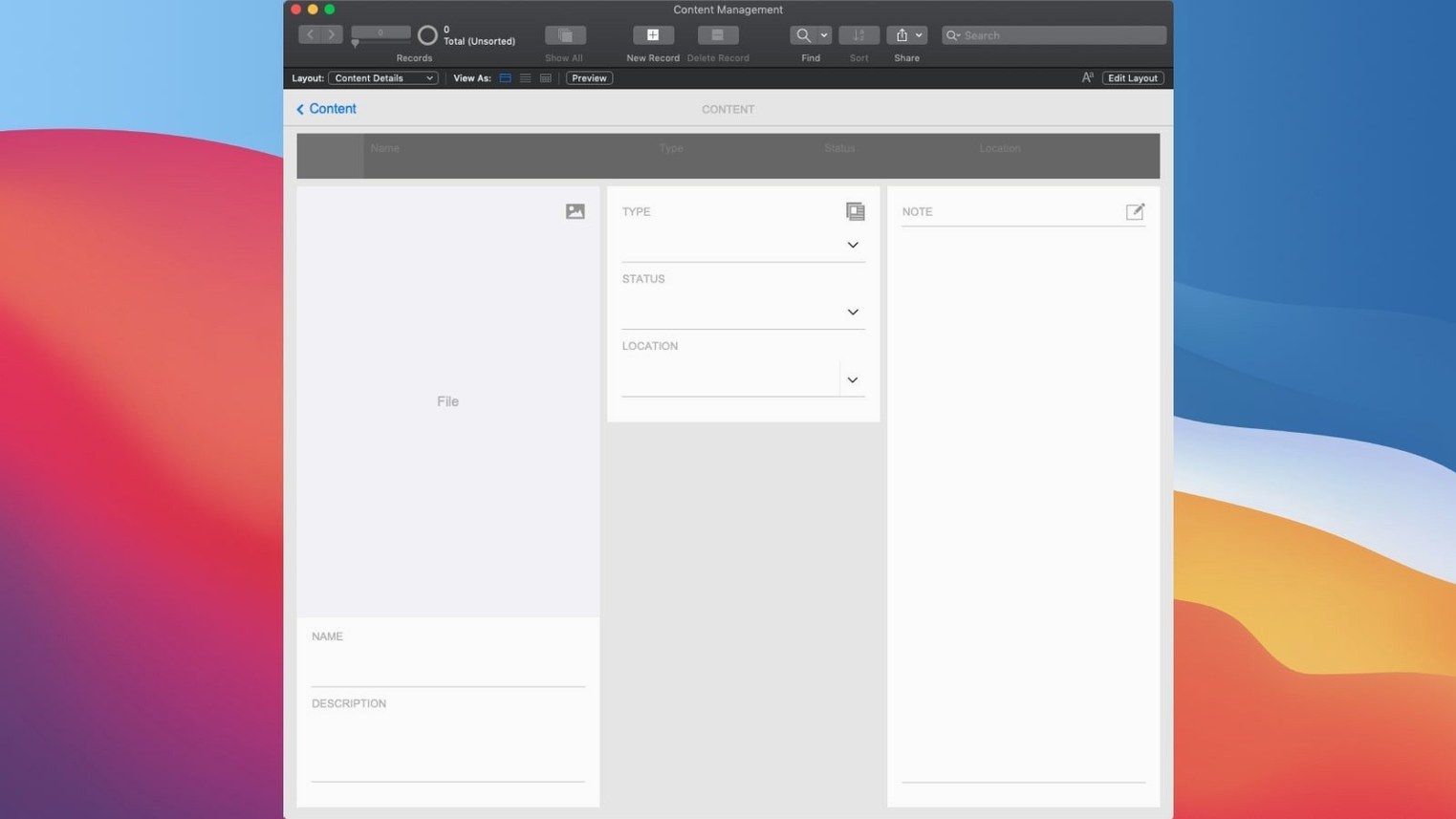
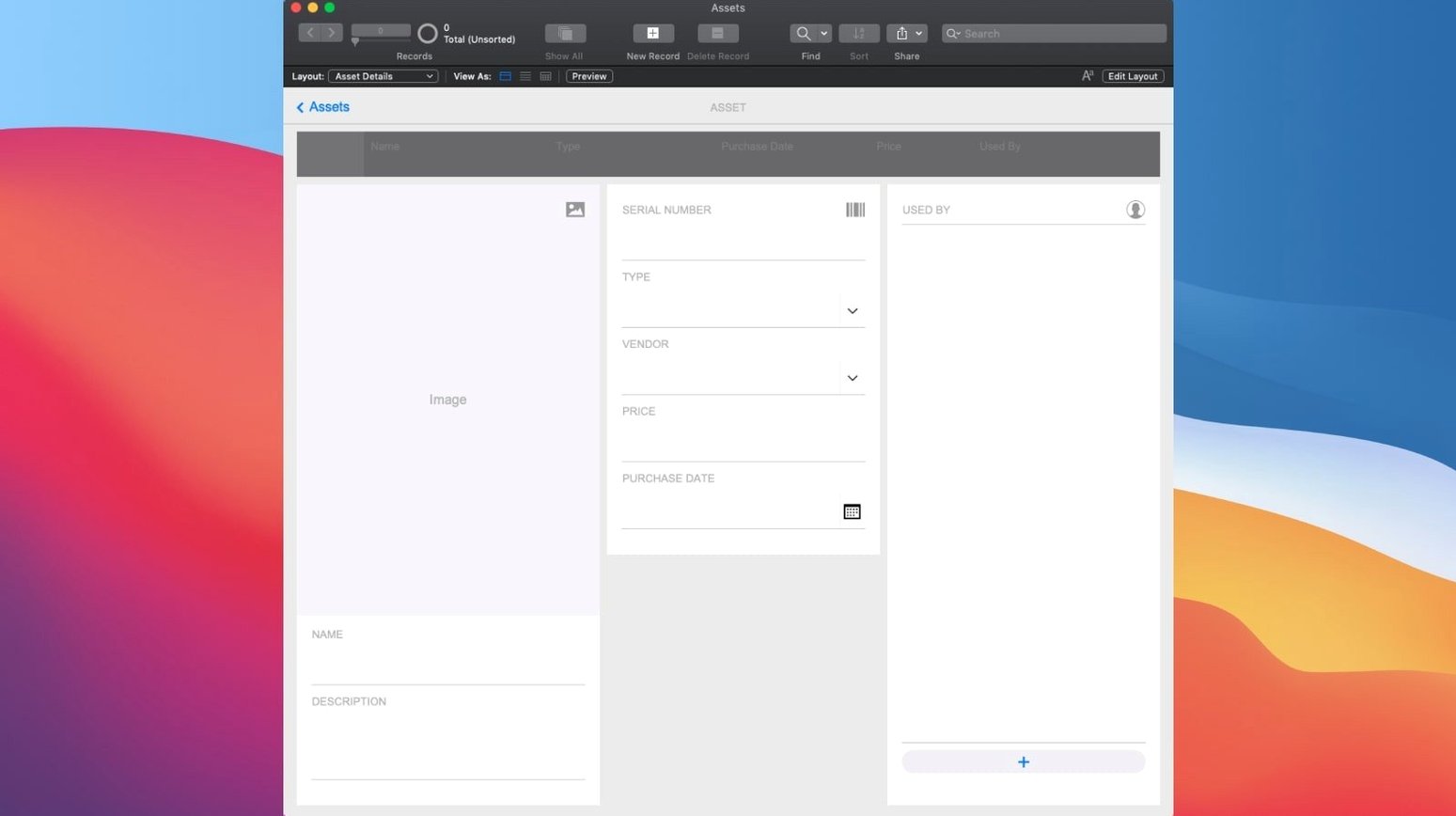
Open one of the built-in starter templates — the Contact Management or Asset Management template is a good first look. Click around in Layout mode to see how fields, buttons and panels are arranged. Switch to Browse mode and add a few fake records. You'll start to see how the database engine separates data from presentation, which is the core idea.
Next, create a blank file from scratch with just two tables. Try something like "Projects" and "Tasks" and draw a relationship between them. Drag a portal onto the Projects layout to show related tasks. This exercise teaches you more in thirty minutes than watching hours of tutorials. Once that clicks, explore the add-ons panel — drop in a chart, a calendar, or a Kanban board and see how they pull from your fields.
A practical tip: enable Set AI Call Logging early if you plan to experiment with the new AI features. The log file shows you exactly what prompts and embeddings are being sent, which helps you debug scripts and understand token usage before you build AI-dependent workflows. You'll find the option under the Script Workspace once you've configured an AI account.
Excel power users hitting the limits of a spreadsheet
It's not for everyone — but for certain Mac users, it solves a problem nothing else quite touches.
Small business operators who've built their whole process in Excel and now feel its limits. They know their workflow inside out and just need a tool that matches how they actually think about their data. FileMaker lets them build exactly that, without waiting for a developer or bending a generic SaaS product to fit.
In-house tinkerers at mid-size companies. The person in accounting who built a shadow IT system in Access five years ago, or the marketing coordinator who maintains a frighteningly complex Numbers file. They already think in data relationships; FileMaker gives them a proper platform without requiring them to learn Swift or SQL first.
Creative studios and production houses that manage asset libraries, shoot schedules, or client approvals. The drag-and-drop layout tools make it easy to build a visual interface that non-technical team members will actually use. And because FileMaker apps work on iPad and in a browser, a photographer can review a shot list on set while the producer updates the schedule from a Mac back at the studio.
Database-curious Mac users who've tried to make something in Bento years ago or dabbled with a filemaker pro 16 advanced download back when they first explored the platform. If you already know the Mac ecosystem and want a tool that feels like it belongs there, FileMaker Pro fits. It respects macOS conventions, supports native shortcuts, and doesn't look like a port from another operating system.
The common thread: these are people who know their domain, need a custom tool, and don't want to become full-time developers to get it. They get the most out of FileMaker because they bring the domain knowledge — the software just gives them a way to shape it.
Project management dashboards, inventory lists, membership directories, creative asset managers — anything where you need to store, sort and see relationships between pieces of information.
Version 21.0.1 added several AI-related features:
- Configure AI Account
- Insert Embedding
- Insert Embedding in Found Set
- Perform Semantic Find
- Set AI Call Logging
- macOS 10.14 or newer
- Runs on Intel and Apple Silicon Macs
- Interface language: English
Notes from other shops 0
Sign in or open a shop account to leave a note.
No notes yet. If you've used this on a shop Mac, tell me how it went.