
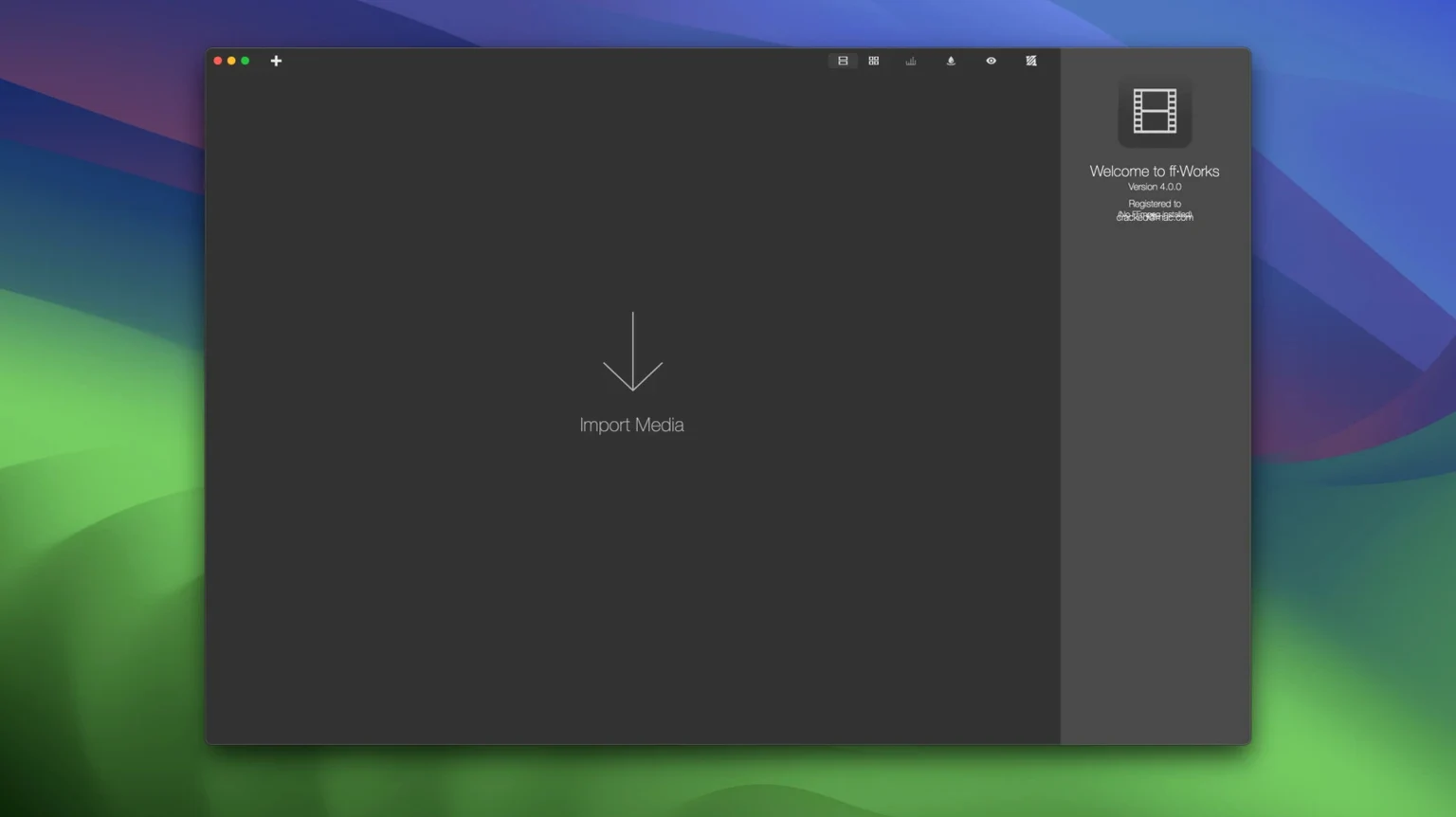
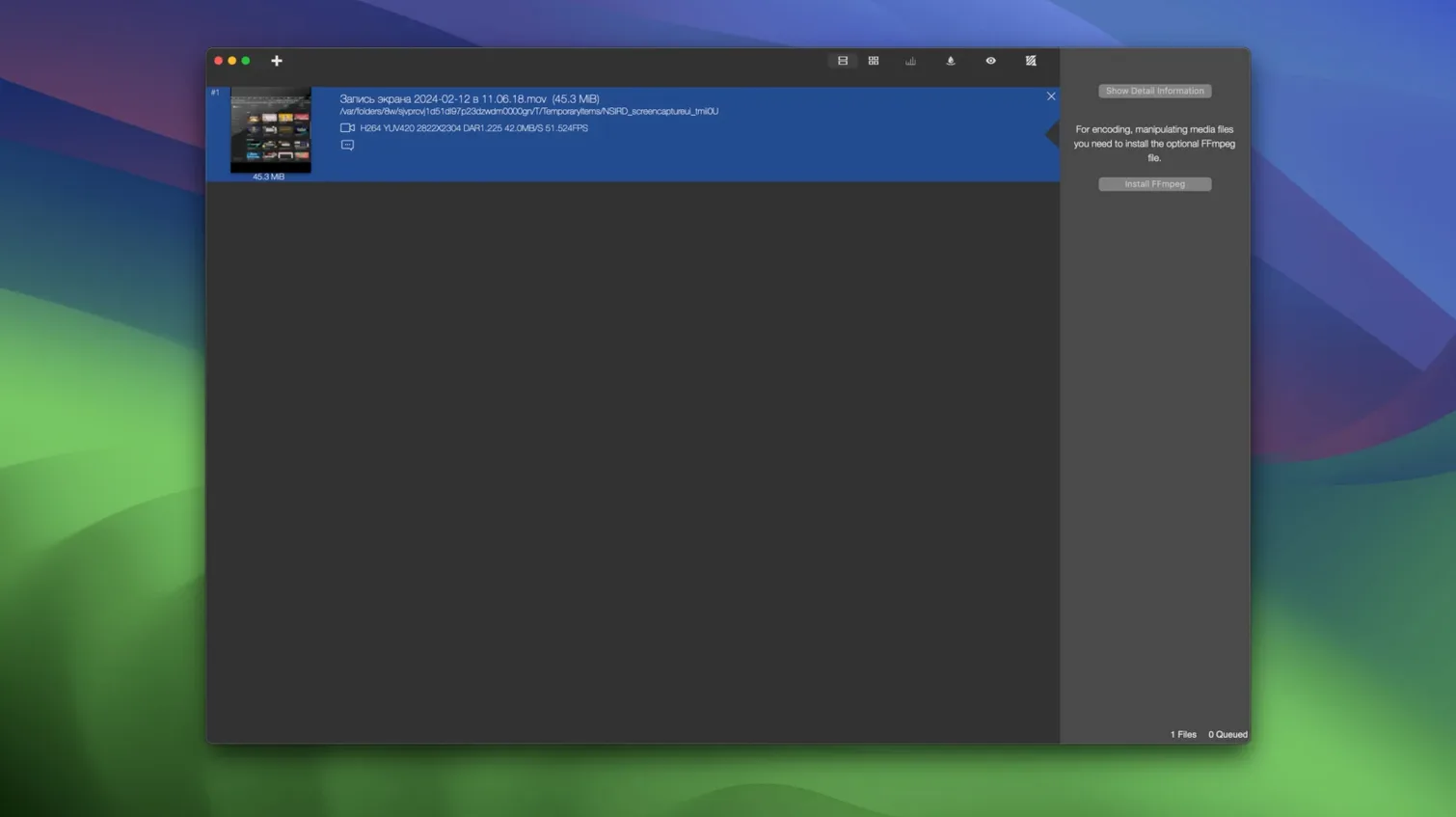
Exporting to 8K is just one tick in the preset menu. ff·Works wraps the full FFmpeg engine in a Mac interface that does not ask you to memorize command-line flags. It slides in next to QuickTime Player for quick previews, sits upstream from your NLE for format prep, and handles batch image sequences that Finder cannot touch. The whole thing runs natively on Apple Silicon and Intel Macs from macOS 10.15 onward.
- Drag-and-drop processing zones let you trim, merge, and reorder clips without opening a timeline.
- Color sliders for exposure, contrast, saturation, gamma, brightness, shadows, and black-and-white balance live right in the conversion window.
- Export a movie to an image sequence (PNG, BMP, JPG, TIFF, DPX, SGI, TGA) in one pass — handy for stop-motion review or archival stills.
- Quality-check a finished encode with VMAF, PSNR, SSIM, or CAMBI so you know whether that 4K HEVC deliverable held up.
- Mux and remux between containers — Matroska, MXF, MPEG TS, AVI, OGG, VOB, and more — without re-encoding the streams.
Because it is a GUI on top of FFmpeg, the format list runs deep: H.264, H.265, ProRes, DNxHD, AV1, VP9, GIF, FLAC, ALAC, AAC, WAV, and all the production staples. If your workflow already leans on batch renamers, image optimizers, or a media player like IINA, ff·Works fills the missing conversion slot.
Misreading the pipeline as a simple converter
Most early missteps come from treating ff·Works like a simple Finder-level converter rather than a full FFmpeg pipeline. The interface hides complexity well, but a few habits trip people up in the first week.
- Re-encoding when a remux would do. Dragging an MKV straight into the conversion queue often triggers a full video encode when the real job is just swapping the container to MP4. Check the video codec dropdown first — if it says “copy,” you are remuxing. That saves hours and preserves quality.
- Ignoring the processing zone order. The drop zones run top-to-bottom. A trim applied after a color adjustment gives a different result than the reverse. Beginners sometimes stack operations and wonder why the output looks off. Drag to reorder first, then tweak.
- Over-filtering 8K timelines on a machine that cannot keep up. Sixty video filters are tempting, but stacking five color nodes plus a VMAF analysis on an 8K ProRes file will bring even an M-series Mac to a crawl. Stagger heavy jobs or save the quality check for a second pass.
- Skipping the subtitle burn-in preview. External SRT files map cleanly, but font size and positioning can shift in the final encode. Run a short test clip with the burn-in active before committing to a feature-length export.
Tip: If you grab an ff·works torrent macos file, you are probably looking at an old iFFmpeg build bundled with a mismatched FFmpeg binary. The app checks its internal engine on launch, so make sure the FFmpeg binary matches the version the build expects, otherwise it may refuse to process anything beyond simple probes.
How ff·Works compares with similar Mac apps
HandBrake
HandBrake is the go-to for fast, guided transcodes — pick a preset, tweak a few sliders, and go. It excels at DVD rips and quick H.264/H.265 outputs. Where it pulls back is batch image-sequence export, detailed color correction inside the conversion window, and the sheer range of obscure FFmpeg formats ff·Works reaches. HandBrake is a focused encoder; ff·Works is a media toolbox that also encodes.
Adapter
Adapter shares the drag-and-drop, no-timeline philosophy and covers common video, audio, and image conversions with a cleaner, more minimal interface. It is lighter to launch and simpler to learn. The trade-off: Adapter lacks the 450 extra FFmpeg options, the quality-metric tools, and the deep color sliders that ff·Works puts front and center. For a quick GIF or a batch of MP3s, Adapter wins on speed of setup. For anything involving overlays, subtitle burn-in, or production-format intermediates, ff·Works pulls ahead.
Permute
Permute concentrates on making conversion feel invisible — drop a file, it guesses the format, and you barely see a window. It is perfect for non-technical users who want PDF-to-JPG or WMV-to-MP4 without reading a single setting. ff·Works is the opposite philosophy: it assumes you want control, even if you do not need it on every job. Permute hides FFmpeg entirely; ff·Works lets you reach right into the command-line generation if a filter needs a tweak no preset covers.
Version 5.2 arrives ready for macOS 27 and improves a few of the trickier filter workflows:
- FFmpeg command-line generation for audio and complex video filters is smoother now, giving you cleaner previews of the commands the app builds under the hood.
- The merge-media and trim tools got some attention — combining clips and slicing sections feels quicker and more predictable.
- macOS 10.15 or later
- Apple Silicon or Intel 64-bit Mac
Notes from other shops 0
Sign in or open a shop account to leave a note.
No notes yet. If you've used this on a shop Mac, tell me how it went.