
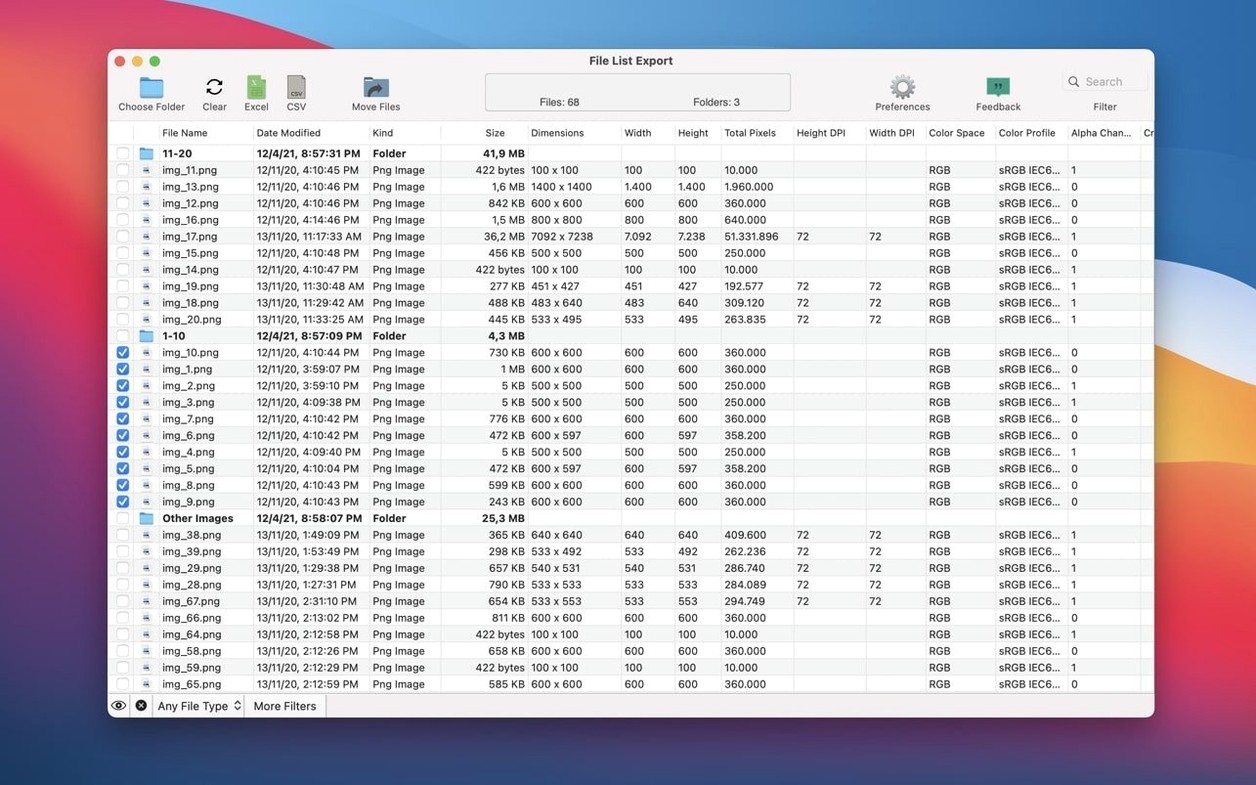
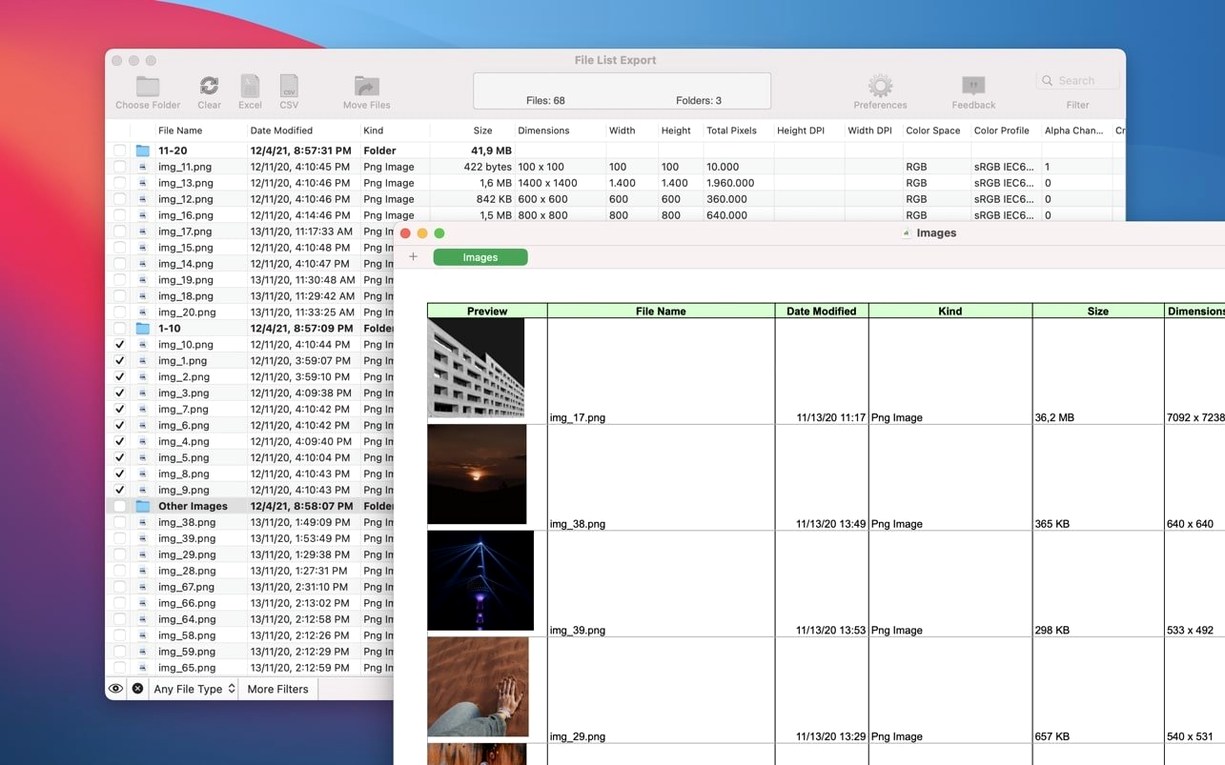
File List Export is a straightforward Mac app that builds detailed, exportable lists from your folders and files. It grabs the metadata you care about—names, dates, sizes, paths and plenty more—then lets you edit and preview the record before sending it off to Excel, PDF, CSV, JSON, HTML or Markdown.
What do people want to know before they install it?
Most folks have two questions. First, can it reach into subfolders? Yes—toggle that on and every nested item gets pulled in, so a single pass maps a whole project tree. Second, what kind of detail does it catch? Beyond the obvious name-and-date basics, it picks up tags, comments, Finder version strings and a deep set of media attributes: pixel dimensions, DPI, color space, codecs and bitrate. Those extra columns matter when you are cataloguing a photo library or preparing a shoot handoff.
Is it the right fit for a small shop?
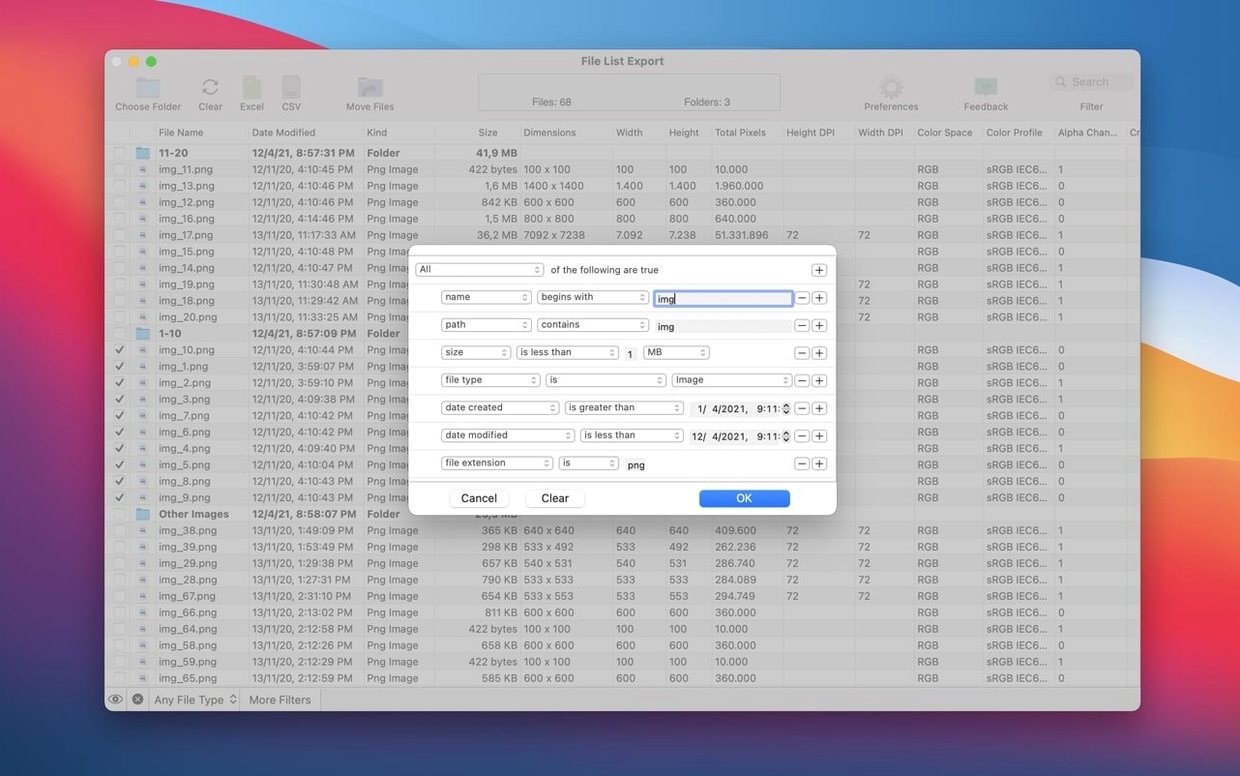
I think so. You can feed it a whole folder or just drag in the handful of files that matter right now. The built-in search and column filters let you slim a long list to exactly the records you need before export. Version 3.1 added pixel width and height filters, which makes culling images by size a one-step job. It runs on any Mac with macOS 11 or newer, Intel or Apple Silicon, and stays out of your way until you need a clean inventory.
Pick a default format before your first export
Out of the box, File List Export works fine, but a few quick tweaks make the output match how you actually work. Open the preferences before your first export and consider these:
- Default export format. The app remembers your last choice, but setting a preferred default saves clicks if you always send lists to CSV for accounting or Markdown for a readme file.
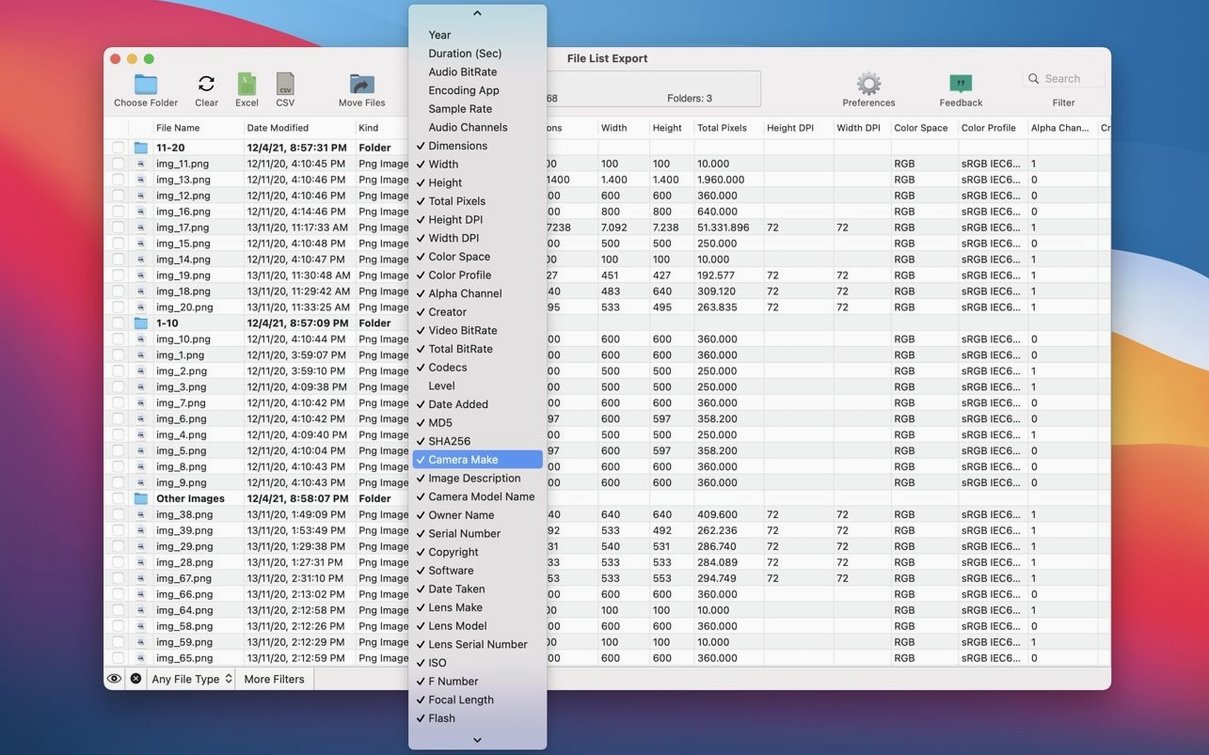
- Column visibility. The full column set is wide. Head into the column chooser and hide anything you never need—audio encoding app or lens serial number might just be noise for a folder of invoices. What stays visible becomes your standard list template.
- Date format. The creation and modification dates can show as relative, short, or full strings. Pick one that matches how your client or team reads timestamps.
- Subfolder inclusion. It is on by default for a reason, but if you batch-process shallow folders you may want it off to avoid surprising list lengths.
None of this is hidden, yet plenty of first-time users skip the preferences entirely and then wonder why the export looks busier than expected. Five minutes here makes the app feel tailored rather than generic.
Drag folders straight onto the window
Some of the handiest touches are not labeled with big buttons. A few I noticed:
- Drag-and-drop anywhere. You do not need to use the folder picker. Drag a folder or a scatter of files straight onto the main window and the list populates instantly. Works from the Finder, the Desktop, or even a file list export torrent macOS disk image you mounted for reference.
- Inline editing. Double-click a cell that needs tidying—a misspelled comment, a generic tag—and change it right in the table before export. No need to fix things in the source file first.
- Column reordering. Grab a column header and drag it left or right. The export honors that order, so you can arrange columns to match a spreadsheet template without touching a single formula.
- Quick copy from the preview. Select rows, press
⌘C, and paste them directly into an email or a Numbers sheet. You can skip the full export when you only need a snippet. - Right-click for checksums. The md5 and sha256 columns do not show by default, but turning them on and right-clicking a file name lets you copy the hash without scrolling to the far end of a wide table.
These are the kinds of things that never make it into a feature list but save real time once you know they are there.
The big news in version 3.1.1 is what doesn't happen anymore — those long, awkward pauses when you're scanning a folder with a file type filter turned on.
- Much faster filtered scans. Pick a filter like Video or Audio, and the app now reads only the matching files from the start. Before, it read everything in the folder first, which made large folders and network drives sit there stuck on “Loading files” for ages.
- The progress window stays alive. It now counts items as the folder is searched, so a big folder won't look frozen while you wait.
- Now requires macOS 12 Monterey or later.
Thanks for sticking with File List Export — hope this one saves you some coffee breaks.
- macOS 11 or later
- Apple Silicon and Intel 64-bit Macs
Questions from the stall
Can File List Export include files from subfolders?
Yes, you can enable an option to include files from all subfolders so the list captures the full folder tree in one export.
What file details can the app record?
It records name, modification date, creation date, kind, size, path, comments, tags, version, plus media details like pixel dimensions, DPI, color space, codecs and bitrate.
Notes from other shops 0
Sign in or open a shop account to leave a note.
No notes yet. If you've used this on a shop Mac, tell me how it went.