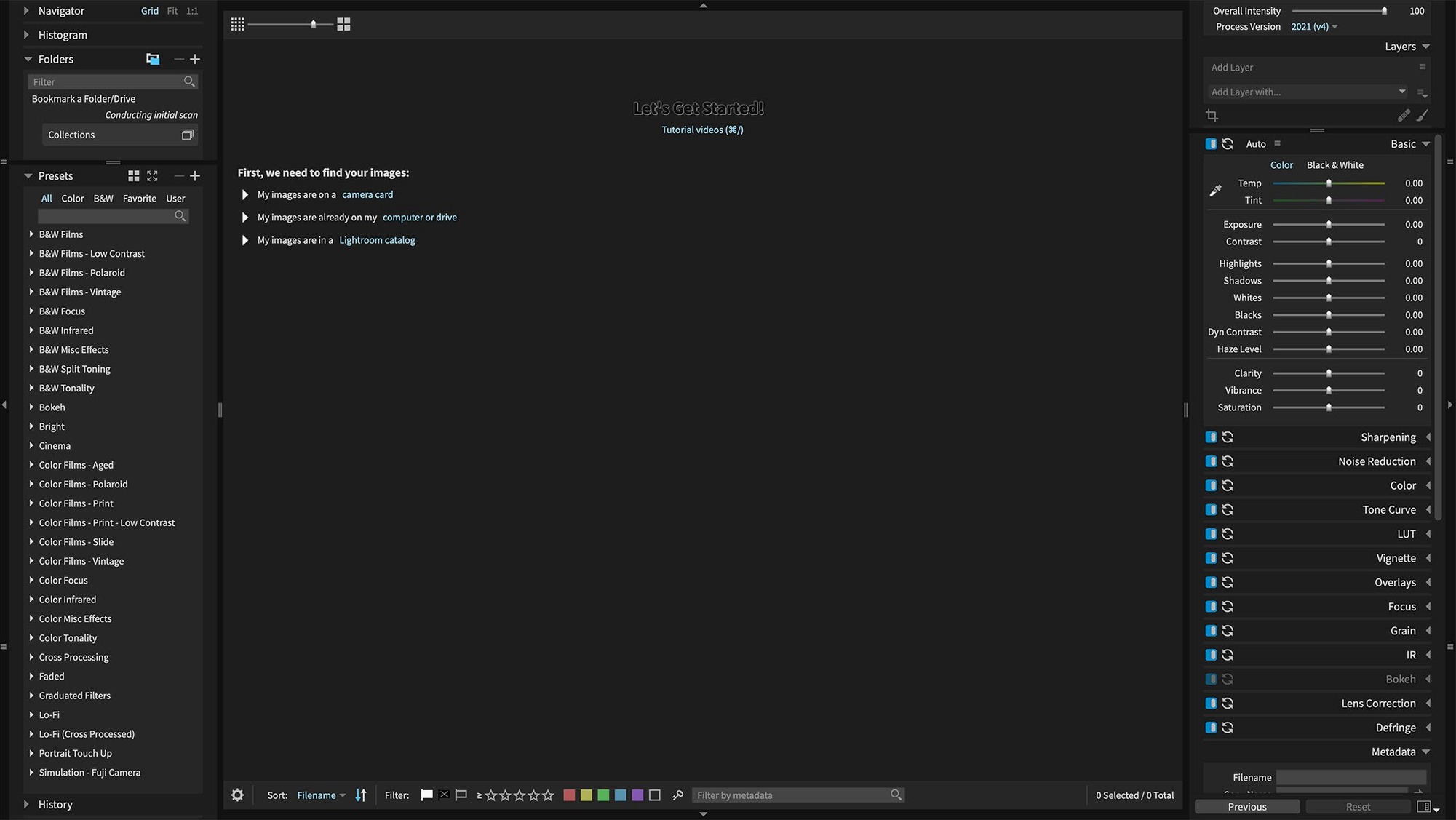
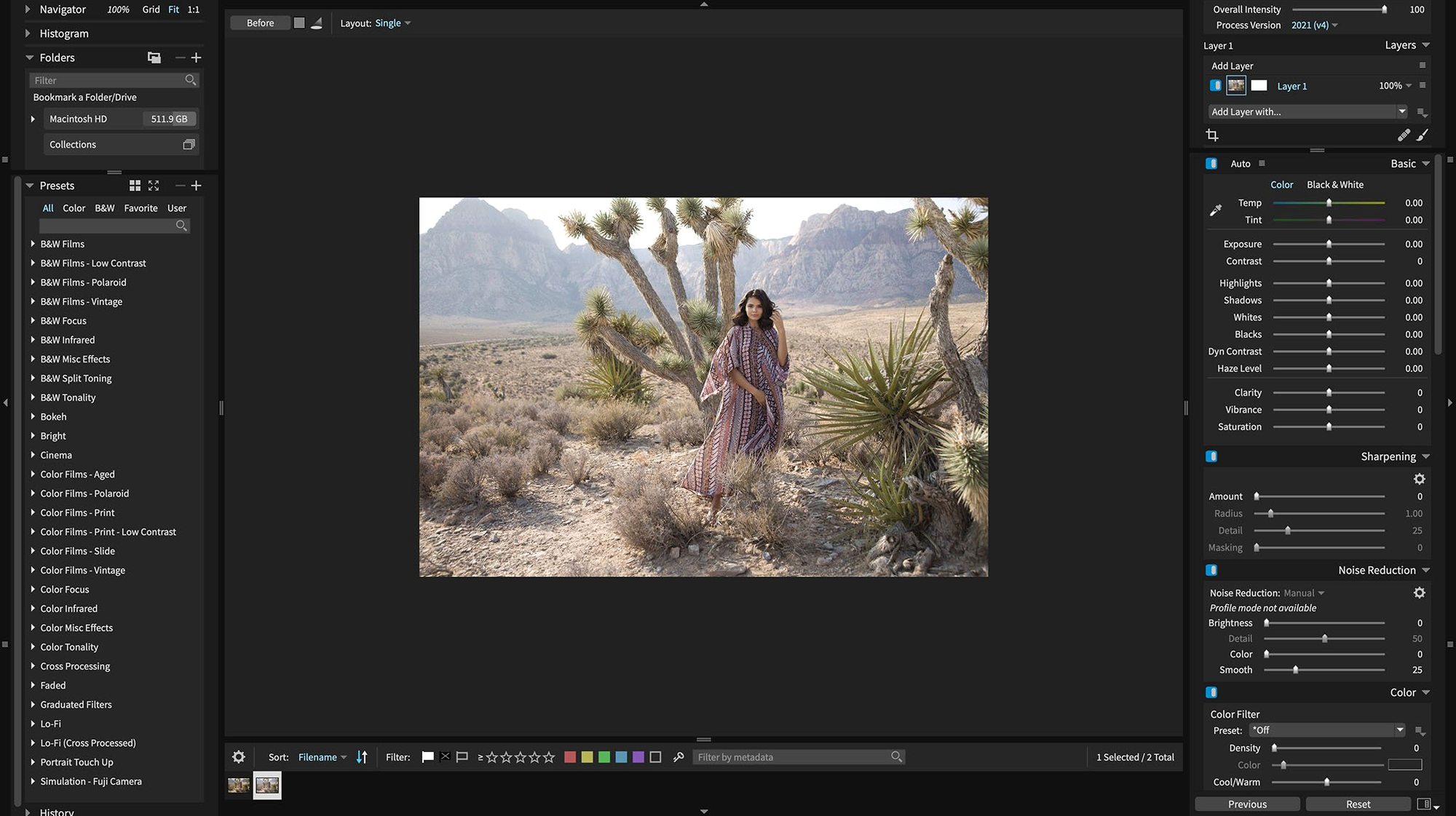
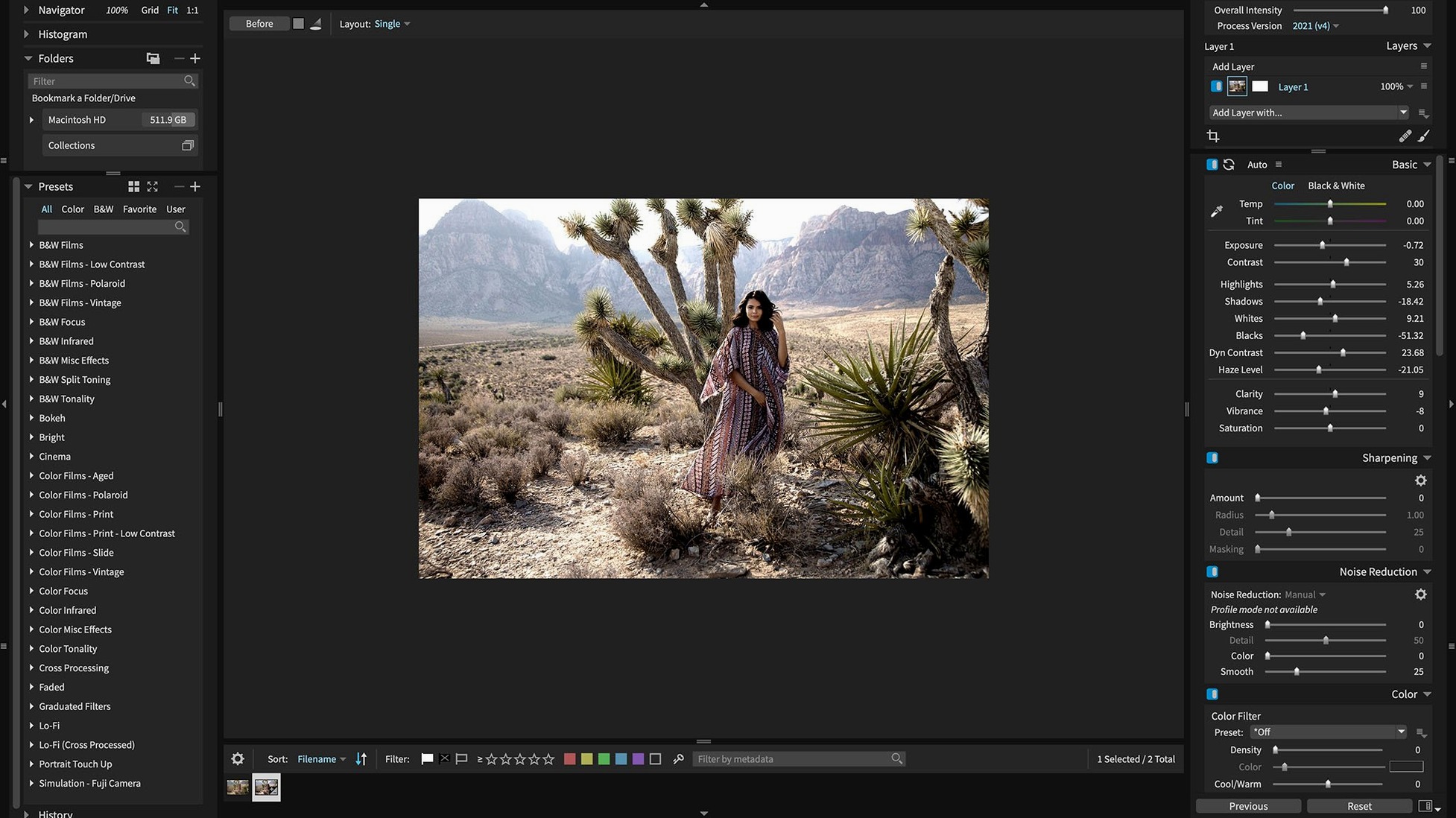
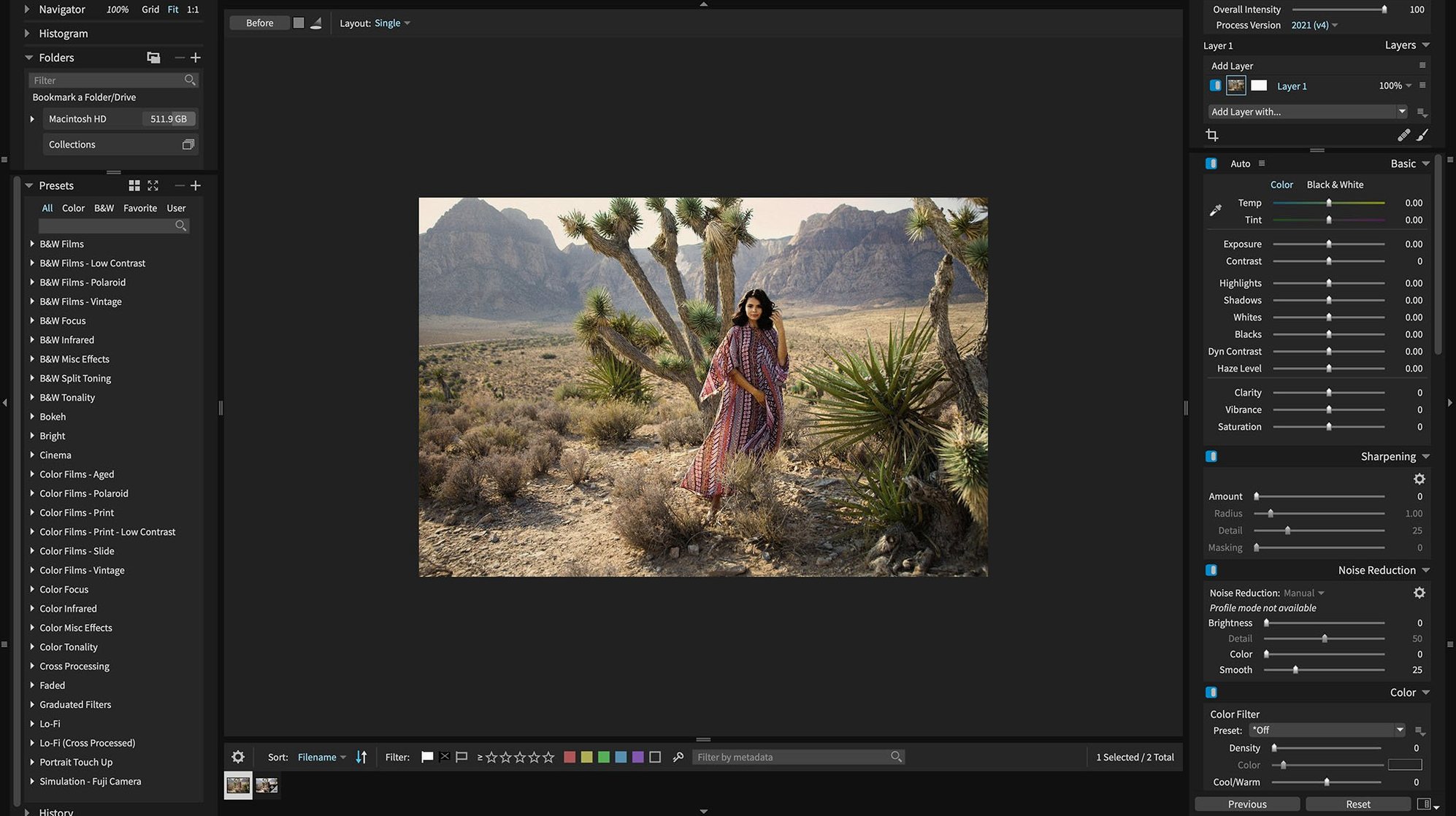
Exposure X7 runs on any Mac with macOS 10.13 High Sierra or newer, on both Intel and Apple Silicon machines. Retina screens are fully supported, so the customizable interface looks sharp while you work.
How does the editing workflow feel?
Everything revolves around a non-destructive RAW engine, so you can push and pull tones without touching the original file. The interface gives you organizational tools for your presets and lets you rearrange panels to match how you think about an edit.
What do the texture overlays add?
The bundle includes a collection of overlays that mimic physical film artifacts: light leaks, dust, scratches, dirt, matte emulsion, and old-frame borders. Layering them into a clean digital shot introduces a worn, tactile quality that feels less clinical.
What creative directions can Snap Art 4 take?
Snap Art 4 transforms photographs into hand-painted looks without touching a brush. It's part of the bundle and works alongside Exposure's organizer, so a single session can move from culling to a painterly print-ready file.
Slotting it into a Lightroom or Photoshop retouching chain
Exposure X7 can run as a plug-in for Lightroom or Photoshop, slotting into a retouching workflow you already know. Blow Up, the resizing tool, handles CMYK, RGB, Lab, Grayscale, and Duotone modes for print jobs that need exact color space control.
Smoothing out the first-day friction
A few things tend to trip people up right after installing, especially if they're coming from another raw processor. The most common snag is the preview taking a moment to snap into full sharpness when you zoom in—Exposure builds its previews on the fly, so giving it a beat to render saves you from thinking the lens misfocused.
Another one: if a preset preview looks nothing like your image, check whether you've got a crop or a virtual copy selected. The preset window shows results based on the active state, and a tight crop can hide the effect entirely.
For anyone who works across Lightroom and standalone sessions, make sure the plug-in is actually installed to the right folder. A quick way to verify is to launch Photoshop, open any image, and look under Filter › Exposure Software. If it's missing, a reinstall of the plug-in component usually sorts it in under a minute.
Pinning your go-to panels into one workspace
Start by pinning the panels you actually reach for. The interface is modular, so dragging your most-used tools into a single workspace cuts down on menu hopping. I'd keep the histogram, presets, and basic tone controls visible and tuck the rest into a second tab.
Before editing a single image, spend fifteen minutes making a few custom presets from adjustments you apply repeatedly—split-toning, a specific curve, a vignette shape. Save them into a new category so they sit apart from the built-in library. Later, when you're batch-processing a folder, those presets show up right in the preset browser and you can hover-scrub through them without opening a menu.
If you grabbed the exposure x7 bundle macos free package that includes Snap Art and Blow Up, open both at least once during the first session. That registers them properly so the plug-in path in Exposure recognizes them, and you won't get a missing-application warning later when you right-click to send a portrait to Snap Art.
A quick tip for the Randomize tool
The Randomize button in Snap Art doesn't just shuffle settings—it picks from the full range of brush styles, palette shifts, and stroke lengths that particular preset can produce. Click it a few times even when you like the first result; you'll often land on a variation that fits the image better than the default.
- macOS 10.13 or later
- Apple Silicon or Intel 64-bit Mac
Questions from the stall
Does it work as a standalone app or just a plug-in?
It works as a full standalone photo editor and organizer, and can also function as a plug-in for Lightroom or Photoshop.
What was fixed in version 7.3.0?
The update fixed corrupt rendering of Sony A7 IV lossless compressed raw files, 8-bit ProPhoto RGB images, and grayscale images.
Which color spaces does the Blow Up tool support?
Blow Up works with CMYK, RGB, Lab, Grayscale, and Duotone modes, so it fits into print and digital workflows.
Notes from other shops 0
Sign in or open a shop account to leave a note.
No notes yet. If you've used this on a shop Mac, tell me how it went.