
You’ve just returned from the farmers’ market and want to log what you spent on fresh produce, bread, and that slightly impulsive pottery purchase. You open Debit & Credit Premium on your Mac, tap in the three amounts, and assign each to the right envelope before the receipts pile up.
What’s the Mac version good at?
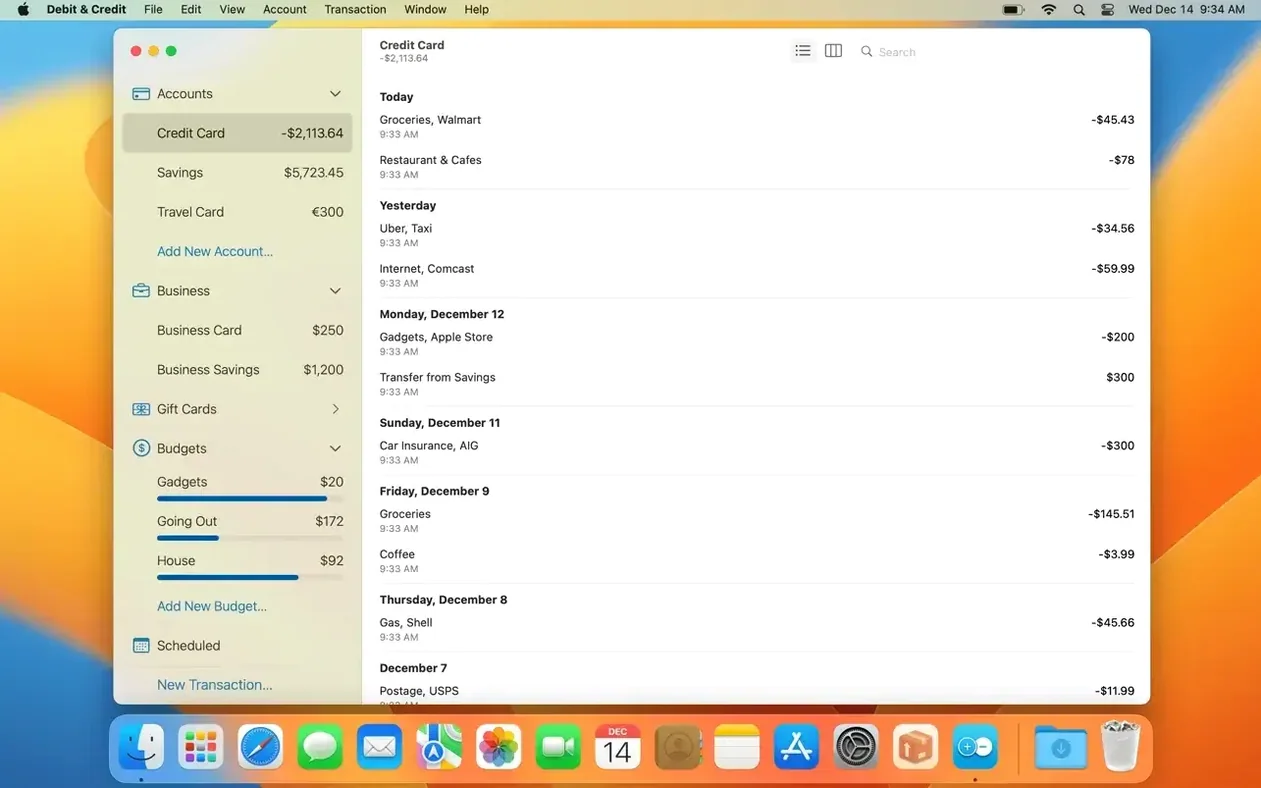
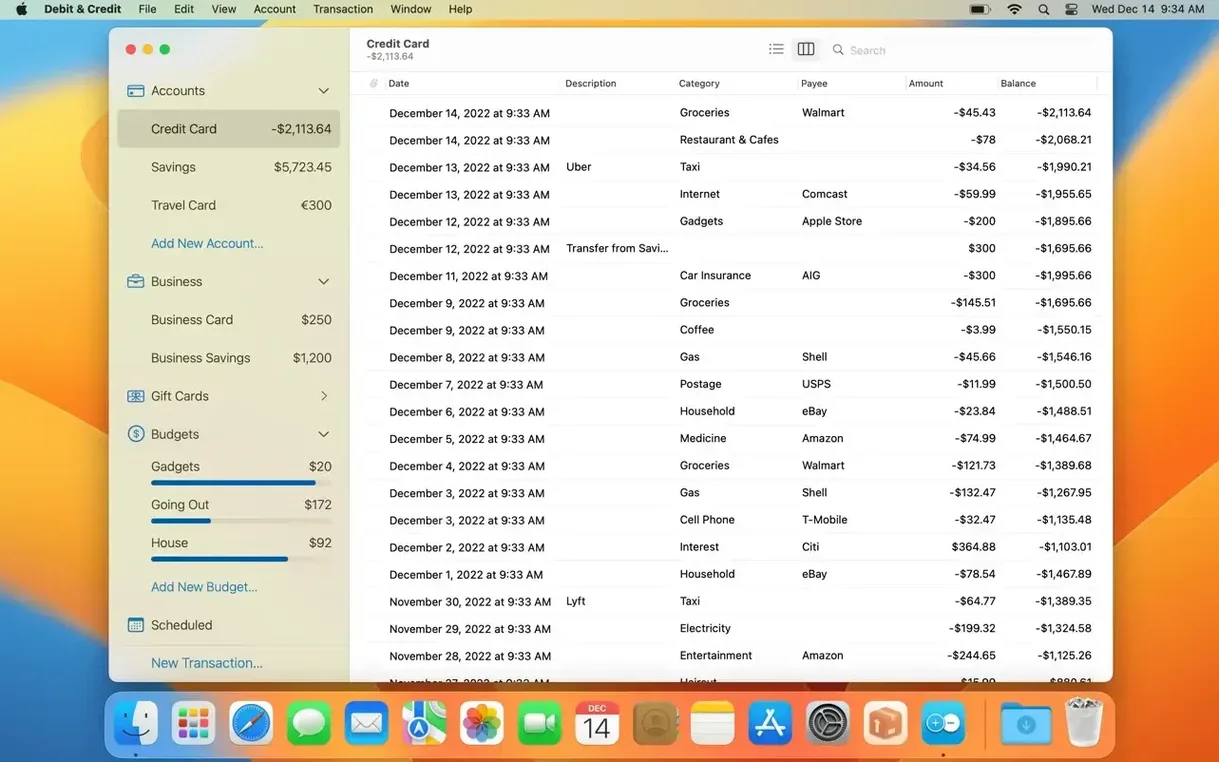
It’s the desktop counterpart of the iOS app, so everything syncs through iCloud. The larger screen makes light work of scheduling recurring bills, reconciling accounts, and scanning the reports that show exactly where your money went last month.
How does sharing work?
You can share entire accounts and budgets with another person via iCloud. When you’re both adding transactions, the app marks who created each entry — handy for a joint grocery budget or a household bills account.
Ten languages and Apple Silicon support
The interface still speaks ten languages (including English, German, Spanish, and Simplified Chinese) and the app remains a native Mac citizen, running on both Apple Silicon and Intel 64-bit machines. It still asks for macOS 11 or later, and the overall workflow — import, categorise, report — feels as familiar as ever.
What’s the reporting like?
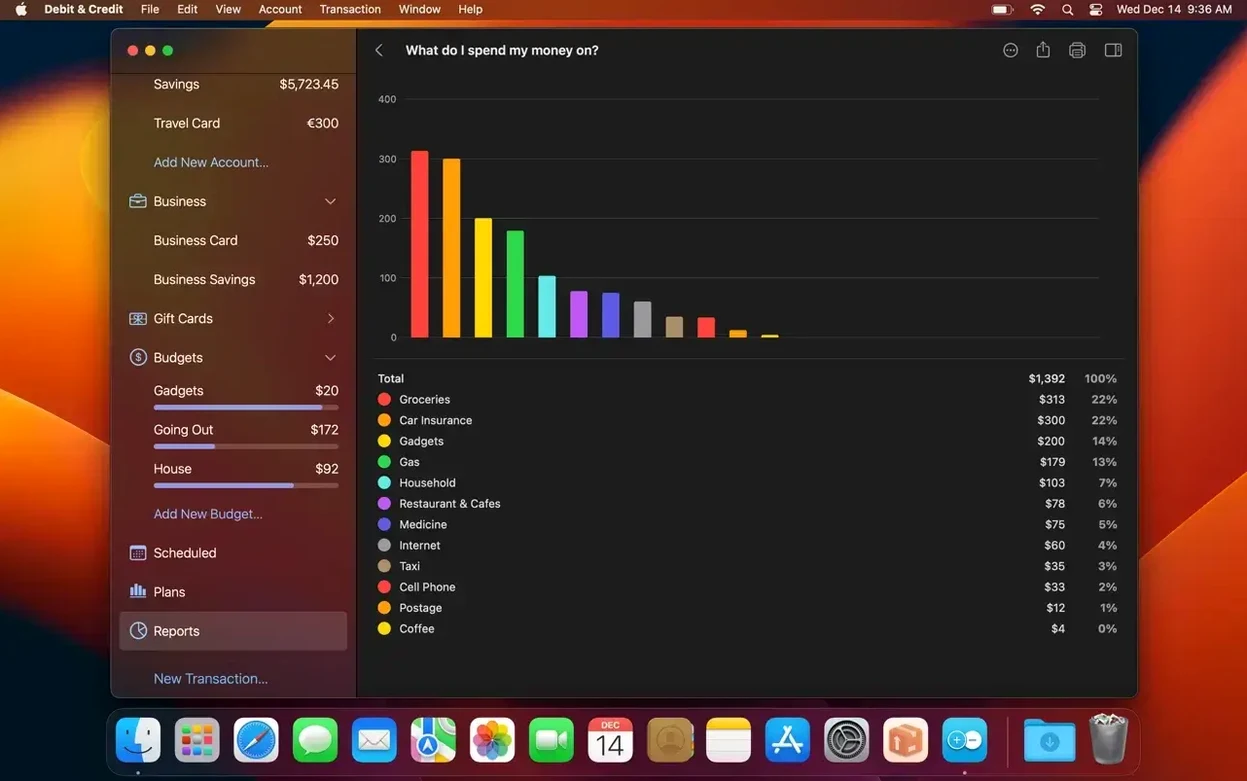
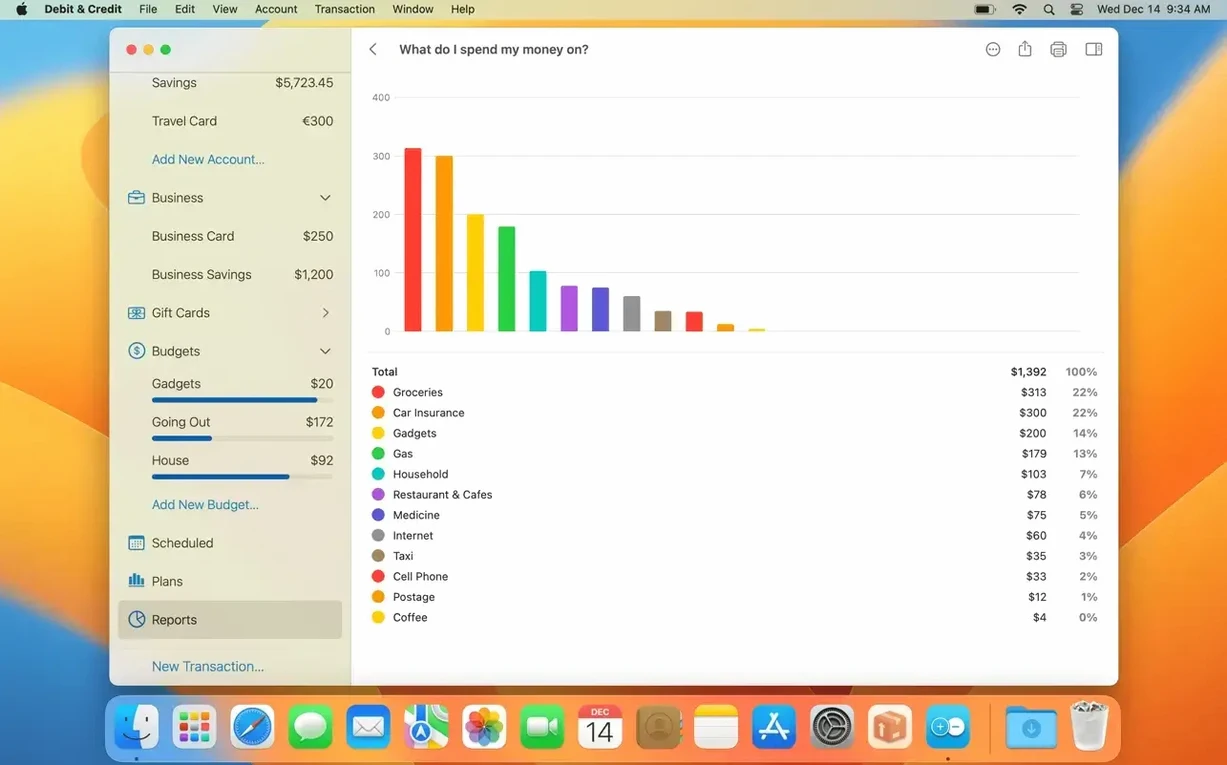
Reports break spending down by category and account over any period you choose. They’re straightforward bar and pie charts that help you spot patterns without turning bookkeeping into a maths exam.
One dining envelope beats a coffee shop per block
The biggest one is treating every transaction like it needs its own bespoke category. You don't need separate envelopes for "coffee shop on Pine Street" and "coffee shop near the library." A single Dining out category does the job, and the reports stay readable. Another classic slip: entering a transaction, forgetting to pick the right account, then wondering why the checking balance looks off. Always glance at the account selector before you hit save.
People also set up ambitious financial plans with every possible forecast, then stop updating them after two weeks. Start with one plan that covers your main fixed costs and income. Once that rhythm sticks, add the variable stuff.
Saturday-morning reconciling next to your bank
The app doesn't try to be everything. It works best when you let the iOS companion handle on-the-go entry while the Mac side becomes your Saturday-morning review station. I keep the window open next to my bank's website, reconciling cleared items in under ten minutes.
macOS integration is quiet but practical. You can copy numbers from a spreadsheet or an emailed invoice and paste them straight into the amount field. The app respects Dark Mode and Light Mode without fuss, and because it syncs through iCloud, your categories and accounts stay consistent across devices without you wiring anything together manually. If you already use Apple's Calendar for bill reminders, Debit & Credit Premium complements that rather than duplicating it — I schedule the alert in Calendar, then log the actual payment here.
Wake the app and wait for iCloud to catch up
Sync takes longer than expected. iCloud sometimes queues changes when your Mac has been asleep. Open the app, let it sit for a minute, and the transactions usually appear. If they don't, toggling the account's sharing off and back on nudges things along.
Reports show a category you deleted. Deleting a category doesn't retroactively reassign old transactions. Search for that old category name in the transaction list, select the entries in bulk, and apply the replacement category in one go.
Shared account doesn't show who entered what. Both users need to be signed into their own iCloud accounts. If one person is using the same Apple ID across both devices, the attribution feature can't distinguish between you. Keep Apple IDs separate for shared accounts, and the "created by" label works as intended.
On the technical side, some people grab a debit credit premium mac torrent and then find iCloud sync refuses to cooperate. That's usually because the app can't complete its identity check with Apple's servers when it's been modified. A clean installation sorts it out, and your existing data reappears once iCloud reconnects.
Version 7.9.0 is heavy on polish, mostly around reports and statement reconciliation — the kind of fixes that make the daily bookkeeping feel less like a chore.
- Smoothed out the animation when loading a report, so it feels snappier the moment you click.
- The “How much do I earn compared to my expenses?” report now handles tight screen space gracefully — no more cramped, unreadable layouts when your window isn't full width.
- That same report no longer forces you to scroll just to see the current month; it lands where it should right away.
- The “How well do I manage my budgets?” report behaves better when you only have one or two budget periods — the display doesn't look oddly sparse anymore.
- Automatic recognition of transactions from PDF statements got a boost in statement reconciliation mode — fewer manual corrections when you pull in a bank file.
- Squashed a bug where an account folder sometimes wouldn't show up as selectable, and another where toolbar buttons in the plans section displayed incorrectly.
- macOS 11 or later
- Apple Silicon or Intel 64-bit Mac
Questions from the stall
Does the Mac version work with the iOS app?
Yes, it’s the full desktop counterpart. Your accounts, budgets, and transactions sync between devices through iCloud.
How many languages does the interface support?
Ten: Russian, English, German, Spanish, Italian, Simplified Chinese, Portuguese, Turkish, Ukrainian, and French.
Notes from other shops 0
Sign in or open a shop account to leave a note.
No notes yet. If you've used this on a shop Mac, tell me how it went.