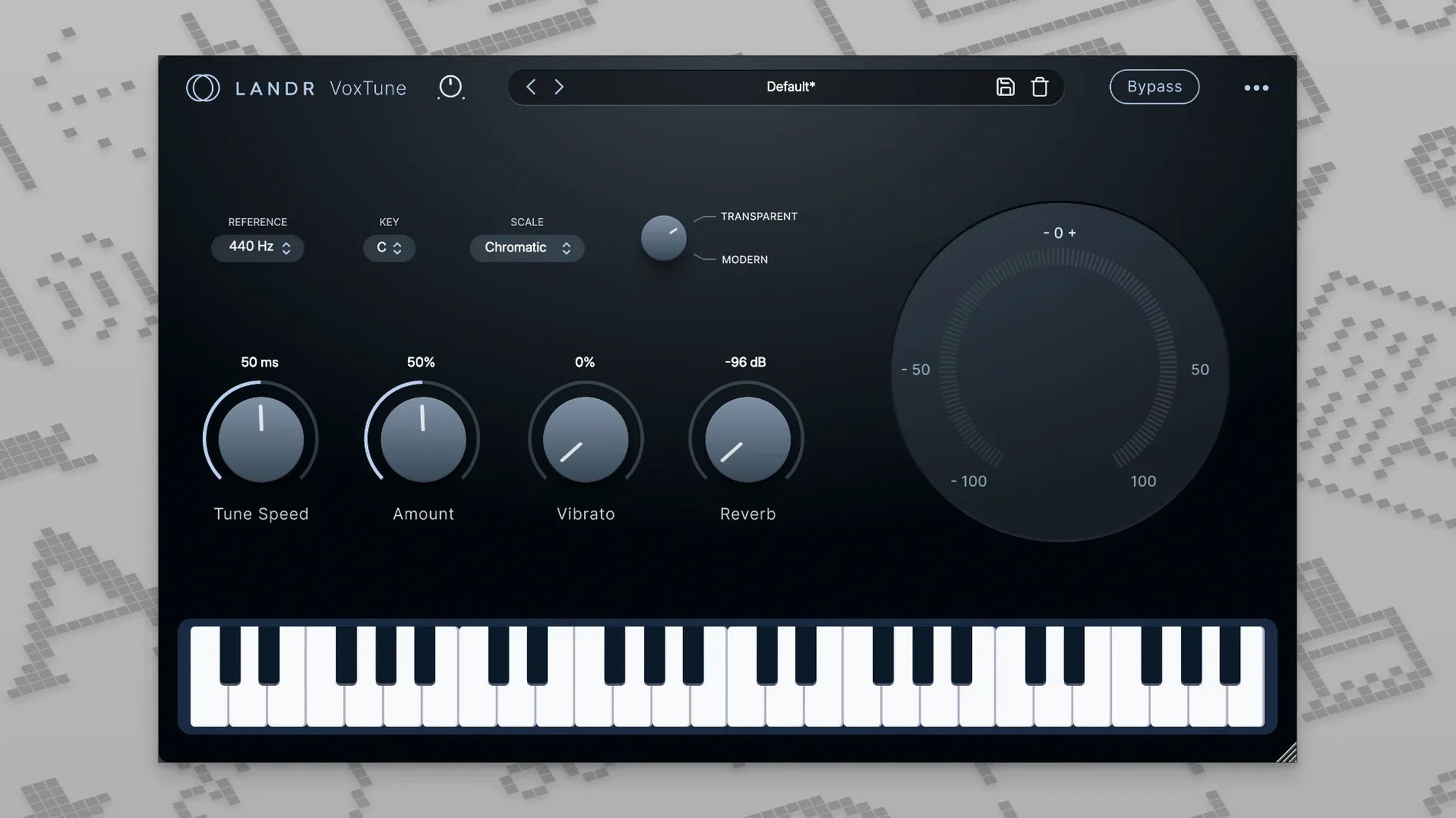
The bundle runs on any Mac with macOS 12 or later, Apple Silicon or Intel — if your machine handles a modern session, these plugins will slot right in. VoxTune is the natural place to start: put it first on a dry lead vocal and pull it into pitch without audible latency, then tweak voice color and vibrato to keep the performance feeling human rather than tuned into plastic.
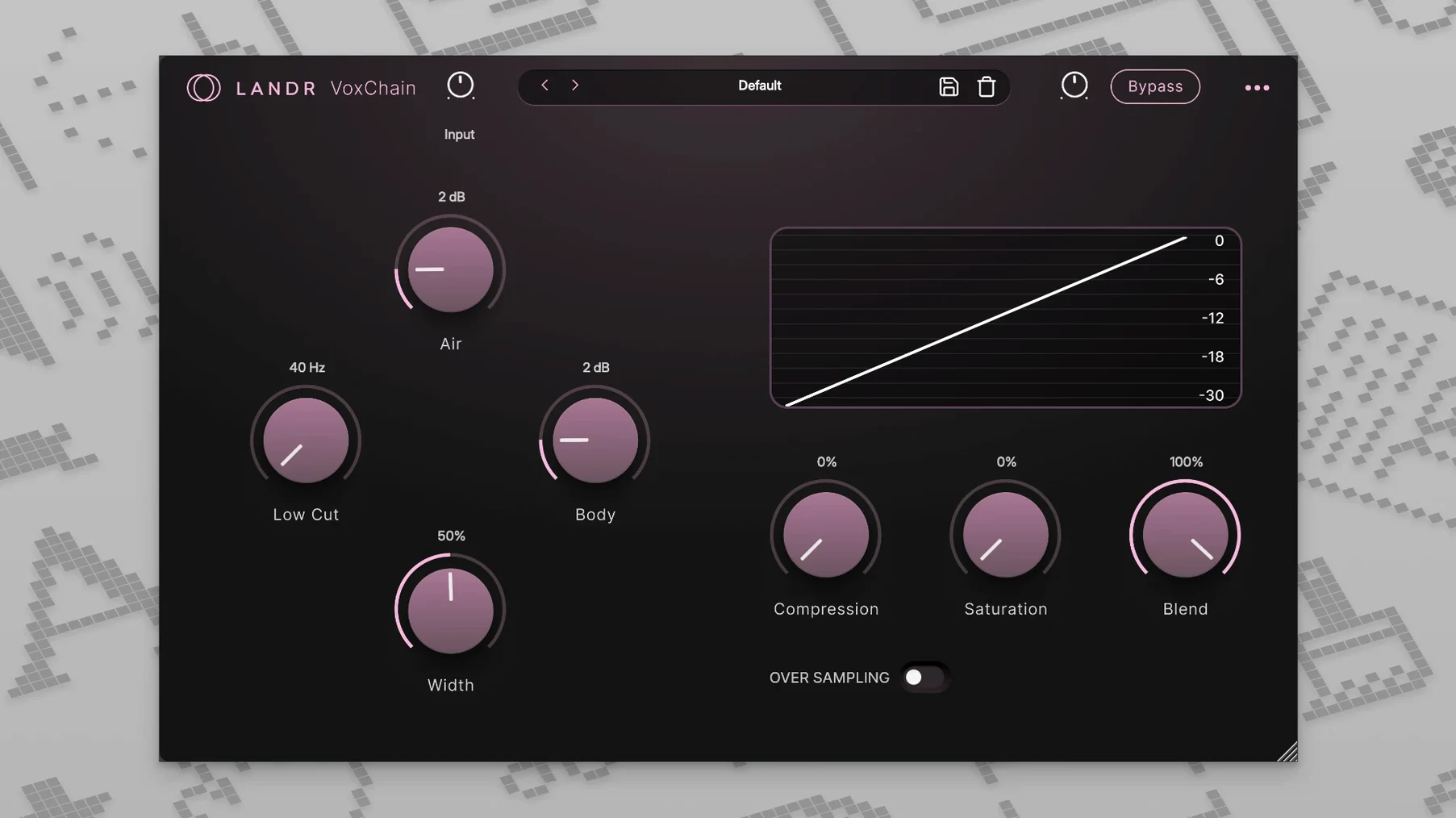
Next in line I'd drop VoxChain on the same track. It wraps EQ, compression and saturation into one window, so you can shape the channel, tame dynamics and add a little warmth without juggling three separate plugins. That alone speeds up a rough mix when you're still tracking ideas.
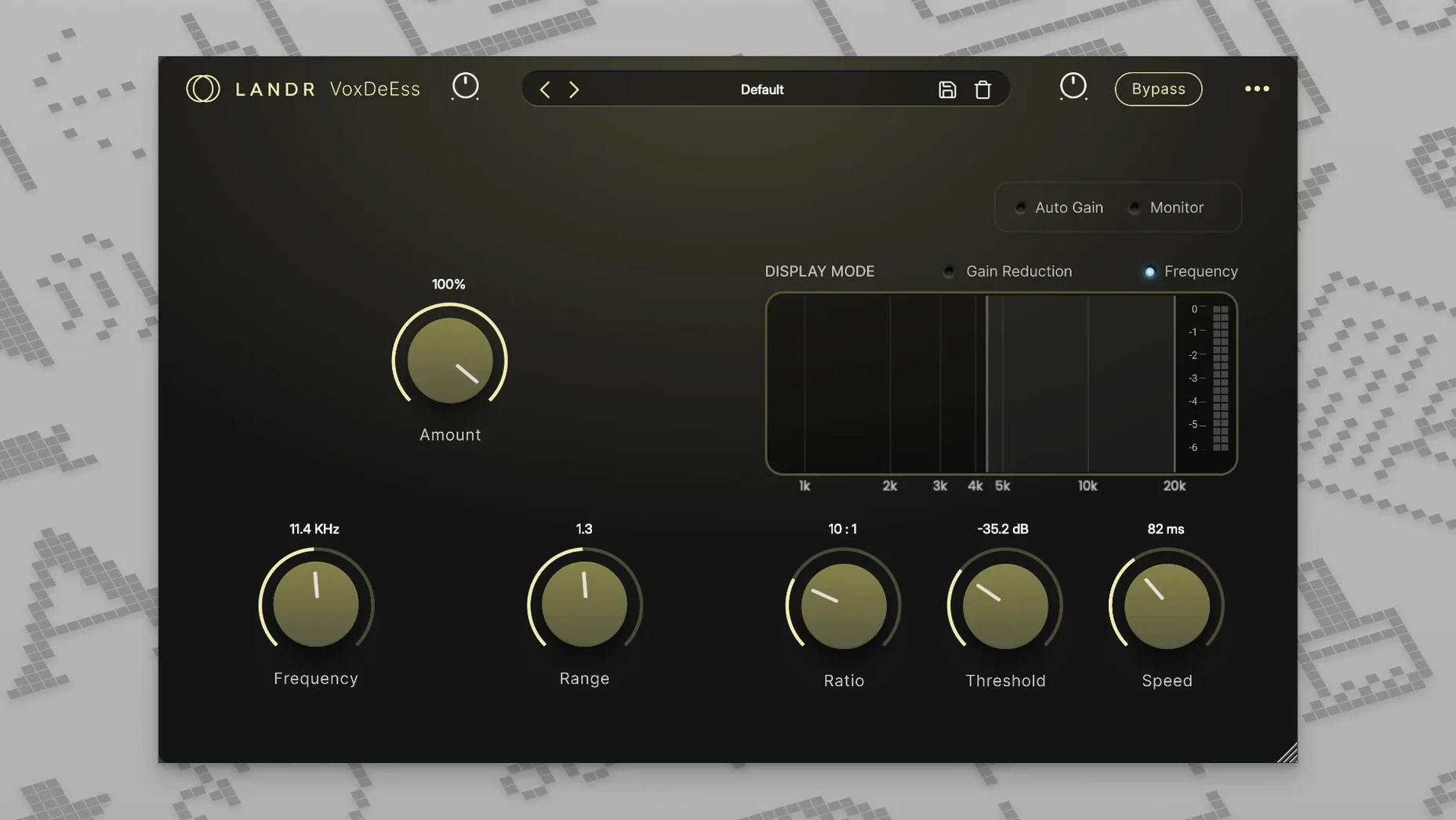
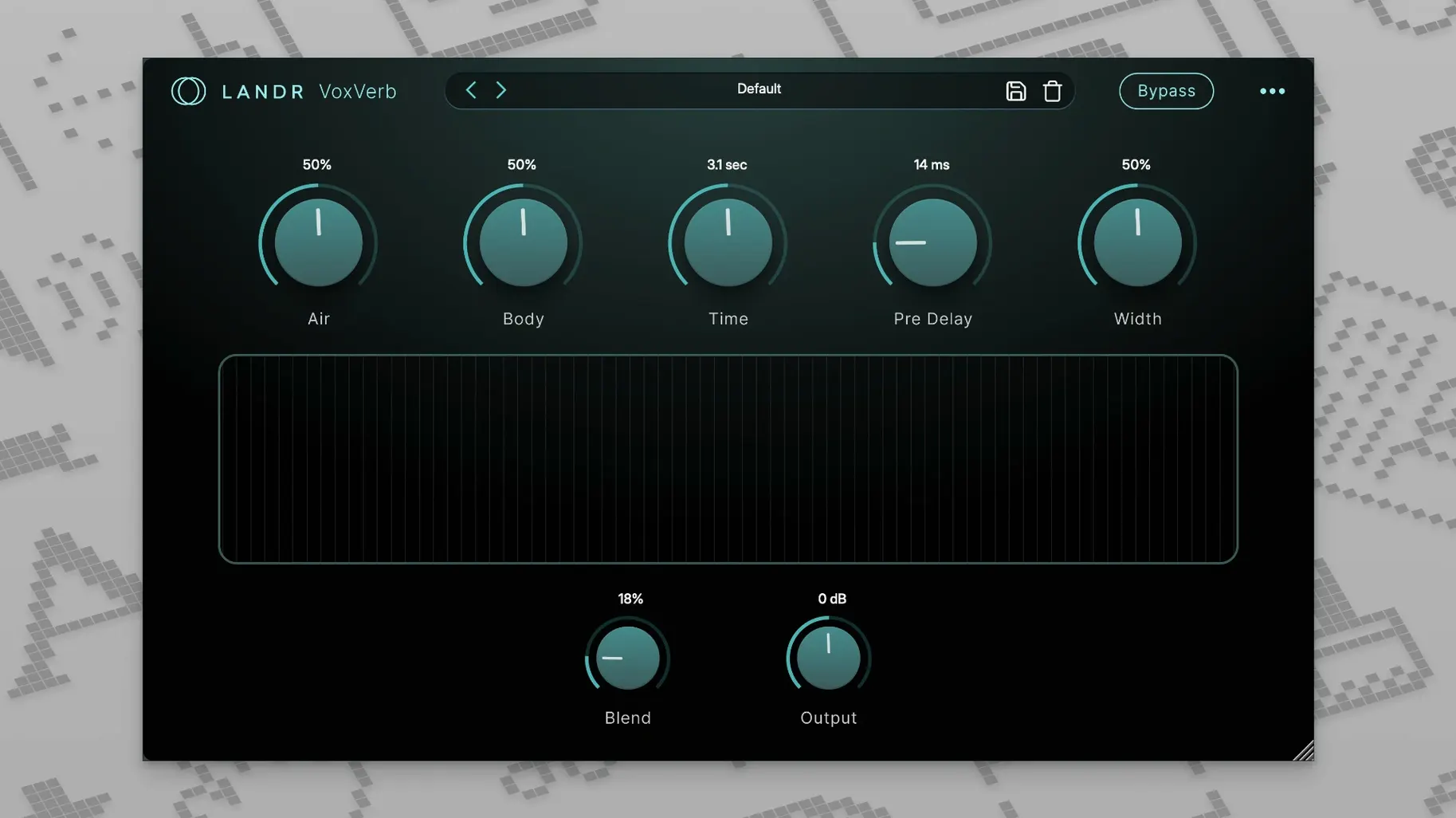
On a send I'd place VoxVerb — it adds depth and space while keeping the vocal clear, which is handy when the reverb needs to sit behind the words instead of washing over them. For a de-esser, VoxDeEss lives on the vocal bus or directly on the track, pulling back harsh s and sh sounds without dulling the top end.
Together the four cover the vocal workflow from quick correction to creative tone shaping. They're simple enough that you spend less time clicking and more time listening. The bundle comes included with LANDR Studio, so many producers already have it sitting in their account.
How a podcast editor would use it
Picture someone cutting a weekly interview podcast — two voices, raw recordings from different mics, and a deadline in six hours. The host's track has that nasal edge a dynamic mic can leave behind, and the guest's audio came in a little pitchy from a USB headset. Neither one needs to sound like a pop record, but both need to feel polished and easy on the ears.
VoxTune goes on the guest track first, set lightly — just enough correction to rein in the wobbles without losing the natural speaking cadence. The voice color slider gets nudged a touch darker to take the edge off that headset brittleness. Then VoxChain handles both voices: a gentle high-pass to clear out rumble, a little compression to even out the levels between the soft talker and the loud laugher, and a whisper of saturation so the voices feel present rather than thin. VoxDeEss catches the host's sharper sibilants on the way out, and a short VoxVerb plate on a send gives the whole conversation a sense of sitting in the same room instead of two different closets. The editor gets through both tracks in under twenty minutes and moves on to tightening the edit.
Lighter and quicker than Nectar’s full-suite assistant
Compared with iZotope Nectar, the LANDR Vocal Bundle feels lighter and quicker. Nectar gives you more modules — de-essing, pitch, compression, EQ, reverb, harmony, all under one hood with an assistant that listens to your audio and suggests settings. That's powerful, but it can also pull you into a screen of sliders when you only meant to fix three things. The LANDR bundle splits those jobs across four separate plugins, so you reach for exactly what you need without the extras crowding the view.
Next to Waves Vocal Rider, you're looking at a different approach entirely. Vocal Rider rides levels automatically like a fader-following assistant, which is great for evening out a performance before you touch a compressor. The LANDR bundle doesn't aim to replace that — VoxChain's compressor does traditional gain reduction, not automatic clip-based riding. A producer who already loves Vocal Rider might still use it first, then feed the leveled output into VoxChain for tone shaping and into VoxVerb for space.
Against something like Antares Auto-Tune Pro, VoxTune keeps things simpler. Auto-Tune Pro gives you graph mode, throat modeling, formant shifting, and deep MIDI control — the kind of toolkit you want when you're deliberately crafting a tuned vocal effect. VoxTune leans more toward hands-on correction with a couple of expressive controls, good for natural tuning or a modest effect without diving into a manual. If you already own Auto-Tune for the heavy creative work, VoxTune makes sense as a fast alternative when you just need pitch correction that doesn't get in the way.
Dial back speed and depth when VoxTune sounds robotic
VoxTune sounds too robotic at the default setting. That's usually the speed and depth working too hard. Back off the correction amount and slow the response a little — for a natural vocal you want the plugin catching only the obvious misses, not wrestling every small waver. The voice color knob also helps; a slight shift toward a warmer tone can mask the processed edge.
VoxVerb muddies the vocal instead of sitting behind it. Pull the low cut up higher than you think — somewhere around 400–600 Hz clears out the boomy room sound that fights with the dry vocal. Shorten the decay and lower the mix. On a send it's easier to sneak the reverb under the words without losing clarity.
VoxDeEss is catching syllables that aren't sibilant. Narrow the frequency range to target only the harsh spot you hear — usually between 5 kHz and 9 kHz on most voices — and raise the threshold until it lets through the softer sounds. Listen in solo for a moment while you dial it in, then check it back in the full mix.
The bundle isn't showing up after install on Apple Silicon. Make sure your DAW is running natively and not under Rosetta if the plugin is Apple Silicon Native — a mismatch there can hide the plugin from the list. A rescan of your plugin folders usually fixes it.
- macOS 12 or later
- Apple Silicon or Intel processor
Questions from the stall
Does VoxTune add noticeable delay when tracking?
No — VoxTune works without latency, so you can use it while recording or monitoring without hearing a lag.
What kind of sibilance does VoxDeEss handle?
It's designed to soften harsh s and sh sounds that stick out in a vocal take, without making the overall tone sound muffled.
Notes from other shops 0
Sign in or open a shop account to leave a note.
No notes yet. If you've used this on a shop Mac, tell me how it went.