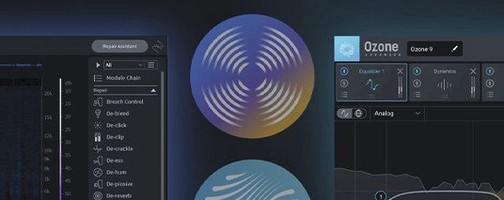
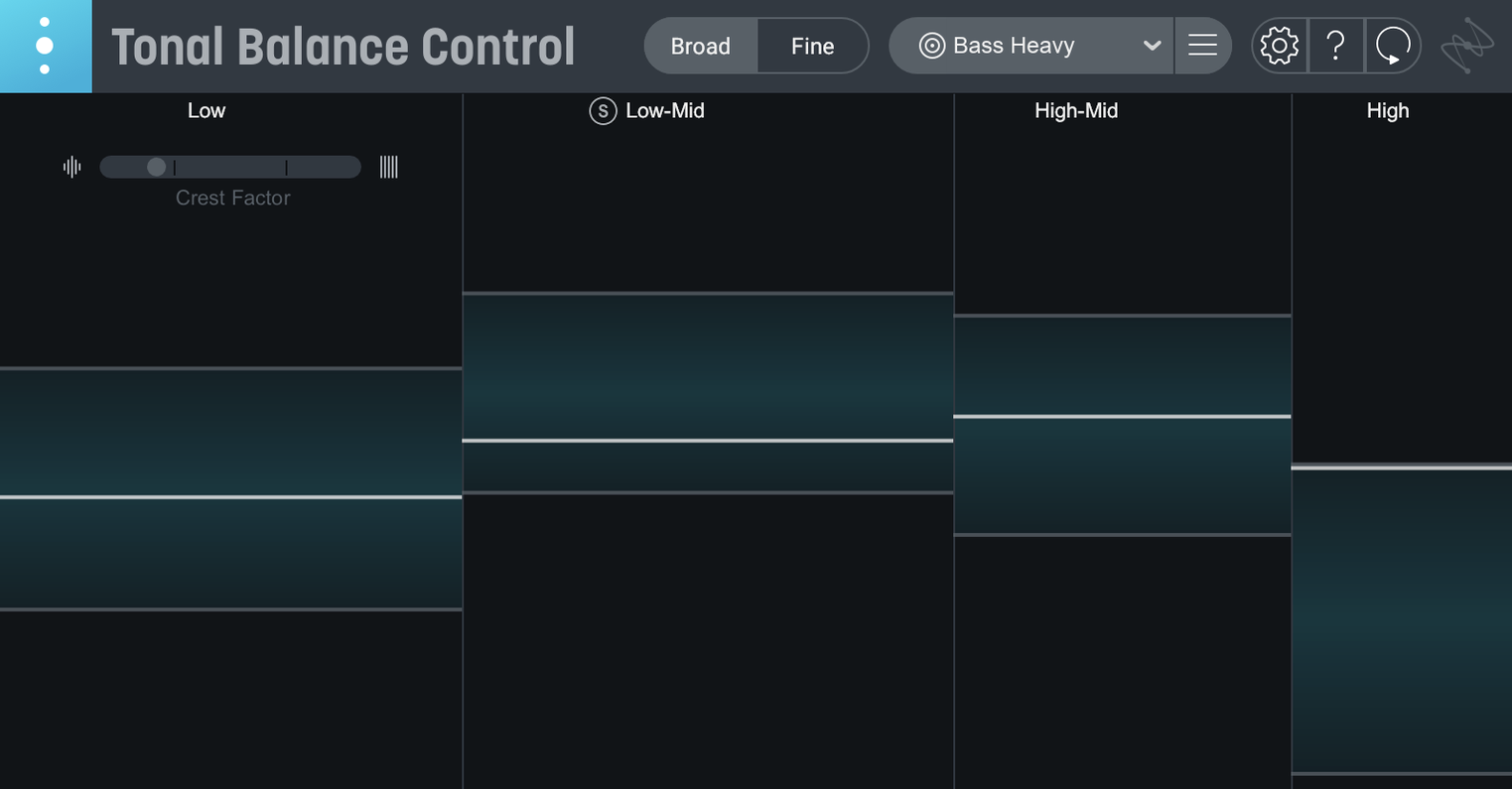
A new hybrid EQ built right into the main meter window changes how the tool fits into a session. Instead of just spotting problems, you can grab the band you see dipping too low and fix it without opening a separate equalizer. That one addition nudges Tonal Balance Control from a reality-check meter toward something more like a command center for the final tonal shape of a mix.
| What | Details |
|---|---|
| Current version | 3.0.0 (released 2026-03-17) |
| Runs as | Standalone app, AU/VST3/AAX plugin |
| macOS | macOS Sonoma 14.7 or later, including Sequoia 15.4 and Tahoe 26.1 |
| Architecture | Intel and Apple Silicon M-series (ARM and x86 64-bit) |
| Included utility | Relay (companion plug-in for inter-plugin communication) |
What makes the setup practical is how it connects to Ozone and Neutron equalizers. Drop an instance on your master bus, and the display compares your mix against genre-based reference curves in real time. Version 3 broadens that picture considerably — the extra meters now show vocal balance, dynamics, and stereo width alongside the standard frequency plot. Relay ties it together by letting Tonal Balance Control see and talk to individual tracks, so the curve on screen isn't guessing at what's happening downstream. If a band sits outside the shaded reference zone, clicking it opens the relevant Ozone or Neutron EQ module directly. It's a fast way to cross-check a mix that's starting to sound good in your room but might fall apart on a phone speaker.
Shift-drag for instant gain-only EQ tweaks
A few conveniences in version 3 are easy to overlook, especially if you open the plugin and head straight for the main graph. Holding Shift while dragging a band in the built-in hybrid EQ restricts your movement to gain only, which is handy when the frequency center already feels right and you just want to dial level up or down without accidentally nudging the Q. Similarly, Option-dragging a node adjusts bandwidth symmetrically around the center frequency — a small touch that keeps surgical fixes from turning into broad, unintended cuts.
The reference curve menu includes 12 genre targets out of the box, but the custom curve slot is where things get interesting. You can feed it a full mix you trust — something that translates well across systems — and Tonal Balance Control maps that file into a target curve. A quiet tip: short sections work better than entire songs. Feeding it the densest 30 seconds of a chorus often produces a more usable reference than loading a five-minute track with a sparse intro and a fading outro.
Relay's gain and pan controls are visible from the main window, but its stereo width trim and channel swap options sit one click deeper. If a mix feels off in the side channel and the new stereo width meter shows a consistent skew, checking Relay's imaging settings on individual busses often surfaces the culprit faster than hunting through the mixer.
Dense pop and EDM mixes that must survive phone speakers
Mixing engineers working on dense pop, hip-hop, or EDM productions tend to get the most mileage out of Tonal Balance Control right away. Those genres live or die by how well a mix translates to small speakers and earbuds, and the reference curves give a quick reality check on low-end energy that small monitors often hide. Mastering engineers lean on the dynamics and stereo width meters in version 3 more than the frequency plot — it's a fast way to confirm a client's mix hasn't drifted sideways in the stereo field before committing to limiting and dithering.
Bedroom producers with untreated rooms benefit in a different way. The plugin doesn't replace acoustic treatment, but it offers a consistent visual anchor. If every mix you make reads as bass-light against the "Electronic" curve, the problem is probably your monitoring environment, not the arrangement. That kind of calibration insight is harder to get from a standard spectrum analyzer alone.
Broken links between Tonal Balance and its own EQs
The most common stumble involves inter-plugin communication. Tonal Balance Control needs to see Ozone or Neutron instances to open their EQs from within the interface. If the connection breaks — often after a DAW update or a plugin rescan — relaunching the host application usually restores it. On Apple Silicon Macs, running the DAW in native mode while an older Ozone version still requires Rosetta can also interrupt the handshake, so keeping all iZotope plugins on their native ARM builds clears up most glitches.
Another snag: the new hybrid EQ is useful for broad tonal moves, but people sometimes treat it like a full mastering equalizer and start making deep cuts or boosts. It's best kept for gentle, wide adjustments — a half-decibel nudge here and there — while leaving surgical work to Ozone's dedicated EQ module. The hybrid EQ also introduces a small latency that varies by host buffer size, so flipping it on and off mid-session in a tracking project can cause timing hiccups. In mixing or mastering sessions where latency isn't critical, it's a non-issue.
If the reference curve seems unresponsive, check that Relay is inserted before any heavy bus processing. Tonal Balance Control reads what Relay sends, and a slammed limiter on the master bus will flatten the reading before the plugin ever sees the true tonal balance of the mix.
- First major release of Tonal Balance Control 3.
- Now includes a standalone desktop app alongside the plug-in formats.
- Added dedicated meters for vocal balance, dynamics, and stereo width.
- Built-in hybrid EQ lets you shape tone right from the meter window.
- macOS Sonoma 14.7 or later
- Intel or Apple Silicon (M-series) Mac
- 64-bit host for plug-in formats
Questions from the stall
Can Tonal Balance Control adjust my mix, or is it just a meter?
Version 3 includes a built-in hybrid EQ, so you can make broad tonal adjustments from within the plug-in. It also communicates directly with Ozone and Neutron equalizers for finer tweaks.
Does Tonal Balance Control 3 work on older Intel Macs?
Yes, it supports both Intel and Apple Silicon M-series processors. The minimum system requirement is macOS Sonoma 14.7.
Notes from other shops 0
Sign in or open a shop account to leave a note.
No notes yet. If you've used this on a shop Mac, tell me how it went.