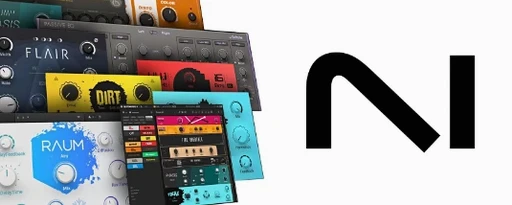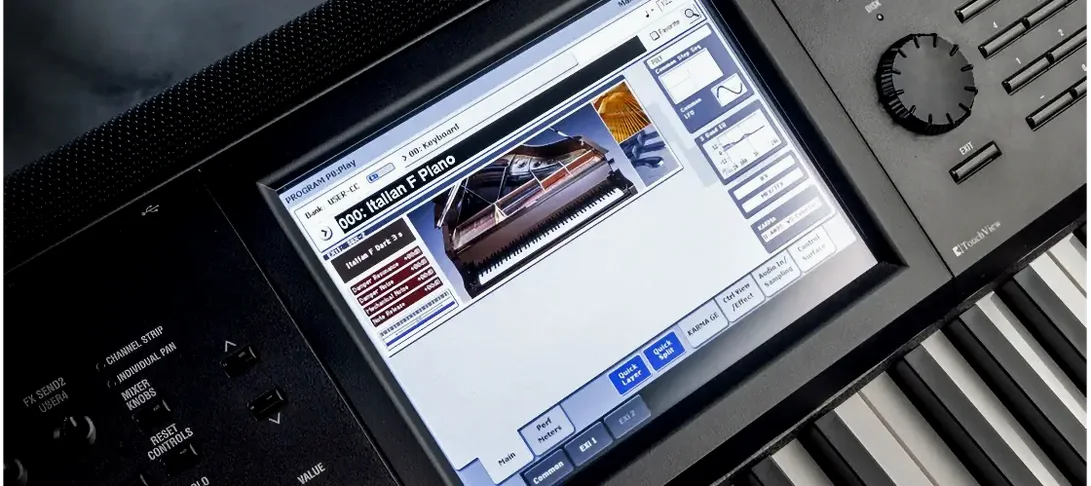
Komplete Kontrol is for producers and sound designers who want a single window to browse, load, and shape sounds without jumping between dozens of separate plugin windows. It puts instruments, effects, presets, loops, and samples into one unified workflow.
Drop it on a MIDI track to host NI instruments
Load it like any virtual instrument on a MIDI track. It hosts your NI instruments and supported third-party plugins, so it becomes the sound source for that lane. If you're using it as an effect processor, drop it on an audio track or bus and it lets you scroll through creative effect chains mapped to playable controls.
Browse effect presets on a return track
Yes, but the role changes. On a bus or return track, you'll mainly reach for the effect-browsing side of Komplete Kontrol to find processing presets from compatible effect plugins. The Smart Play features won't matter there, but the unified tag-based browsing still saves time when dialing in reverb, delay, or modulation chains.
What's it doing to my controller setup?
If you own an S-Series keyboard, Komplete Kontrol lights up the Light Guide to show you scales, chords, and key switches. With version 3.5.4, it also communicates directly with NKS Connect controllers, so knob assignments and visual feedback on the hardware reflect whatever parameter you're tweaking inside the plugin.
Does it handle all my plugins?
It comes into its own with Native Instruments gear, but the browser also sees more than 750 third-party plug-ins from 90 developers that support the Native Kontrol Standard mapping. For everything else, you can still load the plugin inside Komplete Kontrol and map controls manually—it just won't have the pre-built tagged presets.
Browsing by vibe instead of plugin name
Beatmakers and producers who rely heavily on browsing by vibe rather than by plugin name tend to click with Komplete Kontrol fastest. If your sessions start with "I need a warm pad that sits behind a vocal" instead of "I'll open Massive X and scroll," the tag-based browser is the reason you install this. Sound designers who build layered instruments also benefit—stacking two or three NKS-compatible plugins inside a single instance and saving the whole combination as a user preset keeps complex patches recallable months later.
Live performers gain something specific here. Loading a Komplete Kontrol instance on each track with pre-mapped macro knobs means you can tweak filter cutoff, envelope decay, or effect sends from hardware without looking at the screen. The Light Guide on S-Series keyboards becomes genuinely useful on a dark stage, highlighting the scale you're playing in and showing you which keys will trigger chords. If you've ever fumbled for a key switch in the middle of a set, that visual feedback matters.
Mixing engineers who don't produce still find a narrower use case: dropping Komplete Kontrol on aux tracks as an effect host gives you fast, tagged access to creative processing chains from plugins like Replika XT or third-party distortions, all browsable from one window without opening individual plugin interfaces.
Runs inside your DAW or as a standalone app
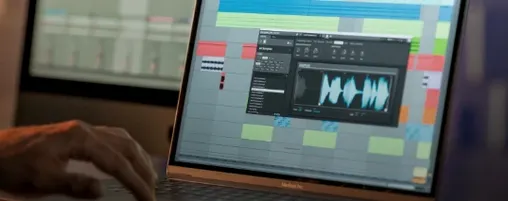
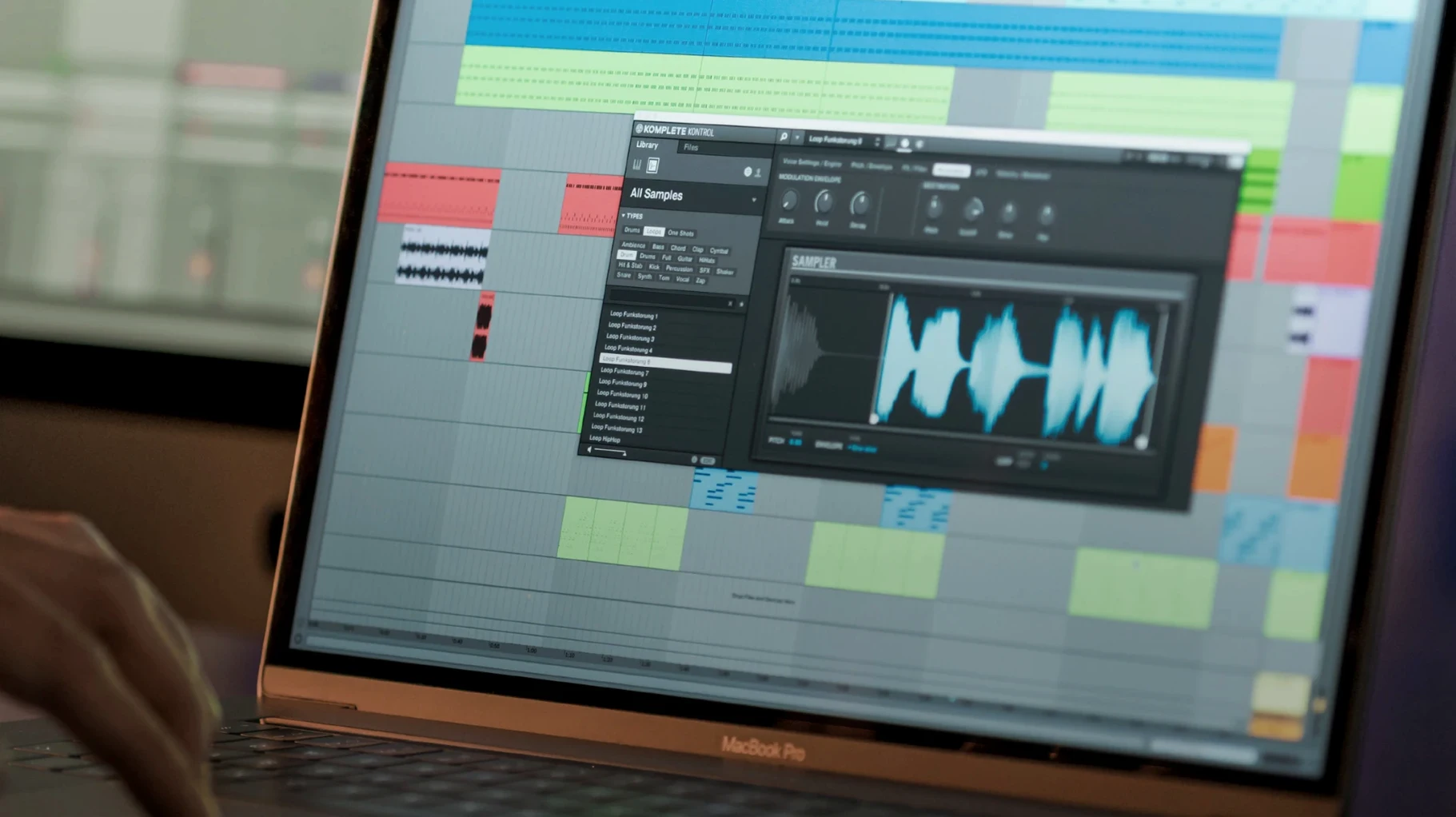
Komplete Kontrol works as a plug-in inside any DAW that hosts AU, VST3, or AAX formats, so it slots into Logic Pro, Ableton Live, Studio One, or Pro Tools without friction. It also runs standalone, which is handy for sound design sessions where you're not ready to commit to a project file. In standalone mode, dragging a loop or one-shot from the browser straight to Finder or a desktop folder gives you a quick way to build a sample pack from presets you've tweaked.
macOS integration is straightforward. The software respects Core Audio and MIDI routing, so any class-compliant controller shows up in the preferences without extra configuration. If you use Sounds.com, syncing collections keeps your tagged loops inside the same browser where your instruments live, cutting down on the back-and-forth between a web browser and your DAW.
Drag-and-drop to the DAW timeline is the feature that ties everything together for loop-based producers. Grab a bass loop from the browser, drop it onto an audio track in Logic or Live, and the tempo and key information tagged in NKS comes along with the file. It's not automatic warping, but having that metadata visible in the browser speeds up the hunt for loops that will fit your project without pitch-shifting gymnastics.
Tip: If you're using Komplete Kontrol alongside other Native Instruments software like Maschine or Kontakt, set up your user preset folders so all three can see the same library paths. It keeps your custom sounds consistent across the whole NI ecosystem.
Real-world feel: speed, stability, and what it asks of your Mac
Browsing is snappy on Apple Silicon machines—scrolling through hundreds of presets with the preview player engaged doesn't introduce lag, and loading a multi-layered patch with several effects plugins hosted inside Komplete Kontrol finishes in under a second on an M-series Mac. On Intel machines running macOS 12 or later, the same operation takes a beat longer, particularly with large Kontakt libraries that stream samples from disk.
Memory use depends entirely on what you load inside it. An empty Komplete Kontrol instance sits lightly at around 200 MB. Start stacking orchestral libraries with deep sampled layers and that figure climbs fast, but that's the hosted instrument's appetite, not the shell. In daily use, the plugin feels stable—version 3.5.4 addressed a specific parameter-change lag on Kontrol S-Series MK3 controllers, and that fix is noticeable if you do a lot of real-time knob recording. Before the update, fast filter sweeps from the hardware could stutter; now they track smoothly.
One quirk worth knowing: if your plugin collection includes older VST2-only instruments that haven't been updated for Apple Silicon, Komplete Kontrol won't magically bridge them. Rosetta 2 handles the translation if you run your DAW under it, but native ARM sessions require ARM-ready plugins. For most producers on current setups with modern plugin libraries, this is a non-issue.
The built-in sampler keeps things light when you just need to preview and play back one-shots without loading a full synth. It's not a replacement for a deep sampler like Kontakt, but for auditioning drum hits or vocal chops directly from the browser, it's responsive and doesn't add perceptible CPU load. Dragging those sounds to the timeline afterward is immediate—the audio file lands where you expect it, every time.
Version 3.5.4 brings a few practical improvements:
- NKS Connect is now built into Komplete Kontrol, making it ready to talk to compatible controllers.
- NKS Mode integration opens up deeper hardware control for NKS Connect devices.
- A bug that caused performance stutters when turning knobs on Kontrol S-Series MK3 keyboards has been fixed.
- macOS 12 or newer
- Runs on Intel and Apple Silicon Macs
Questions from the stall
What does Smart Play actually do?
Smart Play gives you over 100 scales and modes, plus one-finger chord voicings, so you can play musically without hitting wrong notes or memorizing complex chord shapes.
Notes from other shops 0
Sign in or open a shop account to leave a note.
No notes yet. If you've used this on a shop Mac, tell me how it went.