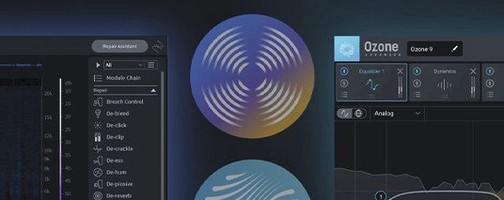
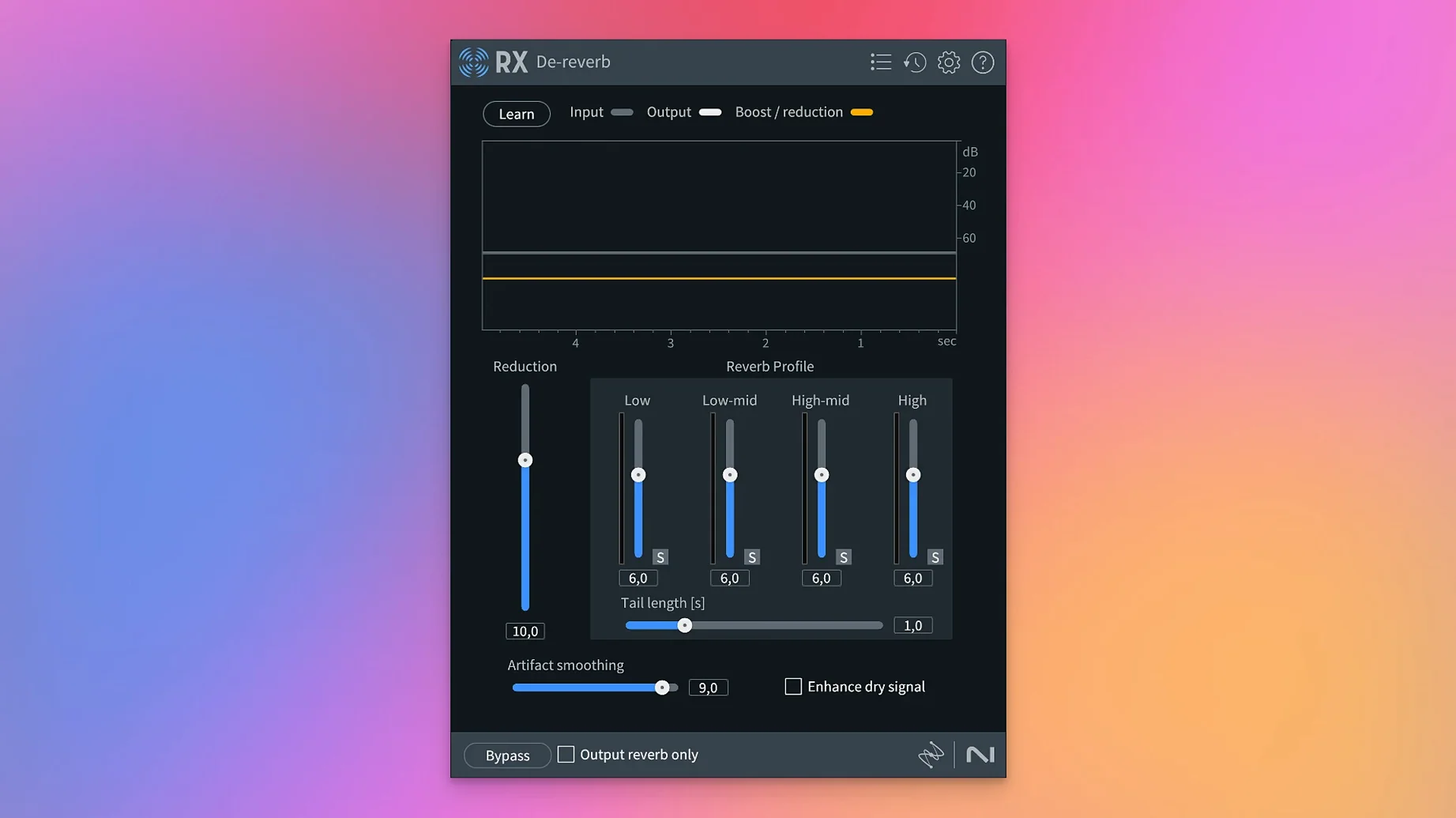
Hiss, hum, clipped dialogue, and background racket that felt baked into a recording used to mean a retake or living with the mess. iZotope RX was built to undo those problems after the fact, and version 12 pushes that further with cleaner separation and stem-level control.
What the modules actually do
- Scene Rebalance — teases apart dialogue, music, and effects within a single file so you can re-level a scene without the original multitrack.
- Dialogue Isolate — pulls speech forward while pushing room tone, traffic, and crowd noise back. Useful for field-recorded interviews and film audio.
- Music Rebalance — adjusts the gain of vocals, bass, percussion, or other instruments in a mixed stereo file. Handy for remixing or prepping samples.
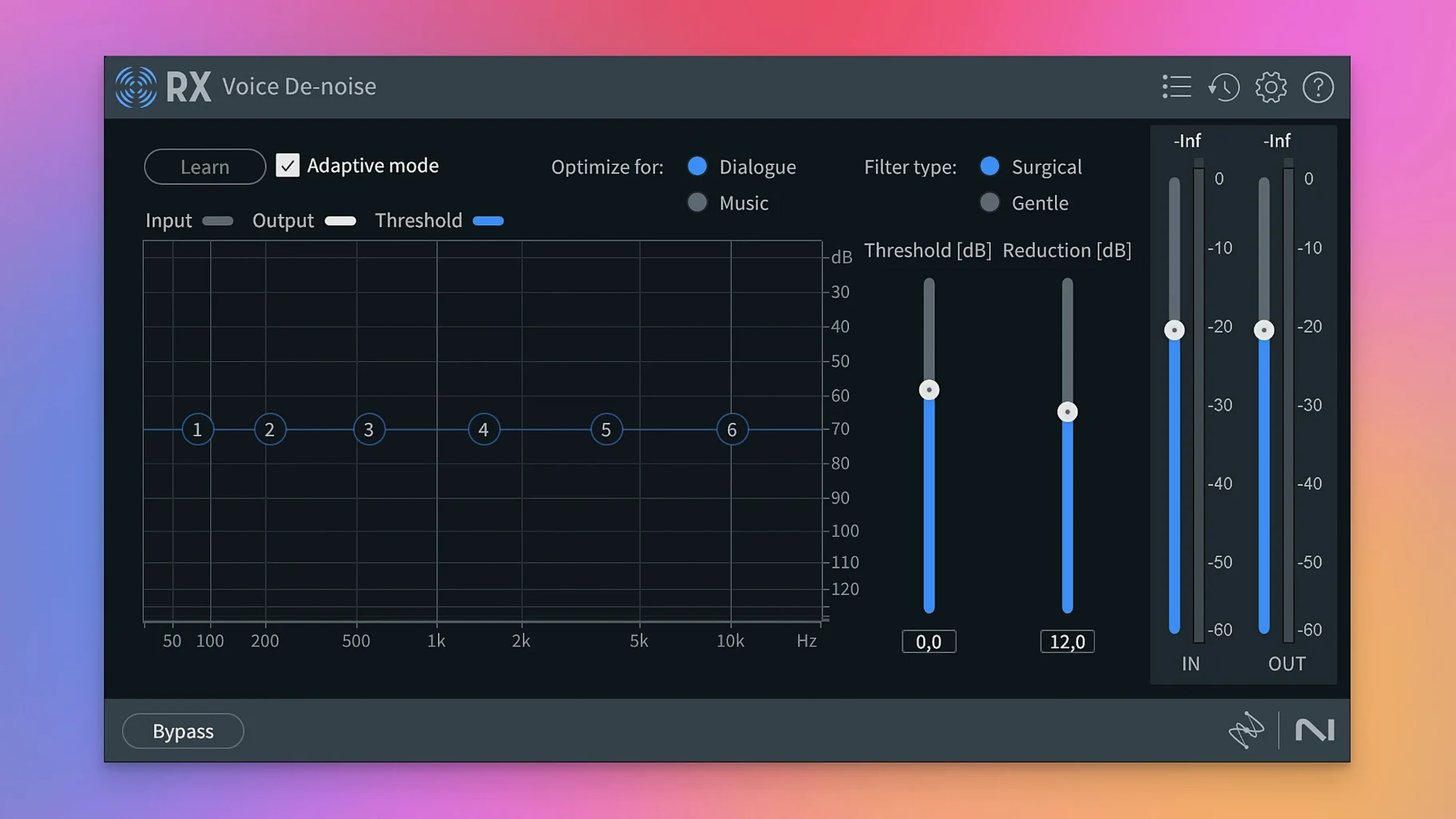
- Voice De-noise — learns a noise profile from a short selection and subtracts it across the whole clip without chewing up the voice.
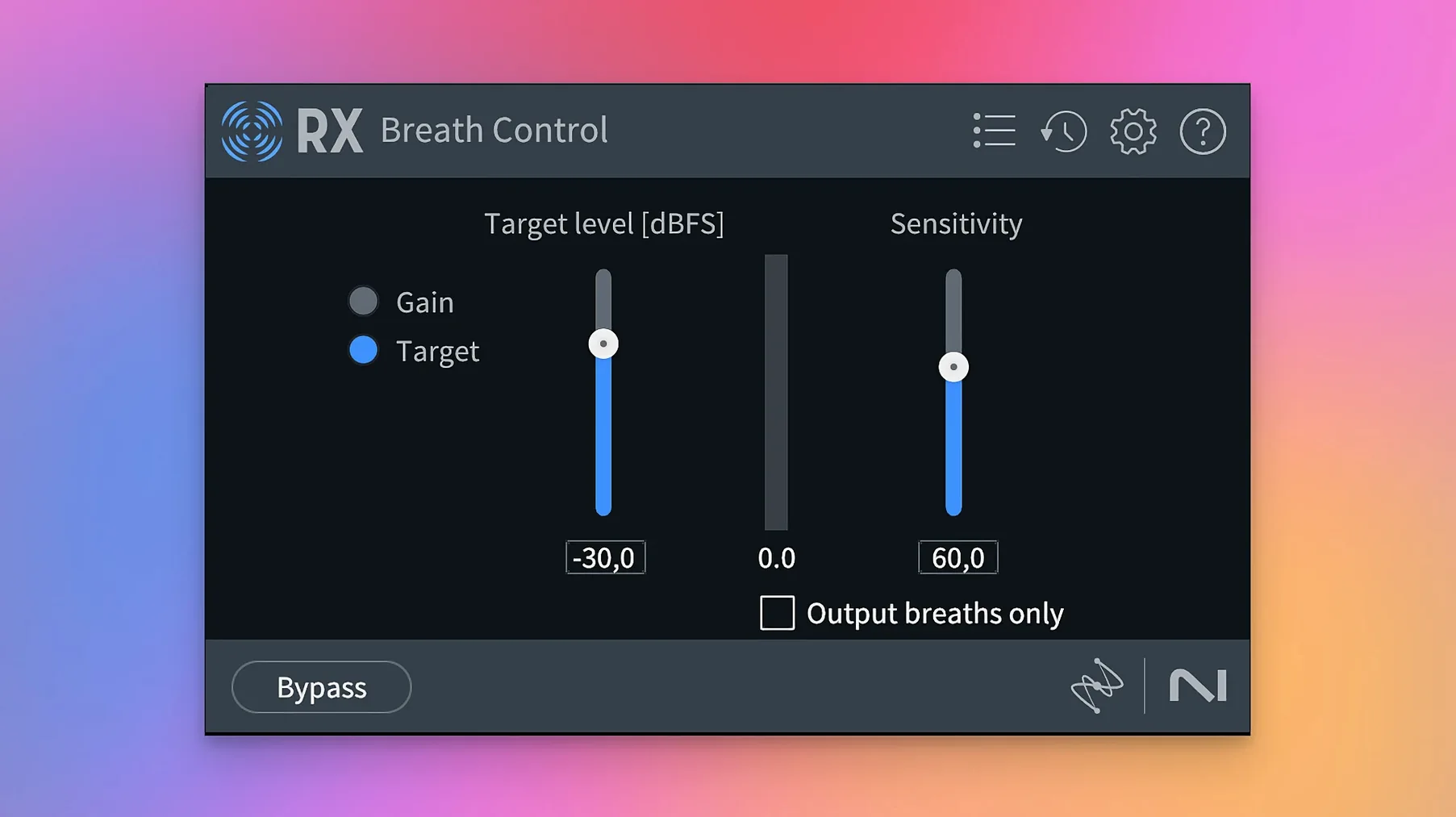
- Breath Control — rebuilt in RX 12 to spot and lower inhales and exhales without making the speaker sound unnatural.
- De-bleed — reduces headphone click bleed or instrument leakage that snuck into a microphone.
Why Stems View changes the workflow
Stems View lets you split a stereo mix into four stems — vocals, bass, percussion, and a catch-all “other” — then apply any RX module to just the stem that needs work. A muddy low end in a music bed or a harsh cymbal wash becomes its own small job instead of a compromise across the whole mix.
Who clicks with RX fastest
Not every Mac user needs a spectral editor with stem separation. Three groups tend to feel at home inside RX within the first week.
Podcast editors working with field audio. When guests record in untreated rooms or on lapel mics outdoors, you inherit wind rumble, chair squeaks, and fridge hum. RX gives you surgical tools instead of broad noise gates that choke the voice. Dialogue Isolate and Voice De-noise become everyday saves.
Video editors who mix their own audio. The person cutting a documentary or wedding film rarely has a dedicated sound post team. Scene Rebalance means you can duck a music bed under interview dialogue without bouncing stems back and forth. Trim Silence cleans up gaps in long interview timelines before they hit the NLE.
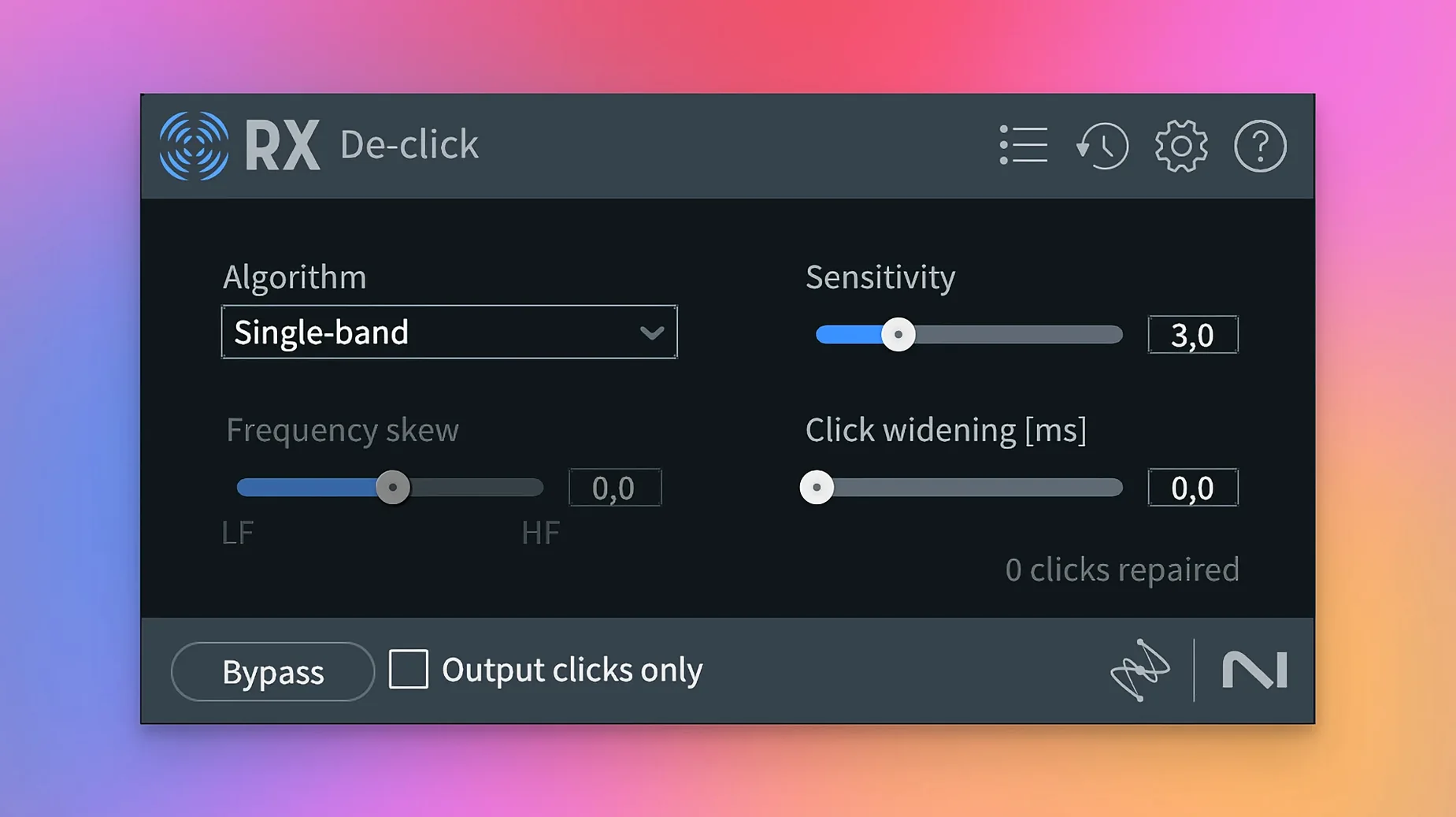
Music producers restoring old samples and vinyl rips. De-click and De-crackle handle surface noise that EQ alone can't touch. Music Rebalance on a stereo drum break lets you isolate the kick pattern for layering under a new beat. The trick is knowing which module fits the damage — a scratched record and a clipped preamp need different medicine.
How RX fits with your other tools
RX works two ways, and which one you pick depends on the job. As a standalone application, it handles long-form files — hour-long podcast episodes, concert recordings, film dialogue assemblies — without tying up your DAW. As a plugin suite, it slots into Logic Pro, Ableton Live, Final Cut Pro, DaVinci Resolve, or any host that loads AU, VST3, or AAX formats.
The ARA integration matters here. With AU ARA and VST3 ARA support, RX modules talk directly to the host's audio clips. You can open the Spectral Editor inside Logic without round-tripping audio. Select a region, apply repairs, and hear the result in context immediately. This tightens the loop between "fixing" and "mixing" more than the old offline workflow ever did.
Trim Silence pairs naturally with macOS Voice Memos or any dictation recorder. A long meeting or lecture recording full of dead air compresses into a tidy file ready for transcription apps or note-taking tools. The standalone app sends the result wherever you keep your audio — Finder folders, cloud-synced project directories, or straight back into a timeline.
For live musicians, De-bleed sits nicely between your interface recordings and your mix session. Guitar leakage in a vocal mic or headphone click in a quiet acoustic take becomes a fix instead of a reason to re-track.
Make RX your default sample editor
RX ships with sensible defaults, but a handful of tweaks make it feel like your tool rather than a rental.
Set the default audio editor to RX in your DAW. Most hosts let you designate an external sample editor. Point it to the RX standalone app, and a keystroke sends a clip from your timeline into RX for deep cleaning. This is useful if you search for "izotope rx download free" to explore restoration tools or if you want to browse what "izotope rx 12 download" actually delivers in a working setup.
Adjust the Spectral De-noise learn time. The default noise-profile length works for steady hiss, but for varying backgrounds — an air conditioner cycling on and off — a longer learn pass captures the shifts better. Grab three or four seconds of "silence" that contains the full noise character, not just one static slice.
Dial back Breath Control sensitivity before your first pass. The rebuilt module in version 12 is more aggressive than the previous one. Start around -12 dB reduction with the sensitivity knob at 40% rather than the midpoint. You can always add a second pass, but over-processed breaths make a speaker sound like they forgot to inhale.
Set up a Trim Silence preset for your mic setup. Once you find the right threshold and minimum silence duration for your recording chain, save it as a named preset. Different mics and preamps produce different noise floors, so your "AT4050 in booth" preset will differ from "SM7B at desk."
Repair Assistant is a starting point, not a finish line
RX hands you precision tools, and precision cuts both ways. A few patterns show up repeatedly when people first install the suite.
Treating every module as a one-click fix. The Repair Assistant is a starting point, not a mastering chain. It listens and suggests, but it doesn't know your taste or the context. A podcast intro with deliberate vinyl crackle as texture shouldn't get De-crackle just because the assistant flags it. Listen before you accept.
Nuking room tone entirely. Dialogue Isolate and Voice De-noise can strip so much ambience that the voice sounds disconnected — like a VO booth performance pasted onto a location shot. Leave a trace of the original space, especially for film and video work. Complete silence behind a voice reads as artificial faster than a quiet room.
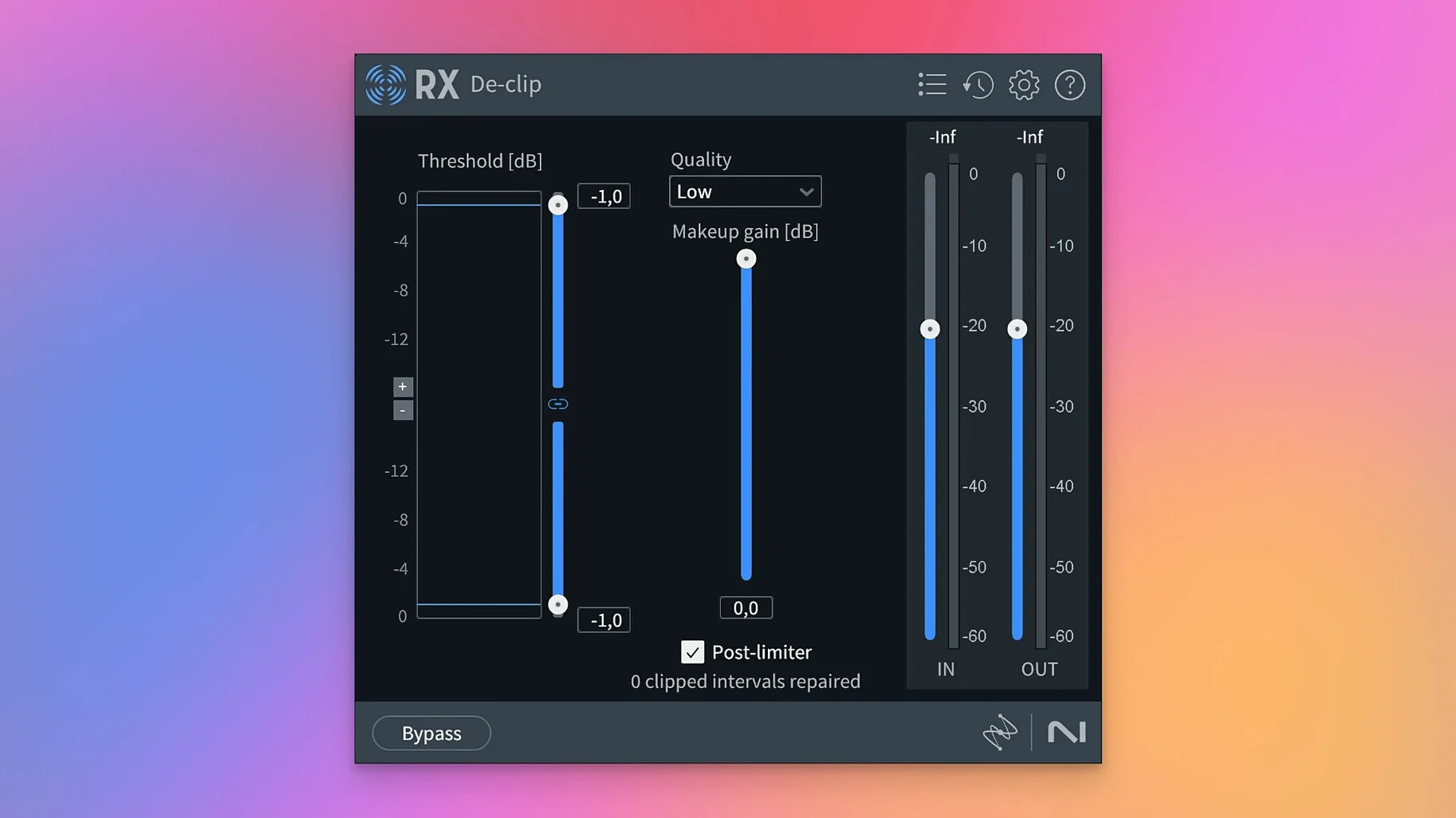
Confusing De-clip with De-crackle. A clipped waveform and a crackly surface sound different and need different modules. De-clip reconstructs squared-off peaks from digital overs. De-crackle targets short, impulsive noises — vinyl scratches, static bursts, mouth clicks. Running the wrong one wastes time and can soften transients you wanted to keep.
Ignoring the output ceiling in De-ess. Taming sibilance without setting an output ceiling can leave the ess sounds dull while the rest of the signal stays bright. Match the module's output to the surrounding level so the de-essed section doesn't dip audibly in volume.
Applying Music Rebalance to a full mix and expecting multitrack quality. The separation is smart, but it's not a mix session. Pulling the vocal up 6 dB in a dense rock song will bring artifacts — phasing, smearing, a slightly underwater quality. Use it for subtle rebalancing, not remixing from scratch. A 2–3 dB nudge goes further than you think.
Skipping the secondary listen at low volume. RX repairs sound different quiet than loud. After any deep cleaning pass — heavy spectral editing, multiple module chains — turn your monitors down to conversation level and listen again. Artifacts and over-processing jump out at low volume when your ears aren't being bullied by level.
Tip: If you've searched "iZotope RX 11 crack" or "iZotope RX 9 Mac torrent" looking for restoration tools, remember that Stems View alone changes which version matters. The stem-level workflow in RX 12 means you skip an entire bounce-and-reimport dance that earlier versions couldn't avoid.
Version 12.1.0 is here, bringing the developer's latest round of fixes and improvements to the table. Check the official release notes for the full breakdown.
- macOS 14.7 or newer
- Works on both Apple Silicon and Intel 64-bit Macs
Questions from the stall
Does iZotope RX 12 run natively on Apple Silicon Macs?
Yes, RX 12 supports Apple silicon Macs natively, as well as Intel Macs and Rosetta mode.
What plugin formats does RX 12 come in?
RX 12 is available in AU, AAX, AAX Audiosuite, VST3, AU ARA, and VST3 ARA formats.
What does the Scene Rebalance module do?
Scene Rebalance separates dialogue, music, and effects within a single audio file so you can adjust their levels independently.
Notes from other shops 0
Sign in or open a shop account to leave a note.
No notes yet. If you've used this on a shop Mac, tell me how it went.