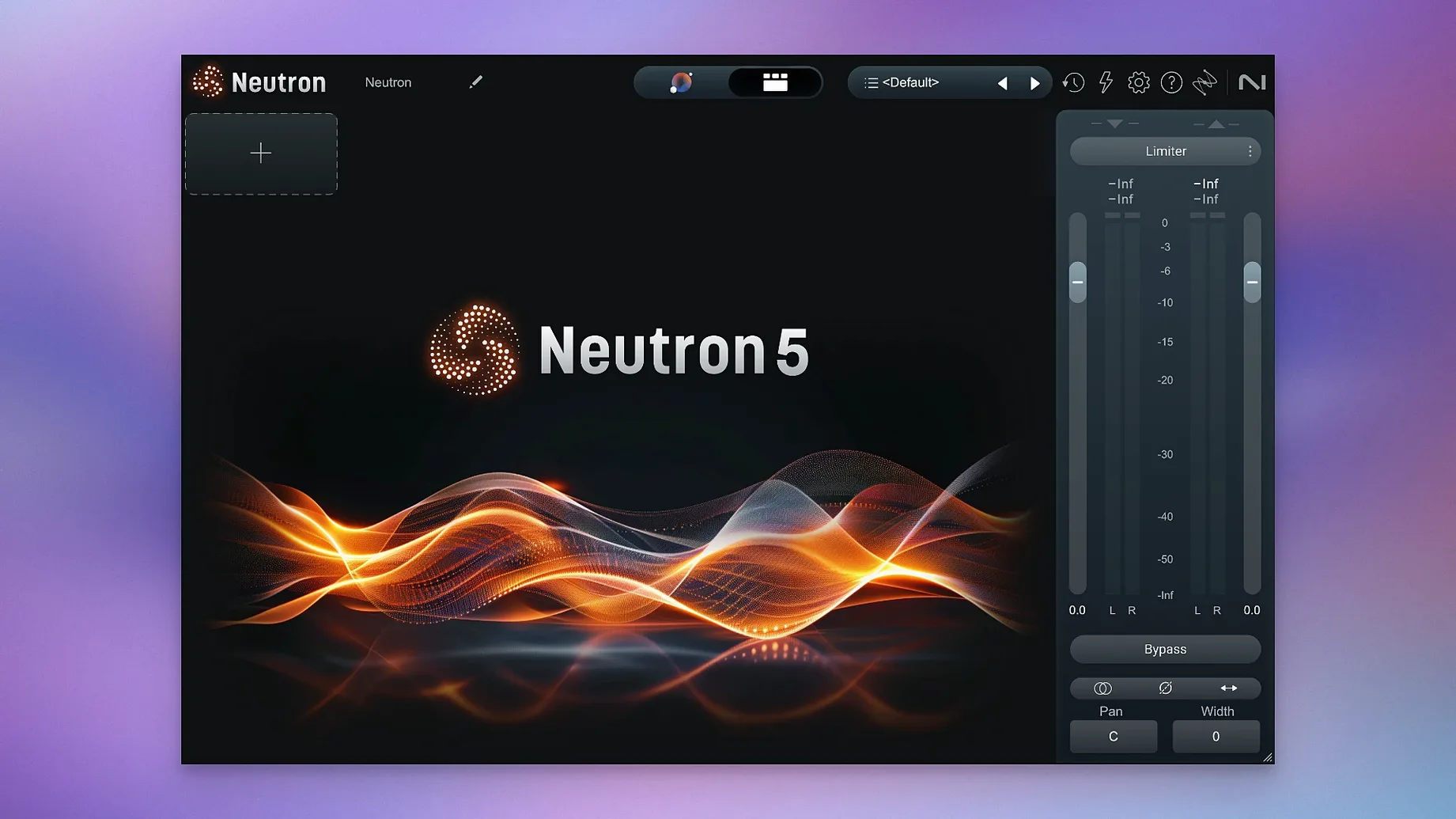
The Masking module is where I'd start, because cleaning up frequency collisions between tracks solves problems before you reach for an EQ. Neutron 5 packs that module alongside ten others into a single mixing suite that runs as a plugin in your DAW — a mothership interface plus ten component plugins you can load individually.
Runs natively on Apple Silicon without Rosetta
Neutron 5 supports both ARM and x86 64-bit architectures, so it runs natively on Apple Silicon Macs without Rosetta translation. That matters when you're stacking instances across a full mix — the efficiency gain is real. Compatibility starts at macOS 13.4 and later, and the interface language is English. The installer covers AU, VST3, and AAX formats, which means Logic Pro, Ableton Live, Pro Tools, and most other major hosts are covered without extra steps.
The sound-shaping toolkit
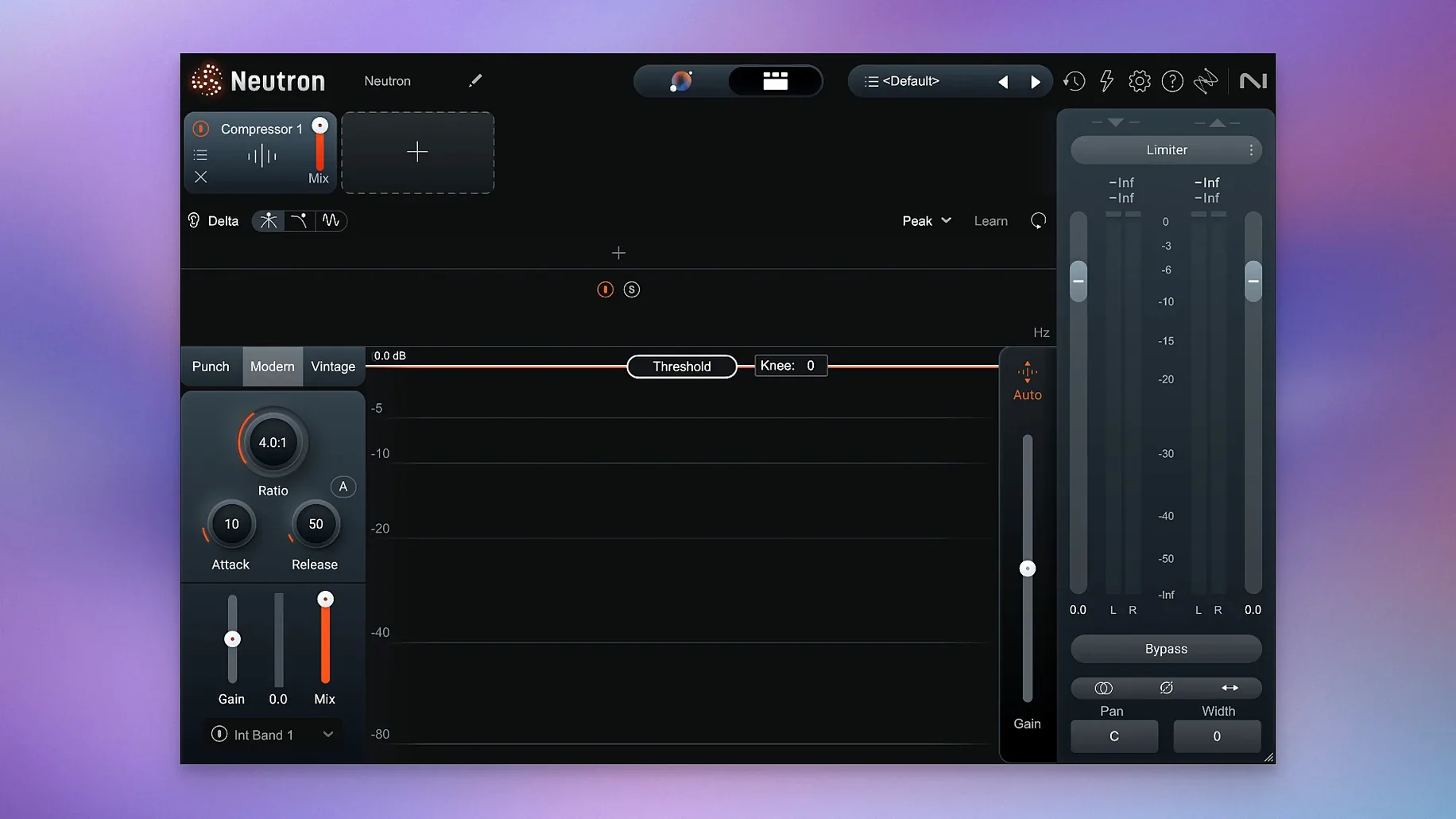
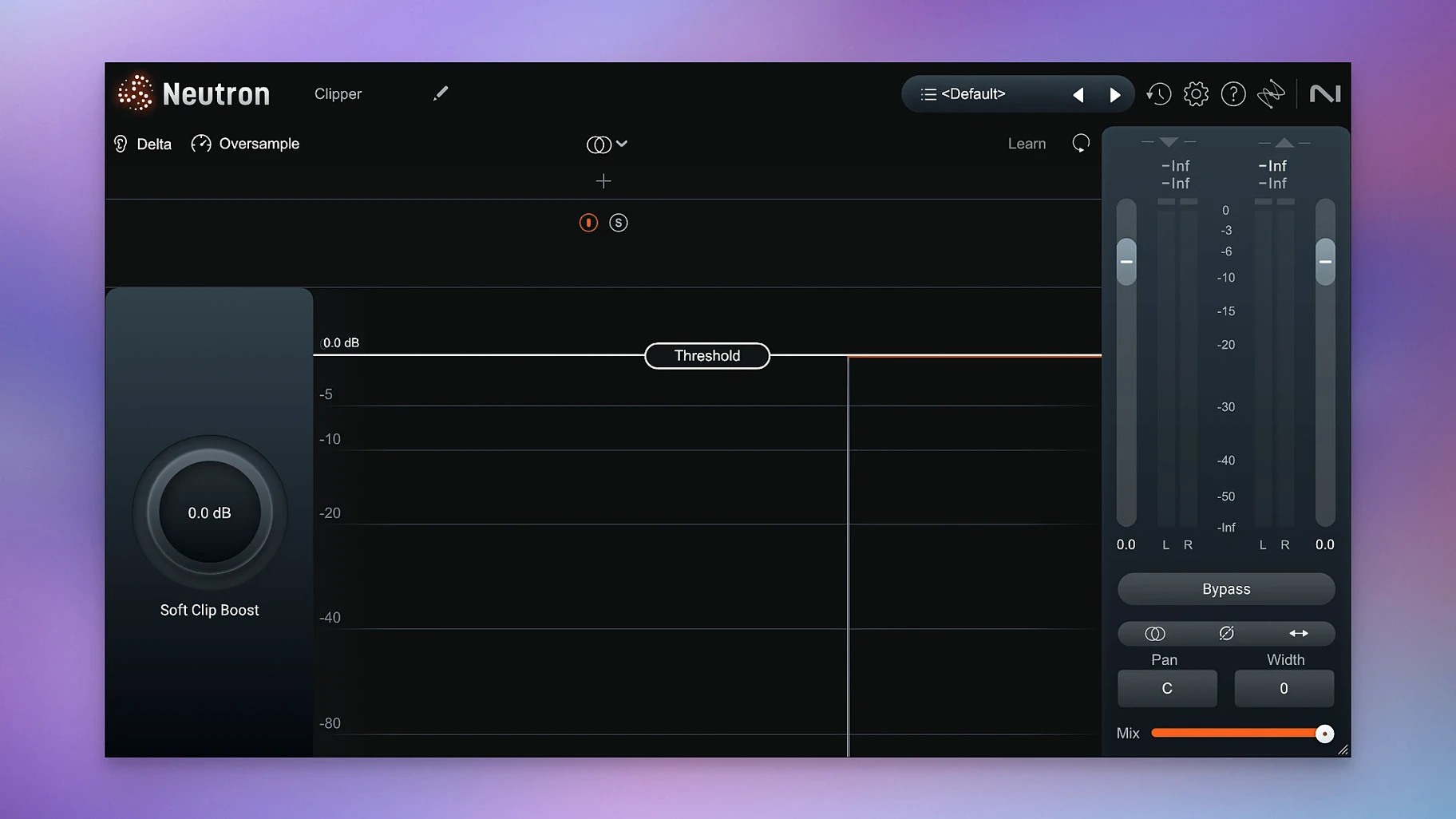
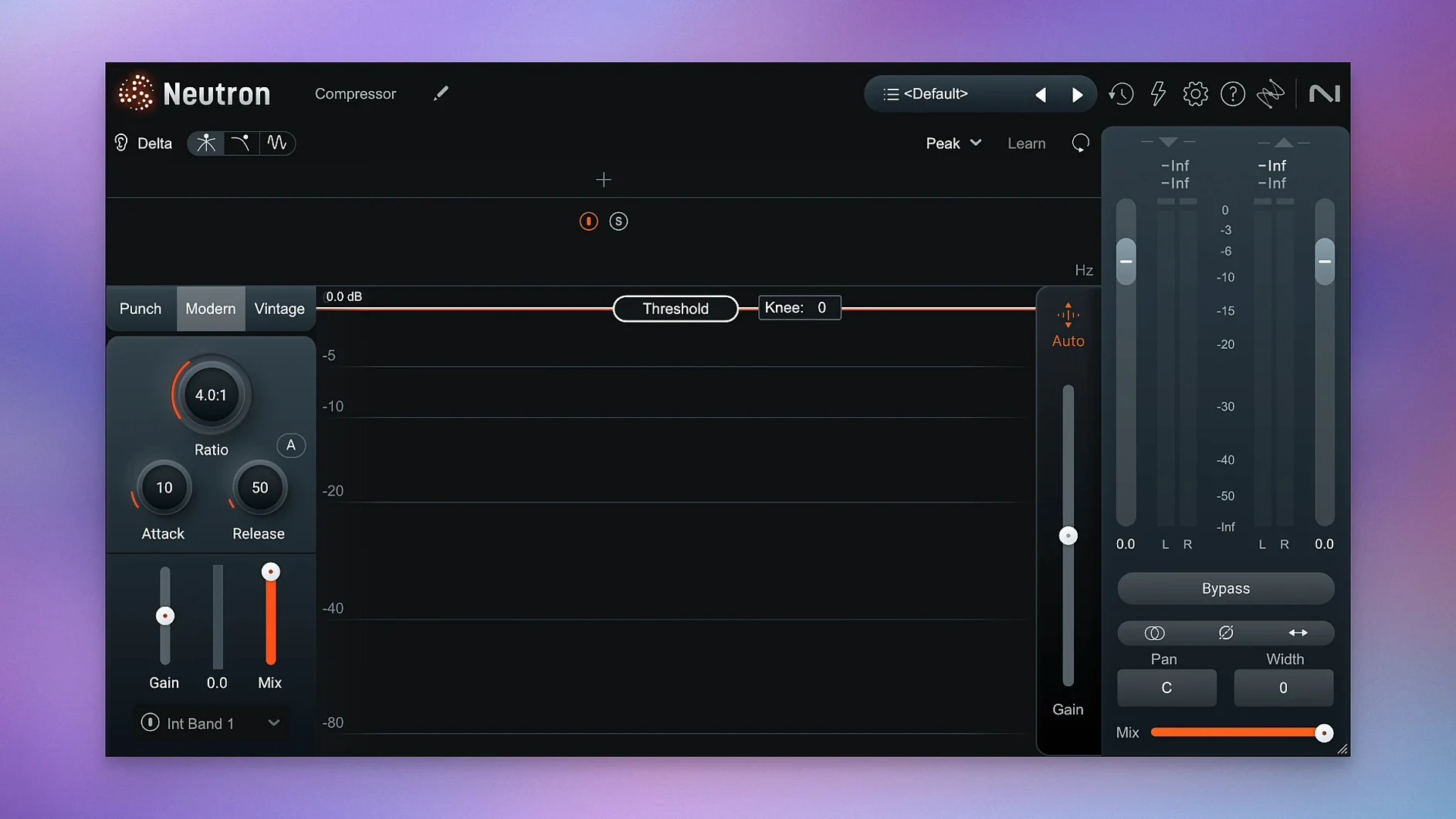
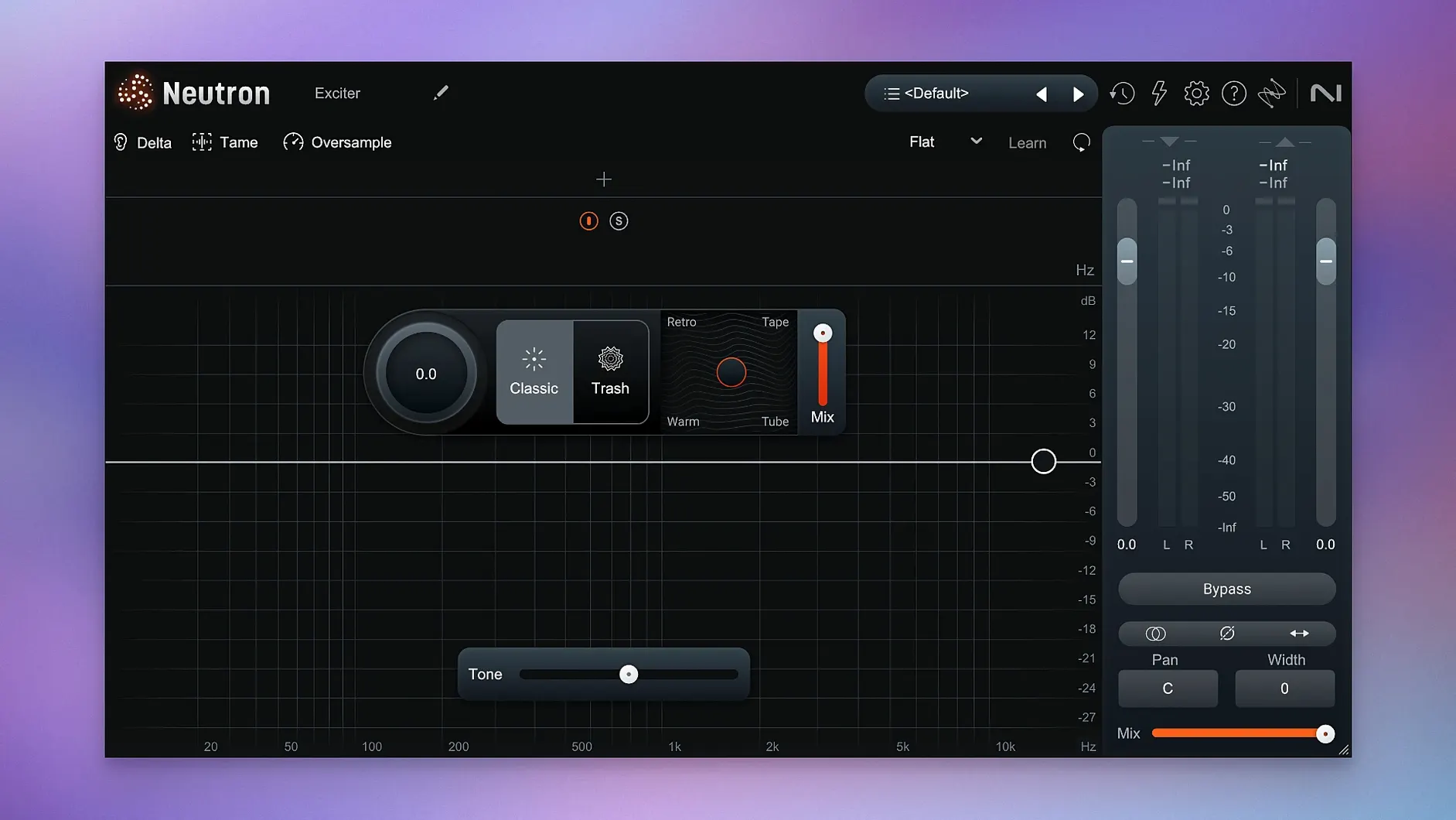
What you get is eleven plugins total. The mothership hosts the redesigned Mix Assistant, which acts as an intelligent control center rather than a one-click fix — it listens to your audio and suggests starting points you can tweak. The Trash Mode brings distortion into the chain, and the Masking module detects and resolves frequency masking between competing tracks. Clearer metering and visualizations throughout the suite make it easier to see what you're hearing, which is half the battle in a dense mix.
A post-production morning with Neutron 5
Imagine a sound designer working on a podcast drama. Three dialogue tracks, a stereo ambience bed, spot effects, and a music stem all need to sit together without the voices turning muddy. She drops Neutron 5 on the main dialogue bus, opens the Mix Assistant, and points it at the music stem as a reference. The Assistant listens for thirty seconds and suggests a gentle midrange cut that leaves the vocal presence intact while carving out just enough space for the piano underneath. She switches to the Masking module to check what the ambience track is doing to the low end of the voices — the visualization shows exactly where the rumble overlaps, and a couple of dB of dynamic EQ solves it without making the scene feel sterile. The whole pass takes under ten minutes. That is the kind of work where Neutron earns its keep: not replacing her ears, but giving her faster ways to act on what they tell her.
Mix Assistant proposes, you keep control
Does the Mix Assistant make decisions I cannot undo? No — it proposes, you decide. Every suggestion lives as adjustable parameters you can tweak, bypass, or reset. Think of it as a fast starting point, not a locked-in preset. The Assistant View in version 5 lets you refine the target with custom instrument profiles or even a reference track you provide, so the suggestions get smarter the more you guide them.
Will this bog down an older Mac? Neutron 5 runs natively on both Intel and Apple Silicon, and the component plugins are lean enough to use individually when you do not need the full mothership. On a 2019 Intel MacBook Pro, a session with six or seven instances of individual modules — say, Sculptor on bass, Transient Shaper on drums, EQ on vocals — stays responsive without forcing a high buffer size. The mothership instance is heavier, naturally, so most engineers reserve it for busses or the master chain.
What if I already own other iZotope plugins? The component modules share DNA with the wider iZotope family, so if you know Ozone or Nectar, the metering language and control layouts feel familiar. Neutron does not overlap — it complements, focusing on the mixing stage rather than mastering or vocal treatment specifically.
Dozens of instances stay stable all day
In daily use across a dozen or more plugin instances, Neutron 5 stays stable. The 5.2.0 maintenance update addressed an iLok authorization hiccup in surround instances, and since then the authorization has been uneventful — open your DAW, instantiate, work. No surprise crashes when switching between the mothership view and individual modules, and the interface redraws are snappy even on scaled Retina displays.
The Masking module deserves a mention for efficiency: detecting collisions between two tracks in real time without adding noticeable latency keeps the workflow moving. Trash Mode and Punch Mode both lean harder on CPU, especially when you stack multiple distortion stages, but freezing or bouncing a track with heavy processing is standard practice regardless. Memory use is moderate — expect the full suite to claim roughly what a modern convolution reverb would, not what a sample library would.
An objective second opinion when ear fatigue hits
Music producers mixing their own material benefit from the Assistant's speed — when you have been listening to the same song for hours, an objective second opinion on frequency balance cuts through ear fatigue. Mix engineers juggling client projects appreciate the Masking module and the clearer metering for making quick, defensible decisions about EQ and dynamics without guesswork. Post-production folks working on dialogue-heavy material find the dynamic control and mid-side processing in the component plugins especially useful for keeping voices clear against busy backgrounds.
Users who lean toward heavy sound design — industrial music, cinematic trailers, experimental electronic work — will gravitate toward Trash Mode and Punch Mode. Trash Mode is not a polite saturation; it can get abrasive fast, and the visual feedback helps you dial in exactly how much destruction the track can take before it loses definition. Punch Mode visualizes transient impact, which is invaluable when you are layering kicks and snares from different sources and need them to hit as one cohesive hit.
If you are still on an older macOS version, note that 5.2.0 changed the supported range — macOS 13.4 is the floor now. Anyone searching for an izotope neutron 4 crack or an izotope neutron torrent is likely trying to avoid that requirement, and version 5 brings enough architectural improvements — native ARM support, the redesigned Assistant View, the surround authorization fix — that running it on a current system is the path of least friction. The same goes for anyone hunting an izotope neutron 5 crack or neutron 5 crack; once you have it installed, you can spend time mixing rather than troubleshooting. An izotope torrent can be a straightforward way to get the suite, and a clean install with the included activation instructions pays off in predictable behavior during sessions.
Tip
Load the Masking module on your bass track and sidechain it to the kick, then do the same on the kick sidechained to the bass. The two-way analysis shows you exactly where the low-end tug-of-war happens, and a subtle dynamic cut on each side often tightens the whole low end more than solo EQ moves ever could.
A couple of practical fixes in this release:
- Fixed an iLok authorization issue that affected surround instances of Neutron 5.
- Updated the list of supported macOS versions.
- macOS 13.4 or later
- Intel or Apple Silicon Mac (ARM and x86 64-bit)
- Host DAW supporting AU, VST3, or AAX formats
Questions from the stall
Does Neutron 5 run natively on Apple Silicon?
Yes, Neutron 5 supports both ARM and x86 64-bit architectures, so Apple Silicon Macs run it natively without Rosetta.
Which macOS versions does Neutron 5 require?
Neutron 5 requires macOS 13.4 or later.
Notes from other shops 0
Sign in or open a shop account to leave a note.
No notes yet. If you've used this on a shop Mac, tell me how it went.