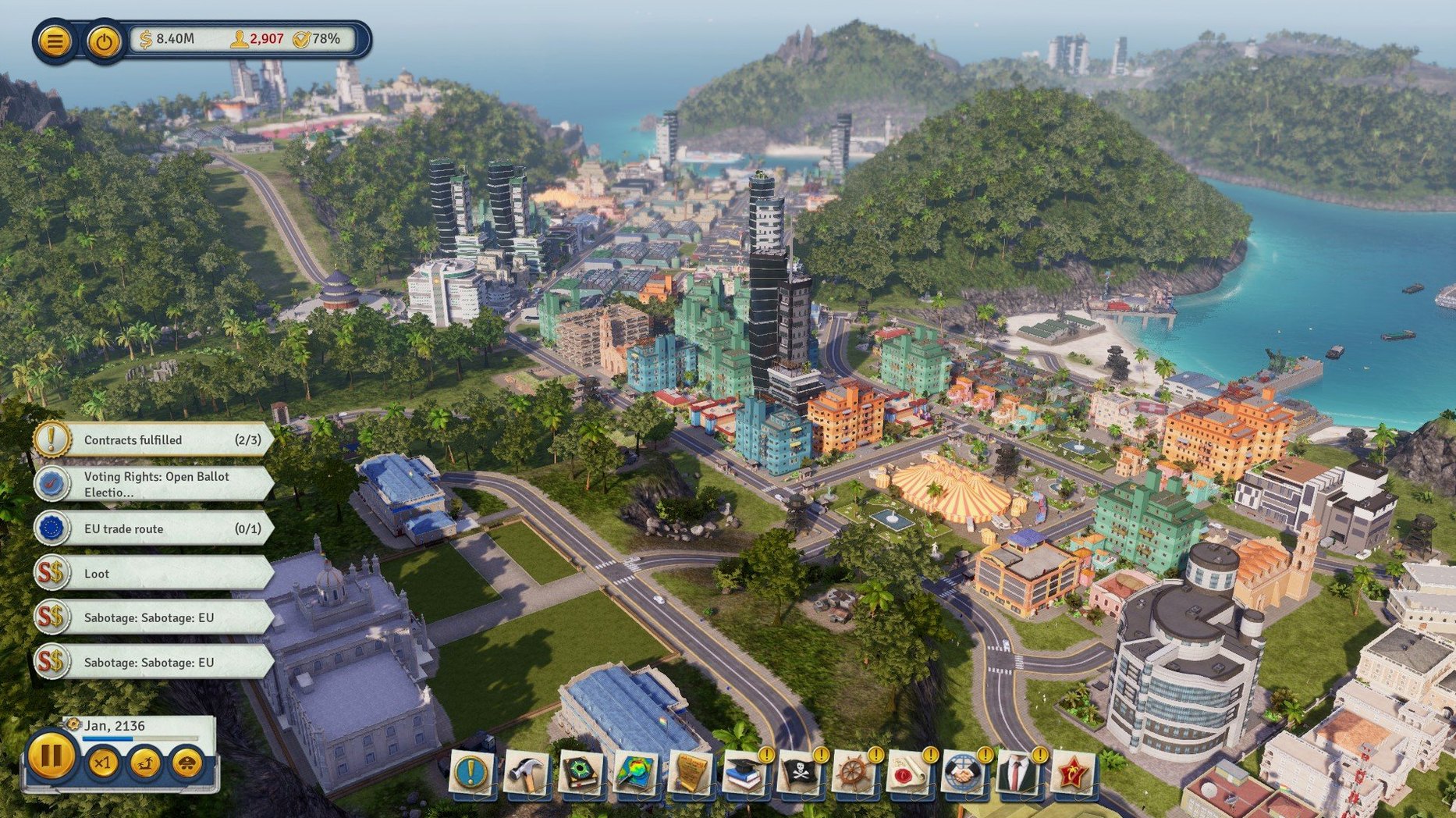
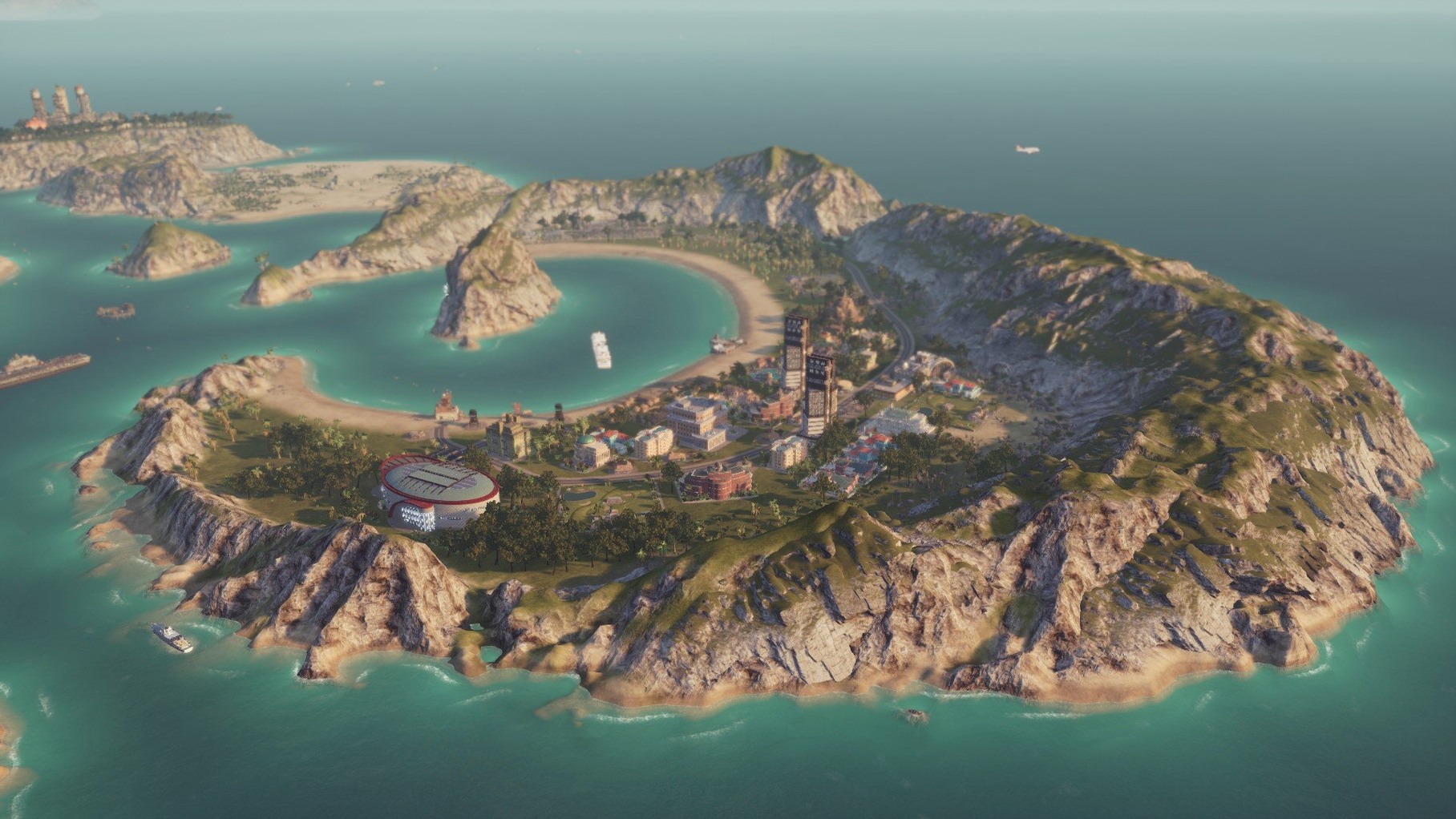
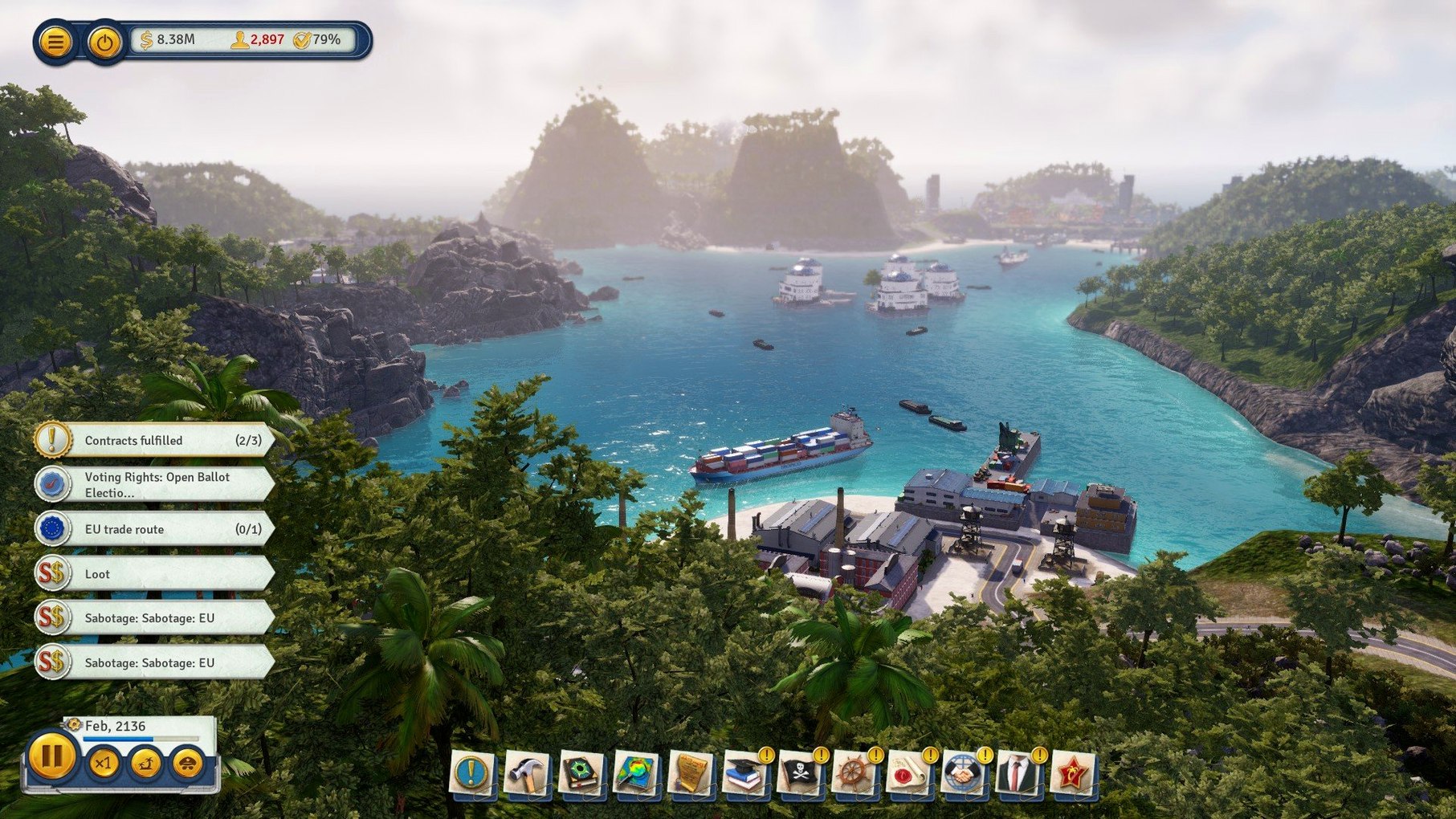
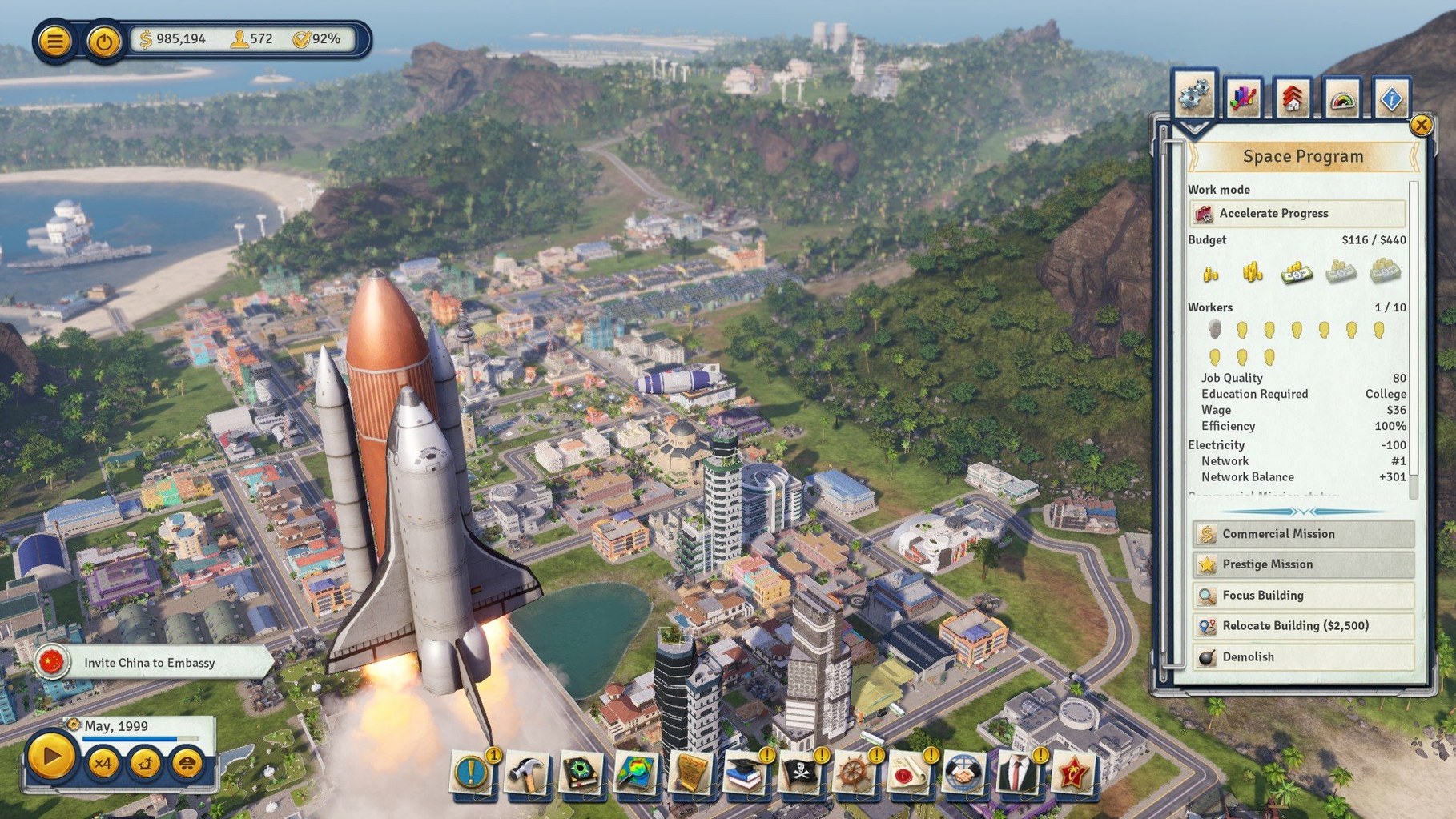
Tropico 6 is a strategy game that puts you in the boots of El Presidente, managing a string of tropical islands from the colonial era to the modern day.
Archipelago maps and a full economic sandbox
- A full economic strategy layer where every crop, factory, and trade route affects your treasury.
- Archipelago-style maps — you'll build bridges and connect infrastructure across multiple islands.
- Infrastructure tools for roads, power plants, housing, and docks to keep goods and people moving.
- Voice acting in English, German, Spanish, Italian, and French, with interface text in Russian and five other languages.
Rosetta 2 keeps it playable on Apple Silicon
This build is x86 64-bit and was tested on macOS Sequoia with an M1 MacBook Air. It runs smoothly under Rosetta 2, so Apple Silicon owners are covered. The game leans heavily on CPU and GPU, so a quad-core i5 or i7 with 8 GB of RAM and a Metal-compatible graphics card is the sensible starting point. Clear 16 GB of storage before you install — the islands take up real space.
Yes, it works on an M1 Air via Rosetta
Most visitors land here with the same few questions. Here's how I'd answer them after running it on an M1 Air.
Does it actually work on Apple Silicon? Yes. The app is Intel-only, but Rosetta 2 handles the translation without drama. Fans searching for a tropico mac build that runs on newer machines can stop worrying — on an M1 MacBook Air it loads, plays, and saves just fine. You won't get native ARM performance, but the frame rates stay playable on medium settings.
Is this the same as the App Store version? Functionally, it matches the full game from Kalypso. The difference is this package ships DRM-free, so you install it once and it stays yours. No online checks, no launcher accounts.
Will it run on an older Mac? The App Store page mentions macOS 10.12.6 as a floor, but the real bottleneck is the GPU. If your Mac has a Metal-compatible card with 2 GB of VRAM, you're likely fine. Machines with integrated Intel graphics from 2015 or earlier will struggle.
Black screen at launch? Try this display fix
Strategy games this sprawling rarely install without a hiccup. Here are the ones worth knowing about.
Stuck on a black screen at launch. This usually means the game is trying to open on a display resolution it doesn't understand. Hold Option when you launch it the first time, then pick a windowed mode from the dialog that appears. Once you're in, switch to your native resolution in the graphics settings.
Rosetta 2 not kicking in. If you double-click the app and nothing happens, right-click it and choose Get Info. Make sure "Open using Rosetta" is checked. Without that toggle, an Intel binary sits silent on Apple Silicon.
Save games vanishing. The game writes saves to a folder inside your user Library. If you use a cleanup utility that prunes app support files, add the Tropico folder to its exclusion list. Lost a save? Check ~/Library/Application Support/Tropico6/ before you panic.
Audio in the wrong language. The interface and voice-over language are set separately in the options menu. If you want Spanish text with English voices, you can mix them however you like — the installer includes all six interface languages and five voice packs without extra downloads.
No crashes across four evenings on Sequoia
After a few long sessions, here's what stood out. The game is stable — no crashes across four evenings of play on Sequoia, even when juggling a five-island archipelago with hundreds of citizens. Autosave works reliably, and manual saves complete in under ten seconds on an internal SSD.
Speed depends heavily on population size. Early colonial eras zip along at a locked 60 fps on medium settings. Once you hit the modern era with 1,500-plus citizens, the simulation thread takes a hit. Frame pacing gets uneven during rainstorms and election speeches, dipping into the high 20s, though the interface stays responsive. Turning shadows down to low and dialing back draw distance buys you back 10 to 15 frames without making the islands look flat.
RAM use settles around 6 GB on an 8 GB system, so closing your browser before launching is a practical move. The game doesn't leak memory, but it doesn't leave much headroom either. If you're the type who keeps a dozen tabs open while searching for a Tropico 6 Mac torrent or checking trade route guides, you'll feel the swap pressure. A clean desktop before you start is my small-business advice for a smoother evening.
One tip: if you've played earlier entries and are hunting a Tropico torrent or a Tropico 3 torrent for nostalgia, this version's archipelago scale makes those older single-island maps feel like a practice run. The bridge system and multi-island logistics add a layer those earlier games never touched.
- macOS (64-bit required)
- Intel processor, quad-core i5 or i7 at 3 GHz or better
- 8 GB RAM
- Metal, Shader 5 compliant GPU with 2 GB VRAM
- 16 GB available storage
Questions from the stall
Does Tropico 6 work on Apple Silicon Macs?
Yes, the x86 64-bit build runs through Rosetta 2 and was tested on an M1 MacBook Air with macOS Sequoia.
What languages are included?
The interface is available in Russian, English, German, Spanish, Italian, and French. Voiceovers cover English, German, Spanish, Italian, and French.
What's the setting of the game?
You rule across an archipelago of multiple islands, connecting them with bridges and managing each one's resources and infrastructure.
Notes from other shops 0
Sign in or open a shop account to leave a note.
No notes yet. If you've used this on a shop Mac, tell me how it went.