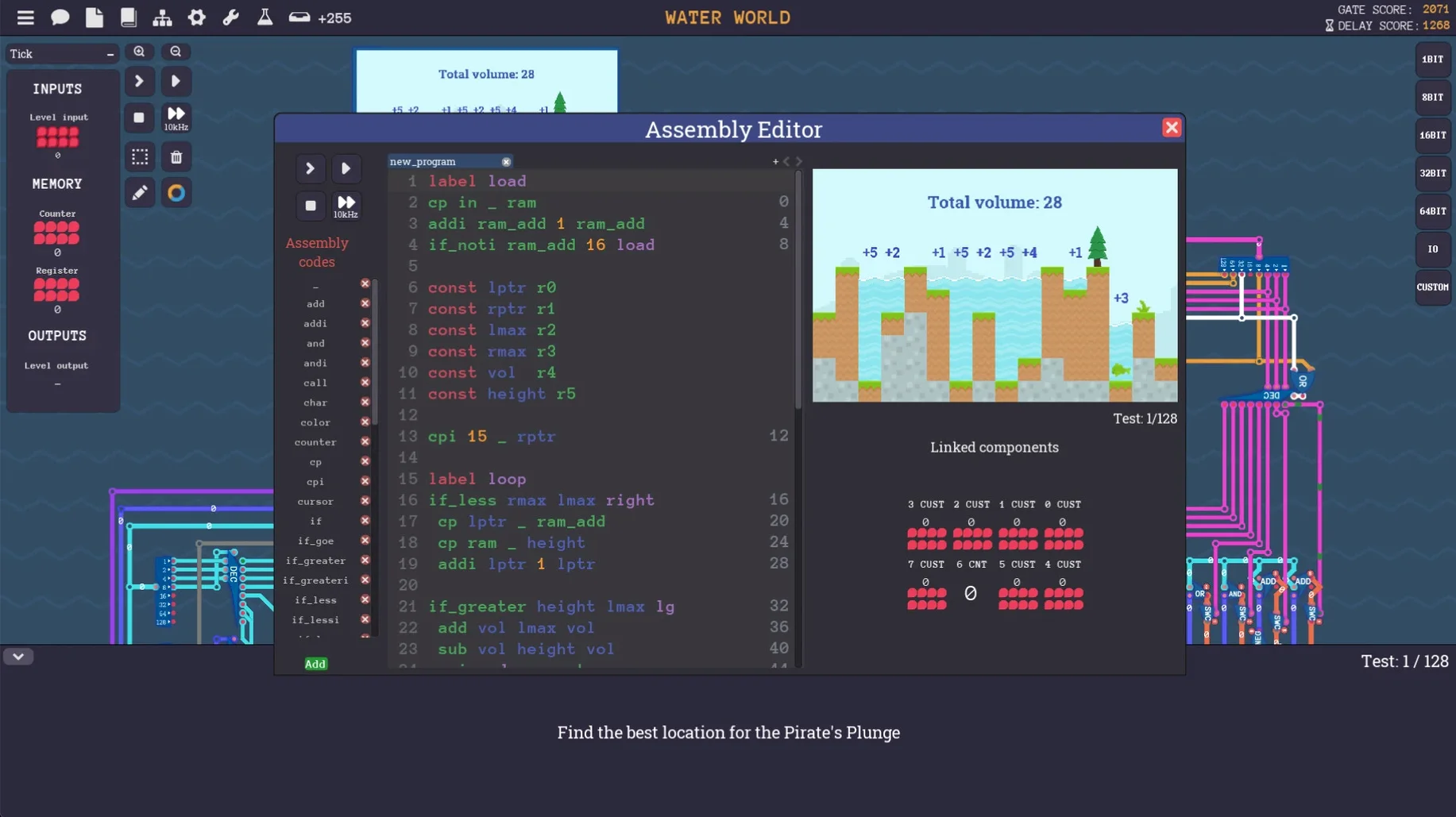
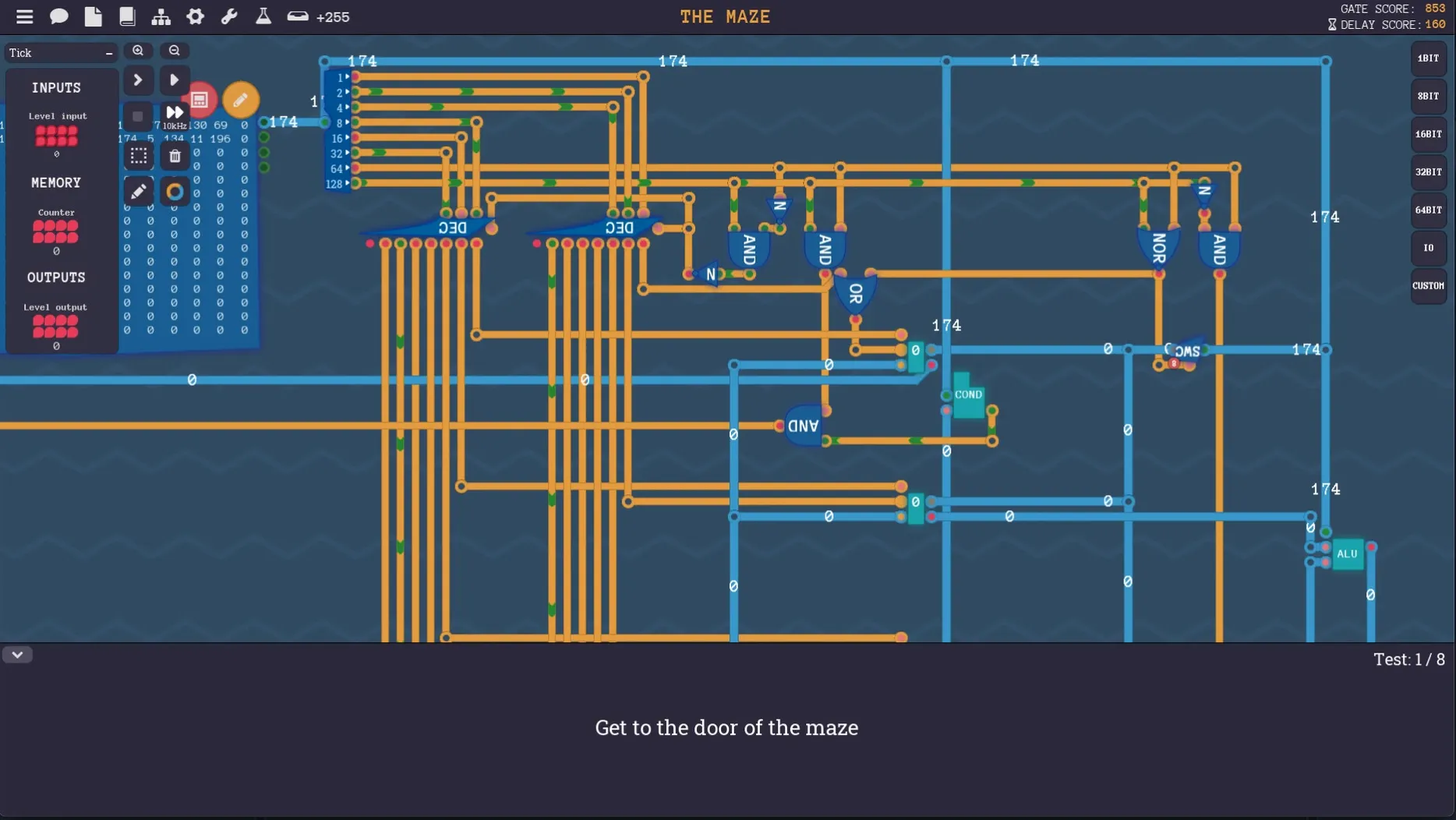
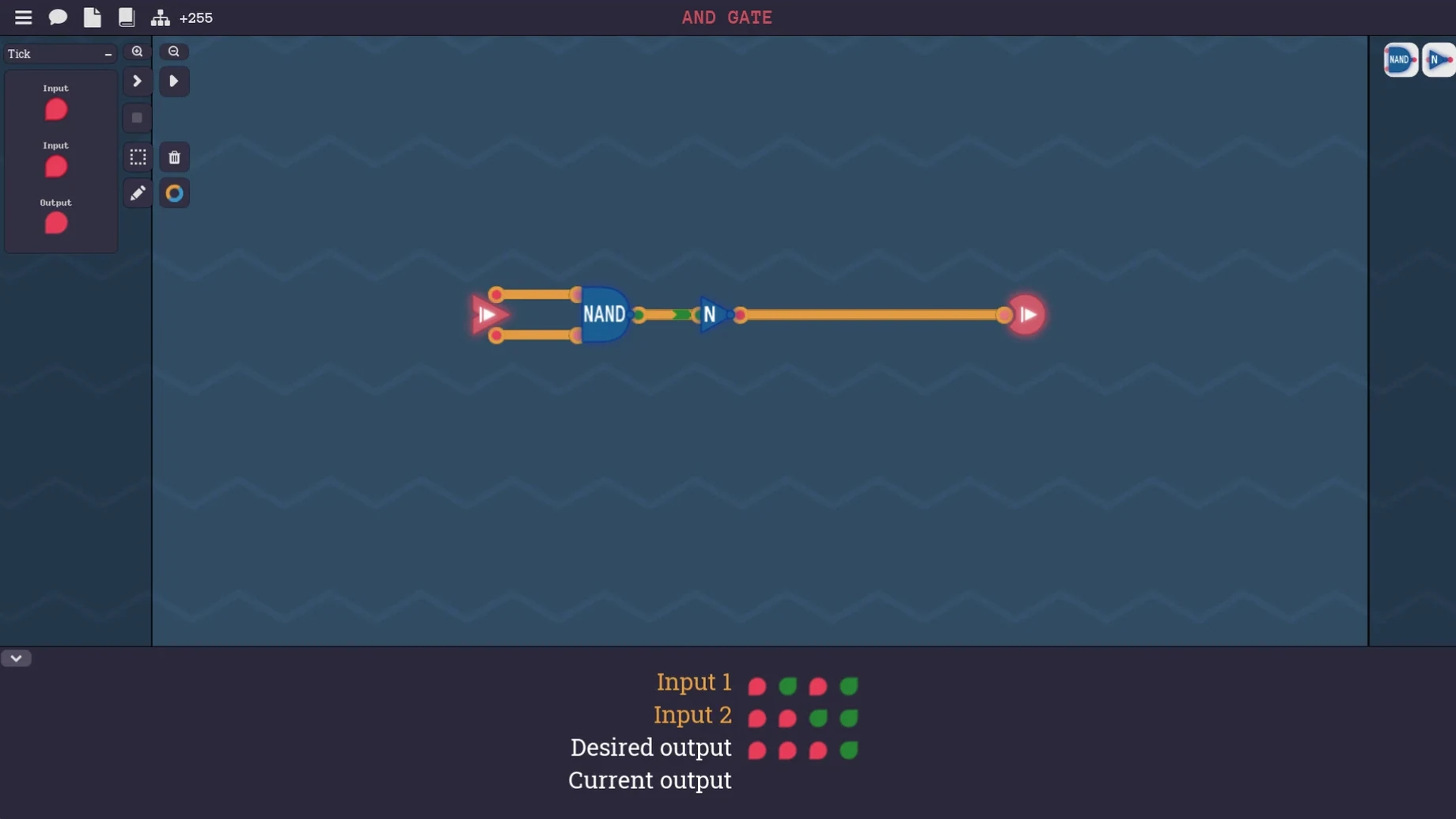
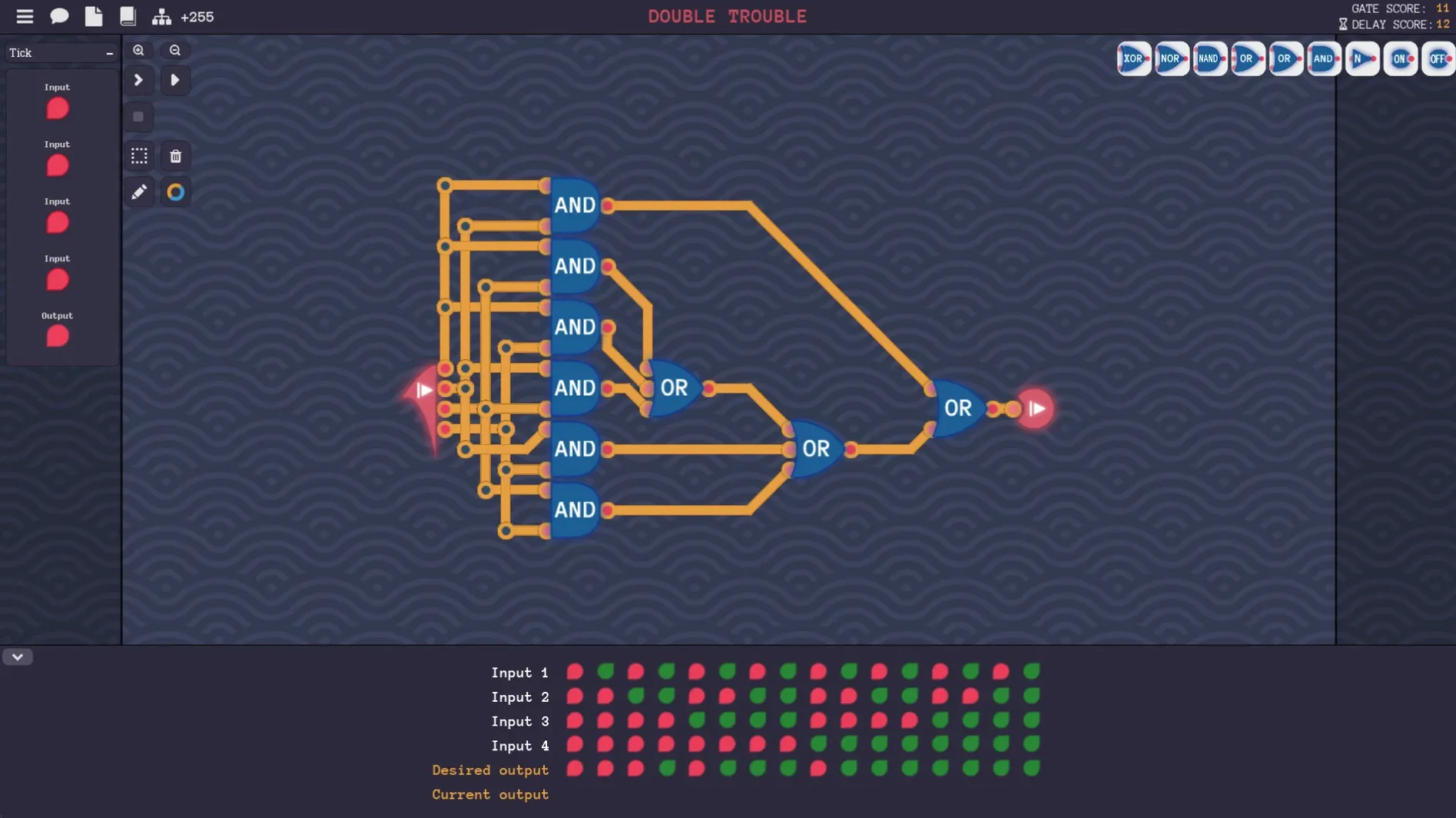
You start with one logic gate and work your way up to a full CPU. Here's what the game packs in.
Puzzle campaign — A structured climb from basic logic through arithmetic, memory, and branching, all the way to building a complete Von Neumann architecture. Each level forces you to solve a specific computing problem using only what you've built so far.
Custom computer sandbox — Once you've got the hang of it, you can build your own machine from scratch. Add screens, timers, sound, keyboard input, and even simulated network components. The only limit is how far you want to push the logic design.
Your own assembly language — The game lets you design a custom instruction set for the computer you've built. It's a hands-on way to understand the relationship between assembly, opcodes, and the hardware underneath.
Audio — Music only. No sound effects to distract you while you're debugging a broken adder for the third time.
Languages — English, German, Spanish, Simplified Chinese, and French. The interface switches cleanly between them.
Annotate messy circuits in Apple Notes or record your CPU with QuickTime
The game plays nicely with how you already use your Mac. Drop a screenshot of a messy circuit into Apple Notes to annotate what went wrong, or fire up QuickTime Player to record a short clip of your custom CPU running a program you wrote. I've found the built-in screen recording tools handy for sharing solutions with friends who are stuck.
Because Turing Complete runs as a standard Mac app, it respects macOS focus modes and Do Not Disturb — useful when you want zero interruptions mid-puzzle. The sandbox save files live in the usual ~/Library/Application Support folder, so they slot right into whatever backup routine you already have, whether that's Time Machine or something you set up yourself.
How the gate-level focus stacks up against SHENZHEN I/O and TIS-100
There aren't many games that commit this hard to the hardware layer, but a few come close in spirit.
SHENZHEN I/O and TIS-100 from Zachtronics scratch the same low-level itch, though they lean more toward assembly programming puzzles than gate-level circuit design. In SHENZHEN I/O you're wiring microcontrollers and writing compact assembly; in TIS-100 you're programming a fictional parallel processor. Both are brilliant, but neither lets you build the processor itself from logic gates — that's where Turing Complete stands alone. If you want the full stack from NAND gates upward, this is the one.
MHRD comes closer. It's also a hardware puzzle game where you build increasingly complex components from simpler ones. The difference is scope: MHRD focuses tightly on the NAND-to-CPU progression and wraps up sooner. Turing Complete extends that idea into a sandbox where you can design screens, sound output, and networking on top of your own architecture. It's the longer, messier, more open-ended cousin.
Fix the Apple Silicon launch crash by ticking Open using Rosetta
Two things tend to trip people up on Mac, especially with Apple Silicon machines.
Crash on launch with an M-series chip. The fix is straightforward: right-click the app in Finder, choose Get Info, and tick Open using Rosetta. That usually sorts it. The game is a Universal binary, but some combinations of macOS and Metal rendering still prefer the Intel code path under Rosetta.
Won't open because it's from an unidentified developer. This is Gatekeeper doing its job. Head to System Settings → Privacy & Security, and you'll see a prompt to allow the app anyway. You only need to do that once after installing.
On the puzzle side, the level that introduces conditional branching catches a lot of people off guard. The trick is to build a small truth table on scratch paper before you place any gates — knowing exactly which input combinations should produce which outputs makes the circuit almost build itself. And if you get truly stuck on a late-game level, try opening an earlier save and rebuilding that component with a cleaner layout; half the time the real problem is signal routing, not logic.
- macOS (supports both ARM and x86 64-bit architectures)
- Apple Silicon machines may need Rosetta
Questions from the stall
Does this game actually teach how computers work?
Yes — it walks you from a single NAND gate through arithmetic logic units, memory cells, and eventually a working CPU. By the time you finish the campaign, you'll understand how assembly instructions relate to the hardware you designed.
Notes from other shops 0
Sign in or open a shop account to leave a note.
No notes yet. If you've used this on a shop Mac, tell me how it went.