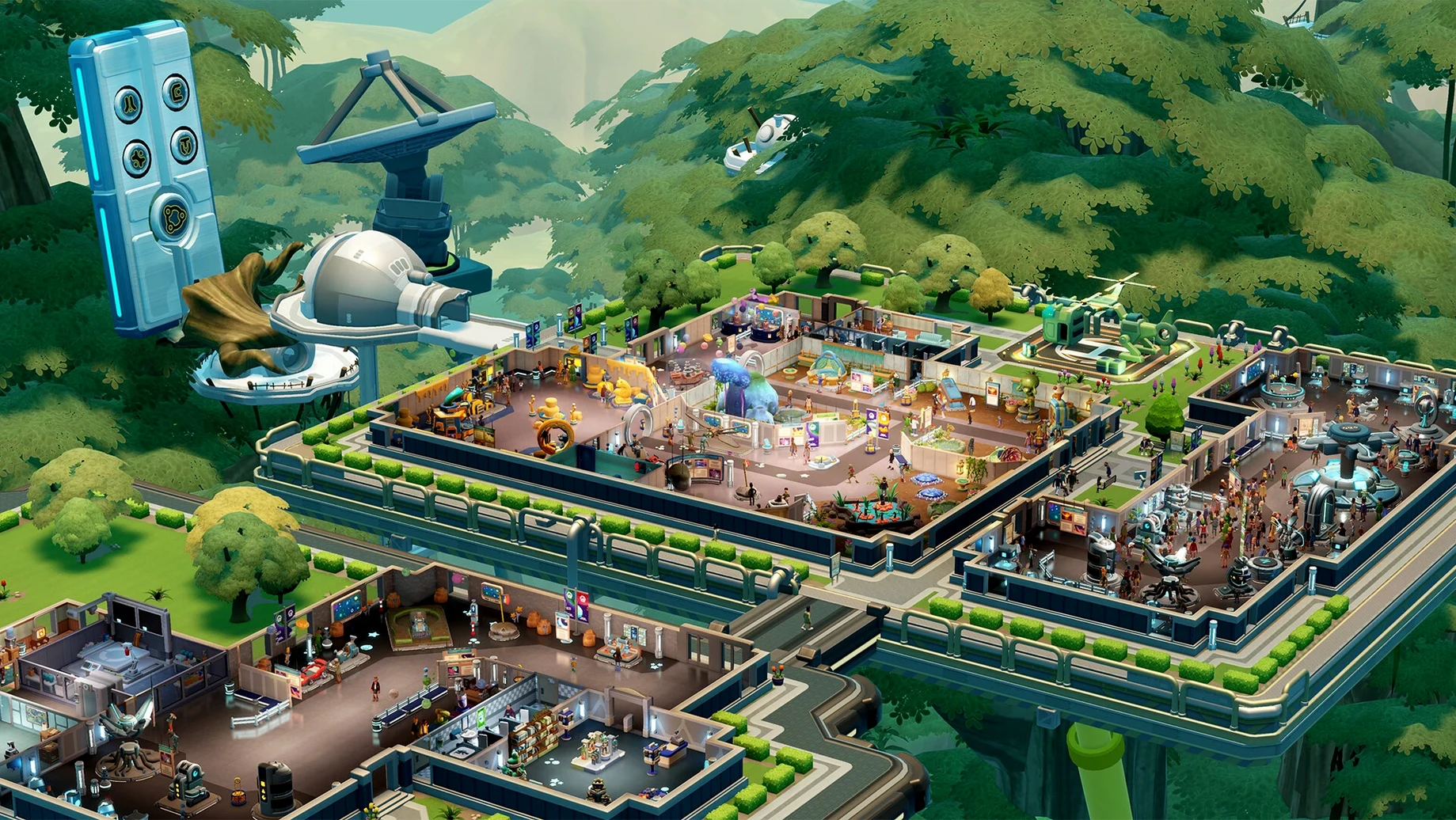
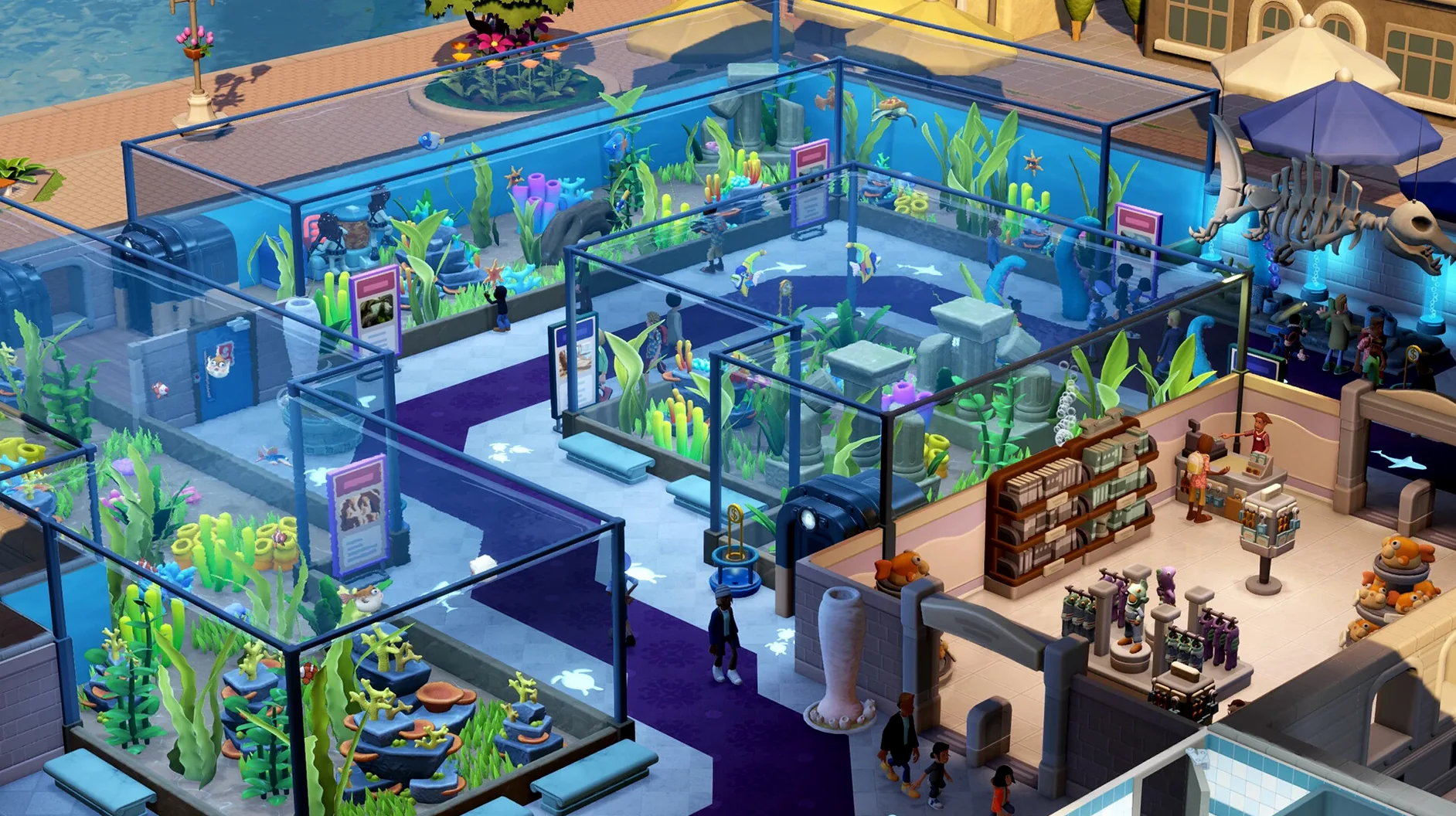
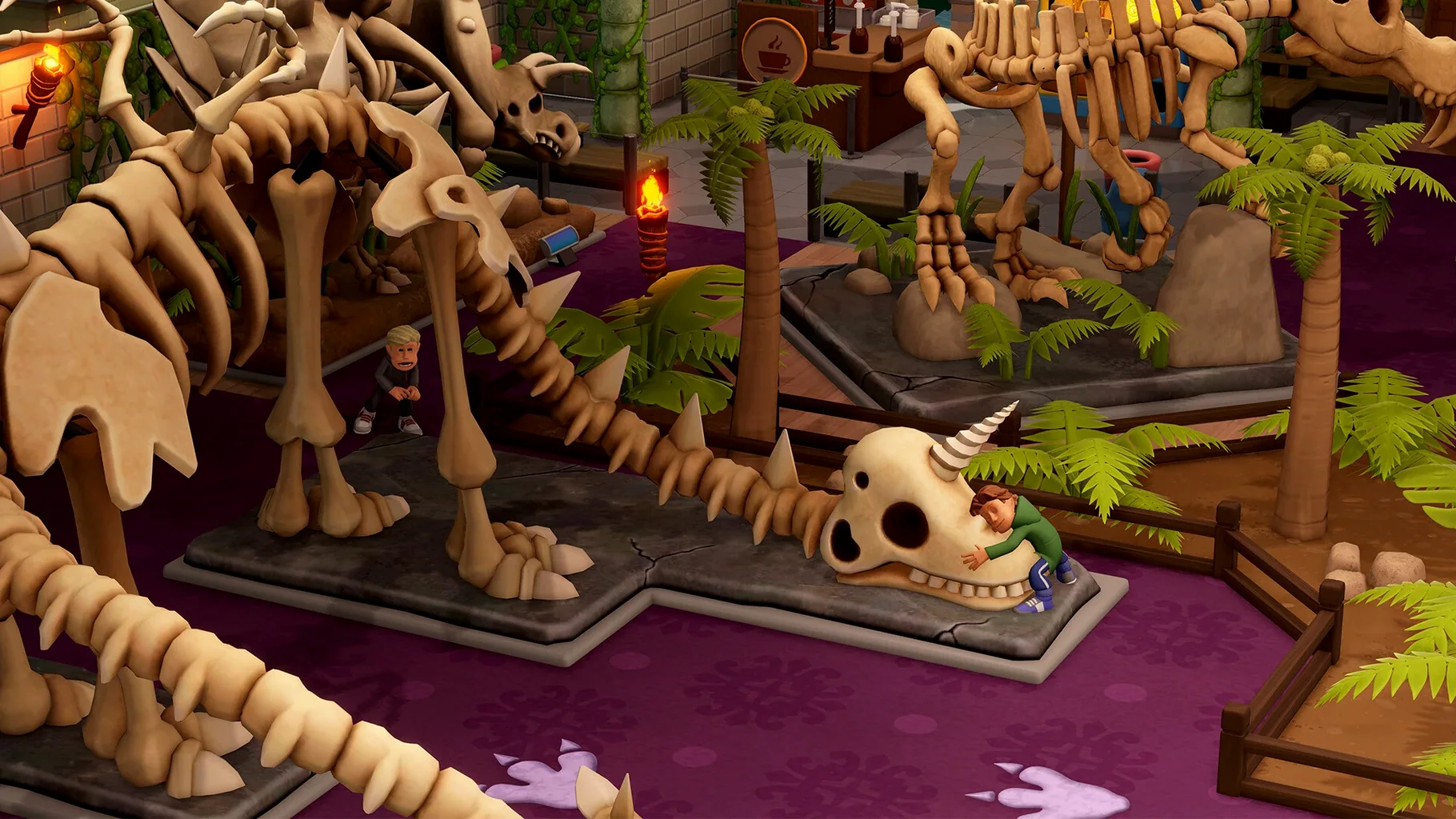
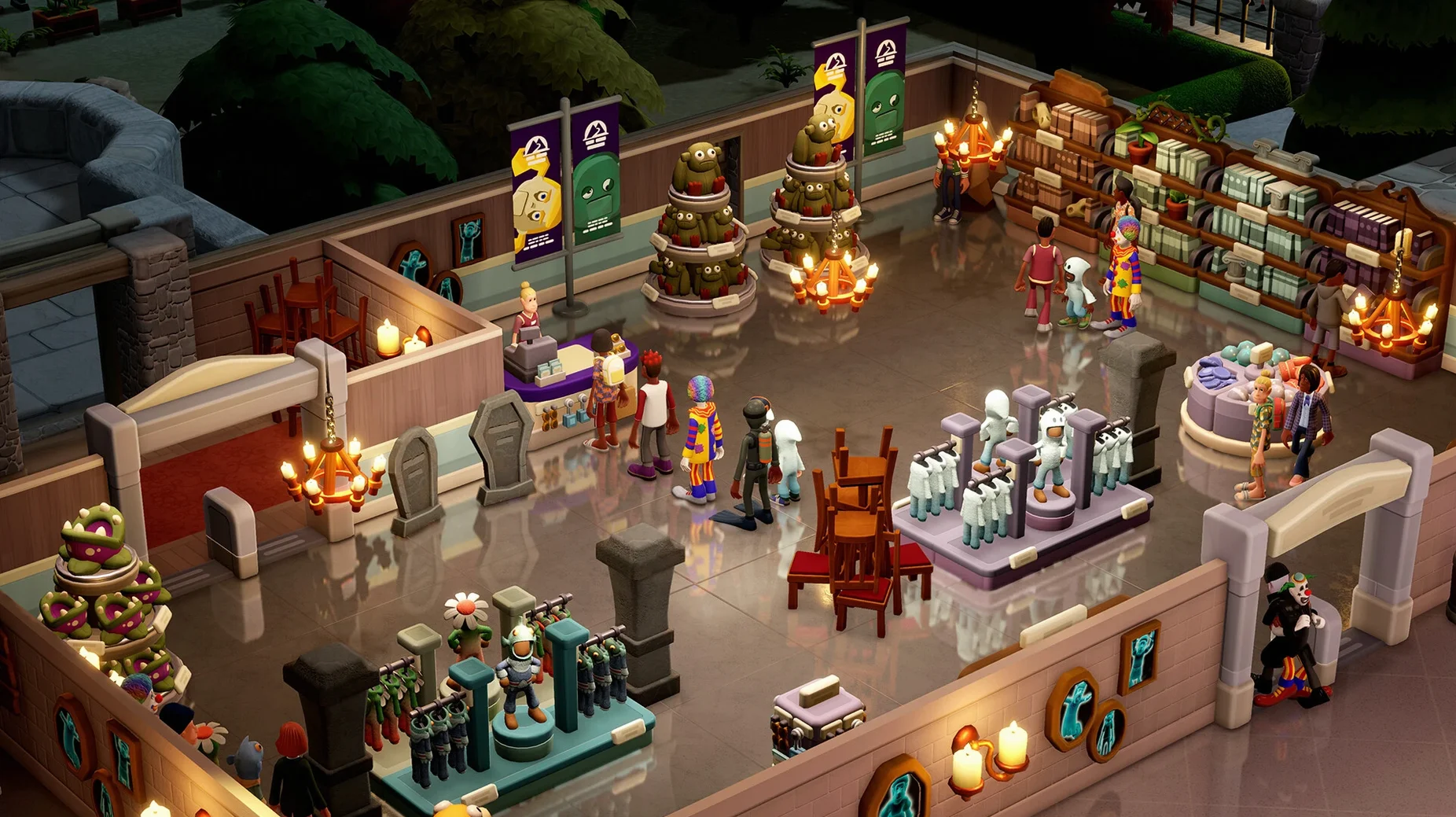
If you've played Two Point Hospital or Two Point Campus, you know the studio's rhythm: build rooms, hire staff, and manage the beautiful chaos. Two Point Museum shifts that loop toward discovery. You're not curing illnesses or grading papers — you're filling a museum with wonders, and every wonder starts somewhere else.
A curator's minute-to-minute workflow
- Send experts into the unknown. Your first real action is opening the world map. You assign a trained expert to an expedition zone — one of five distinct maps — and pick a point of interest to investigate. A short timer ticks down while they're away.
- Unpack the crate. The expert returns with a crate. You plop it down in an exhibit space and watch the reveal. It might be a fossil, a cursed artifact, or something that needs special temperature control. Each of the 100+ points of interest can yield different results, so sending multiple expeditions to the same spot often turns up something new.
- Shape the guest experience. While the next expedition runs, you're laying out barriers, placing donation bins, and checking heatmaps for thirsty visitors. Cleanliness drops, toilets clog, and the gift shop needs restocking — all while a charismatic tour guide leads a cluster of guests past your prize exhibit.
- Repeat with better intel. Better exhibits unlock tougher expedition zones. You train staff in new skills, expand wings, and chase the rarest finds. The cycle of expedition, reveal, and refinement never quite settles, because there's always a more dangerous map calling.
What makes it tick is that you're never just waiting. Between expeditions you're tweaking layouts, training a guide to boost tour ratings, or scanning the floor for the one kid who spilled a drink. It's a management game that keeps your hands full.
Crisis triage or slow-burn planning — which rhythm fits you
The obvious comparisons are the studio's own earlier games, Two Point Hospital and Two Point Campus. Hospital leans hard on crisis management — patients pile up, machines explode, and you're constantly reacting. Campus is more about long-term student progression and room prestige. Two Point Museum borrows the room-building DNA from both but replaces reactive panic with proactive planning. You decide when and where to send expeditions, and the urgency is gentler. If Hospital had you putting out fires, Museum has you lighting the torches for the next dig.
Outside the Two Point family, Planet Coaster on a two point museum mac setup gives you near-infinite creative freedom but far less structured management — it's a sandbox first, a business sim second. Two Point Museum keeps you tethered to objectives and exhibit unlocks, which can feel more purposeful if you want a game that nudges you forward rather than handing you an empty park and saying "go." Meanwhile, Parkitect is a logistics-lover's dream with its backstage supply systems, but it doesn't offer the expedition loop or the sheer variety of exhibit types that Museum does. If you're after a two point museum download specifically to scratch a discovery-and-display itch, neither coaster builder quite lands there.
Keep a wiki or checklist open on the side while you curate
Two Point Museum plays nicely with standard macOS windowing behavior — it runs in a resizable window, so you can keep it open alongside Safari or Notes without jumping through full-screen hoops. Mission Control and desktop switching work as expected, which is handy when you're following a guide on one space and running the game on another. The app also respects Do Not Disturb focus modes, so notifications won't pop over your carefully timed expedition returns.
For creators who stream or record, the game talks to OBS and other screen-capture apps without fighting you on window layering. If you use Sidecar to push a reference image or a spreadsheet to an iPad while playing on your MacBook, the game stays responsive on the main display. It's also a natural companion to note-taking apps — I've seen players map out ideal exhibit layouts in Freeform or sketch staff zones in a quick Markdown list before committing simoleons in-game.
Expedition map sends your fans into overdrive
Some players on a two point museum macbook setup notice the fans spinning up more than expected during the expedition map screen. That screen renders a 3D globe with animated weather, and it can hit the GPU harder than the museum view. Dropping the game's resolution scaling a notch or running in a slightly smaller window usually quiets things down without blurring the exhibit labels.
Another hiccup: staff sometimes stand idle near the workshop while a crate sits unopened. This is almost always a zoning issue. The expert who retrieved the crate needs a clear path back to it, and if you've rearranged walls or moved the reception desk since they left, the pathfinding chokes. Pause the game, pick up the crate, and set it down in an open area near the workshop entrance — the assigned staff member will snap to it within a few seconds.
If a Two Point Museum torrent or repack you grabbed elsewhere lacks voice audio, check that the language packs are present inside the app bundle. The game ships with separate voice files for English, German, Simplified Chinese, and Japanese. Missing audio in one language while others work fine points to an incomplete installation rather than a settings problem.
- Apple Silicon and Intel 64-bit Macs
Notes from other shops 0
Sign in or open a shop account to leave a note.
No notes yet. If you've used this on a shop Mac, tell me how it went.