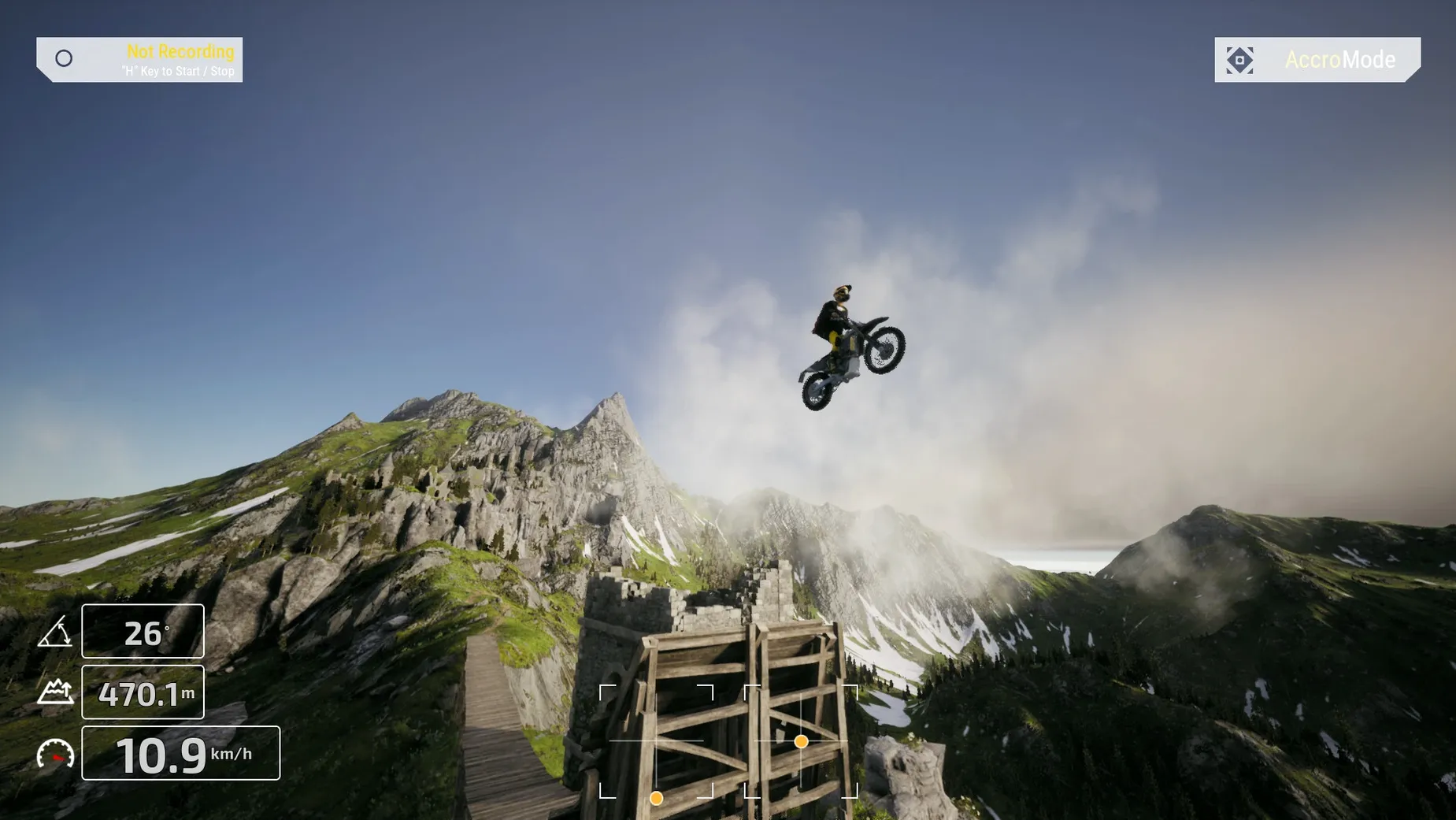
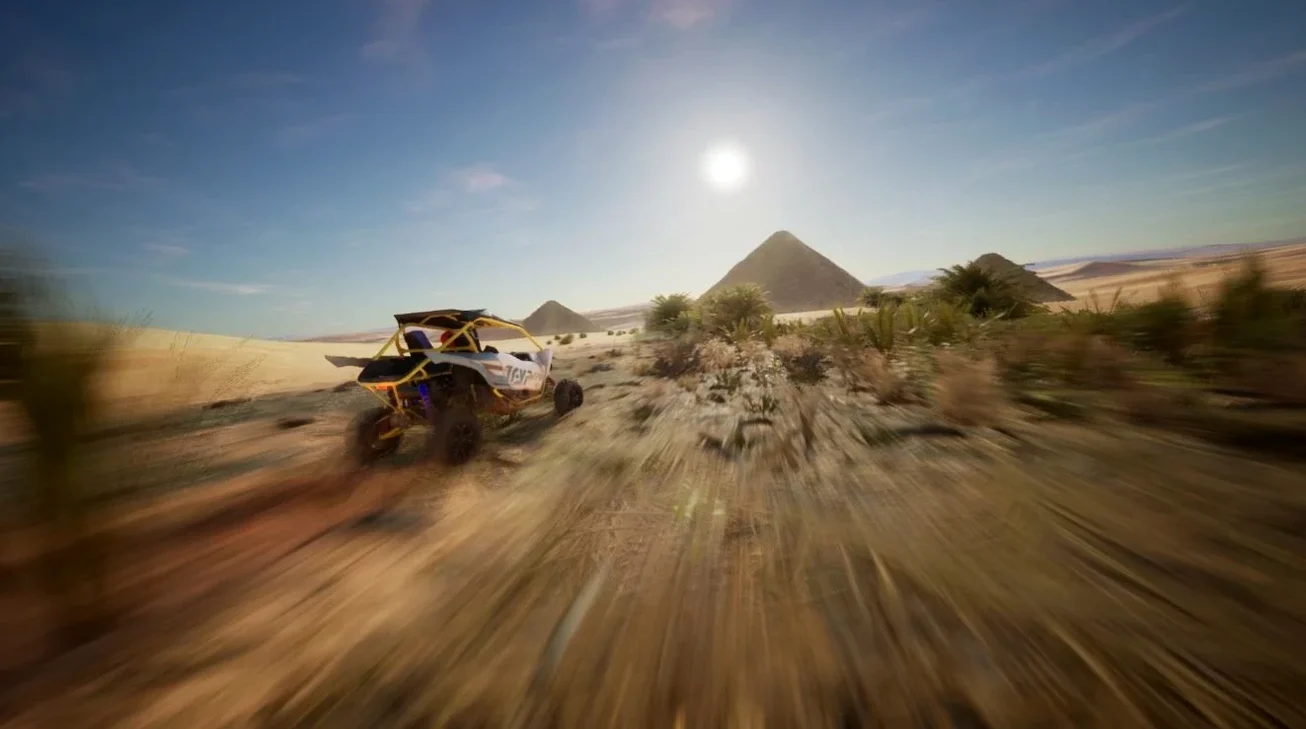
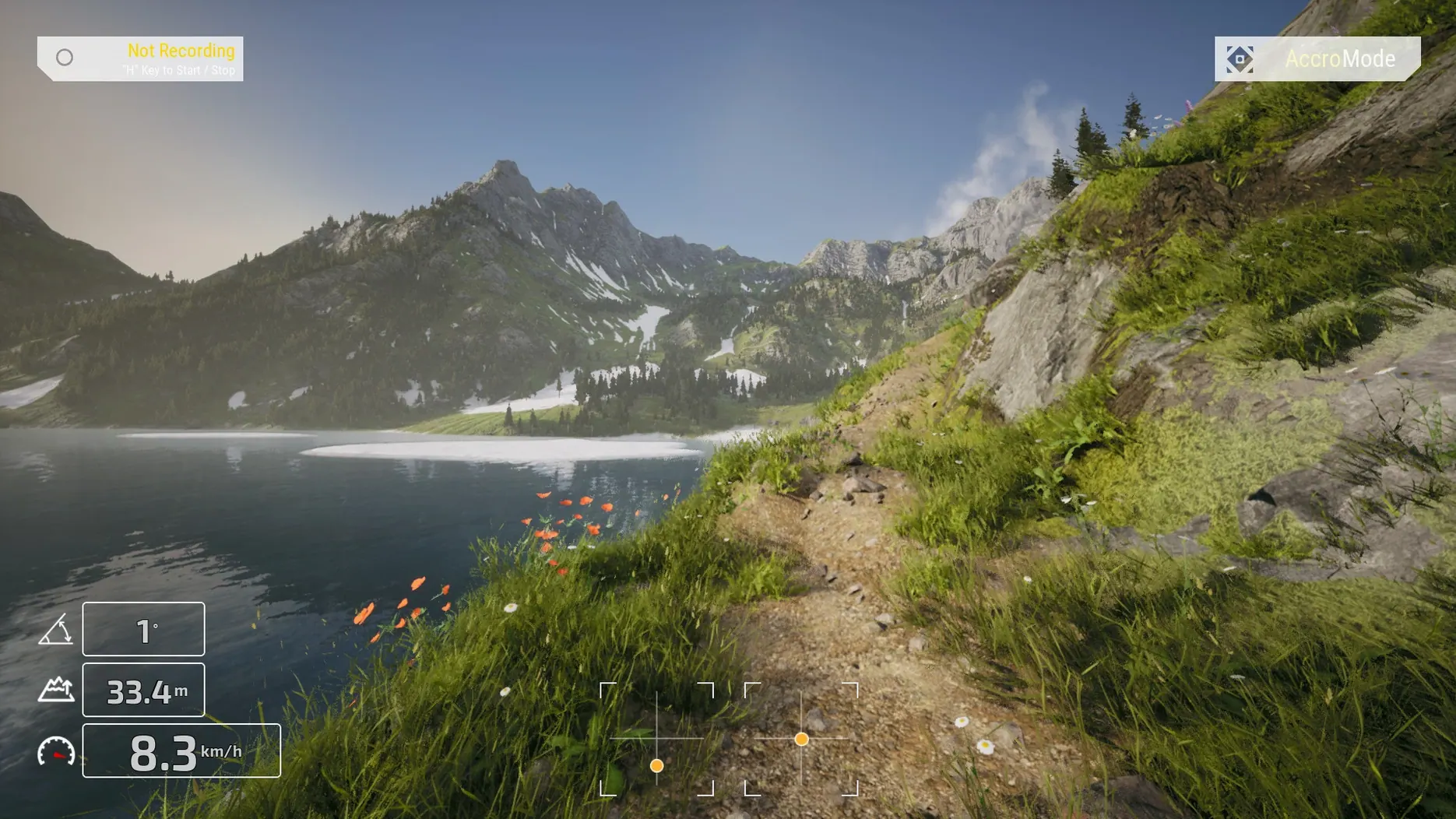
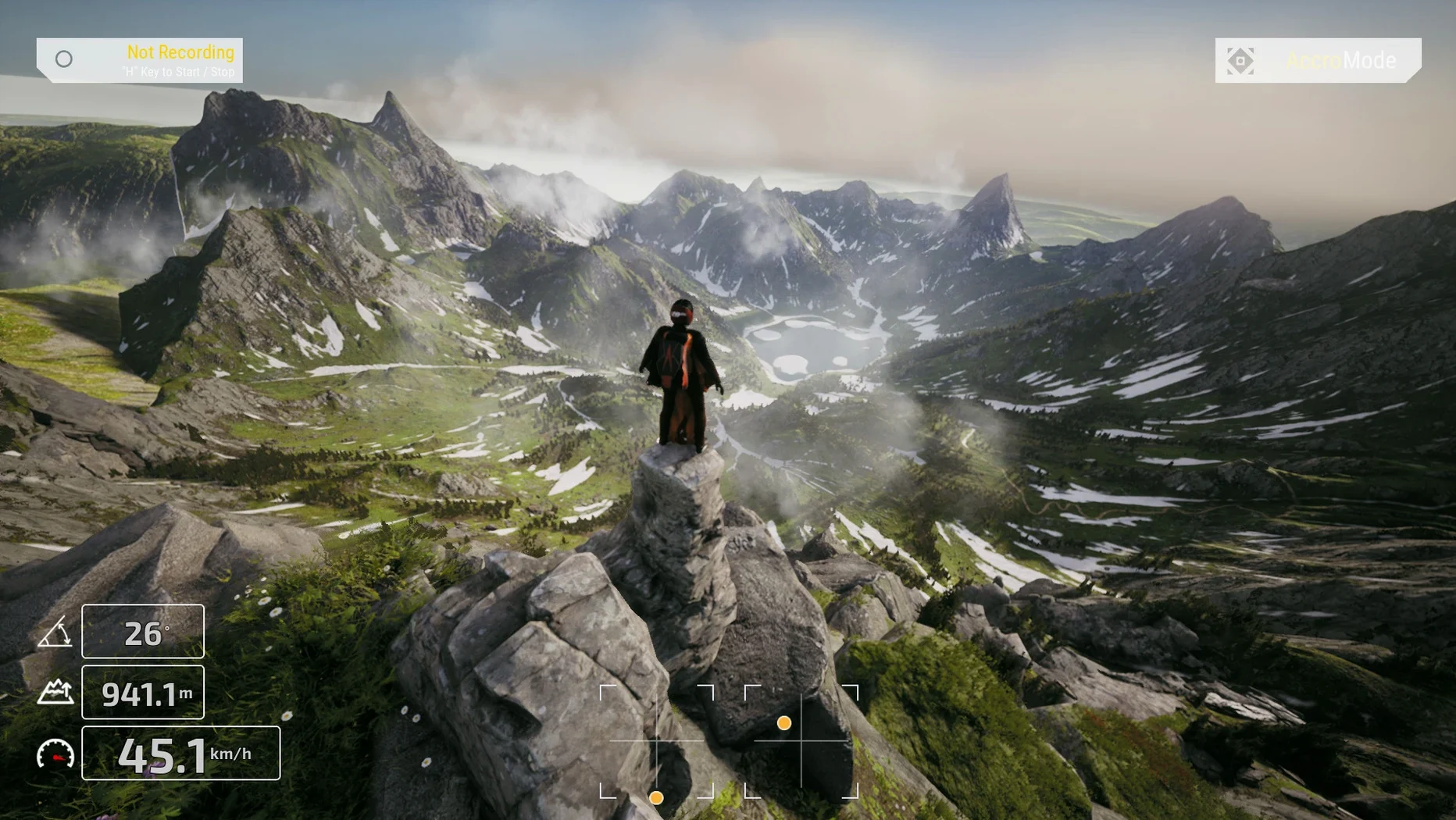
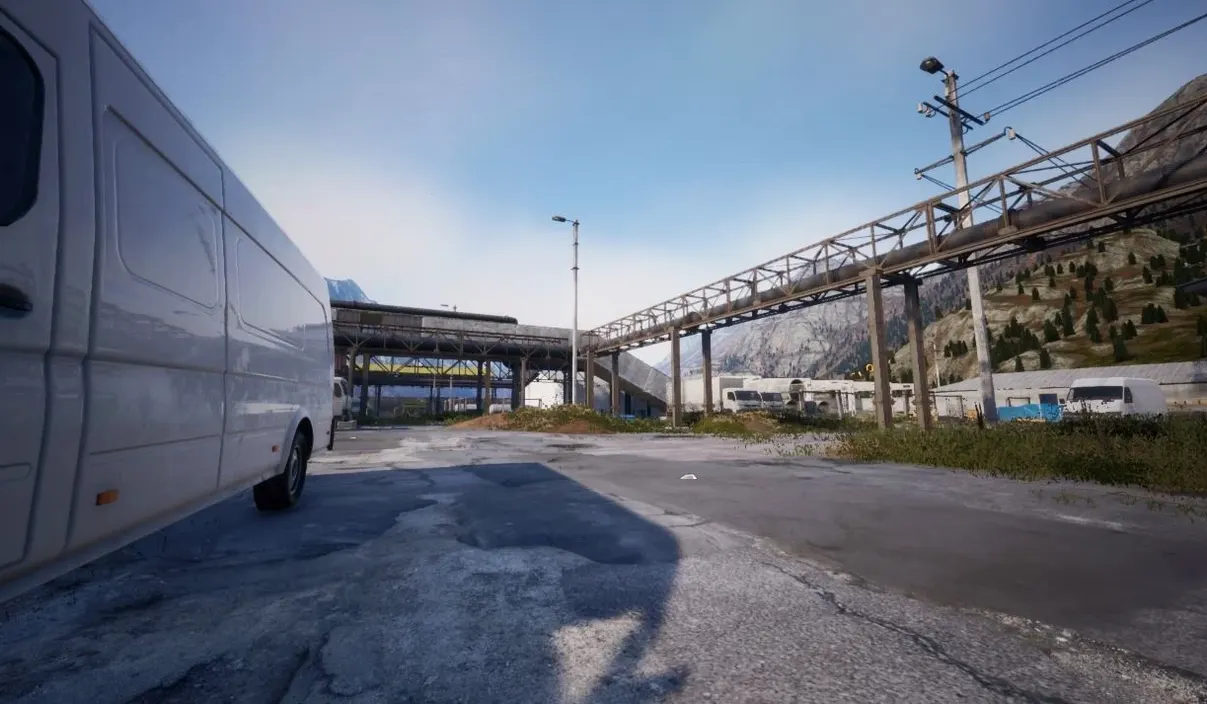
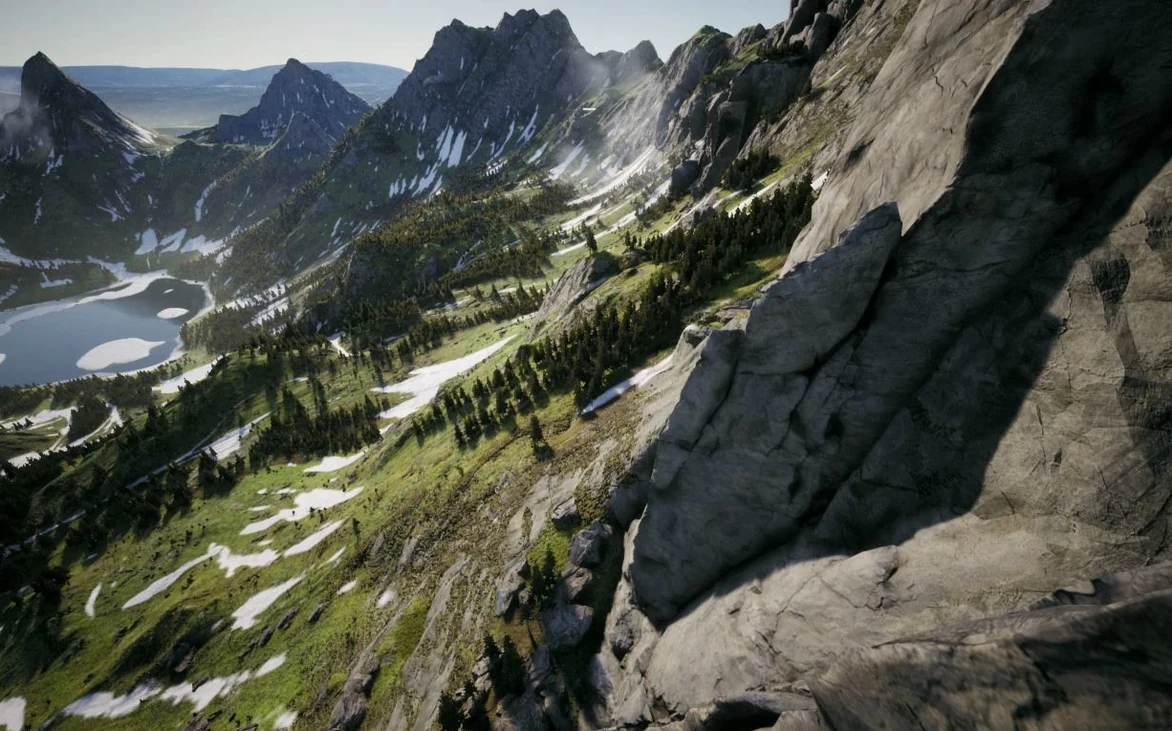
You throttle up, the four motors scream, and your view tilts forward as the quad pitches through a gap in an abandoned warehouse. That's the kind of moment that makes TRYP FPV click. The physics feel direct—thrust, drag, and the drone's actual shape all feed back through the sticks.
Apple Silicon and Intel Macs both welcome
- Hardware notes: It's tested and runs on Apple Silicon machines like a Mac mini M4 on macOS Tahoe. No old-school Intel Mac left behind either, since both architectures are supported.
- Controls: You'll want a proper radio controller plugged in via USB. Gamepads work too, but the sim really wakes up when rates and expo feel natural.
- Performance: Large, detailed maps ask for some GPU headroom. You can tune settings to keep the video feed feeling smooth, which matters more than high-res shadows when you're diving a building.
TRYP MODE and racing
Besides free flight and structured races, there's TRYP MODE. It's a challenge system that gives you specific tasks—hit gates, follow lines, push your precision—without the pressure of a starting grid. Drone presets get you in the air fast if tweaking PIDs isn't your thing, but you can dig into the rates when you're ready.
Prop wash and momentum feel like a real quad
Does it feel like a real quad, or is it floaty? The sim models thrust, air resistance and aerodynamics based on the drone's geometry, not just a generic physics body. That means prop wash and momentum behave closer to what you'd expect outdoors. It won't replace stick time at the field, but muscle memory for throttle control and coordinated turns carries over.
Can I run it without a gaming rig? Yes, and you don't need to overthink it. The Mac mini M4 we tested handled large maps smoothly after dialing back shadows and reflections a notch. Intel Macs with a dedicated GPU fare fine too—the sim supports both architectures, so older machines aren't shut out.
What if I've never flown FPV before? The drone presets give you a flyable quad in seconds. Pick one, set the camera angle low-ish (try 25°), and stick to an open map until coordinated turns feel automatic. TRYP MODE's challenges nudge you toward tighter lines without the chaos of a multiplayer grid, so you build precision at your own pace.
Getting your first cinematic shot: a short workflow
Say you want a smooth orbit around an old factory chimney, then a dive through the adjacent scaffolding. Here's how that comes together from scratch:
- Pick the map and spot. Open the minimap, find the industrial zone, and drop a spawn point near the chimney. The minimap saves you wandering through trees just to locate the structure.
- Choose a preset and dial in rates. Grab a freestyle-oriented preset and lower the rates slightly if your stick inputs feel twitchy. A smoother center stick helps with the slow, steady yaw an orbit needs.
- Fly the orbit in TRYP MODE. Set a simple challenge for yourself: complete one full circle around the chimney keeping the brickwork centered in frame. The mode tracks your line without a ticking clock, so you can repeat it until the roll-and-yaw coordination locks in.
- Add the dive. Once the orbit feels boring (that's the goal), climb above the scaffolding, pitch forward, and drop through a gap. Throttle blip on the exit keeps the quad from sinking into the ground.
- Review and tweak. Replay the footage in your head—or record a replay if you're set up for it—then adjust camera angle or rates and run it again. Two or three iterations usually turn a rough line into something shareable.
Tip: Switch the challenge system to track only the dive segment once the orbit is muscle memory. Isolating the hardest move saves time and batteries.
- Tested on macOS Tahoe
- Apple Silicon and Intel Macs
- Works on Mac mini 2024 M4
Notes from other shops 0
Sign in or open a shop account to leave a note.
No notes yet. If you've used this on a shop Mac, tell me how it went.