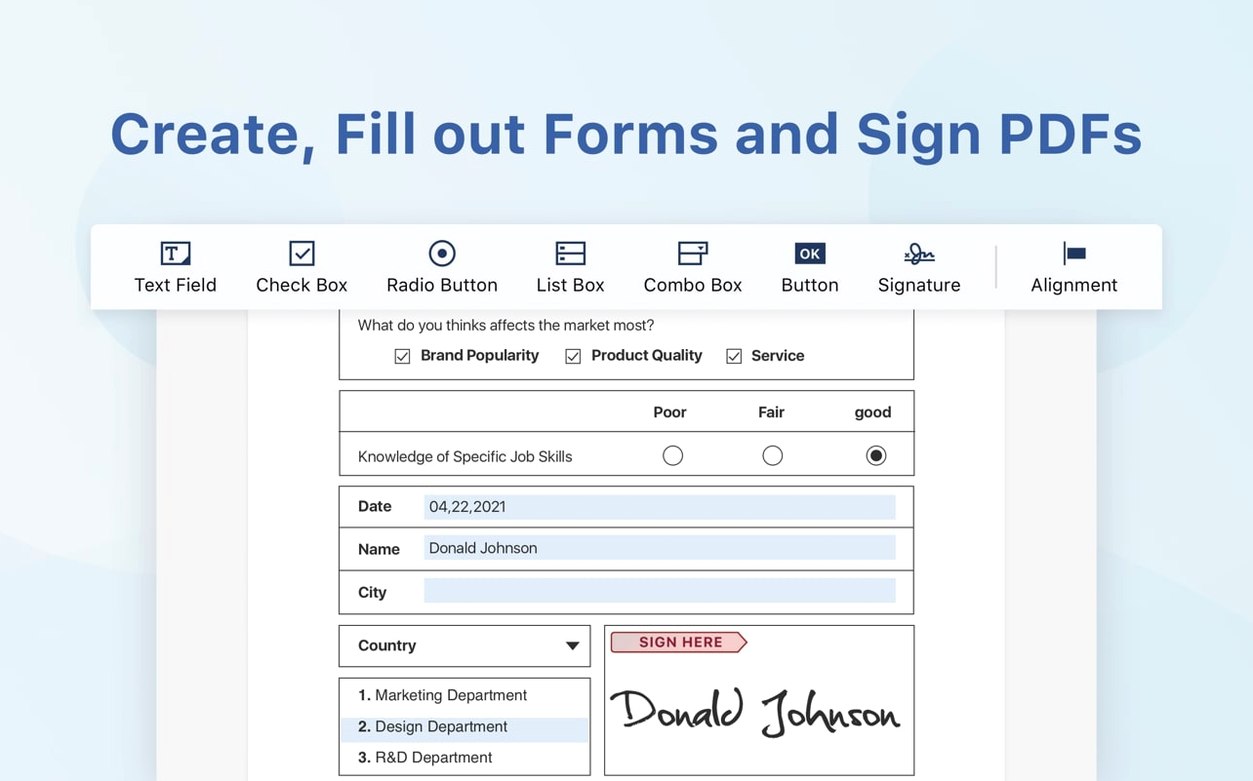
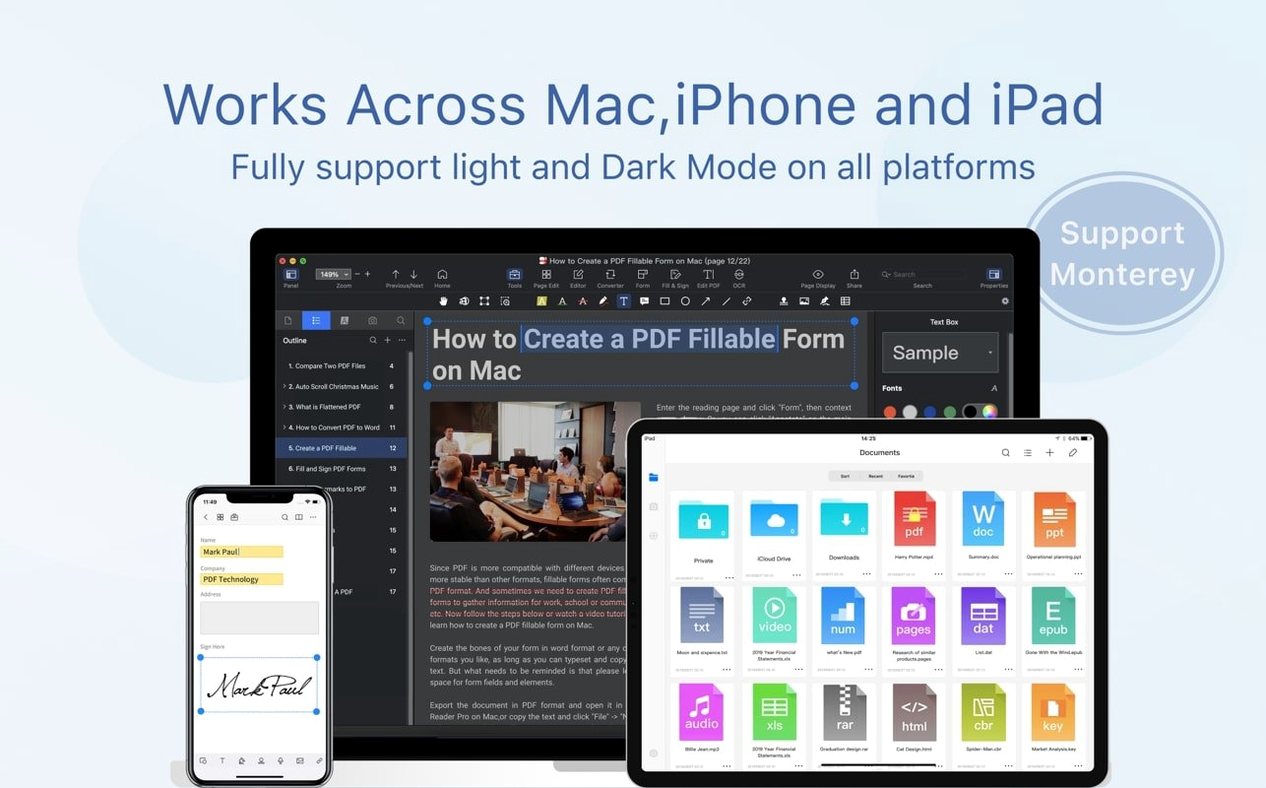
The eSign workflows added recently are a genuine time-saver. Instead of printing, scribbling, and scanning, I can place a signature field right on the document and send it off for a digital signature. It keeps contracts and permission slips moving without ever touching paper.
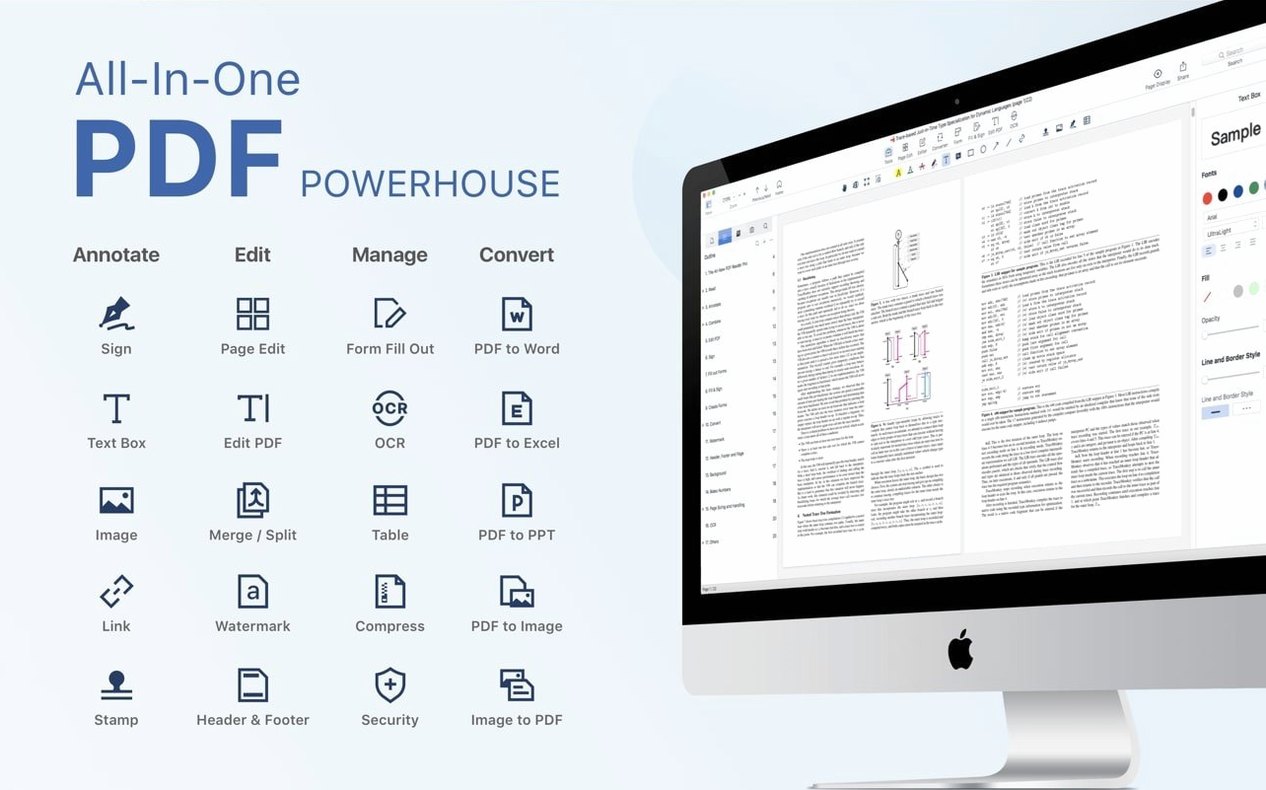
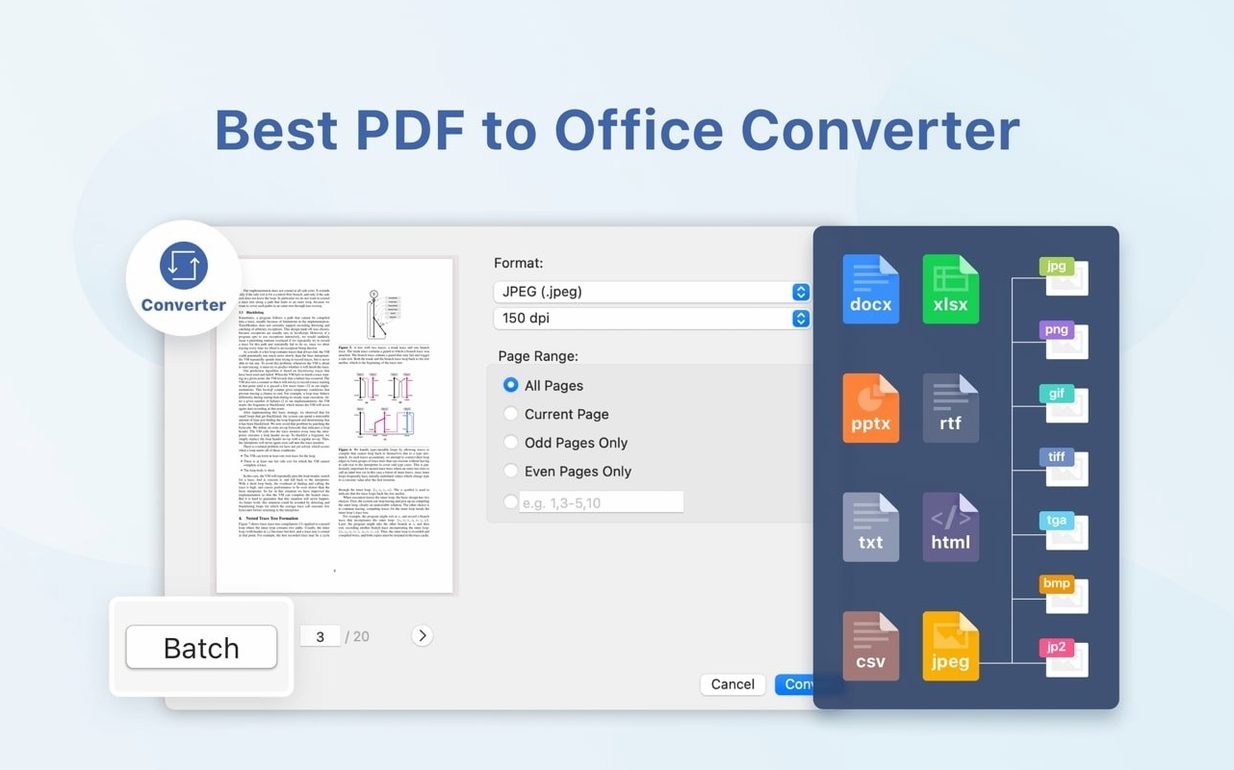
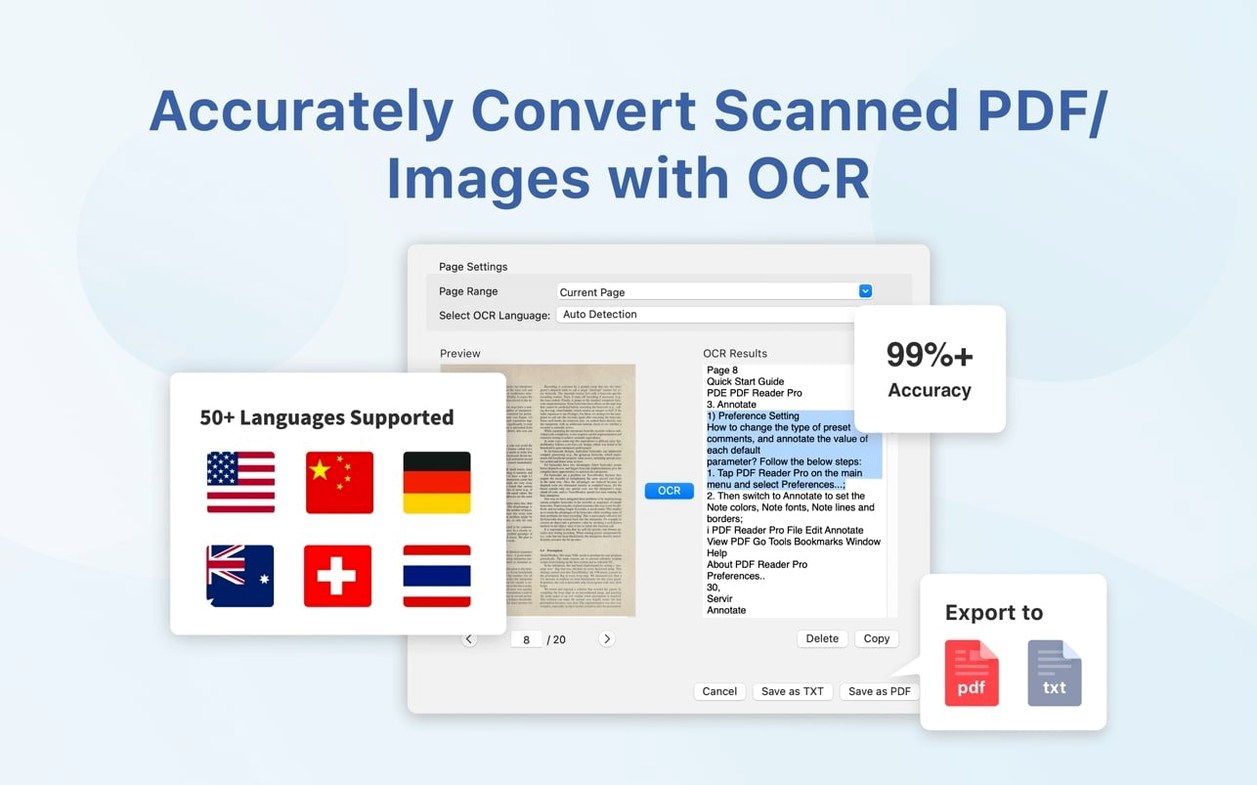
Conversion gets the heavy lifting done when a PDF needs to become an editable file. Exporting content to Word, PowerPoint, or plain text means I can repurpose a brochure or pull data into Excel without retyping a thing. The OCR improvements make scanned docs behave more like text you can actually work with, which matters when a client sends over a photo of a handwritten note and expects you to use it.
For reading and research, bookmarks and presentation mode turn a flat file into something navigable. I bookmark sections in a long catalog proof so I can jump between product pages during a review, then switch to presentation mode when it’s time to show the draft full-screen. No distractions, just the page.
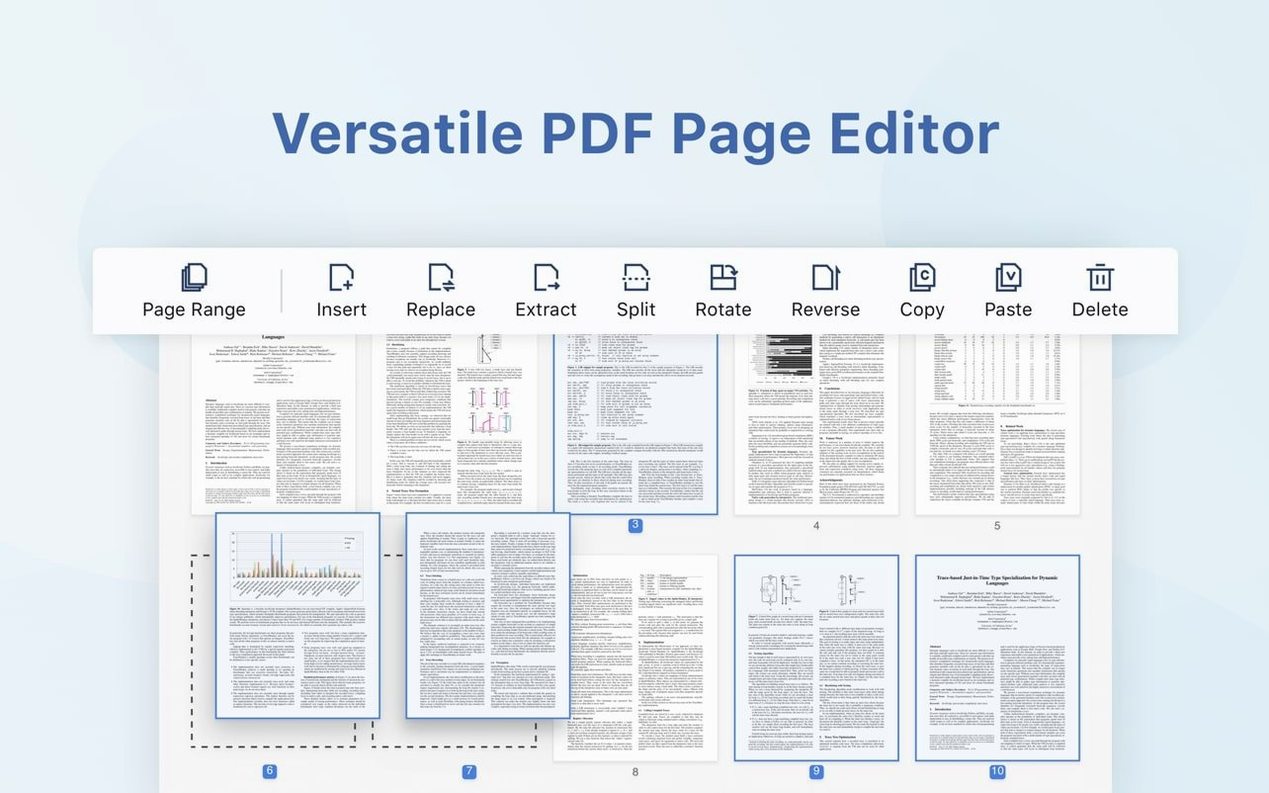
Merging documents ties it all together. Dropping a cover sheet, a pricing table, and a terms page into one clean file takes seconds, and the app runs natively on both Apple Silicon and older Intel Macs without complaint.
Dropbox sync keeps contracts moving between the shop and the café
PDF Reader Pro slots into a Mac workflow without fuss. The Dropbox sync means I can mark up a supplier contract on the iMac in the shop, then pull it up on the MacBook at a coffee shop without emailing files to myself. Changes appear where I expect them.
The export options bridge the gap when someone sends a PDF but you need to work in another app. Extract tables to CSV and open them in Numbers or Excel without reformatting. Pull text into Pages for a catalog draft, or convert a whole brochure to PowerPoint when a wholesale partner asks for slides. Any app that can open an RTF, image, or Office file becomes part of the chain.
macOS integration is straightforward. The Share menu lets you send a page straight to Mail or Messages. Text-to-speech taps into the system voice you've already set in Accessibility settings, so a long contract can be read aloud while you pack orders. Quick Look works on files you've annotated, so pressing the spacebar in Finder still shows the markup. And because it's a native build for both Apple Silicon and Intel, it doesn't drag down battery or feel like a port.
Bookmarking a fabric catalog’s key sections in seconds
Say a wholesale fabric supplier emails over a twelve-page catalog proof and a separate pricing amendment. Here's how it goes.
I open the catalog in PDF Reader Pro and immediately bookmark the linen, cotton, and notions sections. Those are the pages I'll reference most when placing the shop order, so the bookmarks sit in the sidebar like tabs.
Next I merge the pricing amendment into the back of the catalog. I drag the second file onto the thumbnail pane and drop it after the last page. One document, no shuffling.
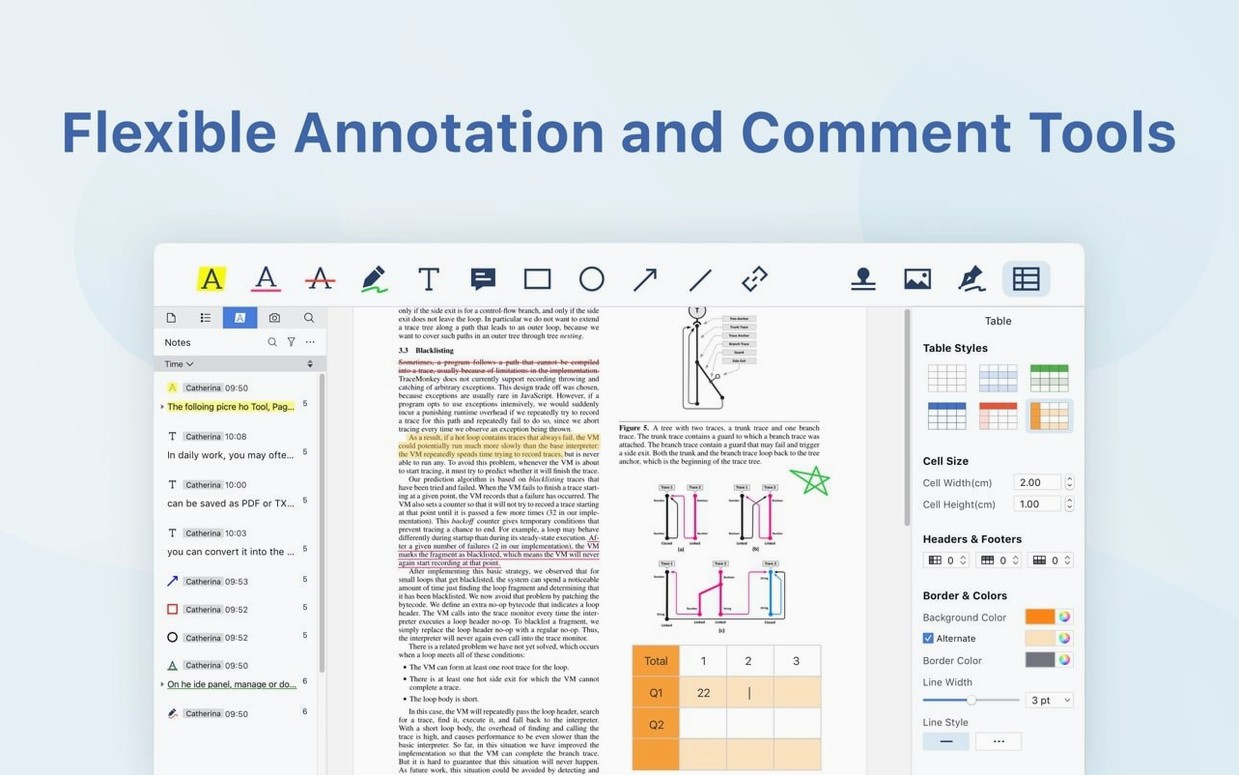
Then I work through the linen section with the highlighter and sticky notes. I mark yardage minimums in yellow and leave a note for myself: "Check lead time on natural undyed." The annotation tools stay tucked in a toolbar that doesn't fight for space.
I spot a scanned page from the supplier's old paperwork. The text is a flat image, so I run OCR on just that page. After a few seconds the text becomes selectable and searchable, which means I can copy the fiber content percentages straight into my inventory spreadsheet.
The supplier wants a signed confirmation. I place a signature field on the cover page, sign it with a saved signature, and export the whole thing as a flattened PDF to send back. The entire session—merge, bookmark, annotate, OCR, sign—takes under ten minutes, and I never left one app.
Garbled OCR on script fonts clears up with page-by-page scans
OCR produces garbled text on heavily stylized fonts. This happens most with script typefaces or low-resolution scans. The fix is usually to bump the scan resolution before running recognition, or to run OCR on a page-by-page basis rather than the whole document at once. For really stubborn pages, converting to black and white with Preview first can sharpen the input.
The signature field won't place where you expect. If a PDF was generated from a CAD program or an unusual layout engine, the clickable area sometimes drifts. Zoom in to at least 150% before placing the field, and if it still misbehaves, flatten the document to an image-based PDF and try again. You lose text selectability but gain placement control.
Dropbox sync feels sluggish with large files. A fifty-page catalog with full-resolution photos can take a moment to propagate. The app isn't locking up—it's waiting on the network. I keep large working files local during heavy editing sessions and let sync catch up afterward. Pausing sync in the Dropbox menu bar app while you annotate also helps.
Export to Word shifts complex tables. Nested tables or merged cells sometimes need manual adjustment after conversion. The CSV export handles simple grids more reliably, so for data-heavy pages I extract to CSV first, clean it in Excel, and then bring it into the Word document separately. It's an extra step, but it's still faster than rebuilding a table from scratch.
Presentation mode shows annotations you meant to hide. Sticky notes and highlights are visible by default in full-screen. If you're showing a client-facing draft, toggle the annotation visibility off in the View menu before entering presentation mode. The document stays clean while your working notes remain saved for later.
- macOS 11 or newer
- Apple Silicon or Intel 64-bit Mac
Notes from other shops 0
Sign in or open a shop account to leave a note.
No notes yet. If you've used this on a shop Mac, tell me how it went.