
Version 2.7.2 is a quiet maintenance update that keeps the app running smoothly on the latest versions of macOS. If you have a collection of DjVu files—old scanned manuals, research papers, or archived comics—this release stays focused on opening them without fuss.
| Detail | Note |
|---|---|
| Developer | Quiana Liu |
| Current version | 2.7.2 |
| macOS support | 10.15 and later |
| Languages | Russian, English |
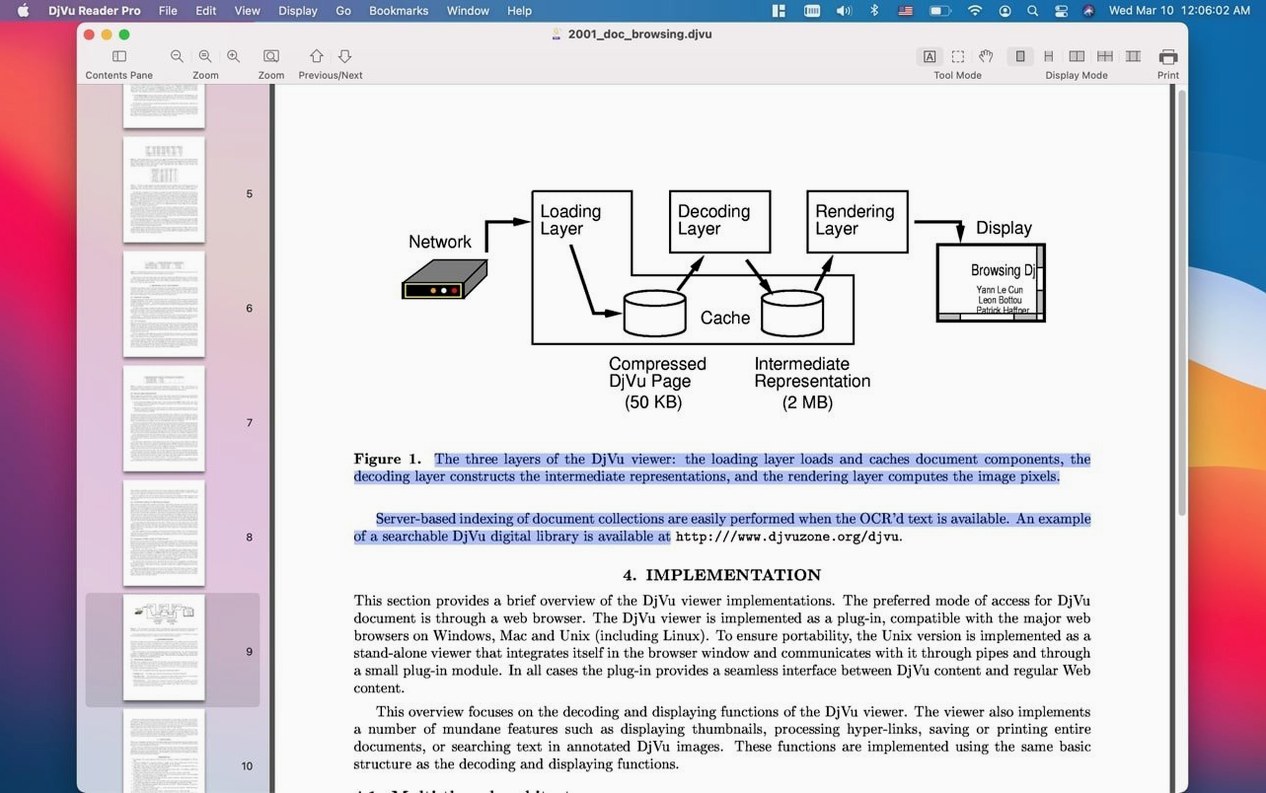
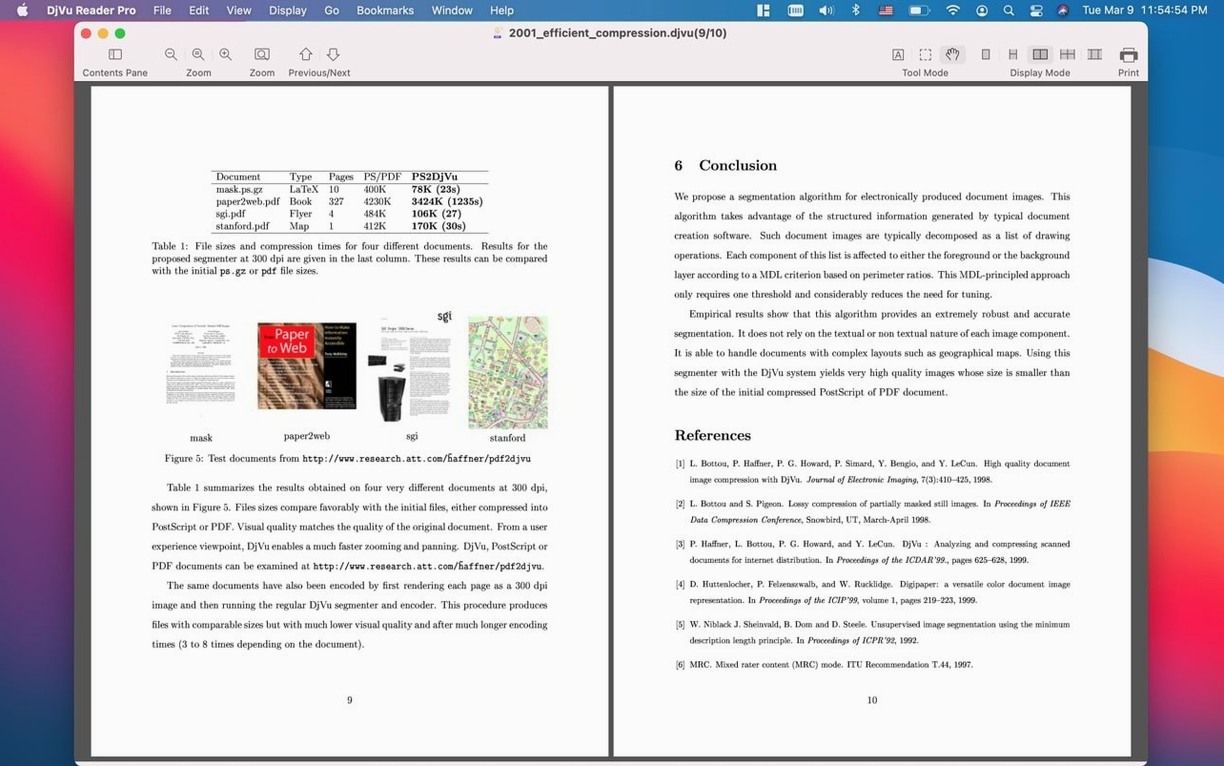
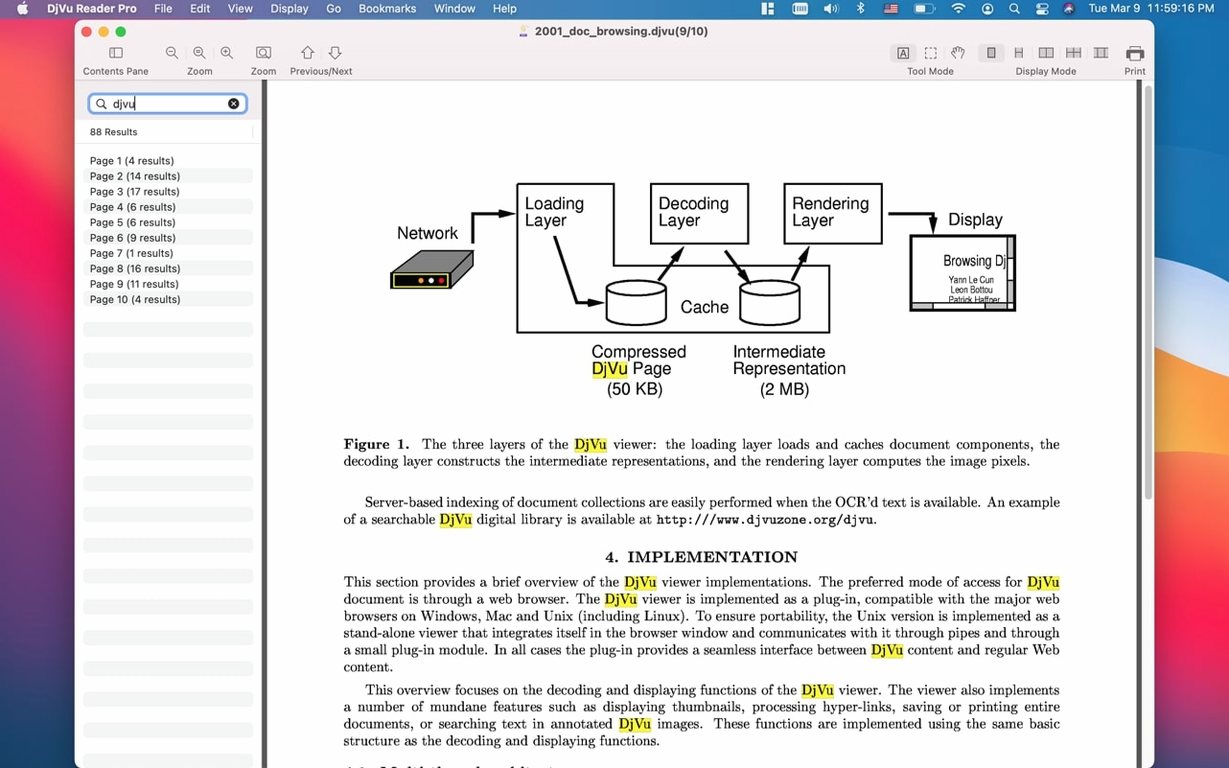
Say you've just downloaded a DjVu scanner manual from an archive. Drag the file in, and it opens in a clean window where you can scale the view up or down until the fine print on the wiring diagram is easy to read. Tap the spacebar to flip through pages quickly, or turn on the Find pane to jump straight to "troubleshooting" in the text layer. If it's a document you'll return to, add a bookmark or drop the file into the app's library so it sits alongside your other reference materials. Switching to full screen hides everything else and gives the page room to breathe—handy when you're squinting at a schematic late at night.
A reading workflow, start to finish
Here’s how I’d handle a typical project: getting through a 200‑page DjVu technical reference and pulling out the parts I actually need.
- Drop the file into the library. That keeps it alongside my other manuals and old catalog scans instead of hunting through Finder each time.
- Open the thumbnails pane. I drag it a little wider so I can recognize chapter openers by their layout, then click through to skim the structure.
- Find the sections that matter. I open the Find pane and type a part number. The text‑layer search jumps right to the first match, and I can step through every occurrence without touching the scroll bar.
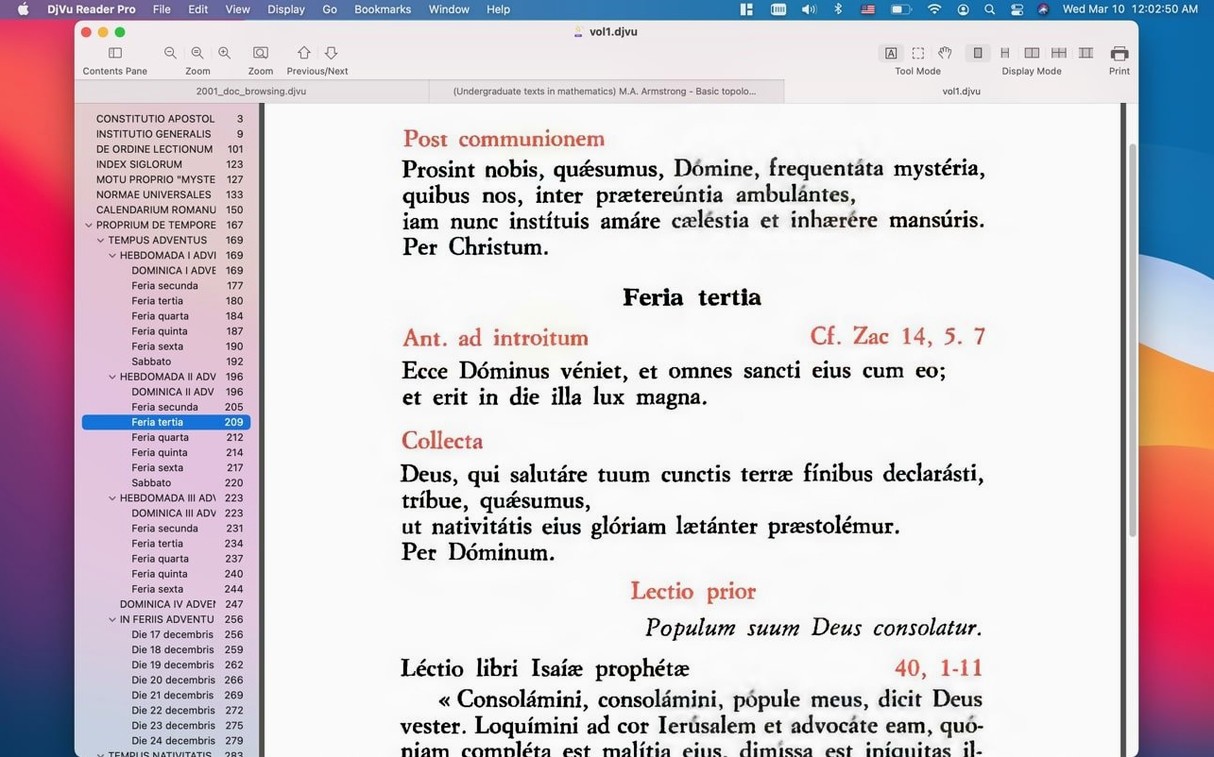
- Bookmark the useful pages. A quick tap on the bookmark button marks the schematic, the torque specs, and the troubleshooting table. Later I can hop between just those three spots from the bookmarks list.
- Print the relevant spread. I select the range of pages I need at the counter, set the scale to fit the paper, and send it to the shop printer. No extra export step required.
That flow—library, thumbnails, text search, bookmarks, print—covers most of what I do with old manuals. It’s straightforward and doesn’t get in the way of the document itself.
Turns pages without placeholder flicker
DjVu Reader Pro loads pages with a noticeable snap, even on thick files. Turning through a 300‑page book with the spacebar feels immediate; there’s no laggy redraw or grey placeholder flicker that some heavier viewers suffer from. Memory usage stays modest. On an Apple Silicon Mac, I’ve watched it sit around 120 MB while holding several open documents in the library—barely a blip alongside a browser and design tools. It hasn’t beachballed on me yet, and version 2.7.2 plays nicely with macOS 10.15 and later on both Intel and ARM machines. If someone hunts down a DjVu Reader Pro torrent Mac build, they’ll find this version holds up fine in daily use without crashing or hogging CPU cycles during long reading sessions.
Drag three files into the library on day one
- Let the library earn its keep. Instead of opening files from Finder, drag your three most‑used DjVu documents into the library on day one. The thumbnail grid becomes a quick visual index, and you’ll reach for it more often than you expect.
- Customize the view scale early. Find a zoom level where body text is comfortable, then use Fit Width for wide diagrams. Toggling between the two with the scale controls saves a lot of pinching and squinting.
- Learn the Find pane rhythm. Get in the habit of opening the Find pane (not just the quick search bar) for research‑heavy documents—it stays open and lets you see every match in context without losing your place in the page.
- Give full‑screen mode a shortcut. If you read for more than twenty minutes at a stretch, slide into full screen. The absence of chrome genuinely reduces eye strain when you’re working through dense old typesetting late in the day.
- macOS 10.15 (Catalina) or later
- Apple Silicon or Intel 64-bit Mac
Notes from other shops 0
Sign in or open a shop account to leave a note.
No notes yet. If you've used this on a shop Mac, tell me how it went.