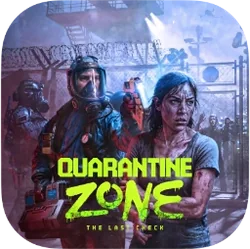
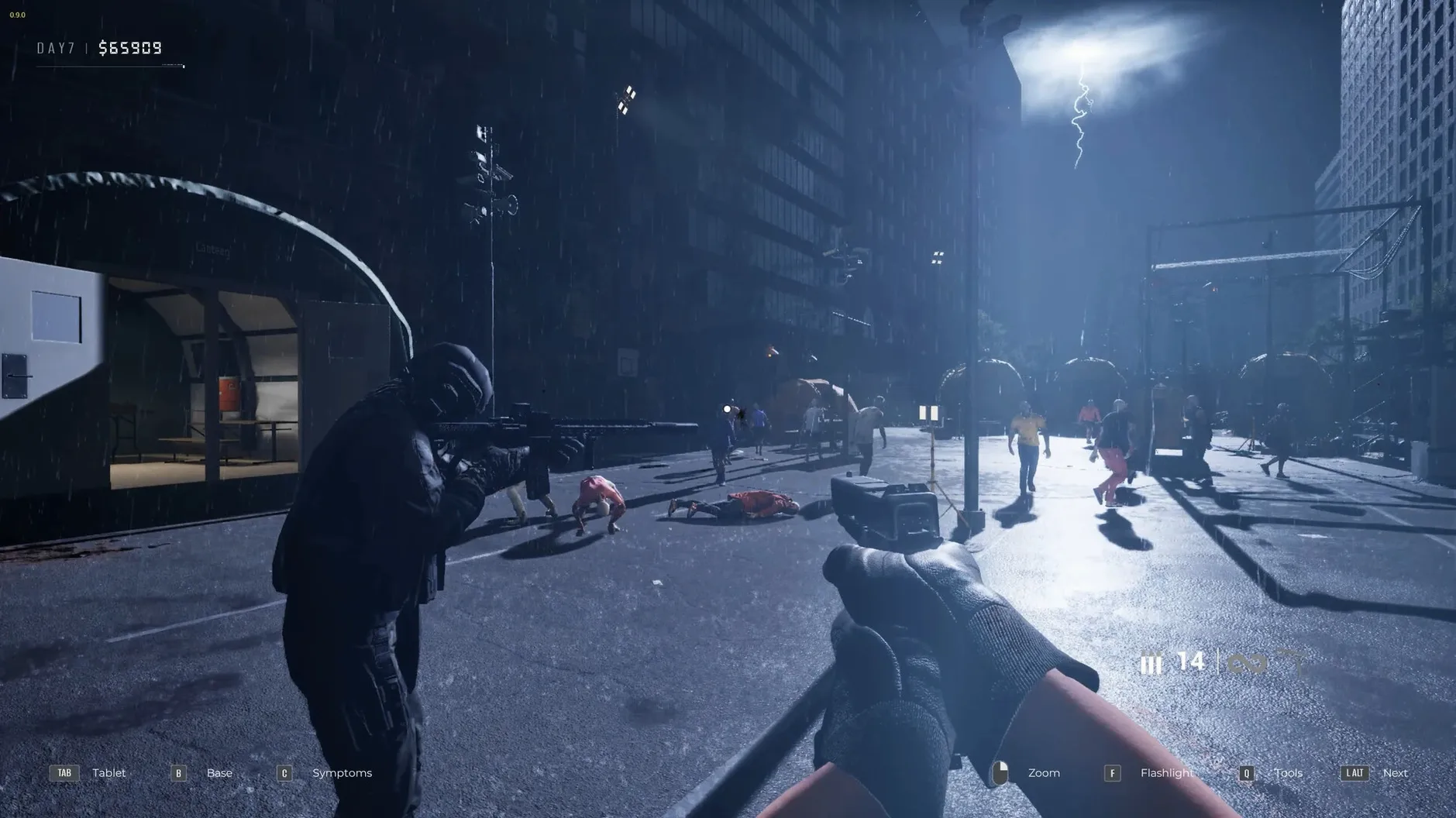
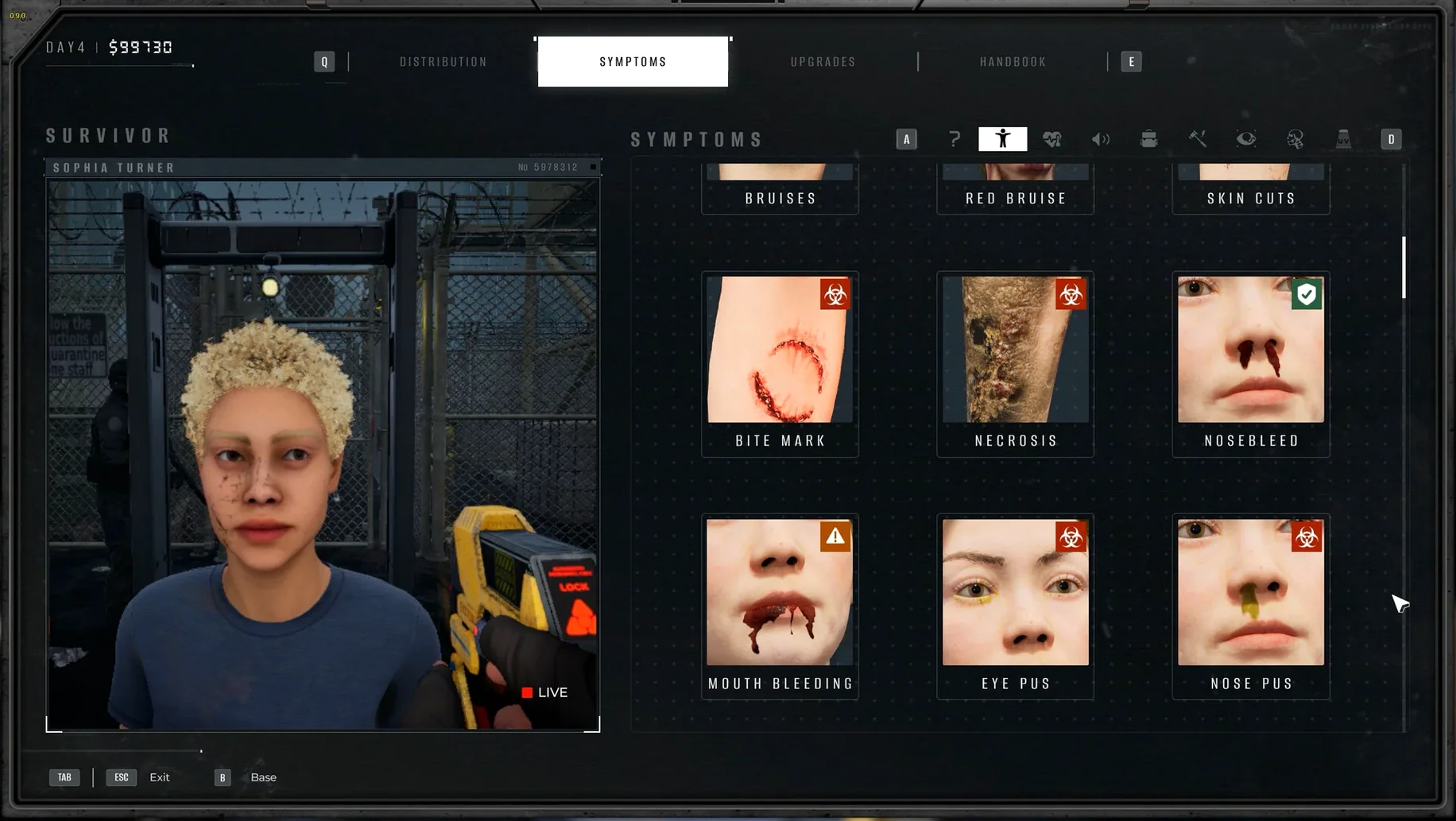
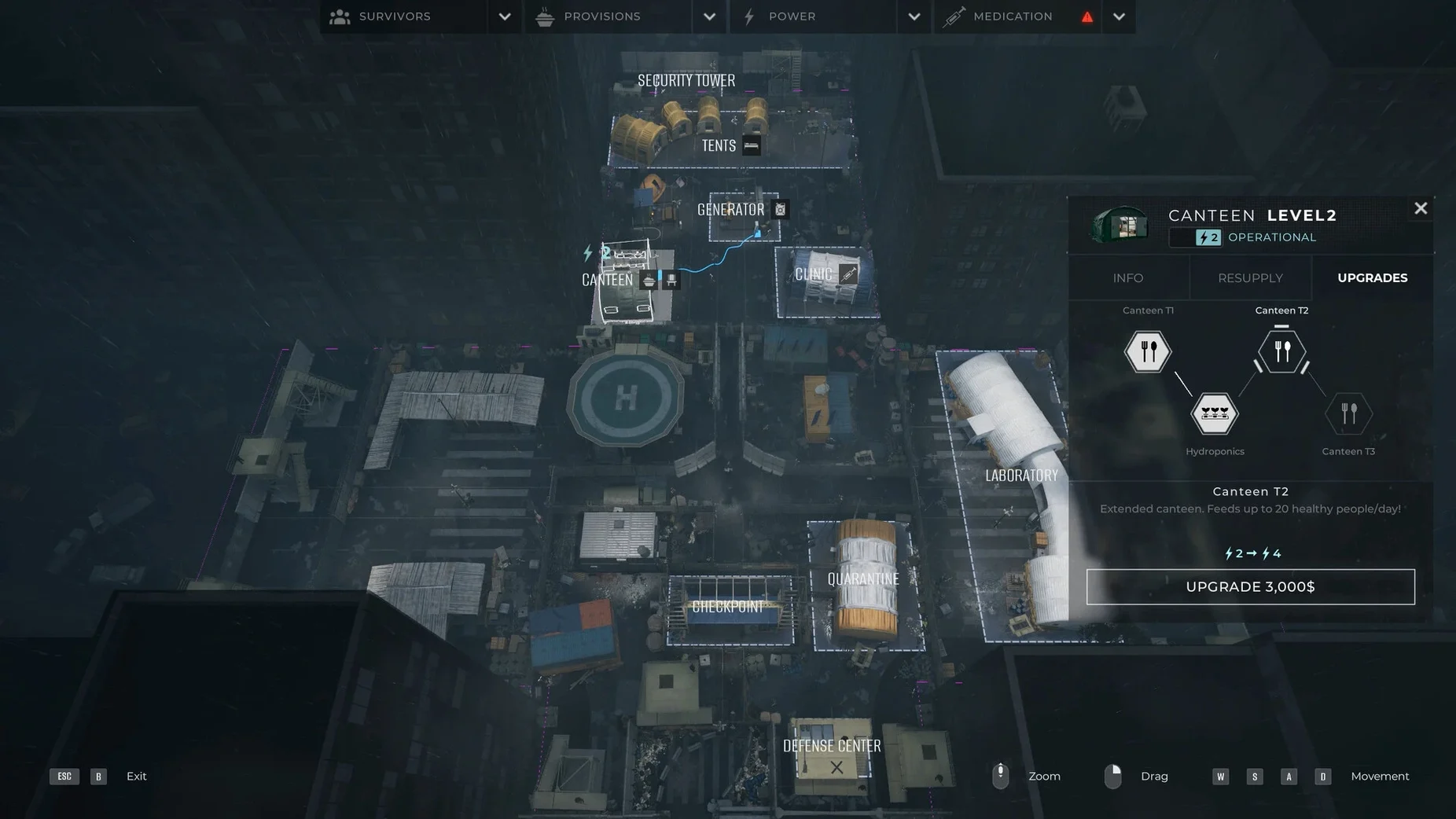
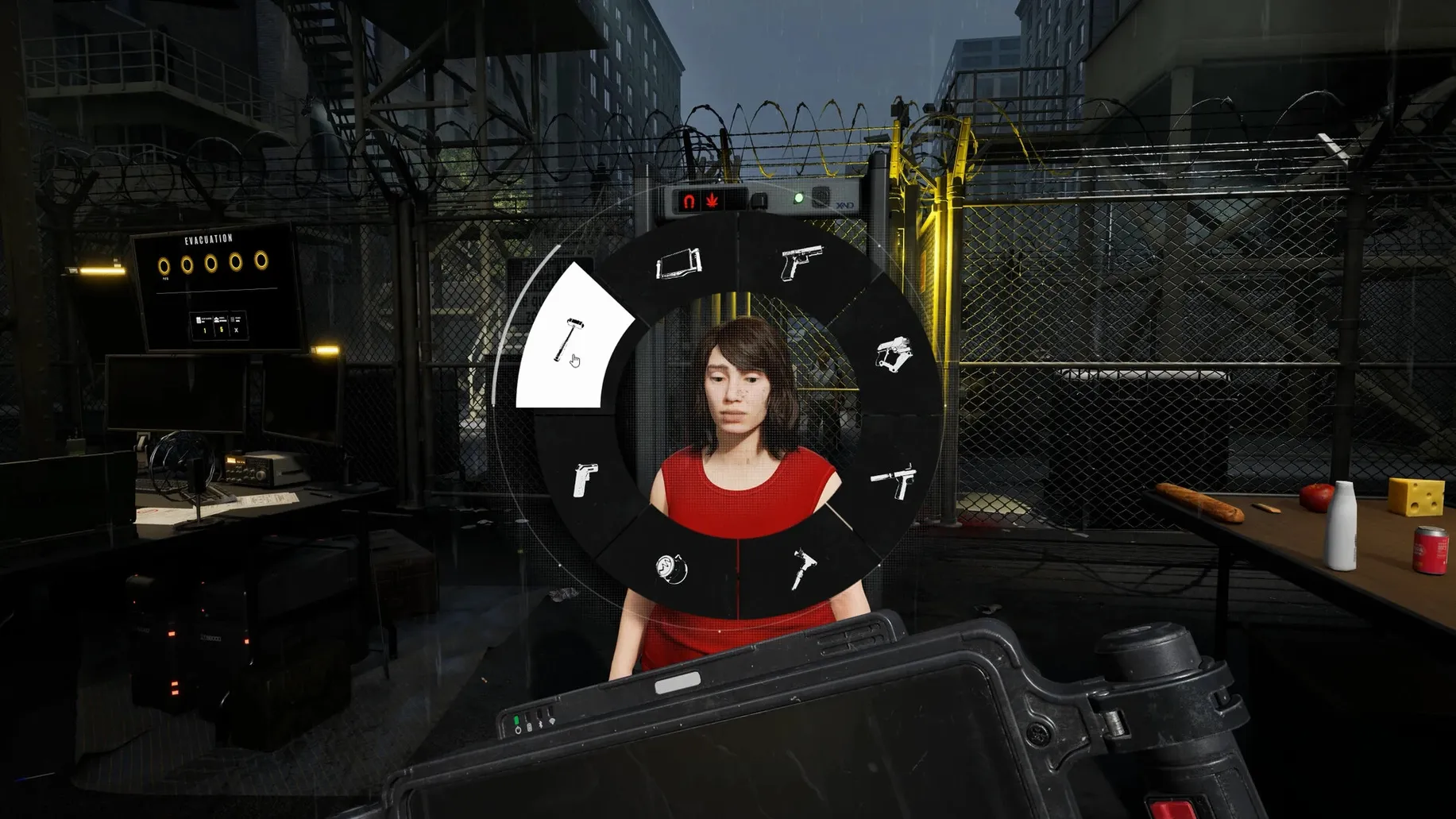
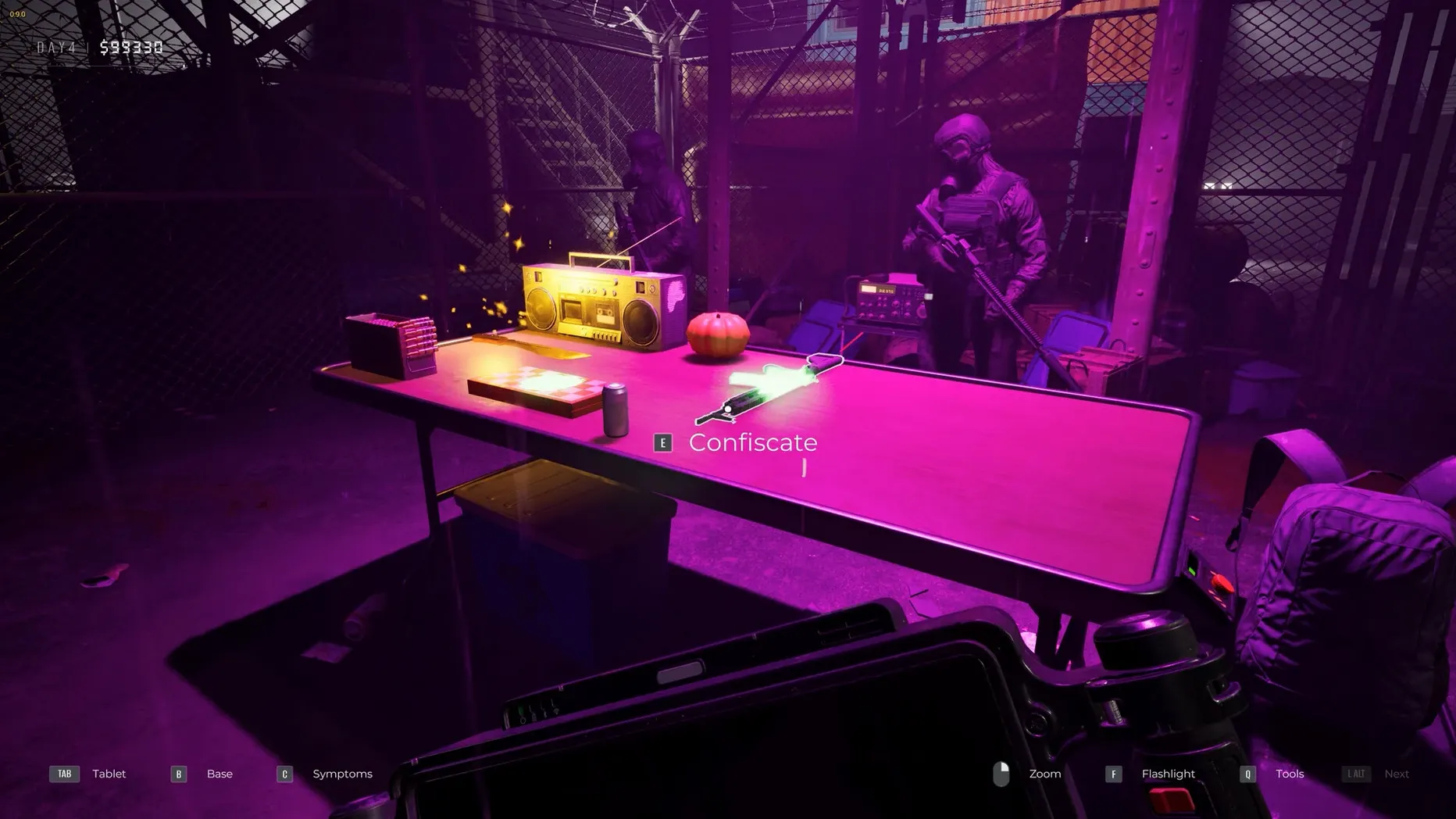
Quarantine Zone: The Last Check is a checkpoint simulation that puts you in charge of deciding who makes it into a safe camp as a zombie outbreak spirals out of control.
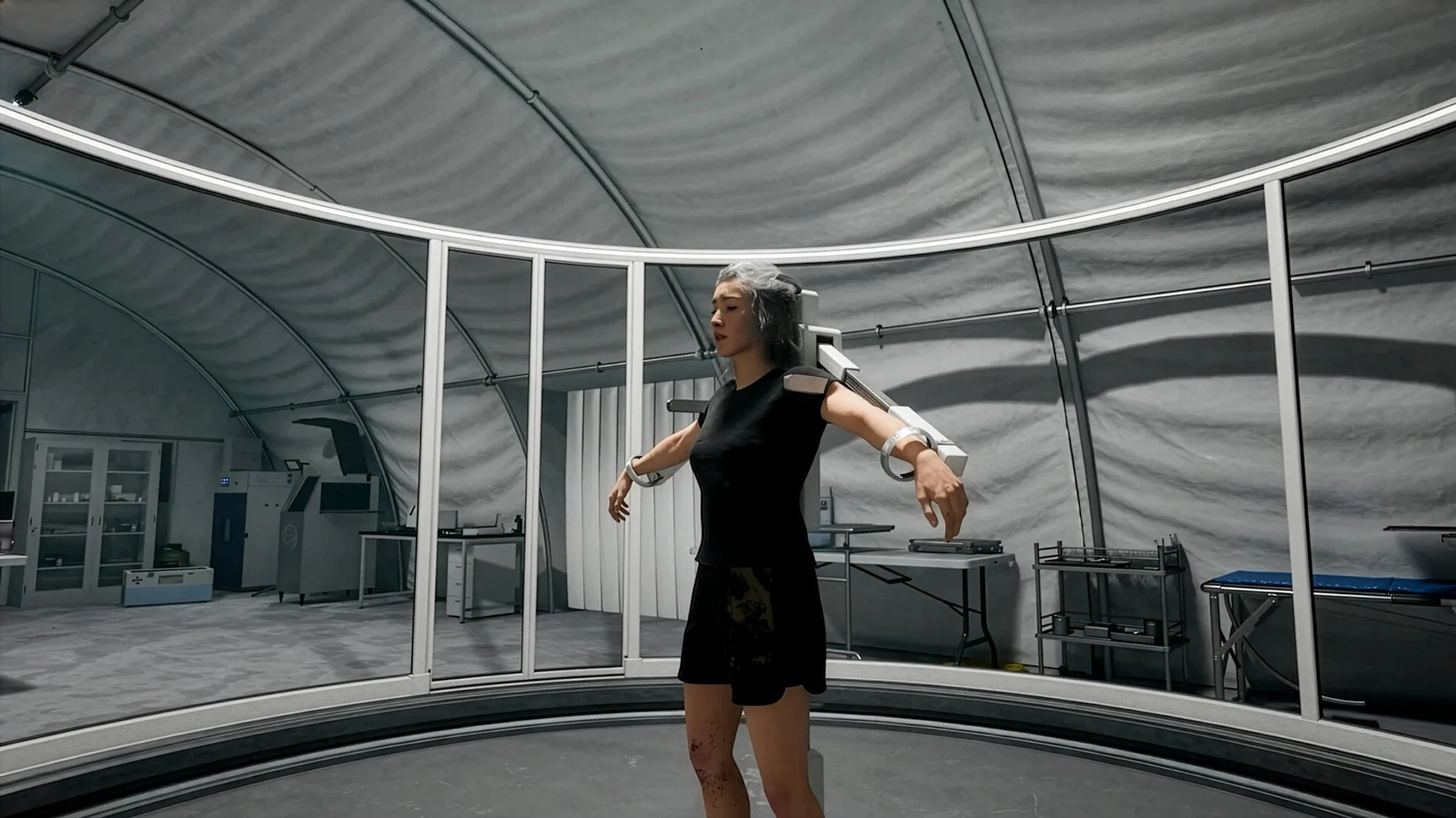
Scanning arrivals
People show up at your gate with visible symptoms, odd behavior, or no signs of trouble at all. Letting healthy survivors through feels like the obvious call, but sending someone with unknown symptoms for examination can turn fatal fast.
Managing camp resources
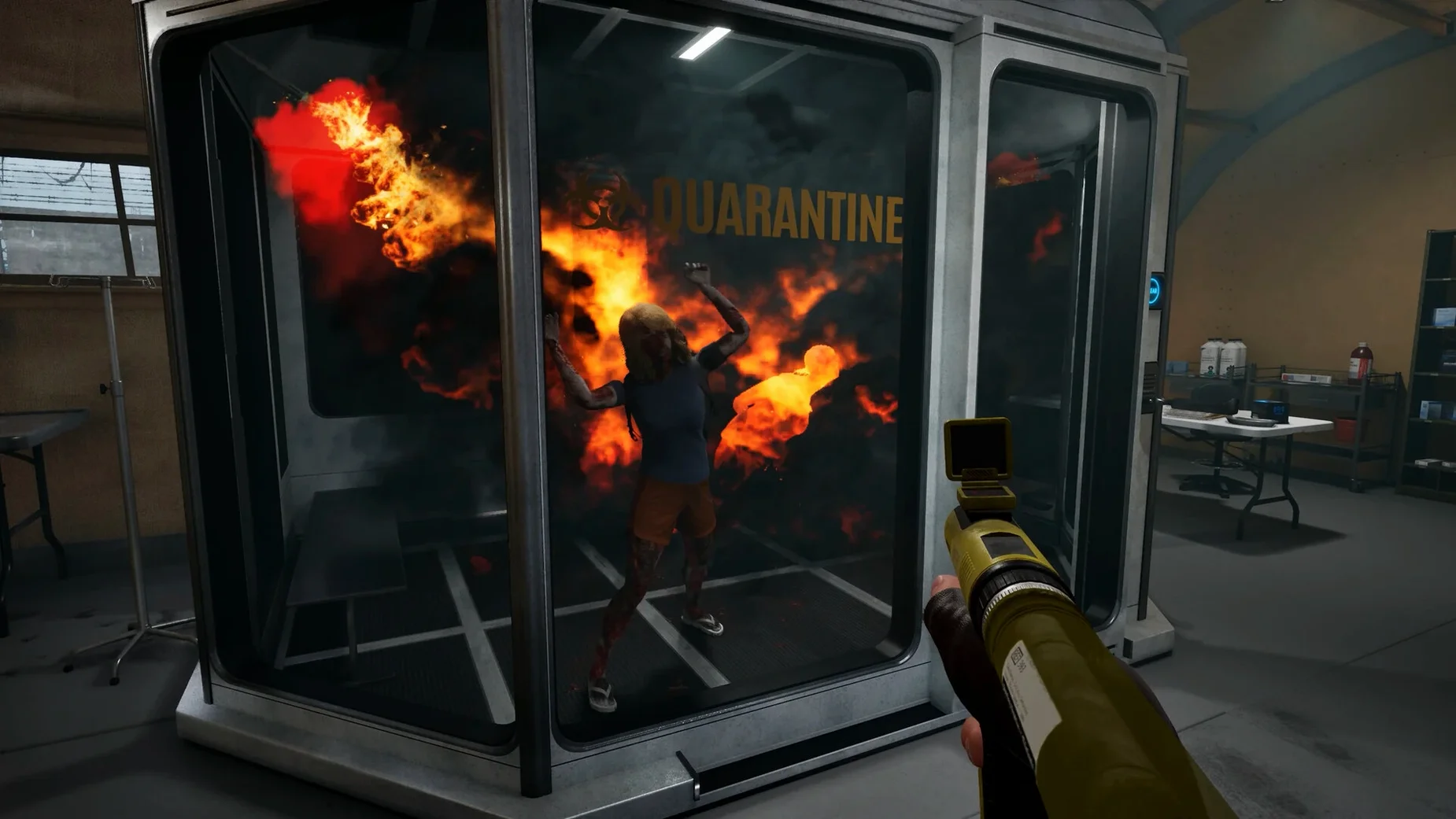
Supplies are never plentiful, and every decision about who gets in affects what's left. Quarantining suspicious cases buys you time, but it also drains resources you might need when the next wave arrives.
Defending against chaos
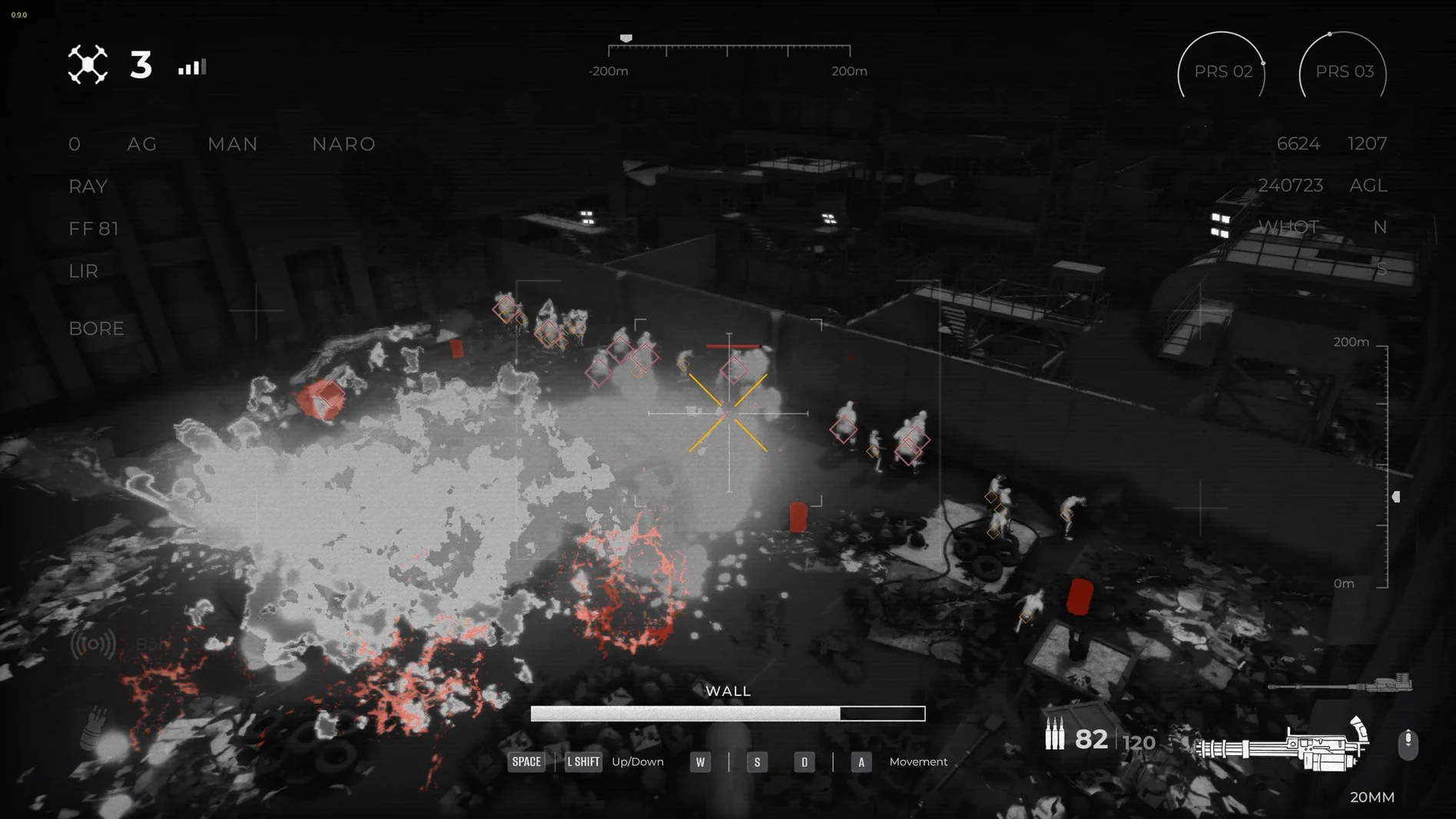
When alarm events kick in, armed drones become your main line of defense. The chaos intensifies quickly, and keeping the camp from being overrun means juggling both the people at the gate and the threats closing in.
Treating every arrival the same way
Most beginners treat every arrival the same way — a quick glance at symptoms, a gut call, and on to the next. That works for the first few minutes, but around day three the cracks start showing. The biggest misstep I see is ignoring contraband inspections when things get hectic. It's tempting to skip the extra scan and just wave a healthy-looking civilian through, but rare collectible items hidden in luggage often unlock the lasting upgrades you need later. Another early blunder: sending people with unknown symptoms straight for examination without checking whether you actually have the staff capacity to handle the result. It's fatal every time, and the game doesn't soften the blow.
Fixing the rainbow texture bug
The Wineskin build runs smoothly on Apple Silicon once it's set up right, but a couple of issues pop up often enough to mention. If you see a rainbow visual bug — textures turning into a psychedelic mess — head into settings and lower global lighting a notch. That clears it up for most hardware. A crash on the second day usually means the game launched with the wrong graphics argument; open the app bundle, go into Contents, launch Configure, and swap -dx12 for -dx11. And if the app refuses to start at all, don't forget the Fix file sitting right on the disk image. It's easy to overlook when you're eager to jump in.
One more thing worth knowing: your saved games live deep inside the app bundle at SharedSupport/prefix/drive_c/users/Sikarugir/AppData/Local/QZSim/Saved/SaveGames. If you ever want to back up your progress manually, that's where to look.
Sits in your Dock like any other app
Since the game runs through Wineskin, it behaves like a self-contained Mac app — Launchpad sees it, you can drag it to the Dock, and it won't interfere with anything else on your system. I keep a notes app open on a second desktop to jot down which symptom patterns I've seen before, since the game doesn't log that for you. The twelve interface languages are easy to switch from the settings menu, so if you're more comfortable in German, Polish, or Simplified Chinese, it takes two clicks.
Because the build is ARM-native for Apple Silicon, it won't trigger Rosetta or ask for extra permissions the way some wrapped Windows titles do. If you're running quarantine zone the last check torrent macos files alongside other Wineskin-wrapped games, just keep each one in its own app bundle and they'll coexist without stepping on each other's prefixes.
- macOS Tahoe
- Apple Silicon (tested on Mac mini 2024 M4)
Questions from the stall
How do I fix a crash on the second day?
Open the app package contents, go into Contents, launch Configure, and change the Windows app argument from -dx12 to -dx11.
Can I change the display language?
Yes, the game supports twelve languages including English, Russian, and Japanese, and you can switch them right in the game settings.
Notes from other shops 0
Sign in or open a shop account to leave a note.
No notes yet. If you've used this on a shop Mac, tell me how it went.