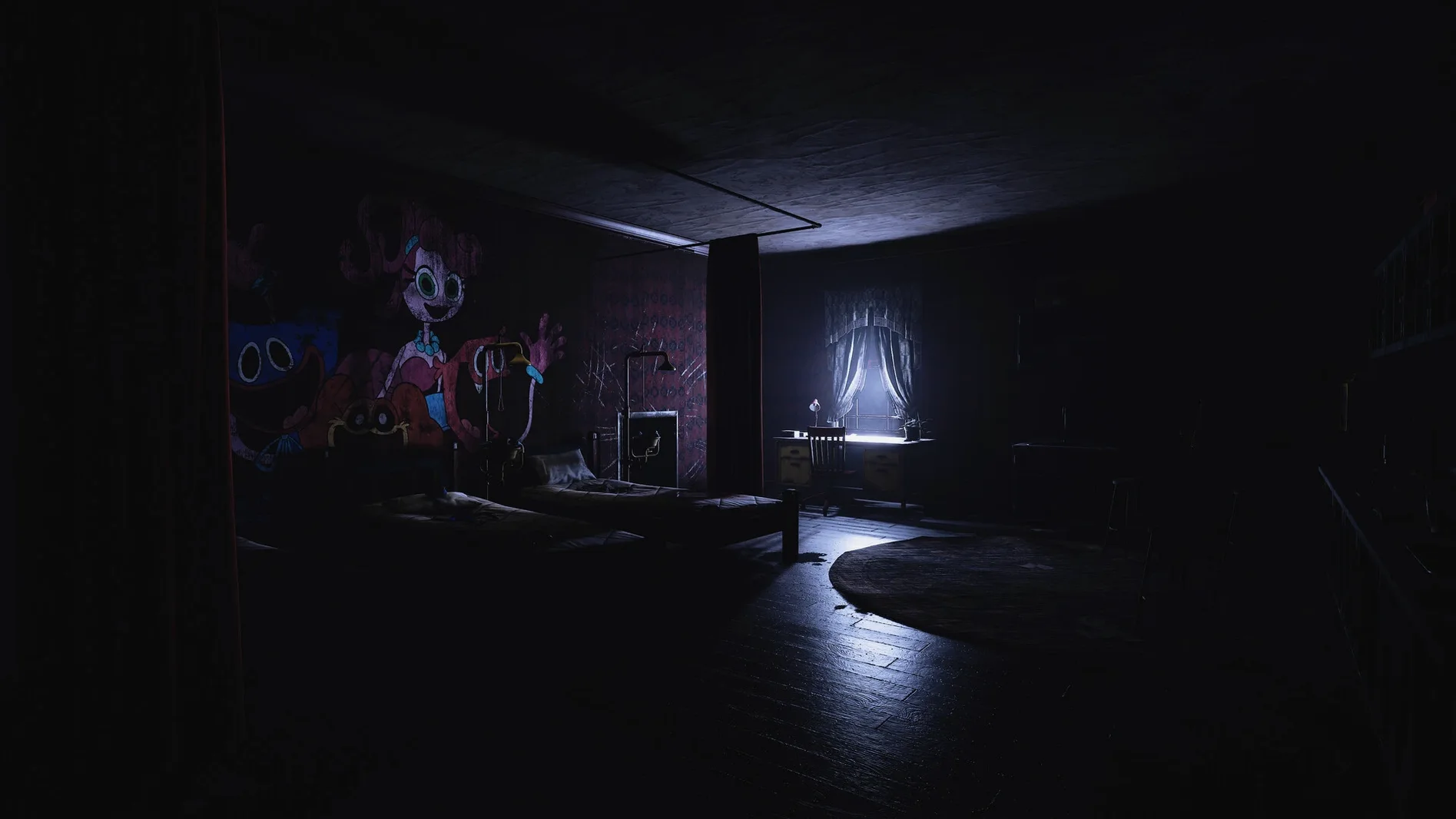
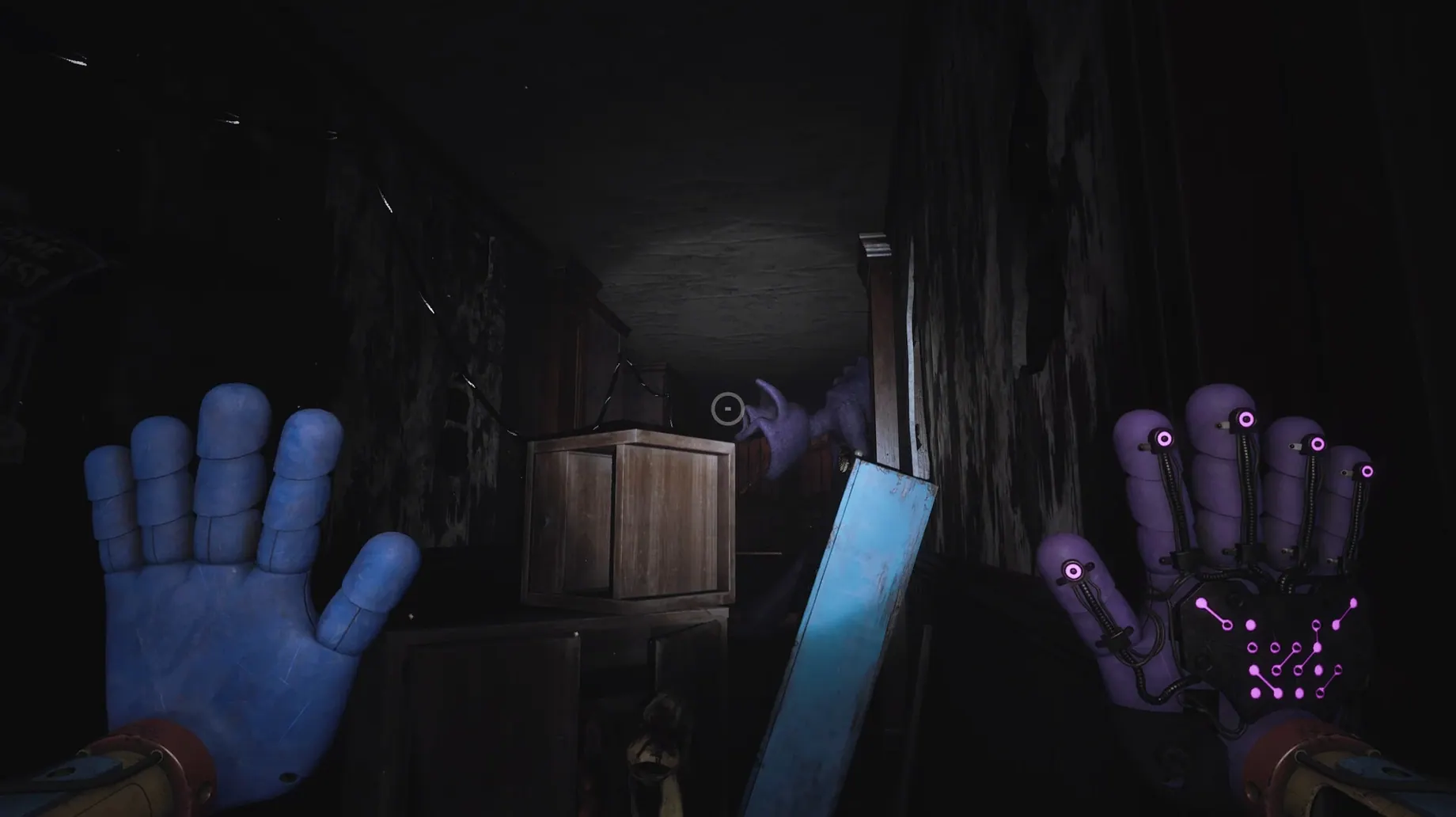
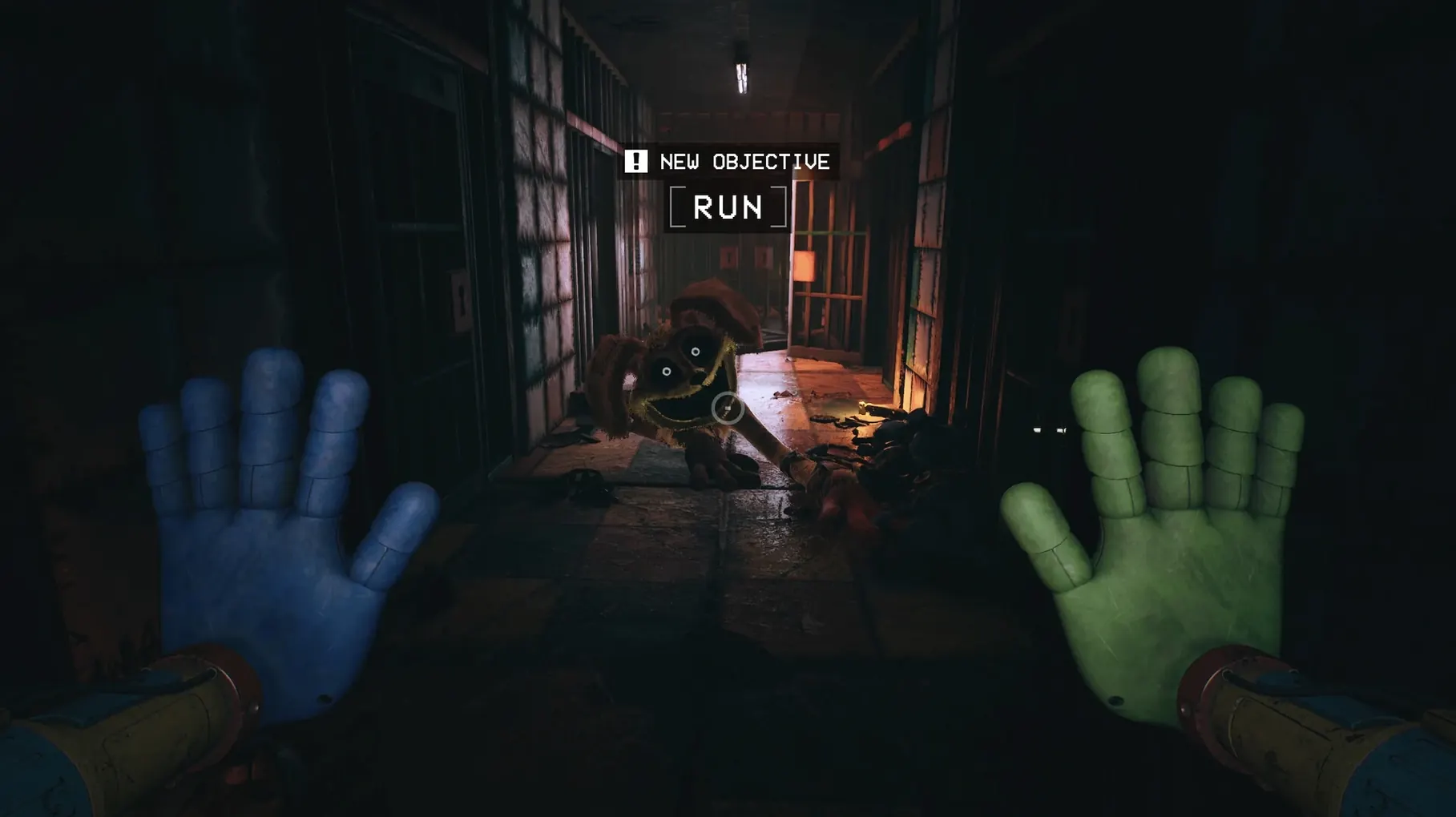
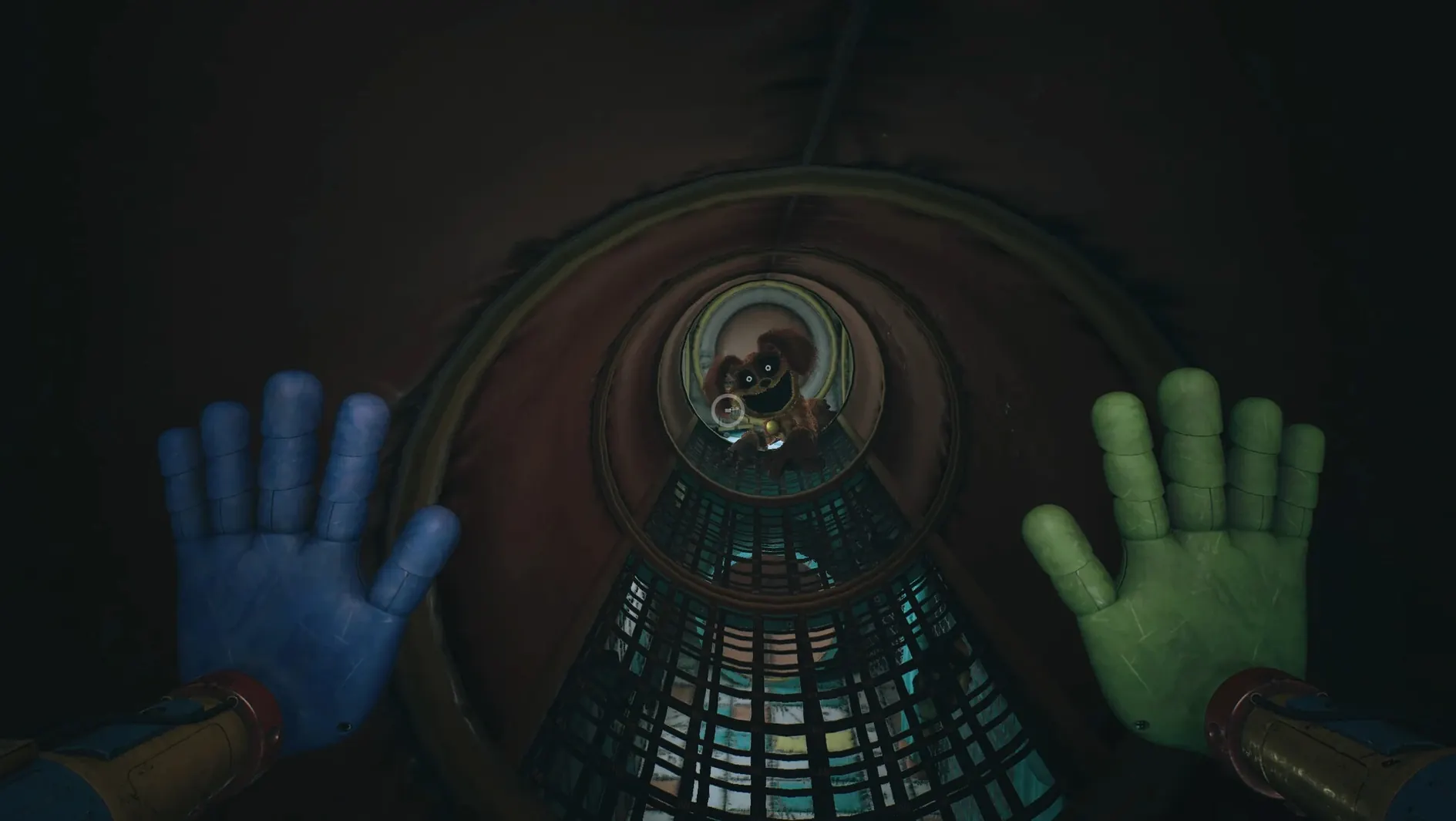
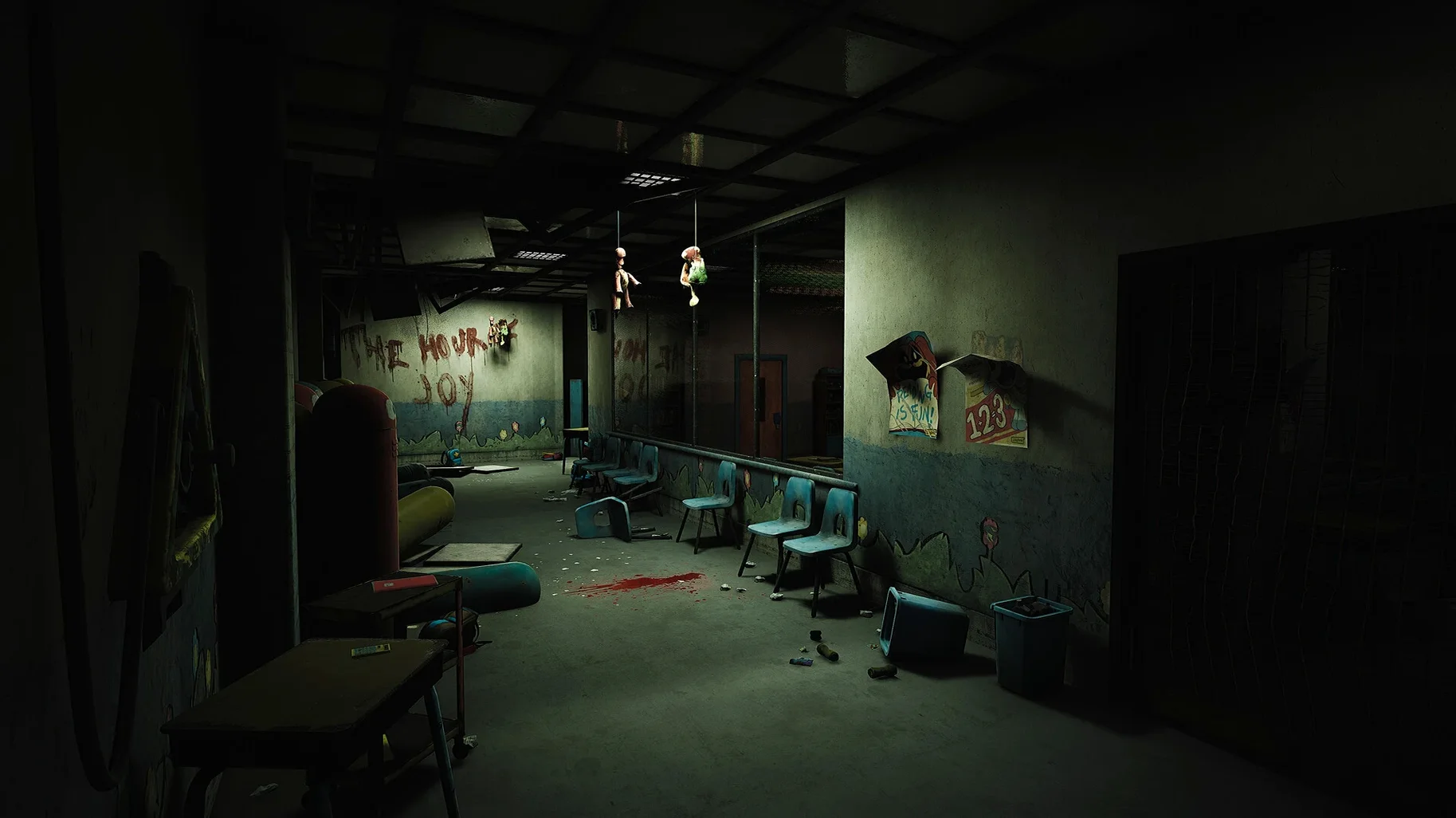
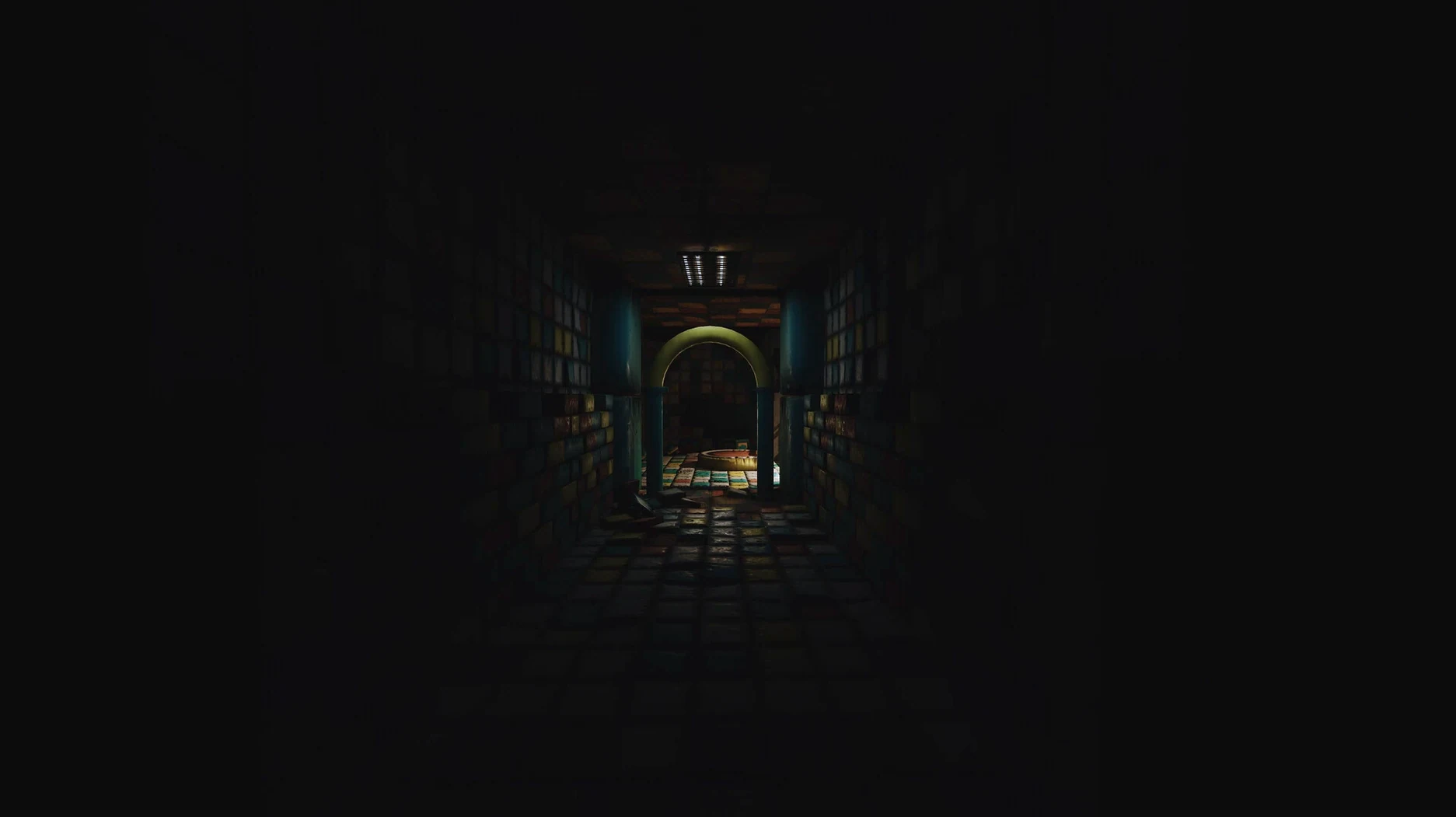
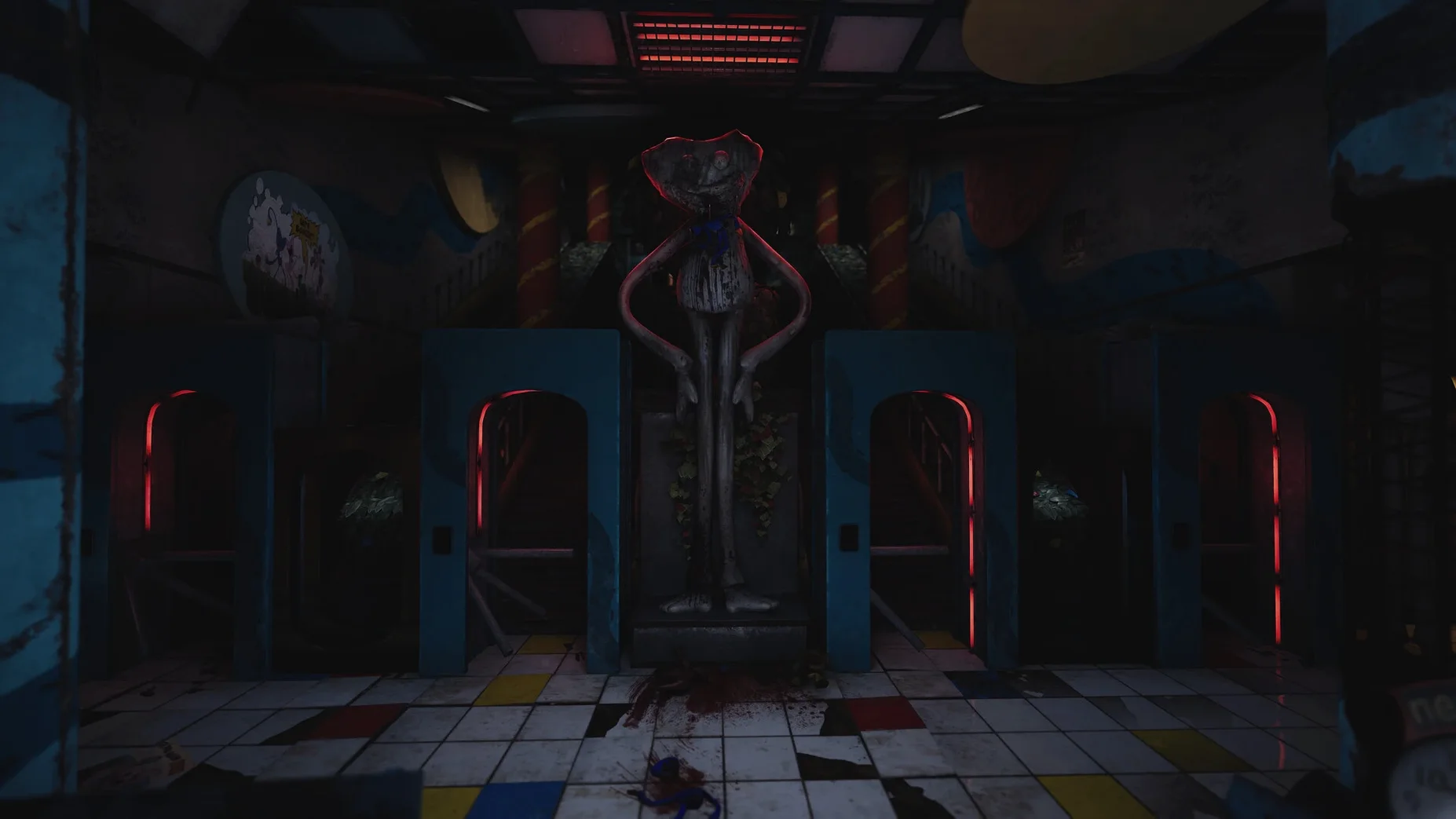
You push open a heavy door into a darkened hallway of the orphanage. The only sound is a low electrical hum from a flickering light somewhere ahead. Your upgraded GrabPack feels heavier now, with new tools you're still learning to trust. You need to cross a room you have never seen before, and something is breathing in the corner where the lights don't reach.
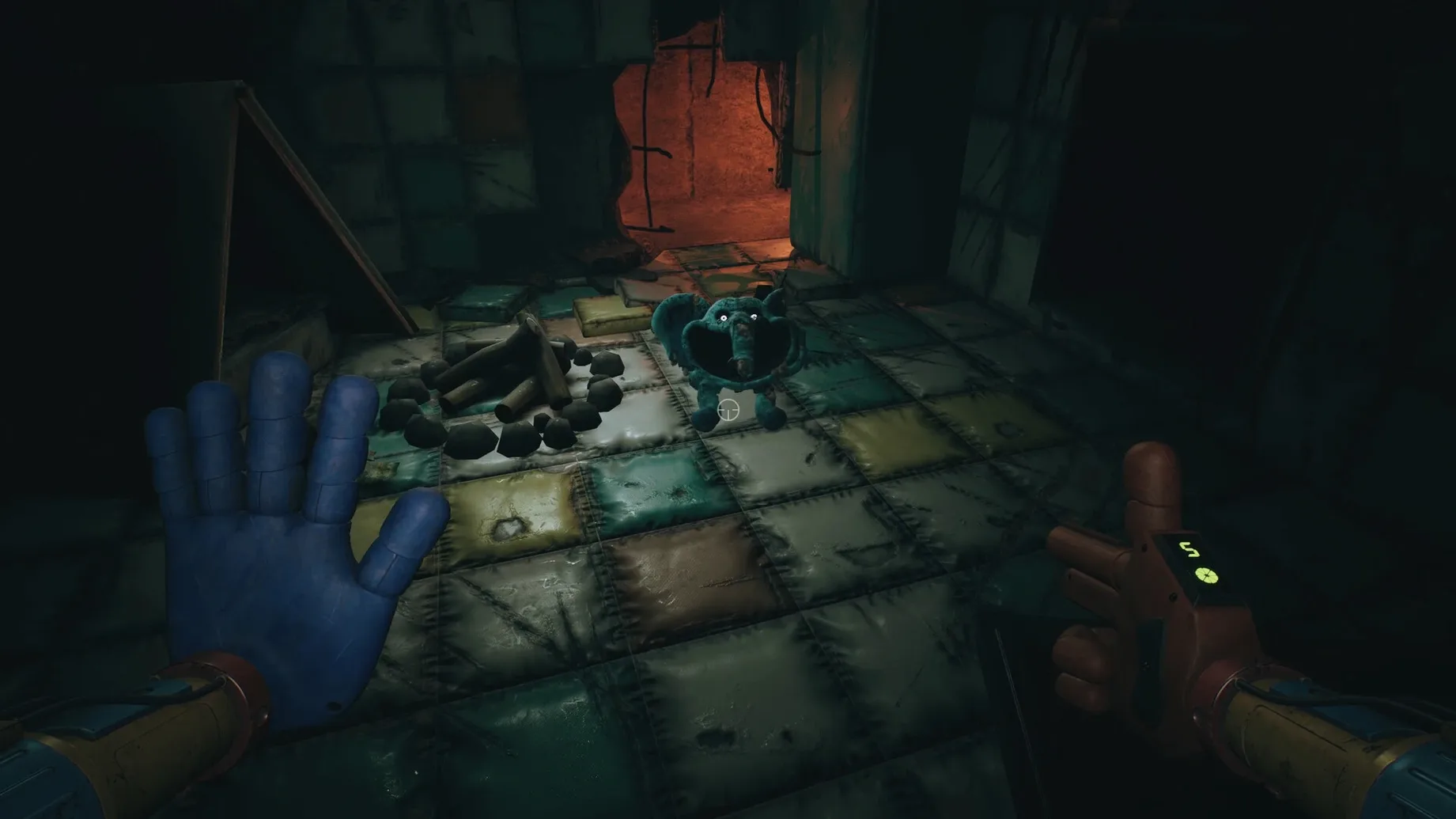
This is the minute-to-minute rhythm of the third chapter. The abandoned toy factory now opens downward into Playcare, a sprawling subterranean complex that was supposed to be a bright, cheerful place. It is not. You move carefully from room to room, moving objects, completing circuits, and rerouting power while keeping an ear out for footsteps that do not belong to you. The new hands for your GrabPack let you grab, pull, and manipulate the environment in ways that make the old tool feel like a prototype.
Puzzles in the orphanage are more physical and desperate than before. You might need to find a battery to power a terminal while a new monster stalks the corridor you just came from. In other sections, you strap on a gas mask and walk blind into red smoke, navigating by touch and the muffled sounds of something crashing through the vents above you. The horror is not just in the chase; it is in the quiet moments when you are alone with a puzzle and the distinct feeling that you are about to not be alone anymore.
Nightmares are not cutscenes here — they are real threats in the dark that you have to physically avoid and outmaneuver. The game keeps you busy with small, tense tasks that never let you settle into a safe routine.
Dial back the orphanage shadows for a smoother start
Before you step into Playcare, a few quick changes make the experience smoother on a Mac running this Wineskin build. Head into the graphics settings and lower the shadow quality one notch. The orphanage is full of dynamic light sources, and shadows are the usual suspect when the frame rate stumbles. I also swap the field of view from the default to somewhere around 90; it eases that cramped feeling in narrow corridors without making the monsters seem smaller than they are.
Audio matters more here than in earlier chapters. Turn the music down to about 50% and keep sound effects loud. Footsteps, breathing, and the creak of a vent overhead are your early warning system. If you use headphones, disable any virtual surround software first — the game's own stereo panning is deliberate and switching it up can flatten the directional cues you need.
Blank launch screen? Rerun the Fix file from the disk image
The most frequent headache is a blank screen or an error right after launch. When that happens, mount the disk image again and run the Fix file — it restores a few Wineskin settings that sometimes trip on first boot. If the game launches but the cursor feels sluggish, try switching from fullscreen to a window, then back again. That nudges the input polling and usually snaps it back to normal.
Another snag people hit: the gas mask sections can feel disorienting, partly because the red smoke hides landmarks. I keep a small lamp or battery-powered gadget on the desk next to me. In the game, look for the faint glow of exit signs and wall-mounted lights — they cut through the haze more reliably than sound alone. And if you are hunting for a free way to sample the chapter, searches like poppy playtime - chapter 3 macos free turn up the same build you have here. Your save files live in AppData/Local/ch3/Saved/SaveGames, so back that folder up before tinkering with settings files or mods.
This chapter adds a lot of new ground to cover:
- Playcare opens up as a huge new area to explore beneath the factory.
- The GrabPack gets a full upgrade with new hands for fresh puzzle types.
- Several new monsters appear, and they do not just follow old patterns.
- A gas mask lets you survive and navigate areas flooded with red smoke.
- Architecture: Apple Silicon
- Tested on: macOS Tahoe
Questions from the stall
What languages does Poppy Playtime Chapter 3 support?
The interface is available in Russian, English, German, Spanish, Italian, Korean, Portuguese, French, and Japanese.
Notes from other shops 0
Sign in or open a shop account to leave a note.
No notes yet. If you've used this on a shop Mac, tell me how it went.