
If you've spent any time with Wineskin or similar wrappers to run Windows games on your Mac, Poppy Playtime - Chapter 4 arrives in a familiar package. Build 58496 comes wrapped for Apple Silicon and tested on a Mac mini M4 running macOS Tahoe, so it slots right into that self-made game library without fuss.
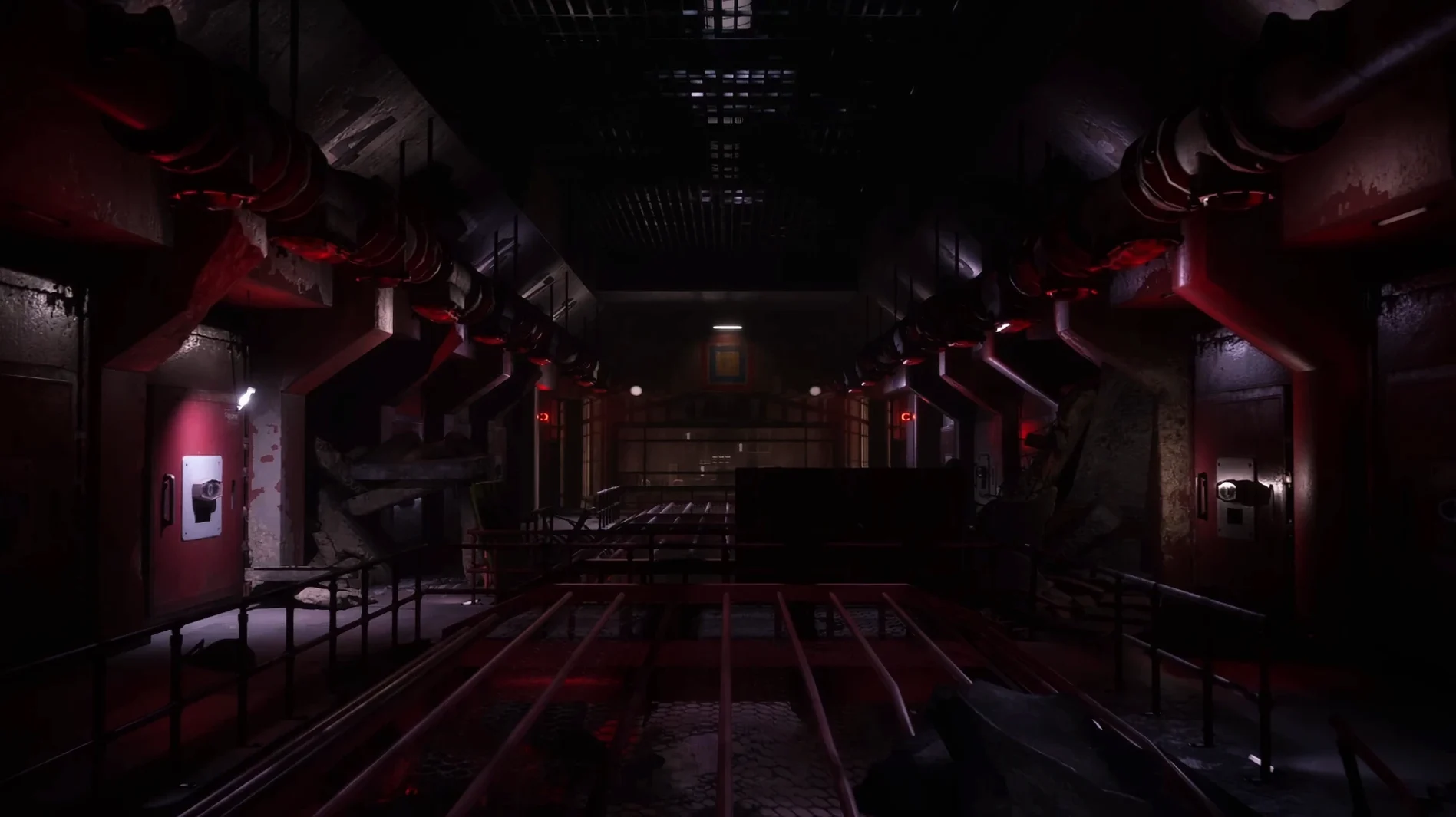
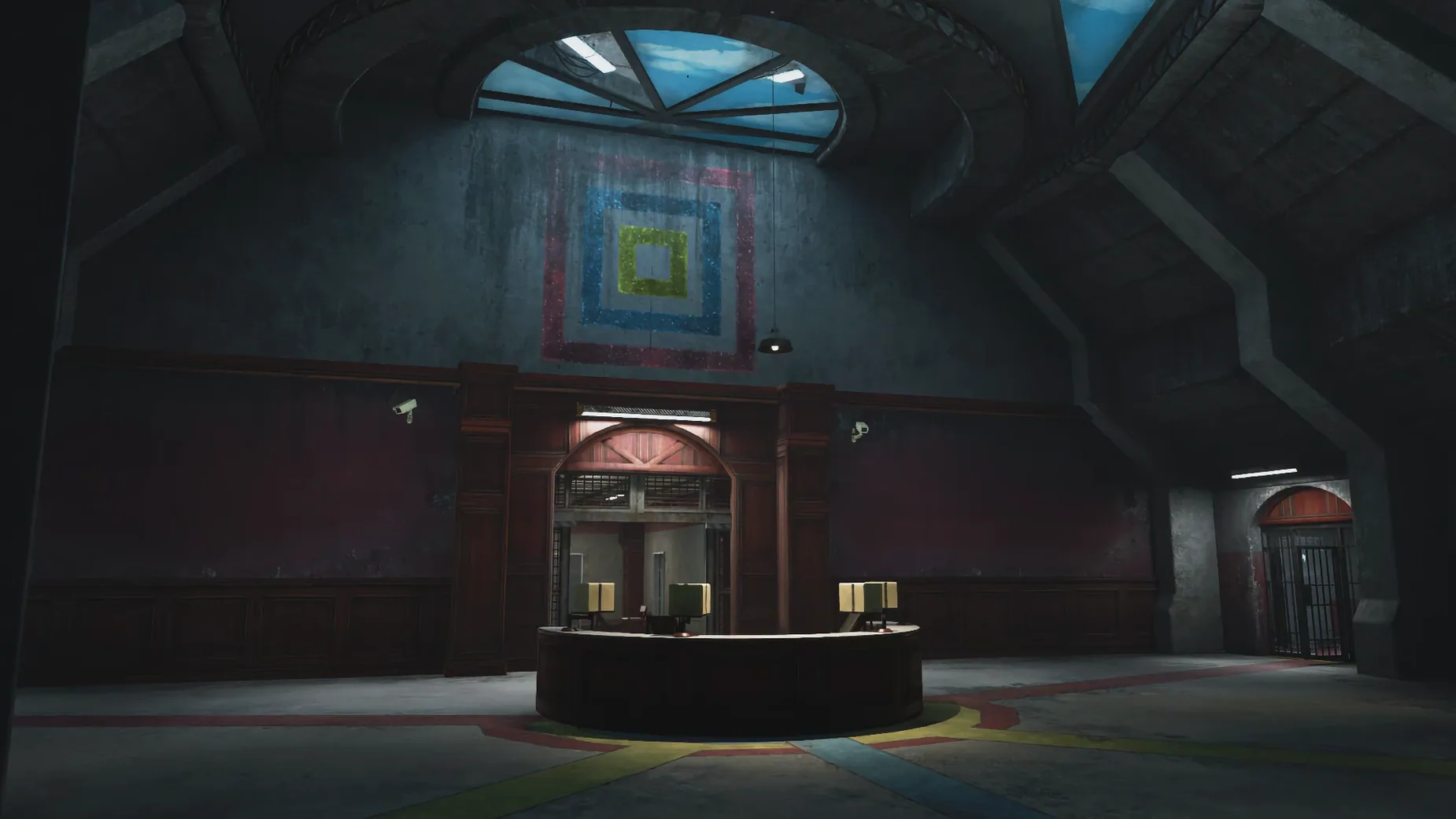
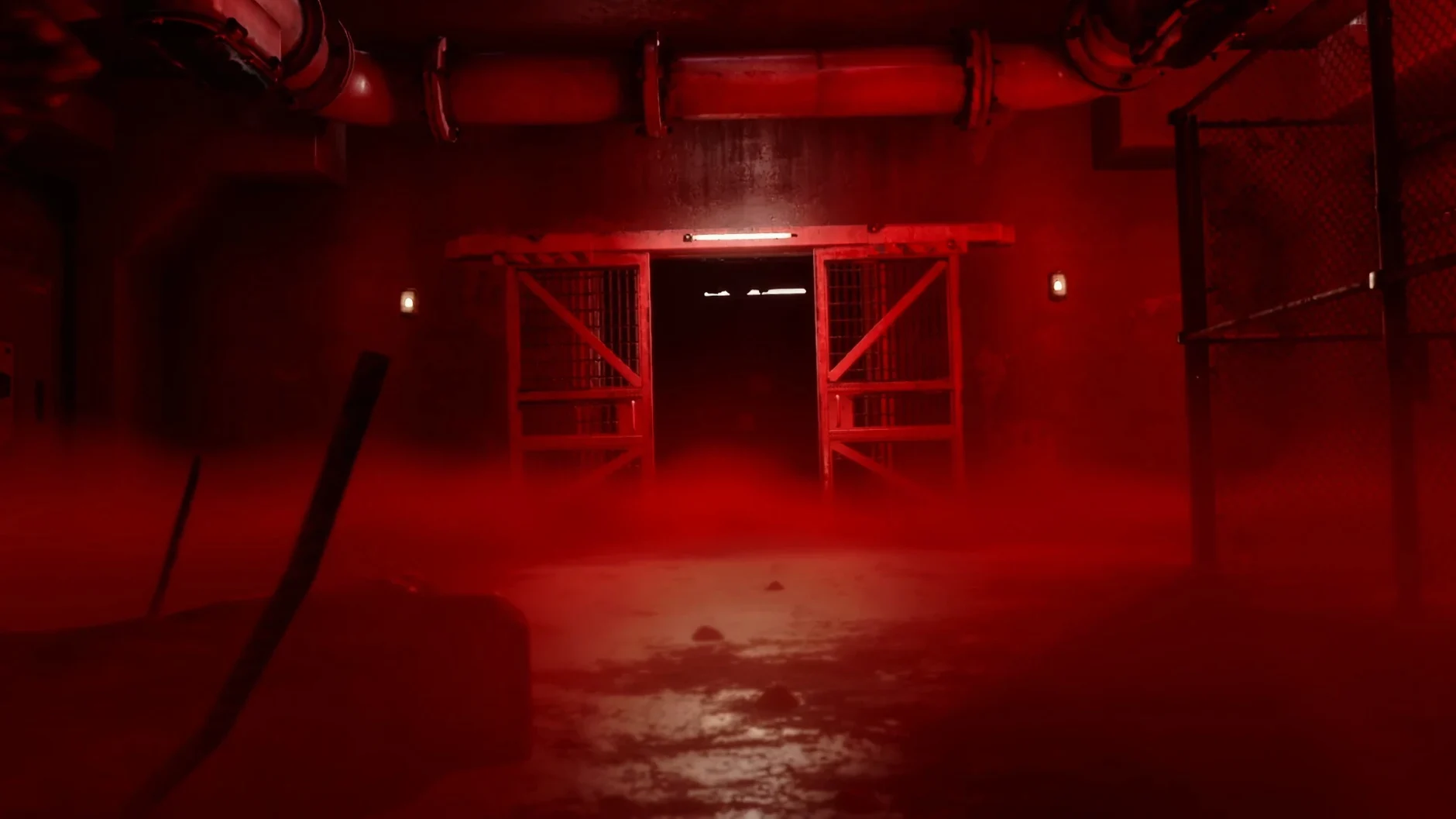
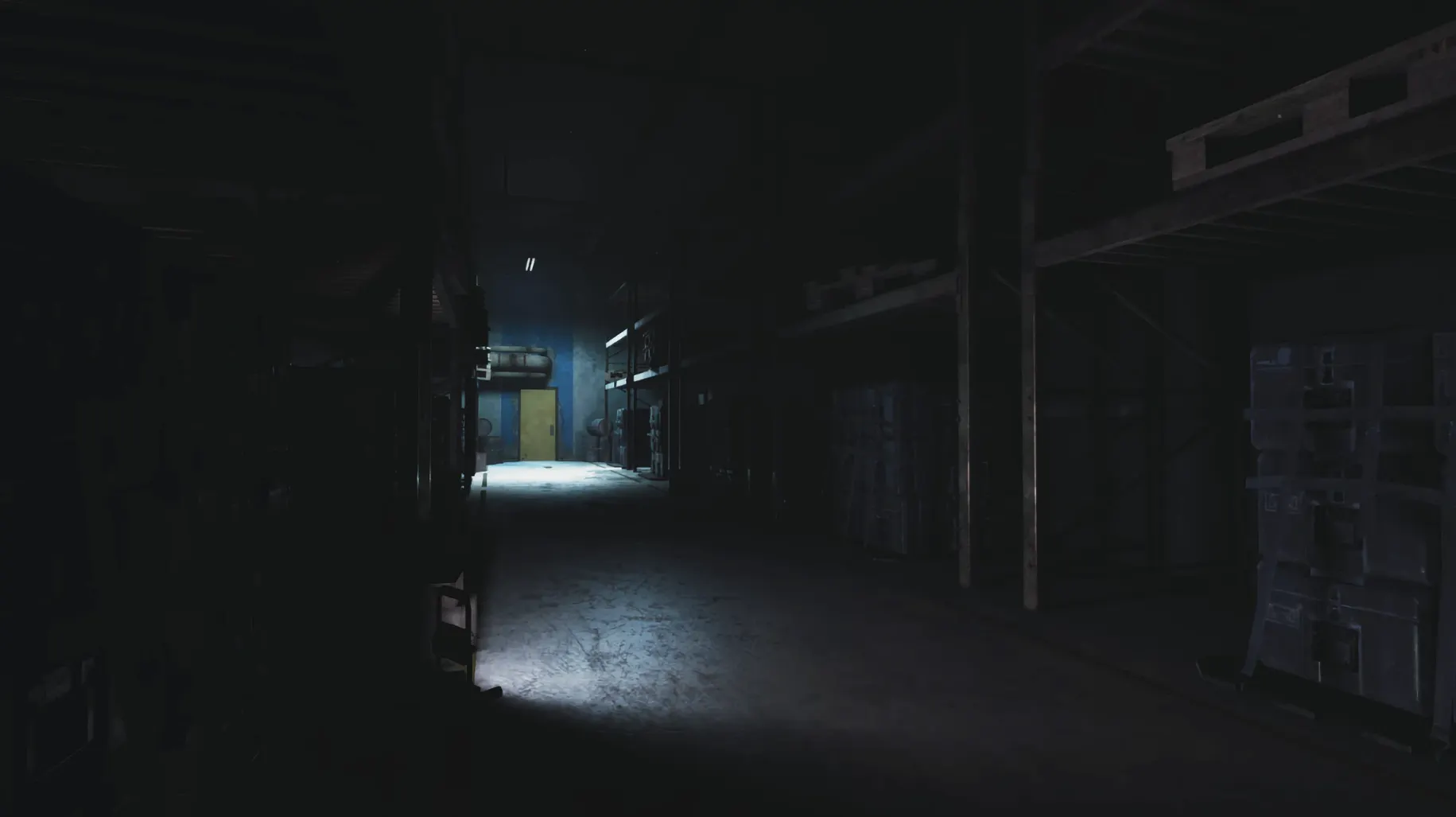
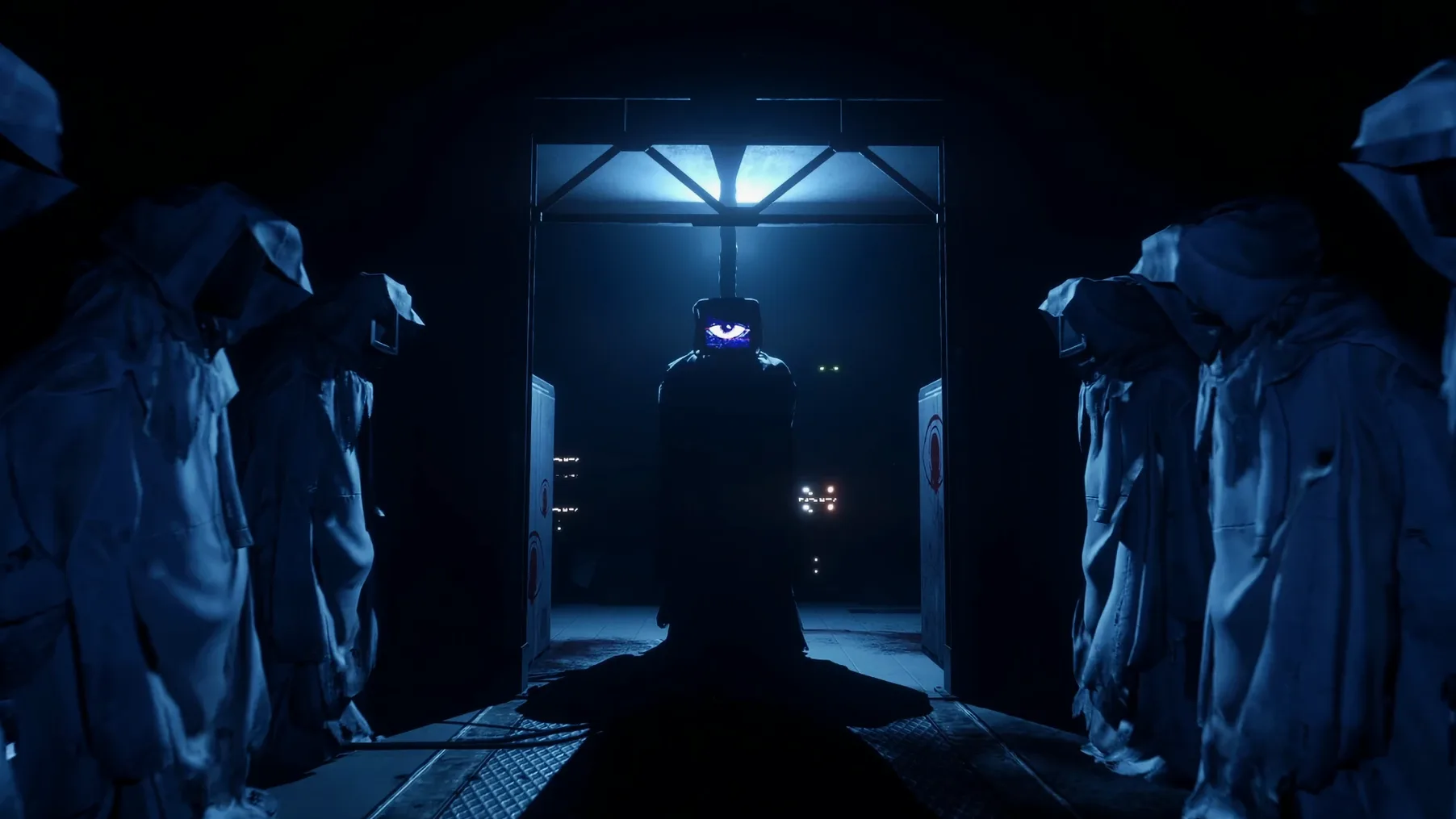
The file is simply the game—with its English and Russian text languages—and a helper script. No launchers, no extra managers. You get the full Chapter 4, set deep inside the rundown Playtime Co. factory, picking up the series' story about the company's dark past. The visuals lean heavily into horror-themed lighting and sound, and that atmosphere fills every corridor and room from the moment you start.
What you don't get is multiplayer or a separate mode selector. The experience is a first-person single-player adventure, moving through the factory, solving puzzles, and facing whatever Mob Entertainment has waiting around the next corner. The horror comes from the place itself—its noises, its half-lit rooms, and the things that still live there.
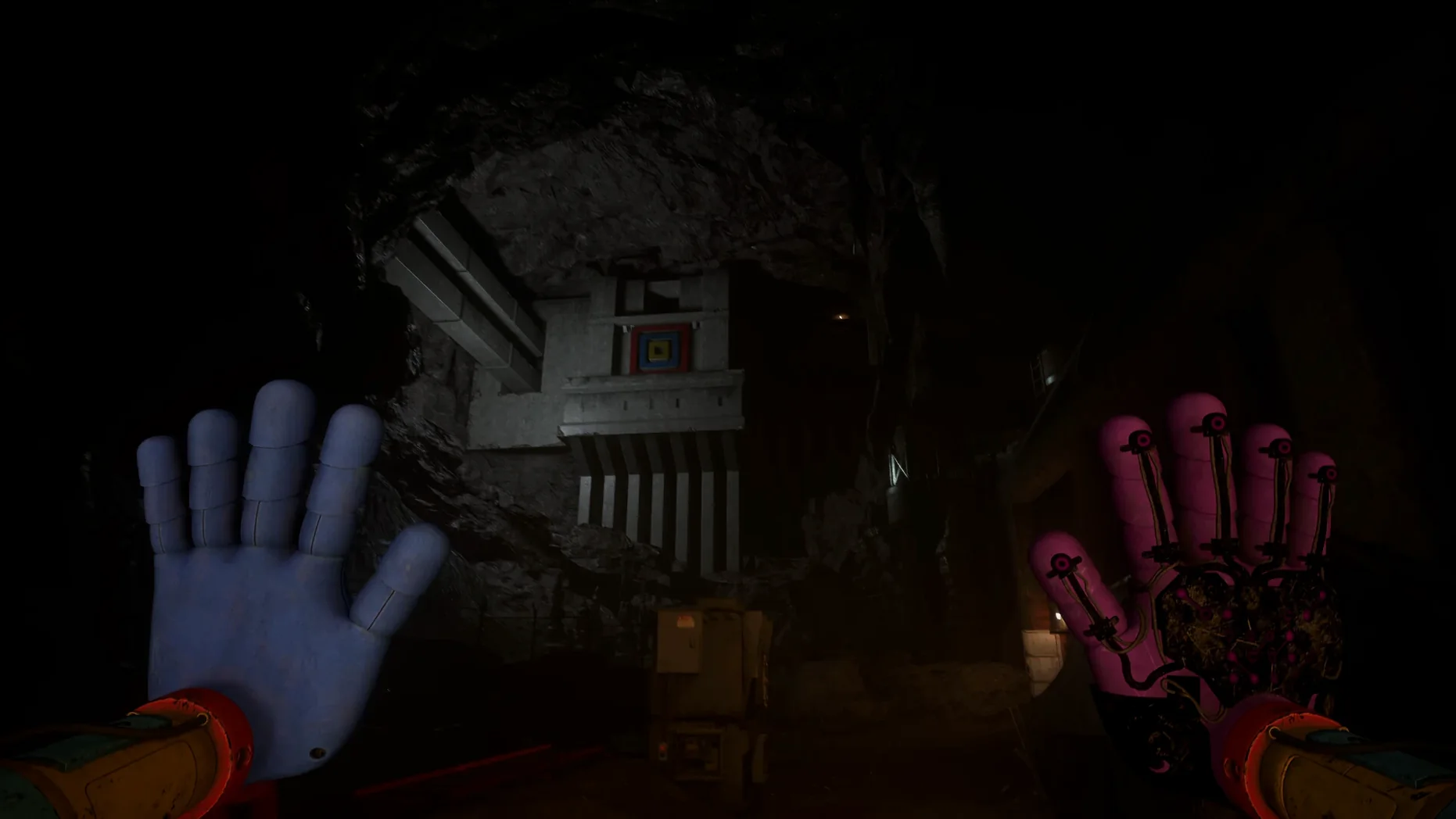
Unarmed dread meets grab-pack panic
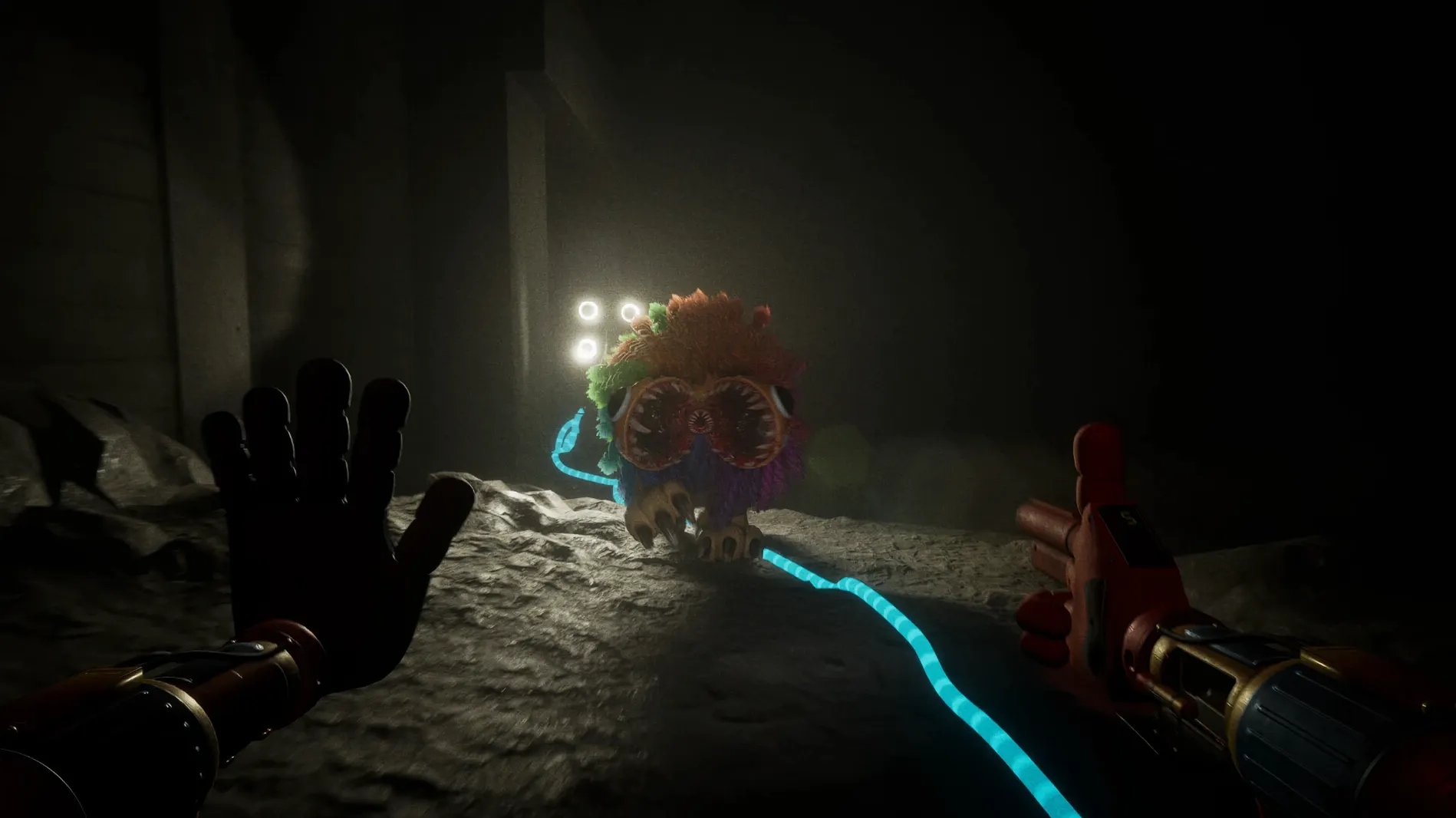
If you've played Amnesia: The Dark Descent on a Mac, you know the kind of dread that comes from being unarmed in a place that wants you gone. Poppy Playtime - Chapter 4 shares that helpless feeling but trades the gothic basement for a toy factory gone wrong—bright colors twisted into something threatening. Where Amnesia gives you a lantern and tells you to hide, Chapter 4 gives you puzzle tools and occasional allies, which changes the rhythm: you're not just surviving, you're uncovering.
Compared to Bendy and the Ink Machine, which also wraps vintage cartoon style around horror, Poppy Playtime feels more direct in its scares. Bendy leans into sepia-toned mystery and slow reveals; Chapter 4 uses stark sound design and sudden physical threats from its new characters. Both scratch the "abandoned workshop" itch, but Poppy Playtime's factory feels more lived-in and threatening from the start.
A smaller indie that comes to mind is Dark Deception, with its arcade-like chase rooms. Chapter 4 sits somewhere between that arcade panic and Amnesia's slower burn—puzzle sections give you space to breathe, then the factory tightens around you again.
First days: get the wrapper settled before you dive in
The Wineskin build means a little extra care upfront. After dragging the app to your Applications folder and launching once, run the Fix file even if the game started fine. It patches edge cases that can show up after the first cutscene or when loading a saved game later. Skipping it now means possibly losing progress later.
Next, head into the in-game settings before you start a new save. The default resolution may not match your Mac's display, and Wineskin doesn't always guess right. Set it to your native resolution and turn off motion blur if the camera feels sluggish—it helps with both performance and the slight input lag that can creep into wrapped games.
One more thing: the game autosaves at checkpoints, but those checkpoints aren't always obvious. After solving a tricky puzzle or surviving a chase sequence, don't quit immediately. Move forward until you see a subtle environmental cue—a door closing behind you, a change in lighting—that usually signals the save trigger.
The secret quick-drop hand shortcut
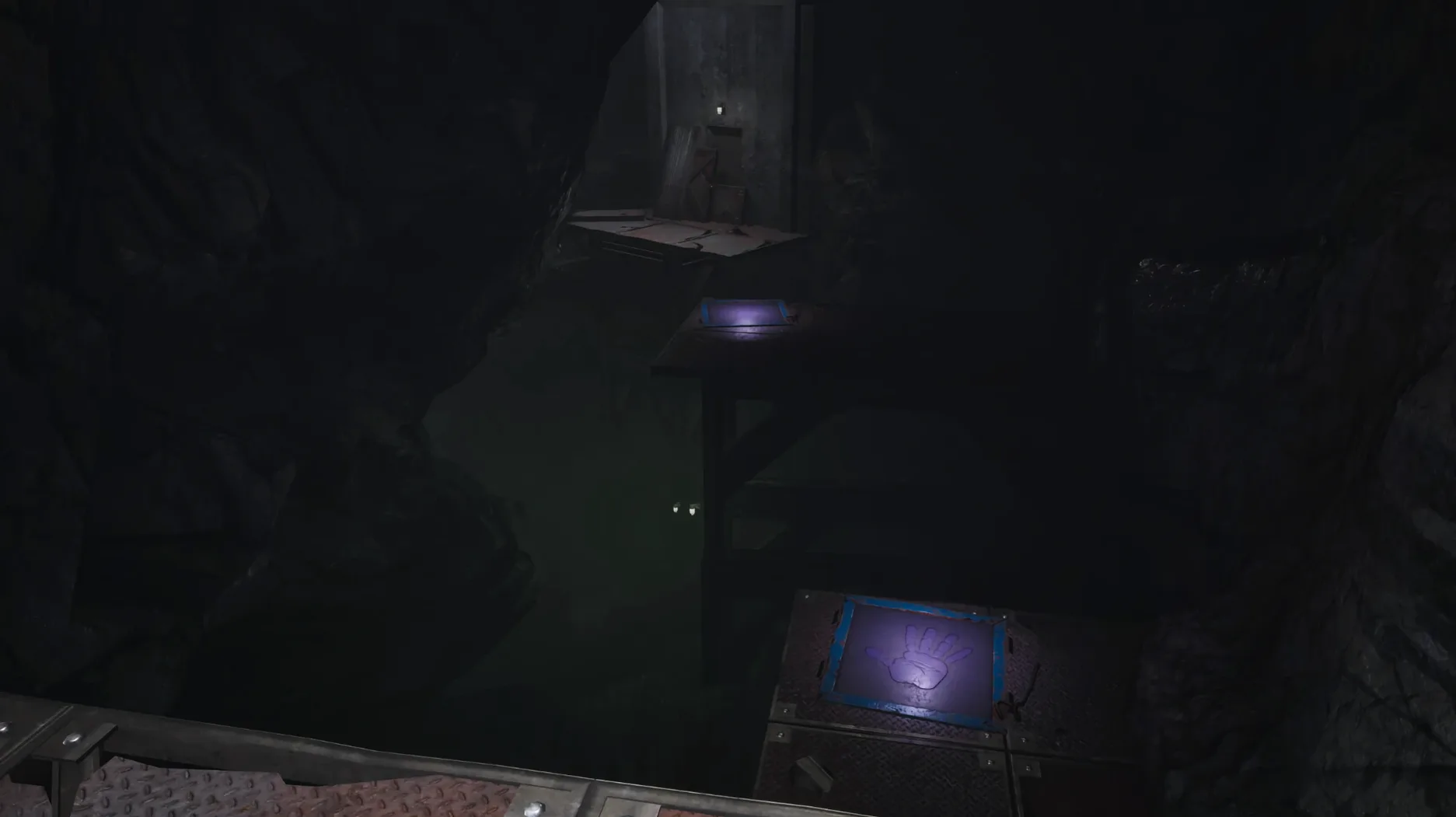
The grab-pack hands—your main tool for interacting with the world—have a quick-drop shortcut that the game never explicitly teaches. Tapping the interact key twice quickly releases whatever you're holding without the full animation, which saves precious seconds during timed puzzles or when something is closing in.
Audio cues do more than atmosphere here. Certain machinery hums change pitch when you're near a puzzle solution, and some enemies broadcast their position with distinct mechanical clicks before they appear. Playing with headphones isn't just scarier—it gives you a practical edge. The Russian and English text options are selectable from the main menu, but voice audio stays English regardless.
Finally, if you alt-tab out of the game on macOS, the Wineskin wrapper sometimes mutes the audio on return. Toggling the sound setting in the game menu—off, then on again—brings it back faster than restarting.
- macOS Tahoe or compatible version
- Apple Silicon (ARM) Mac
Notes from other shops 0
Sign in or open a shop account to leave a note.
No notes yet. If you've used this on a shop Mac, tell me how it went.