
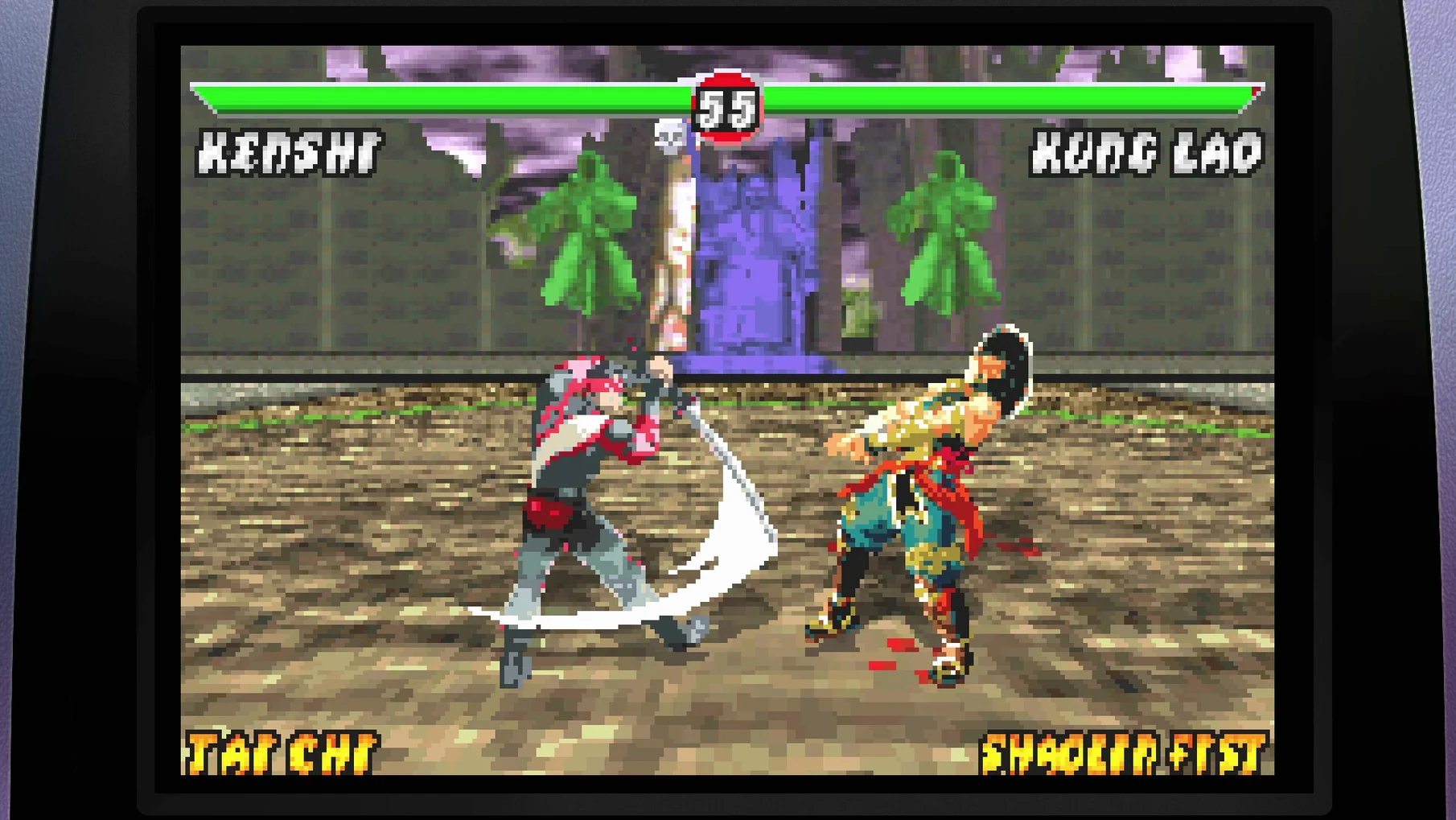

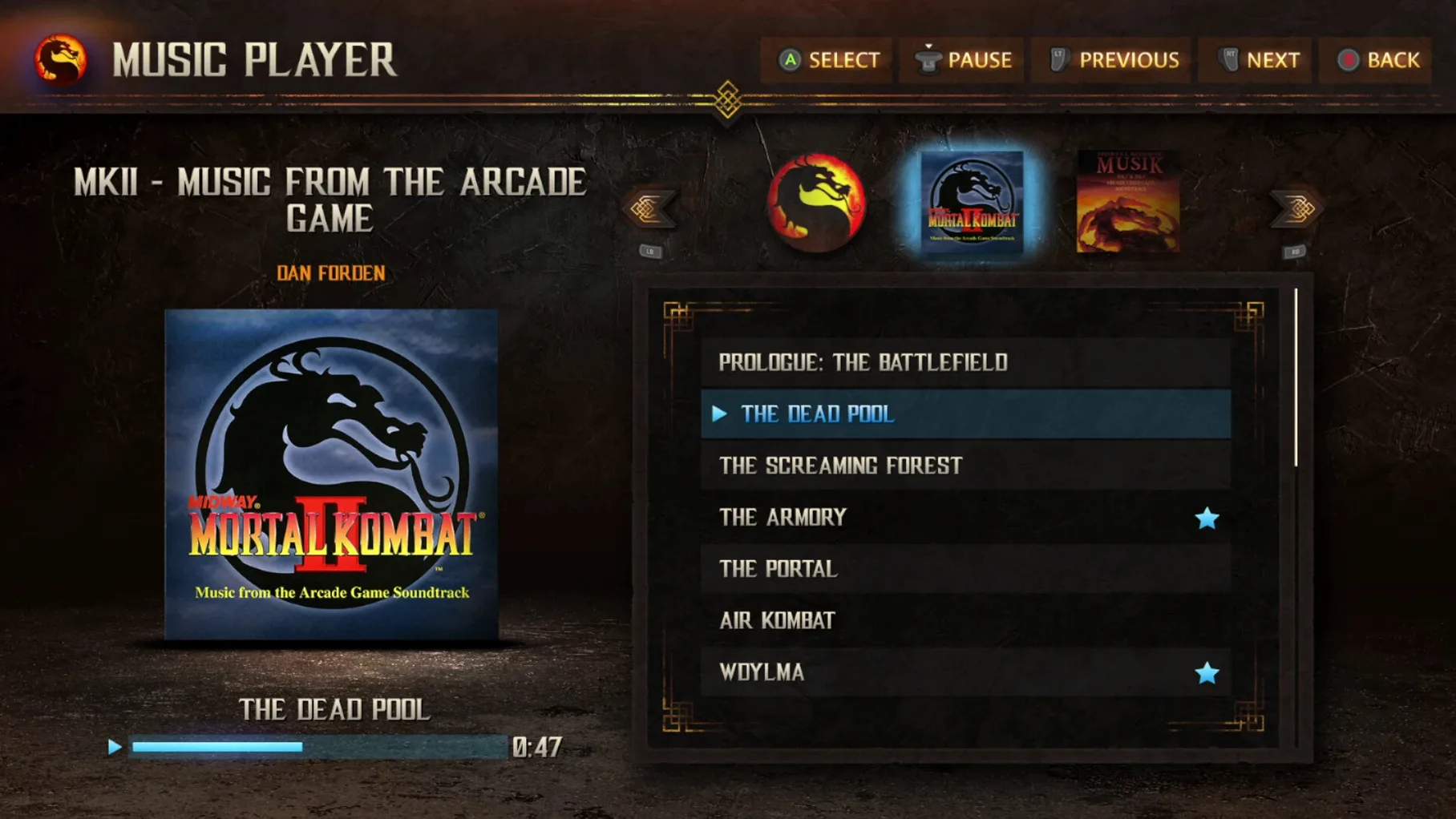
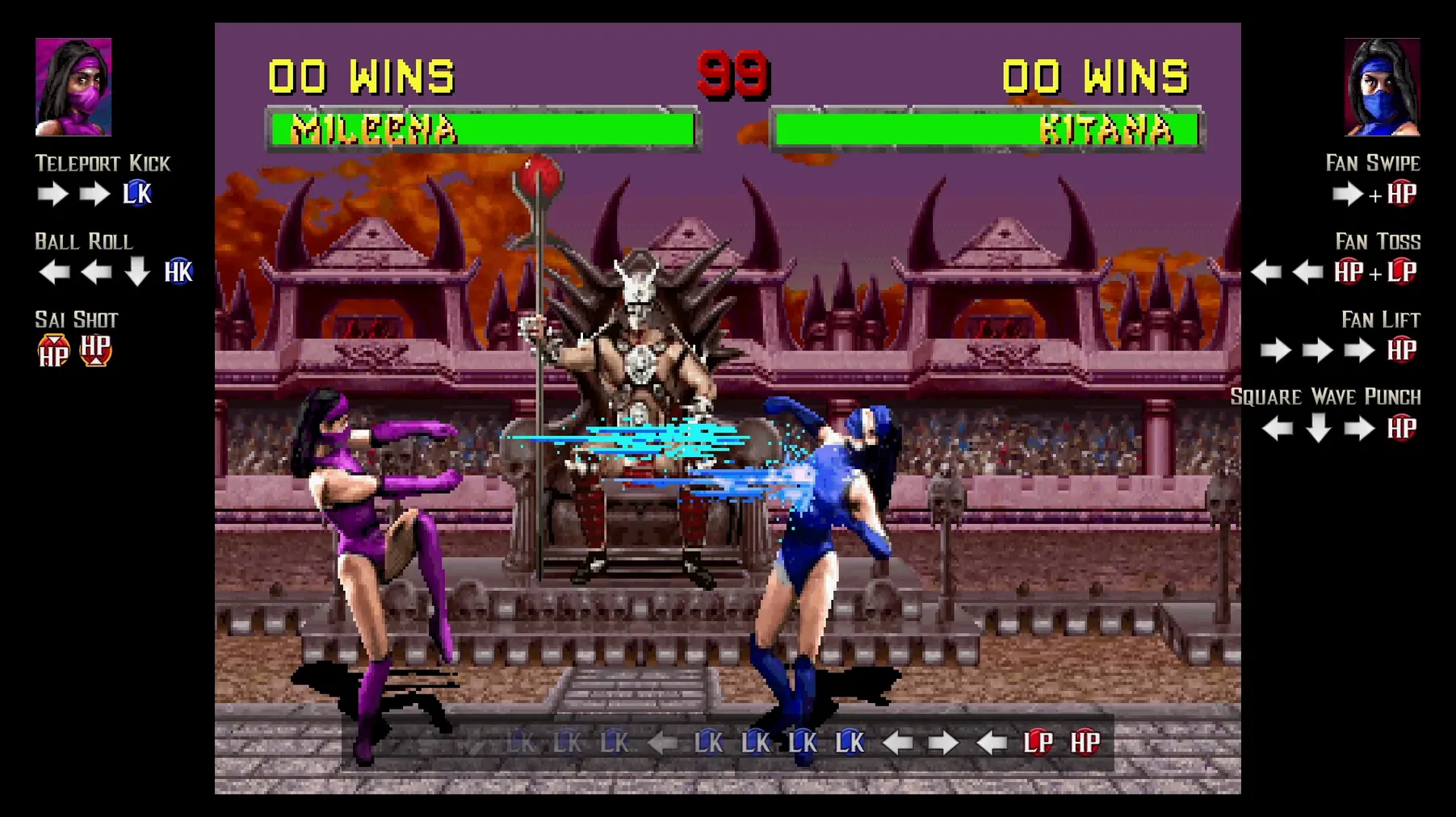
Finding a way to play the classic Mortal Kombat games without also craving the context behind the pixels is surprisingly difficult. This collection solves that by wrapping the arcade action inside a museum of Midway’s creative history.
Play through the original story timeline
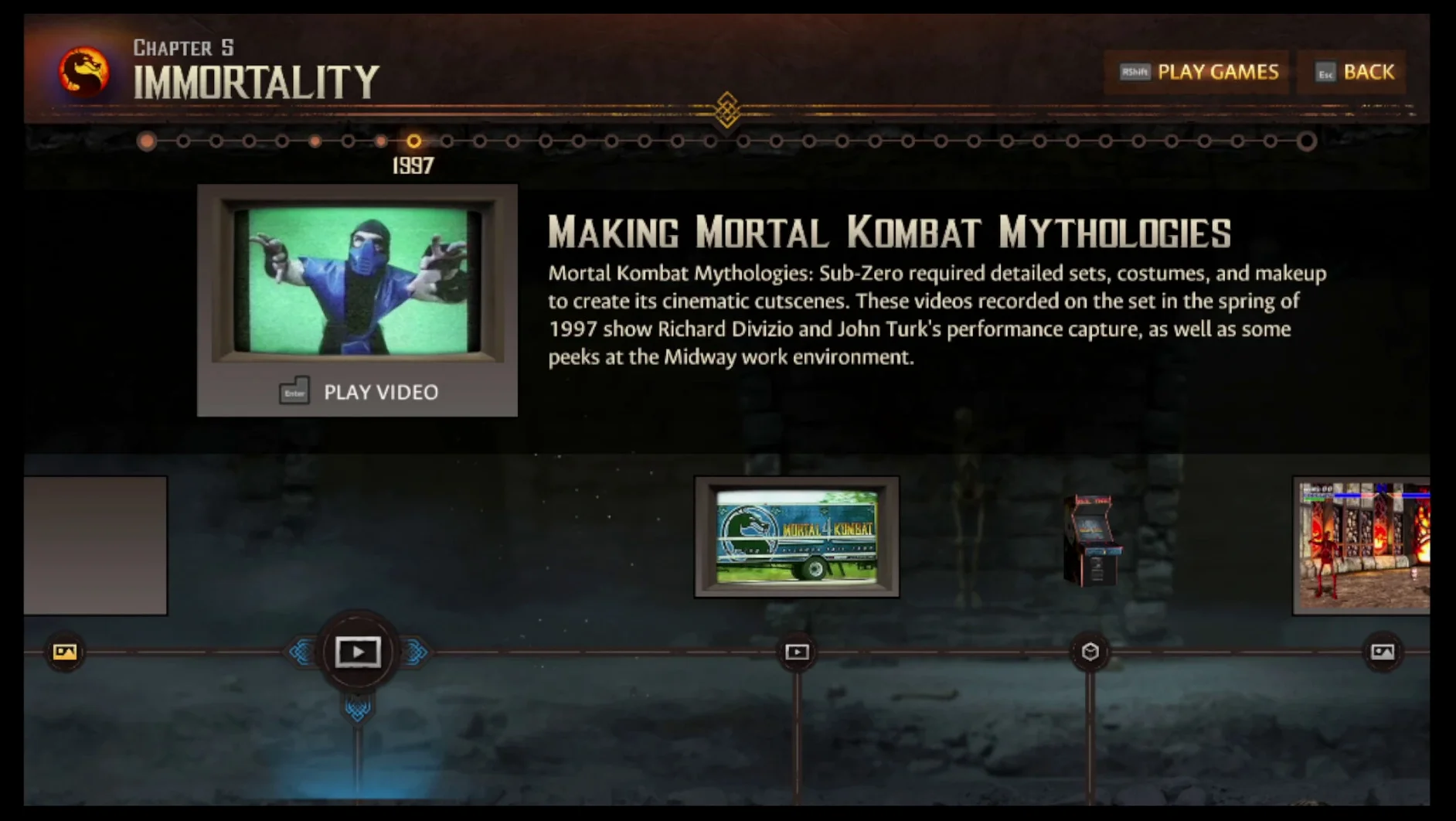
You move from one early title to the next, watching the narrative and visual style evolve. The timeline mode orders everything chronologically, so a session feels less like jumping between roms and more like tracing how the team’s ambition grew.
Dig into the developer interviews
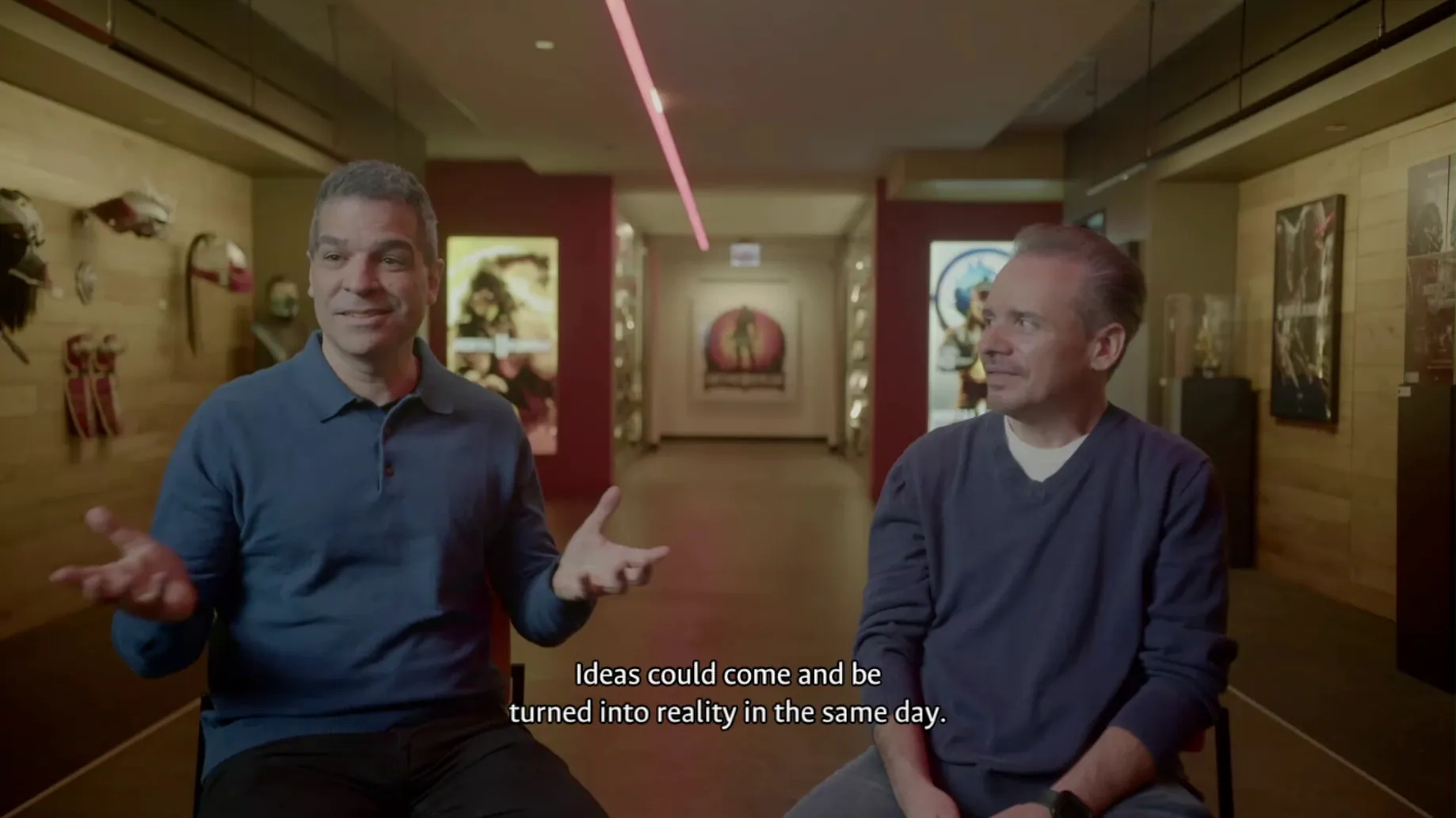
Between matches you can sit with recorded conversations from Ed Boon, John Tobias, John Vogel, and Dan Forden. They talk about constraints, happy accidents, and the origins of characters you just controlled — material that turns a quick play session into a proper retrospective.
Explore hidden corners of the code
Secret characters are here to find, but the deeper rabbit hole is the hidden developer menus. Poking through debug tools and early build artifacts gives you a tactile sense of how the games were stitched together, straight from the Digital Eclipse archive.
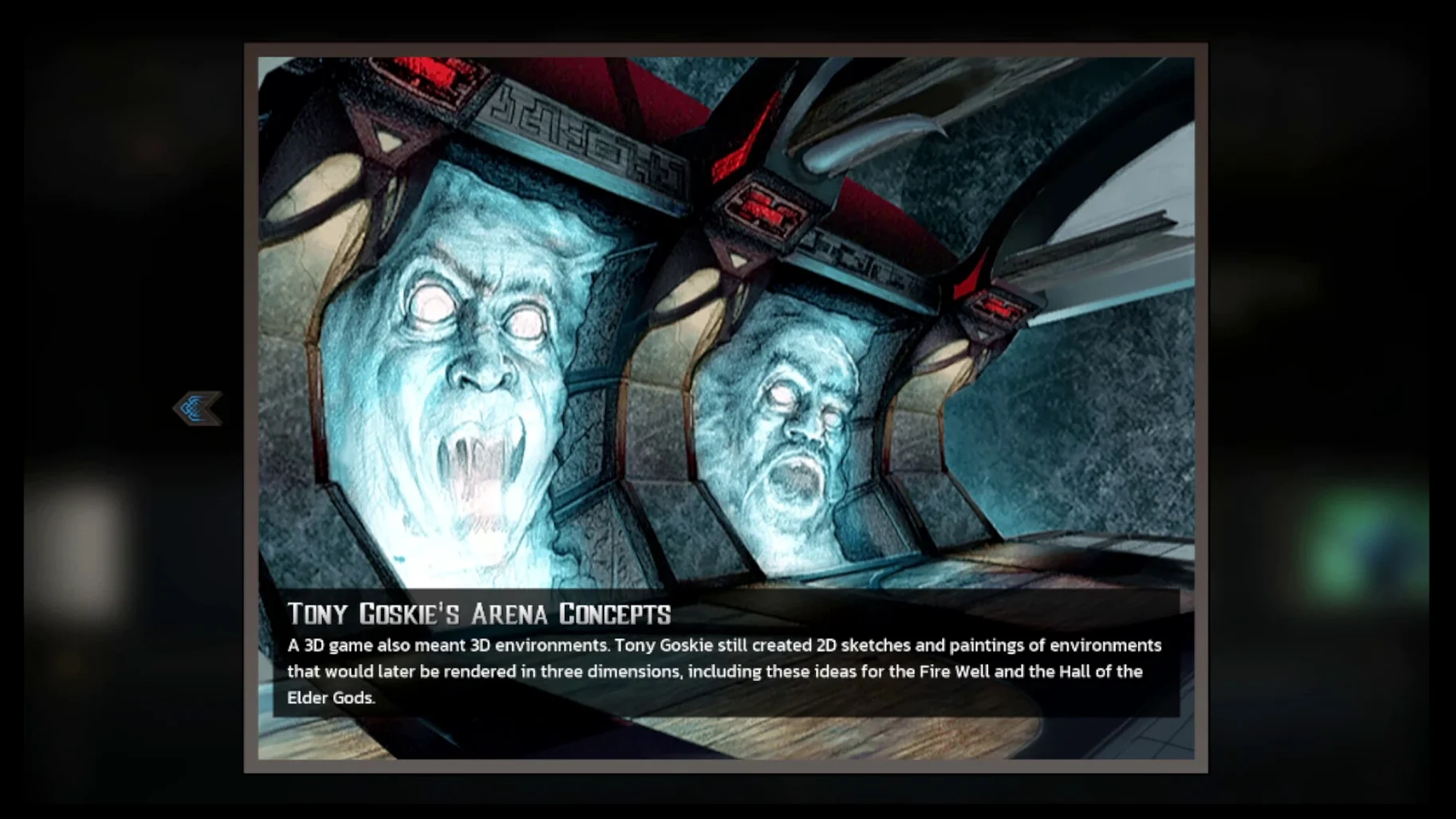
I spent an evening running through the arcade ladder in Mortal Kombat II with the timeline wrapper active, just to see how the documentary bits would interrupt and enrich the flow. After each tower, the game paused and dropped me into a short clip or a piece of concept art relevant to that chapter. It never felt jarring — more like the credits rolling after an episode, giving me a moment before the next fight.
If you want to do a full story run from Mortal Kombat through Ultimate Mortal Kombat 3, the timeline mode handles the sequencing for you. Here is the path I followed:
- Start from the timeline hub and pick the first arcade entry, which defaults to the original Mortal Kombat arcade ROM.
- Run through one character’s ladder until the credits roll. The collection detects completion and unlocks the relevant documentary clips automatically.
- Watch the developer interview snippets that pop up — they are short, but skipping them can hide context the next unlock expects you to have seen.
- Move to the timeline’s next node. The collection usually picks the arcade version, but you can manually swap in a home port or a fan release if you prefer a different moveset or speed.
- Repeat across the three mainline entries. By the end, the bonus gallery is fully open and the character histories read with better coherence because you have just lived through their design changes.
Tip: If you care about save consistency, the save files live under the app’s SharedSupport prefix path inside AppData/Roaming/Mortal Kombat Legacy Kollection. Backing that folder up before a long timeline run saved me once after an unexpected quit.
Shang Tsung morphs without a stutter
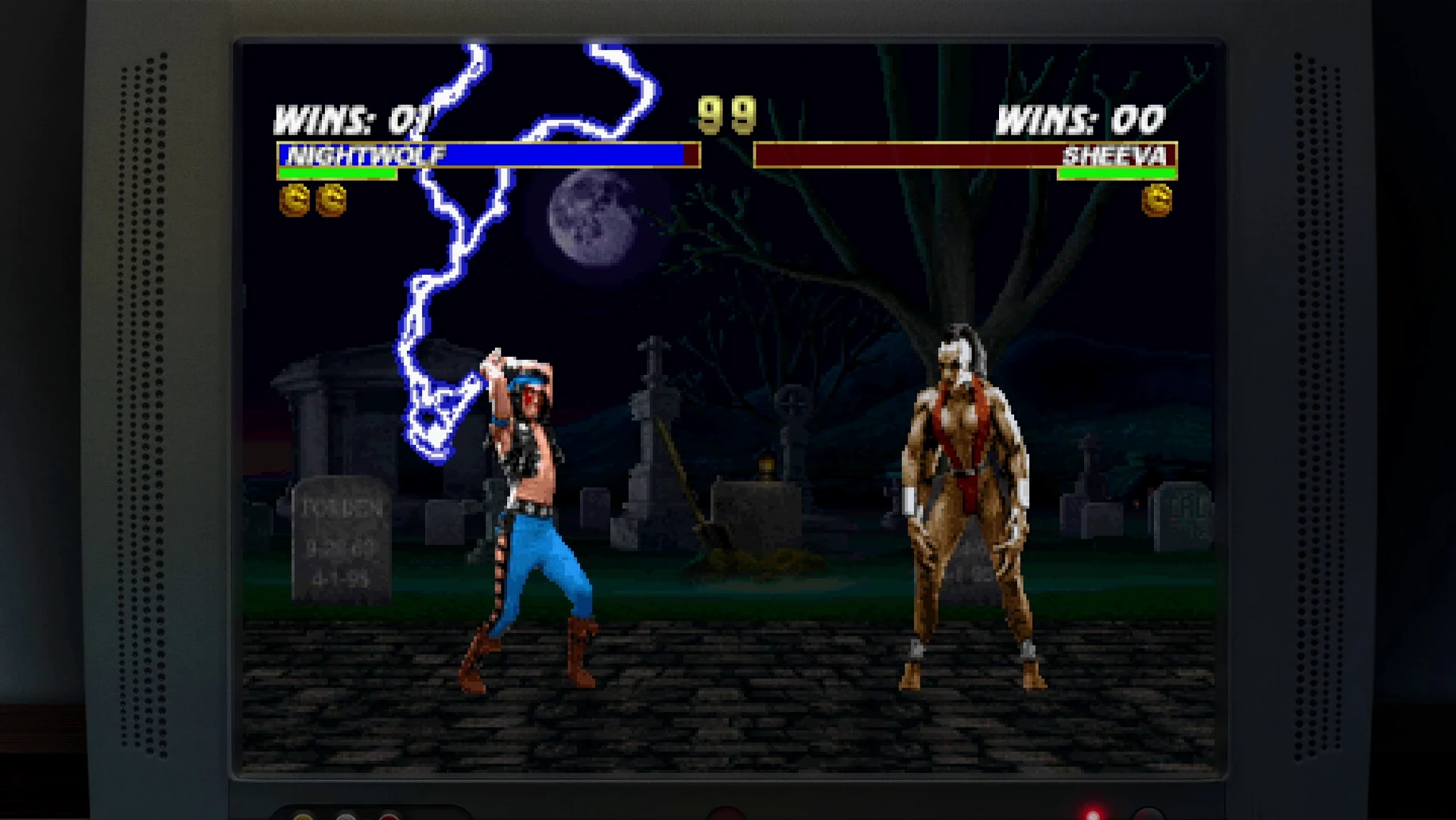
On a Mac mini M4 the Wineskin wrapper stayed quiet. Matches ran at full speed without frame drops, even during Shang Tsung’s morph-heavy animations where some emulation setups stumble. I never saw a crash during gameplay — the one issue was a launch error right after installation, which the included Fix file sorted out immediately. Memory pressure stayed modest; I could leave the documentary viewer open behind a match without the fan kicking in.
Loading between games in the timeline adds about three to five seconds while the wrapper spins up the next ROM. It is not instant, but the transitional art screens make the pause feel intentional rather than sluggish. If you are hunting for something like a mortal kombat legacy kollection torrent mac build that actually holds together on ARM hardware, this one runs like it was assembled with care.
An evening for a collector
A fighting-game collector who already owns the cartridges might open this for the archival marketing materials alone. I picture someone scrolling through the old Midway press kit scans while a match runs in attract mode on the other half of the screen — part research session, part nostalgia trip. The collection does not demand you play; it is just as happy letting you browse rare video clips and character histories while the soundtrack loops softly. For that kind of user, the hidden developer menus become the real prize, offering a glimpse into debug features that never made it into the retail cabinets.
- Apple Silicon Mac
Questions from the stall
Where does it keep my save files?
You'll find them inside the app's SharedSupport prefix, under the path AppData/Roaming/Mortal Kombat Legacy Kollection.
What’s included besides the games?
It bundles a story timeline, interviews with the original Midway team, unlockable secret characters, and access to hidden developer menus.
Notes from other shops 0
Sign in or open a shop account to leave a note.
No notes yet. If you've used this on a shop Mac, tell me how it went.