
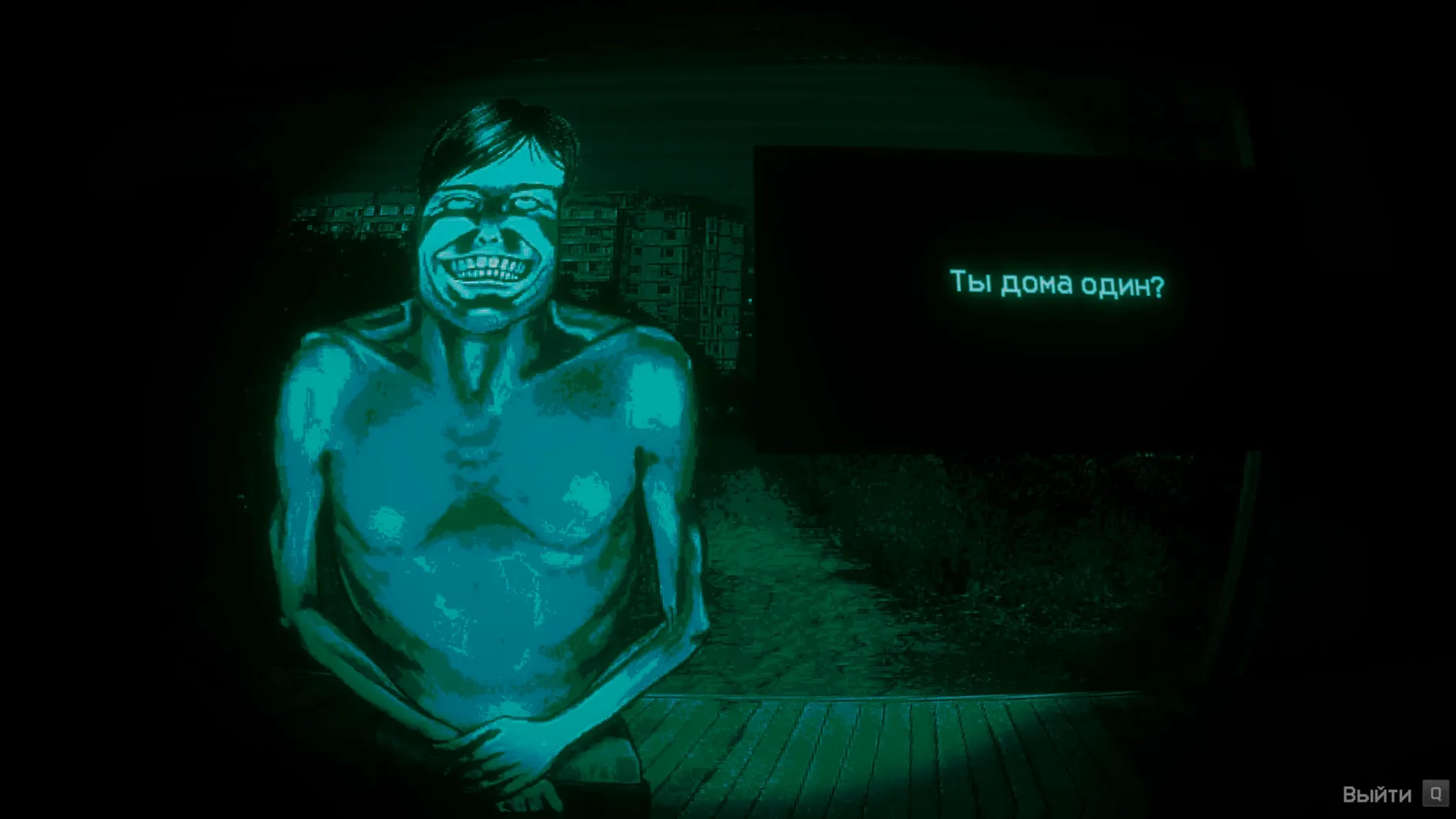
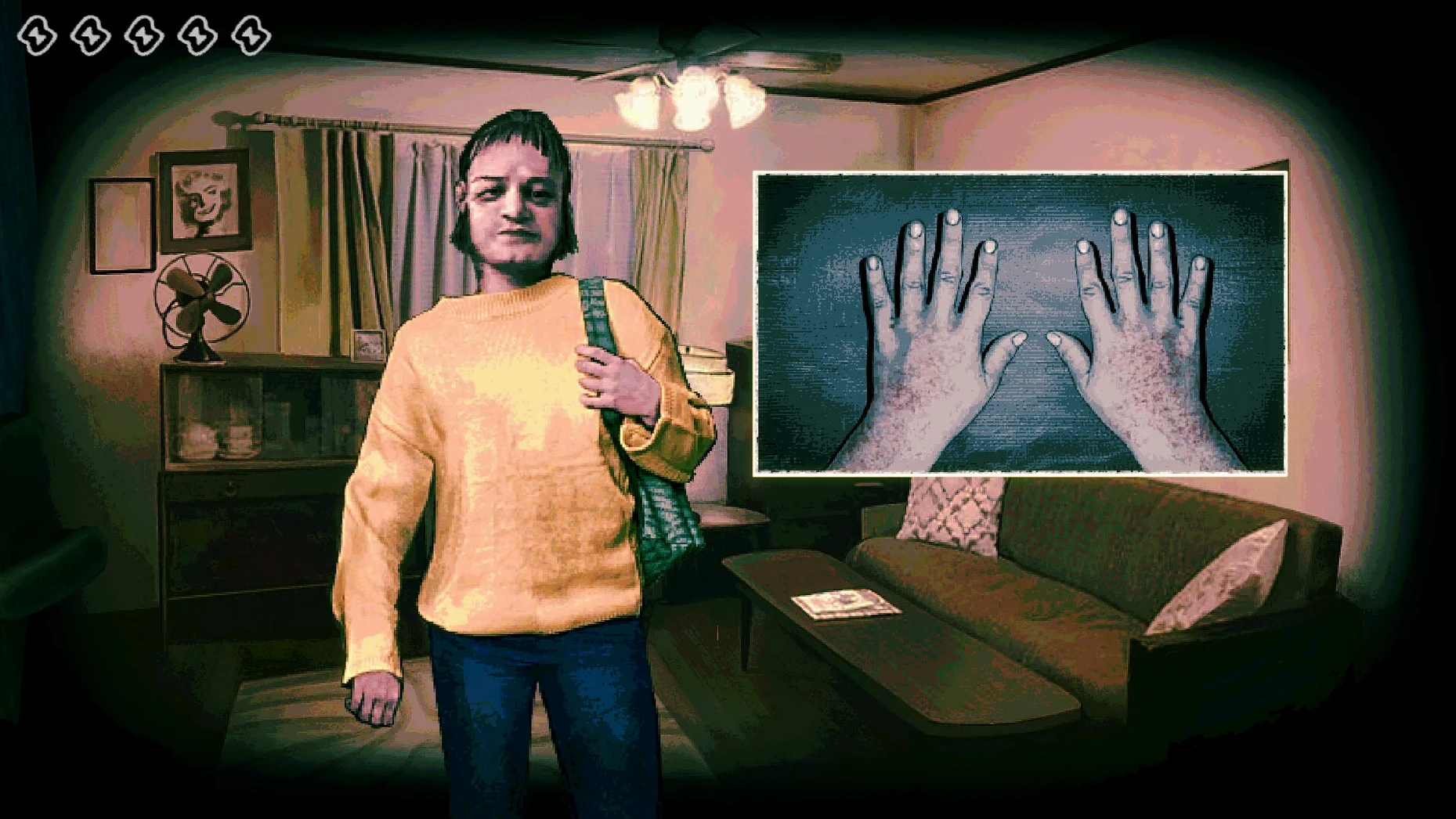
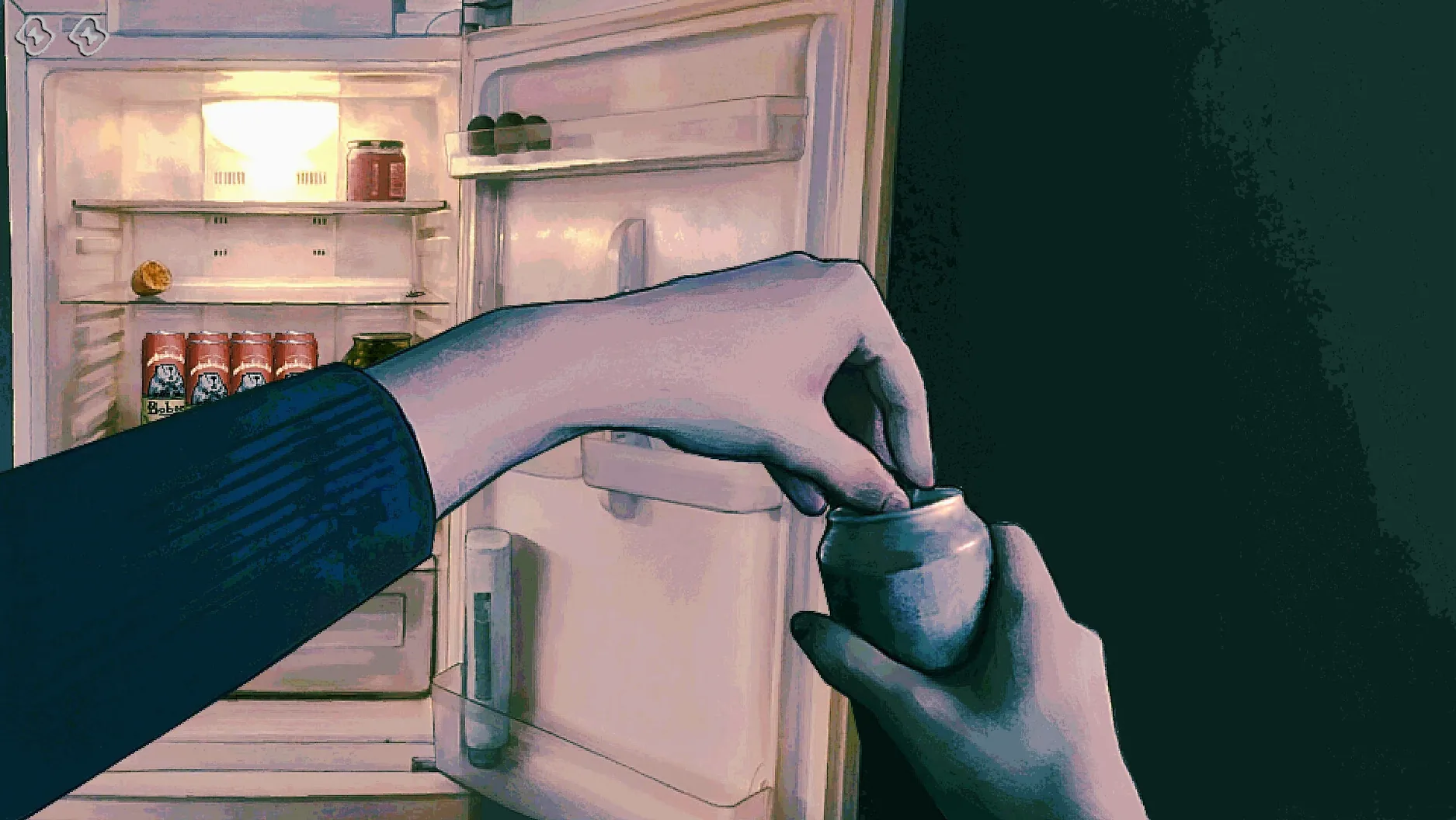

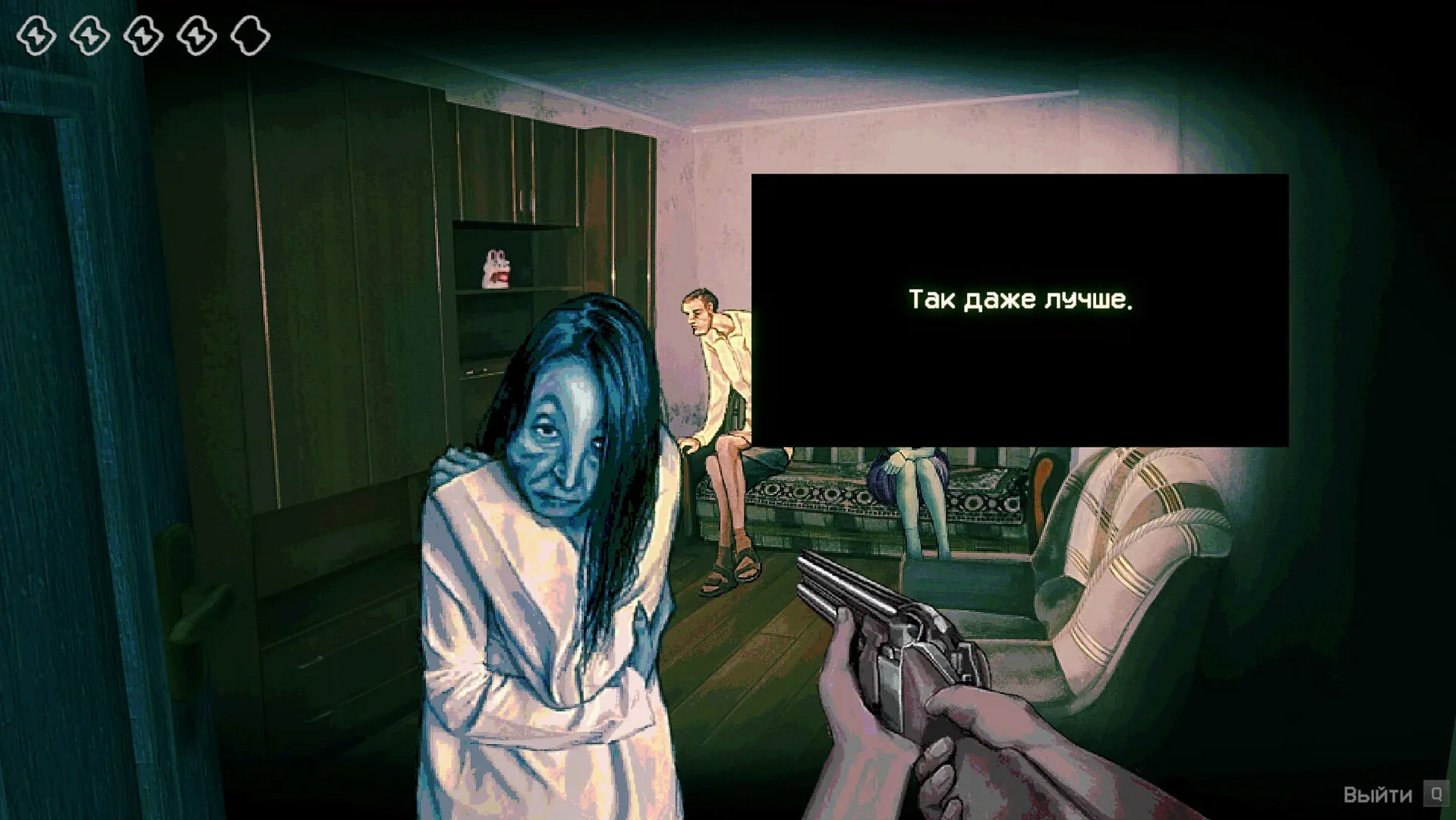
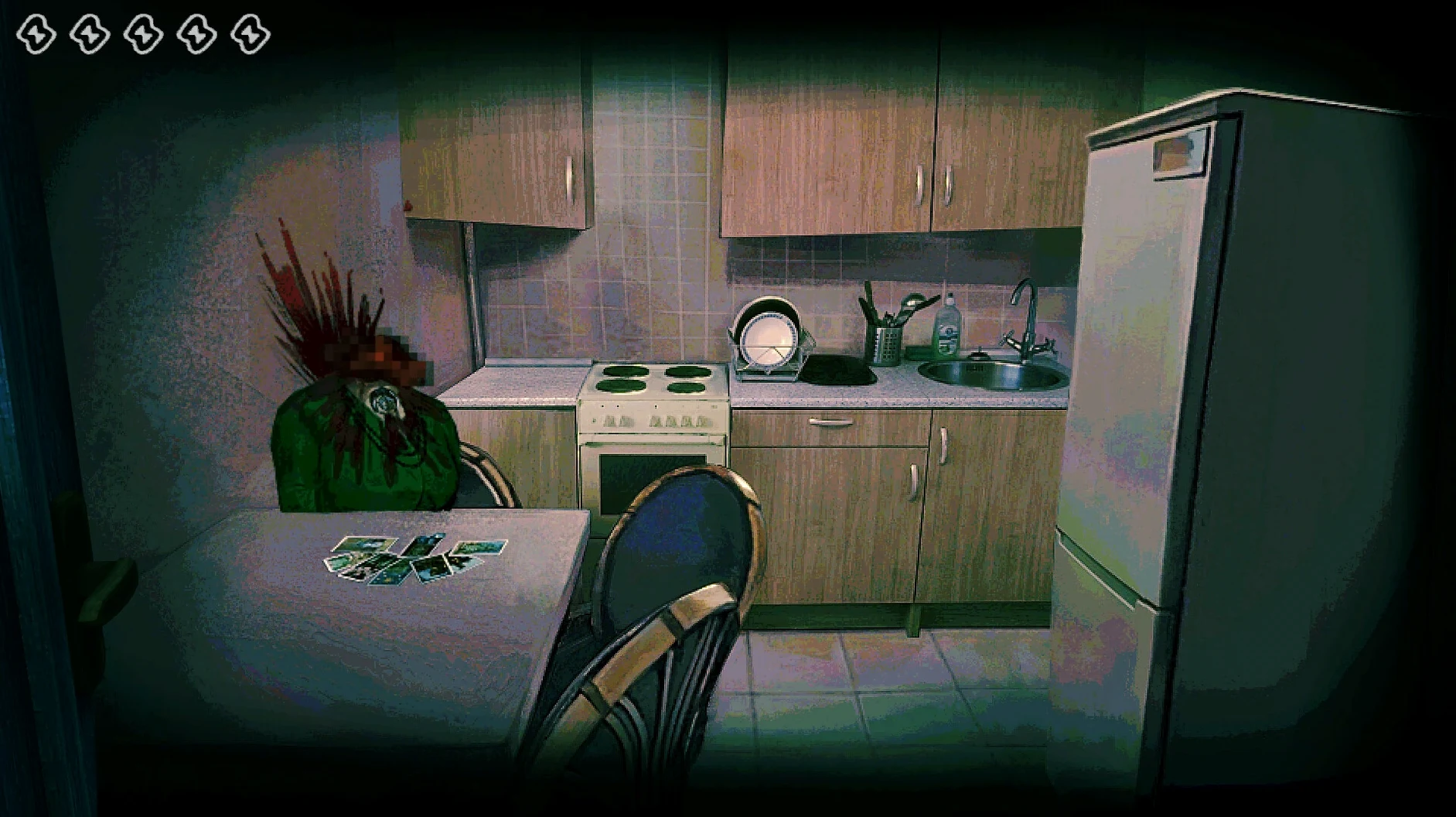
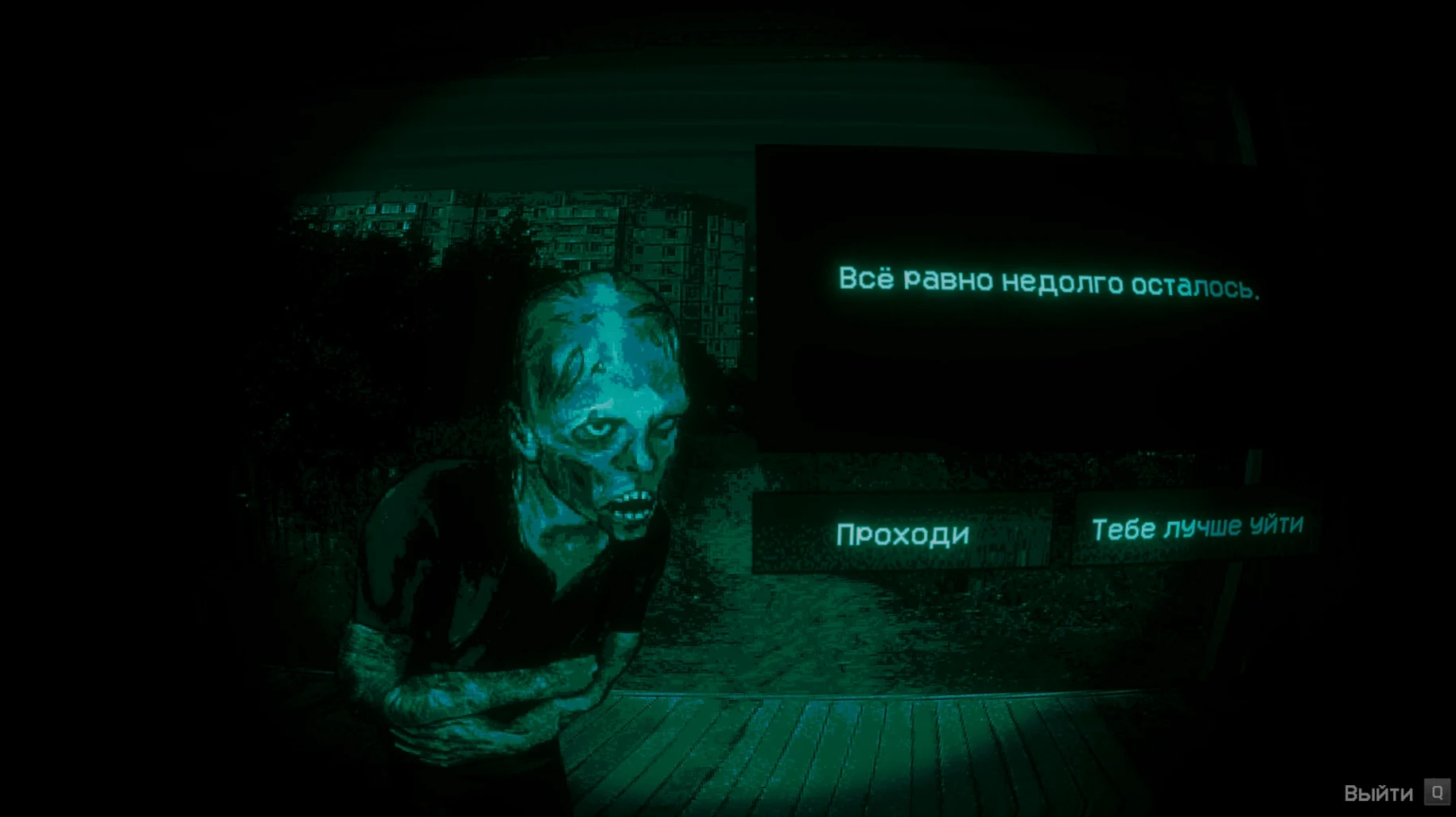
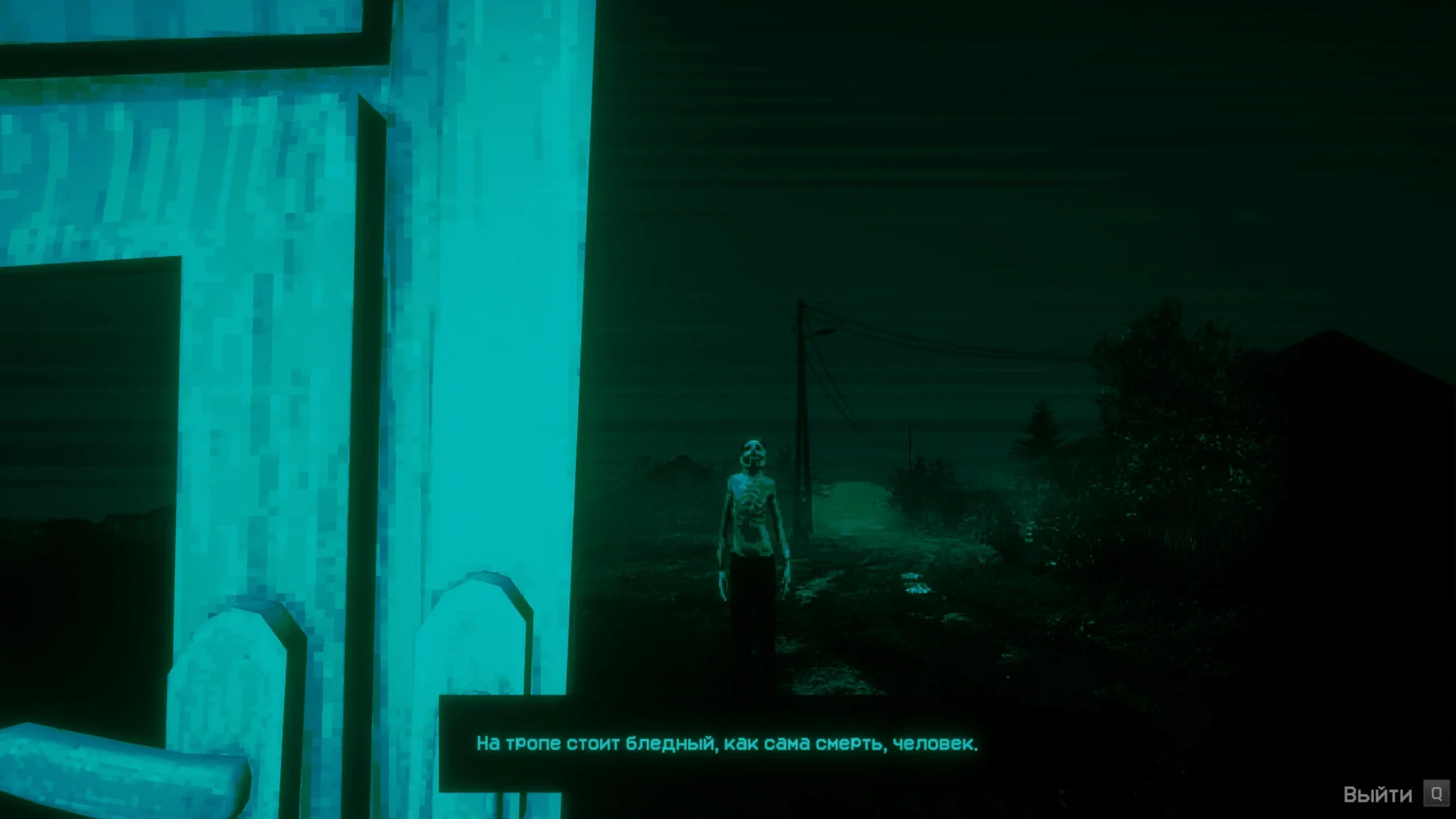
Sometimes the end of the world isn't about loud monsters — it's about the quiet dread of making the wrong call. No, I'm Not a Human drops you into that exact pressure cooker. You're manning a checkpoint as the apocalypse unfolds, and your job is simple: decide who gets in. The catch is that some of the people on your doorstep aren't people at all. Visitors mimic human speech and behavior, and a single bad decision can be disastrous. This Mac build wraps the anxiety-driven horror game so you can run it on Apple Silicon without fuss.
- It's a pure tension game — no combat, no inventory, just you staring at faces and listening to voices, trying to spot the cracks in the imitation.
- The build is packaged as version 1.3.19 Rev2 using Wineskin, tuned for ARM architecture and macOS Tahoe.
- You get a wide safety net for the jitters: interface languages include English, Russian, French, German, Spanish, Japanese, Korean, Portuguese, and both Chinese variants.
- Audio is music-only, so the game communicates tension through soundtrack and silence rather than spoken lines you might miss.
- Controls expect a standard keyboard and mouse — nothing that'll trip up a typical Mac setup.
Performance lands where you'd expect for a Wineskin-wrapped title on Apple Silicon: the intro and menus are smooth, and the real-time face-rendering holds up well without eating your CPU alive. If you're hunting for a short horror experience that relies on psychological second-guessing rather than jump scares, this one's worth an evening.
If you're wondering how this stacks up against other Mac horror games that mess with your head instead of throwing monsters at you, a couple of comparisons help. Papers, Please shares the checkpoint-inspection DNA — you're behind a desk, making life-or-death calls about strangers. But No, I'm Not a Human strips away the bureaucracy and replaces it with raw fear. There’s no rulebook to consult, no escalating paperwork. You’re alone with your gut instinct, and the game leans harder into atmospheric dread than dystopian satire. Where Papers, Please punishes you with fines and family stress, this one punishes you with something much worse slipping through the door.
That Which Gave Chase is another indie horror title that runs well via similar Mac wrappers and trades on psychological pressure. The difference is pacing. That Which Gave Chase keeps you moving — you’re sledding across frozen wastes, and the horror is in what’s behind you. Here, you’re stationary. The dread builds because you can’t run. Every knock at the door is a fresh interrogation, and the game gives you just enough time to doubt yourself before the next Visitor arrives. It’s a slower burn, and that makes the tension stick differently.
Where a game like Iron Lung traps you in a claustrophobic submarine with a single porthole, No, I'm Not a Human traps you in a role where politeness and fear collide. You’re not navigating blind — you’re looking directly at faces that might be lying. The horror is social, which makes it uniquely unsettling for a Mac library that’s often short on this kind of restrained indie experience.
Unnerved by rehearsed conversations
People who enjoy horror built on social unease rather than gore get the most mileage here. If you’ve ever found yourself unnerved by a slightly-off facial expression or a conversation that felt rehearsed, the Visitor encounters will land hard. Indie simulation fans who liked the moral weight of Papers, Please but wanted something colder and more cryptic tend to fall into this one fast.
Mac users running Apple Silicon machines are the natural fit — the Wineskin wrap was tested on an M4 and feels at home on ARM architecture without the overhead of a full virtual machine. It’s also a good pick for anyone who wants a shorter, self-contained horror session. You can finish a playthrough in an evening, and the language-switching detail means non-English speakers aren’t locked out after that first English launch.
If you’re the type who talks back to the screen during tense scenes, you’ll probably get a kick out of questioning each Visitor. The game rewards attention to small details — vocal tics, awkward pauses, things that feel just a little rehearsed. It’s a thinking person’s horror game, and it doesn’t apologize for that.
One Dock bounce to the title screen
On an Apple Silicon Mac, the Wineskin wrapper does its job without much drama. Startup is quick — the app bounces once in the Dock and you’re at the title screen. I’ve seen it sit at around 400–500 MB of memory during extended sessions, which is reasonable for a game rendering detailed face models in real time. The fan on a Mac mini M4 stayed quiet through several Visitor interrogations, and I didn’t notice any thermal throttling or stuttering during the more visually busy moments.
Stability is solid for a wrapped title. The only quirk worth knowing is that first-launch language requirement — if you forget and set it to something other than English right away, you might trip an error, and that’s exactly what the included Fix file handles. Once you’re past that one-time step, the game loads cleanly every time. Save files live inside the app bundle, which is worth remembering if you ever want to back up your progress manually before tinkering with settings.
No crashes during normal play on the tested setup, and the music-only audio means there’s one less subsystem to worry about. If you’ve wrestled with wrapped Windows games on Mac before, this is one of the smoother experiences — closer to a native app than a finicky port. The lack of spoken dialogue also means you’re never straining to hear critical audio cues over a laptop’s speakers, which is a small mercy when you’re already on edge trying to spot a Visitor’s tell.
Here's what's changed in the current build:
- A hotfix for Steam Cloud save recovery on Steam Deck, bundled into version 1.3.19.
- Minor localization fixes for the Ukrainian translation.
- macOS Tahoe
- Apple Silicon (ARM build)
Notes from other shops 0
Sign in or open a shop account to leave a note.
No notes yet. If you've used this on a shop Mac, tell me how it went.