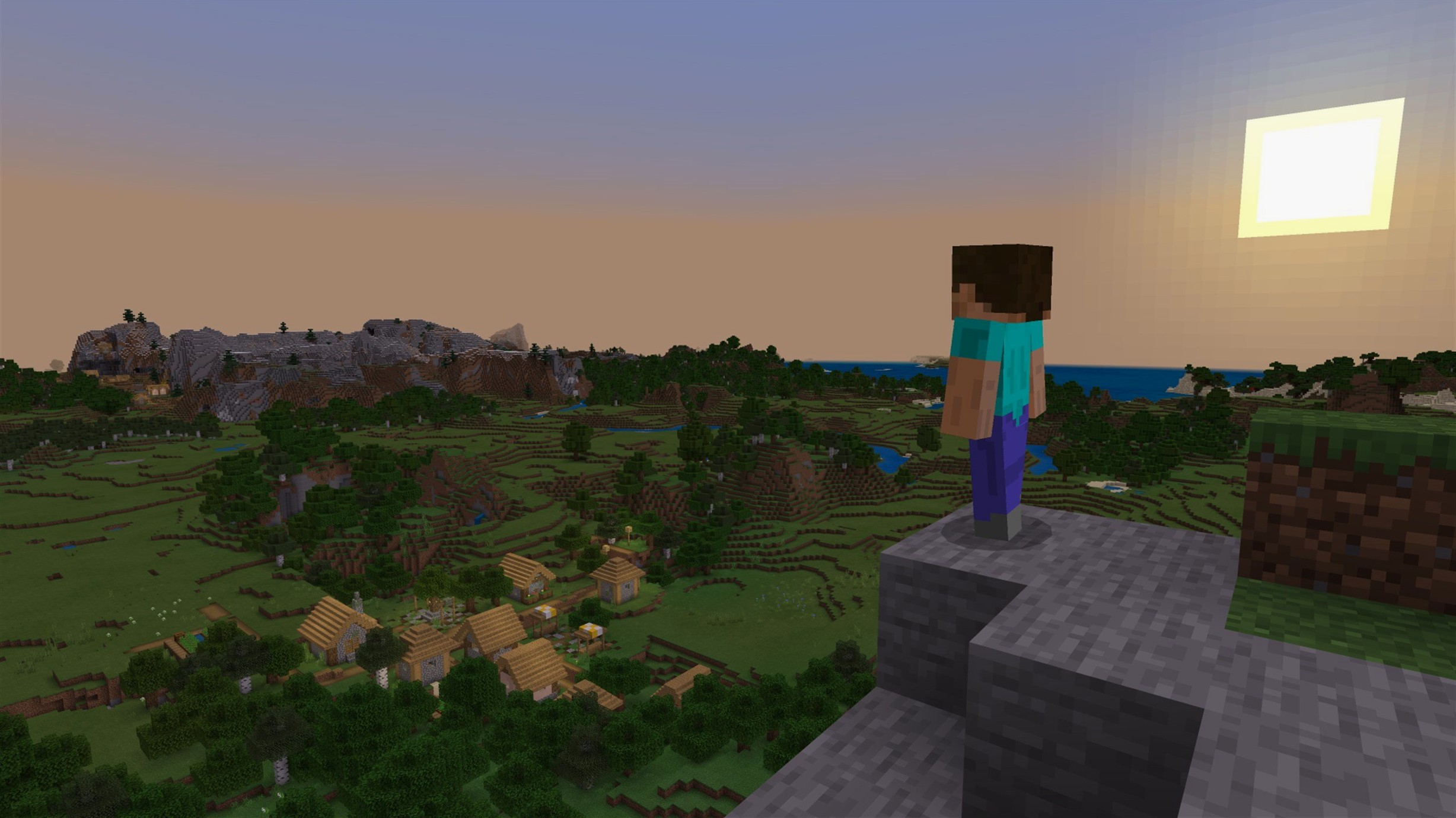
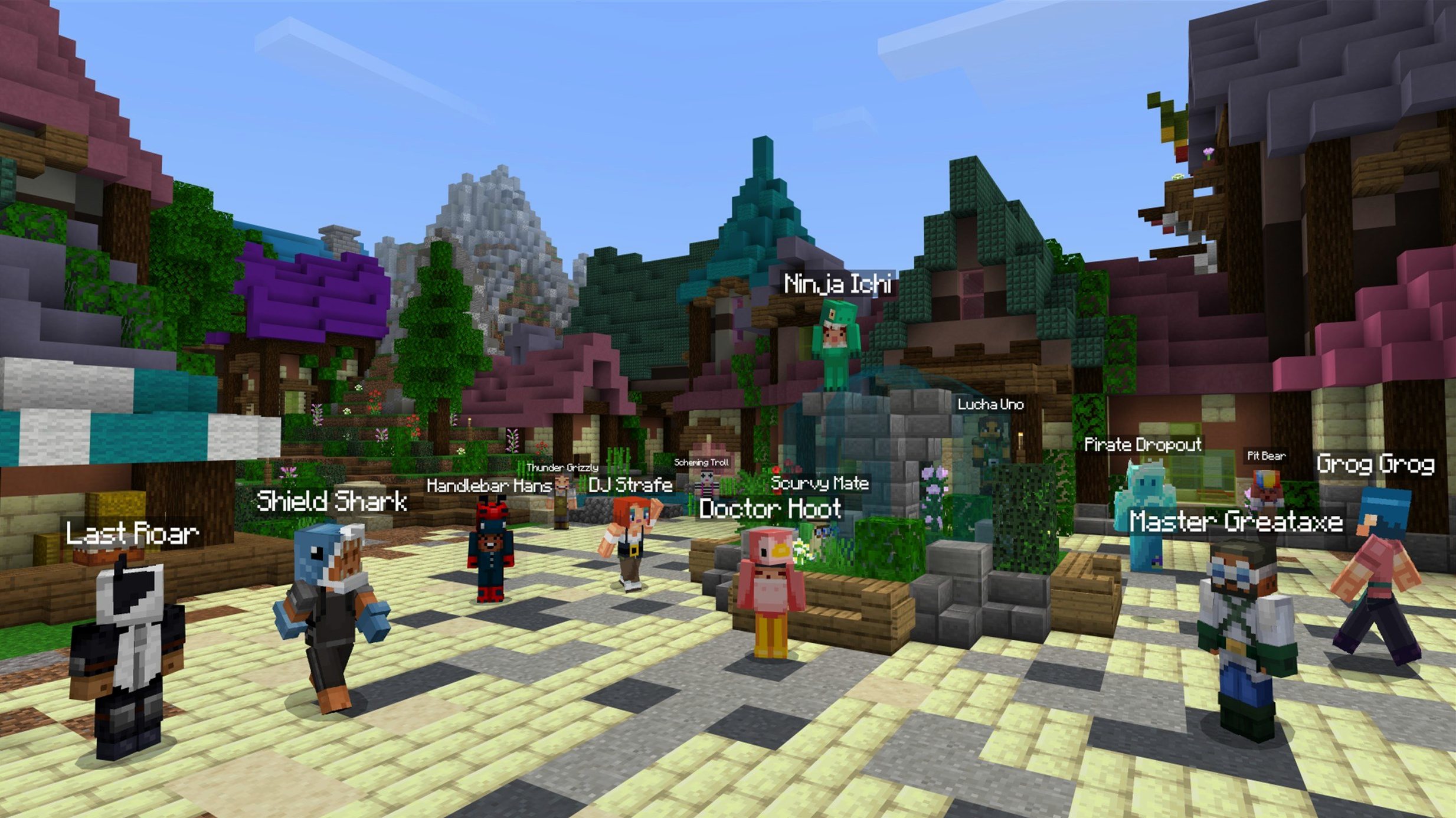
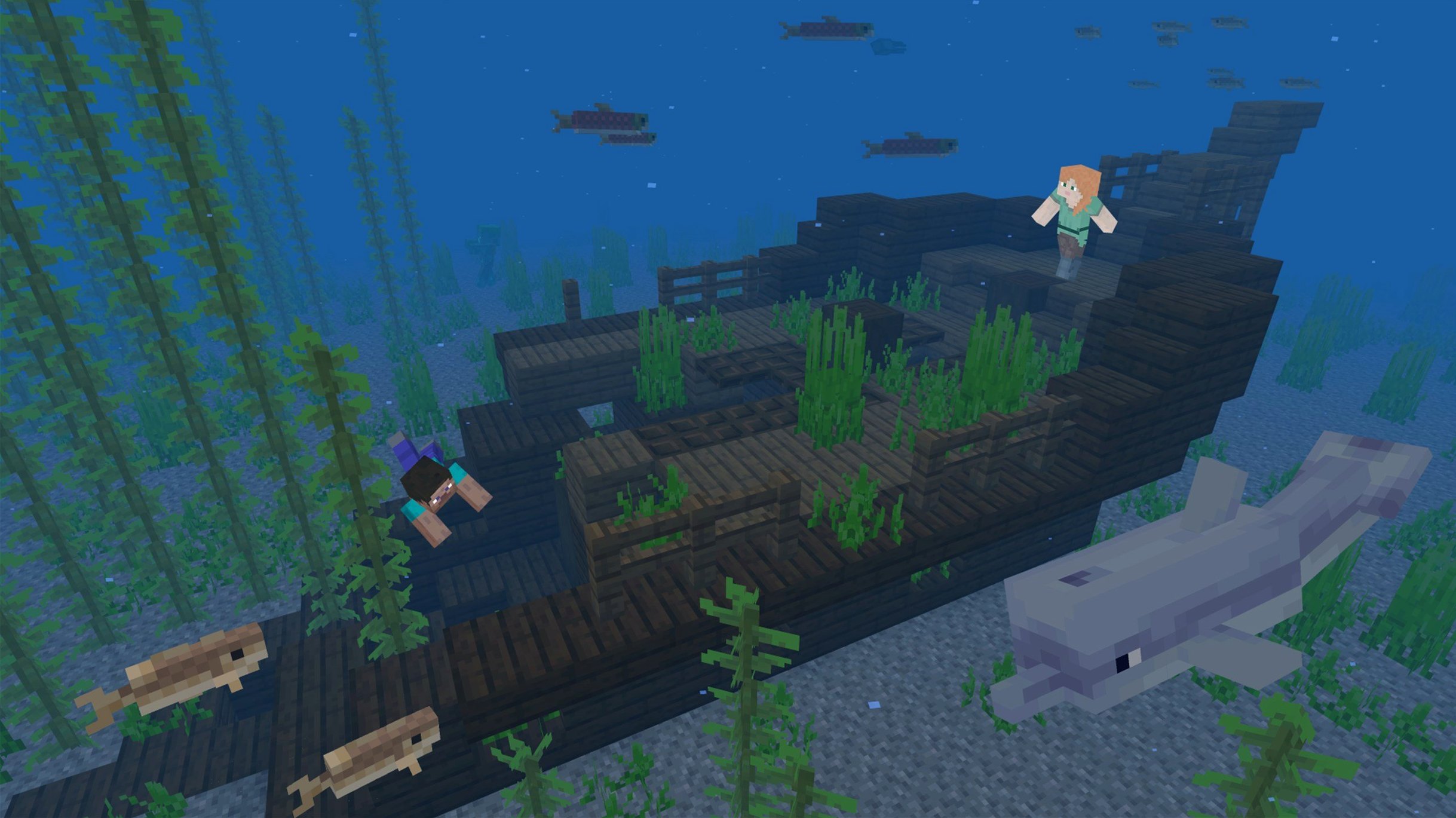
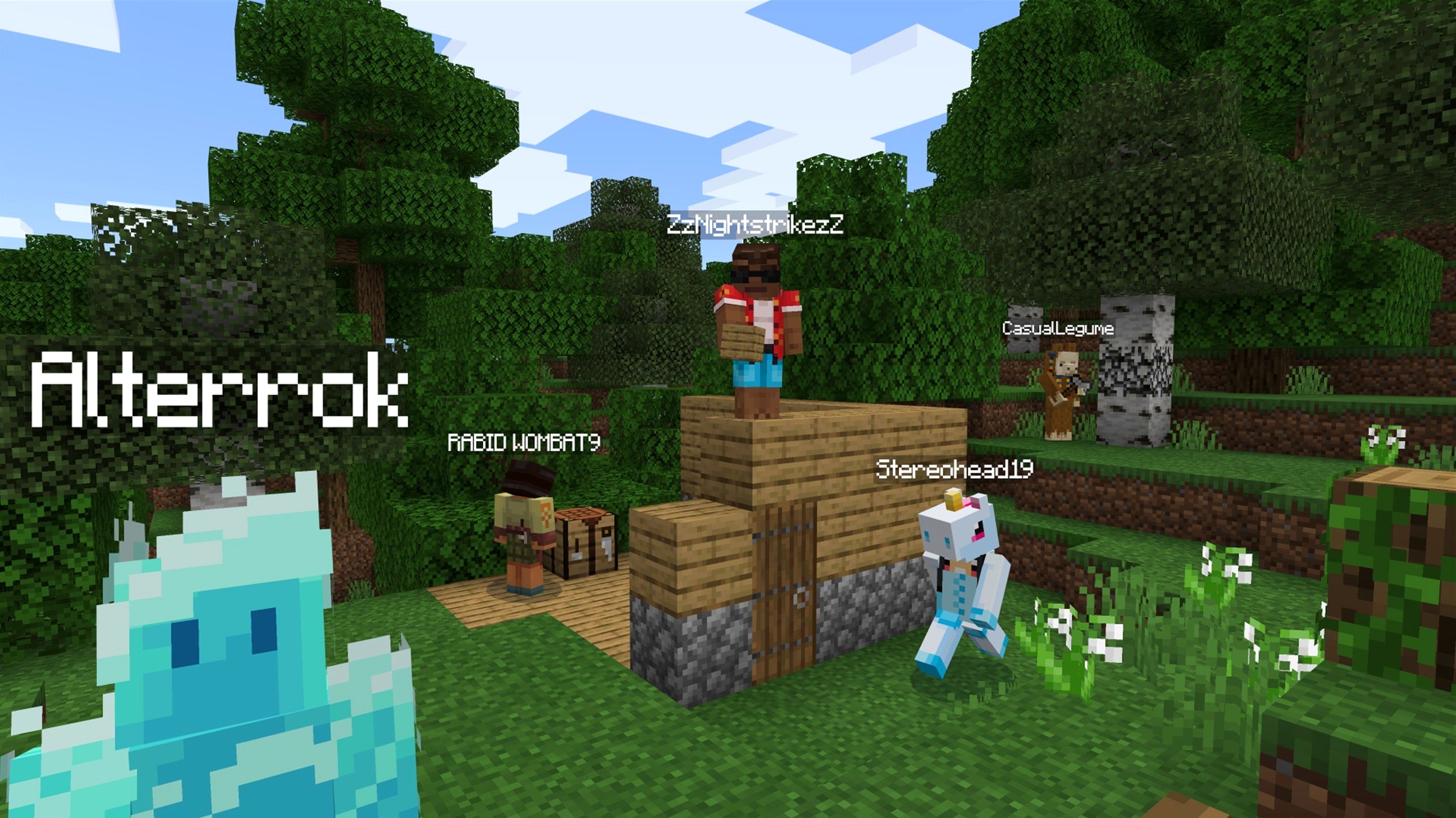
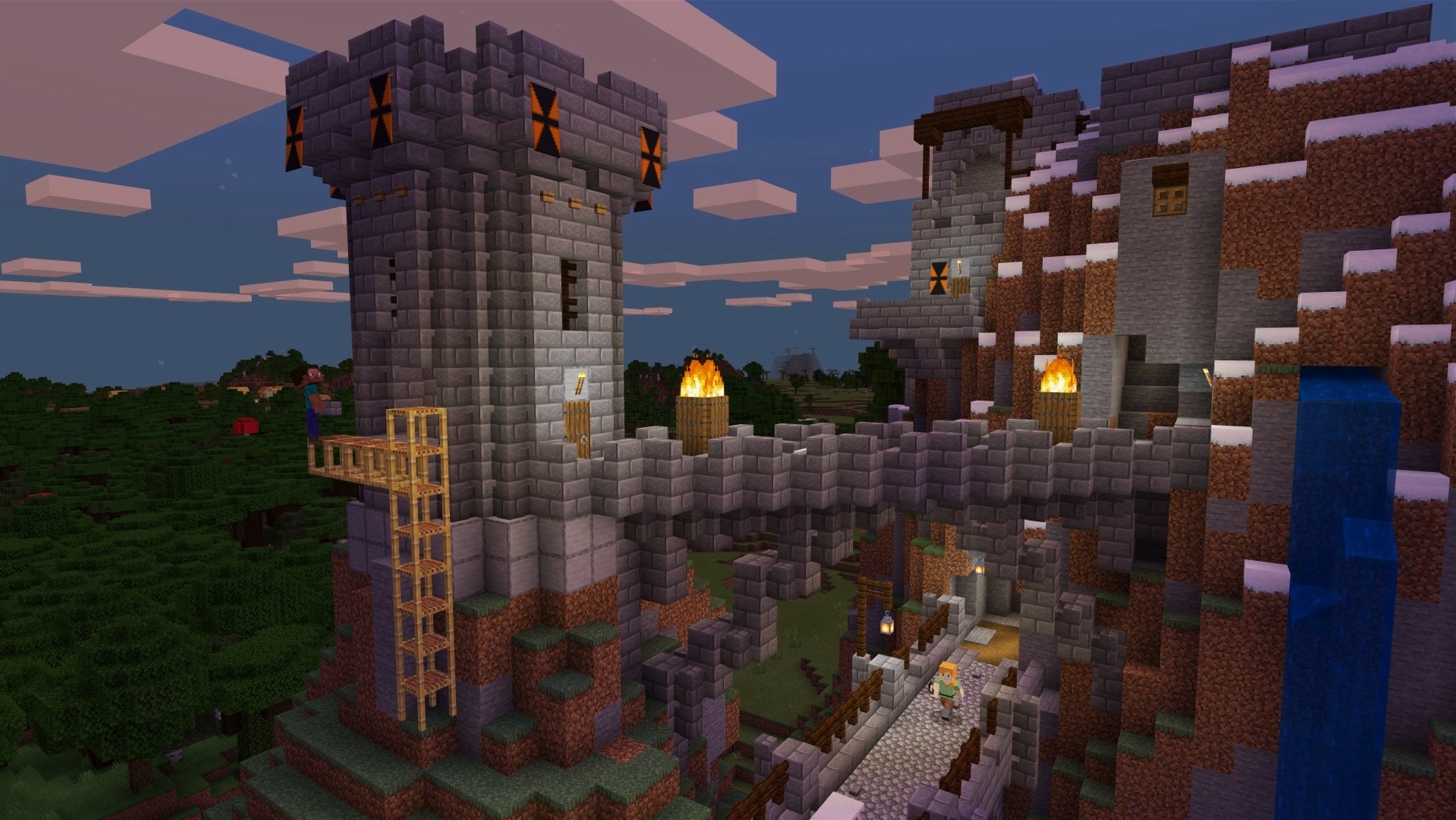
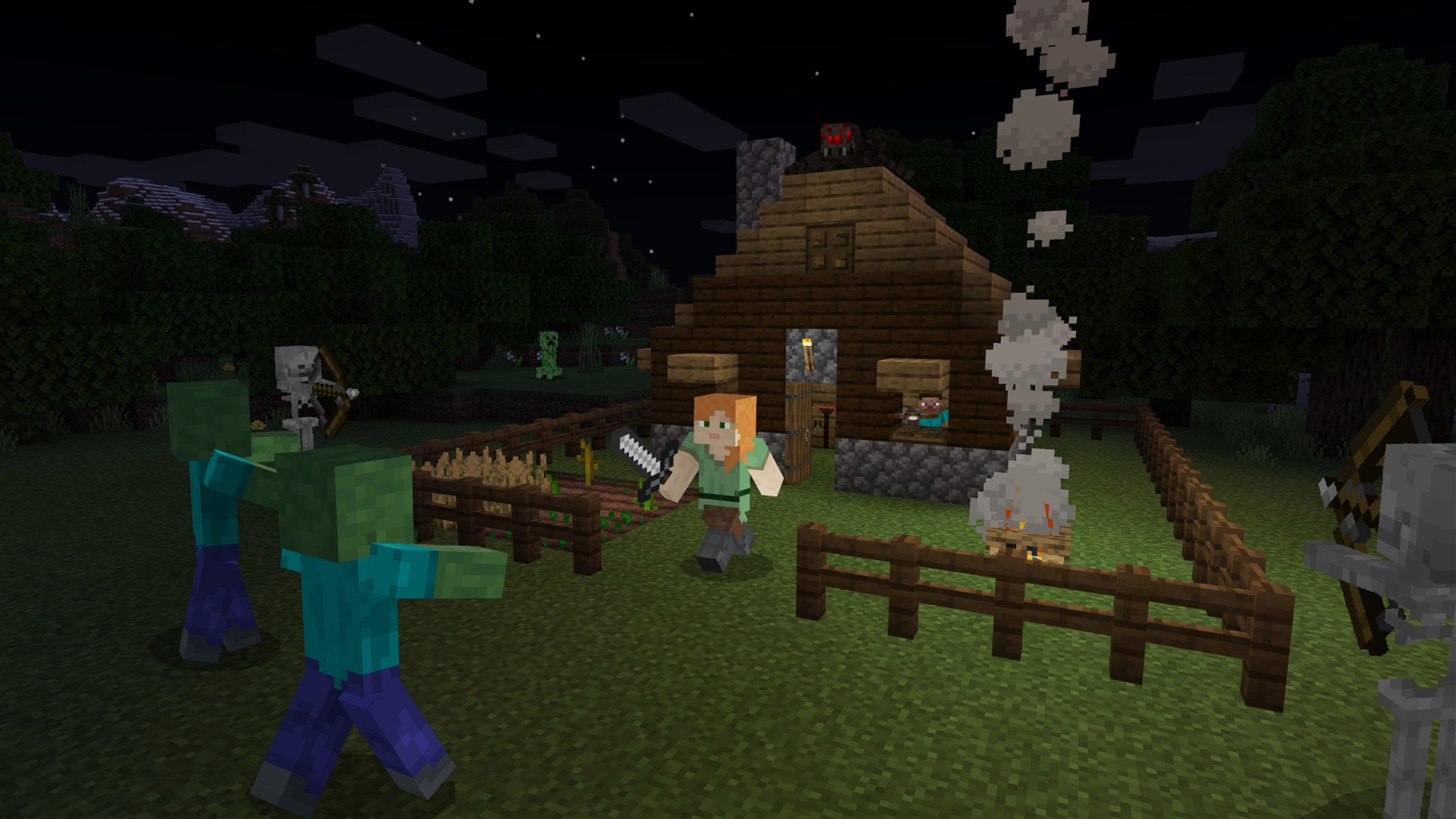
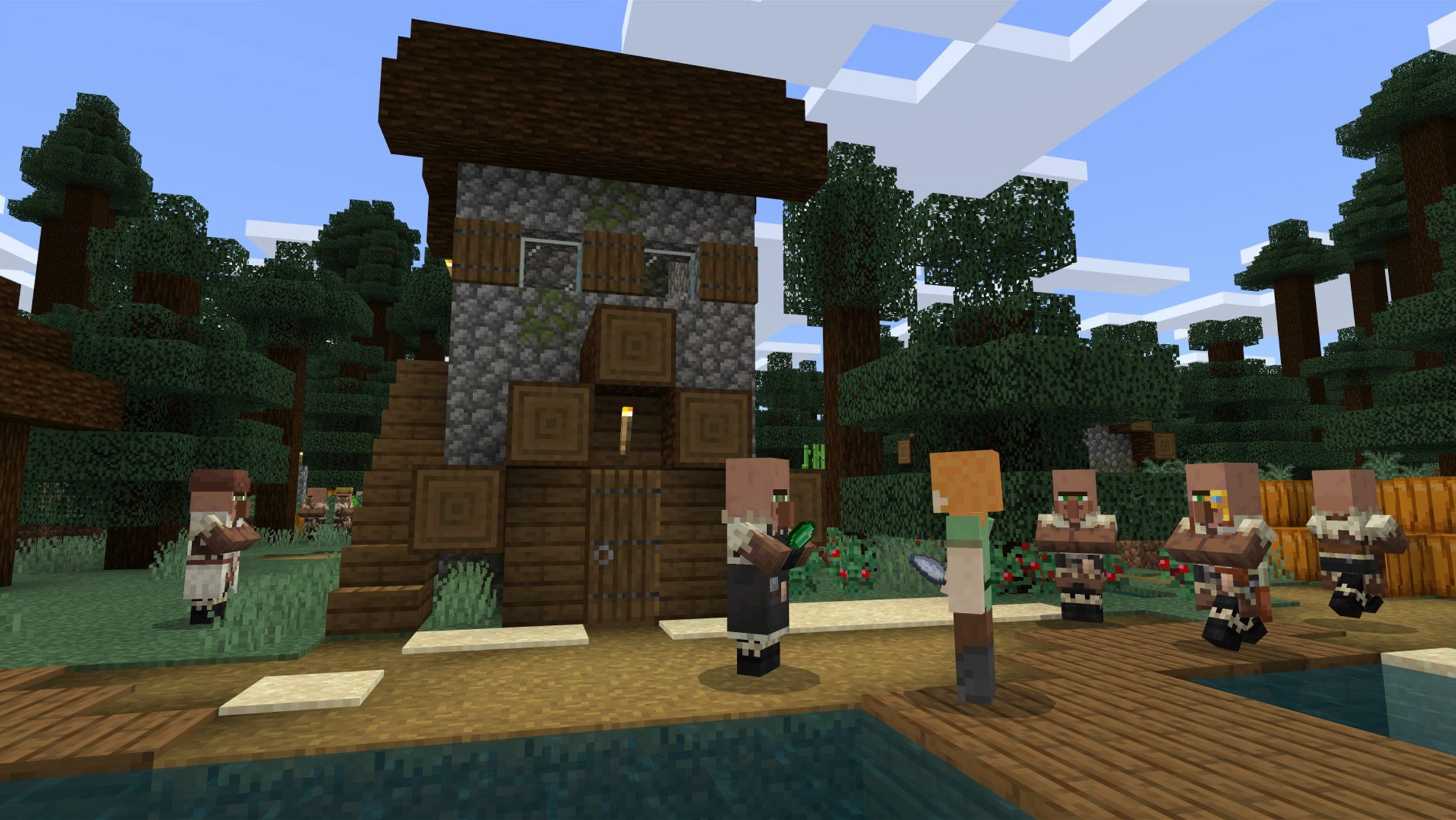
Everything you see is a block. Mountains, trees, water, even clouds are rendered as textured cubes in a three-dimensional world that stretches far beyond the horizon. Minecraft gives you a limitless landscape and lets you reshape it however you like, digging deep underground or building structures that climb into the sky.
Build castles, redstone machines, or wander new biomes
- Unstructured building. Place blocks to form houses, castles, bridges, or complex machines with no set path to follow. The only limit is the height of the world.
- Exploration. Each world generates differently. You can wander across biomes, stumble into cave systems, and find villages in the desert or hidden strongholds below your feet.
- Item crafting and survival. Chop wood, smelt ore, craft tools, and grow food. At night the opponents come out, so you build, fight, and manage resources to stay alive.
Java Edition for Mac, localized in three languages
- This is the Java Edition, part of the Minecraft bundle sold for PC. It runs on Apple Silicon and Intel 64-bit Macs.
- The interface is presented in Russian, English, and Ukrainian.
Launcher stumbles and resource pack fixes after an update
Even a game this polished throws a few curveballs on macOS, especially after a fresh update or when you are juggling custom resource packs. Here are the things I hear about most often and what actually helps.
- The launcher does not show the latest release. Sometimes the drop‑down next to the Play button sticks on an old profile. Click it, pick Latest Release, and let the launcher fetch version 1.21.7. If it still refuses, quit the launcher entirely (Command‑Q, not just closing the window), reopen it, and try again.
- Startup crashes on an older AMD Mac. One of the bug fixes in 1.21.7 targeted exactly that — a crash on some AMD graphics setups during launch. If you are still seeing it, make sure you are not forcing a custom Java runtime that conflicts. The launcher ships its own, and swapping it out can cause more harm than good.
- Text looks garbled or missing after a resource pack reload. There was a texture leak tied to resource reloads that this build patches. If you are running a pack that has not been updated to resource pack version 64, it might still misbehave. Switch back to the default pack, reload the world, then reapply the custom one.
- Framerate dips on Apple Silicon. The Java Edition runs through a translation layer, so it is rarely as buttery as a native ARM title. Turning down the render distance to 12 chunks and switching graphics from Fabulous to Fancy usually pulls things back to a smooth sixty frames, even on a base M‑series machine.
- Multiplayer connection refused. If a world hosted on your Mac is not showing up for friends, check that your Mac's firewall is not blocking Java. Head to System Settings > Network > Firewall > Options and make sure
java(or the launcher) has an allow rule.
A session that feels like a Saturday morning
Here is how an hour or two might unfold once you have everything set up. No two sessions are the same, but the rhythm becomes familiar fast.
You open the launcher after breakfast. The drop‑down already says Latest Release (1.21.7) because you set that yesterday. You press Play, and the Mojang splash fades into the title screen. You click Singleplayer, pick the survival world you have been working on for three weeks, and wait a few seconds while the chunks load around your base.
You left off inside a birch‑wood shack with a double chest half full of iron ingots. It is morning in‑game. You grab a stone pickaxe from the hotbar and head down the ladder into the branch mine. The goal today is simple: find enough diamonds to craft a full set of armor before the next trip to the Nether. You dig a straight tunnel at level ‑53, placing torches every dozen blocks. After ten minutes of rhythmic clicking, you hear the telltale pop of a diamond ore block breaking. Three diamonds. Good start.
Back on the surface, you spot a creeper near the wheat farm. You sprint‑dodge, swipe it with your iron sword, and collect the gunpowder. The sun is high, so you take a moment to expand the roof of the animal pen — a flat slab of oak planks, nothing fancy, but it keeps the sheep dry. You swap to the crafting table, combine sticks and leather to make item frames, and mark the chests so you actually remember where the cobblestone lives.
After an hour, you pause to listen. The new Lava Chicken music disc dropped into your inventory from a skeleton duel earlier, and you slot it into a jukebox by the front door. The melody is goofy and oddly calming against the ambient cave sounds drifting up from the mine entrance. You glance at the real‑world clock and decide to wrap up. You press Escape, hit Save and Quit to Title, and the world disappears, exactly as you left it.
Native Apple Silicon support without Rosetta
People downloading the Java Edition on this side of the fence tend to ask the same handful of things. Here is the short of it, without the runaround.
Does this run natively on Apple Silicon, or is it Rosetta all the way? The launcher ships as a universal binary, but the game logic itself runs through a Java runtime that is not fully ARM‑native. That means you are leaning on translation — but it works fine. On a Mac mini M4 with macOS Tahoe, it holds 60 frames per second at reasonable settings without breaking a sweat.
Will my worlds and resource packs survive a version jump? Yes. The game opens old worlds and converts them to the newer data pack version (81 as of this release) the first time you load them. Make a backup of your ~/Library/Application Support/minecraft/saves folder beforehand if the world means a lot to you — it takes thirty seconds and saves a whole lot of heartache.
Can I join a friend who plays on Windows or Linux? Absolutely. Java Edition servers do not care what operating system you are running. As long as everyone is on the same game version — 1.21.7 right now — you can connect to a LAN world or a dedicated server without any extra fuss.
I found a java edition torrent online — will the game work offline? The Java Edition runs perfectly fine without an internet connection once it is installed. You only need to go online for the initial launcher setup and for multiplayer sessions. Singleplayer worlds, resource packs, and everything else work offline without complaint.
A new 3×3 painting and quiet fixes that shape a session
The jump to 1.21.7 is a modest one on the surface, but a few small additions and fixes have an outsized effect on the feel of an ordinary session.
The new 3×3 painting is a quiet treat for anyone who likes decorating. Hollow halls and empty walls get a fresh option that is larger than a single block canvas but not as sprawling as the 4×4 pieces. I tend to slap it above a fireplace or in a library corner where it fills the space without dominating the room.
The Lava Chicken music disc adds a quirky new track to the jukebox rotation. Collecting discs has always been one of those side pursuits that gives exploration a little extra pull, and having one more to chase means one more reason to rig a skeleton trap or raid a bastion. The disc feels playful in a way that suits building sessions more than tense cave runs.
Behind the scenes, bumping the data pack version to 81 and the resource pack version to 64 means some older custom packs need an update before they render correctly. If you lean on community shaders or niche texture sets, check their pages for a compatibility patch. The upside is that the resource reload fix in this build stops the gradual texture corruption that could creep in after swapping packs three or four times in one session — a real quality‑of‑life improvement if you tweak visuals often.
The bug fixes collectively make the game less finicky on a wider spread of Mac hardware. The AMD startup crash fix alone puts the game back on the table for people who were locked out after a previous update. Combined with the text rendering and Qualcomm graphics patches, the general stability on macOS feels a notch tighter than it did a month ago.
Version 1.21.7 brings a small batch of fresh content alongside technical fixes.
- A new 3x3 painting is available to decorate your builds.
- The Lava Chicken music disc adds a new track to your jukebox.
- Behind the scenes, the data pack version is now 81 and the resource pack version is now 64.
- macOS (64-bit system required)
- Works on Apple Silicon and Intel 64-bit Macs
Questions from the stall
What changed in the data and resource pack versions with the 1.21.7 update?
The data pack version moved to 81 and the resource pack version moved to 64. The update also included bug fixes for resource pack loading, text rendering, and some graphics-related crashes.
Is Minecraft: Java Edition a standalone purchase on Mac?
It is part of the Minecraft bundle sold for PC. The Java Edition supports both Apple Silicon and Intel 64-bit Macs and requires a 64-bit system.
Notes from other shops 0
Sign in or open a shop account to leave a note.
No notes yet. If you've used this on a shop Mac, tell me how it went.