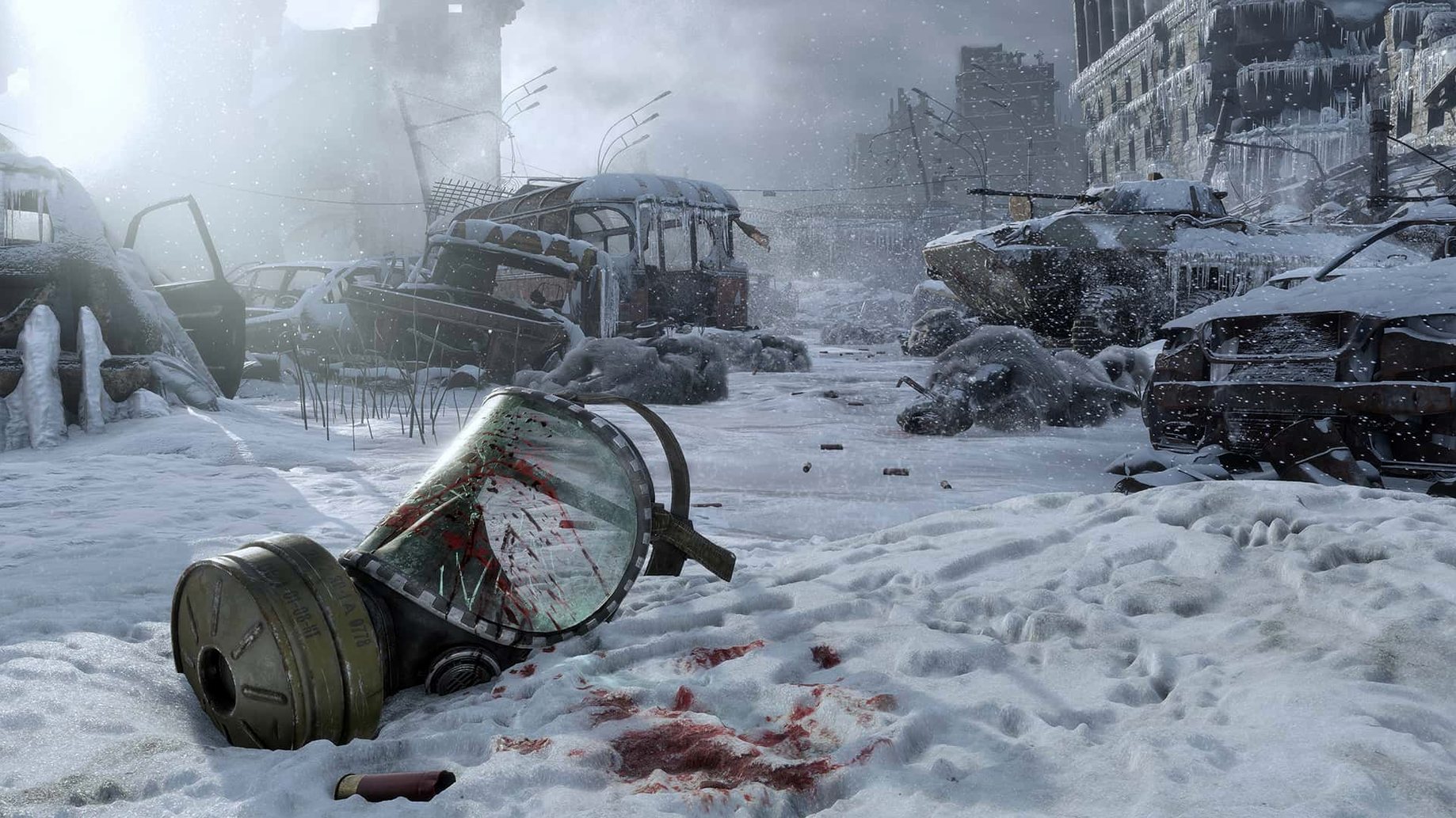
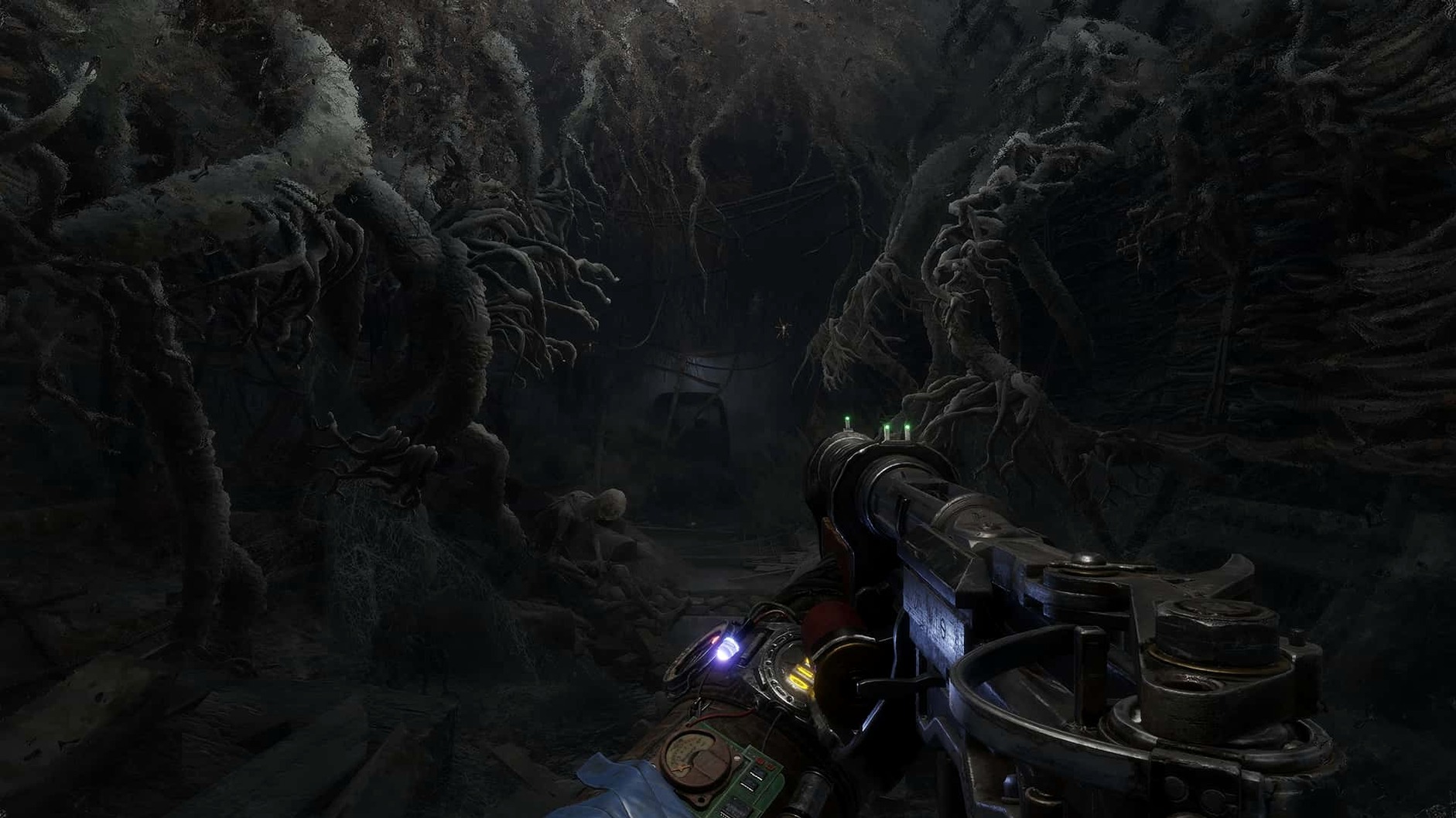
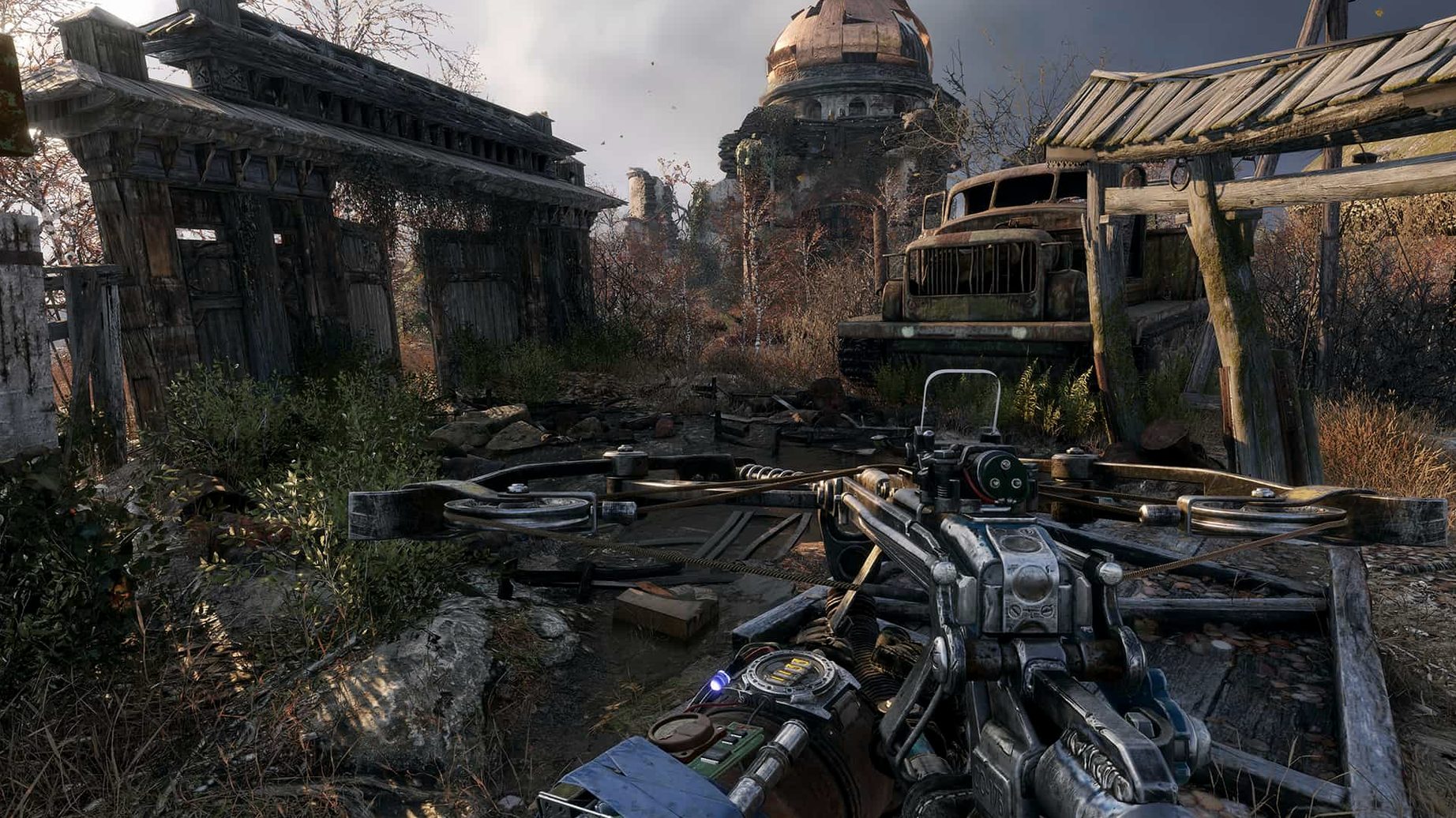
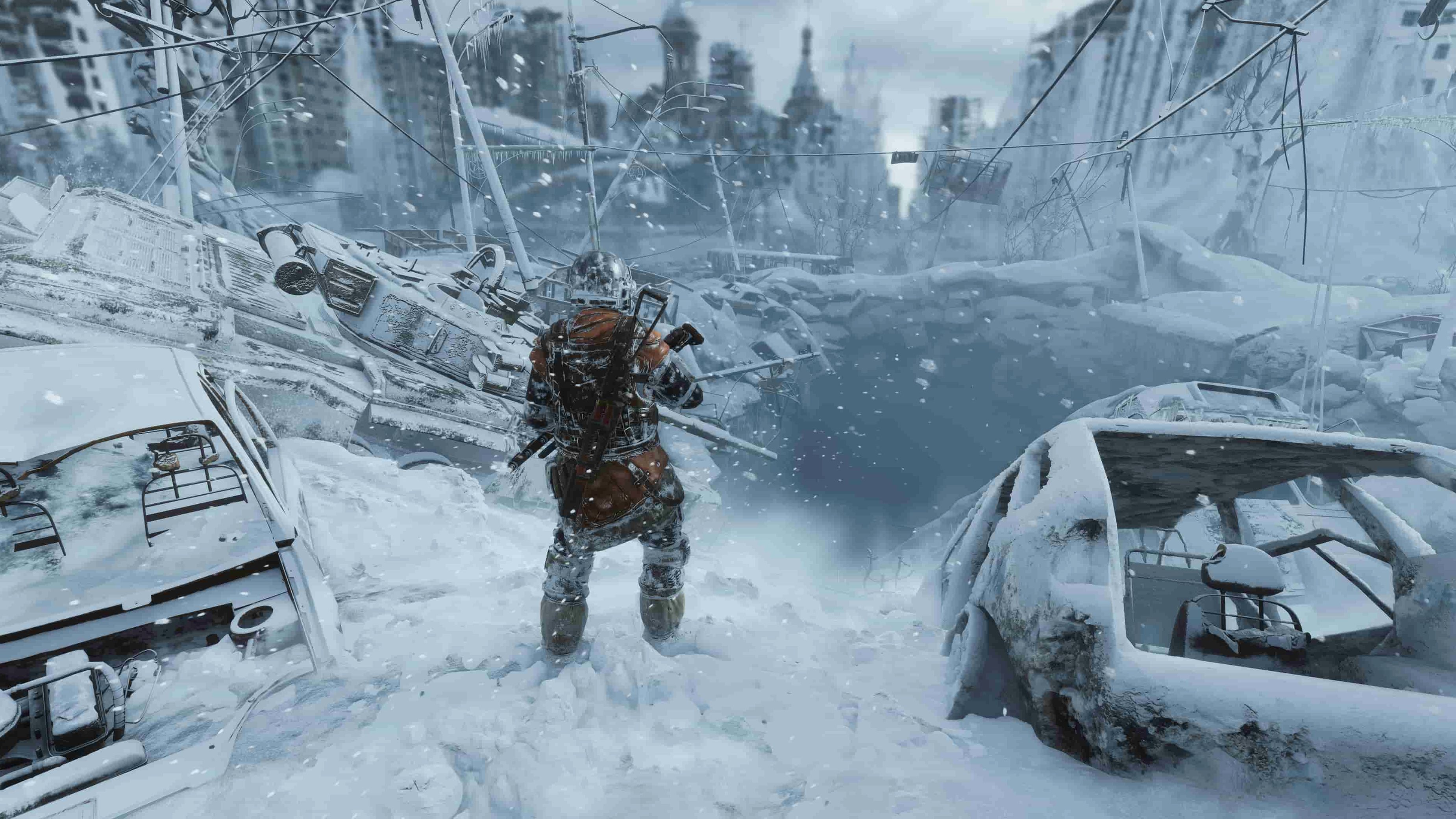
14 April 2021 — that was the day the frozen wastes of post-apocalyptic Russia finally opened up for Mac players. You step into the worn boots of Artyom, leading a band of survivors aboard a rattling steam train, searching for a life beyond the poisoned metro tunnels. This isn't just a corridor shooter; it's a journey through vast, nonlinear levels where the air itself can kill you.
What you're getting
- First-person combat and stealth — face mutated beasts and hostile factions, or slip past them in the shadows.
- Crafting and weapon upgrades — scavenge scrap and chemicals to turn a rusty revolver into a lethal, custom-tooled rifle on the fly.
- Exploration and survival horror — manage your gas mask filters, wipe grime off your visor, and charge your flashlight while something growls in the dark.
- Companion fates — the choices you make in the field ripple out, changing who stands beside you at the end.
Built directly for x86 Macs, not a wrapped Windows version
This native port doesn't borrow code from a compatibility layer. It was built directly for x86 Macs running macOS 10.15 or newer. The Russian download page notes it was tested on macOS Sequoia with an M1 MacBook Air from 2020, so Apple Silicon machines run it through Rosetta 2 without fuss. The interface switches between fourteen languages, including English, Russian, Japanese and Czech, so you can play in whatever tongue feels most immersive.
Double-tap Tab for a quick compass peek
The game doesn't hand-hold, which means a few clever shortcuts stay hidden unless you stumble on them. Holding Tab brings up Artyom's journal and map, but tapping it twice fast pulls up the compass — a tiny gesture that saves you from fumbling through the full pause menu when you're trying to orient yourself in a sandstorm. Charging the flashlight with the built-in dynamo is something the early tunnels teach you, but the trick is you can tap the charge key in short bursts to keep the beam alive longer instead of holding it down and waiting for the full wind-up. Out in the open, holding the lighter high while crouched in tall grass keeps you hidden and lets you burn away spider webs without standing up and announcing yourself to every watchtower in the valley.
Weapon maintenance matters more than the early hours let on. You can clean a gun at any workbench, but if you're stuck between safehouses, pulling up the backpack and using a cleaning kit on a jam-prone rifle right before a firefight is a habit that prevents that awful click when a mutant charges. The binoculars don't just zoom — marking points of interest with them drops a faint grey icon on the compass, which stays for the rest of the map. Handy when you spot a collapsed radio tower on a ridge and want to circle back after sunset.
Tip: in the Caspian level, the van's headlights attract different creatures at night. Keep the engine off when you're sleeping.
That black screen on first Apple Silicon launch is Rosetta warming up
First launch on a Mac with Apple Silicon sometimes sits on a black screen for ten to fifteen seconds longer than expected. That's Rosetta translating the x86 binary — the game isn't frozen, it's just warming up. Give it a minute before you start force-quitting. If the audio cuts out after waking the Mac from sleep, quitting to the main menu and reloading the save restores it. Some players on M1 machines report the frame rate dipping during the Taiga level's dense forest sections; dropping the shadow quality one notch in the graphics settings smooths that without making the woods look flat.
The gas mask mechanic trips people up. When a crack appears on the visor — usually from a melee hit — you need to patch it immediately with duct tape from your inventory, not later. The prompt is subtle and easy to miss in panic. If you hear Artyom wheezing while the mask is on, check the filter timer on the bottom-left: you can swap filters manually even if the current one isn't spent, which helps during long irradiated stretches where finding a replacement mid-sprint isn't guaranteed.
Save system confusion is another one. The game auto-saves at checkpoint triggers — entering a building, clearing an outpost, starting a conversation. There's no manual "save anywhere" button. If you need to step away, trigger a quick checkpoint by walking into a safehouse or interacting with a workbench, otherwise you might lose twenty minutes of scavenging.
Three-finger swipe to Safari and back without glitching
Because metro exodus for mac is a native x86 binary, it gets along fine with standard macOS features. Mission Control and desktop switching work without glitching; you can three-finger swipe over to a walkthrough in Safari, then swipe back and the game picks up without stuttering. I'd probably keep it in fullscreen mode on its own space — that way, all the usual notifications and bouncing Dock icons stay tucked away.
Screen recording with the built-in QuickTime Player captures gameplay smoothly, though the file sizes balloon fast at the default quality. If you're sharing clips, trimming them in the Photos app or running them through something like HandBrake keeps the uploads manageable. The game's save folder lives inside ~/Library/Application Support/Metro Exodus/, so dragging that onto an external drive before a system wipe or a switch to a new machine keeps your progress intact. No cloud sync, so you'll want to do that manually.
Voice chat apps like Discord or the in-game microphone work without special permissions beyond what macOS asks for. If you're on an M1 MacBook Air and the fans don't exist to ramp up, the chassis does get warm after an hour in the Volga swamps — closing any background renders or heavy browser tabs before launching gives the thermal headroom a little breathing room.
Version 1.0 fixed brings the complete Metro Exodus experience to Mac as a native port — no wrappers, no streaming tricks, just the full game running directly on your machine.
- macOS: 10.15 or newer
- Architecture: x86 (64-bit) — Apple Silicon Macs run it via Rosetta 2
Questions from the stall
Does Metro Exodus run on Apple Silicon Macs?
Yes, the game is an x86 binary that runs smoothly on M1 and M2 Macs through Rosetta 2 — it was tested on a 2020 M1 MacBook Air with macOS Sequoia.
Is this a straight action game, or is there more to it?
It mixes first-person combat with stealth, survival horror, crafting and exploration across large nonlinear levels where your decisions affect the story and your companions.
What languages is the Mac version available in?
The interface supports fourteen languages including English, Russian, German, French, Spanish, Japanese, Korean, Polish, Chinese and more.
Notes from other shops 0
Sign in or open a shop account to leave a note.
No notes yet. If you've used this on a shop Mac, tell me how it went.