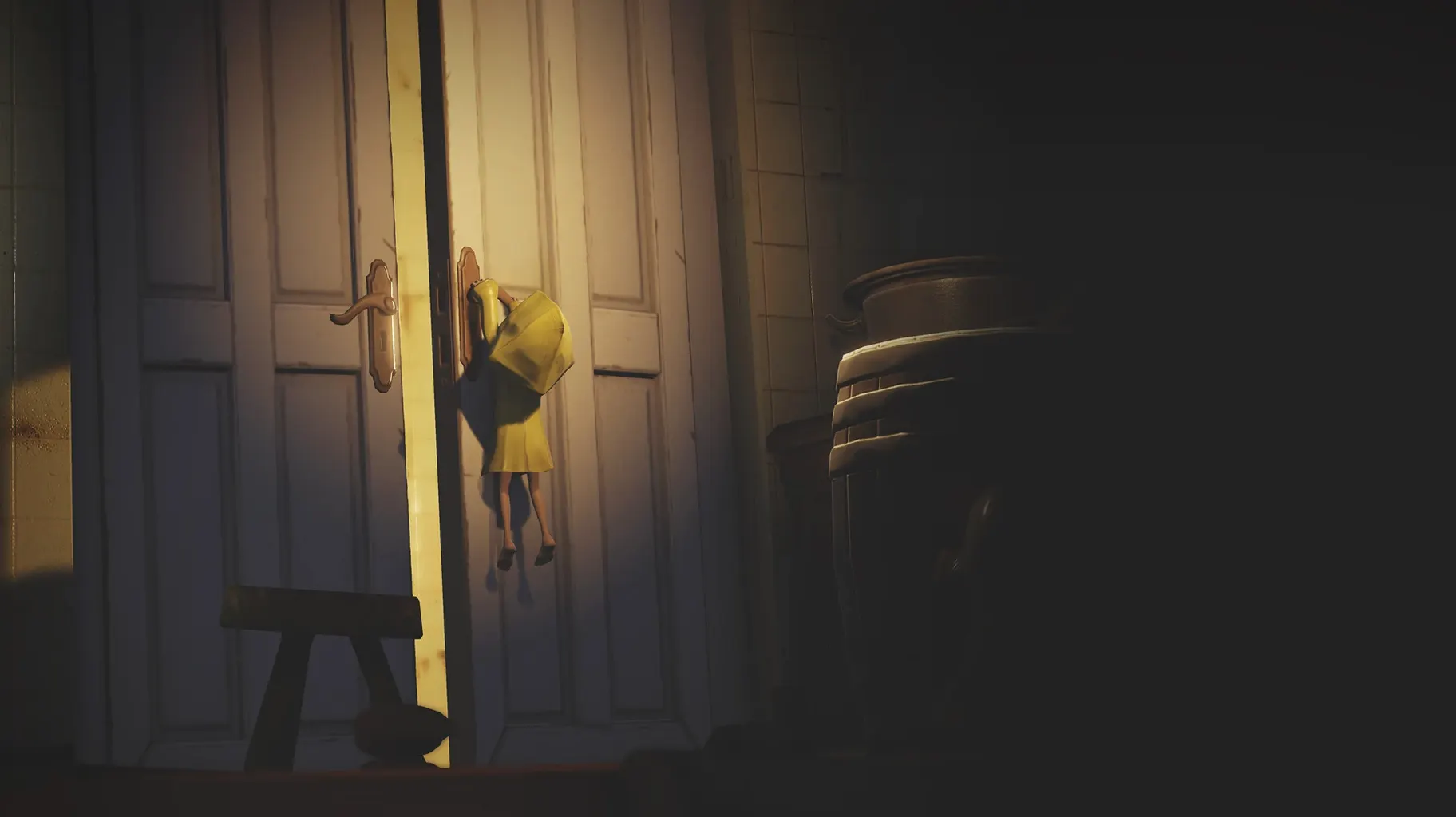
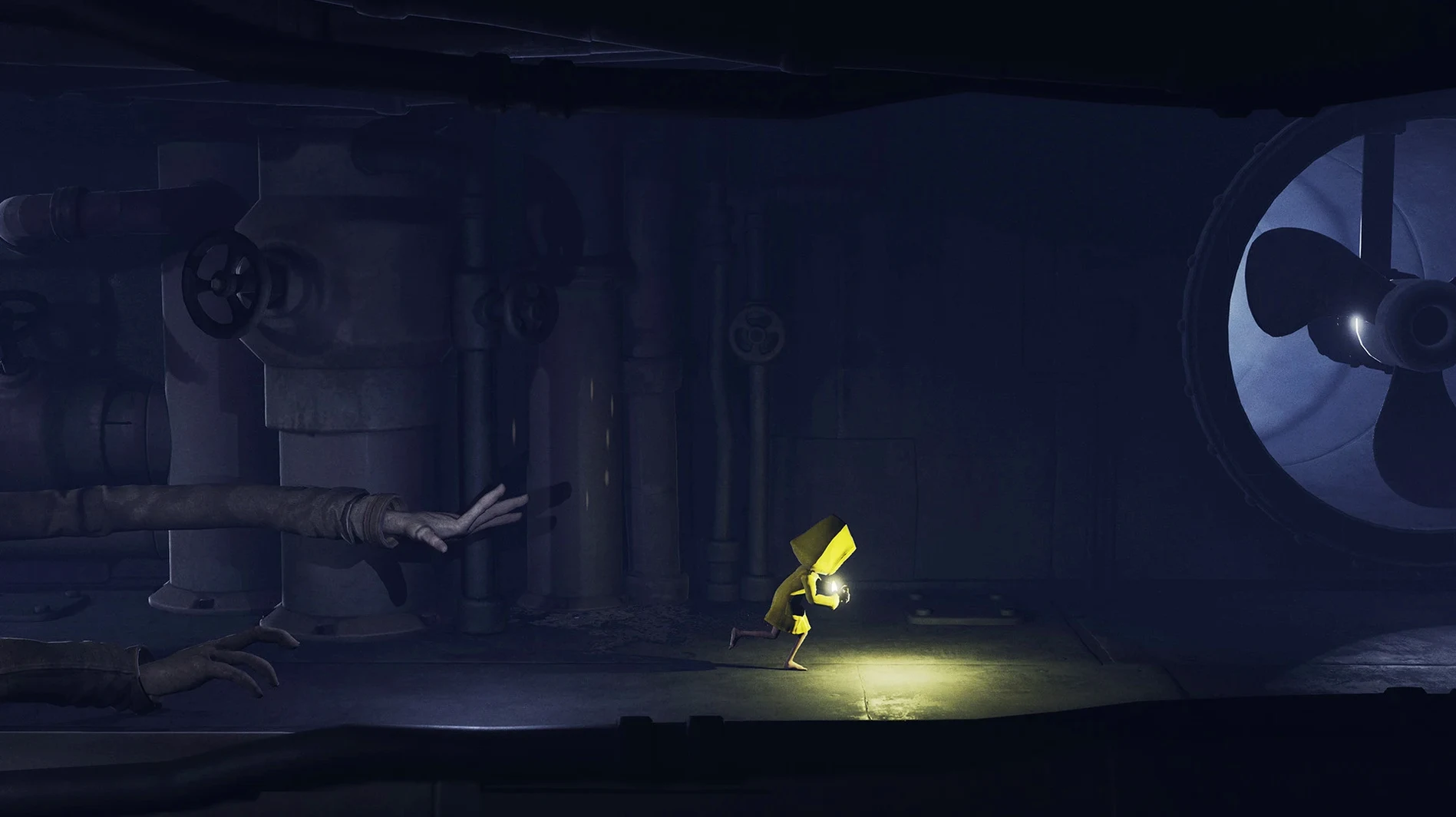
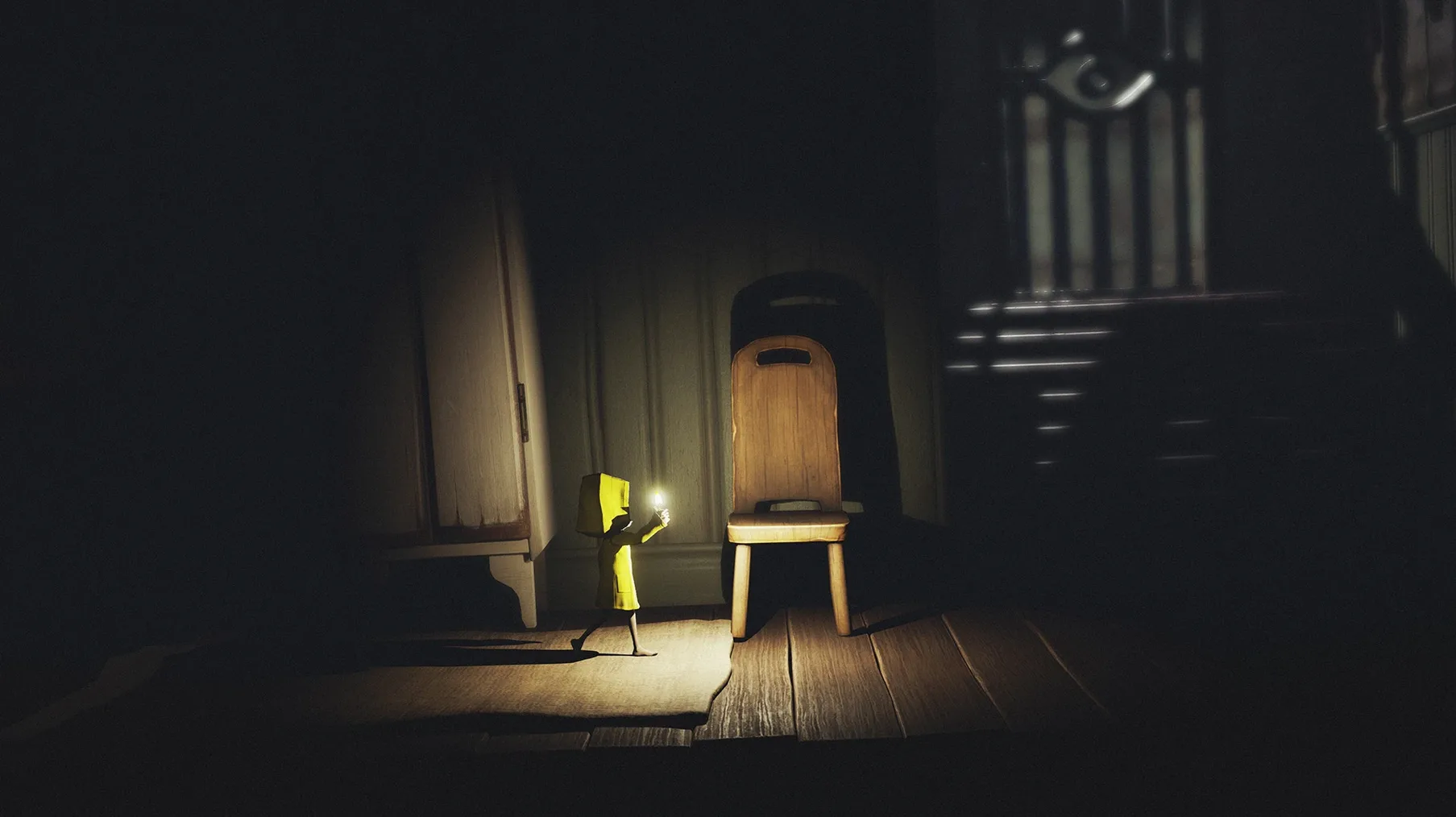
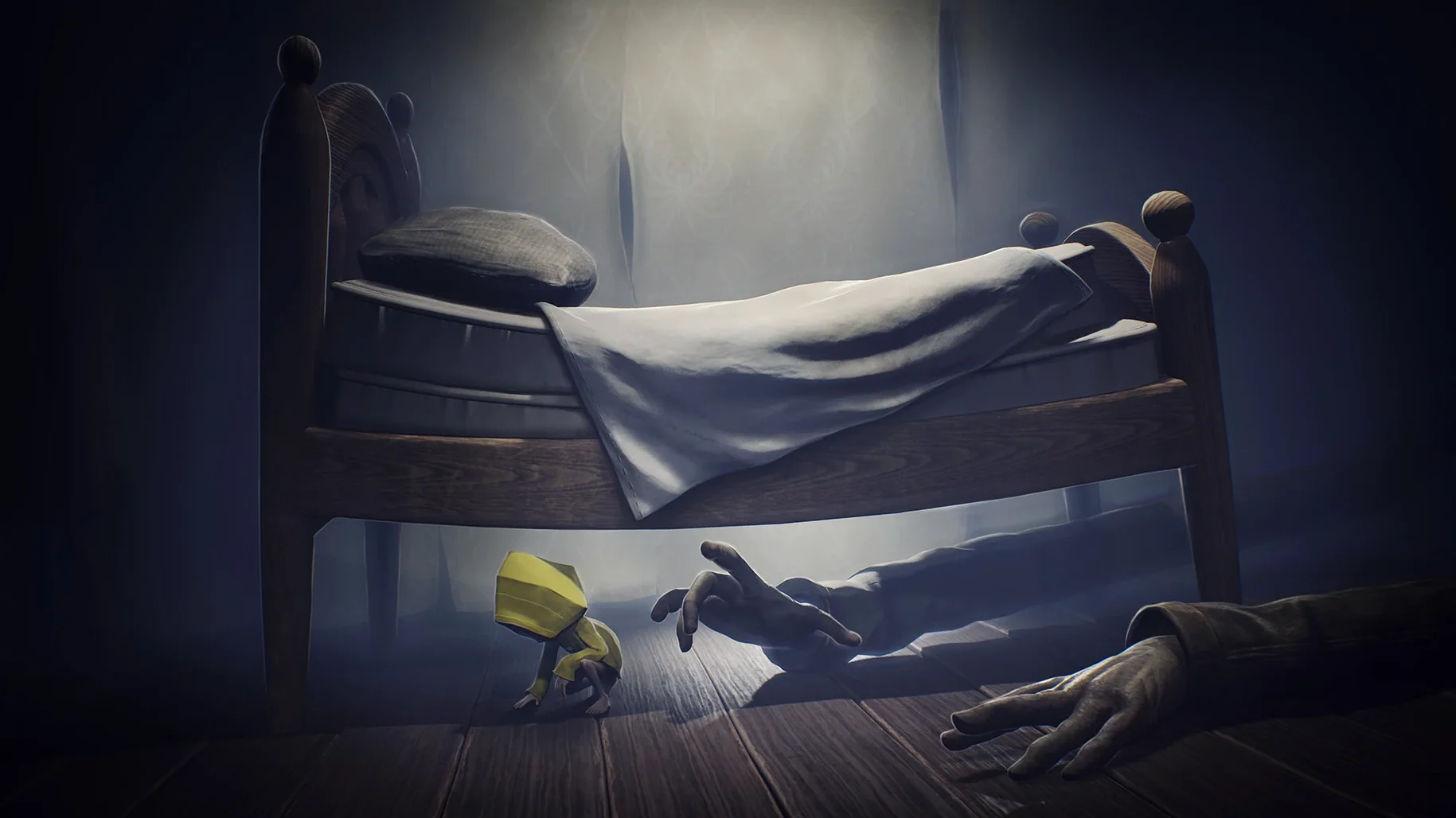
Ray tracing and water effects on Apple Silicon
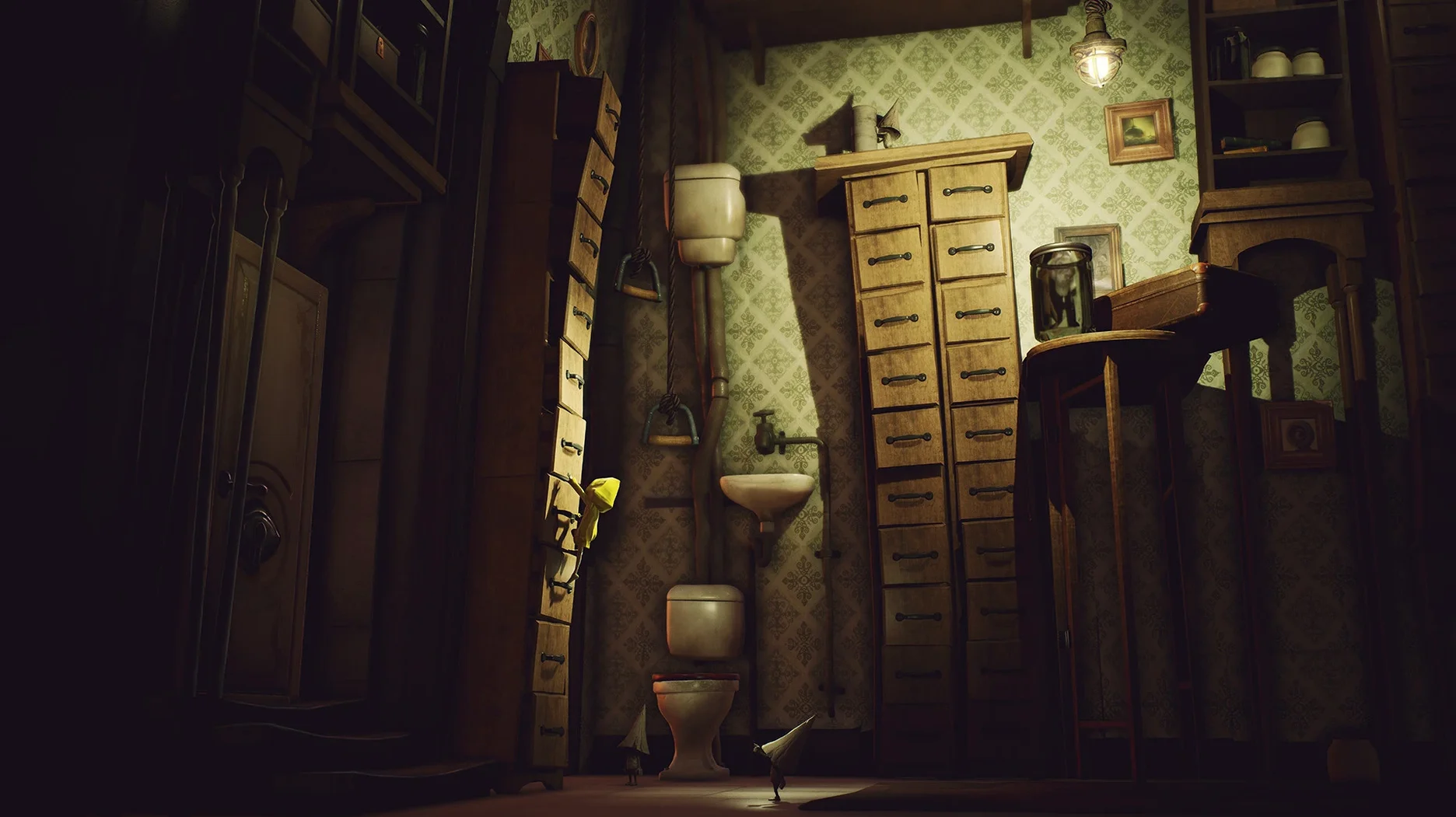
Right out of the gate, the ray-traced lighting and reflective water effects make the Maw feel deeper and more unsettling. On a Mac mini M4 running macOS Tahoe, the enhancements run smoothly under the ARM-native build.
Tuning controls for stealth
You'll spend most of your time crouching behind crates and timing your dashes past distorted adults. I'd recommend dialing in the gamepad or keyboard sensitivity early, because a split-second slip while sneaking usually means starting a section over.
What to expect at 4K and 60 FPS
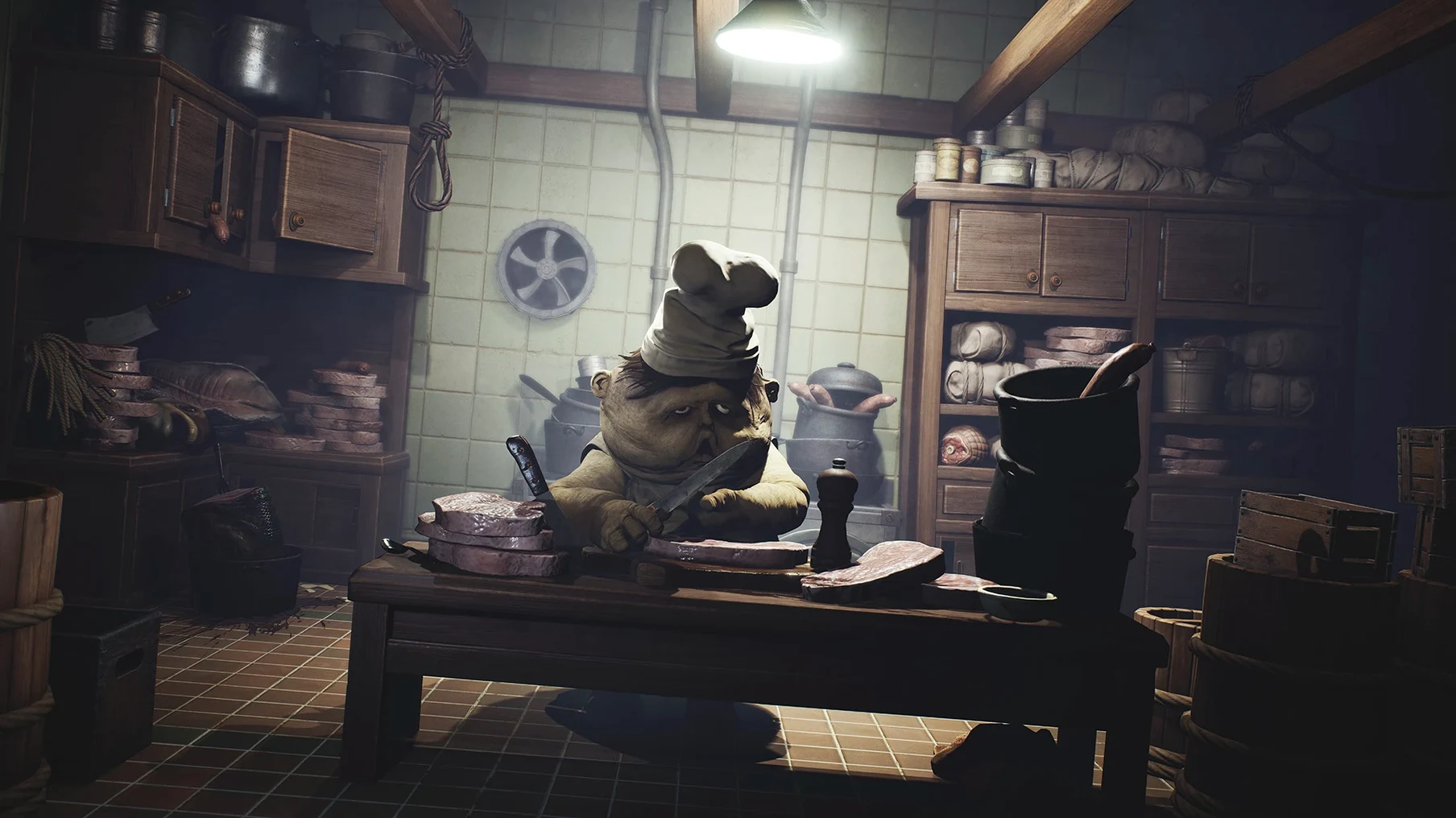
The boosted frame rate keeps the side-scrolling chase sequences crisp, even when the screen fills with debris and dust motes. At 4K, the grimy textures of the kitchens and guest quarters really pop, so hiding a small child in the shadows feels properly claustrophobic.
Self-contained app that stays out of your way
Like most games packaged this way, Little Nightmares Enhanced Edition runs as a self-contained app. It doesn't hook into system-level frameworks the way a native Metal title would, but it still respects the basics: Mission Control, the menu bar clock showing during brief pauses, and the ability to swipe between desktop spaces while the game sits in the background. I keep it on its own space so I can flick back to my inventory spreadsheet without closing anything.
If you use Apple's Screen Recording or streaming tools, you'll need to add the app manually to your list of allowed applications in System Settings. It won't show up automatically. The same goes for any third-party controller remappers—Stealth and gamepad tweaks live outside the game window, so test them before you're mid-chase.
One thing I appreciate: the save files live inside the app bundle under AppData/Local/Little Nightmares Enhanced Edition/Saved/SaveGames. That means I can zip the whole app folder, store it on an external drive, and bring it back later with all progress intact. It also means Spotlight won't find your save games if you go hunting for them, so you'll need to navigate manually when backing up.
Start in Performance Mode for smoother first run
The game gives you two presets right on the main menu: Quality Mode and Performance Mode. On an M4 Mac mini, Quality held up well for me, but I'd still suggest starting in Performance if you haven't run anything demanding on your machine yet. You can feel the difference in input response during the timed chase sections, and you can always switch back for the slower atmospheric stretches.
Beyond that, I'd tweak two things before you even touch the first chapter. First, controller sensitivity. The default deadzone feels a bit wide, and Six can lurch forward just when you meant to creep. Tighten it by ten percent and test near a ledge. Second, if you're playing with headphones—and you should—drop the music mix slightly and bump the ambient effects. The Maw's sound design is where most of the dread hides, and footsteps echoing down a distant corridor tell you more than the music ever does.
A quick tip: if you see an error on first launch, don't panic. Mount the disk image again and run the file named Fix. That clears up the Wineskin launch hiccup and you won't need to touch it again.
Pause and watch patrols instead of platforming
The biggest one I see: treating it like a platformer. Little Nightmares isn't about tight jumps or combat reflexes. Rushing through rooms gets Six grabbed within seconds. You want to pause at doorways, watch the patrol patterns of each adult, and move only when the sound of their footsteps fades. Learning the rhythm of each threat takes longer than clearing the room itself.
Another common slip is assuming save files from the base version will carry over. They won't. The Enhanced Edition treats its saves separately, so if you're coming from an older copy, expect to start fresh. It's worth it for the volumetric lighting alone, but it catches people off guard.
Also, don't ignore the particles and water effects just because they look purely cosmetic. Puddles ripple when something large walks nearby, and dust clouds in the ventilation shafts telegraph movement before you see the threat. Keeping an eye on those visual cues gives you an extra second to hide, and one second is often the difference between slipping past and being dragged back to the last checkpoint.
This build comes labeled Update DLC Fix, addressing specific issues with downloadable content.
- macOS Tahoe (tested on Mac mini 2024 M4)
- Apple Silicon (ARM architecture)
Notes from other shops 0
Sign in or open a shop account to leave a note.
No notes yet. If you've used this on a shop Mac, tell me how it went.