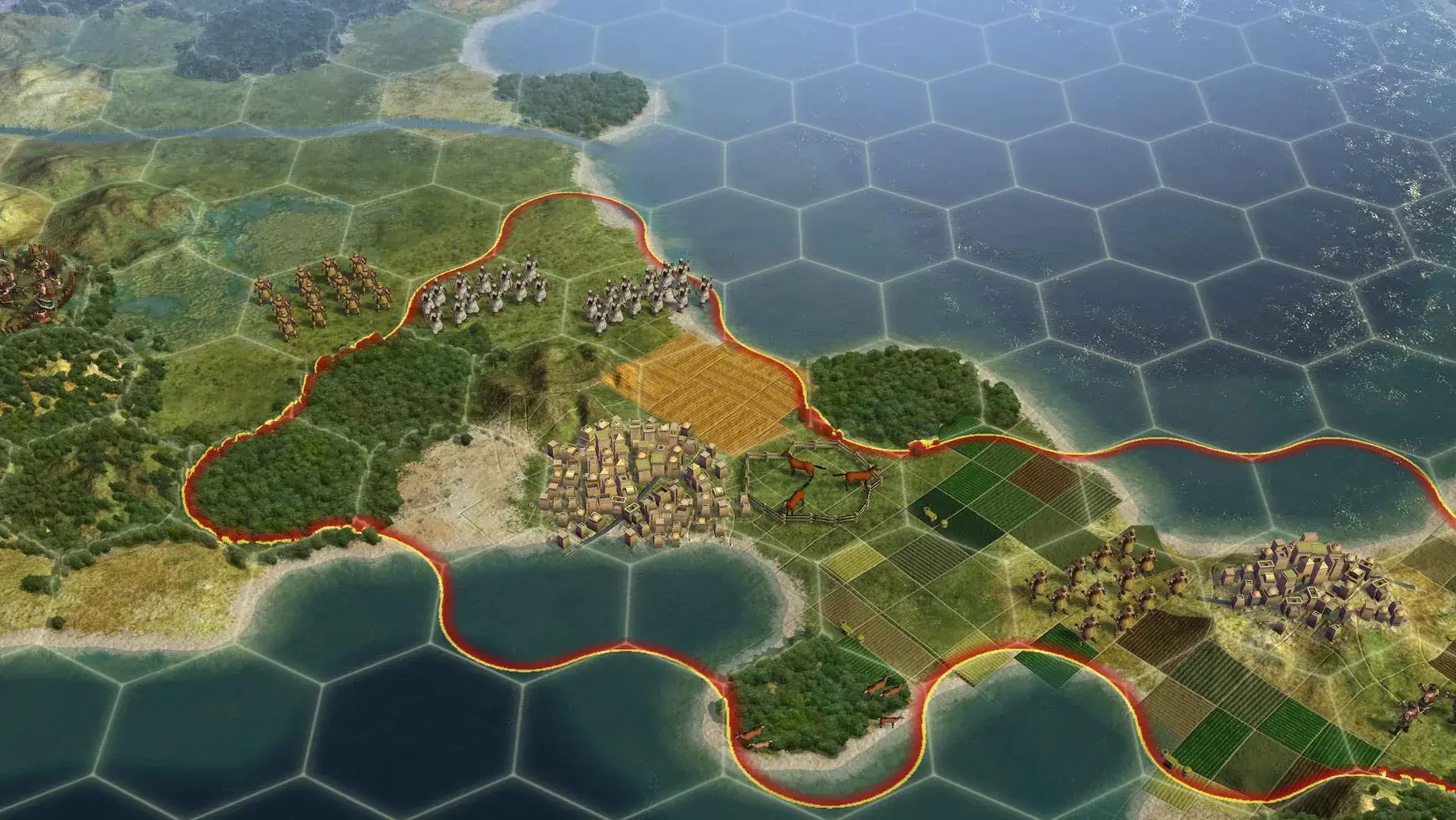

A city can work tiles up to three hexes away, so your empire's shape matters as much as its size. The Mac port arrived on September 21, 2010, and this 64-bit build keeps the full simulation running on modern hardware. It's a deep strategy game where every turn pulls you further into your own version of history.
Running it on a Mac today is straightforward. The game was tested on a MacBook Air with an M1 chip from 2020, and it holds up well. Expect smooth turns and responsive controls, even late in a match when the map fills with units and cities. The interface feels natural with a mouse and keyboard, and the hex-based grid makes the board easy to read at a glance.
City management gives you real choices. Capture a city and you can annex it outright, turn it into a puppet state that pays taxes but stays outside your direct control, raze it over several turns, or liberate it. Original capitals and holy cities cannot be razed, which protects the core of every civilization on the map. If you liberate a destroyed civ, it rejoins the game with its previous level of development—a rare but satisfying twist.
A typical session, turn by turn
I launch the game on a quiet Tuesday evening, thinking I'll play for an hour. The main menu loads quickly on the MacBook Air, and I pick a standard-size continents map as England. The first few turns are habit: settle London on a coastal river tile, start researching Pottery, send my warrior scouting north.
By turn 30 the shape of the early game is clear. I've met two city-states and spotted the borders of a rival civ to the east. A barbarian camp sits uncomfortably close to a planned expansion spot. I switch production in London to an archer and buy the tile that gives me access to marble—it costs 110 gold, but the wonder production bonus will pay that back soon enough.
Turn 60 and my scout finds a natural wonder on the other continent. The happiness boost from discovering it is small, but the map knowledge is everything. I now know where I want my third city. The interface stays snappy as I queue a settler and shuffle my warrior to escort it. No stutter, no beachball—just the quiet click of hexes and the soft turn-change sound.
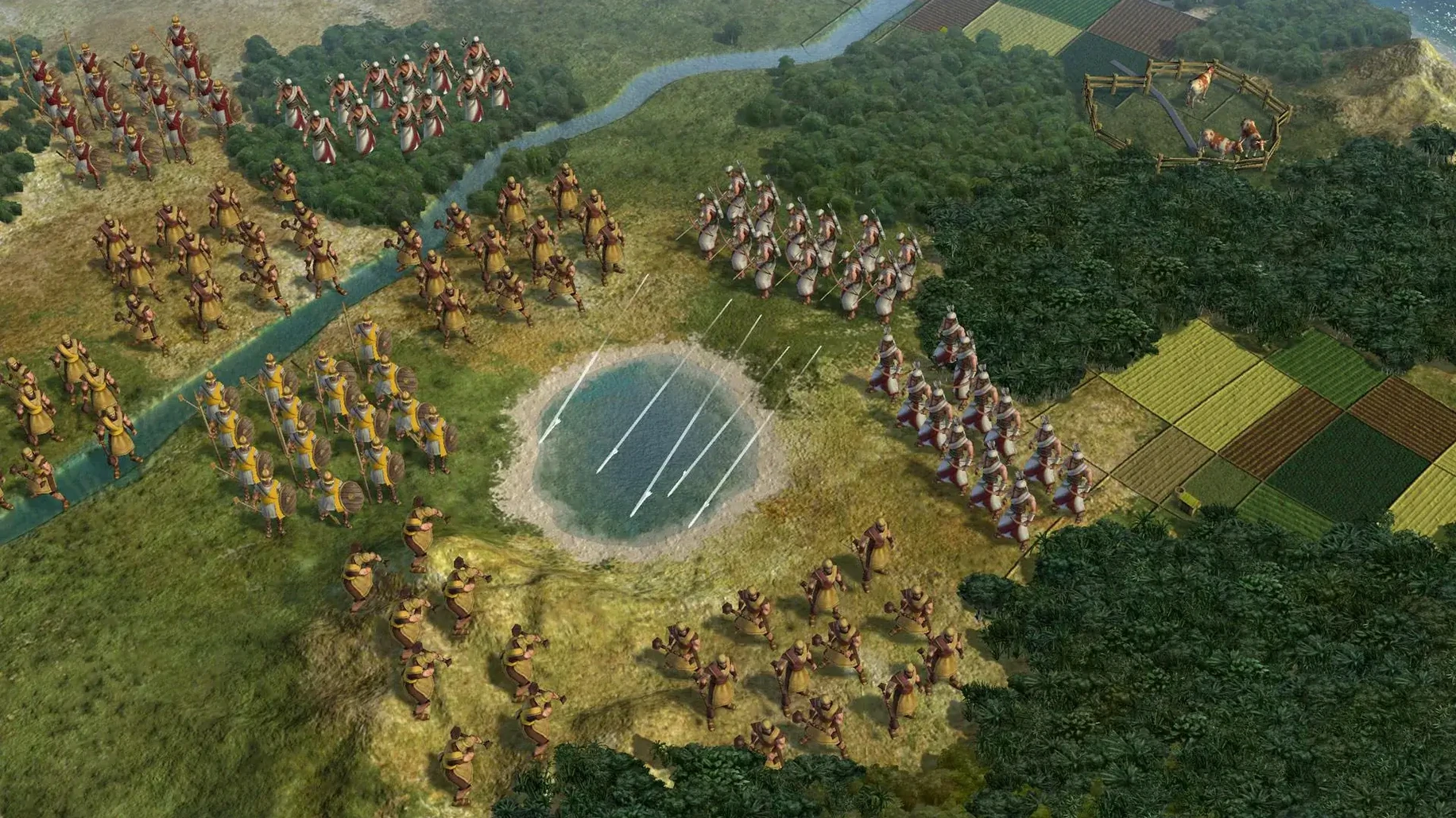
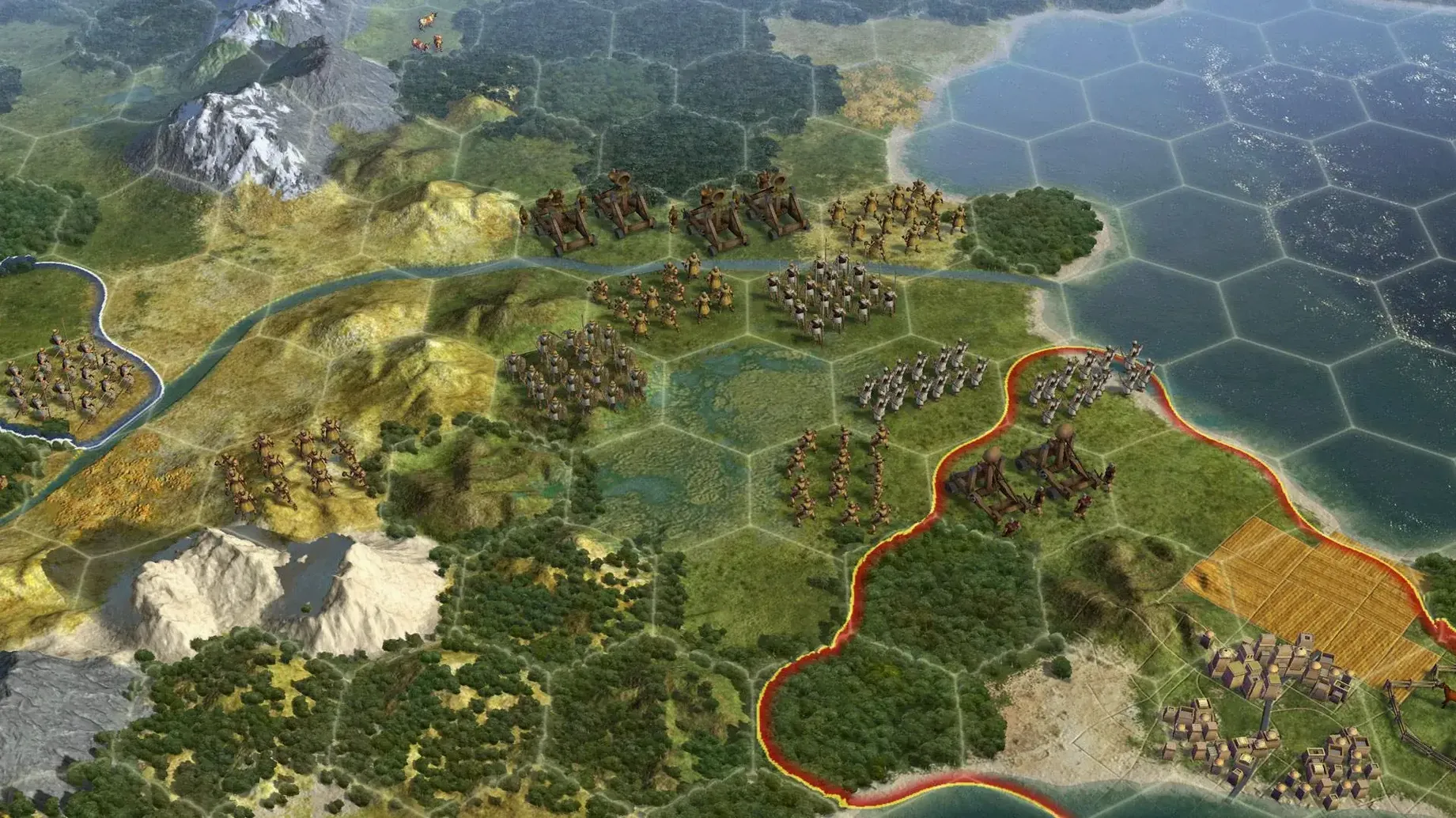
By turn 120 things get tense. My neighbor declares war and marches three units toward London. I pull my archer back, fortify my spearman on a forested hill, and switch research to Construction for composite bowmen. The city bombardment range lets London take a shot at an approaching swordsman—one hex short of ideal, but it softens him up. The combat animations play smoothly, even with a dozen units crowding the screen.
Around turn 180 the session hits its stride. I've got four cities, a puppet state from a brief war with a city-state, and a fledgling navy. The turns take a few seconds each—the M1 handles the late-game calculations without complaint. I glance at the clock and realize two and a half hours have slipped past. That's the rhythm of a good session: long enough to build something, short enough to leave you planning tomorrow's moves.
Resist the huge-map temptation and start small
When you first fire up the game, resist the urge to jump into a huge map with twelve civs. Start with a standard or small map on Prince difficulty. You want room to experiment with tile management and city placement without getting punished for every mistake. The hex grid takes a few hours to feel natural if you're coming from older Civ games, so give yourself that time.
Turn on tile yields immediately. Press Y or toggle it in the map options. Seeing the food, production and gold on every hex changes how you think about expansion. A river grassland tile with two food and one gold is solid; the same tile next to a mountain and a wheat resource is a city site worth fighting for.
Learn the city screen early. Click the citizen management tab and manually lock tiles for a few turns, just to see how the numbers shift. The game's auto-assignment is decent, but it prioritizes growth when you might need production, or gold when you need science. A habit of checking it every five or ten turns will quietly improve your whole game.
Don't hoard gold. In the first days, it's tempting to save up for a big purchase later. But buying a worker early, or snapping up a key tile before a neighbor's borders swallow it, often matters more than a fat treasury. Gold sitting idle is gold not working for you.
Play one civ repeatedly. Pick one you like the look of and stick with it for your first three or four games. England, Rome, and Egypt are all forgiving choices. You'll learn the tech tree faster when you're not also figuring out a new unique ability every session.
A complete workflow: sniping a key wonder before a rival
Say you want the Hanging Gardens. You've spotted a capital two cities away that's also growing fast, and you know the AI loves that wonder. Here's how to beat them to it, start to finish.
Lay the groundwork early. Research Pottery, then Writing, then beeline Mathematics. While the tech is cooking, set one city to build a granary and a water mill if it's on a river. You need population to work production tiles, and you need production to finish the wonder in under twenty turns.
Scout the rival. Send a unit to watch their capital. If you see them start the Gardens—recognizable by the hanging gardens construction graphic on the city tile—you know the clock is ticking. Check the diplomacy screen to see if they've entered the Classical era; that tells you they have Mathematics.
Prepare the city. Switch all citizens to production-heavy tiles, even if it slows growth temporarily. Chop a forest inside your borders if one is available—the one-time production burst can shave three or four turns off the build. If you have a worker idle, now is the moment.
Lock it in. As soon as Mathematics finishes, open the city production menu and queue the Hanging Gardens. Do not let the city finish its current project first. The wonder takes priority. Watch the turns-remaining counter and compare it to what your scout sees in the rival capital. If you're ahead, stay the course. If you're behind, consider switching a second city to a different wonder so the production isn't wasted.
After completion. The Gardens give you a free garden in the city and a significant food bonus. Immediately reassign your citizens to balance food and production again. The wonder is yours, and the rival just wasted fifteen turns on nothing. That's a swing that can define the next era.
Crisp turn times on an M1 MacBook Air
On the tested MacBook Air with an M1 chip, the game runs as a 64-bit Intel binary through Rosetta 2, and the translation layer is barely noticeable. Turn times stay crisp through the Renaissance; even in the Industrial era with eight civs and two dozen city-states on the map, a turn resolves in under ten seconds. Late-game wars with aircraft and naval units don't cause the slowdowns I remember from older machines.
Memory use is modest by modern standards—around 2 GB of RAM in a typical session, leaving plenty of headroom for other apps. I've run it alongside a browser with ten tabs open and a music player without any pressure. The fans on the Air stay silent, which is not something I can say about every game port.
Stability has been solid across a dozen sessions. I've had one crash, and it happened when I tried to load an old save from a different version of the game. Fresh saves and autosaves have been flawless. The autosave system keeps ten turns of backups by default, so even if something goes wrong—a power outage, a cat on the keyboard—you're never losing more than a few minutes.
The interface scaling works well on the MacBook's Retina display. Text is sharp, the hex grid is clean, and the leader screens render without artifacts. If you're playing on an external monitor, the game handles resolution changes gracefully when you plug in or unplug. For a port that's over a decade old, it behaves better than some native apps I use daily.
If you're looking for a version that runs this well, a civilization 5 mac download free setup like this one is worth the time. The Aspyr port has aged into something reliable, and the Russian-language build tested here includes English, French, and German as well, so language switching is a quick trip to the settings menu.
Russian language support arrived in this build. The game now ships as a multilingual version that includes Russian, English, German, and French.
- macOS Sonoma
- Intel processor (64-bit)
- Tested on MacBook Air (M1, 2020)
Questions from the stall
Can I run Civilization V on an Apple Silicon Mac?
Yes. The game is 64-bit and has been tested on a MacBook Air with an M1 chip from 2020, running macOS Sonoma.
Notes from other shops 0
Sign in or open a shop account to leave a note.
No notes yet. If you've used this on a shop Mac, tell me how it went.