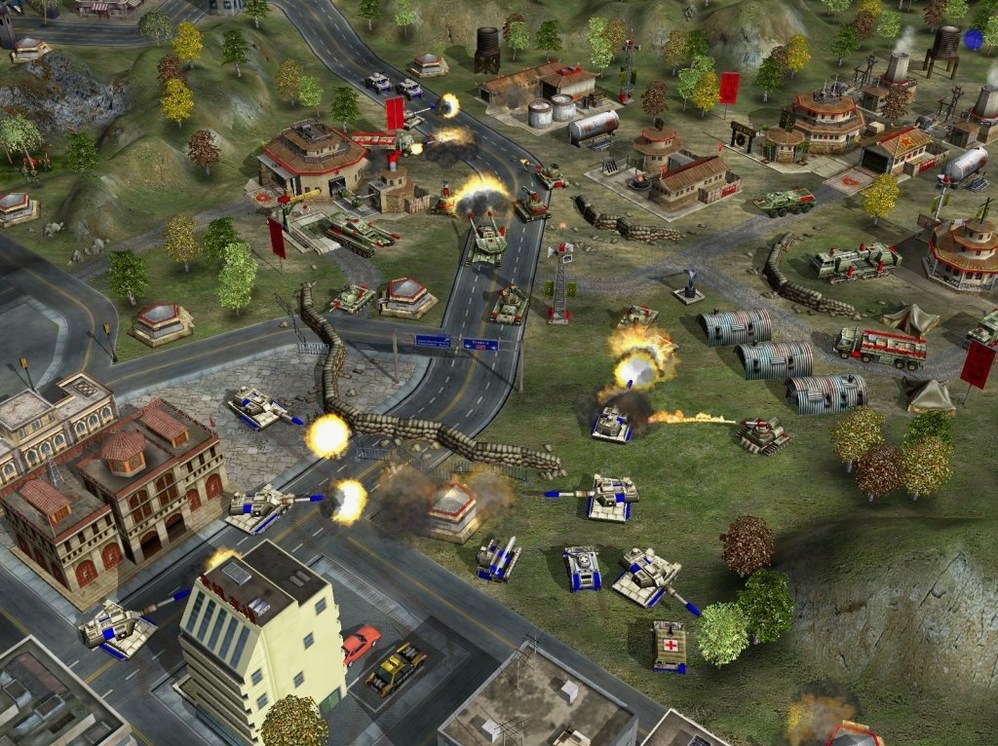
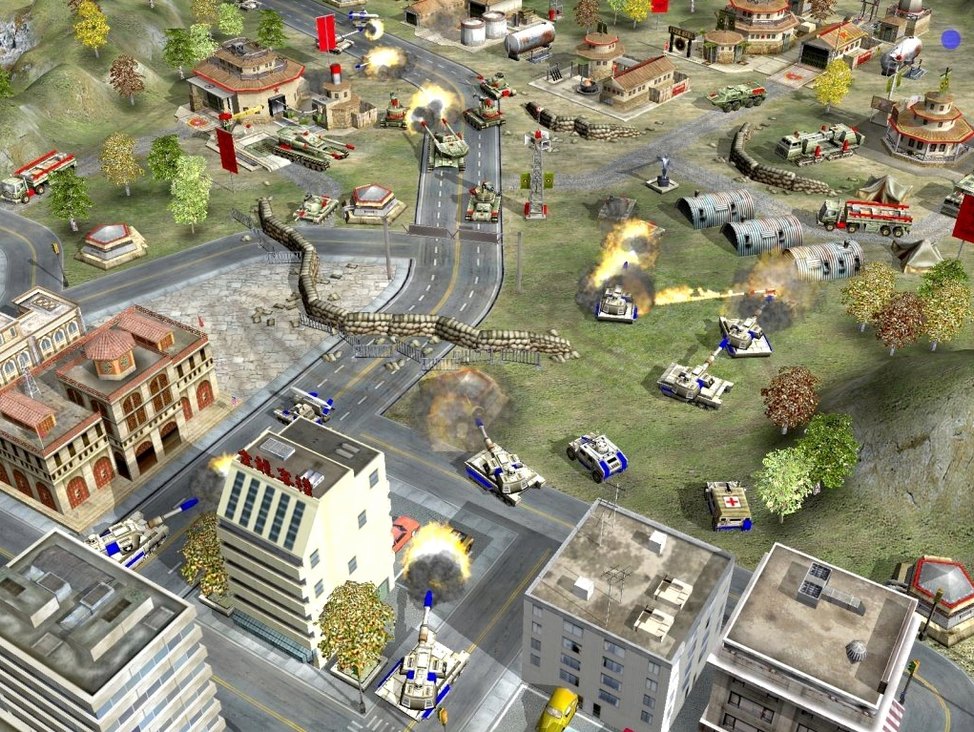
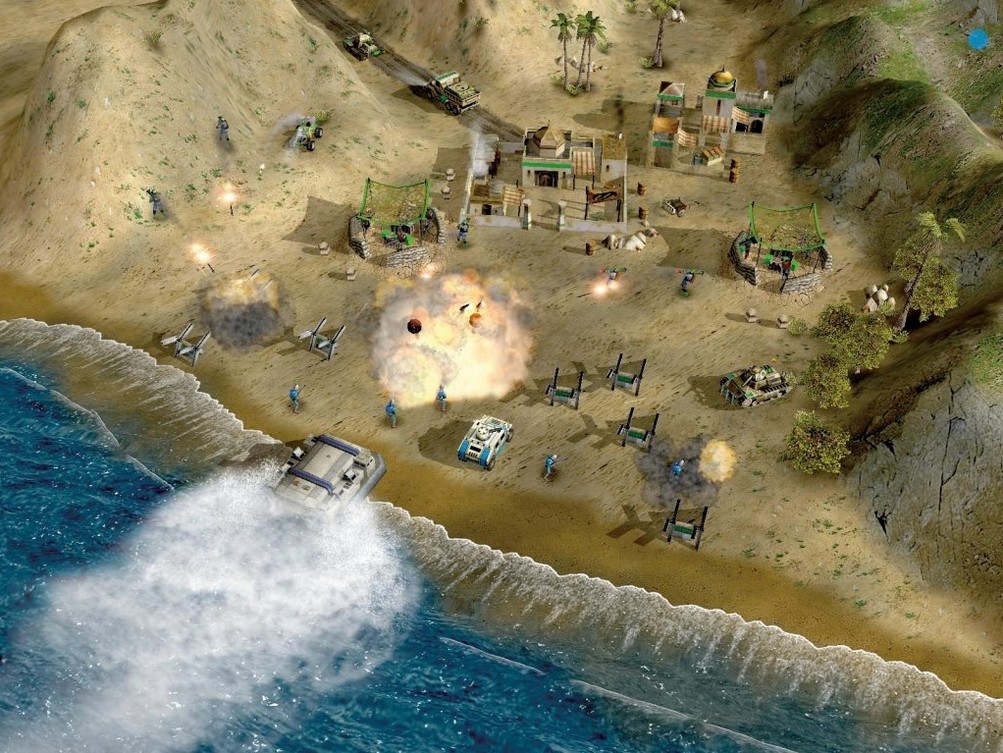
Finding your general in Zero Hour
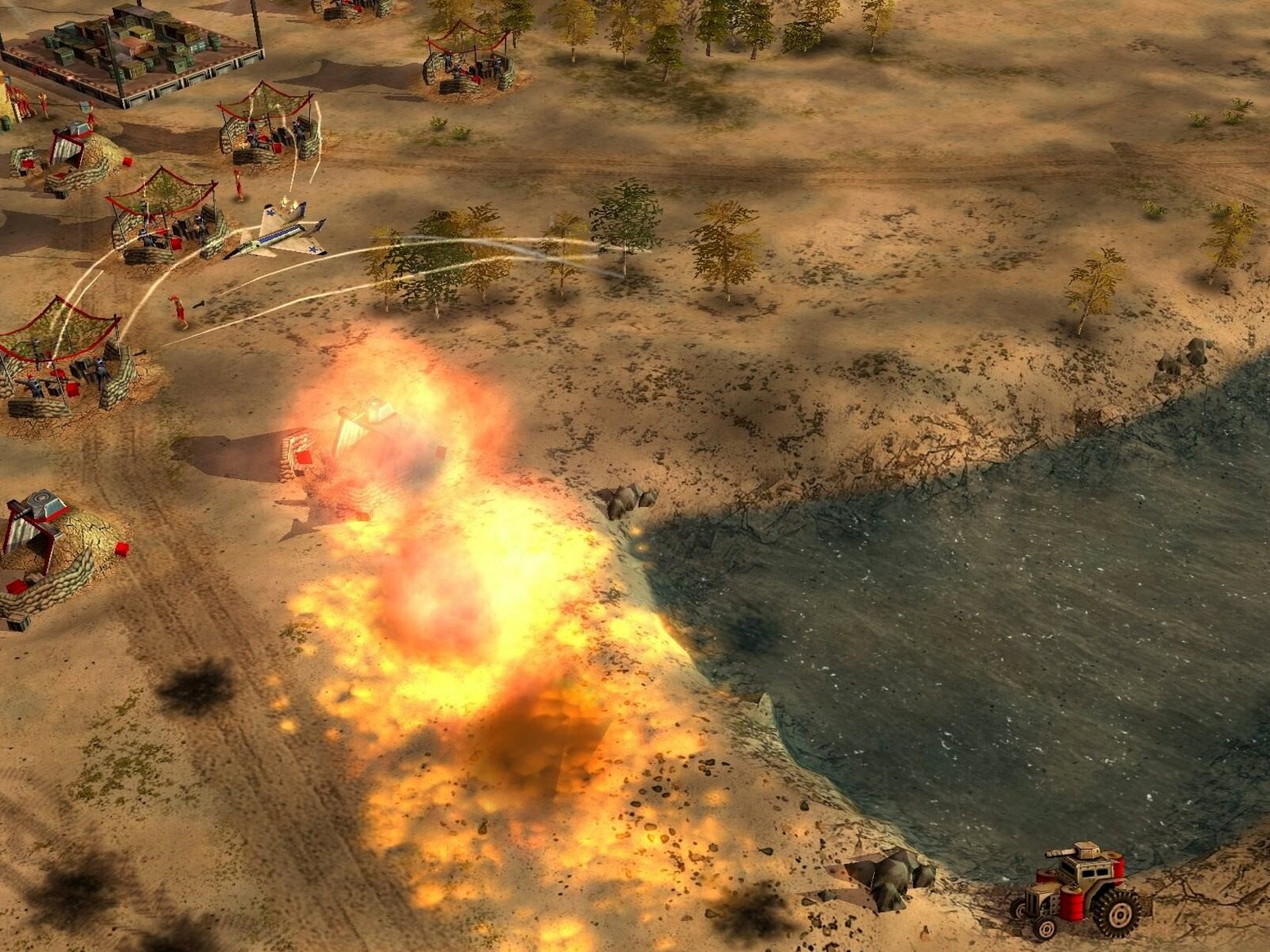
- Pick your faction by mindset. USA leans on tech and air power, China on overwhelming armor, and the GLA on stealth and mobility. Your choice changes the map pressure you can apply.
- Choose a general, not just a side. Each general replaces the vanilla Super Strike with active or passive abilities that shape your entire build order. One might give you cheap infantry, another early-game drones.
- Scout before you commit to a factory. Some missions skip base-capturing, so you start with a strike force. Reading the terrain and opponent early helps you decide whether to build tanks, aircraft, or tunnels.
- Test your rhythm on a MacBook Air. The Wineskin-wrapped x86 build ran on Monterey with an M1 chip, so the click-heavy micro moments feel responsive enough for casual play.
If you like tinkering with loadout-like general perks and don't mind dated visuals, you'll enjoy how much variety three factions can hold. If you want a modern competitive ladder or native Apple Silicon support, this likely won't scratch that itch.
Supply centers delayed until your war factory is useless
Most of these aren't obvious until you've lost a few skirmishes, and the simplified economy tricks people into thinking they can ignore resource timing. They can't.
- Building supply centers too late. The money loop is short: drop a supply center near a stockpile, add a second dozer, and repeat. New players treat it like a mid-game upgrade instead of the first thing you lock down. By the time they have two, their opponent has four and a tech advantage.
- Ignoring general abilities entirely. Each general's passive or active ability isn't set-dressing. A GLA player who forgets to use the toxin or stealth perks is playing with a third of the toolkit. Same goes for USA drone generals who never queue the spotter.
- One-factory syndrome. Building a single war factory and queuing tanks works in the first three missions. In skirmishes, you need parallel production. One disrupted supply line shouldn't stall your entire army.
- Overbuilding base defenses. A row of laser turrets feels safe, but it eats into the units you need to push out. Static defense slows a loss; mobile units win a map. Beginners lean too hard on the first.
- Treating every mission as a base-capture objective. Some Zero Hour assignments hand you a strike force and tell you to blow something up. Trying to set up a full base when the timer is ticking means you're playing the wrong scenario.
Remap hotkeys before your first skirmish hurts
The Wineskin wrapper on Monterey is stable enough, but you'll want to spend your first sessions dialing in comfort rather than chasing a perfect build order.
Remap your hotkeys early. The default layout assumes a Windows keyboard, and some function keys don't translate cleanly. Spend fifteen minutes reassigning unit groups and production shortcuts to keys you can reach without looking. Muscle memory built on a bad layout is hard to undo.
Run a few skirmishes as each faction before touching the campaign. The generals add so much texture that jumping into story missions without knowing what each side's perks feel like will leave you confused about why your units behave differently. Even two rounds per faction against easy AI helps.
Lower the resolution if the cursor feels floaty. The x86 translation layer on Apple Silicon isn't perfect, and a slightly lower resolution often tightens the click response. You'll lose some crispness, but the micro will feel more immediate.
Save after every major tech unlock in campaign missions. The autosave is generous, but there are missions where a wrong general ability timing can lose you twenty minutes of progress. Manual saves are free.
Test a one-on-one skirmish with no superweapons first. It strips the chaos down to resource tempo and unit matchups. If you can beat a medium AI without nukes or particle cannons in play, your fundamentals are solid enough for the harder missions.
Tweaking Zero Hour unit stats as a balance study
Imagine someone who spends evenings tweaking unit stats and faction balance for older RTS titles. They've heard that Zero Hour's general system is a good study in how small passive changes ripple through a match, and they grab this Wineskin build to poke at the design on a MacBook Air.
They fire up a skirmish as the USA Air Force general, not to win, but to note how early-game air superiority changes the enemy's factory choices. The AI responds by spamming anti-air infantry instead of the usual tank mix. Interesting. Next, they switch to a GLA stealth general and watch how the map control shifts when buildings can hide from radar. They're not even playing to the end — they're screenshotting unit queues, build timings, and general ability cooldowns.
By the third session, they've filled a text file with observations about how Zero Hour's general perks compare to faction sub-choices in later RTS titles. The dated visuals don't bother them; the design logic is what they came for. The Wineskin wrapper means they didn't need a Windows partition, and the whole setup took maybe ten minutes from download to first skirmish. It isn't a competitive environment, but it's a portable design lab, and that's exactly what they wanted.
Zero Hour’s itch versus other classic Mac RTS picks
Zero Hour isn't the only classic real-time strategy title you can run on a Mac, but it scratches a different itch than the others in the same era. Here's how it compares.
Command & Conquer: Generals (the base game). The original gives you the three factions and a straightforward campaign. Zero Hour layers the general system on top, which means the base game feels broader but shallower — you get the full faction roster without the sub-specialization that changes your opening strategy. If you just want to learn USA, China, and GLA in their vanilla forms, the base game is cleaner. If you want to experiment with build-order variety within each faction, the expansion is the one to download. Some players keep both installed and treat the original as the tutorial.
Company of Heroes (Mac edition). Company of Heroes arrived a few years later and shifted the emphasis toward squad tactics, cover systems, and a destructible battlefield. Zero Hour is faster and more about production volume — you're managing queues and general abilities rather than positioning individual squads behind walls. CoH feels more tactical moment-to-moment; Zero Hour feels more about macro pressure. If you like the resource simplicity of Generals but want a slower, more positional game, Company of Heroes is worth a look. If you want the click-speed adrenaline of pumping out tanks while a particle cannon timer ticks down, stick with Zero Hour.
StarCraft (and its Mac-compatible versions). StarCraft is the obvious comparison for anyone who wants sharp faction asymmetry and tight competitive balance. Zero Hour's factions aren't balanced to that standard — the general system trades fairness for flavor. StarCraft rewards precise build orders and scouting patterns; Zero Hour rewards knowing when to use a general's gimmick to break a stalemate. On a Mac, StarCraft runs natively and feels snappier, but it won't give you the messy, asymmetric fun of a toxin general flooding the map with cheap units while a stealth general sneaks a capture team behind your lines.
Version 1.04 shifts the focus from generic superweapons to general-specific abilities. Here's what else is new:
- Standalone expansion with fresh missions and events.
- New units and buildings for all three factions.
- Super Strike replaced by unique generals who bring their own active or passive perks.
- Architecture: Intel (64-bit)
- Tested on: macOS Monterey, MacBook Air (M1, 2020)
- Interface language: English
Questions from the stall
What does Zero Hour add to the base C&C Generals game?
It's a standalone expansion that adds new units, buildings, and unique generals with active or passive abilities that replace the original Super Strike.
Notes from other shops 0
Sign in or open a shop account to leave a note.
No notes yet. If you've used this on a shop Mac, tell me how it went.