
If your Mac has an Intel processor, you're set to run this sprawling medieval strategy game. Life in Crusader Kings III isn't just about painting the map — it's about the small, human-scale decisions that ripple across decades.
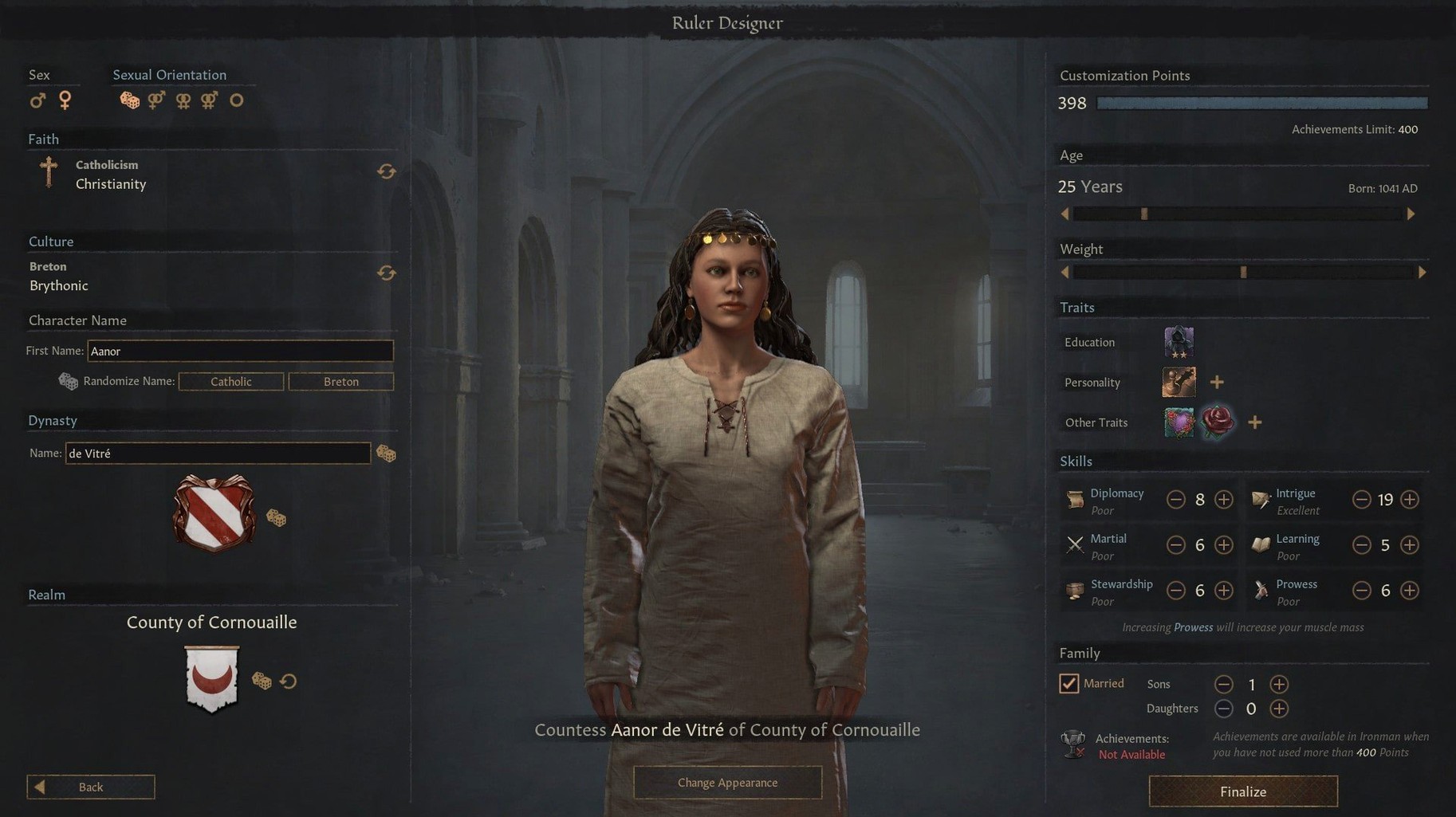
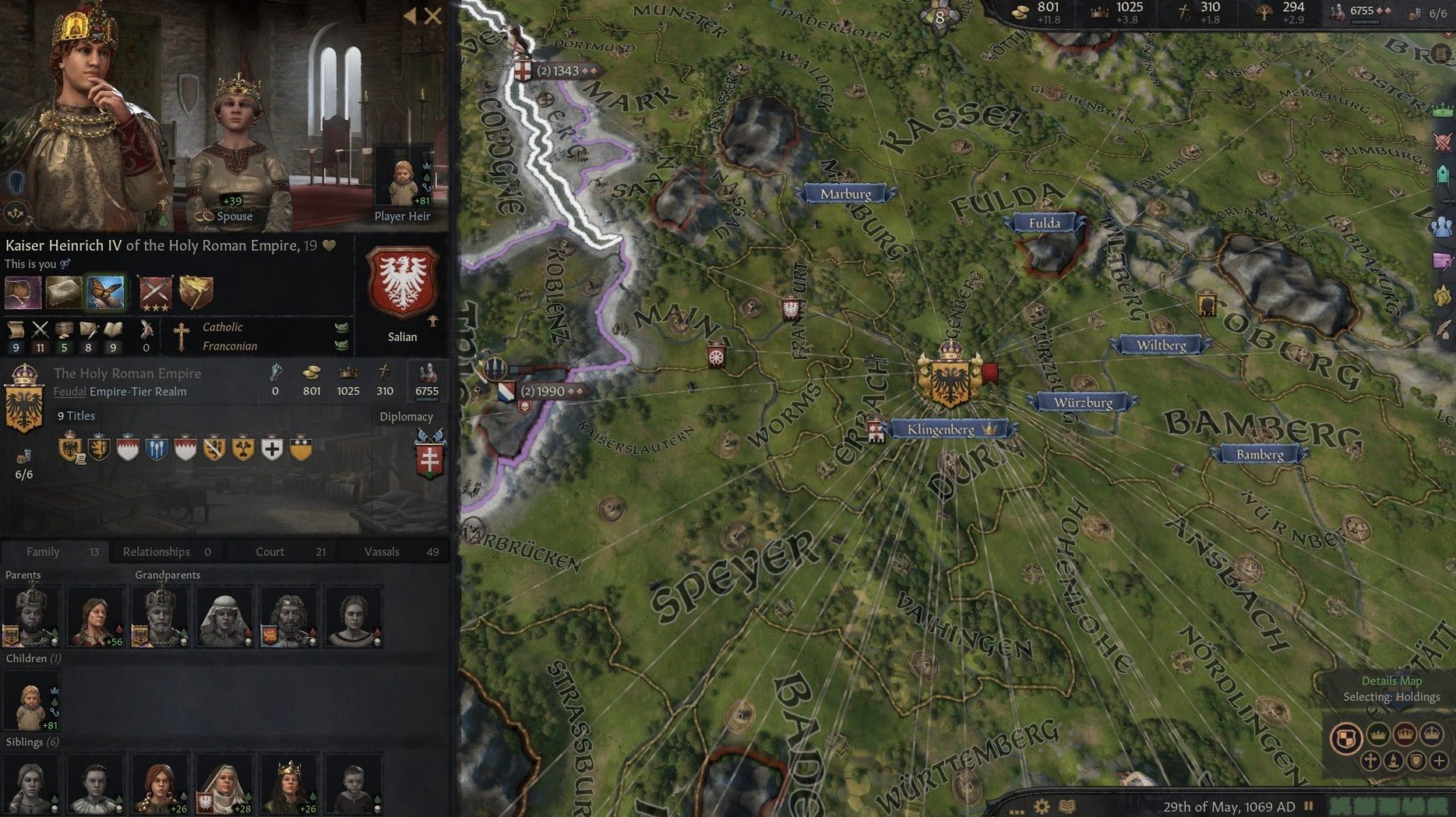
Your character — not an abstract nation, but a person with traits, flaws, and a ticking clock. You feel the weight of a ruler who is wrathful, shy, or a brilliant schemer. The council — a handful of advisors you assign to collect taxes, spy on rivals, or fabricate claims on neighboring land. They can become friends or dangerous enemies. Schemes — personal plots running in the background while you handle public rule. You sway a duke, seduce a queen, or quietly arrange an unfortunate accident for an inconvenient heir. Domain management — holding a few core counties directly and upgrading their buildings. A new cattle pasture or watchtower feels small, but it funds your entire reign. Diplomacy and marriage — arranging a betrothal to secure an alliance, then watching your new brother-in-law immediately drag you into his own foolish war. Succession — the game shifts when your ruler dies. You become the heir, with a new set of stats, half the realm angry at you, and your sibling eyeing the throne.Swipe between kingdoms and spreadsheets in its own desktop space
Crusader Kings III works well alongside the tools you already use on your Mac. I keep it in its own desktop space — swipe left for the game, swipe right for my shop spreadsheets — and the fullscreen mode respects that separation cleanly. No awkward window-jumping when a Turnip Boy notification pings in the background.
The game plays nicely with Mission Control and doesn't fight you if you need to pop over to Safari for a quick wiki check on medieval succession laws. I'd recommend turning off Notification Center's "Do Not Disturb" toggle just for gaming sessions, though. A well-timed iMessage won't pause your war against the Holy Roman Empire.
If you use an external monitor with your Mac, the UI scales without fuss. Paradox built the interface to handle different resolutions, so text stays readable whether you're on a built-in Retina display or a wider desktop screen. The map — already gorgeous — really benefits from the extra real estate.
Where story emerges from systems, not just strategy
The obvious answer is strategy fans who grew up on Civilization or Total War, but I'd argue CK3 rewards a broader set of players than most grand strategy titles. If you enjoy games where the story emerges from systems rather than cutscenes, this one clicks fast.
Role-playing game fans will find more to love here than they expect. You're not min-maxing an empire — you're inhabiting a flawed, aging character who might be a genius diplomat but also a drunkard. The personal drama overshadows the map-painting more often than not. Players who bounce off pure strategy games because they feel cold and mechanical often stick with CK3 because the human element pulls them back in.
Writers and world-building types tend to disappear into this game for weeks. Every play session generates material — the time your spymaster uncovered a plot against your newborn daughter, or the ten-year grudge between two cousins that destabilized an entire kingdom. It's a story engine wearing strategy clothing.
Mac users with Intel machines — the architecture this build targets — can run it comfortably on older hardware, too. You don't need a Pro or Max chip to get smooth performance. A 2019 MacBook Pro handles it without sounding like a jet engine, which matters when you're three hours deep and the dynasty tree has sprawled across half of Europe.
Dial back tooltip delay to 500ms before your first campaign
Before your first serious campaign, a few adjustments make the experience land better. These aren't buried in config files — everything is right in the game menu.
- Tooltip delay — short by default, but I set mine to 500ms. CK3's tooltips are dense with information, and the default triggers them while you're just moving the cursor. A slightly longer delay keeps the screen calmer without hiding anything useful.
- Auto-save frequency — the game defaults to monthly auto-saves. On Ironman mode you can't change this, but in a regular playthrough, setting it to yearly trims a surprising amount of disk churn. Just remember to save manually before any risky war declaration.
- Message settings — CK3 can ping you for every minor event in the realm. Filter out the low-priority stuff (neighbor's court gossip, distant ruler deaths) and keep alerts for your immediate family, council, and direct vassals. Your focus stays where it belongs.
- Camera scroll speed — the default is brisk enough that I kept overshooting the county I wanted. Dial it down a notch or two, especially if you're using a trackpad rather than a mouse. The map is huge; precision beats speed.
- Audio balance — the music is superb, but the sound effects for scheme events and battle intros are worth emphasizing. Drop ambient volume a touch and raise effects. You'll catch audio cues that signal important moments without the soundtrack drowning them out.
Take 90 seconds to tweak these before you choose a starting character. The game's depth is already overwhelming — no need to fight the interface while you're learning what a partition succession actually means for your three sons.
- Apple Silicon or Intel 64-bit Mac
Questions from the stall
What is the basic loop of Crusader Kings III?
You manage a noble house across multiple generations, making decisions about diplomacy, domain management, and personal relationships to grow your dynasty's power in the Middle Ages.
Does it play more like a strategy game or a role-playing game?
It's a genuine mix of both. You make grand strategic moves for your realm, but you're constantly making role-playing choices based on your current character's personality and relationships.
What languages are supported in the interface?
The interface is available in English, Russian, German, Spanish, Simplified Chinese, Korean, and French.
Notes from other shops 0
Sign in or open a shop account to leave a note.
No notes yet. If you've used this on a shop Mac, tell me how it went.