Finding a deep, slow-burn strategy game that actually runs well on a Mac can be a hassle. Craft the World fills that gap nicely. It's a side-scrolling sandbox where you guide a tribe of dwarves through a blocky, dangerous world, and it's right at home on macOS.
Rosetta 2 runs it smooth as butter
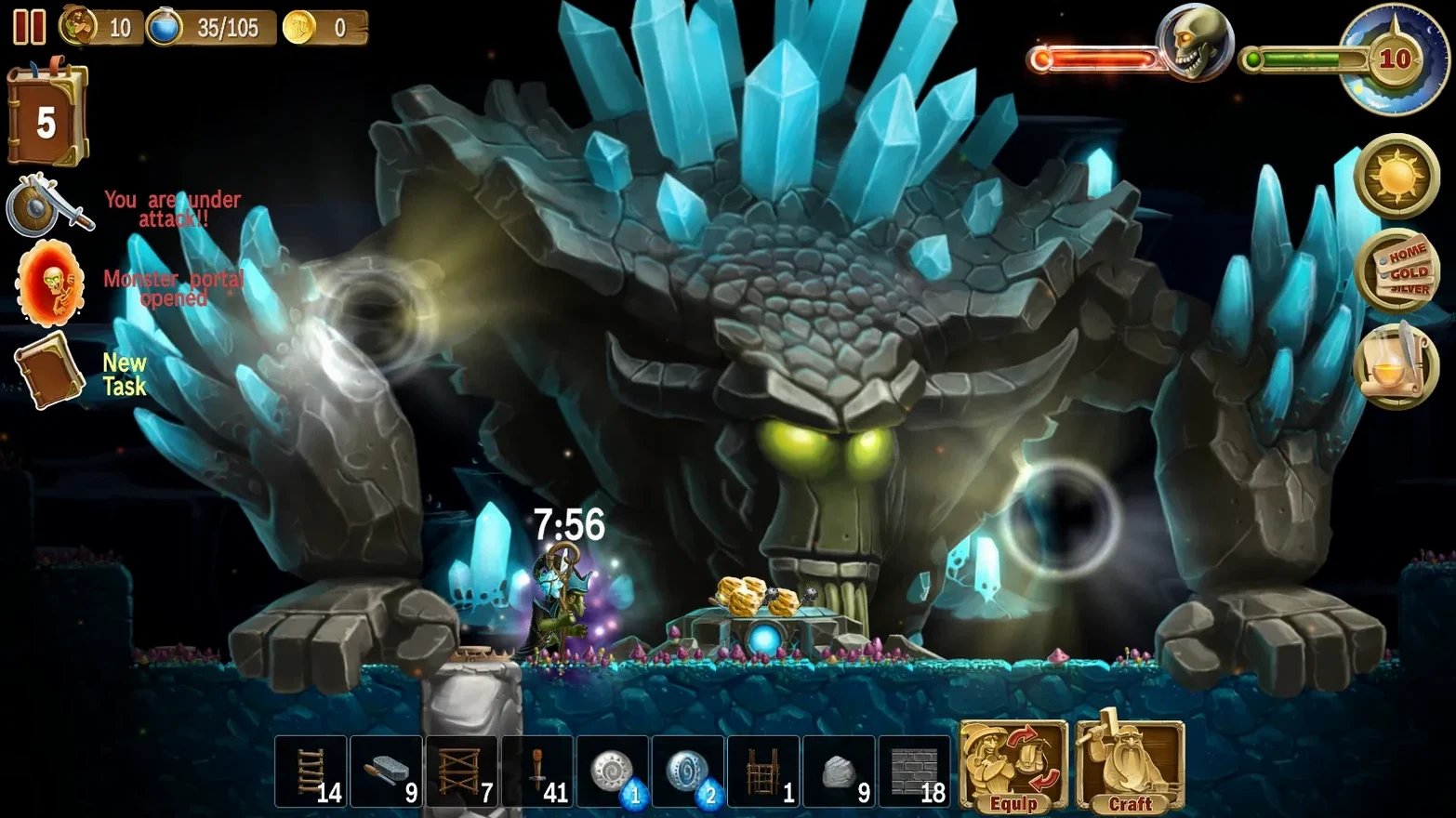
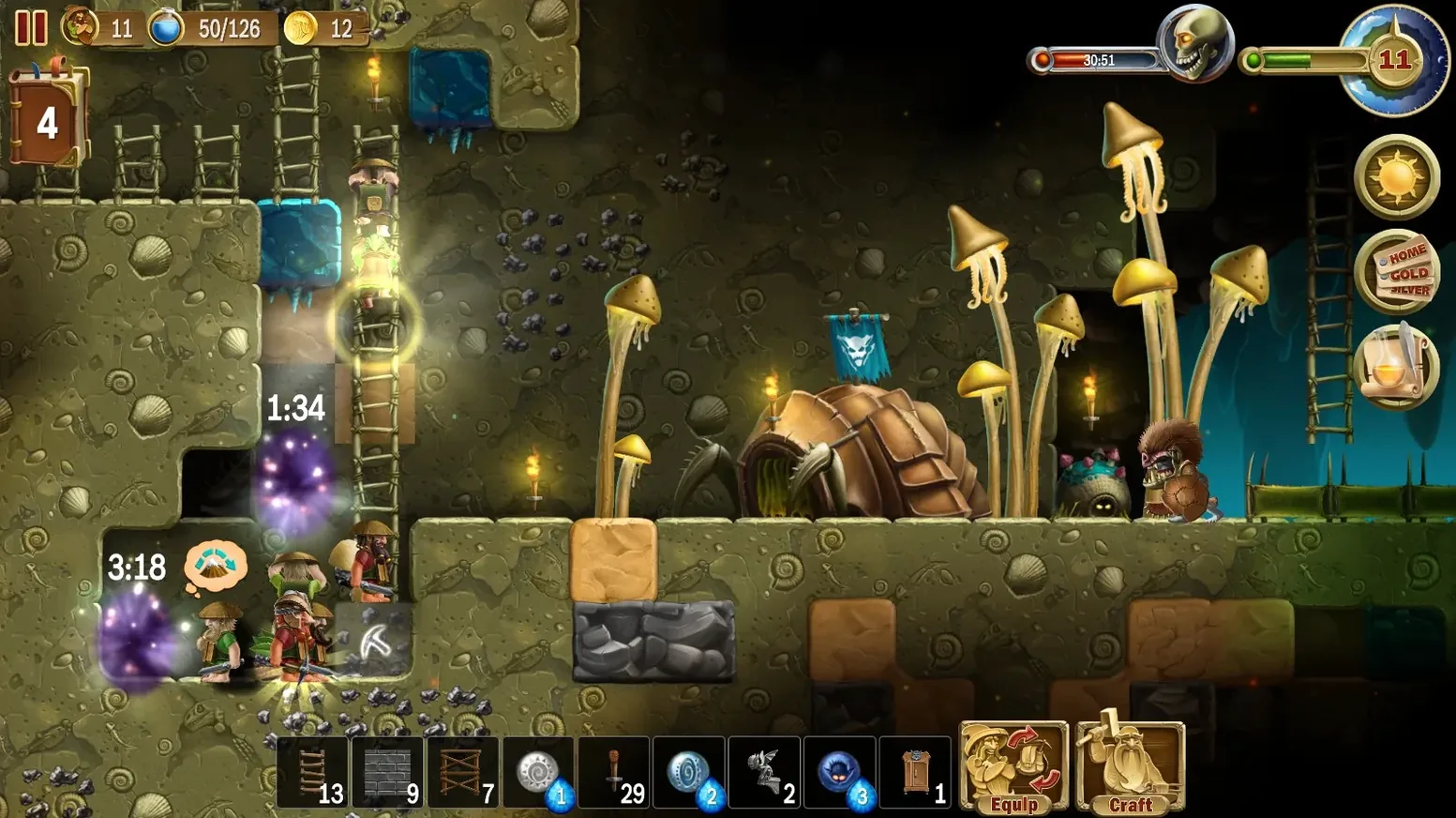
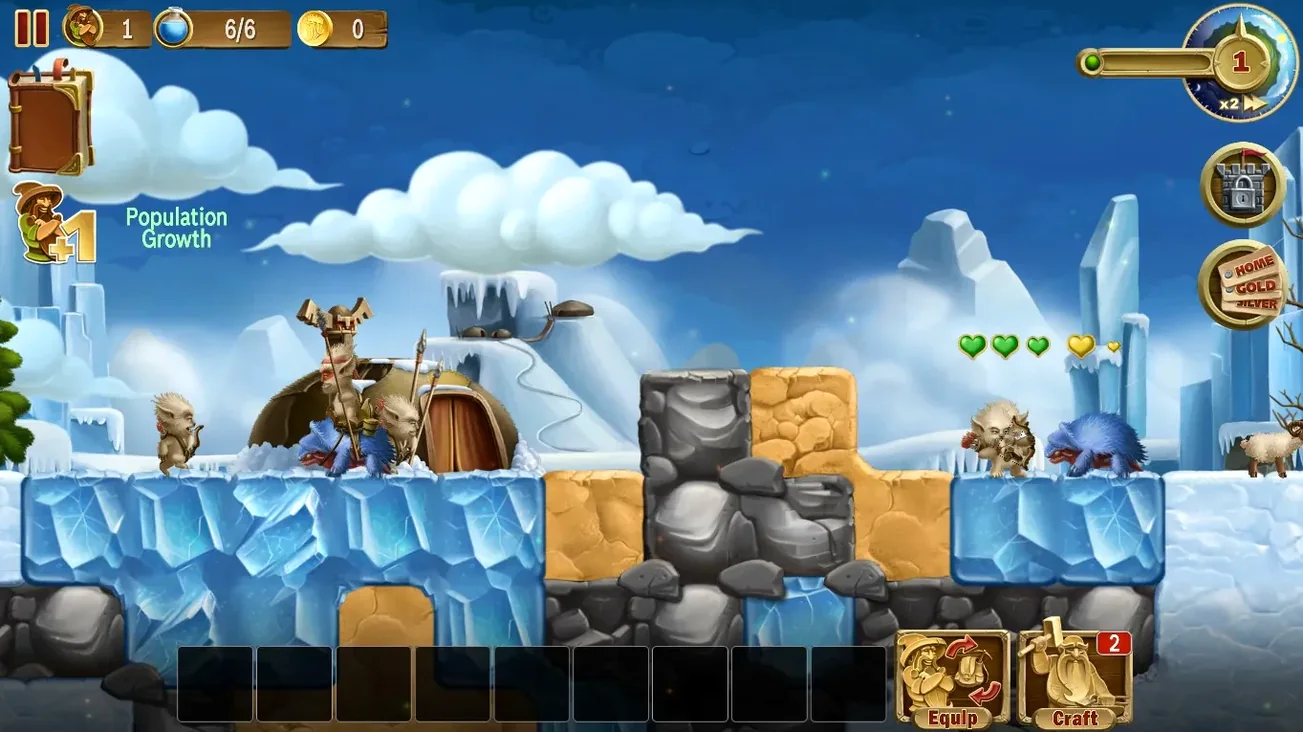
The game is built for Intel Macs, so on newer Apple Silicon machines it runs under Rosetta 2 translation. On our M4 Mac mini, it was smooth and stable with no visible hiccups. The controls use a standard point-and-click setup that feels natural with a mouse or trackpad. You'll spend your time digging through layers of earth, chopping trees, and crafting everything from wooden doors to steel armor. A full day and night cycle plus changing weather keeps the world feeling alive, and the need to fortify your base with walls and traps before monsters arrive at night adds a real sense of purpose to every building session.
Tinkering with a fortress over a long weekend
This is the kind of game I'd open when I want to tinker with a growing fortress over a long weekend. The crafting system lets you turn collected resources into structures, weapons, and gear for your dwarves, and you can toss in spells to speed everyone up or light up a dark cave. It's a comfort game with teeth—cozy until a wave of skeletons tests your wall design. The interface supports a long list of languages, which makes it easy to recommend to a friend who prefers playing in their native language.
Digging straight down is a dwarf death wish
Most early trouble comes from treating this like a rush-to-the-bottom mining game. Digging straight down with no plan is the fastest way to lose a dwarf to a fall or an unexpected monster den. I see new players ignore ladders for the first few hours—dwarves can't jump, and a deep pit with no way out strands them when night falls. Build wooden ladders early and place them liberally.
Another common slip is forgetting that your base needs a roof. Walls alone won't stop flying enemies, and a well-fortified underground shelter means nothing if a bat swarm drifts in from above. Seal the top with a solid ceiling or build entirely underground with a proper entrance. Also, spread your stockpiles out a bit. One central chest near the portal makes sense, but a second cache closer to the far end of your mine saves dwarves from endless cross-map trips while the sunset timer ticks down.
Tip: Place a door at your main entrance and set it to keep monsters out. It sounds obvious, but in the chaos of the first night it's easily overlooked.
No lag on M-series Macs, it just works
Will this run on an Apple Silicon Mac? Yes. The game is a 64-bit Intel build, and on M-series Macs it uses Rosetta 2 automatically. It's a lightweight title to begin with, so the translation layer adds no noticeable lag. If you've played other Intel-only indie games on an M1 or later Mac, your experience here will be similar—smooth and uneventful.
Is it closer to Terraria or to Dwarf Fortress? It sits somewhere in between. The side-scrolling digging and crafting loop feels Terraria-adjacent, but you're not controlling a single hero—you're issuing broad commands to a whole group of dwarves, much like a lighter god game. There's no spreadsheet-level depth, so if you bounced off Dwarf Fortress's complexity, this might hit the sweet spot.
Can I play it offline? Absolutely. The build is DRM-free, so once you've got it installed, no internet connection is needed. It's a solid pick for travel or spotty Wi-Fi situations, and the randomly generated worlds mean a new map is always waiting even when you're offline.
- macOS (Intel architecture)
Notes from other shops 0
Sign in or open a shop account to leave a note.
No notes yet. If you've used this on a shop Mac, tell me how it went.