
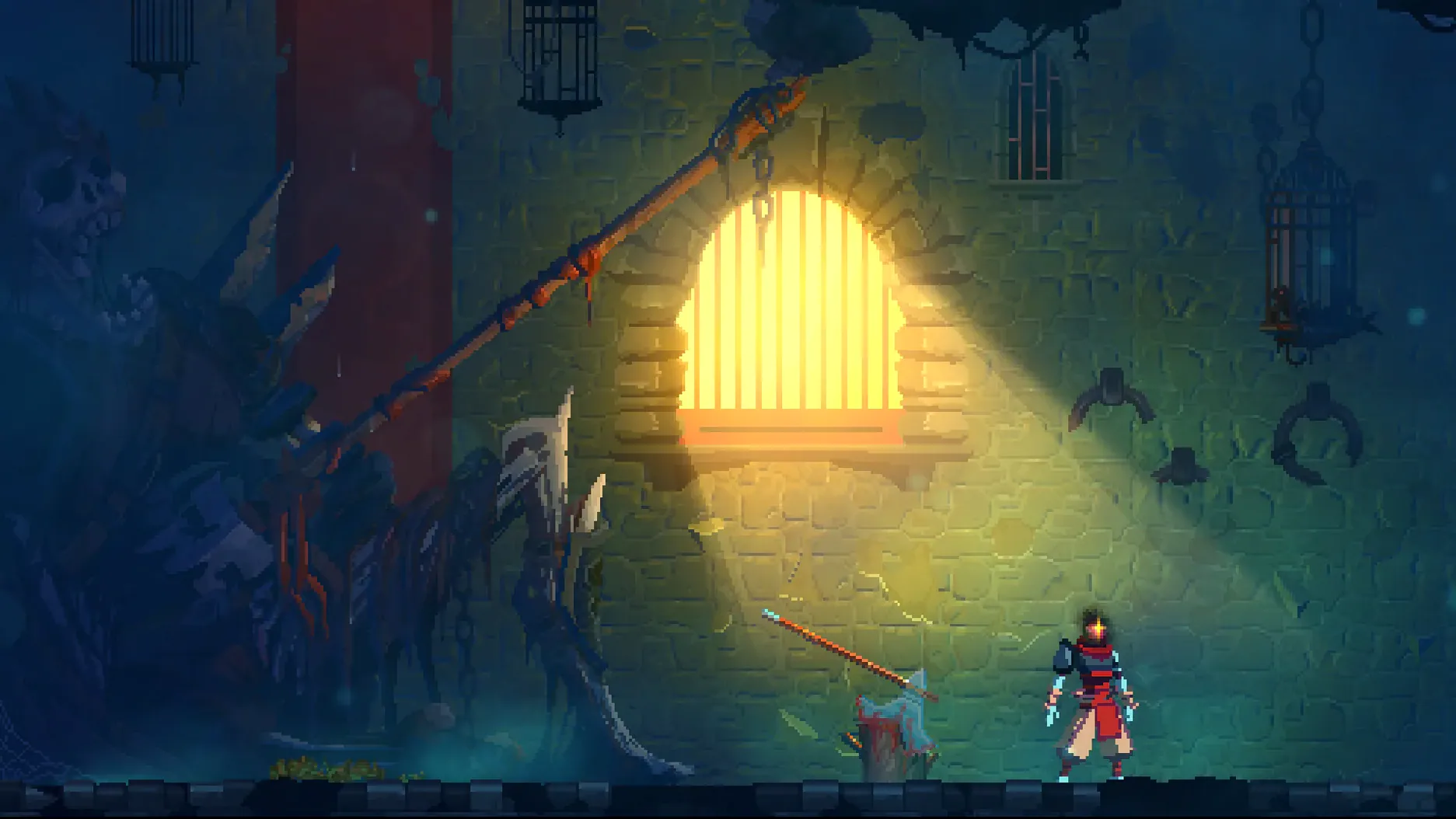
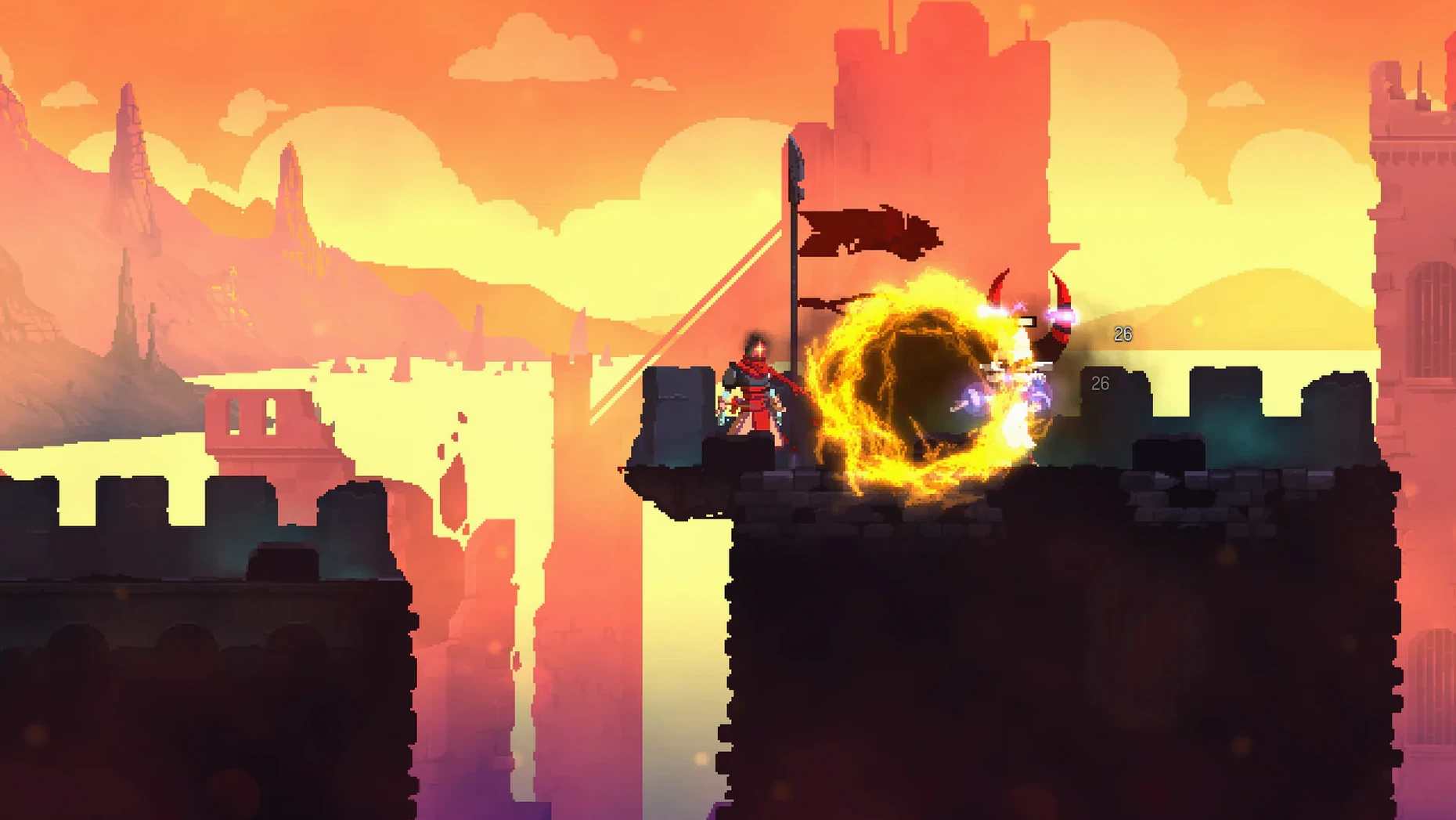
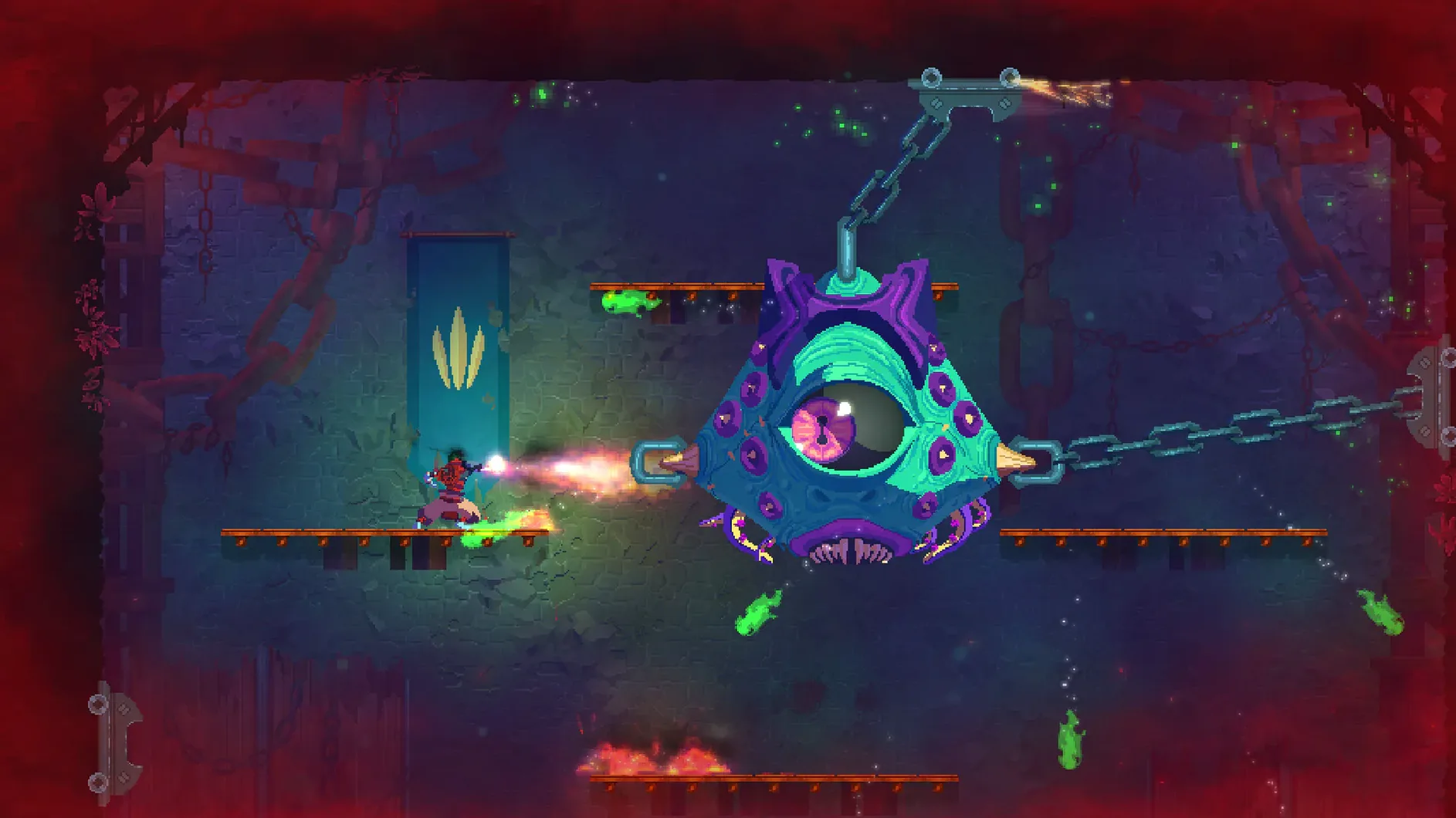
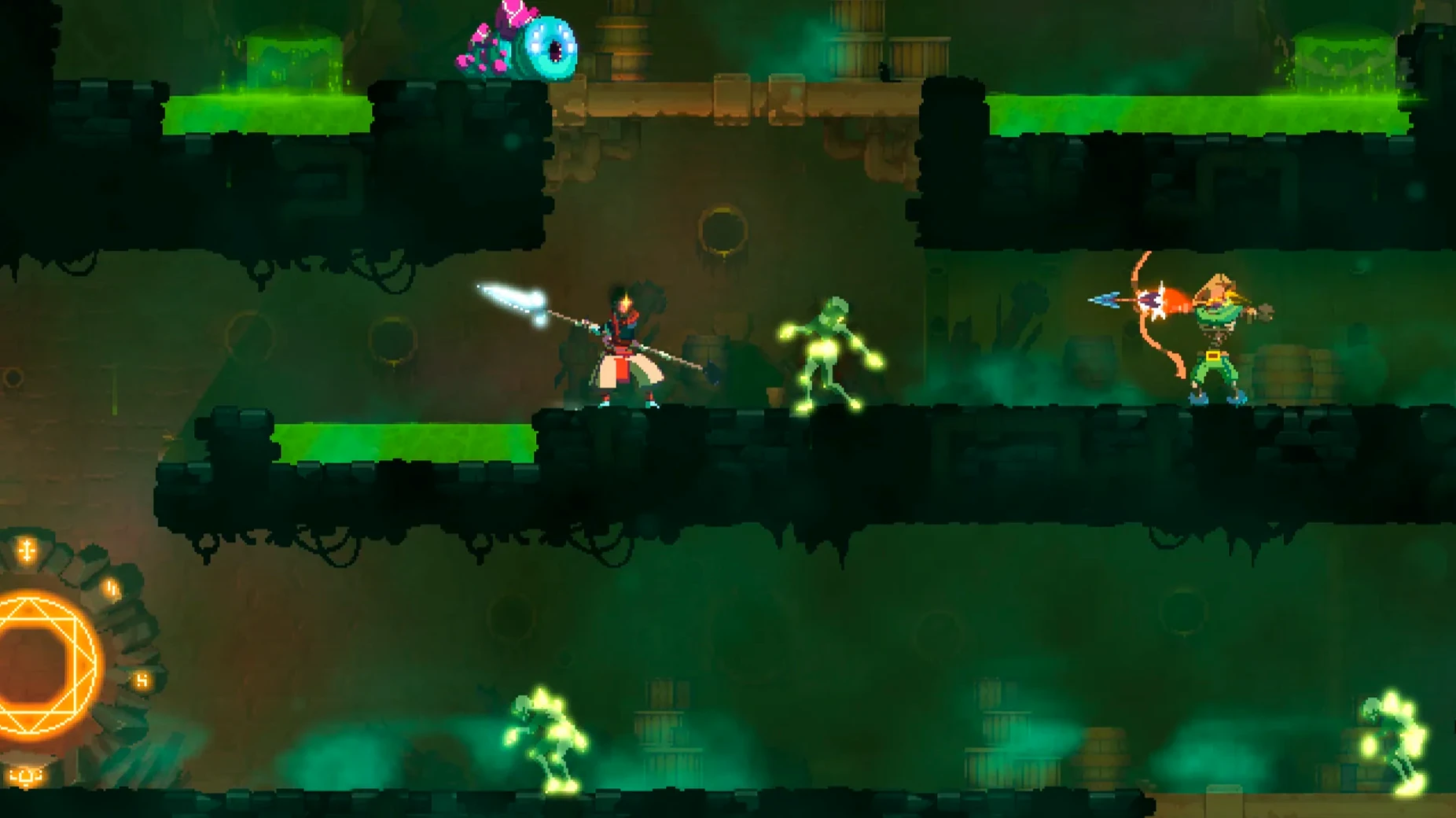
Dead Cells is a side-on action game where you fight out of a cursed castle, die constantly, and start over a little wiser each time. It's a rogue-lite at heart, built on a platformer frame with the precise, demanding combat of a Souls-like and the gear-gating exploration of a metroidvania.
| Detail | Info |
|---|---|
| Current version | 1.26.0 fix |
| Architecture | Intel 64-bit (x86) |
| Languages | English, French, German, Spanish, Italian, Portuguese, Russian, Turkish, Japanese, Korean, Simplified Chinese |
Minute to minute, you're sprinting, rolling, and slashing through procedurally stitched halls. One run might hand you an ice bow and traps; the next gives you a frantic melee set that melts enemies if you never stop moving. Death sends you back to the start, but cells you've collected unlock permanent weapon blueprints and character upgrades — so the next escape attempt always has a new edge. Bosses punish hesitation, shortcuts open up, and the rhythm of "one more run" is genuinely hard to shake.
Dead Cells plays well with the wider Mac ecosystem in ways that aren't always obvious at first. It's a fullscreen game by default, and on a multi-monitor setup it stays put on the display where you launched it — no awkward jumps when you click into a second screen. Mission Control and Spaces handle it cleanly, so swiping between the game and a reference window or a Discord chat doesn't trigger a resolution shuffle. If you use Focus modes, dropping into Gaming focus silences notifications without the game fighting for audio priority. The DRM-free build also means you can copy the folder onto an external SSD and launch it on another Mac without reinstallation or online checks — handy if you move between a desktop and a laptop.
Apple's built-in screenshot tools work fine, but the game's own replay features are better for capturing a flawless boss kill or a cursed sword run gone sideways. The QuickTime screen recording path works in a pinch too, though you'll want to disable on-screen microphone indicators before recording.
Stutter after first launch usually settles by the second biome
A few things trip people up, and most have straightforward fixes.
- Game stutters on first launch. This often comes down to Metal shader compilation. Play through the first biome and the stutter usually settles; the game builds its cache as it goes.
- Controller not detected. Dead Cells expects a controller to be paired before launch. If you connect a Bluetooth gamepad mid-session, restart the game. Wired PlayStation and Xbox controllers work reliably; Switch Pro controllers sometimes need a quick remap in System Settings under Game Controllers.
- Screen tearing on an external display. Turn on VSync in the video options. On older Intel Macs, disabling the in-game FPS counter can also help smooth things out.
- Windowed mode won't resize. The window size locks to a few presets. Hold Option while launching to reset display settings if you get stuck in a resolution your screen doesn't like.
- Bluetooth audio lag. There's a slight delay with AirPods that throws off parry timing. A wired connection or MacBook speakers give you frame-tight audio cues — important when a shield counter is the difference between clearing a biome and restarting.
An illustrator's lunch-break ritual
Consider someone like me — not a hardcore speedrunner, but a shop owner who sketches product designs in the morning and only has twenty minutes between packaging orders and answering emails. Dead Cells fits that pocket. I drop into a custom run with a heavy crossbow and whatever mutations I'm leveling, clear two biomes, and walk away as soon as the clock hits the next task. No save system means no "just one more checkpoint" bargaining; the run ends where it ends. The permanent unlock pool keeps it from feeling wasted — cells I earned go toward the next blueprint even if I quit mid-run. The game plays nice with the MacBook's low-power state too: close the lid, and it pauses without a beachball when I come back. For someone managing short, unpredictable bursts of free time, that matters as much as the combat design.
Locked 60 fps on M1 Air without the fan ever turning on
On the M1 Air the game holds a locked 60 fps at native resolution without the fan ever spinning up — it's all passive cooling, silent the whole time. Load times between biomes clock in under three seconds. The Intel build running through Rosetta 2 doesn't show any noticeable translation overhead; I've seen heavier native apps lag more. Memory use sits around 700 MB to 1 GB, so you can leave a browser full of tabs open behind it without the system swapping.
Stability is solid on version 1.26.0 fix. In weeks of daily play — full runs, partial runs, alt-tabbing constantly — I haven't had a single crash. The only rough edge is waking the game after a prolonged sleep; occasionally the audio channel needs a toggle in settings to snap back. Battery drain on the M1 Air is around 8 to 10 percent per hour, which puts it in the same league as lighter productivity apps. On an older Intel MacBook Pro with a discrete GPU, expect the fans to kick in and battery life to halve — the 2D look is deceptive, and the particle effects during boss fights stress integrated graphics. If heat becomes an issue, knocking the resolution scaling down to 80% buys you cooler thermals with barely any visual loss on a 13-inch screen.
- Intel-based Mac (tested on macOS Sonoma with an M1 MacBook Air via Rosetta)
Questions from the stall
What kind of game is Dead Cells, really?
It's a 2D action-platformer that blends roguelite permadeath structure with metroidvania exploration and tight, Souls-inspired combat.
Notes from other shops 0
Sign in or open a shop account to leave a note.
No notes yet. If you've used this on a shop Mac, tell me how it went.