

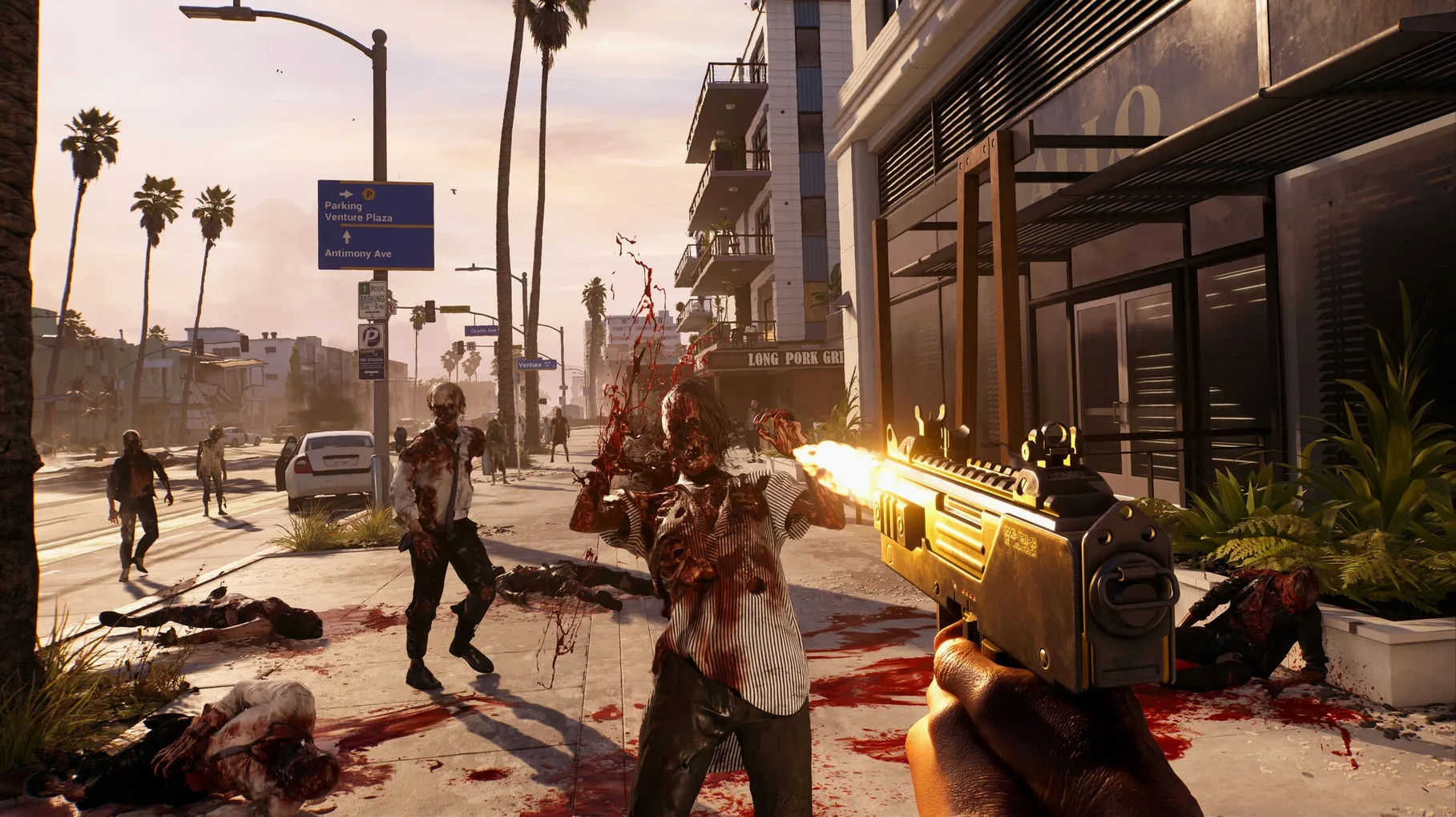

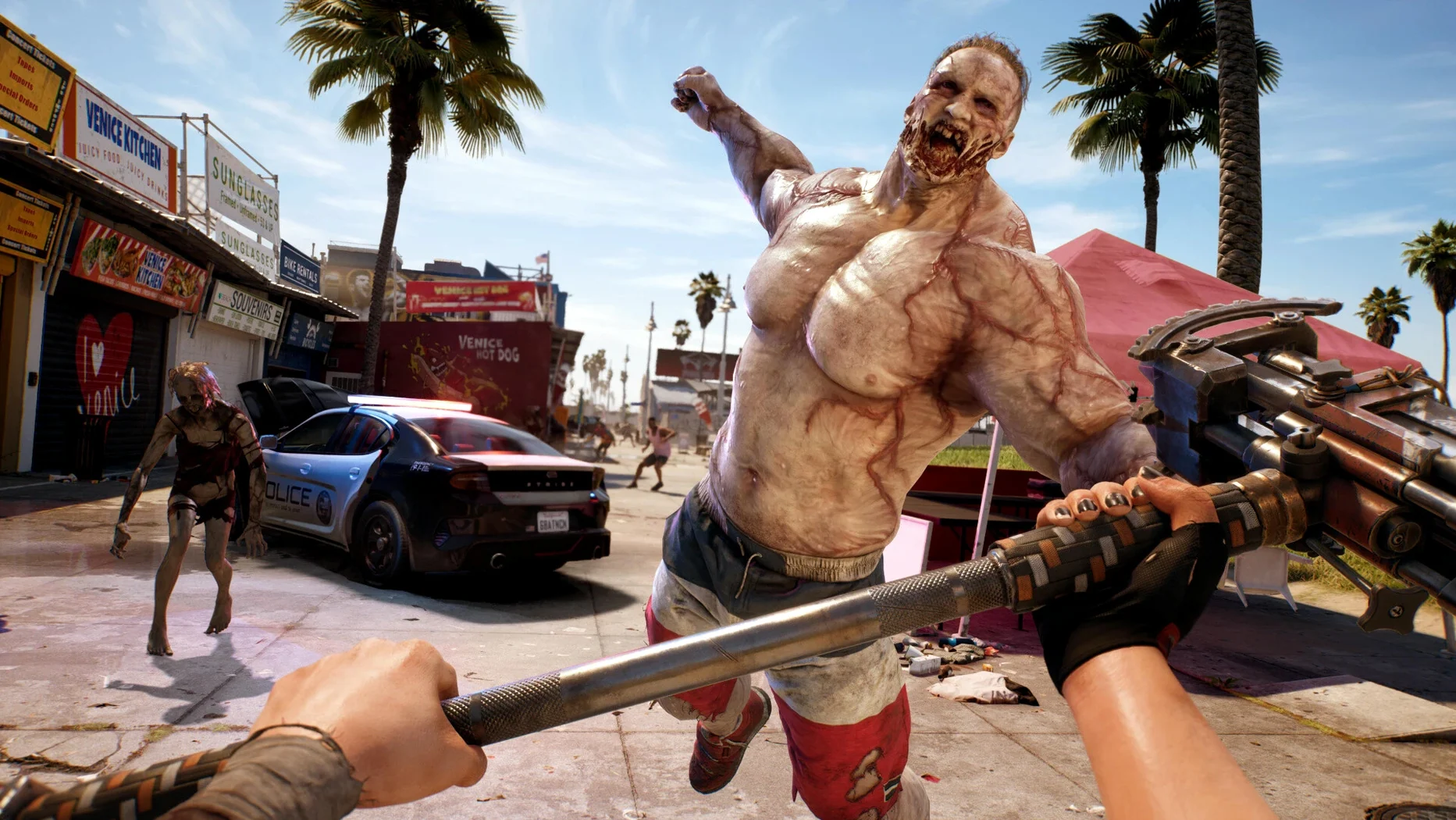
A run to the safe house, step by step
- Pick your slayer. Six characters, each with their own stats and a bit of backstory. You swap between them as you learn which play style clicks — one might lean into heavy weapons, another into speed.
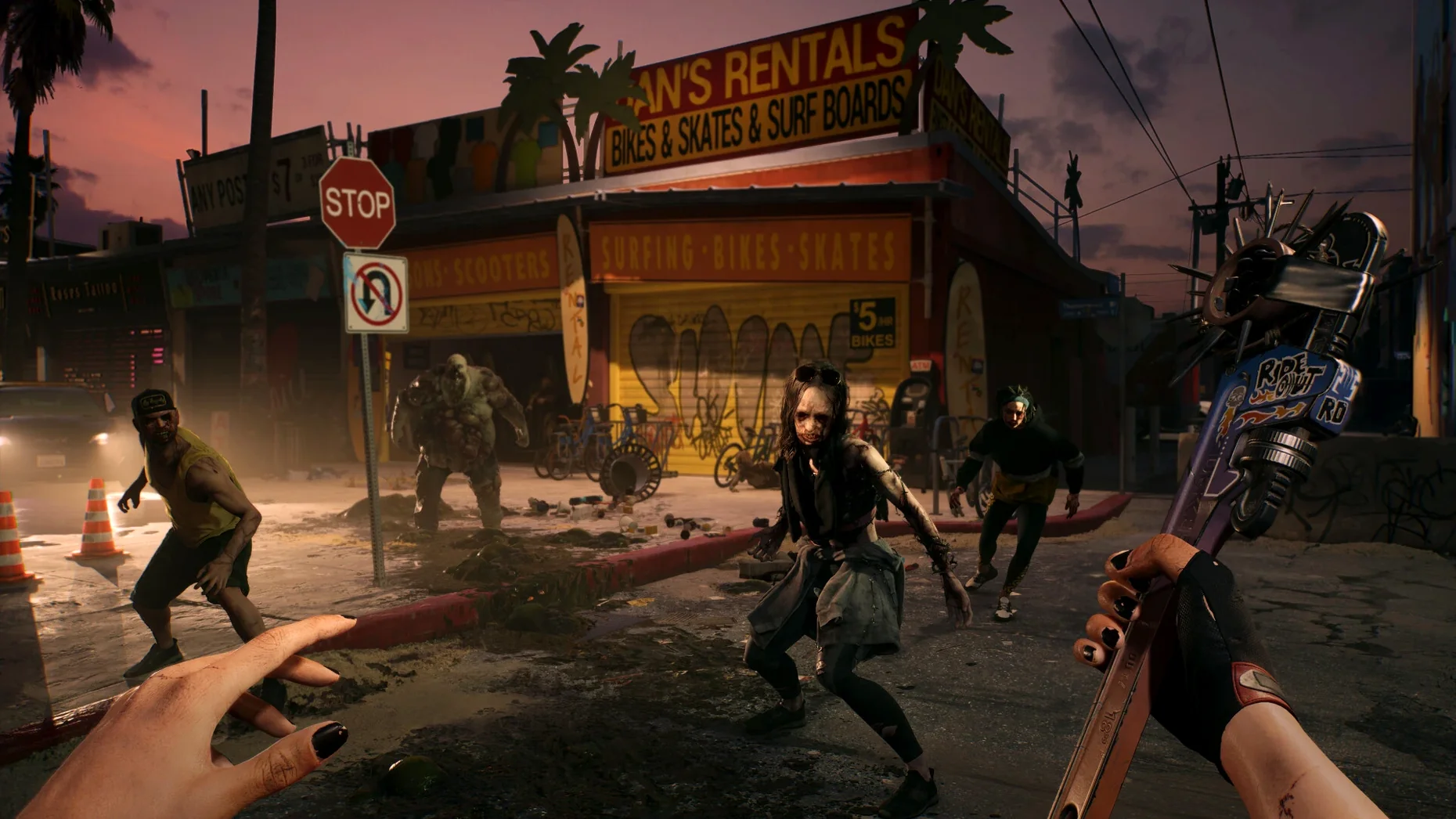
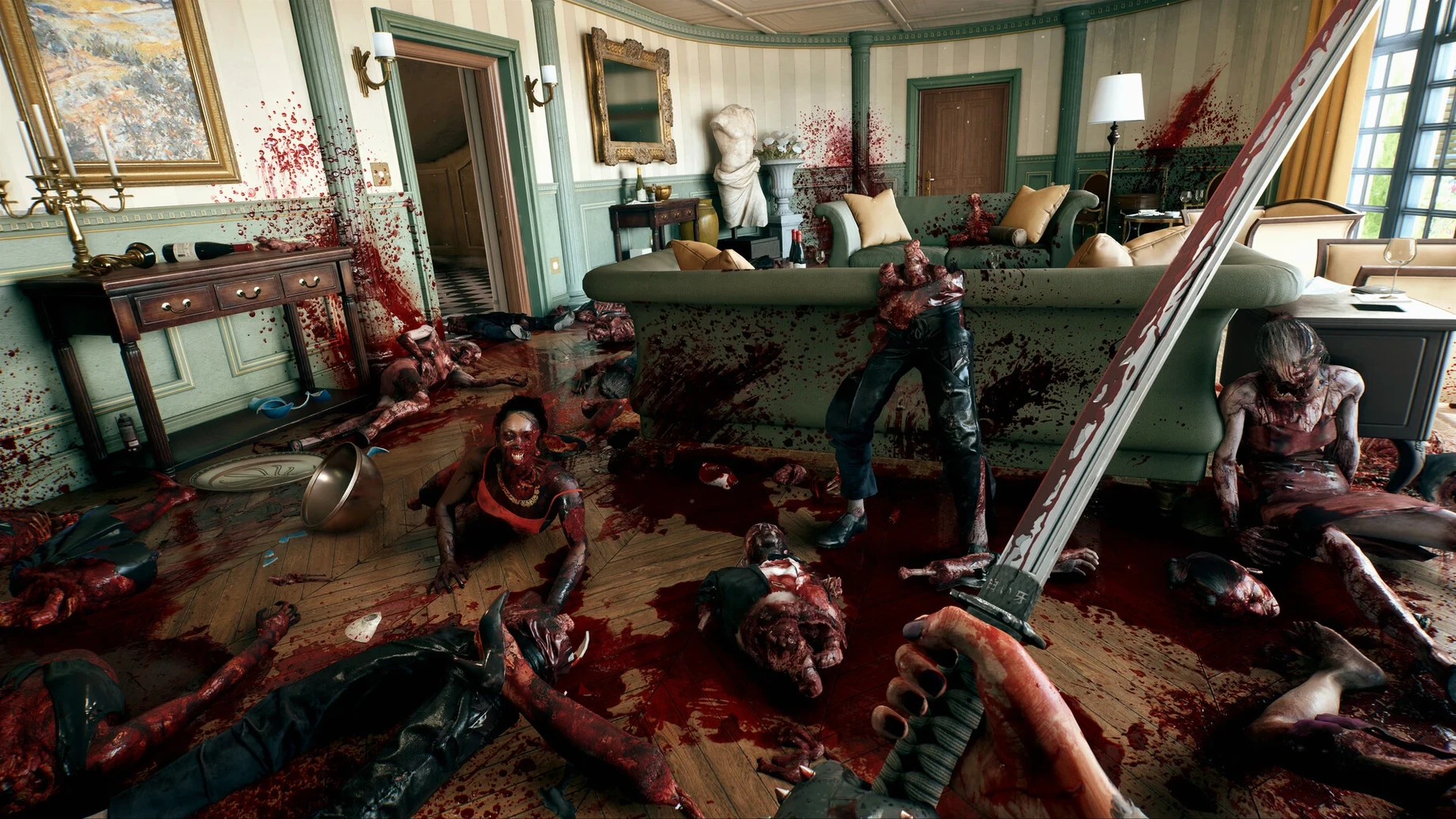
- Leave the crash site. Your plane went down and LA is a patchwork of barricaded mansions, wrecked streets and Hollywood kitsch. You move forward by scavenging anything with an edge.
- Read the zombie in front of you. Mutations matter here. A shambler you can kite. A runner needs a swung bat to the skull before it closes the gap. Some spit, some explode — the game teaches you to spot them fast.
- Switch your skill deck mid-fight. The skill system isn’t a permanent tree you lock into. You can swap between loadouts of abilities on the fly, so the way you handle a crowd near a drained pool can be different from how you clear a tight hotel corridor.
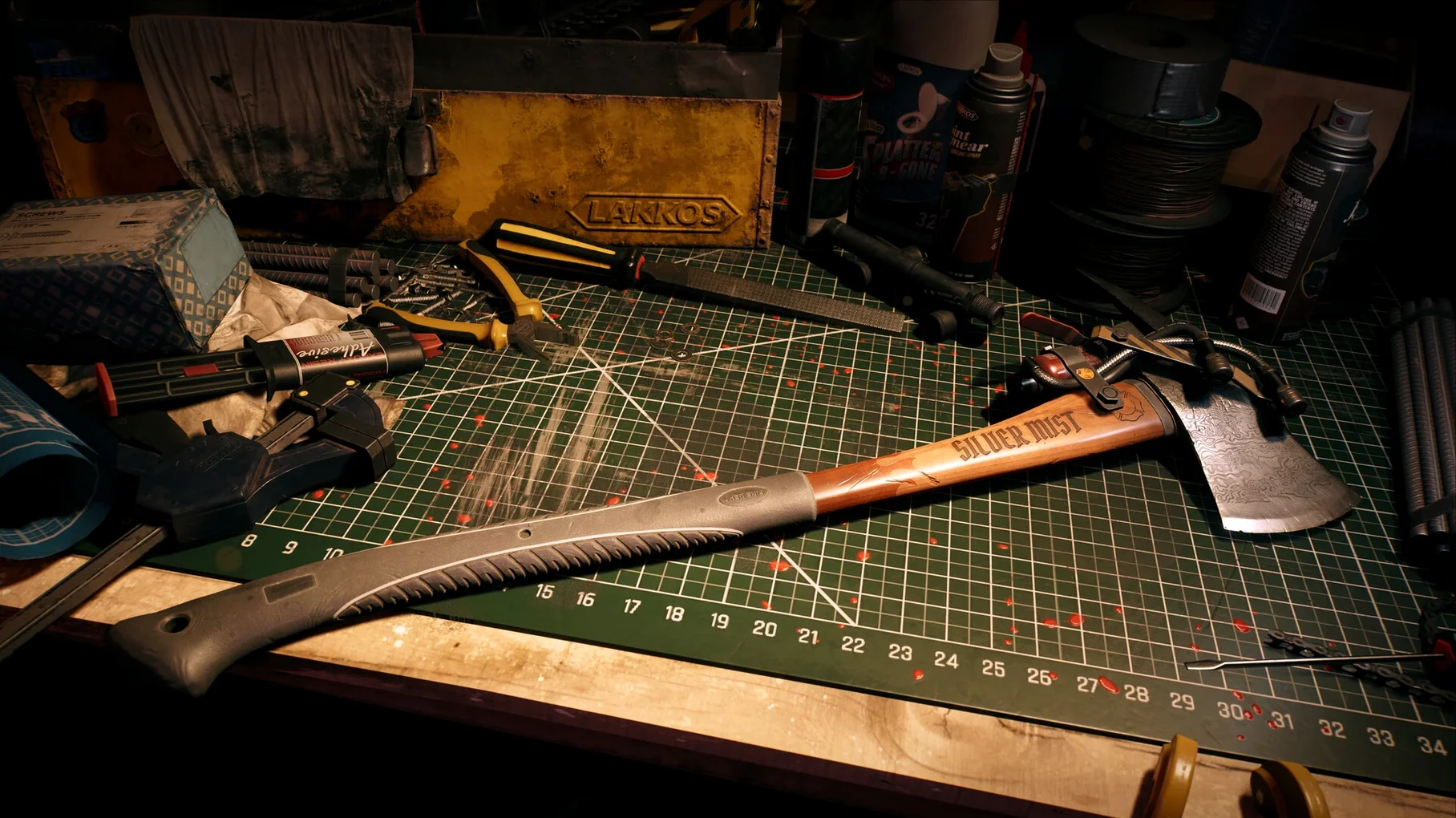
- Stash what you find, mod what you keep. Workbenches let you turn a pipe wrench into something nastier. You’ll craft, scrap and store gear between runs out into the quarantine zone.
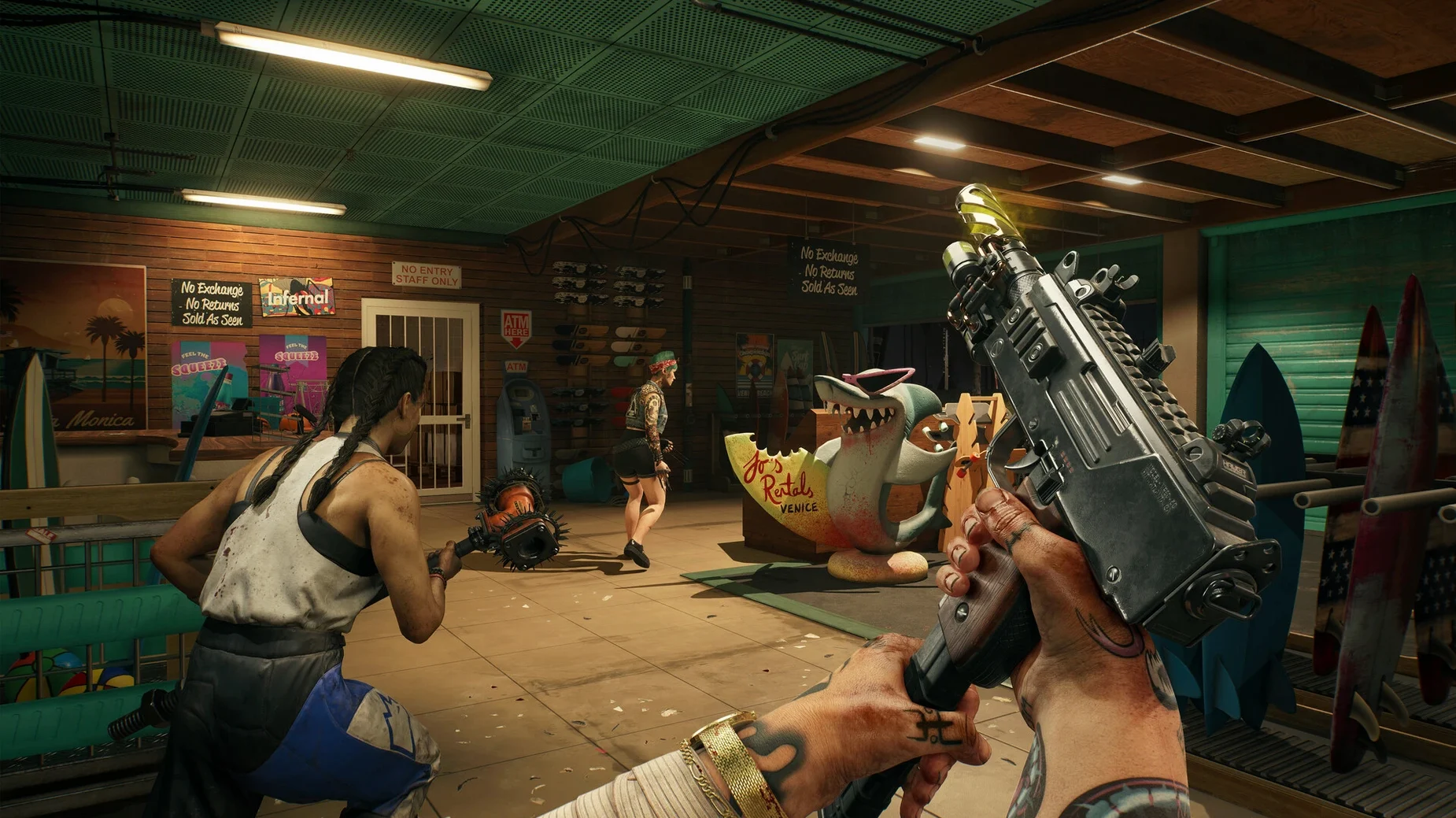
- Bring a friend (or a stranger). Co-op multiplayer is platform-matched. You can drop into someone else’s version of LA and work through the same chaos together.
Minute to minute, you’re not just following a dotted line. You’re reacting. A quiet cul-de-sac can turn into a burning mess the moment a screamer draws every zombie within three blocks. The army pulled out and left the city to its own devices — you, a few other immune survivors and whatever blunt object you’re holding.
Turn off motion blur before the streets swallow you
A few defaults are worth tweaking the moment you hit the title screen. They make the chaos feel more responsive instead of fighting against you.
- Motion blur — turn it down or off. LA's streets are already messy with particle effects, gore and sprinting zombies. Keeping the picture crisp helps you read attack tells a half-second sooner.
- Field of view — bump it up a few notches from the default. In tight bungalow kitchens and pool houses, a wider view means fewer off-screen runners landing on your back before you hear them.
- Aim assist — the game ships with fairly strong stickiness on controllers. If you're on mouse and keyboard, dial it back so you can lead a charging walker without the reticle dragging toward its chest when you meant to hit the legs.
- Co-op privacy — set it to friends-only or invite-only while you learn the maps. Public lobbies can drop a well-geared stranger into your session, and the scaling adjusts enemy toughness to match the group. Solo practice first pays off.
A landscaper in Bel-Air
Here's a practical scenario for someone who plays in shorter sessions and prefers methodical clears over speed. Imagine a gardener who used to maintain the hedges and koi ponds of Beverly Hills — now stuck inside a gated property with a broken fountain, three rooms to search, and zombies wandering the driveway.
You'd pick a character with stamina perks. You'd crouch through the side gate instead of kicking the front door, thinning the garden walkers one at a time with a modified cleaver. When a crusher variant lumbers around the corner, you'd switch your skill deck to a block-heavy setup — absorbing the shockwave instead of dodging and getting thrown into the bougainvillea.
Upstairs you find a workbench, scrap some patio furniture for parts, and turn a nail gun into something that pins heads to drywall. By the time you reach the garage you've used three different skill loadouts without ever opening a menu for more than two seconds. The whole run takes twenty minutes, and every bit of it feels like your own plan.
Carry a junk backup so you never face a zombie unarmed
One frustration new players hit is the weapon durability loop. Early-game pipes and golf clubs snap fast, and it's easy to end up empty-handed between workbenches. The fix is unglamorous: carry one backup weapon you don't care about and kick more. A well-timed stomp on a downed zombie costs nothing and saves your good blade for the ones that bite back.
Another sticking point is the skill deck itself. People sometimes treat it like a permanent build and forget to swap cards when the situation changes. If you're getting overrun in a hallway, switch to a deck that buffs area damage and knockdown — then switch back to a single-target setup when you're luring zombies one by one across a tennis court. The game rewards you for treating the deck like a tool belt, not a tattoo.
Co-op matchmaking can feel quiet depending on the time of day and region, since it's platform-specific. If you're set on finding a partner, try evening hours in your time zone and make sure your session is set to public. If the lobby stays empty, the solo game scales down cleanly — you never hit a section that demands a second player to progress.
Lastly, some players wonder about performance on fanless MacBooks. The M1 Air from 2020 handles medium settings at native resolution without much fuss, but the chassis gets warm after an hour. A lap desk or a short break after big set-piece fights keeps things comfortable. The game's been tested on macOS Sequoia and runs natively on Apple Silicon — no emulation layer to sap frames.
- Apple Silicon Mac (M1 or newer)
Questions from the stall
Does Dead Island run on Apple silicon Macs?
Yes, the Mac release runs natively on Apple silicon Macs and requires macOS Sequoia.
Notes from other shops 0
Sign in or open a shop account to leave a note.
No notes yet. If you've used this on a shop Mac, tell me how it went.