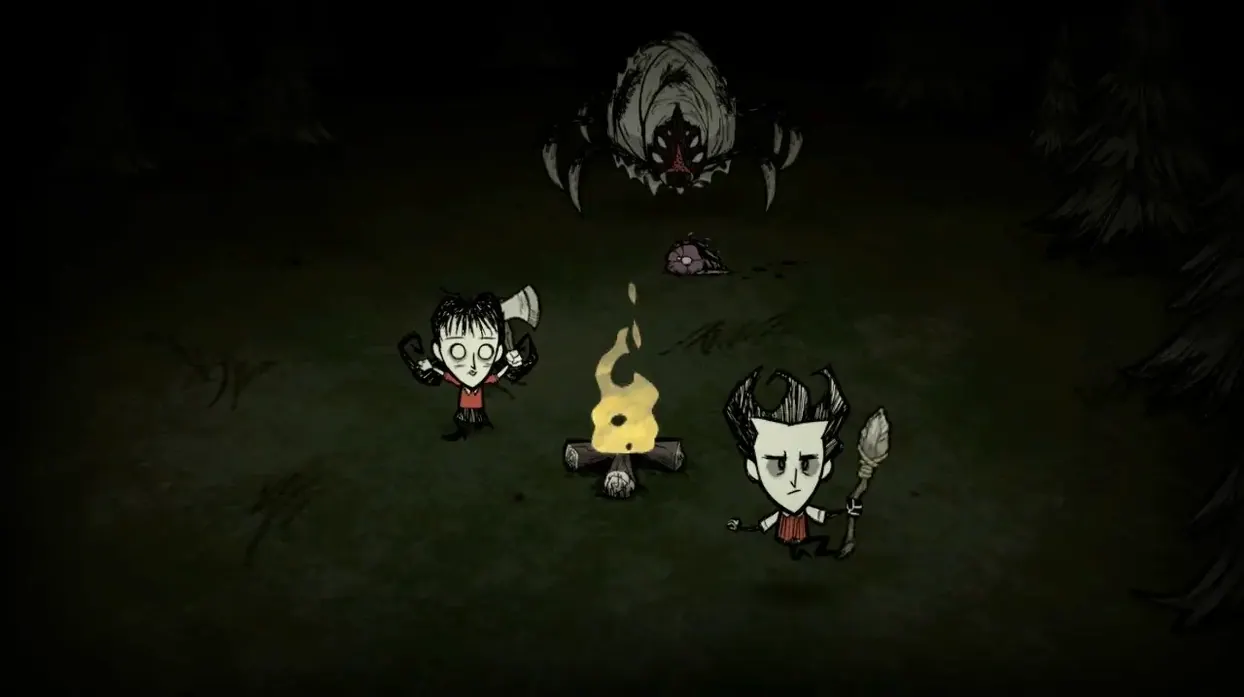
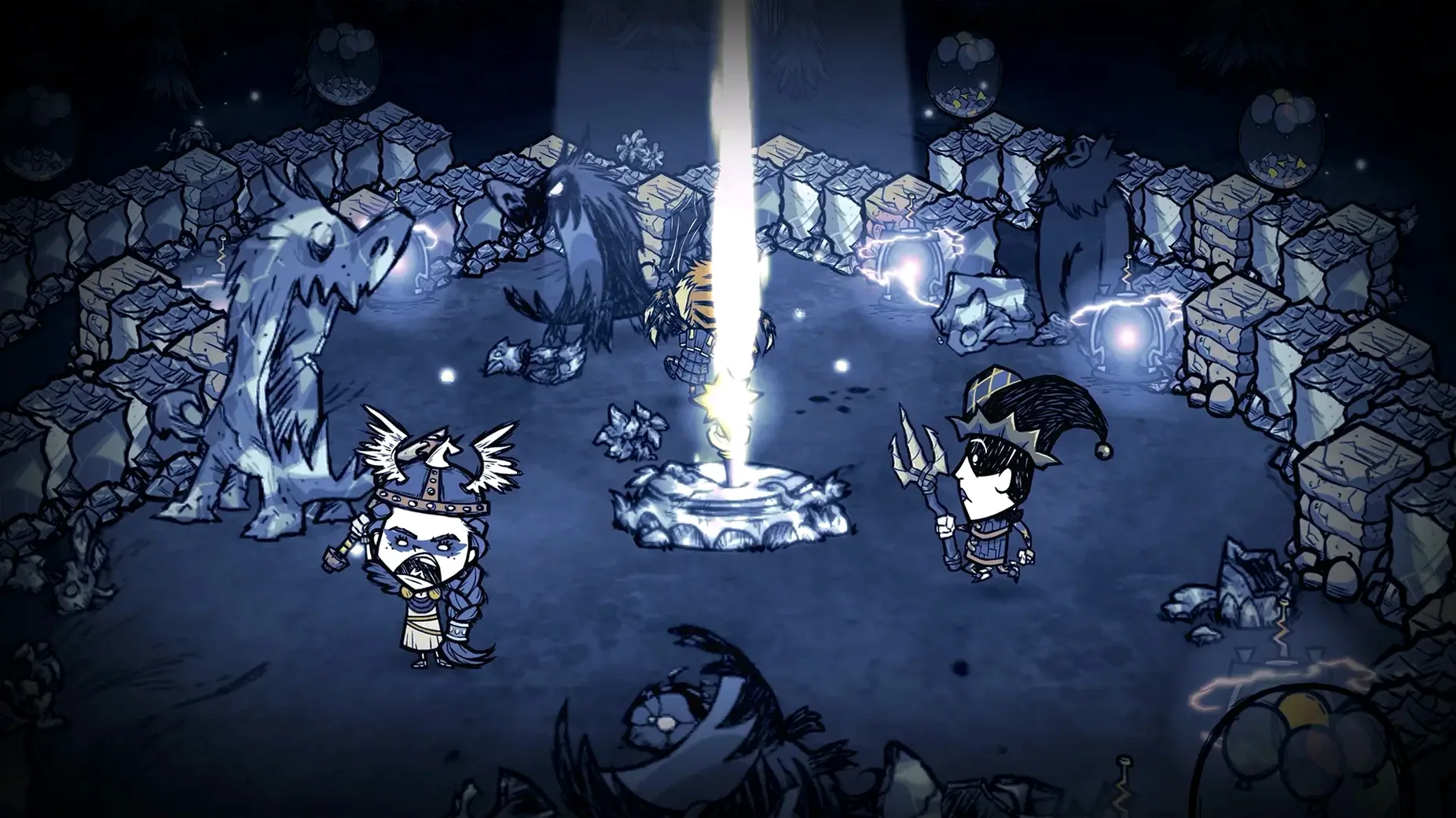
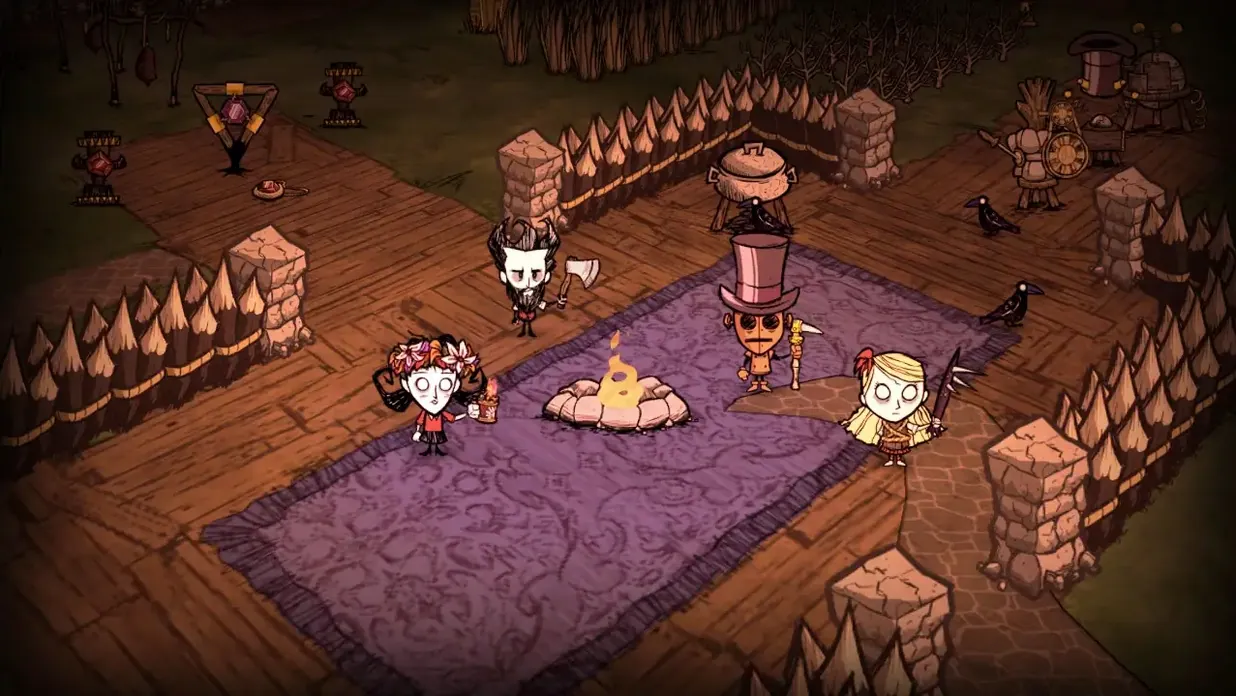
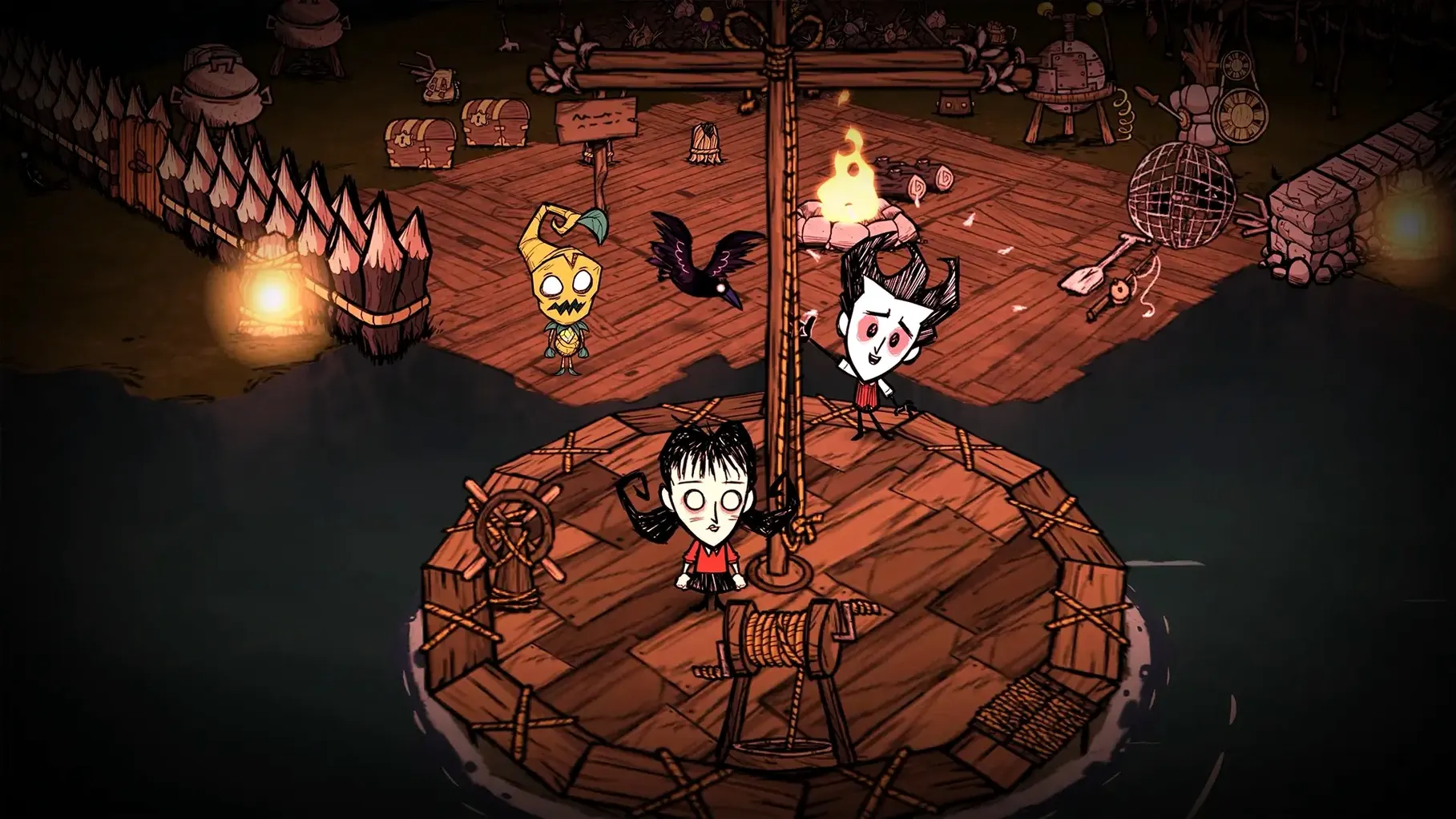
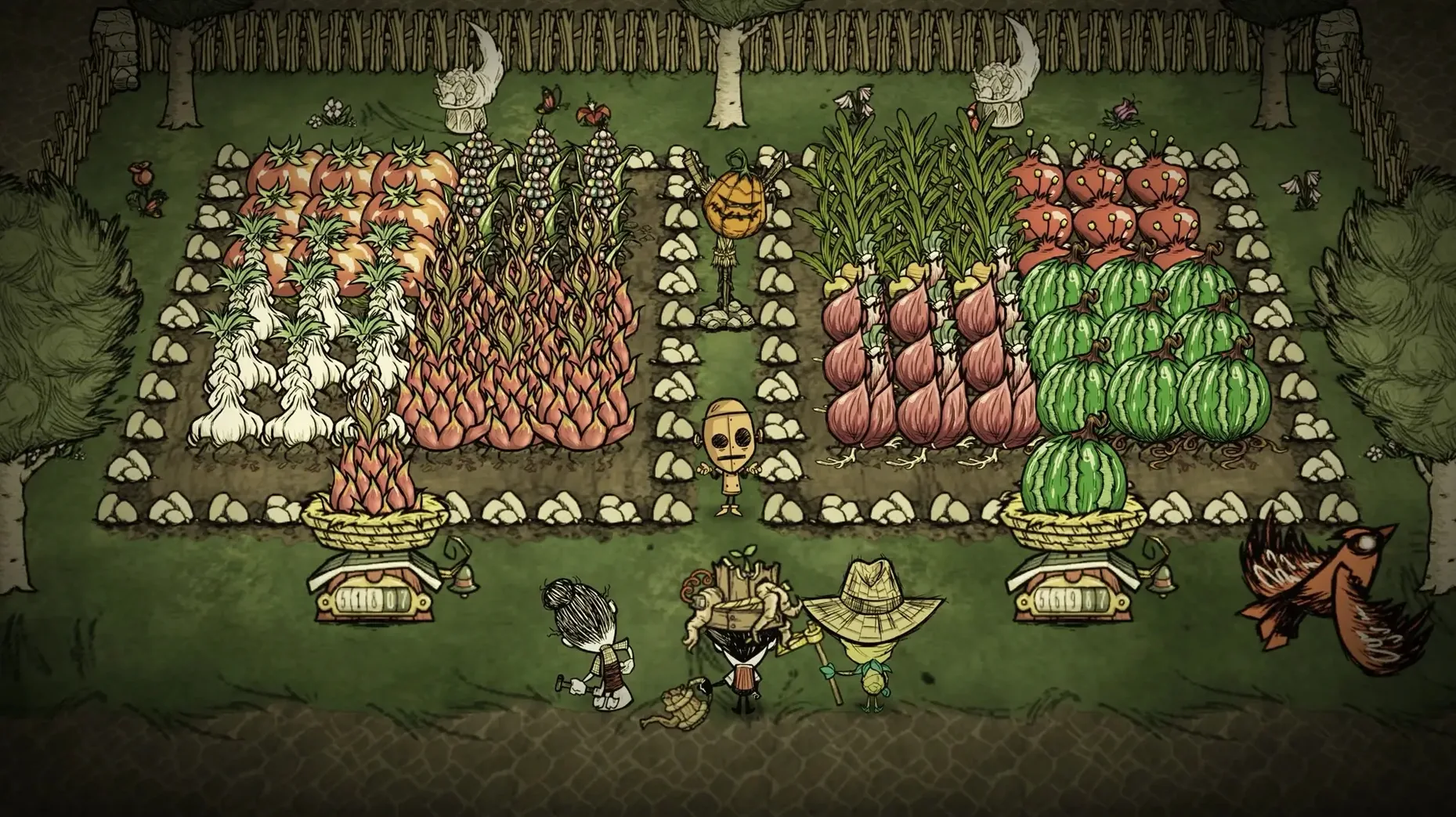
It runs on both Intel and Apple Silicon Macs, so you can jump in from just about any modern machine without fuss. This is the standalone multiplayer version of Don't Starve, so you don't need the original game — what you launch is a fully self-contained survival sandbox built for two or more.
- Cooperative survival on one map. You and a friend share the same wilderness, the same seasons, the same creeping darkness. Everything that kills you kills them too, so you either figure it out together or you both become monster food.
- Public or private play. Host a world just for a friend, or open it to a random online player. The choice sits with whoever starts the server.
- Standalone expansion. No base game required. The download includes everything — characters, crafting, creatures, the uncompromising seasonal cycle — in one package.
- Same developer, same world. Klei Entertainment's hand-drawn art and darkly funny tone carry straight over. The spiders are still twitchy, the beefalo still shaggy, the night still unforgiving.
- English and Simplified Chinese support. Switch languages in the settings and the interface follows.
What you get is the full Don't Starve loop — gather, build, craft, panic — with the tension reshaped around having another pair of hands. One of you can hold the torch while the other chops wood. Or you can both chase frogs and forget to eat. Either way, the clock keeps ticking.
Discord overlay and other Mac-friendly tricks
Don't Starve Together plays nicely with the Mac ecosystem in ways that aren't always obvious. If you use Discord, the overlay sits on top without much wrestling — handy when you're voice chatting through a hound attack and need to see who's still alive. The game also respects the Mac's native fullscreen mode and split view, so you can keep a wiki page or a don't starve together torrent tracker open on one side while you navigate the marsh on the other. Mission Control handles it cleanly; swiping between desktops mid-game doesn't usually cause a hiccup.
Spotlight won't index your save files by default, but they live in ~/Documents/Klei/DoNotStarveTogether. If you ever want to back up a world before experimenting with the teleportato or turning on a risky mod, that's the folder to grab. Time Machine catches it automatically. For streamers, OBS picks up the game window without needing extra capture plugins — at least on the M4 Mac mini we checked, the Metal rendering path cooperates from the start.
Klei's cloud save system syncs through Steam, not iCloud, so your worlds follow you between a desktop Mac and a MacBook without extra steps. Just don't expect to pick up a session on an iPad — this one stays on macOS.
Command-click to attack neutral creatures
A few things aren't shouted about in the menus but make the day-to-day smoother once you know them:
- Force-attack with the Command key. Hold Command and click a creature, and you'll swing at it even if it's a neutral butterfly or a pigman who hasn't provoked you yet. Saves you from fumbling through the control settings when you need meat quickly.
- Map pinging. Double-click anywhere on the map to drop a marker your teammate can see. No typing, no mods — it's built in and works even on a fresh don't starve mac download with zero configuration.
- Quick-drop from inventory. Shift-click an item in your backpack to toss it on the ground instantly. Useful when you're overheating, your inventory is full of logs, and your friend is screaming about a fire hound.
- Gesture wheel. Press the G key (or whatever you rebind it to) and you get a radial menu of emotes. The /dance and /sit commands exist beyond the wheel too, but the wheel is faster when you're celebrating the first winter you survive as a pair.
- Minimap rotation lock. In the settings, you can stop the minimap from spinning with your camera. For players who navigate by cardinal directions rather than landmarks, this small toggle stops a lot of disorientation.
Also worth knowing: the game supports Steam Remote Play Together. One person needs a copy; the other can join through Steam as if they're sitting on the same couch. The connection quality depends on the host's upload speed, but on a wired Mac it's perfectly playable for a casual evening session.
The repeat-offender hiccups and their cures
Things that trip people up tend to cluster around a few repeat offenders. Here's what to look for and how to untangle it.
The mod version mismatch loop
You subscribe to a handful of server mods through the Steam Workshop, launch the game, and get bounced with a "server mod version mismatch" error. The usual culprit: one of your mods updated and the server hasn't caught up. Fix: restart the server — not just the client. If you're hosting from the in-game menu, the server restarts when you relaunch the world. If the error persists, unsubscribe from the mod, delete its folder in ~/Documents/Klei/DoNotStarveTogether/mods, then resubscribe. Sometimes a stale file hangs around and the clean wipe sorts it.
Connection timeouts on a don't starve together torrent install
If you're playing from a standalone copy outside Steam's matchmaking and your friend can't see your server, check whether your Mac's firewall is blocking the game. Fix: go to System Settings > Network > Firewall > Options and make sure Don't Starve Together has incoming connections allowed. The game uses UDP port 10999 by default, so if you've set up manual port forwarding on your router, double-check that port isn't also being grabbed by another application.
Black screen on launch
This one surfaces most often after a macOS update. The app opens, the music plays, but the screen stays black. Fix: force-quit, then hold the Option key while launching. The game will offer to reset display settings to a safe default. Pick that, and it should come back. Afterwards, you can reapply your preferred resolution and fullscreen toggle in the graphics menu.
World rollback gone wrong
The rollback feature under the Host Game tab lets you rewind a world by one or more days — a lifesaver when a deerclops stomps through your base. But if you roll back too far after a Steam cloud sync, the save can fragment. Fix: before rolling back, make a manual copy of the save folder. There's no undo for the undo. The daily autosaves in cluster_*/Master/save are numbered; you can sometimes restore an earlier day by renaming the file, but only if you haven't overwritten it with a newer session.
- Apple Silicon or Intel 64-bit Mac
Notes from other shops 0
Sign in or open a shop account to leave a note.
No notes yet. If you've used this on a shop Mac, tell me how it went.