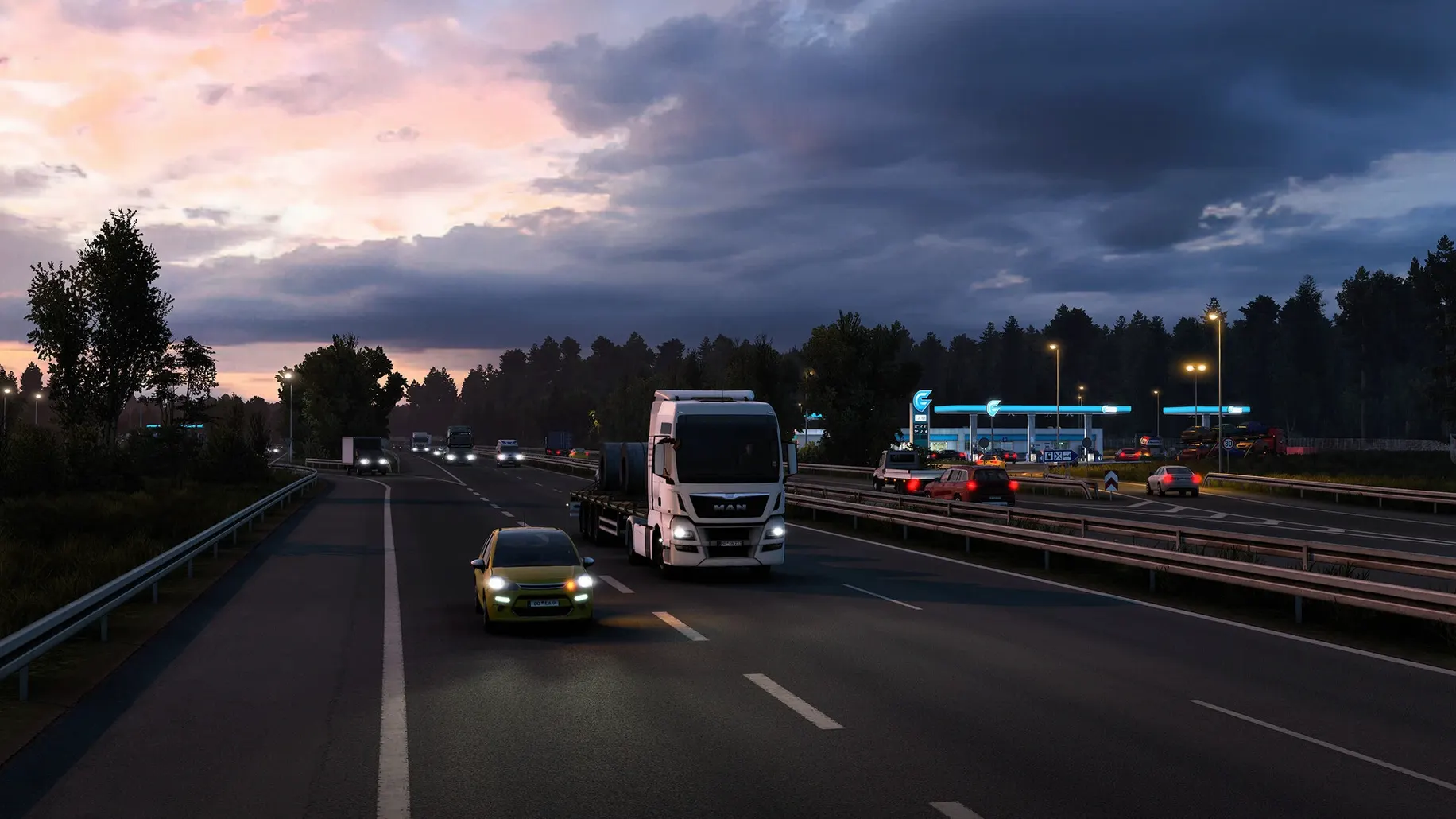
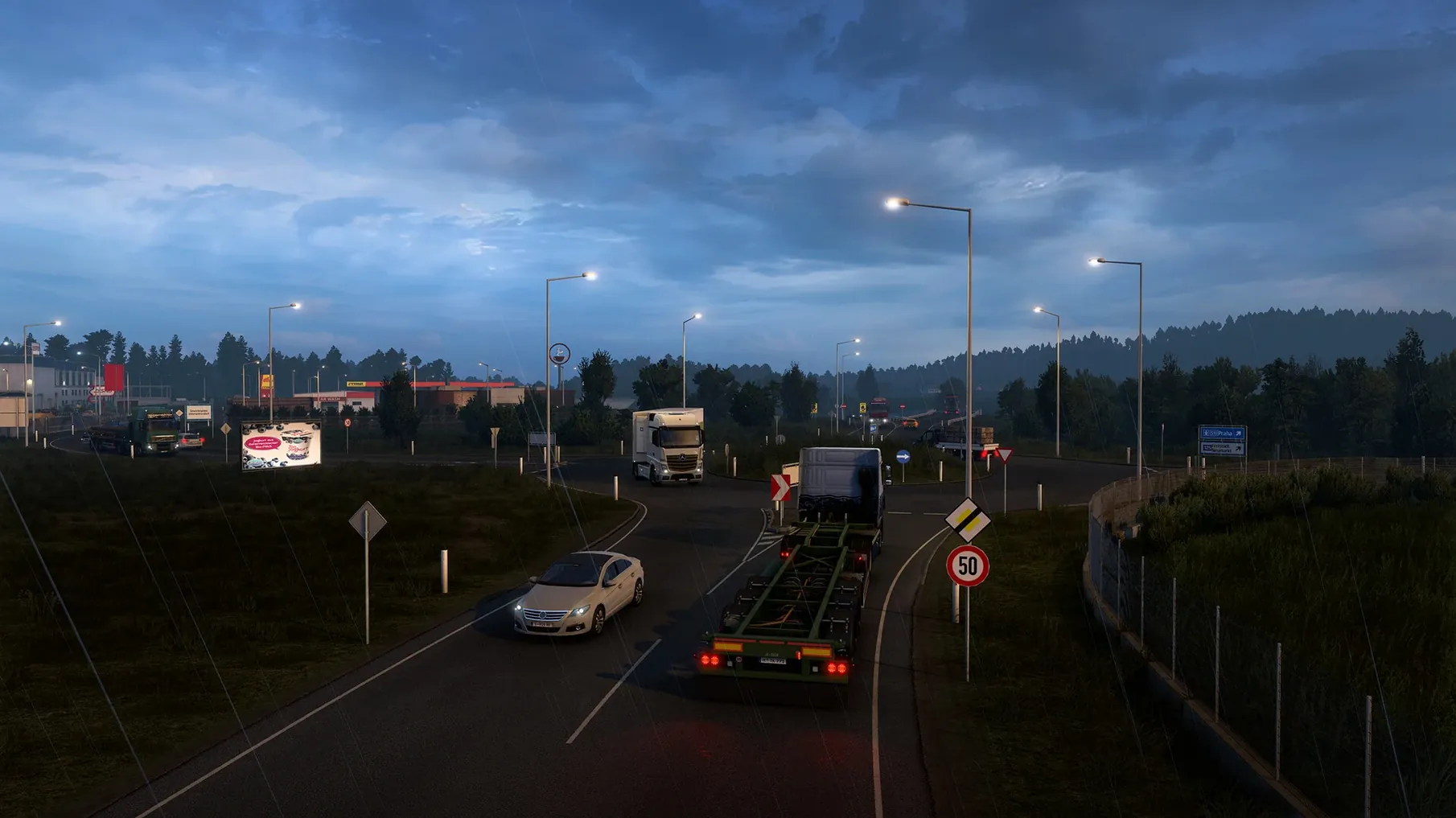
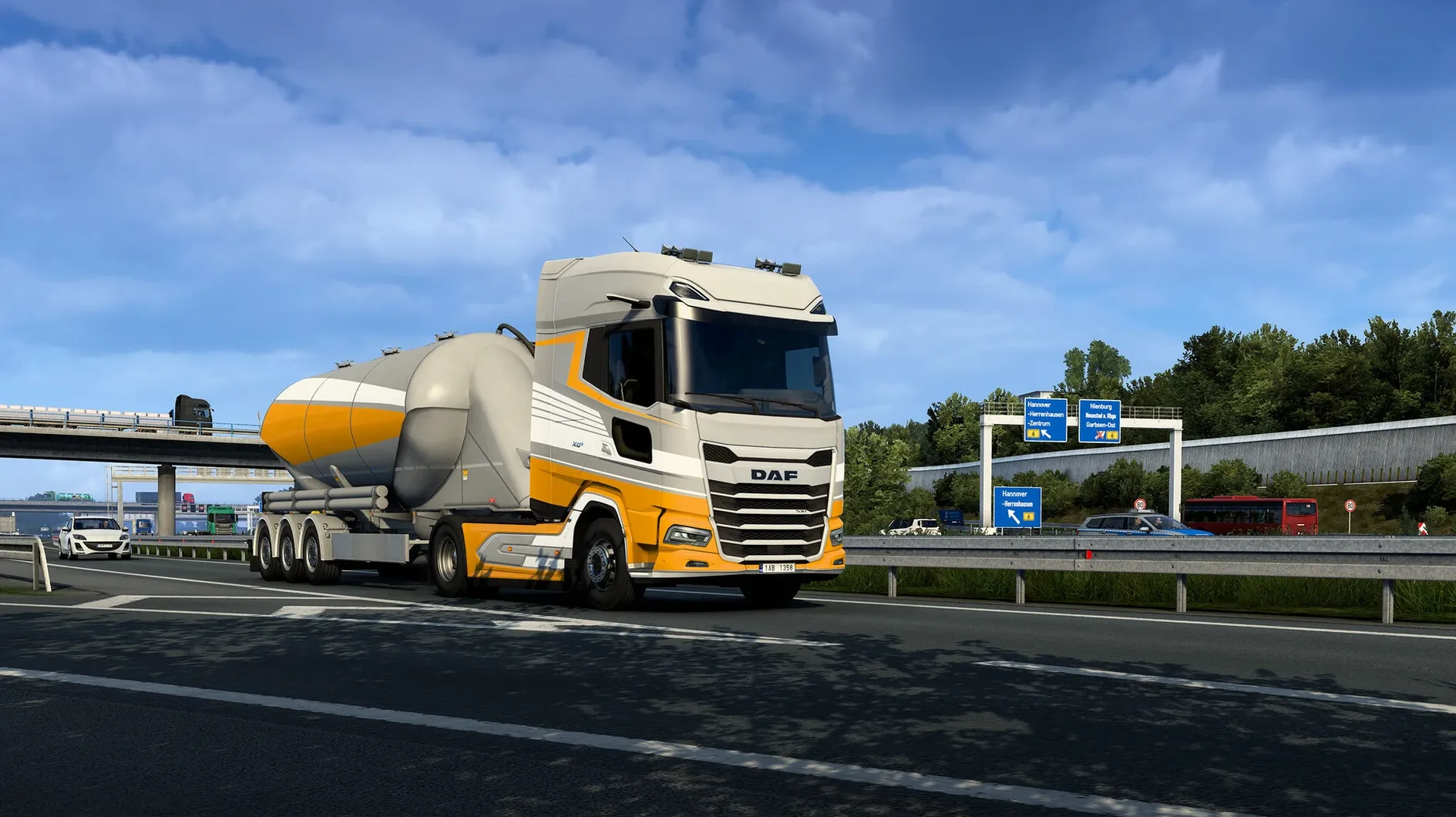
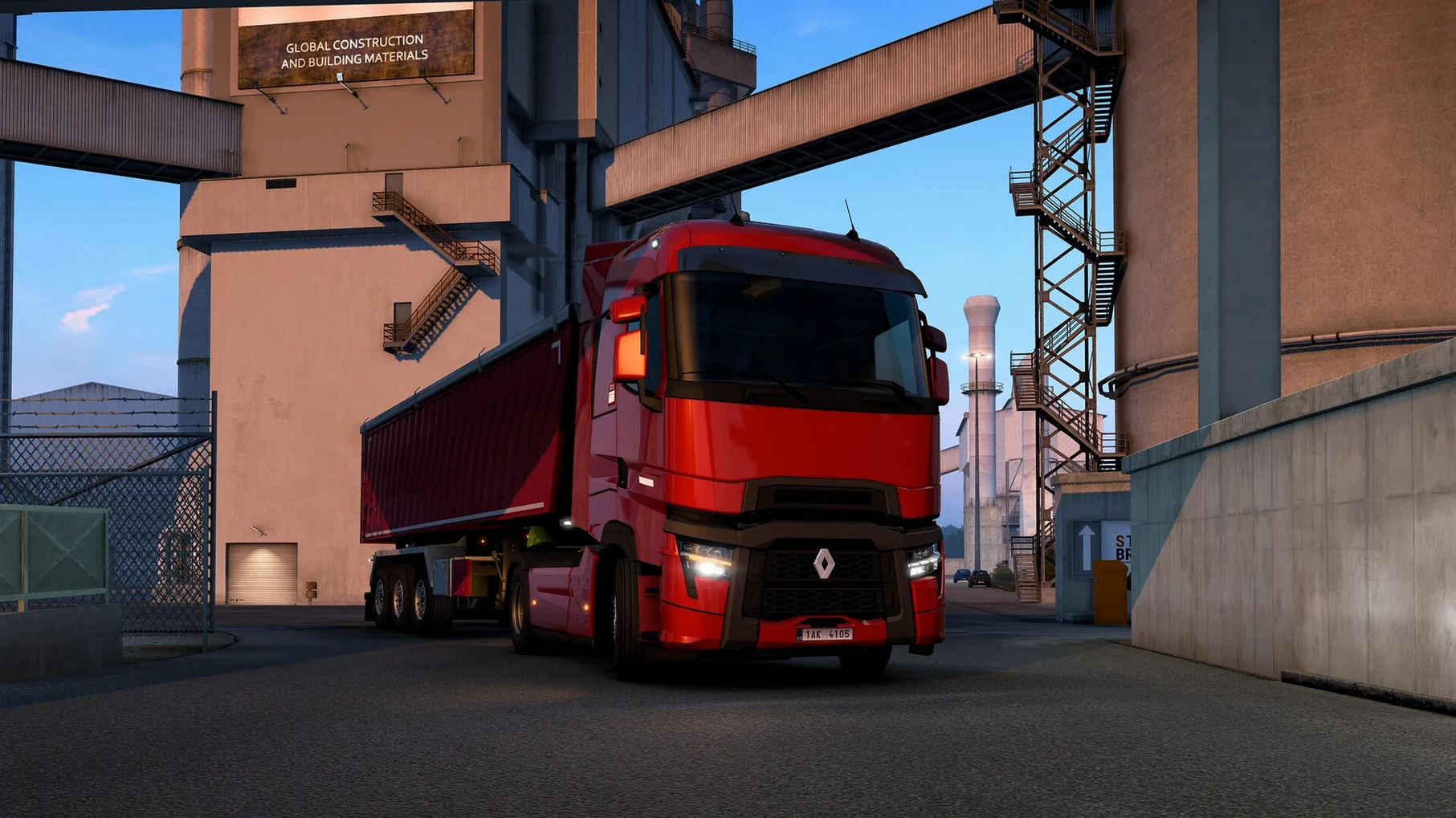
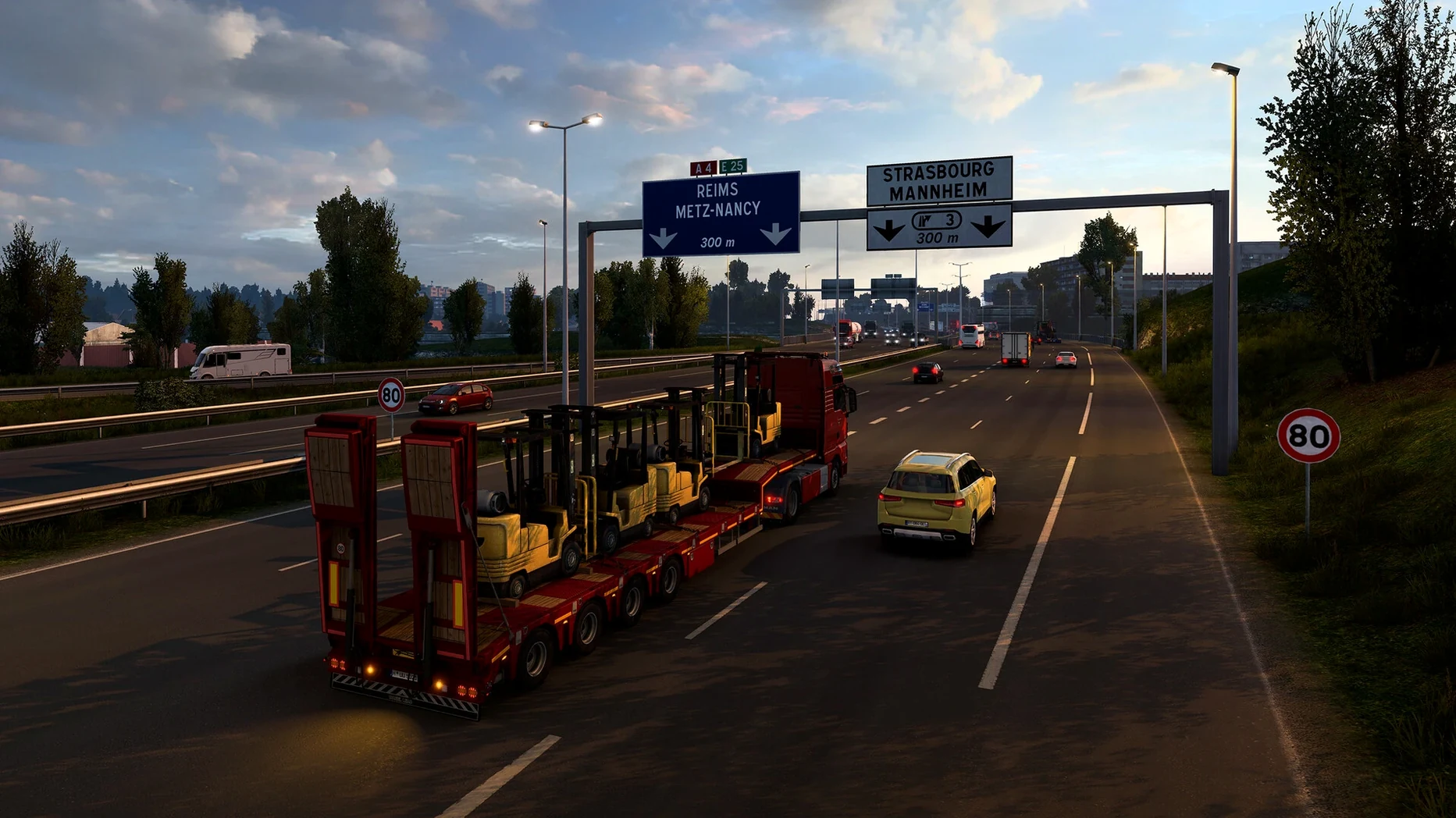
If you know the quiet, methodical rhythm of a flight sim where most of the job is managing checklists and holding a course, Euro Truck Simulator 2 works on a similar wavelength — just closer to the ground and with a lot more roundabouts. You are not racing. You are clocking in.
What a delivery run actually looks like
- Start parked at a depot in, say, Rotterdam, pick a job from the freight market, and hitch up a loaded trailer.
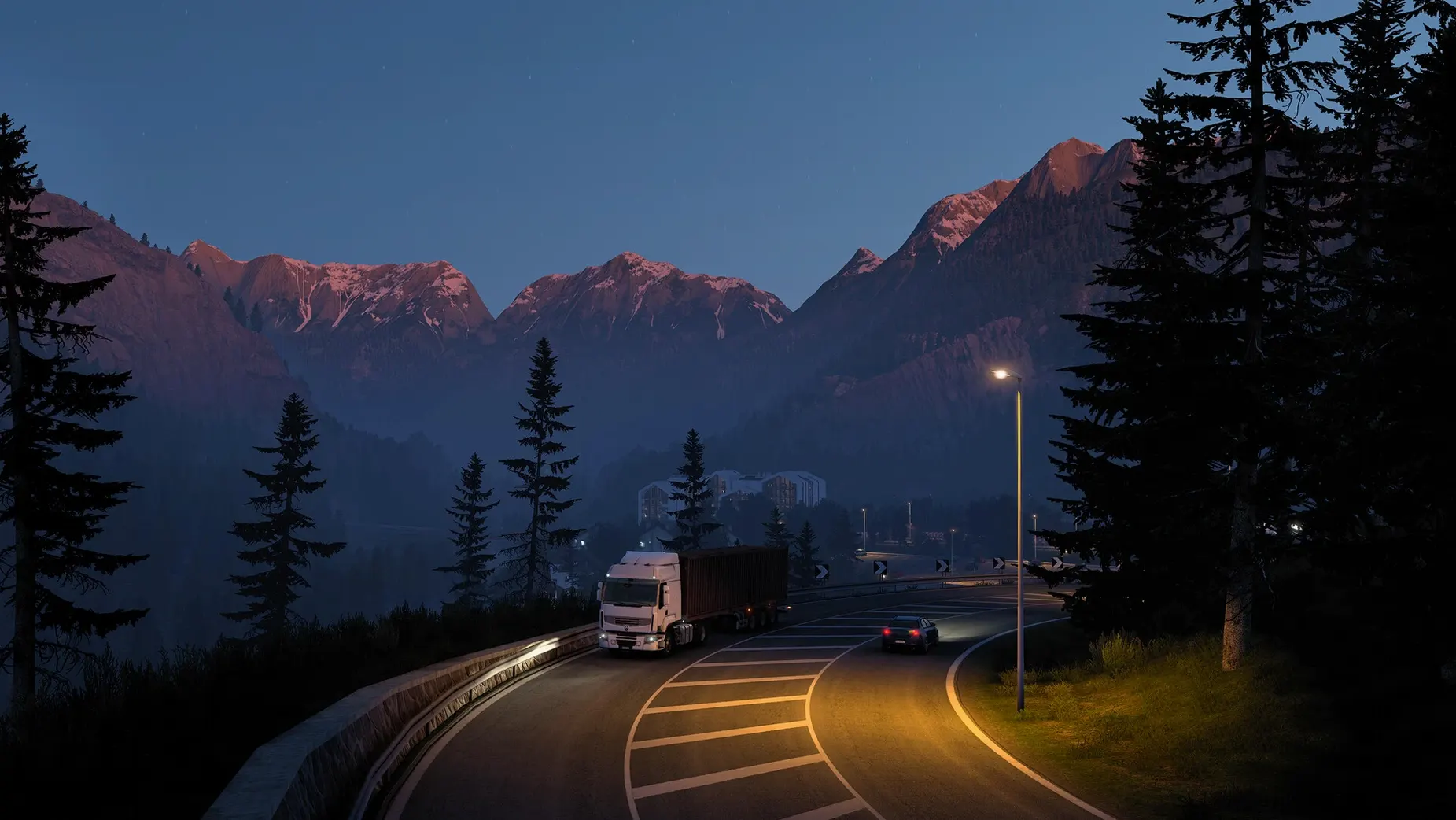
- Check your mirrors, indicate, and merge onto the motorway. The minute-to-minute focus is on lane discipline, speed limits, and reading road signs before the exit.
- Fatigue sim mechanics kick in on long hauls — you pull into rest stops, kill the engine, and continue in the morning.
- Reversing a double trailer into a tight Calais loading bay is where it gets genuinely tense. No countdown timers, just spatial judgement.
- After each paid job, you bank the money, repair wear, and weigh whether to upgrade your truck's chassis or just refuel and take the next contract.
Why the truck itself matters
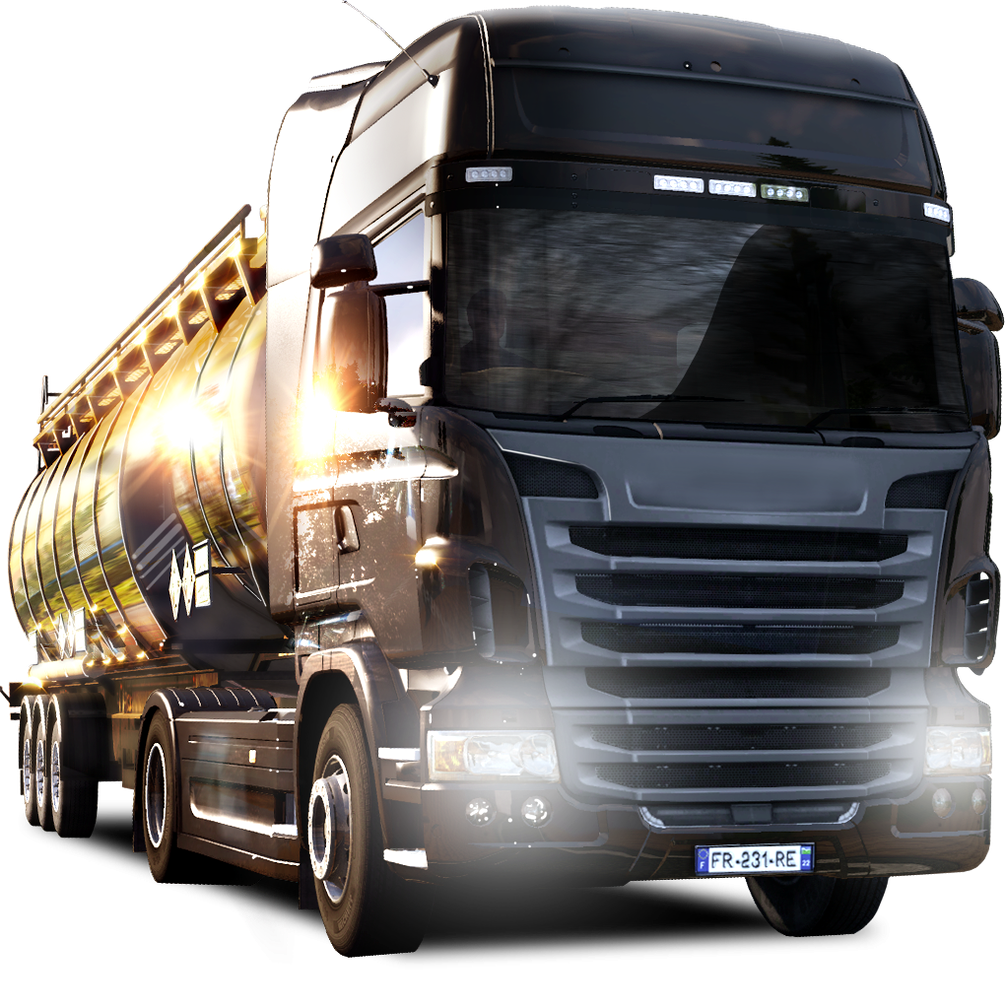
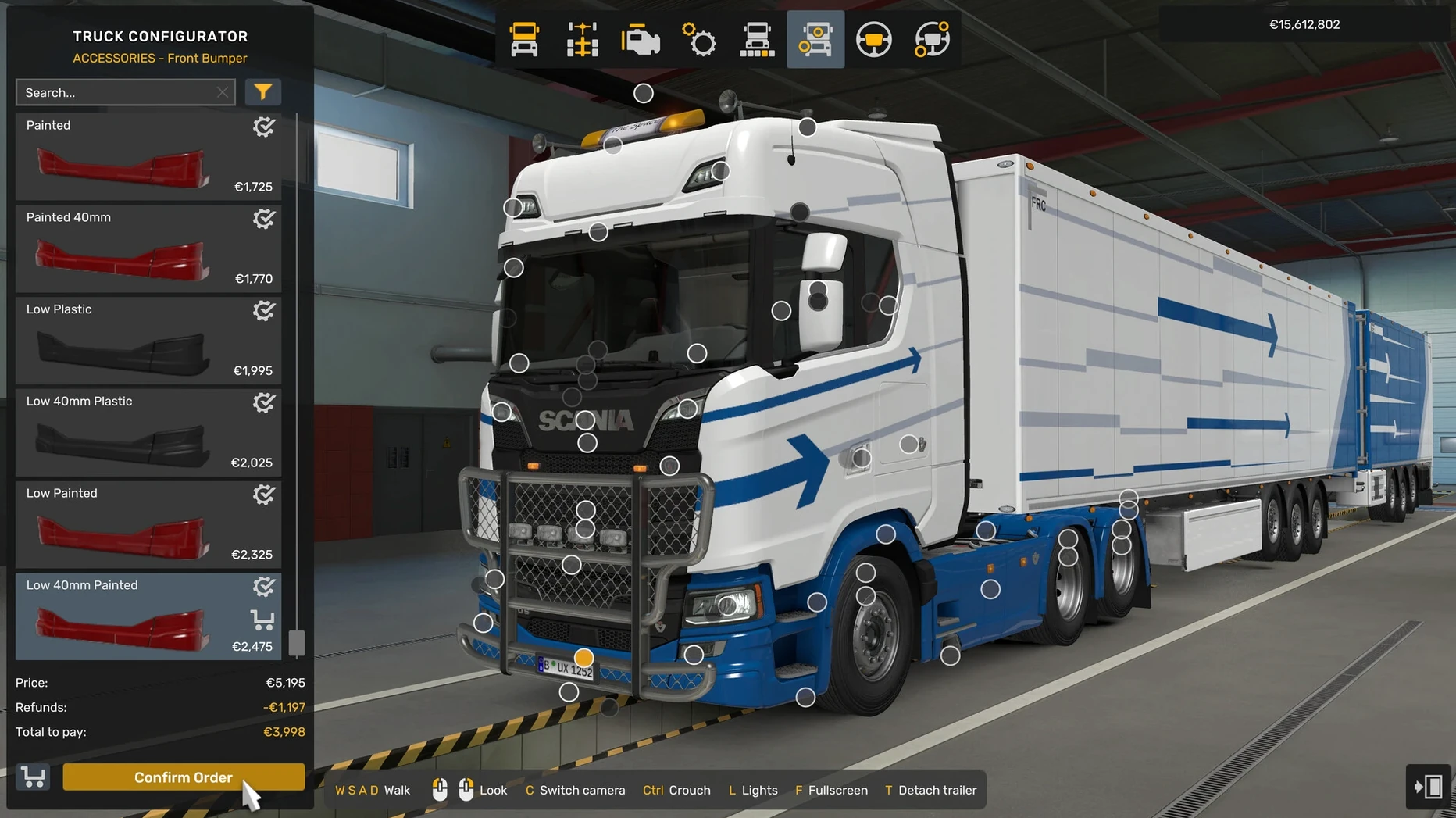
Between runs you are tinkering in the garage. The game lets you swap engines, transmissions, and chassis types, which change how the rig handles on Alpine switchbacks versus flat Danish highways. Cosmetic adjustments are just as deep — paint jobs, cabin accessories, light bars — but the technical tuning is what shapes a truck that feels like yours. Over time, you expand from a hired driver into a small fleet owner, buying garages in more than 60 cities and assigning AI drivers to routes while you handle the flagship runs yourself.
The slow-burn management loop that hooks some players in the first hour
It is not a driving game in the arcade sense, and people who come in expecting that tend to uninstall within an hour. The players who stick around are the ones who enjoy managing a small operation while doing the hands-on work themselves. If you run a one-person business, you already know that rhythm — half the day is doing the thing, the other half is keeping the books and planning ahead. Euro Truck Simulator 2 scratches exactly that itch.
Sim fans who log hours in Farming Simulator or Train Simulator feel right at home. So do spreadsheet-minded types who get genuine satisfaction from watching profit margins tick upward after hiring a second driver. The game also attracts people who just want a low-stakes wind-down after work — put on a podcast, pick a short run from Munich to Innsbruck, and let the highway noise do its thing.
It is less suited to anyone who wants constant adrenaline. There is no leaderboard, no opponent trying to run you off the road. The challenge is entirely in precision driving and business logistics. If that sounds like a slow Tuesday and you are okay with that, you are the target audience.
A sample workflow: building your first garage from scratch
Say you start with the default truck and a small loan. The goal is to buy a second garage in a city with good freight density — somewhere like Berlin or Lyon — and staff it with a hired driver who generates passive income while you run your own loads.
Step one: take quick jobs for the first few hours. Quick jobs give you a truck and trailer on loan, so you are not paying fuel, maintenance, or tolls out of pocket. Run five or six short hauls between neighboring cities and bank the profit.
Step two: once you have enough for a down payment, buy your own truck. It does not need to be flashy — a basic model with a reliable engine and a medium chassis gets you out of the quick-job loop and into freight-market contracts, which pay better.
Step three: keep running jobs, but now watch the job list for long-distance deliveries that pass through the city where you want your garage. This way you explore the route while earning cash.
Step four: when the bank balance hits the garage purchase price plus a buffer for a cheap second truck, buy the garage. Assign the spare truck to a new driver, pick their training focus (long-distance skill first, then high-value cargo), and let them loose.
From that point on, the driver covers the garage's running costs and adds a trickle of profit even when you are not playing. Scale that to three or four garages and the business side starts to feel real.
Why your trailer swings wide on corners and how to fix it
- Trailer swings out on corners. This is almost always speed plus trailer length. Long trailers pivot later than you expect. Slow down more than you think you need to before the turn, and watch the trailer wheels in your left mirror, not the cab.
- Reversing a double or a heavy load. The game does not hold your hand. A quick fix is to pull forward until the truck and trailer are straight, then reverse with tiny steering inputs. Counter-steer early — if the trailer starts drifting left, turn the wheel left to catch it.
- Fatigue warnings at the worst moment. You can check the route advisor's rest gauge before accepting a job. If the delivery deadline is tight and you are already on yellow, either take a shorter run or rest before picking up the cargo.
- AI drivers losing money. A new driver in a stock truck on short jobs will sometimes run at a loss for the first few in-game days. Give them a point or two in long-distance skill and the numbers flip. Check their log after a week before you fire anyone.
- Frame drops in cities. On older Intel Macs, dense urban areas with lots of AI traffic can stutter. Lower the mirror draw distance and turn off secondary vehicle lights in the graphics settings before touching the resolution.
First-days setup that pays off later
Bind a dedicated engine brake key. The default setup tucks it away on a key you never reach. Put it somewhere you can hit without looking — it saves your service brakes on long downhill grades and stops the truck from running away on Alpine passes.
Set the route advisor to minimal mode. The full HUD panel eats a chunk of screen. Tap the F3 key (or whatever your Mac keyboard maps it to) until it collapses to a thin bar. You still get speed limits and next-turn info, but the windshield is clear.
Turn off traffic offences for the first few runs. You will misread speed limits, run a red light in a strange city, or clip a barrier while reversing. Learning the physics is easier without the constant penalty pings. You can switch them back on once you have the feel for it.
Start in a country with straightforward road rules. Germany and the Netherlands have well-marked highways, predictable exits, and speed limits that are easy to read. Save the UK left-side driving and the tight Italian rural roads for week two.
Name your save file something useful. The game lets you run multiple profiles. Label one "Vanilla test" for experimenting with mods or reckless driving, and keep a clean profile for your actual company. That way a bad mod or a flipped truck does not wipe your main progress.
- Intel 64-bit Mac
Questions from the stall
Which countries are included in the base map?
The game includes dozens of cities across Great Britain, Belgium, Germany, Italy, the Netherlands, Poland, and several other European countries.
Can I run Euro Truck Simulator 2 on an Intel Mac?
Yes, the tested architecture is 64-bit Intel, and the installer directs you to drag the game to your Applications folder.
What does the Volvo FH Series 6 update add?
The current version includes the Volvo FH Series 6 100 Year Edition along with a reworked Livestock Trailer and material system improvements.
Notes from other shops 0
Sign in or open a shop account to leave a note.
No notes yet. If you've used this on a shop Mac, tell me how it went.