

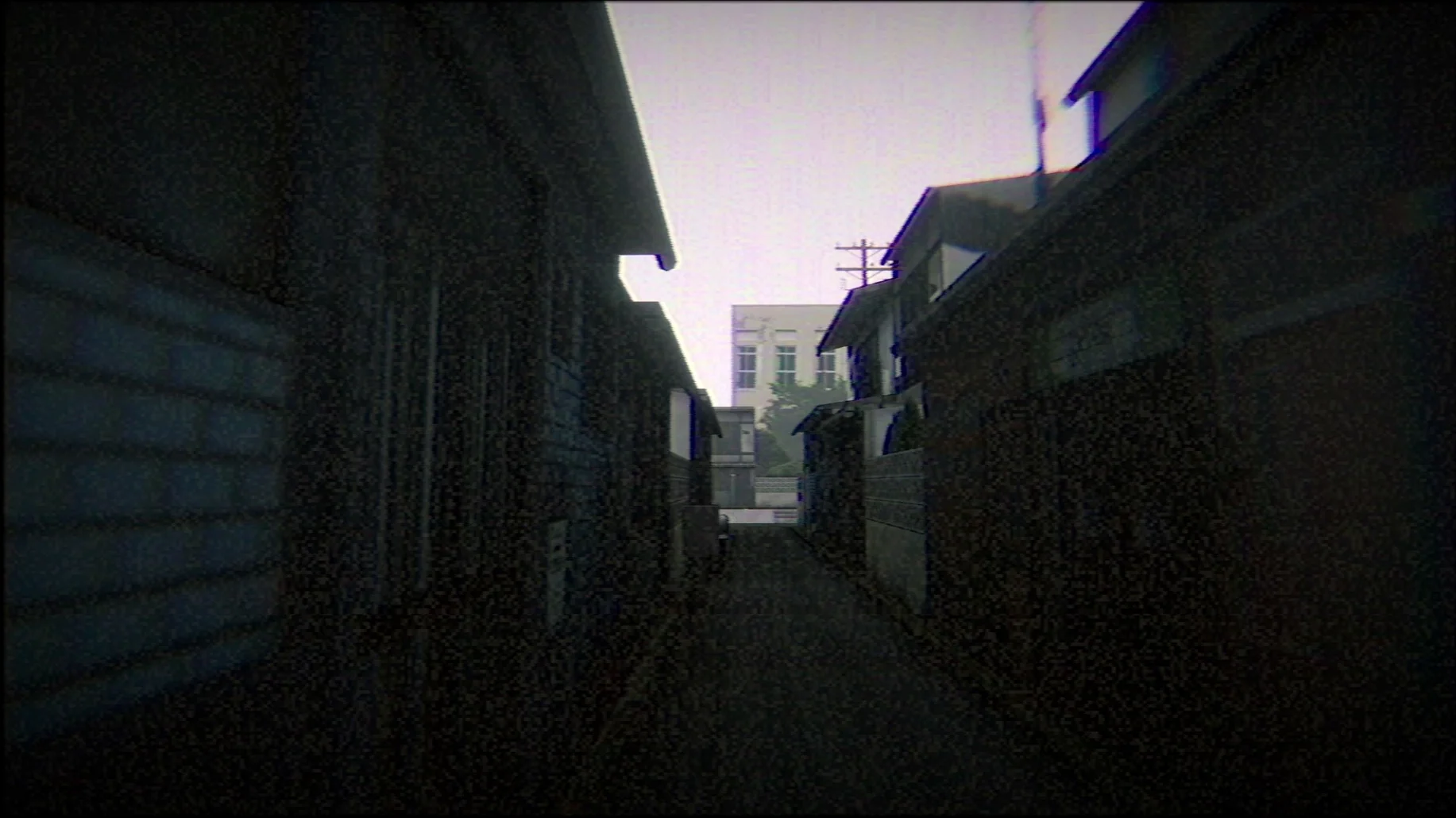
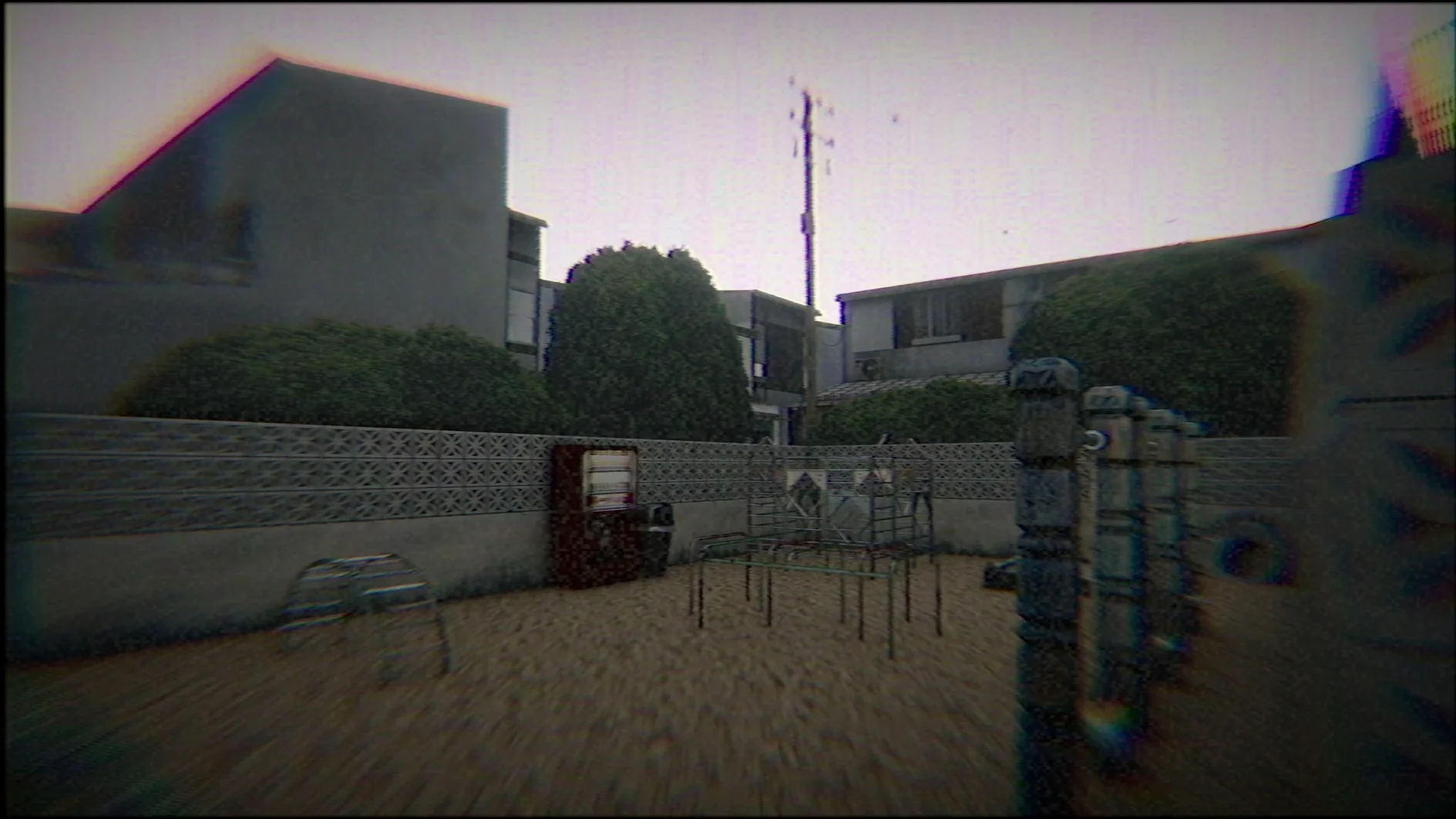
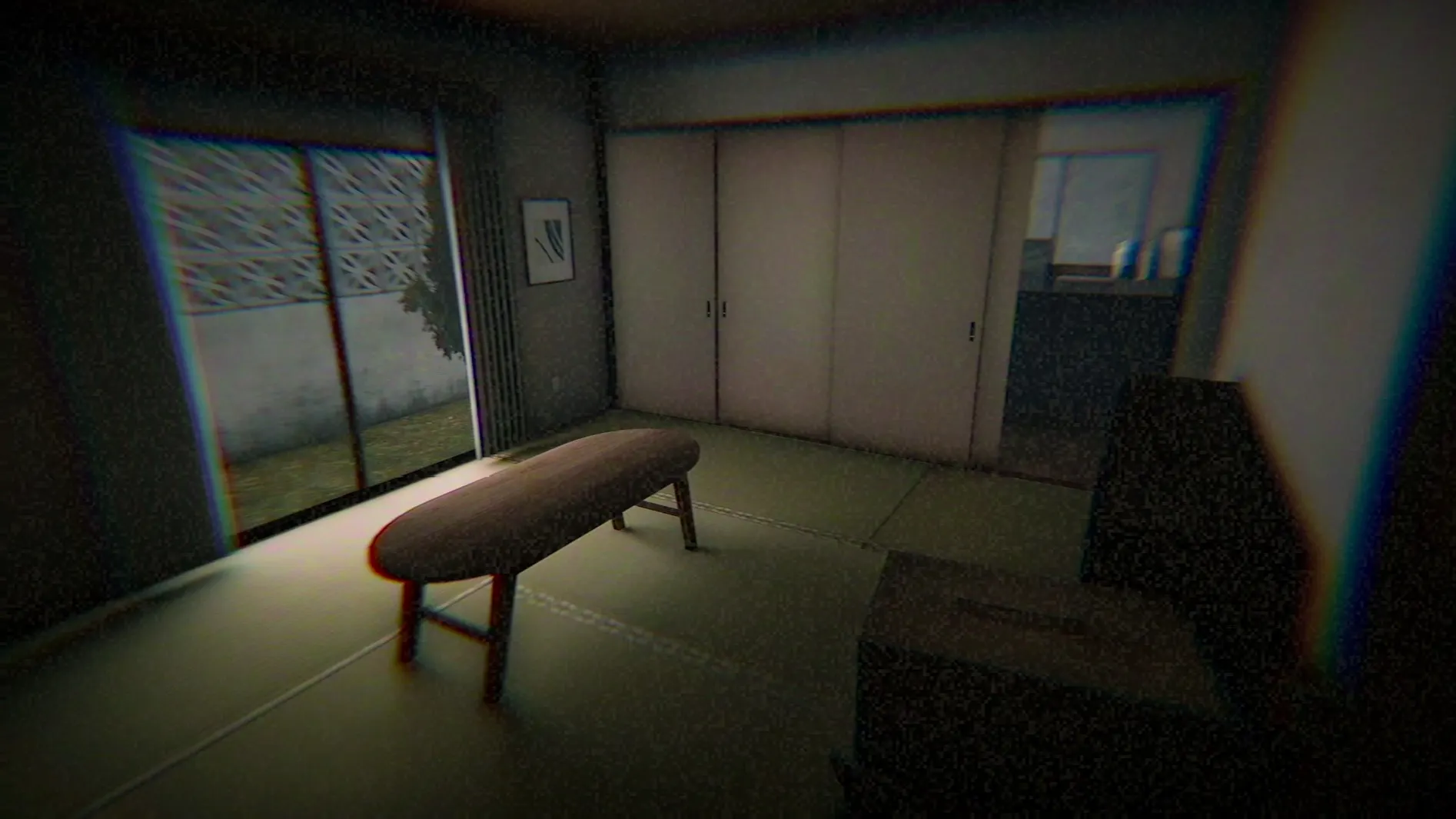
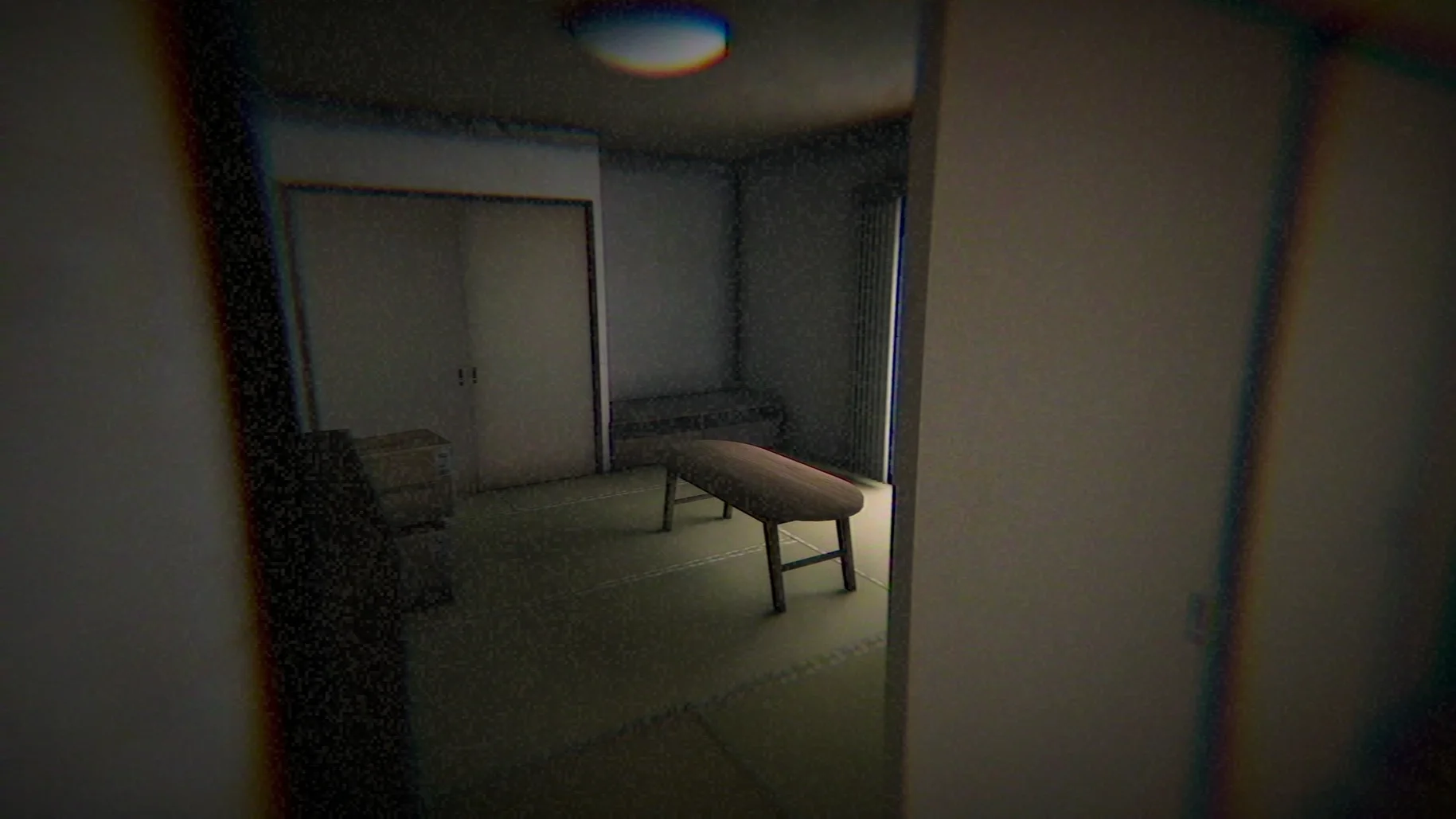
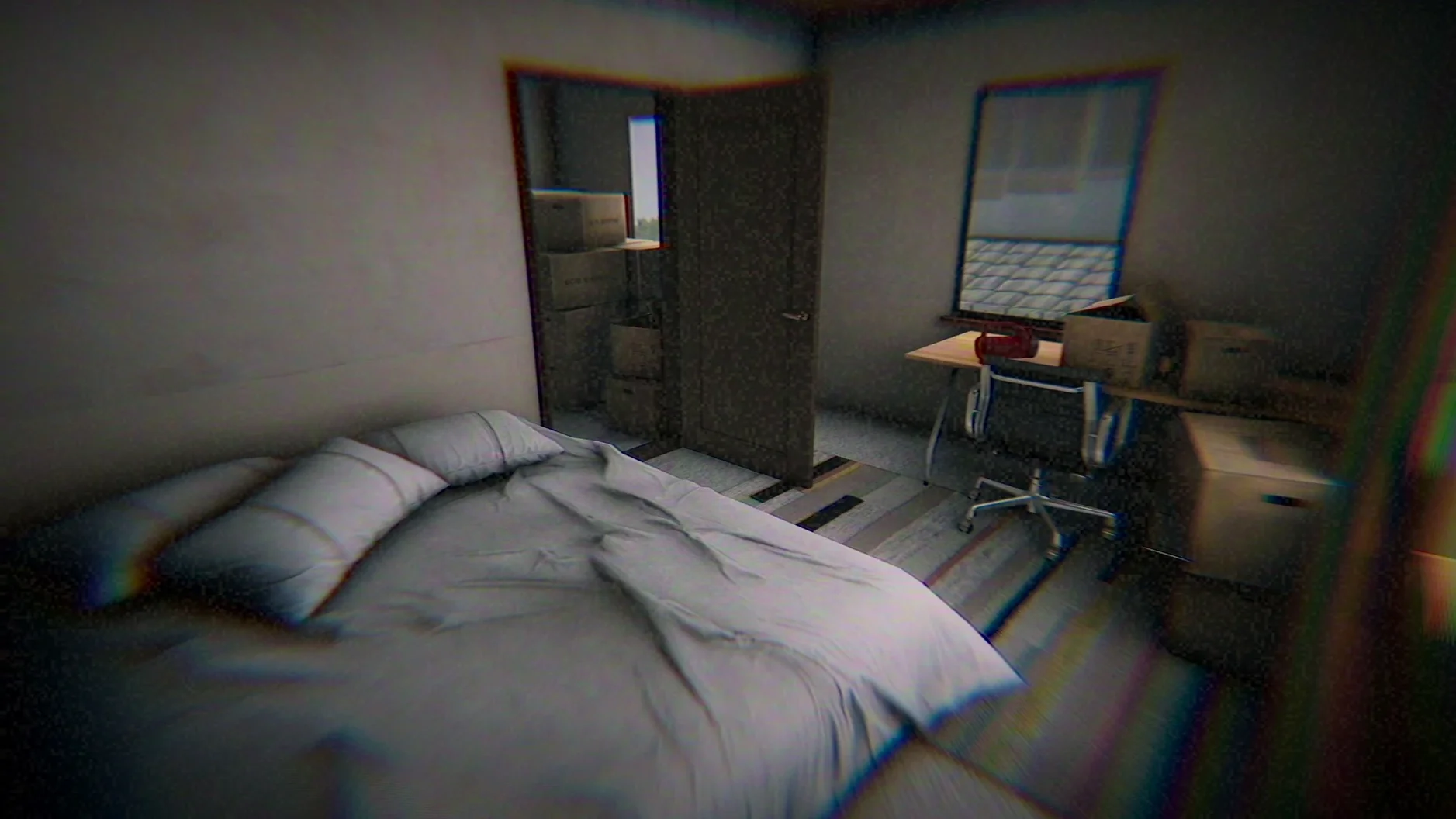
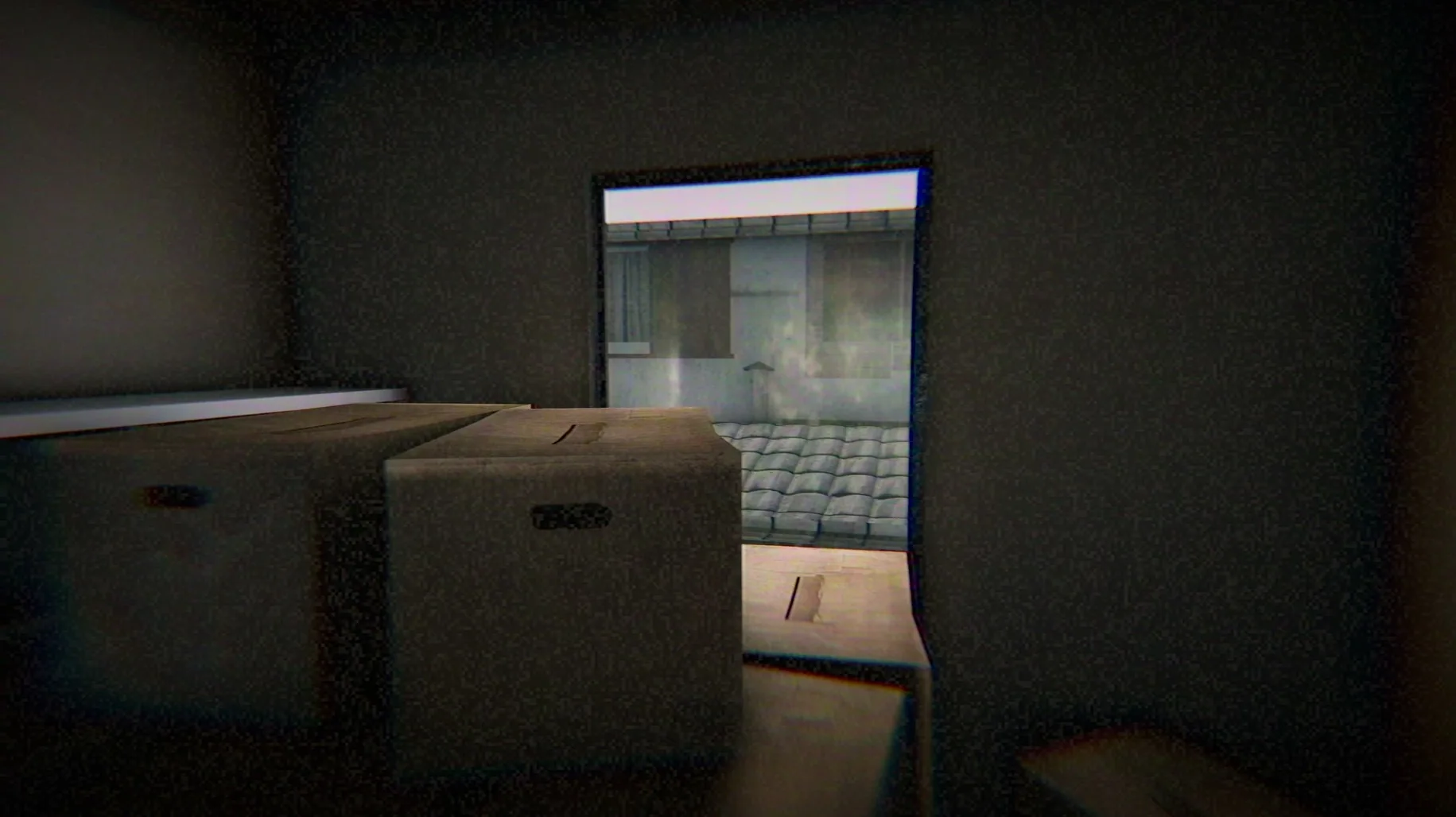
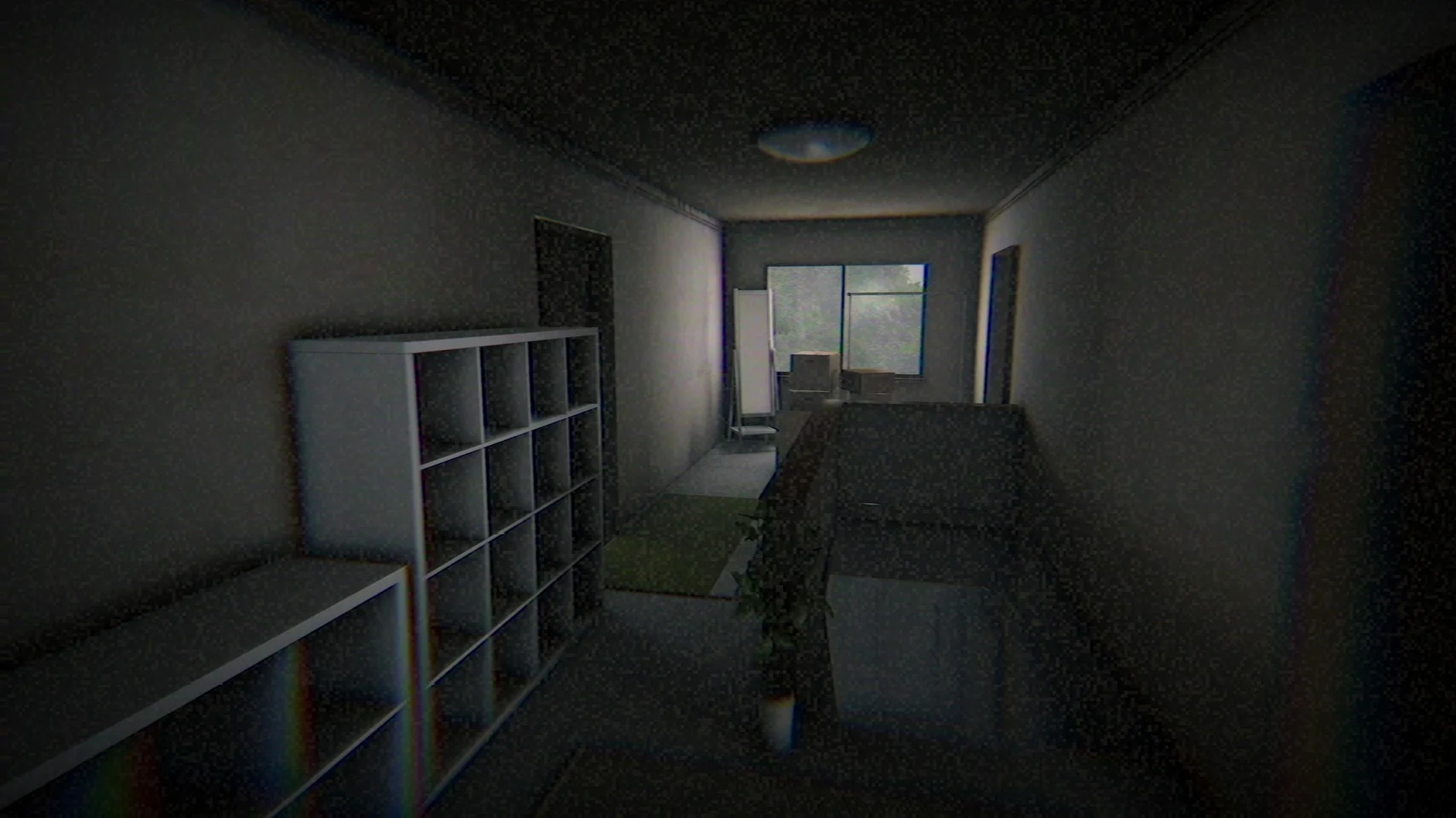
Okaeri is for horror fans who find dread in the mundane. It's less about chasing or being chased, and more about the quiet, wrong feeling you get when a familiar place suddenly isn't safe. If you like slow-burn psychological scares and lo-fi aesthetics, this one will stick with you. Players looking for combat, puzzles, or a clear plot to follow might find it leaves them cold.
What sets the mood
- A deliberately degraded VHS-style presentation with CRT phosphor trails, tape noise, interlacing, and screen jitter
- Photorealistic graphics filtered through heavy static, making your own home feel like a crime scene
- Japanese voice acting that grounds the story in a specific, believable place
- A first-person perspective where you collect fragments of the protagonist's past and present
Who it might not click with
This is a short, experiential piece—the original release dates back to September 2019—and it prioritizes a dense, oppressive atmosphere over traditional gameplay loops. You walk, you examine objects, you absorb the story through environmental details. If you need clear objectives, fail states, or a lengthy runtime, Okaeri probably won't satisfy you. But if a beautifully ugly, grainy nightmare about returning home sounds like your kind of evening, it's worth your time.
When the wrapper trips up your first launch
The Mac build runs inside a Wineskin wrapper, which means it behaves a little differently than a native app. Most issues people bump into have straightforward fixes.
- Error on first launch. This is the most frequent hiccup. Don't panic—the disk image includes a Fix file for exactly this situation. Run it once, then launch the game normally from your Applications folder.
- Game won't quit. Since this is a Windows game wrapped for Mac, the usual Command+Q won't work. Use Command+Option+Escape to bring up the force-quit window, or hit Option+F4 for a quicker exit. Keep this in mind before you start—it's easy to forget when the atmosphere has you on edge.
- Language confusion. The default language might not be what you expect. Before clicking into the game, look for the Language button at the top right of the launcher window. Pick your preferred option there, and the game will start with the right subtitles. Japanese voice acting stays regardless.
- Where did my save go? Saved data lives inside the app bundle itself, under
AppData\LocalLow\Yasuka Taira, Chilla's Art\Okaeri. This matters if you ever need to back up your progress or move it to another Mac—just grab that folder from within the .app package.
First-day tips for a smoother, creepier time
There's no tutorial, no hand-holding, and the game counts on you being slightly disoriented. A few small habits make the first session more engrossing instead of frustrating.
- Play in a dark room with headphones. It sounds obvious for a horror game, but Okaeri's sound design does a lot of the heavy lifting. Subtle creaks, breathing, and the low hum of VHS noise hit harder when you can't see your own surroundings.
- Move slowly and look at everything. The game won't prompt you to inspect most objects. Walk up close, angle your view deliberately, and let the environment tell you what's wrong. Rushing through rooms means missing the fragments that make the story cohere.
- Accept the visual noise as part of the experience. The CRT jitter, interlacing lines, and phosphor trails are not glitches—they're the whole point. If you find them disorienting at first, give it five minutes. Your eyes adjust, and the effect becomes weirdly intimate rather than annoying.
- Set aside 30 to 40 minutes for one complete run. The game is short by design, and its pacing works best in a single sitting. Pausing midway through can deflate the tension the developer built so carefully.
- Architecture: Apple Silicon (ARM)
Questions from the stall
How do I quit the game if it's fullscreen?
Use Command+Option+Escape to force quit, or press Option+F4 to exit the game directly.
Where is my saved progress stored?
Save data lives inside the app bundle itself, under AppData\LocalLow\Yasuka Taira, Chilla's Art\Okaeri.
Notes from other shops 0
Sign in or open a shop account to leave a note.
No notes yet. If you've used this on a shop Mac, tell me how it went.