
This version runs on Intel Macs meeting the minimum specs: a Core i5 with 4 cores at 2.3 GHz, 8 GB of RAM, and importantly, an ATI M290X graphics card with 2 GB of VRAM. The official word is clear—NVIDIA and Intel GPUs aren't supported, so check your hardware. You'll need macOS 10.13 High Sierra or later and a hefty 125 GB of free disk space.
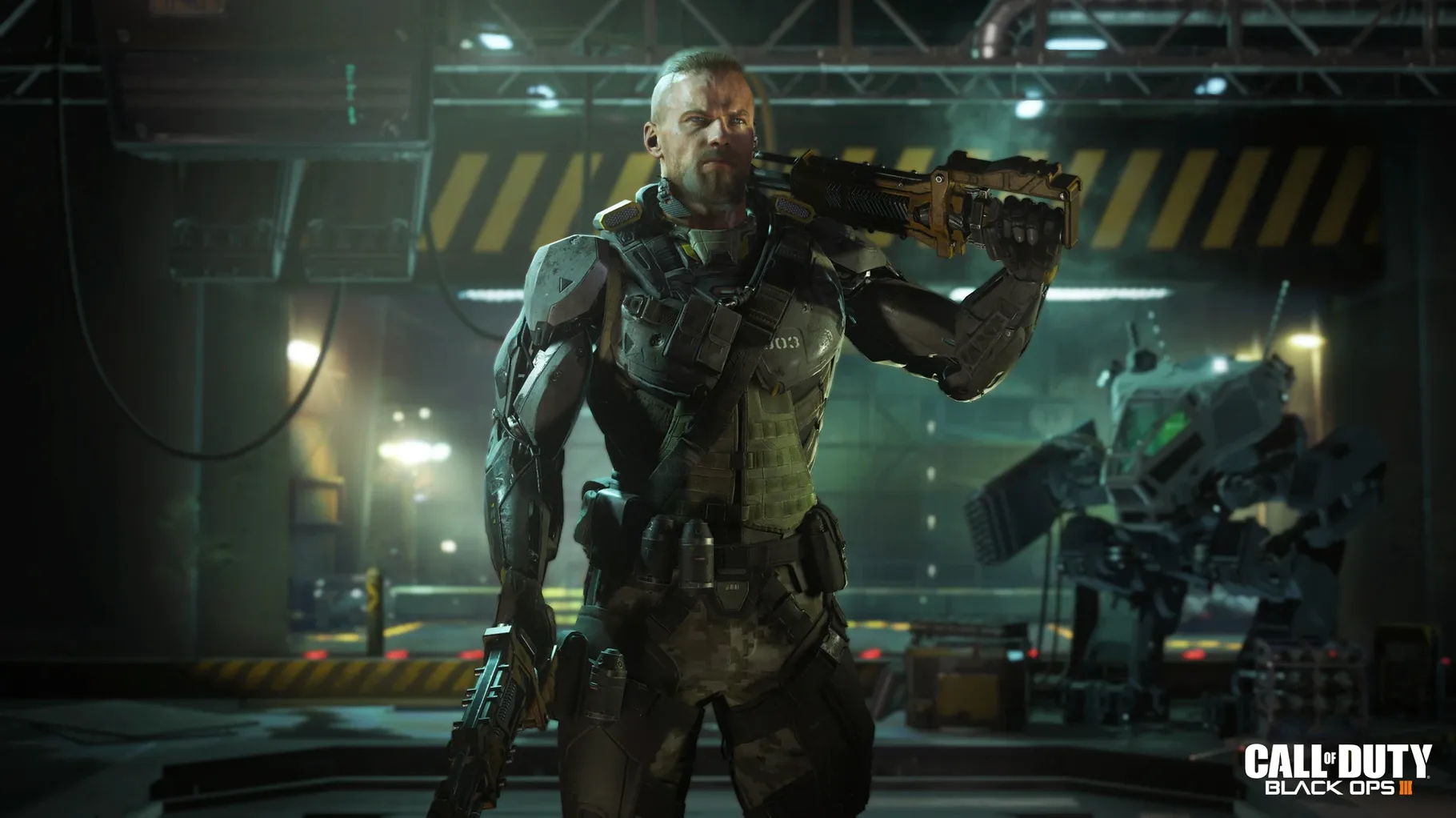
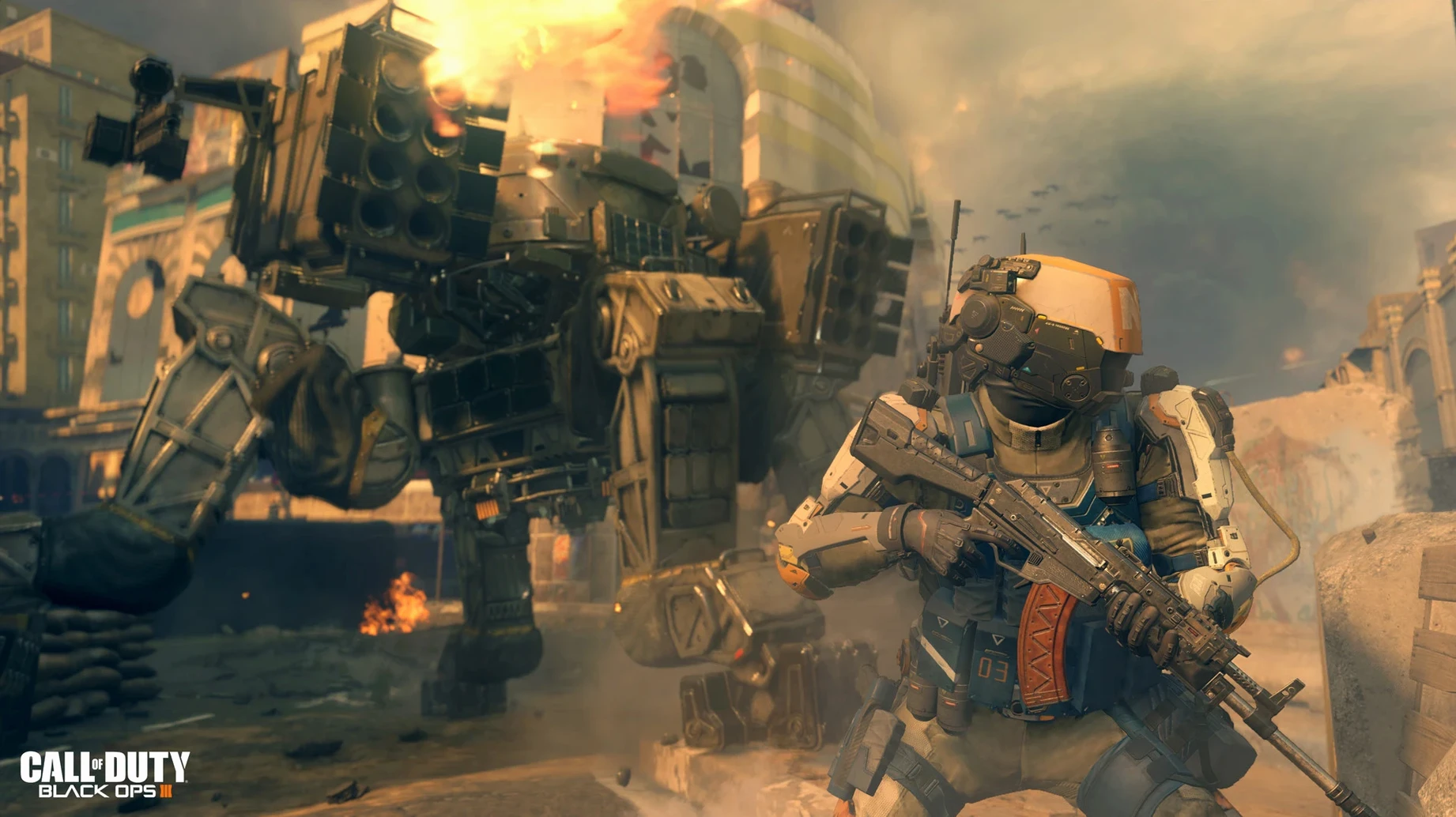
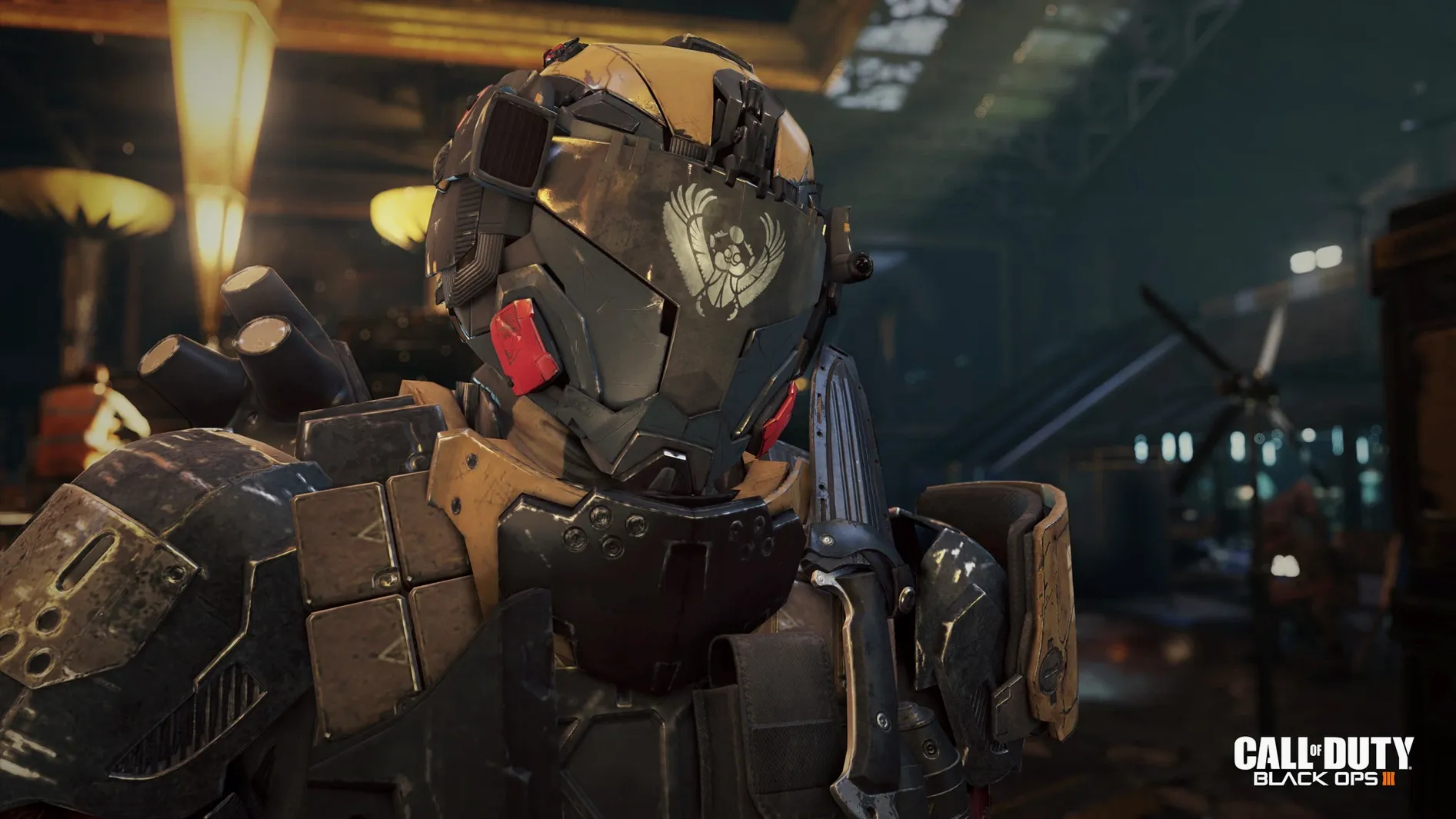
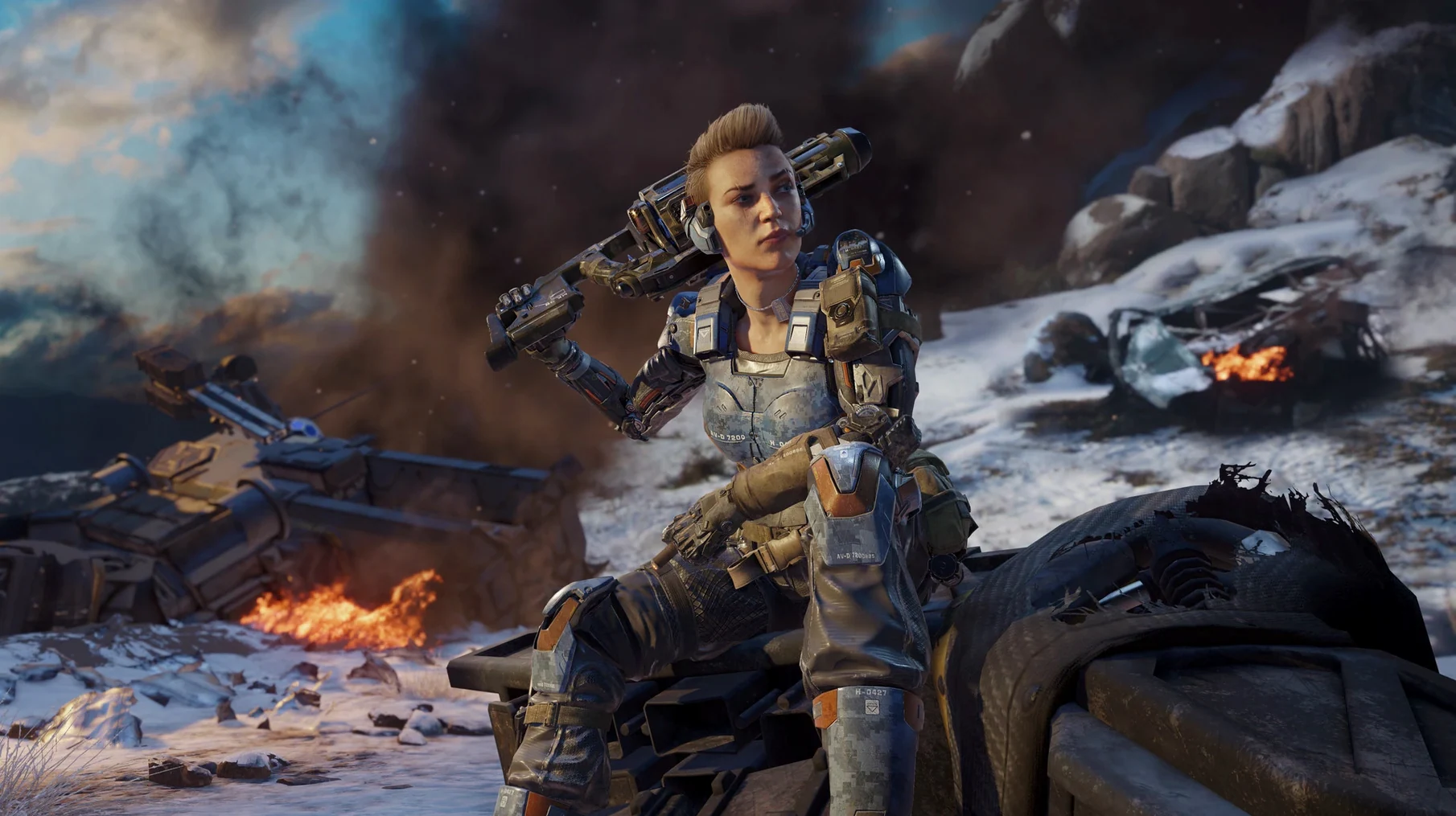
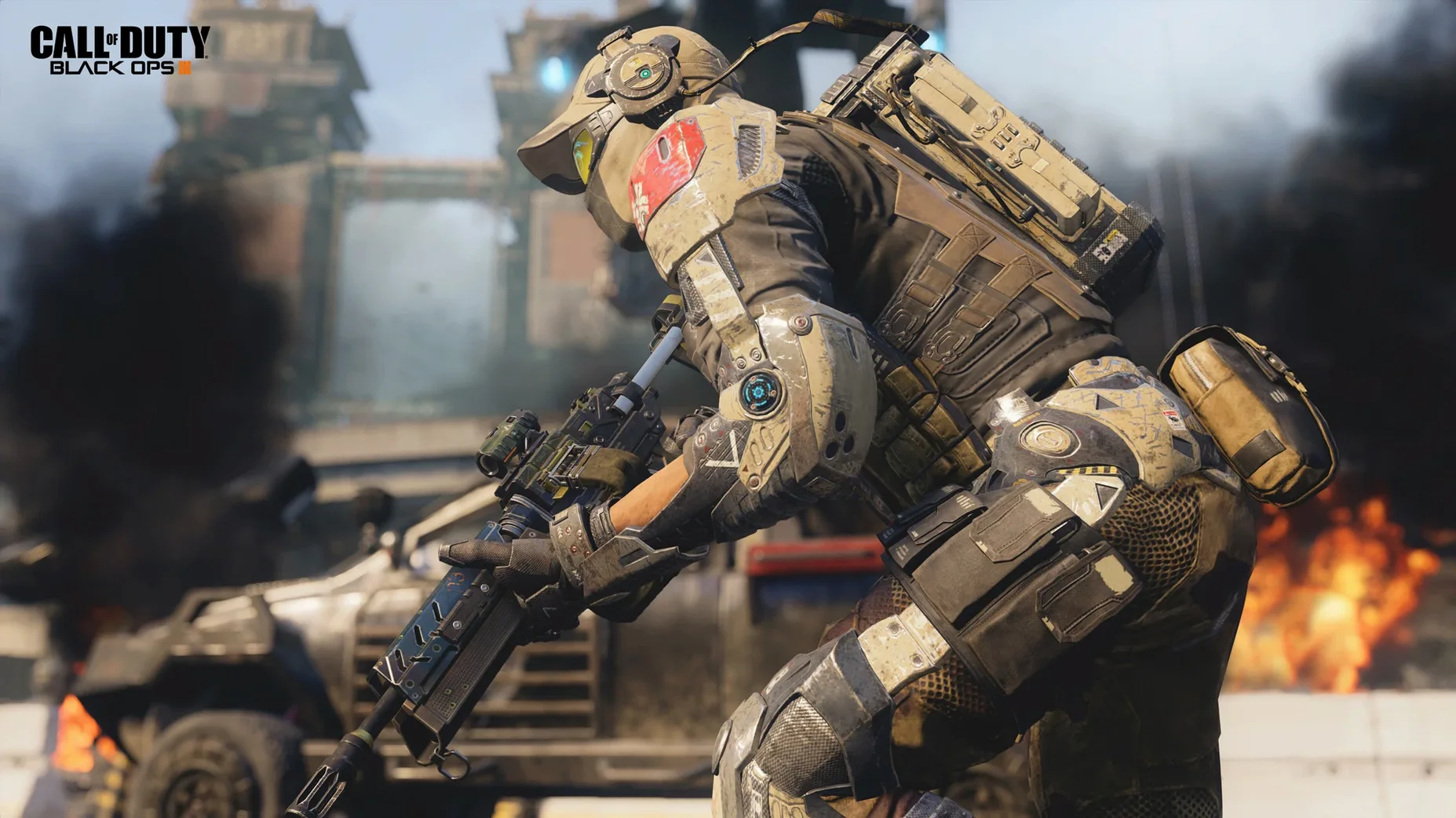
Minute to minute, you're in a near-future conflict where drone warfare and direct neural interfaces have changed the battlefield. Single-player missions push you through linear but wide-open environments. You'll chain together wall-runs and power-slides, using a tactical visor to spot threats, while managing a suite of cybernetic abilities. Firefights are loud and fast, often ending with you tearing a robot's weapon off its chassis to use against a wave of soldiers.
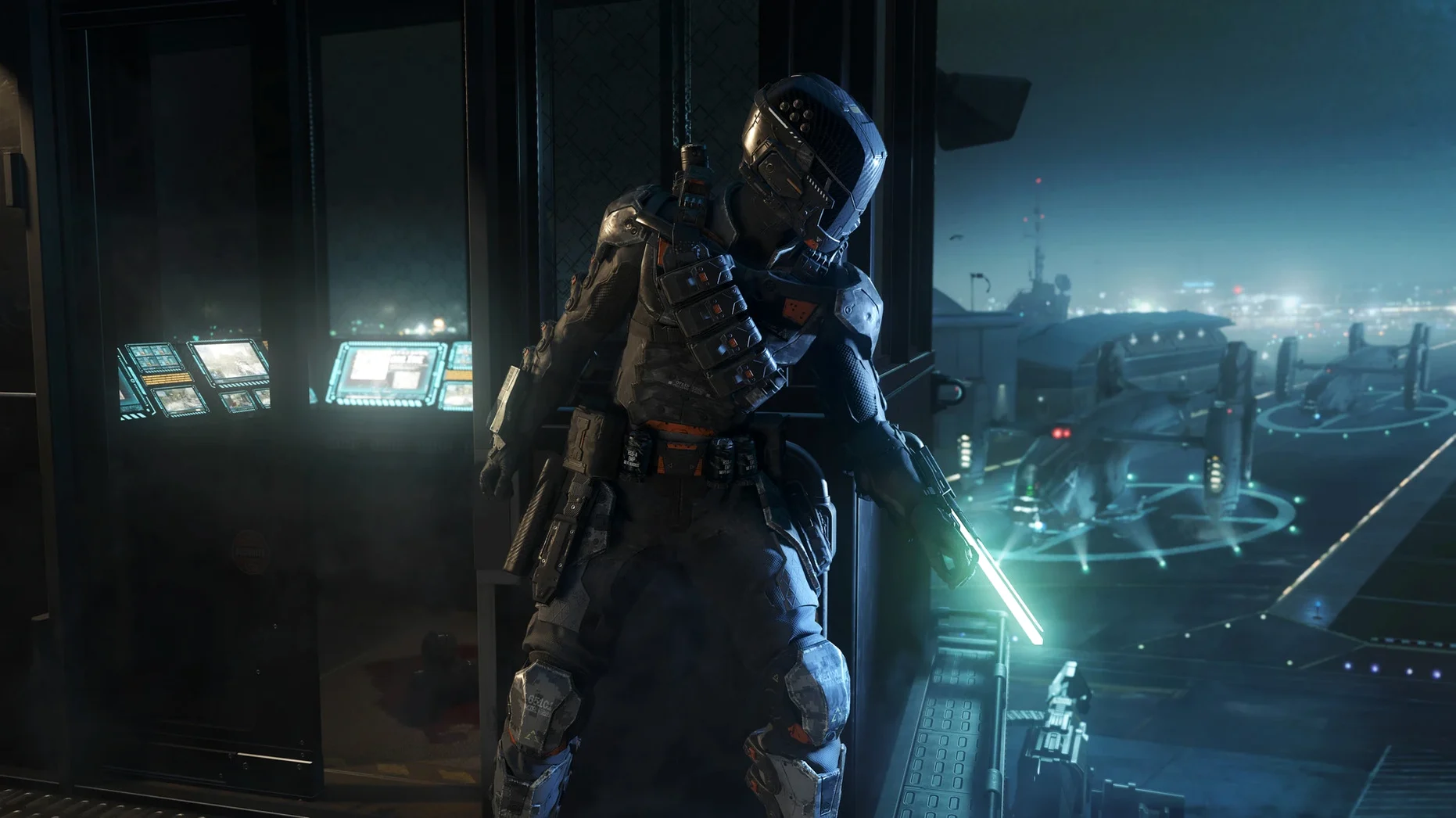
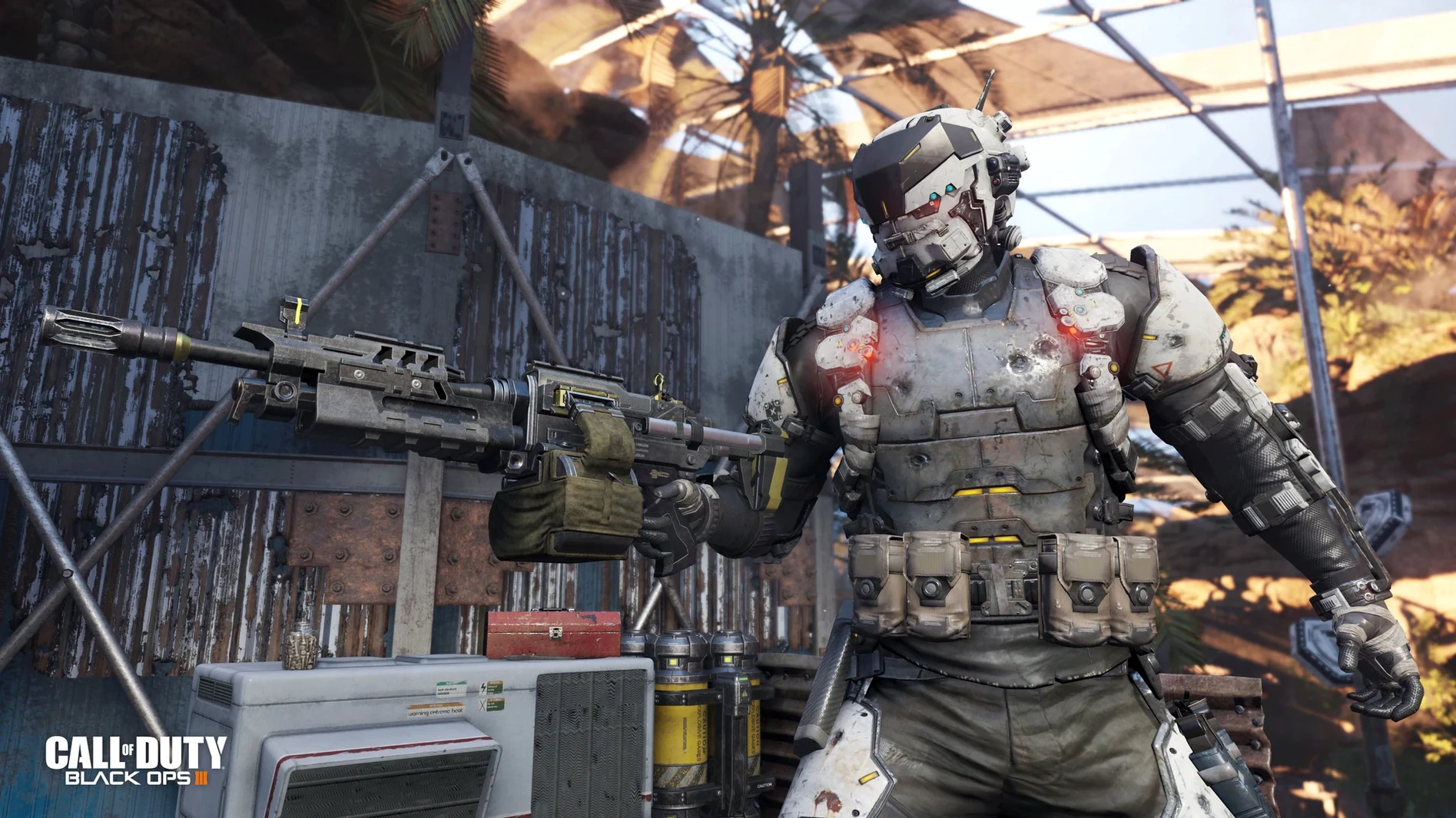
In multiplayer, the rhythm shifts to quick, killstreak-focused matches. You pick a Specialist with a unique weapon or ability that charges over time. A typical life lasts a minute or two, spent dashing across a flooded park or a simulation core, aiming for clean shots to unlock streaks like a rolling explosive drone or a high-powered energy beam.
Zombies mode is a slower burn with high tension. You and a team board up windows and shoot the undead to earn points. Those points open doors to new areas and buy better guns from chalk outlines on the walls. The loop is simple: survive a round, spend your points, get overrun, and do it again while a bizarre story unfolds through radios and hidden scraps. The Mac version comes in three editions: the Multiplayer Starter Pack, Zombies Chronicles Edition, and the Zombies Deluxe Edition, which bundles the base game, Season Pass, and the Zombies Chronicles content expansion.
Your modern Mac GPU decides if this runs
People often ask whether this old shooter still holds up on a modern Mac. The answer depends on your GPU. The game was tested on an M1 MacBook Air running Sonoma, but the official requirement is an ATI M290X or better. If your Mac has an Intel or NVIDIA chip, you may see crashes or missing textures, so don't expect miracles on unsupported hardware.
The download size is what scares most people off. You need 125 GB free, and that's before the game unpacks. If you grabbed call of duty black ops iii torrent mac parts, keep them until the install finishes, then delete the archives. The app itself sits in your Applications folder and launches from Launchpad like anything else.
Slide into a jump for a quick speed burst
- Hold
Shiftwhile sprinting to slide, then jump mid-slide for a speed boost. It feels great once you stop eating walls. - The tactical visor marks enemies through smoke and foliage. Tap it before entering a room—it's quieter than dying.
- In Zombies, you can repair more than one barricade at a time by backing into a corner and holding the interact key.
- Russian voiceover is included, but the game won't offer it in settings. Run
change_language.commandinside the app bundle via Terminal, pick Russian, and confirm. - Want to reclaim disk space? Open
~/CoDBlkOps3.app/Contents/Assets/zone/snd/and delete voice packs for languages you don't speak. Campaign-only players can also removezm_andmp_assets from the zone folders.
A quick note on what's current with version 99.0.0.0 fix:
- The Mac release landed on supported Mac computers through Steam.
- Three distinct Mac editions are available to choose from.
- macOS 10.13 High Sierra or newer
- Intel Core i5 (4 cores) at 2.3 GHz or better
- 8 GB RAM
- 125 GB free disk space
- ATI M290X graphics with 2 GB VRAM (NVIDIA and Intel GPUs are not officially supported)
Questions from the stall
Can I play this on an Apple Silicon Mac?
The game is built for Intel Macs only. An M1 chip isn't officially supported, though it was tested on a MacBook Air M1 running macOS Sonoma.
How do I switch the game's voice language to Russian?
You can open the app's package contents and run the change_language.command file in Terminal. Then select Russian and confirm.
Notes from other shops 0
Sign in or open a shop account to leave a note.
No notes yet. If you've used this on a shop Mac, tell me how it went.